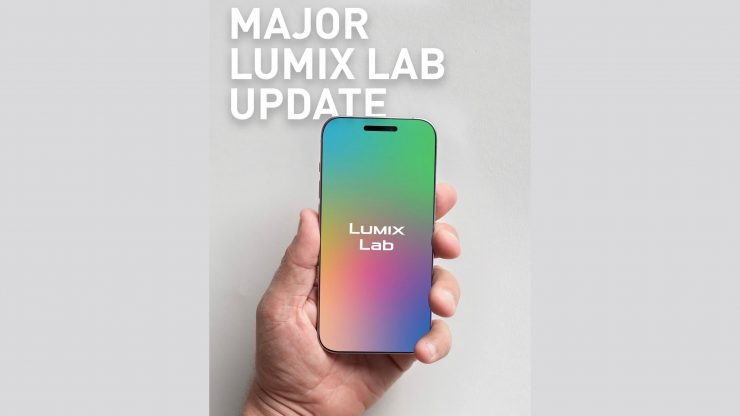
A major update to the LUMIX Lab app is coming soon. The updated version will unlock a faster, smarter mobile workflow for the entire LUMIX Lab compatible lineup.
From May 20th, you can download LUMIX Lab Ver. 3.0.0 for free.
Wired Connection
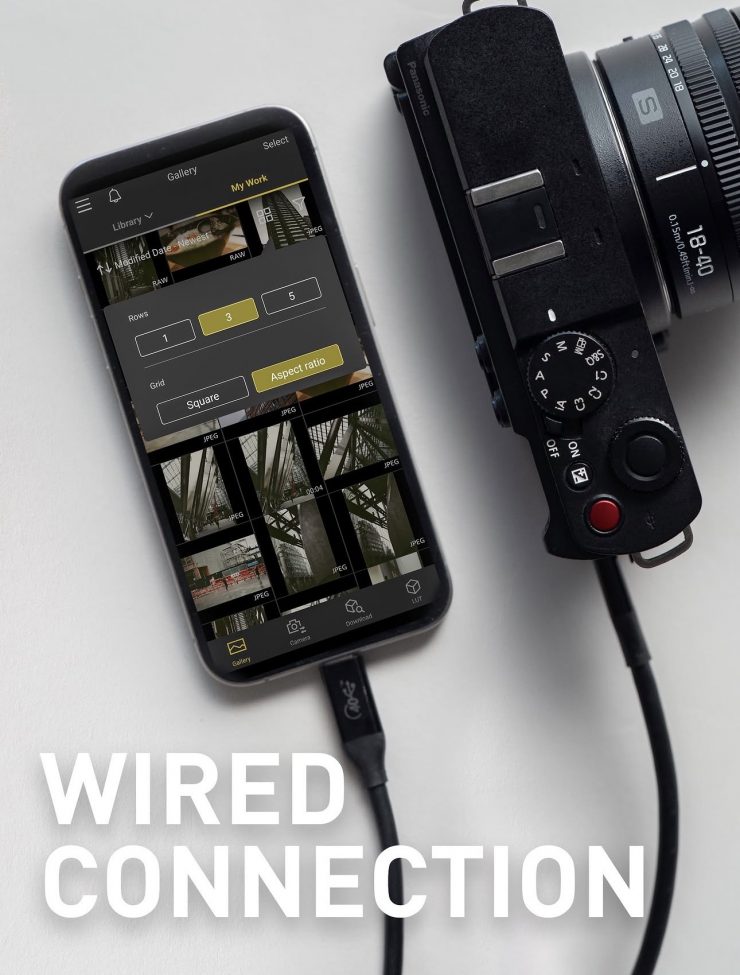
Connect your camera to the app over USB, with no prior smartphone pairing required.
Supports image transfer, sending images to a smartphone, LUT transfer, and My Photo Style editing.
You will also be able to download firmware through LUMIX Lab, save it to your camera’s memory card, and the update starts automatically. Compatible with SIRII, S1II, SIIIE, S5lI, S5IIX, S9, GH7, and G9lI on their latest firmware.
RAW Photo Editing
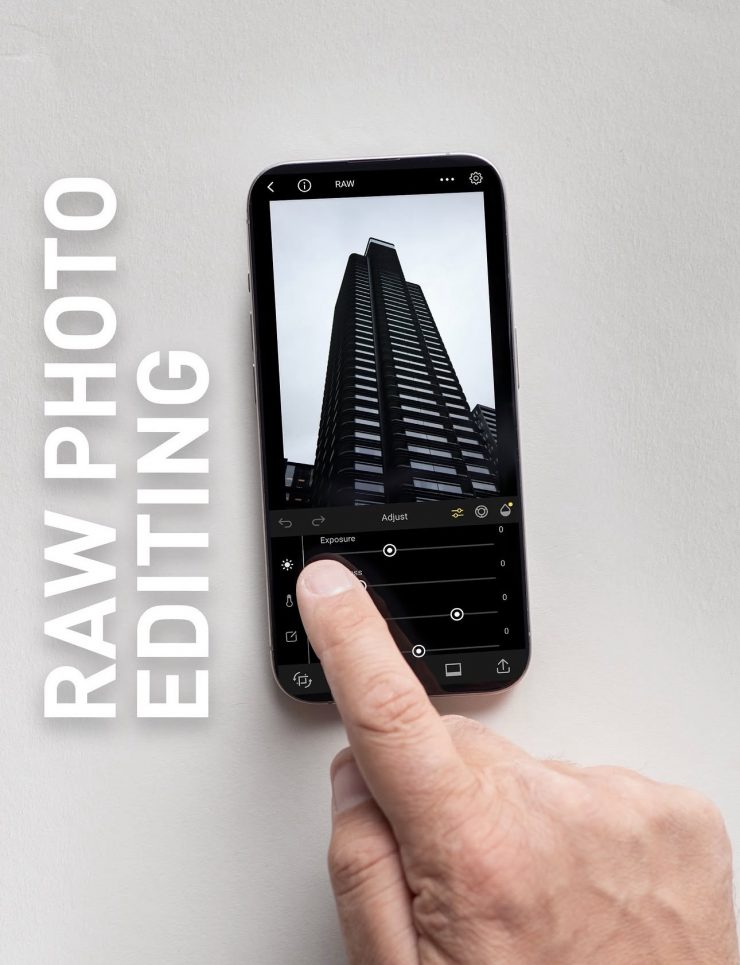
Edit RW2 files directly on your smartphone. No computer or dedicated software is needed. Compatible with S5ll, S5lIx, S9, S1RII, S1II, S1IIE, GH7, and G9ll.
A new Magic LUT feature uses AI to analyse a reference look and reproduce its colours, tones, and mood as a LUT.
Slow & Quick Video Editing
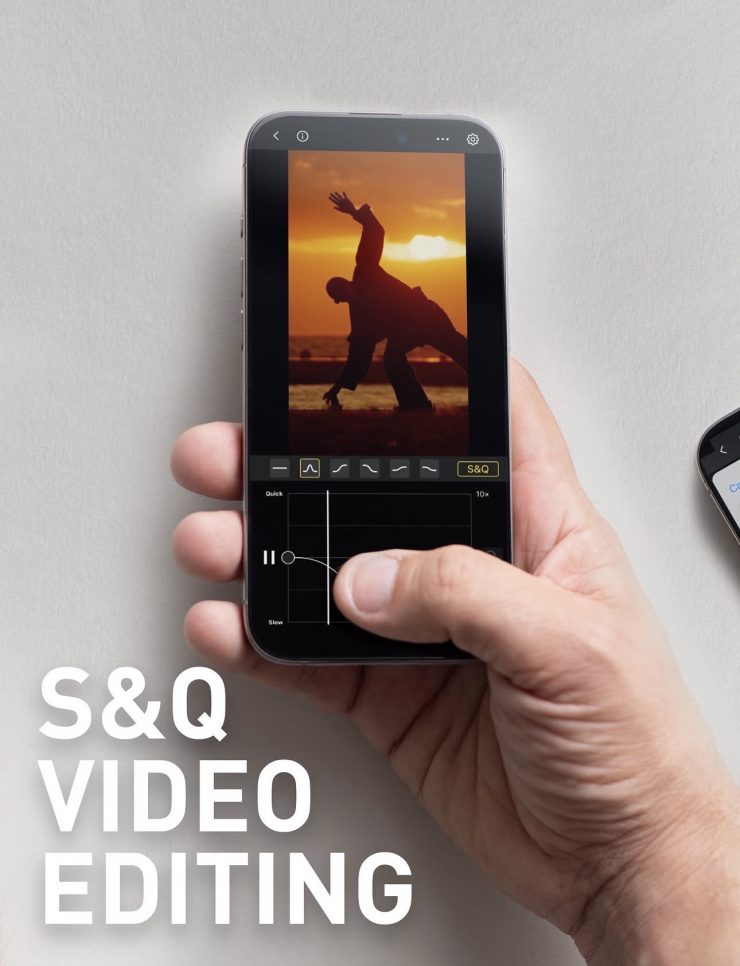
Users will be able to adjust the playback speed of an entire clip, or fine-tune custom speed points on a curve. Range from 5x slow motion to 10x quick motion.
Enhanced LUT Parameters
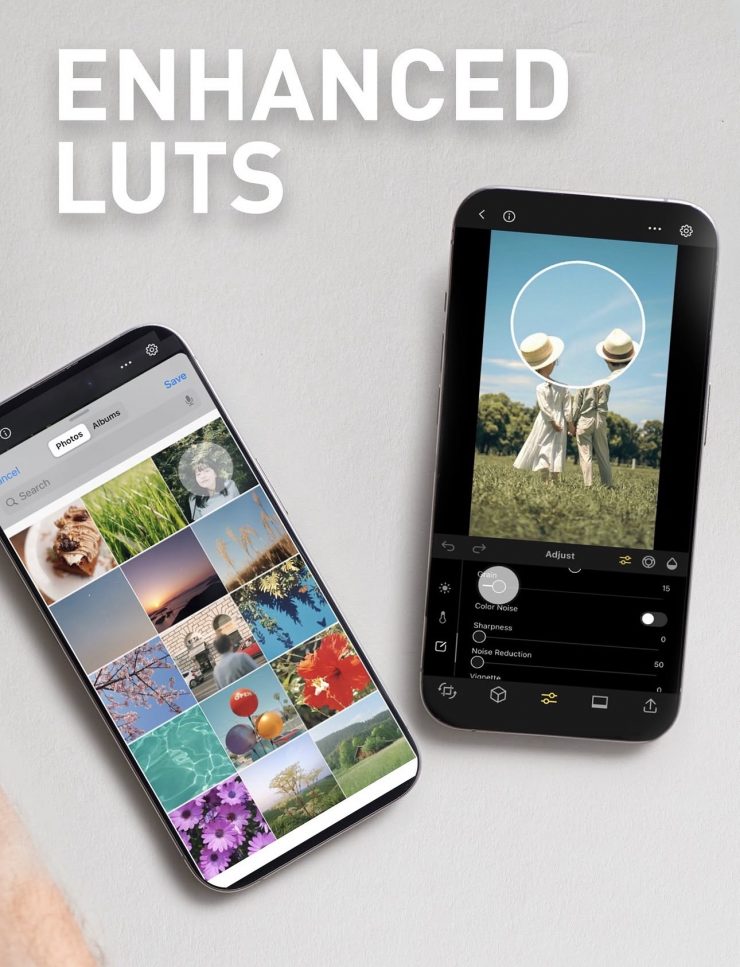
LUTs now carry parameter tags for grain effect, color noise, sharpness, and noise reduction for richer, more nuanced looks.
UI Refinements
A new HSL target adjustment lets you tap a color in the preview to fine-tune only that range.
There will also be a new edit history with up to 100 undo and redo steps.
LUMIX has also added a streamlined editing screen, automatic OS photo library access, and improved gallery layouts with new filtering, sorting, and album folders.