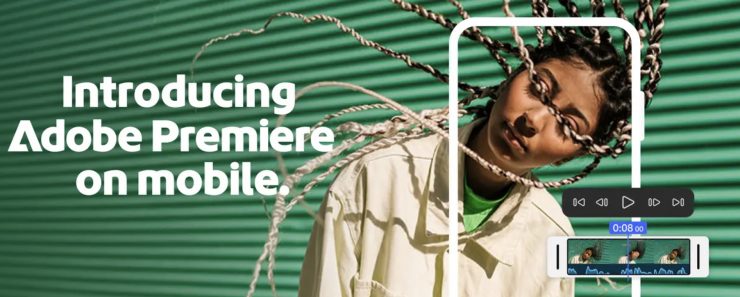
Adobe is bringing Premiere video editing to the iPhone. It’s not a full-blown Premiere Pro app, but it will have a similar look and feel to users. The new Premiere for mobile is designed for the on-the-go creator who wants a more pro editing feel, but without a subscription, as the app is free. Need more features and storage? You can pay extra for what you need.
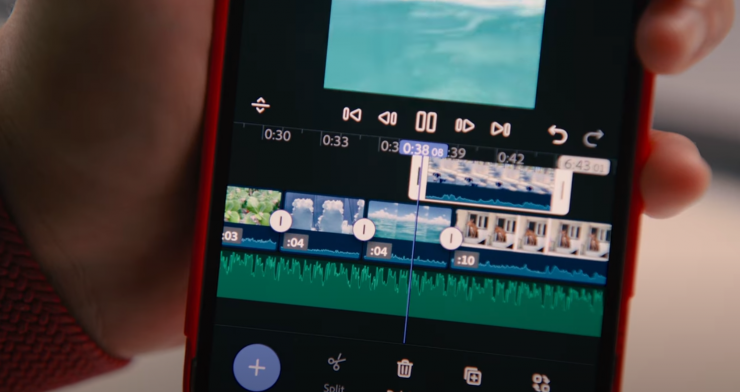
If you’re familiar with Premiere’s desktop experience, Adobe states you’ll recognize the multi-track timeline with vibrant colors and dynamic audio waveforms. You will still have the freedom to trim, layer, and fine-tune with frame-accurate precision, all built for mobile. You also get automatic captions with stylized subtitles, unlimited video, audio, and text layers, support for 4K HDR, and more.
FEATURES

End-to-end editing
- Bold, Animated Captions: Automatically create captions and add attention grabbing animations.
- Unique Color Presets: Apply Adobe Lightroom presets and fine tune further for your unique look.
- Smooth Speed & Motion Effects: Slow down, speed up; start with presets or do it your way.
- Instant Background Removal: Cut out subjects with one tap; for overlays, title effects, and more.
Precision & control
- Frame-Accurate Edits: Cut exactly where you need with the industry’s most accurate mobile editor.
- Unlimited Tracks: Overlay clips and organize your timeline with no limits to your creativity.
- Resize and Post to Any Platform: Select from any aspect ratio and share anywhere you want.
- Advanced Clip Controls: Flip, freeze, fit, fill, reverse, and unlink audio to customize every cut.
Studio quality sound
- Studio quality Voice Overs: Record your voice then use AI Enhance Speech for a more pro sound.
- Turn Your Voice into Sound Effects: Use the mic to get the timing and inflection and let AI do the rest.
Generative AI assets
- Dream. Describe. Generate.: Generate unique, commercially safe content with Adobe Firefly.
- Stickers That Pop: Generate your own AI stickers or search and select from the free in-app library.
- Seamless Background Expansion: Extend, enhance, or replace backgrounds with gen AI.
Libraries of free creative assets
- Free Creative Assets from Adobe: Get going with quality images, sounds, music, and video.
- Royalty Free Music: Search, filter, and select from over 2,000 free and royalty free tracks.
- Fonts for Any Style: Access over 100 free Adobe Fonts to match your creative vision.
- Respects Creator content ownership. Adobe never trains on user content without explicit sharing.
Speed and performance
- Super Smooth. Super Performant. Built natively on iOS for a fast, smooth, editing experience.
- Media Management Made Easy: Import your assets from your favorite cloud storage provider.
- Distraction-free, Watermark-free. There are no distracting pop-up ads, clutter, or watermarks.
Free to download and use
- It’s free to use: Everything you need to create great video is available for free.
- Straightforward Pricing. Only pay when you need more storage or generative AI credits.
- Pay for capacity. Generative AI features require the purchase and use of Firefly generative credits.
Turn your voice into a mobile recording studio
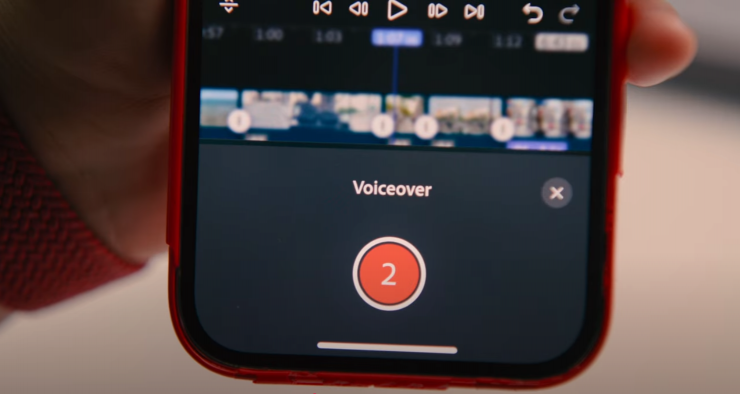
Great audio has always been central to great video. With Generative Sound Effects, use a text prompt and your own voice to nail down the exact timing, emotion, and inflection you need. And use AI-powered Enhance Speech to record voiceovers that sound crisp and clear, even if you recorded them in a noisy environment.
Adobe Firefly is built in
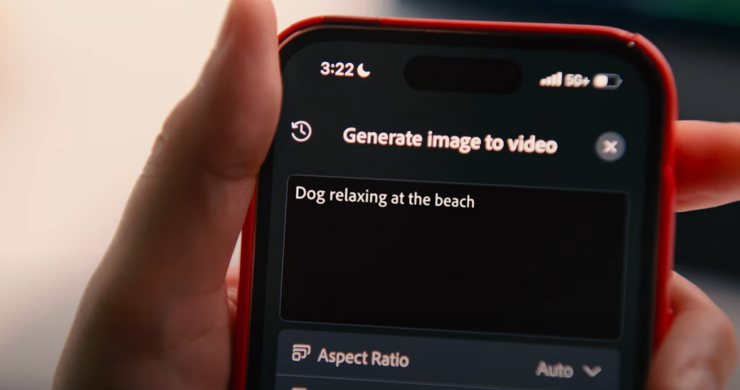
With Adobe Firefly built in, you have access to all the video, image, and audio assets you could need. Just describe the image, visual, or sound you imagine, and confidently generate content that’s unique to you, safe for commercial use, and respects creators’ rights. You also have access to millions of free Adobe Stock assets, from music and sound effects to photos, graphics, and videos, plus Adobe Fonts and Lightroom presets to polish your story. Add text, music, images, b-roll, and captions with just a few taps.
Create on the go
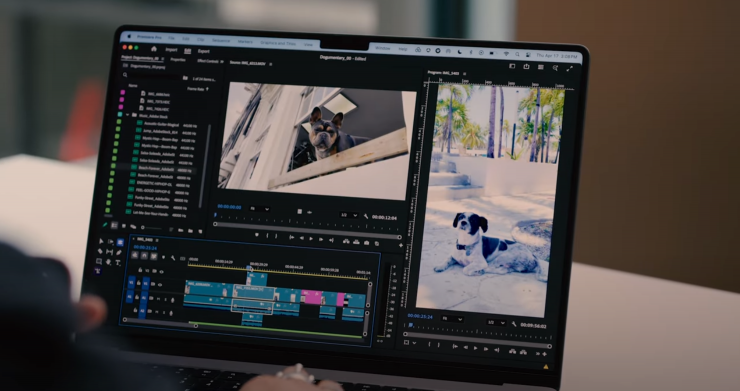
The Premiere iPhone app gives you the flexibility to create on the go and finish on desktop. Start projects on your phone, export instantly to TikTok, YouTube Shorts, or Instagram with one tap, or send projects to Premiere Pro for precision editing.
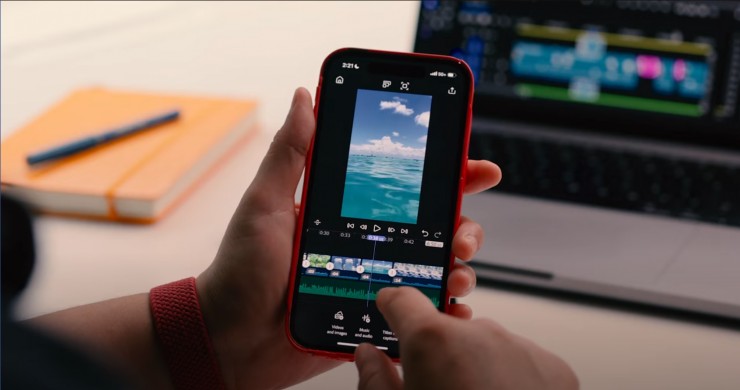
The Premiere app on iPhone also supports one-tap exports to every major social platform, from TikTok and YouTube Shorts to Instagram and beyond. And it can automatically resize your video for each one.

Premiere for mobile is available as a free iOS app. Everything you need to create a great video is available for free. Generative Al features require the purchase and use of Firefly generative credits. Only pay when you need more storage or generative Al credits.
The Premiere mobile app is available for iOS at this time, and Adobe is working on bringing the power of Premiere to Android devices.
Anyone who downloads the Premiere on iPhone app can start creating right away—no Adobe account or login is required to edit, save projects locally, or export video. However, some features and assets do require sign-in:
- To unlock access to free creative assets, including images, stickers, music, video clips, and sound effects.
- To use Generative AI features and the purchase or use of Firefly generative credits.
- To send projects from mobile to Premiere Pro desktop. You’ll need to sign in with an Adobe account that includes a Premiere Pro subscription and cloud storage.
Premiere comes to iPhone later this month and is available now for pre-order through the Apple App Store.