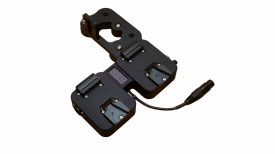
Core SWX has a new charging solution for almost every battery available with the PowerVault case. You can design it with the chargers you need and reconfigure it later, depending on which batteries you use.

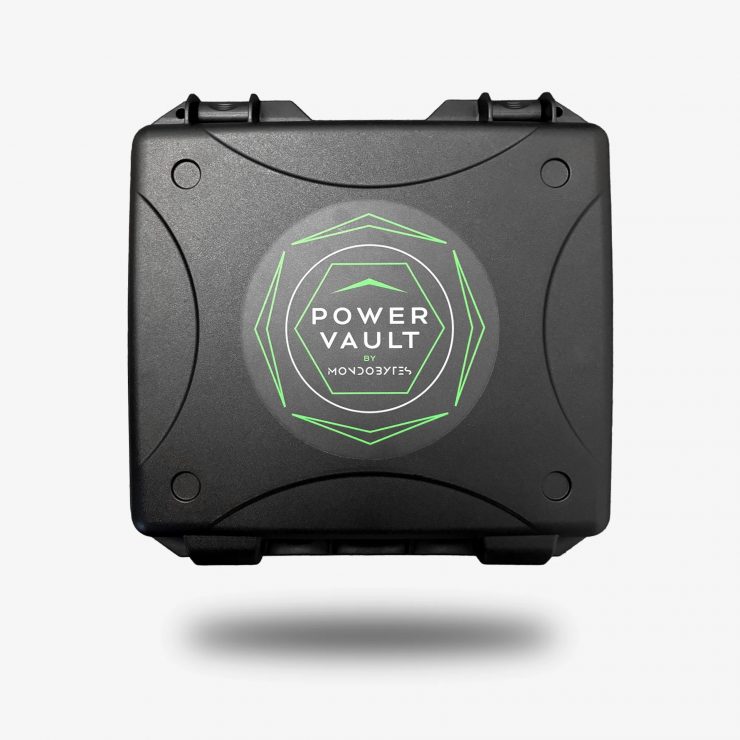
This case offers a ton of flexibility in the field and at home, keeping all those chargers in one portable case. PowerVault is the first unified power system for production.
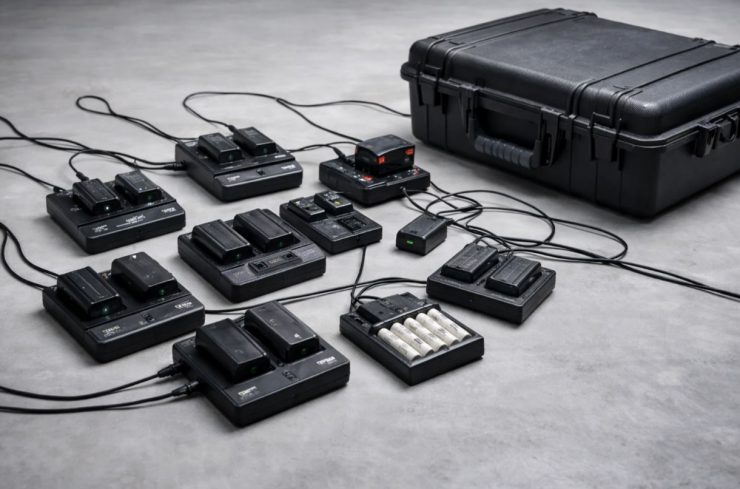
Traditional chargers are fixed, single-purpose devices; however, PowerVault is a modular, multi-format system that consolidates your entire power ecosystem. Instead of managing separate chargers, battery platforms, and power solutions, PowerVault brings everything into one configurable system.

How It Works
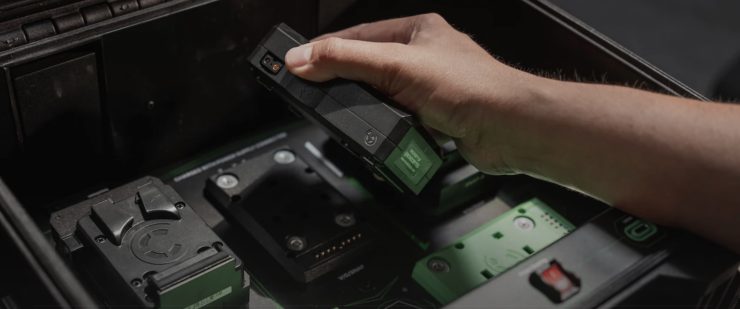
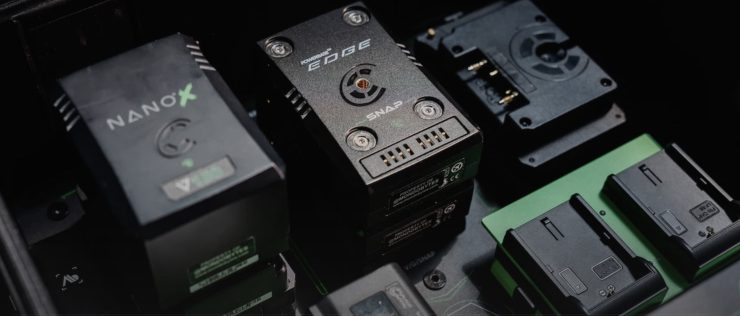
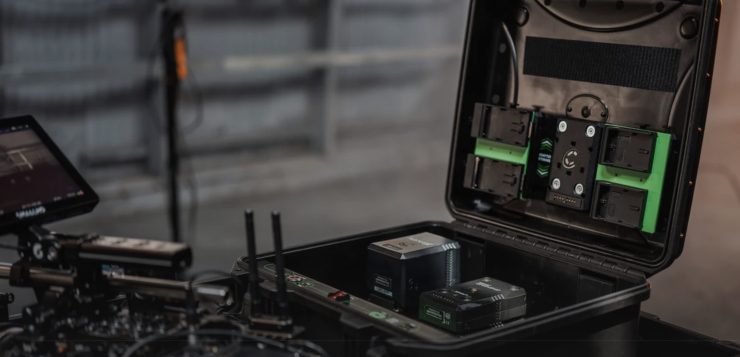
Drop In Any Battery
Use Snap adapters to instantly configure each bay.
Charge Everything Together
No more separate systems. No more prioritizing.
Go Off-Grid
Turn on Power Sharing Mode and let batteries redistribute energy internally.
Power Your Entire Setup
Use built-in PD outputs to run cameras, monitors, laptops, and more.
Key features
- Charge: V-Mount, G-Mount, SNAP, L-Series, BP-U, FZ100, BP-A, LP-E6, Lumix BLK22, AA/AAA/9V
- Flexible Configuration: 5 configurable bays — no fixed limitations
- Stack Charge: Stack Snap packs for parallel charging (up to 25 packs at once!)
- Power Sharing Mode: Batteries power each other (no AC needed)
- Built-in Outputs: 140W + 65W PD Pro + Dual USB-C
- Bluetooth App: For real-time monitoring and control
- IP65-rated protection
- GaN power architecture
- No fragile, exposed systems
- Built to go where production goes
Configurable

No fixed bays. No locked system. PowerVault adapts to your setup:
- Mix battery types freely
- Swap adapters in seconds
- Build each bay how you need it
- Change it anytime
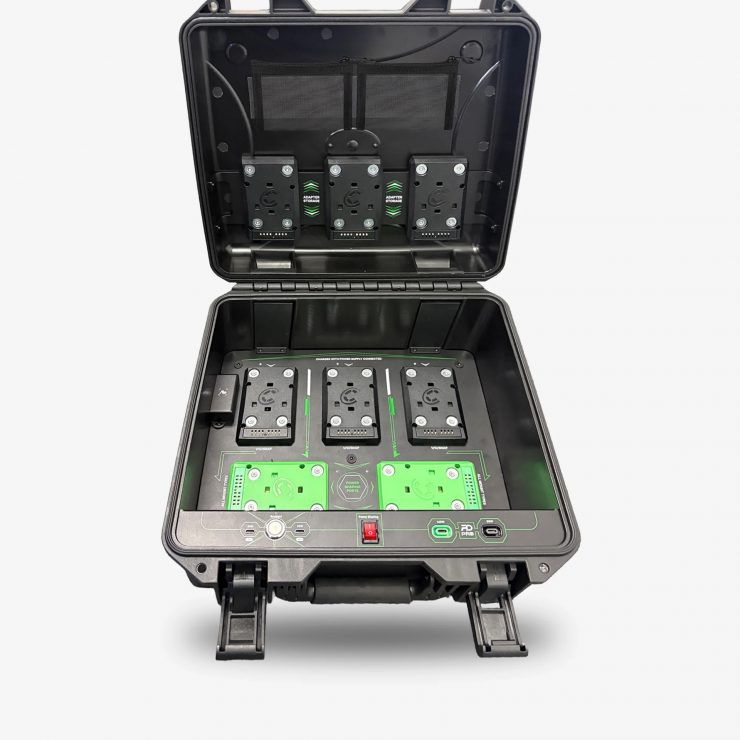
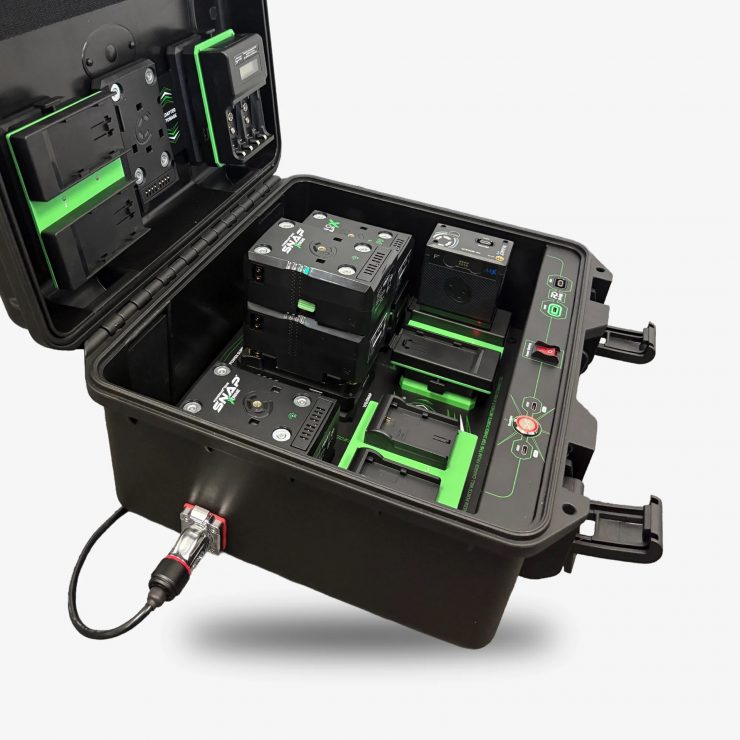
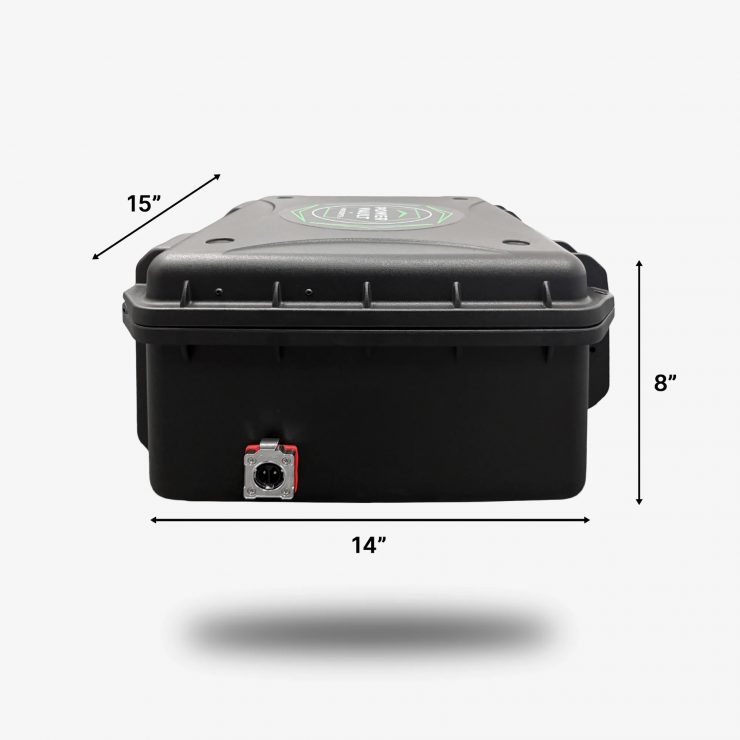
PowerVault functions as a central power hub, featuring a 140W PD Pro port, a 65W PD Pro port, and dual USB-C outputs. This allows you to power cameras, monitors, laptops, and more directly from the system.
Power Sharing Mode
Power Sharing Mode is a user-controlled feature that can be turned on or off via a dedicated control. In Power Sharing Mode, batteries can redistribute energy between bays, allowing them to charge each other and maintain USB-C output without external AC input. The top three bays feed power to the lower two, creating a self-contained, off-grid power system.
What Batteries does it support?
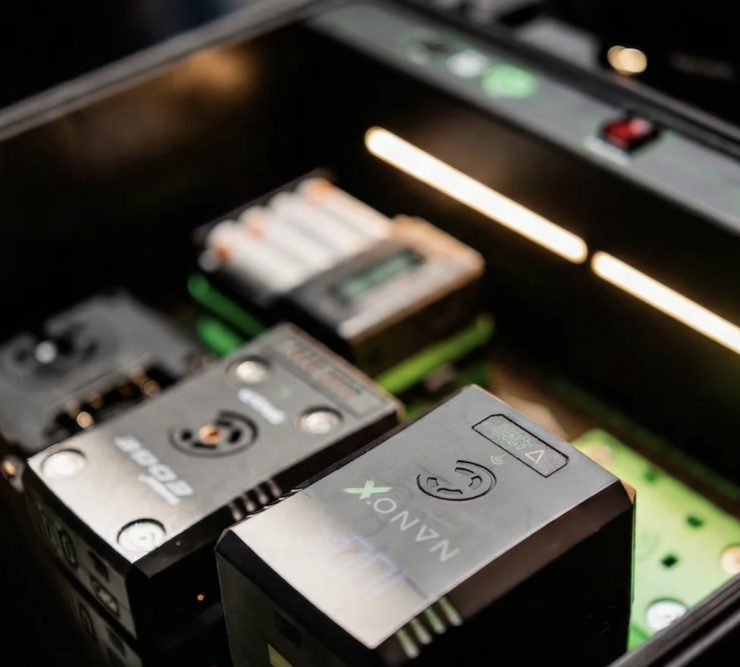
PowerVault supports;
- V-mount
- G-mount
- SNAP packs
- Sony BP-U
- Sony L-series
- Sony FZ100
- Canon BPA
- Canon LP-E6
- Panasonic Lumix BLK22
- AA, AAA, and 9V batteries
Core SWX is looking into Drone battery support as part of the roadmap.
How many batteries can you charge at once?
PowerVault features five configurable charging bays. In its base configuration, it supports five SNAP positions and can scale up to 40 SNAP packs when stacked in parallel.
Each bay delivers approximately 40–50W per battery, allowing a typical 98Wh V-mount to charge in under 2 hours while charging up to five batteries simultaneously.
Typical charge times:
– 98Wh V-mount / G-mount / SNAP: ~2 hours
– 2x BP-U / BPA: ~4 hours
– 2x L-series (NP-F970 equivalent): ~2 hours
– 2x LP-E6: ~1 hour
– AA / AAA / 9V: varies by capacity
PowerVault uses an external DC power supply (similar to a laptop-style power brick), and additional units will be available at launch if you need a spare or backup.
The power input is 24V DC input; 90-240VAC, 50/60Hz.
Monitor Charging With the PowerVault app
With the PowerVault app:
- See every battery in real time
- Monitor charge levels and health
- Manage your entire power system from your phone
Powered by Core SWX’s patented Voltbridge platform, delivering reliable, system-wide battery communication.

Pricing & Availability
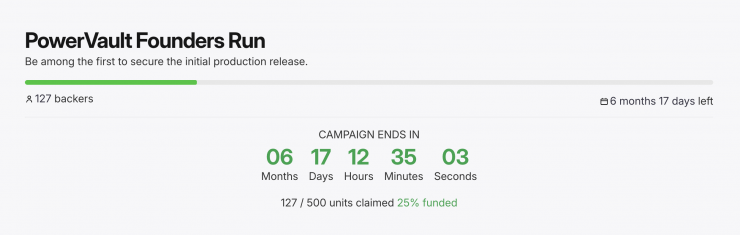
Introductory pricing includes 3 free adapters and is $749 USD. Pricing will increase to $999 USD after the first production run.
You can choose 3 Add-On Adapters. If you need more than one of the same adapter, you can adjust the quantity in the cart. Any additional free adapters selected beyond the included 3 will be removed unless purchased separately.