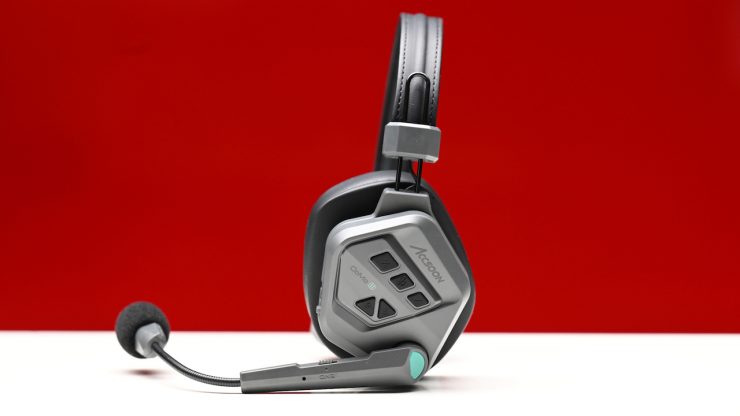
Accsoon’s CoMo II long-range full-duplex DECT wireless intercom system is a follow-up to the original CoMo. It was first shown back in April at NAB, and then they were officially announced on the 2nd of June.
The Accsoon CoMo II was designed to provide reliable real-time communication for film crews, live production teams, etc.
Above you can see our first look at NAB back in April.
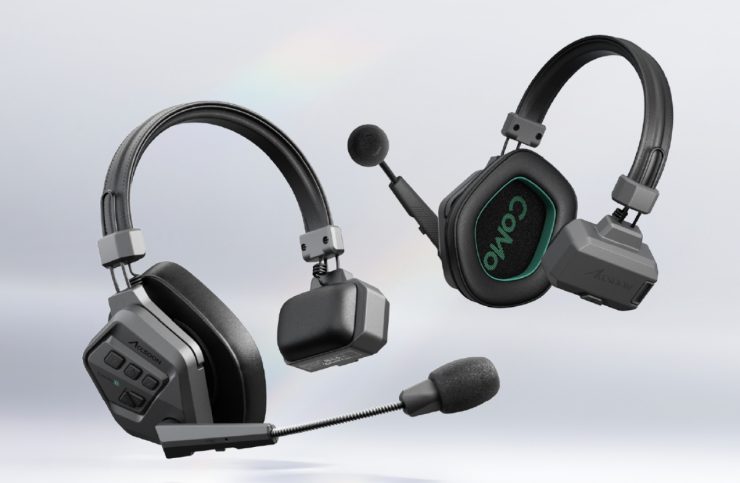
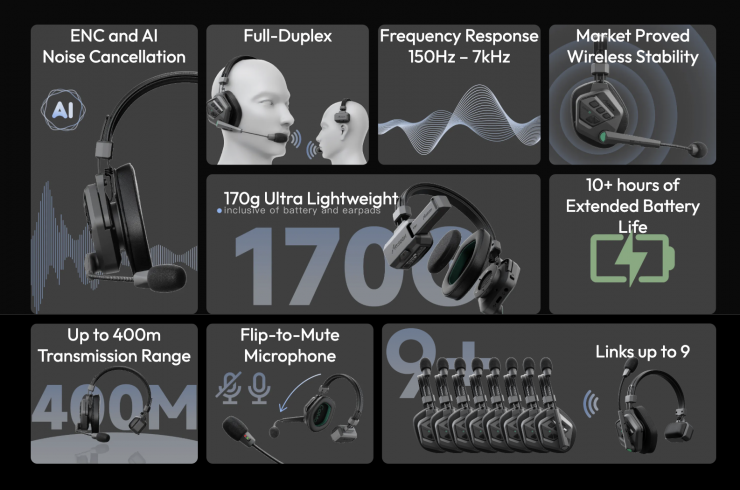
The 1.9GHz full-duplex wireless intercom system offers a claimed operating range of up to 1312 ft (400 m). Powered by Accsoon’s proprietary wireless stability technology, the Accsoon CoMo II is said to deliver reliable signal penetration and stable multi-user communication, even in environments with obstacles or challenging signal conditions.
The headsets have been completely redesigned, and they are a lot lighter and more comfortable to wear than their predecessors. The adjustable structural design allows the headset to adapt to different head shapes, helping maintain a secure and comfortable fit.
For this review, I will be looking at the base kit that consists of the 1 headset + 2 remotes.
Key features
- Single Host and 2 Remote Headsets
- 1312 ft (400 m) Wireless Range
- Over-Ear Single-Headphone Style
- Adjustable Noise Canceling Microphone
- 2320mAh Battery for 17+ Hour Operation
- Automatic Reconnection
Why is 1.9Ghz better than 2.4Ghz
The CoMo II operates in the 1.9GHz spectrum, which is a lot less crowded than the 2.4GHz spectrum. As it operates in a less crowded spectrum, in theory, you should get less interference and a clearer signal. The only issue with the 1.9GHz spectrum is that it is illegal to use in some countries. 2.4GHz headsets can be sold and used in a lot more countries.
What are they for?
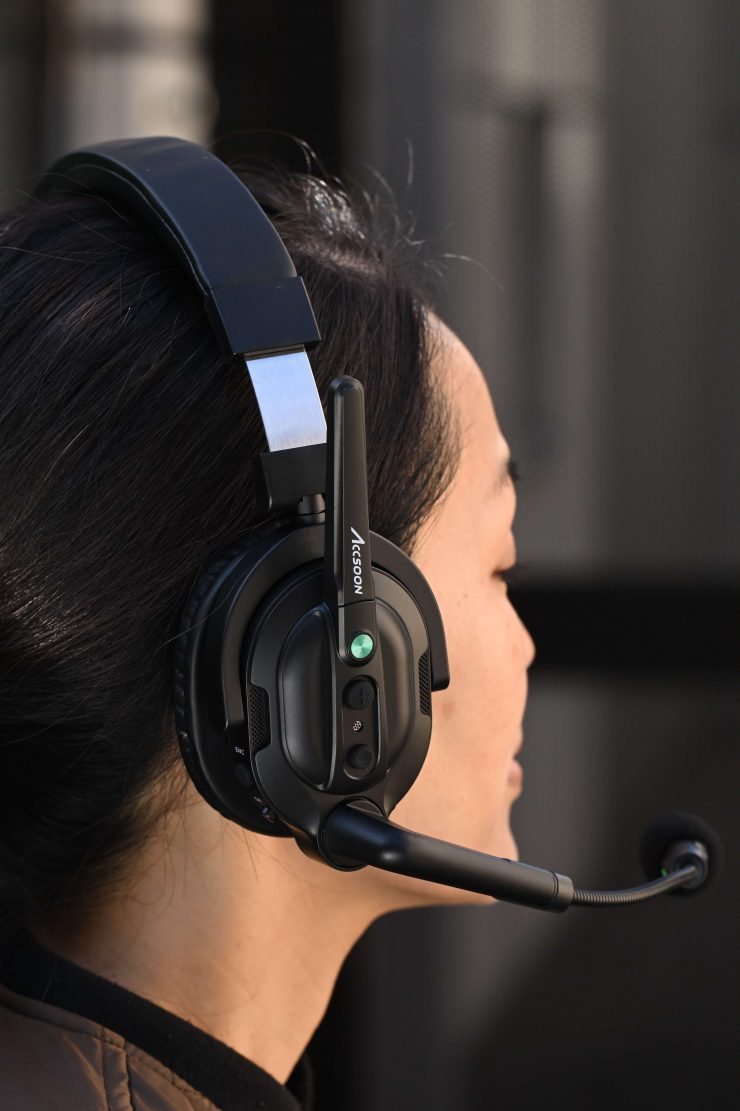
On film sets, wireless handsets can increase efficiency by allowing team members to easily communicate with each other. They can come in very handy when you are filming live shows with multiple cameras, reality TV, or any type of event where a team needs to communicate with each other over large distances.
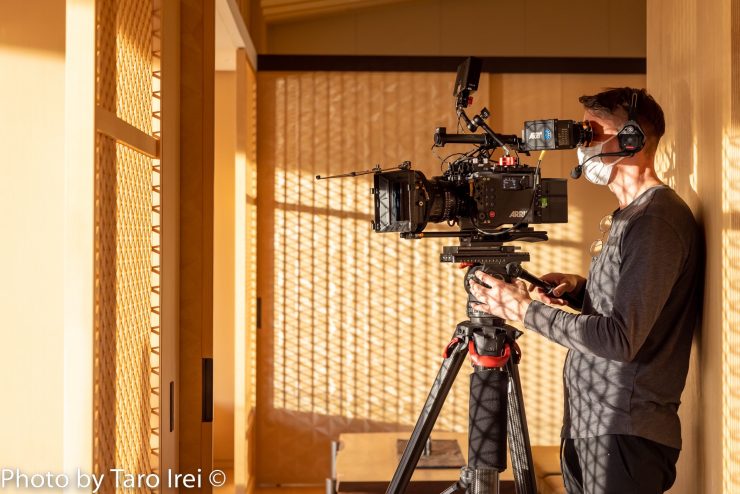
You could also use them for simple communication between a solo shooter and a director or producer, or even to talk to a sound recordist. There really aren’t any hard-and-fast rules as to what you could use them for.
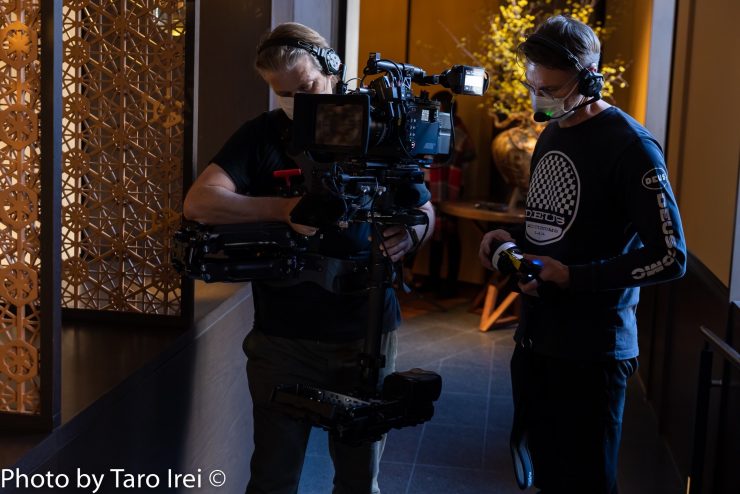
I often use headsets on my productions as it easily allows members of the crew to talk to each other when you are not close, and it also means that nobody needs to shout. If you have clients on set, then having the crew be able to communicate quietly and efficiently without shouting or trying to track down someone who isn’t close sends the correct message. If you want to be professional, then it is also important to act professionally as well.
Wireless headsets are not a new concept by any means. There have been systems in place just like the Accsoon for a long time.
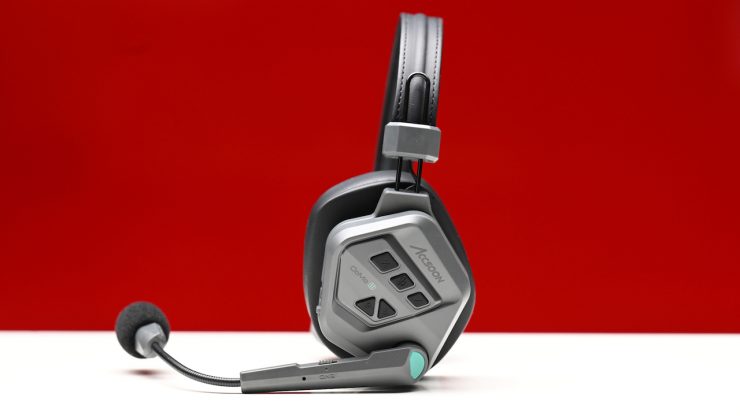
Accsoon CoMo II 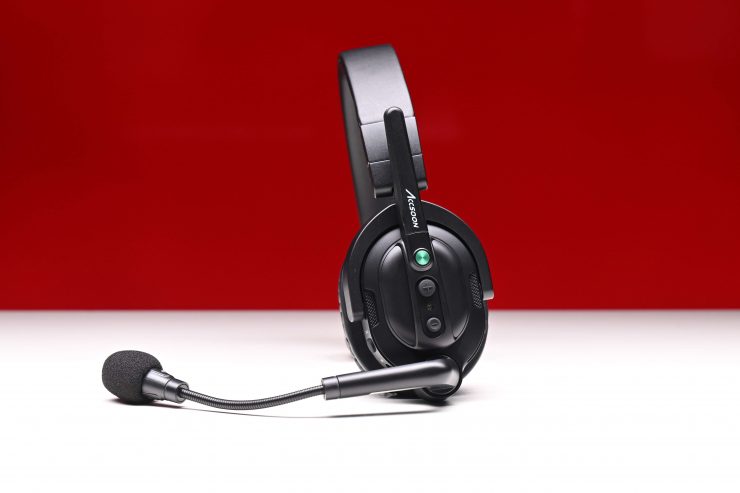
Accsoon CoMo 1.9Ghz 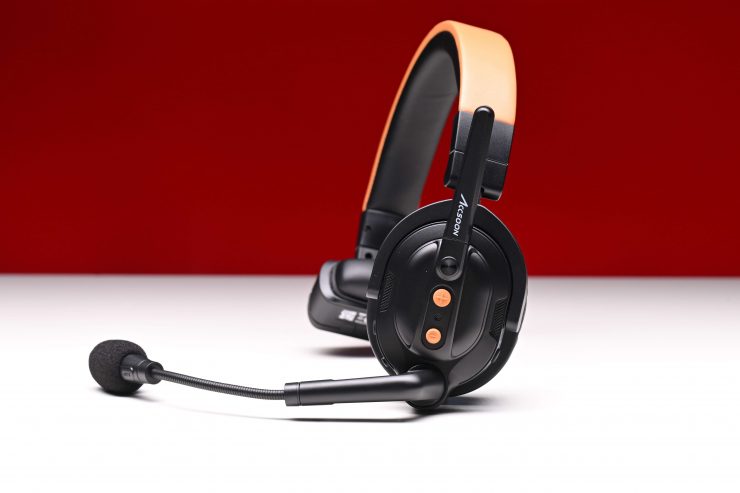
Accsoon CoMo SE 2.4Ghz 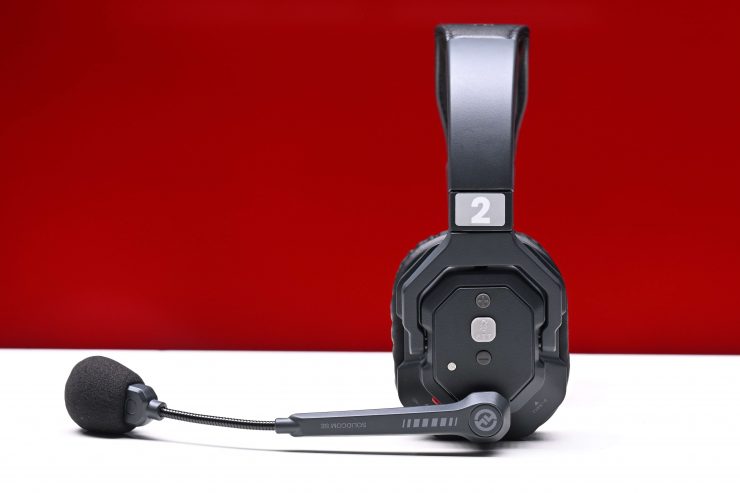
Hollyland Solidcom SE Global Version 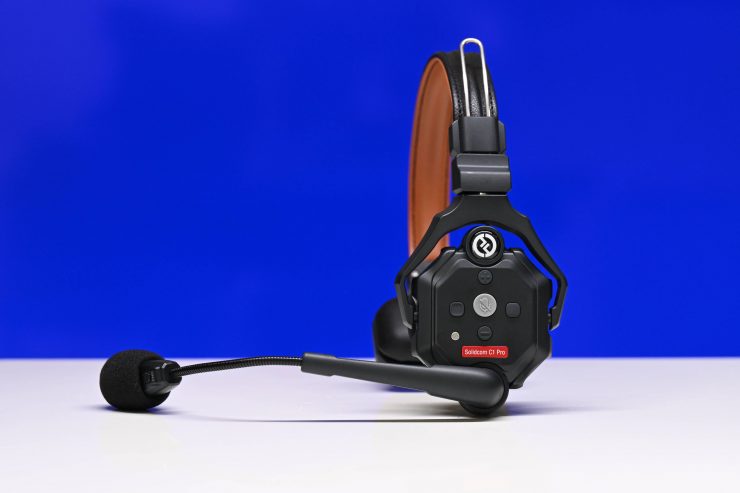
Hollyland Solidcom C1 Pro 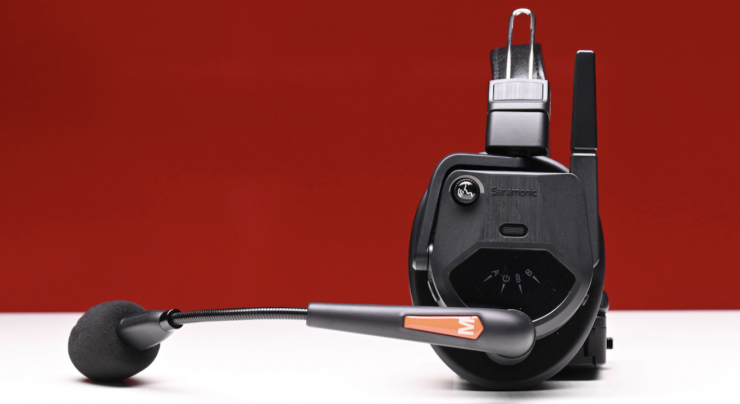
Saramonic WiTalk9 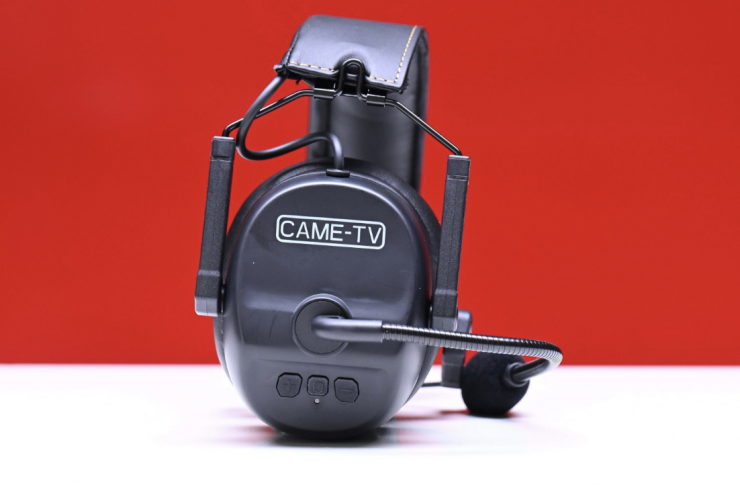
CAME-TV KUMINIK8 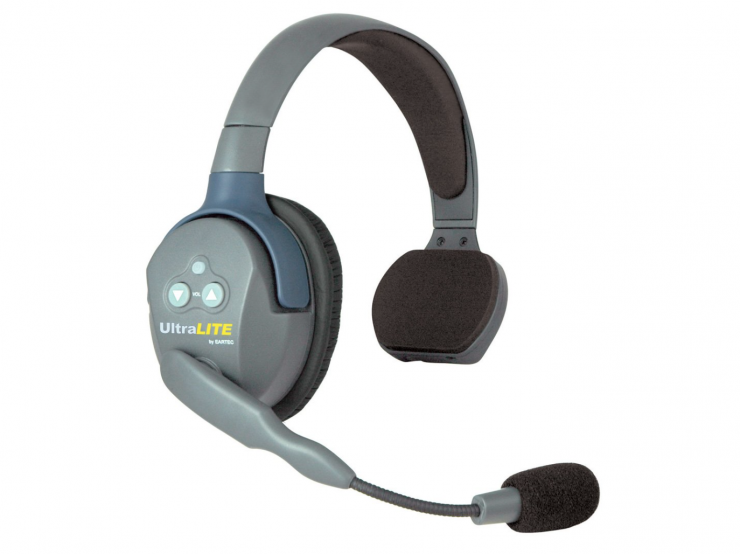
Eartec UL4S UltraLITE 4-Person System
Most wireless duplex headsets tend to look fairly similar. The CoMo II features a modern-looking design. Design-wise, it is fairly similar to competing systems.
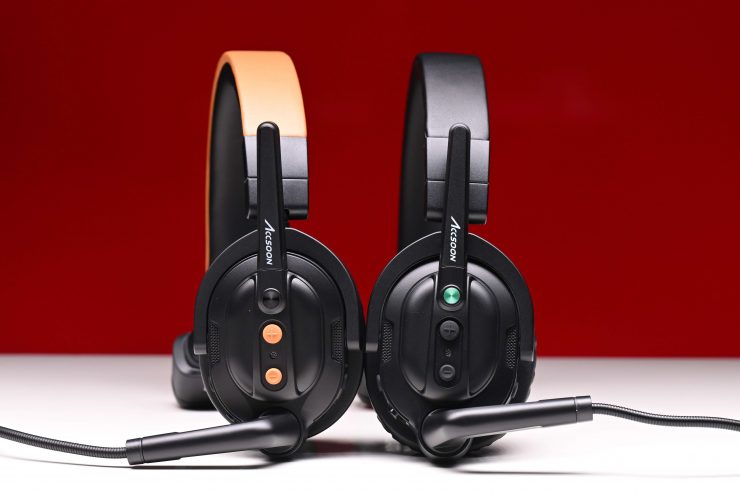
CoMo SE on the left and CoMo on the right 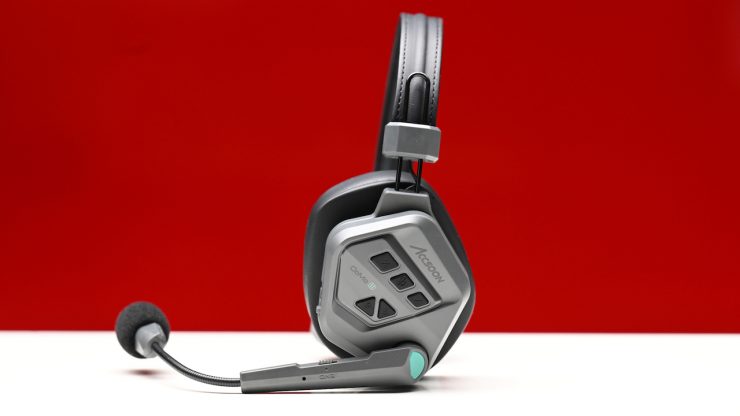
CoMo II
Above you can see how the design of the CoMo II compares to the Accsoon CoMo and CoMo SE versions.
What do you get?
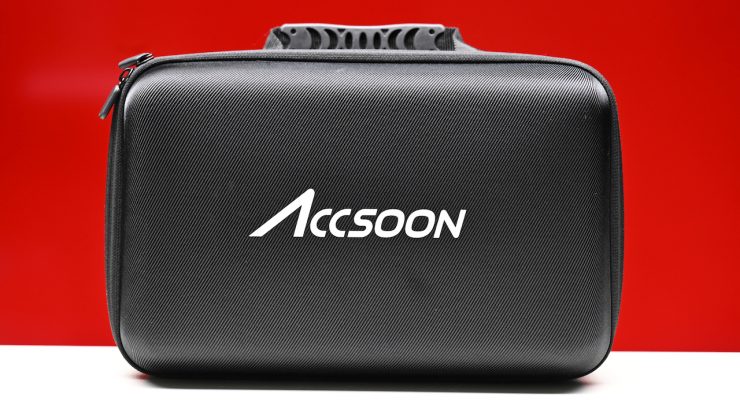
In the kit I was testing, this is what you get:
- 1x Accsoon CoMo Wireless Intercom Headset (Host)
- 2x Accsoon CoMo Wireless Intercom Headset (Remote)
- 6x Rechargeable Battery
- Charger
- 3x Replacement microphone windsock
- 3x Smaller ear covers
- Limited 1-Year Manufacturer Warranty
It is nice to see that Accsoon gives you everything you need. The included case is quite nice too. It is nice that you also get a spare set of batteries.
Build Quality
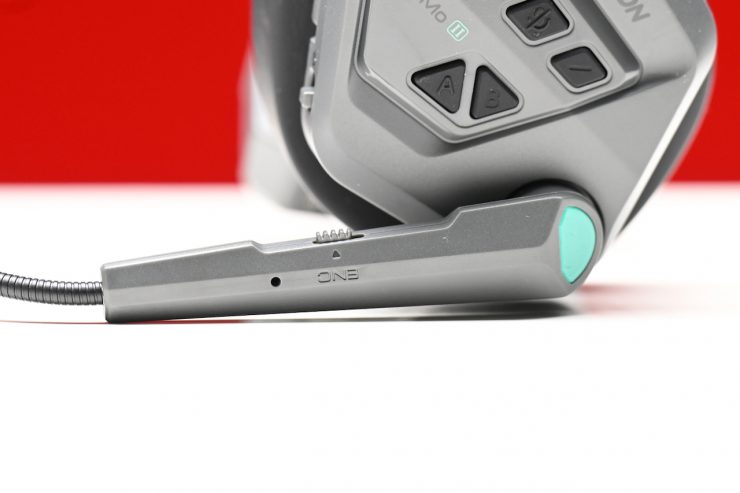
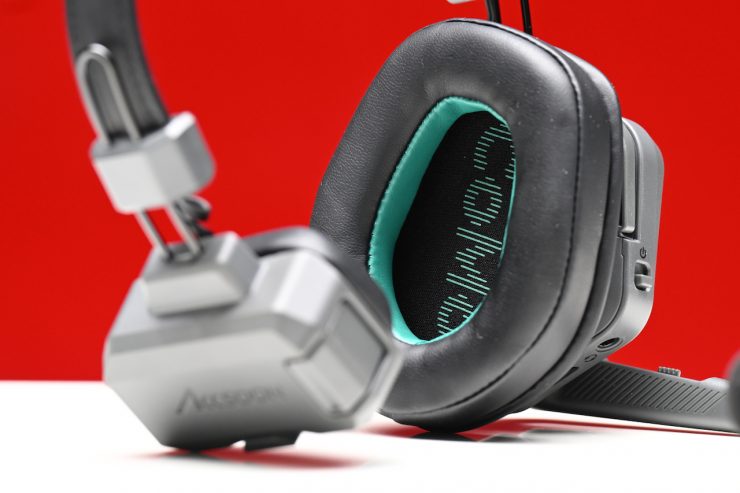
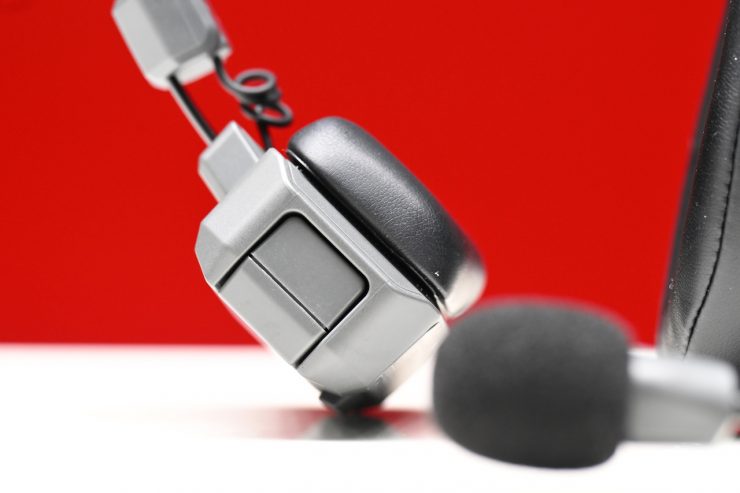
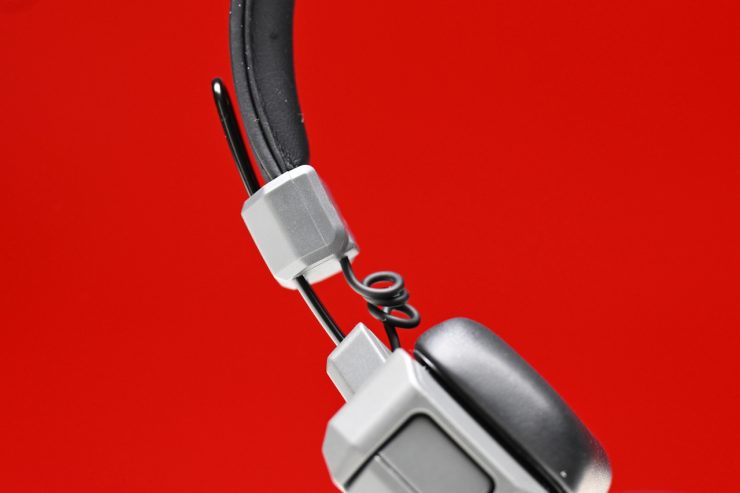
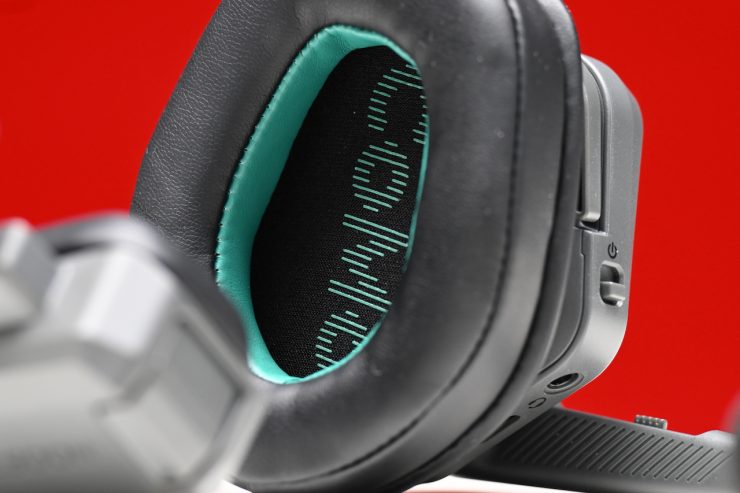
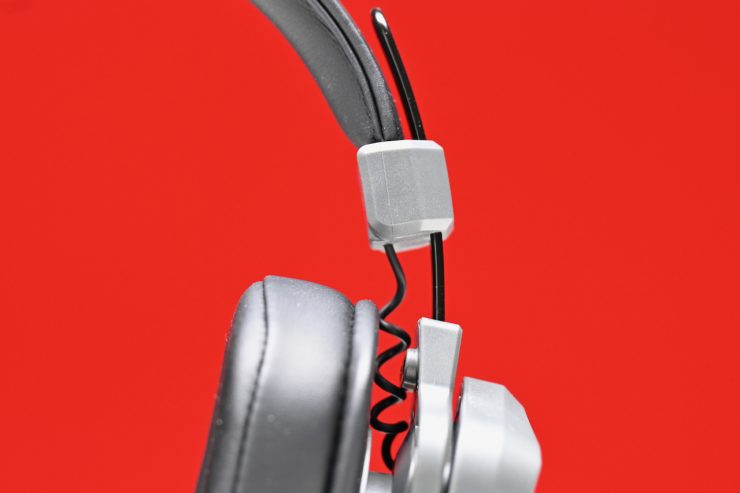
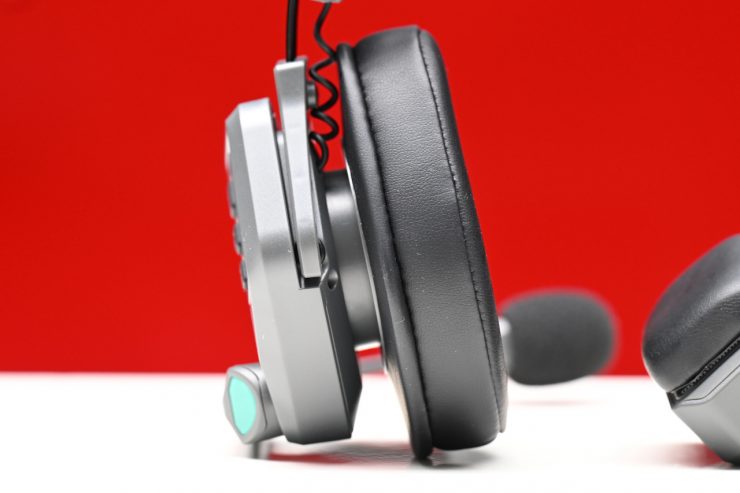
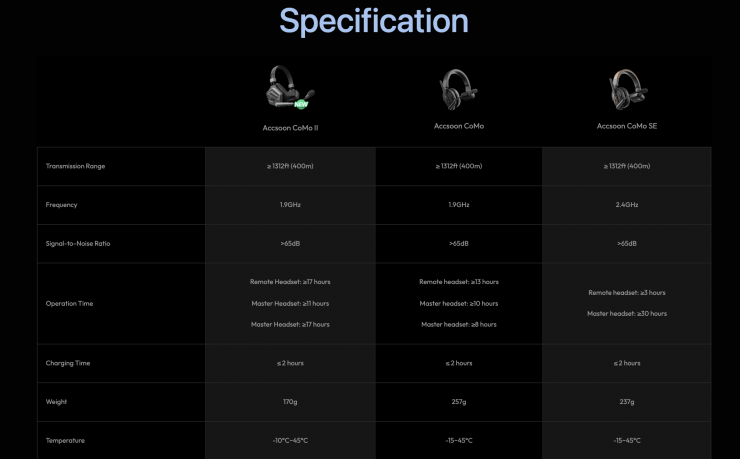
The build quality is good despite a lot of lightweight components being used. The headsets only weigh 170g (including battery and earpads). As a comparison, the previous CoMo weighed 257g (with Batteries). As a comparison, the competing Hollyland Solidcom C1 Pro headsets weigh 6 oz / 170 g (with Batteries).
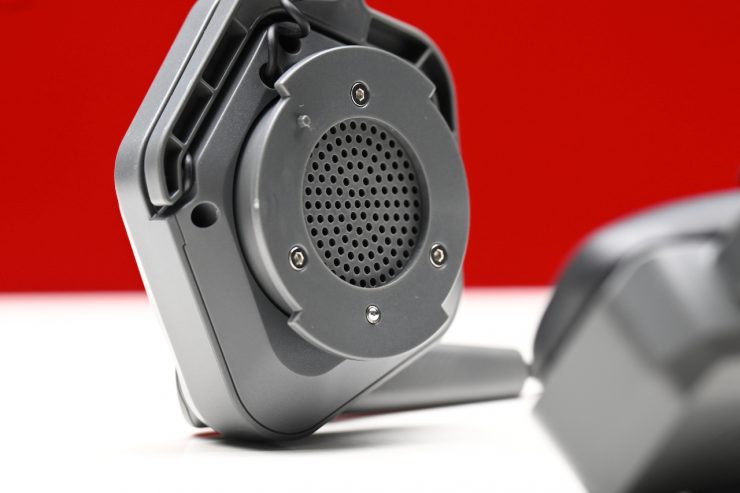
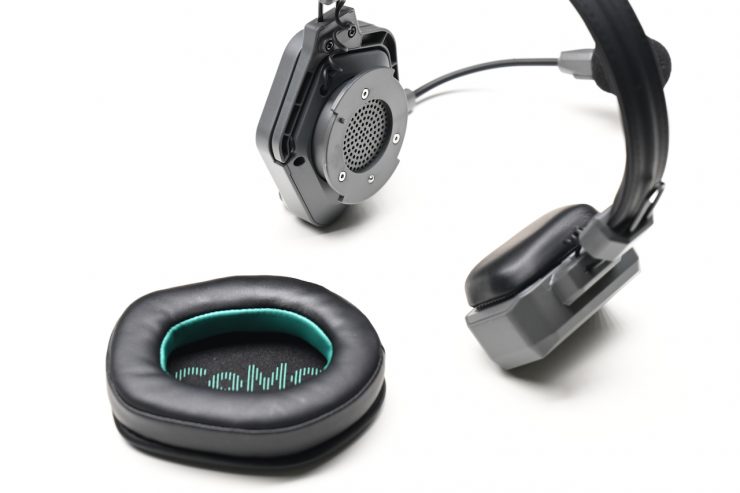
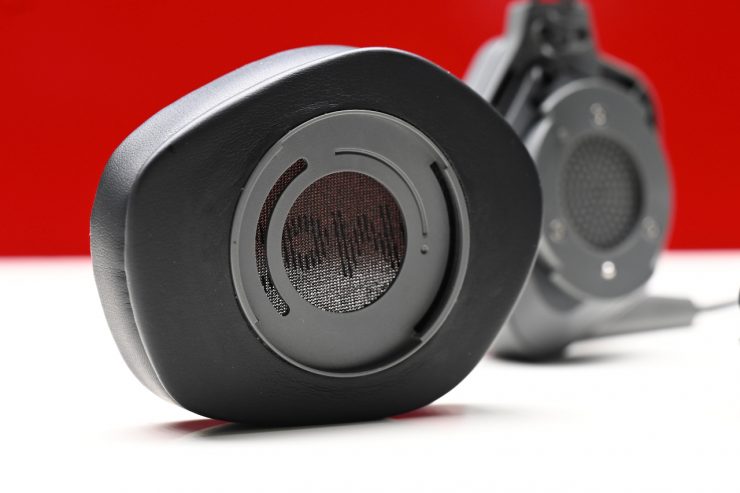
You have the ability to detach the ear covers by using a twist-and-lock mechanism. The issue I found with this design is that it was too easy for the ear cover to come off accidentally. I would have preferred to have seen a more robust locking solution.
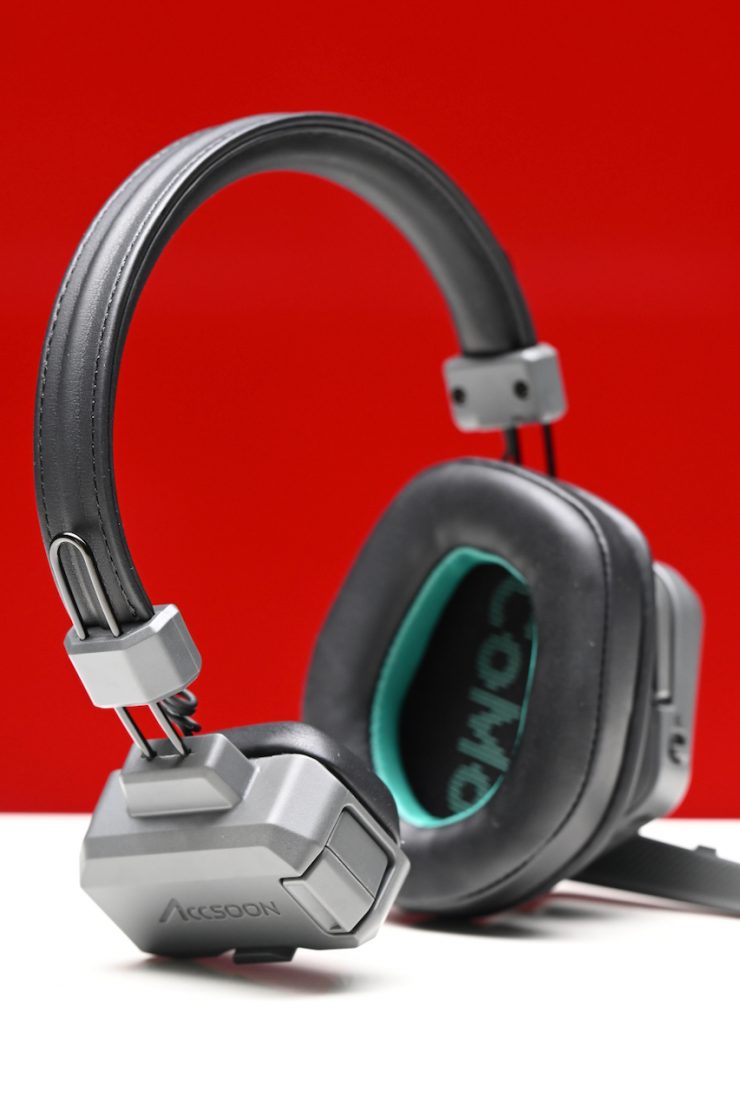
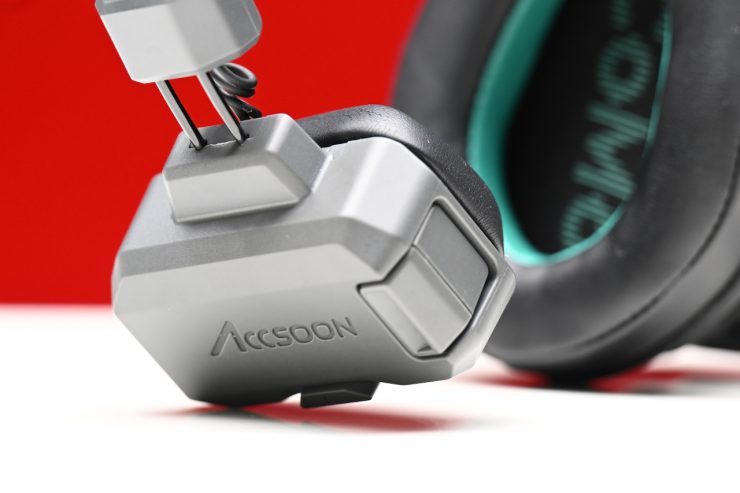
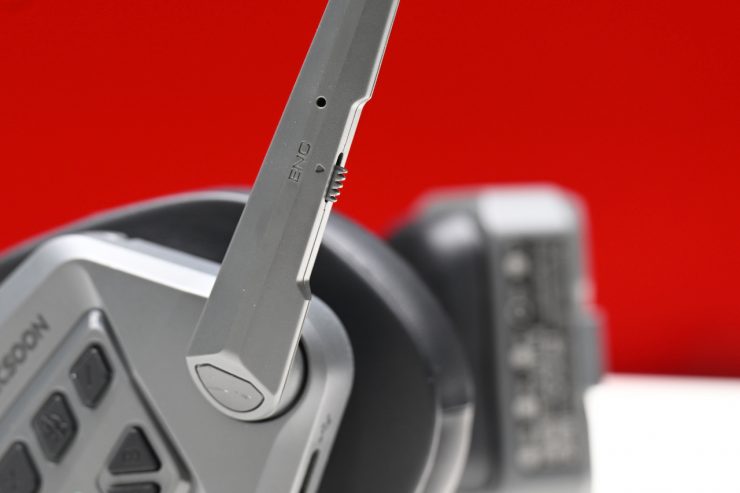
While some parts feel a little plasticky, I didn’t feel like there was anything that would easily break.
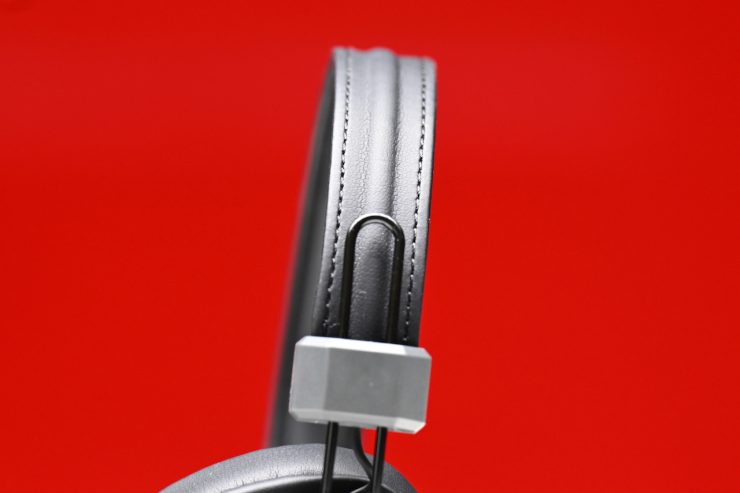
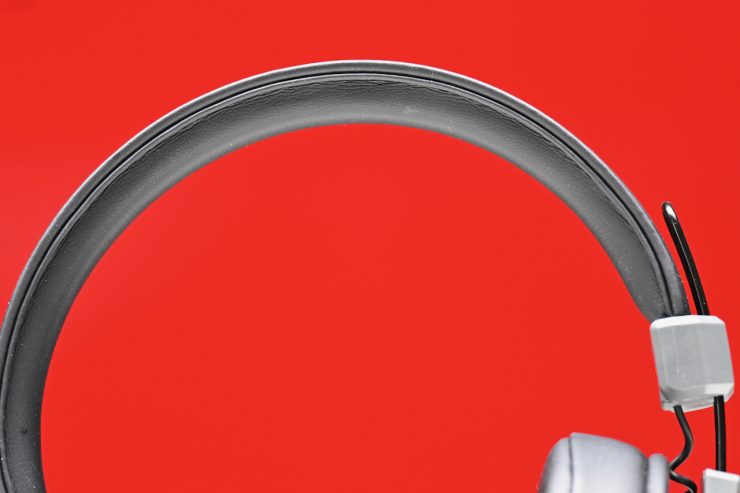
The strap is nicely made and padded.
CoMo II 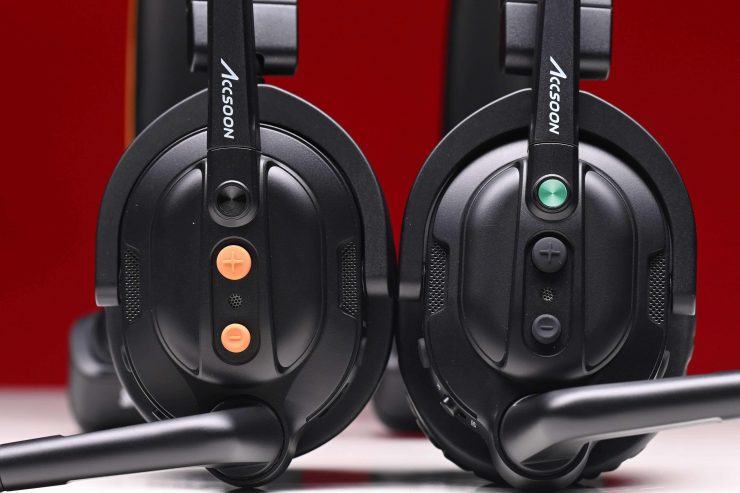
CoMo SE on the left, and CoMo on the right
The quality of these more affordable systems has gotten a lot better in recent years. I personally thought that the CoMo II was a bit better built than the CoMo and the CoMo SE.
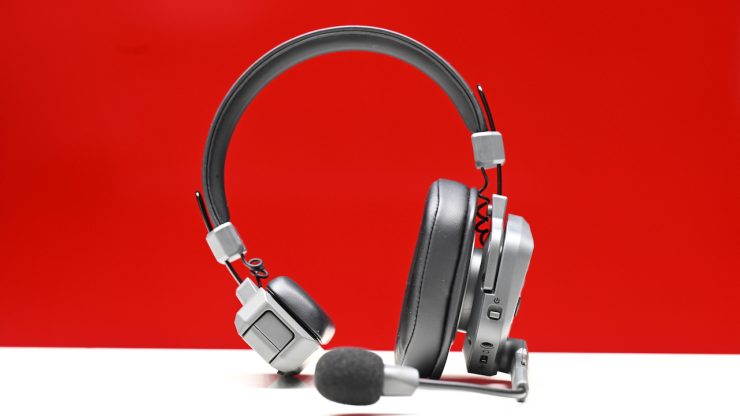
Accsoon CoMo II 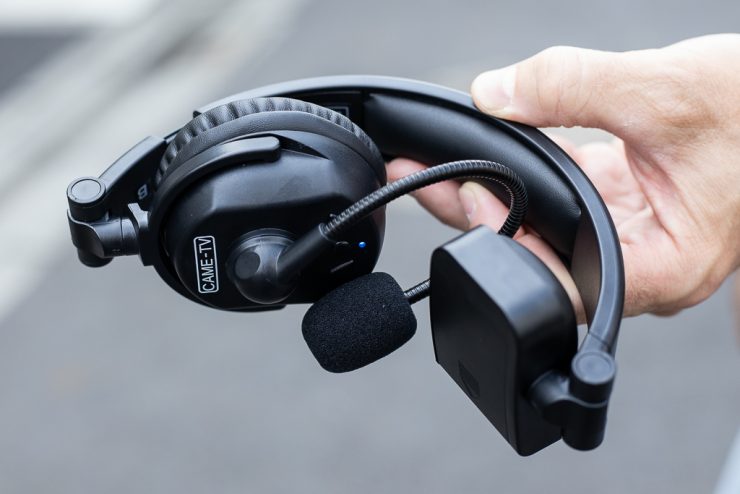
CAME-TV WAERO
Storage-wise, they don’t fold up like the CAME-TV WAERO, but I didn’t find that to be an issue as the whole system comes in a nice storage case anyway. I often find that headsets that bend don’t provide as much stability, and they can be more prone to breaking.
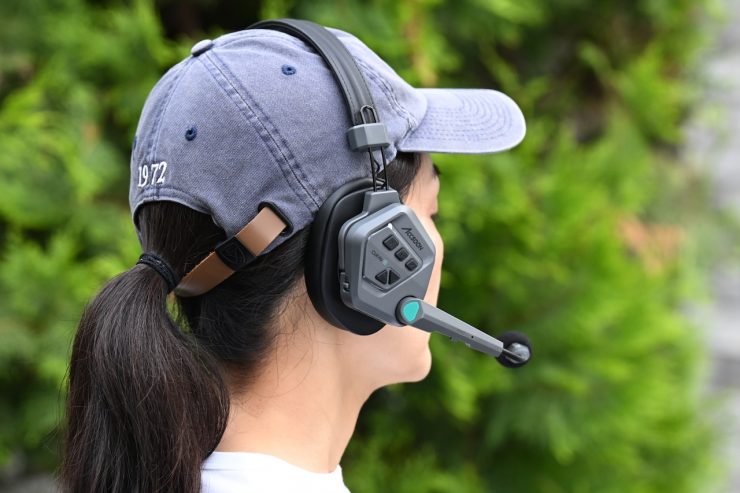
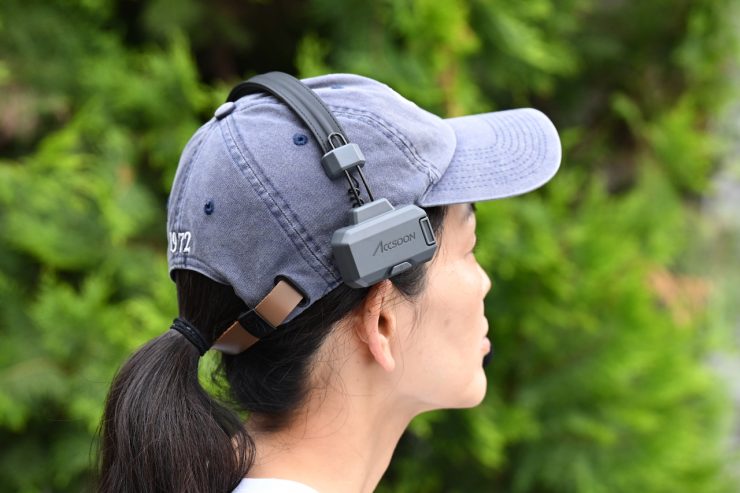
Like most of the similar headsets on the market, you can wear them on either your left or right ear. This reversible design is a nice touch.
If you are shooting with a camera on your shoulder, you don’t want the headset to interfere with how you operate. The only issue I found is that because the opposite side pad is quite large, it does end up hitting the camera if you are a left-eye operator like me.
Accsoon CoMo II 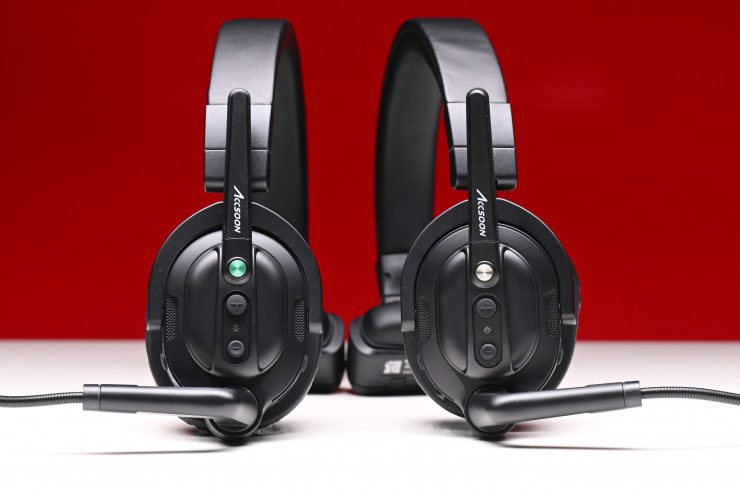
Accsoon CoMo 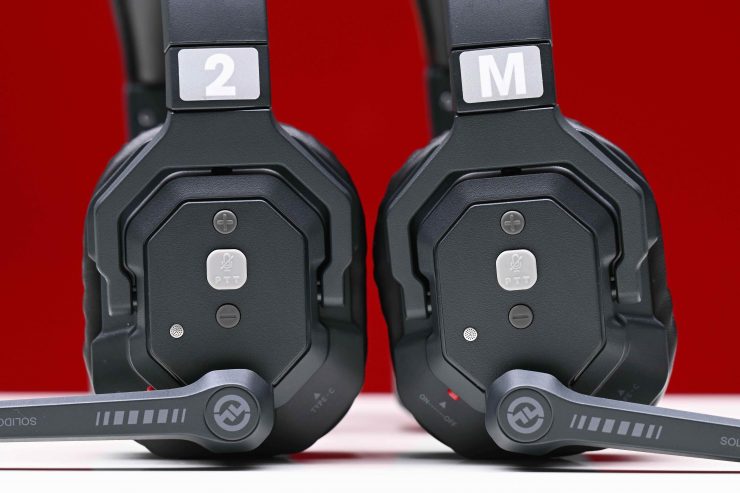
Holyland Solidcom SE Global Version 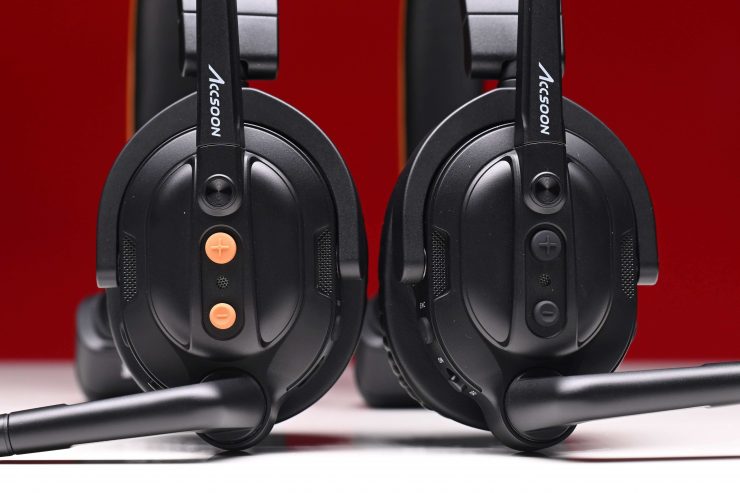
Accsoon CoMo SE
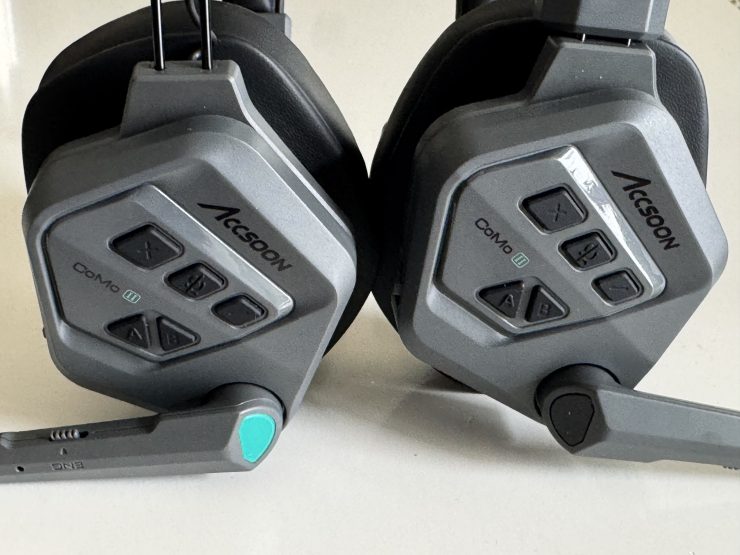
The Master headset can be identified by the small green marking, which does make them harder to identify than, say, the competing Hollyland Solidcom C1 Pro. In saying that, Accsoon does give you some stickers to use, but I would have preferred to have seen a big ‘M’ on the master unit.
Comfort
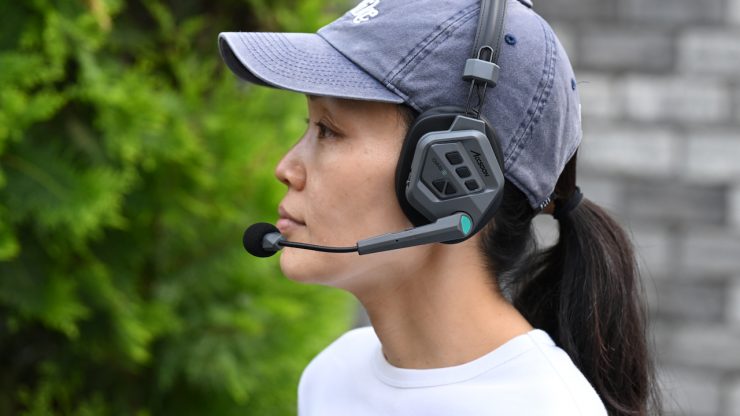
Comfort is right at the top of my list when it comes to purchasing any type of headphones. If a headset isn’t comfortable, it is just going to annoy you and get in your way. So is the Accsoon CoMo II comfortable to wear?
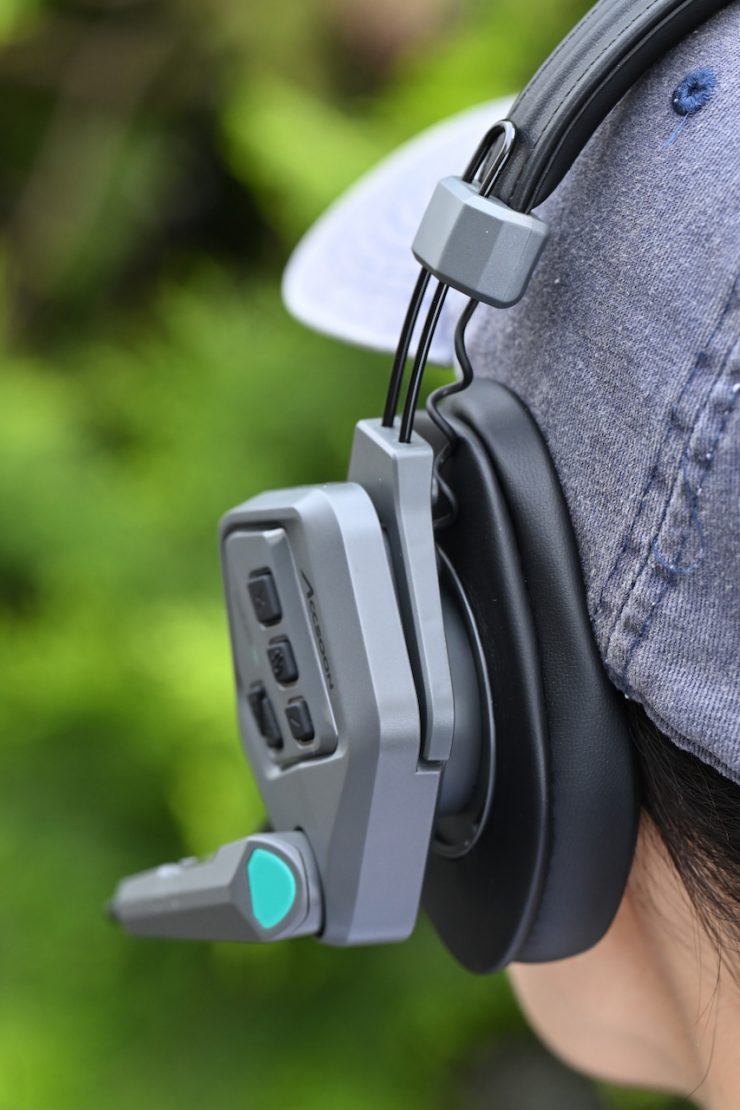
With any type of headphone, comfort is going to be different depending on the individual. We all have different head shapes and sizes. Our ears aren’t all the same either. What may be comfortable for one person isn’t necessarily going to be comfortable for someone else.

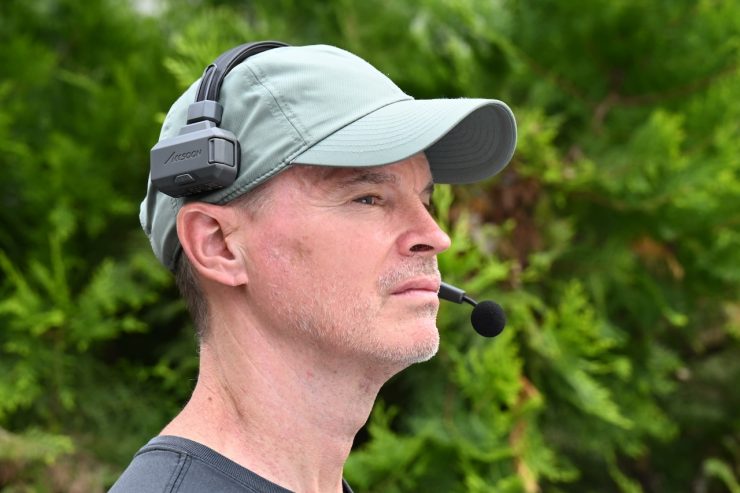
If I am going to wear something for a long period of time, which is something you would be doing in most scenarios with a duplex headset, it has to be very comfortable. Some previous systems I have tried were very uncomfortable to wear, and I found myself always wanting to take the headset off.
A good test to determine comfort is to just wear the headset for a while and see if you almost forget that you have it on. If you want to take it off after a couple of minutes, it isn’t comfortable.
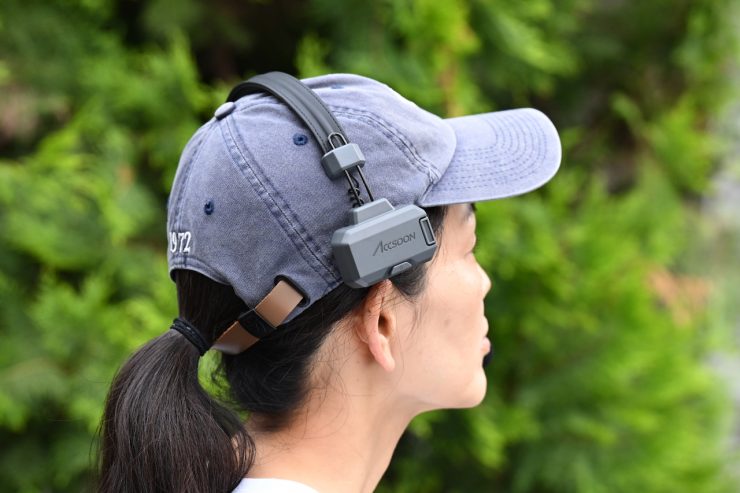
I found the CoMo II a lot more comfortable to wear than its predecessor, and arguably better than the competing Hollyland Solidcom C1 Pro.
I also found that the tension on the microphone was much improved. With the previous CoMo, when you tried to lift up the microphone, the whole headset started moving around on your head. It is good to see that Accsoon addressed this issue with the CoMo II, and this no longer happens.
The CoMo II comes with two sets of different-sized ear covers, just as its predecessor did.
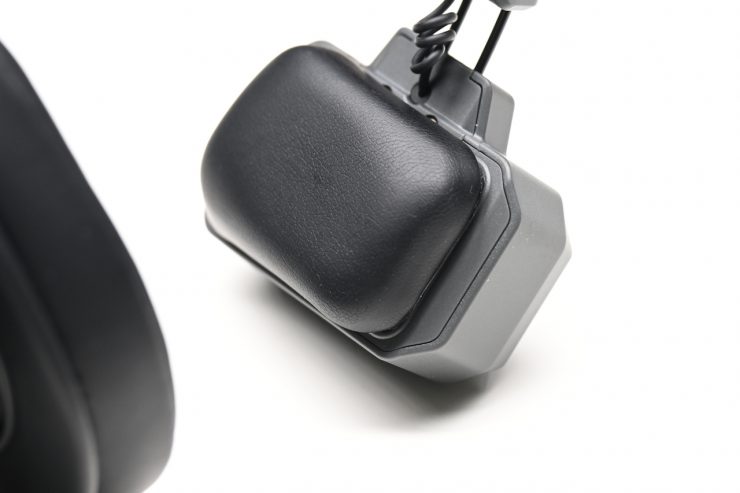
Accsoon CoMo II 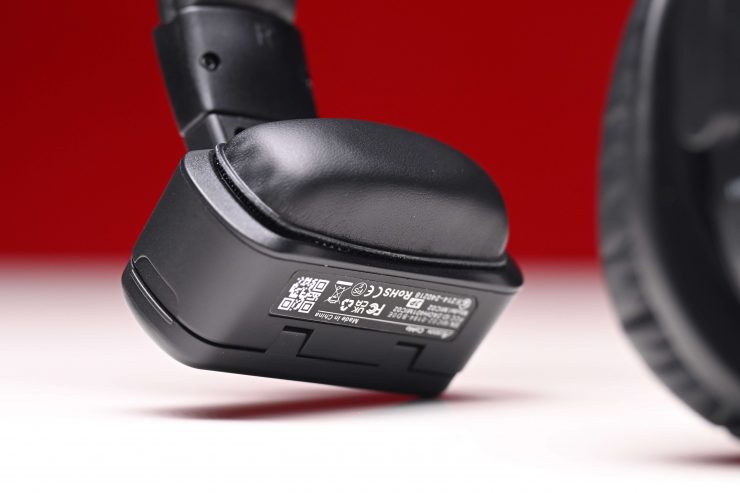
Accsoon CoMo 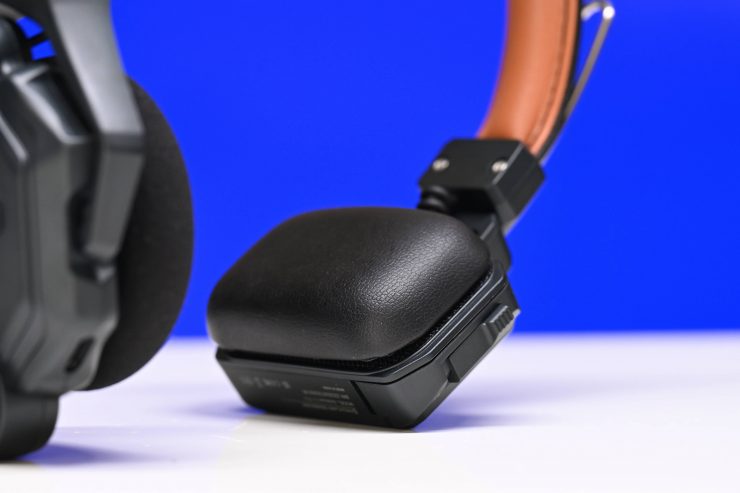
Hollyland Solidcom C1 Pro
The pad on the opposite side is a lot more comfortable than its predecessor. Again, this is a nice improvement over the original, and it shows that Accsoon has listened to feedback.
CoMo II 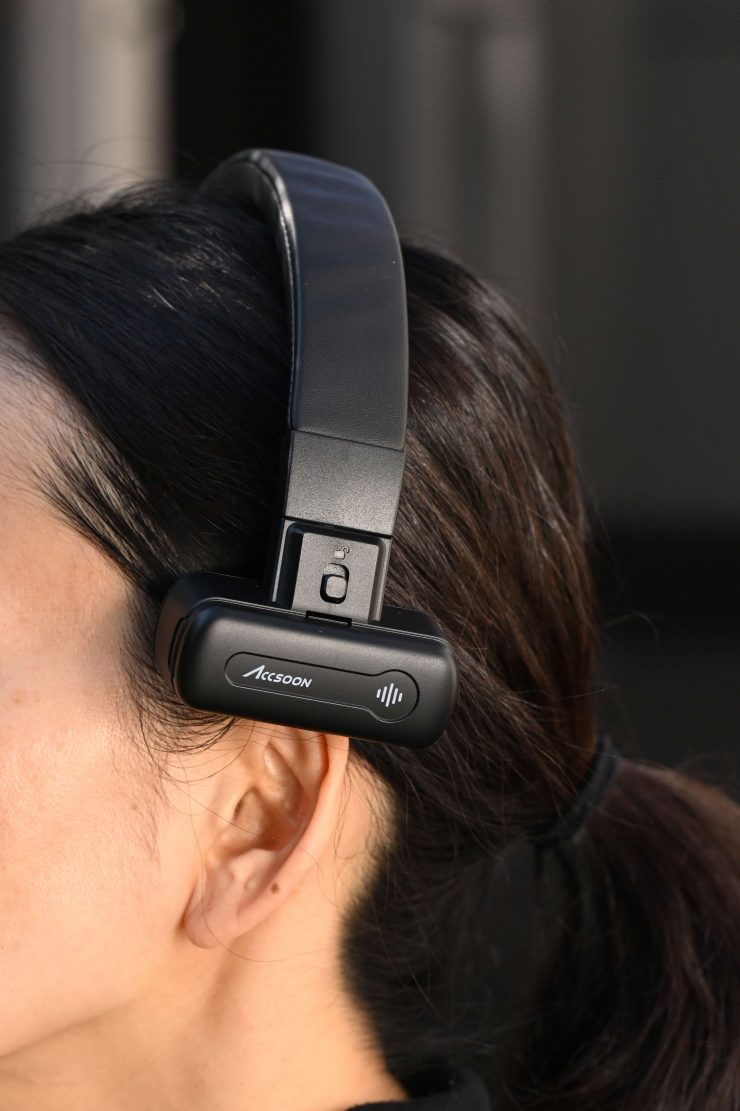
CoMo
The pad does sit in a spot where it doesn’t end up pushing on the top of your ear too much. Again, everyone’s head shape is different, so what is comfortable for one person may not be comfortable for someone else.
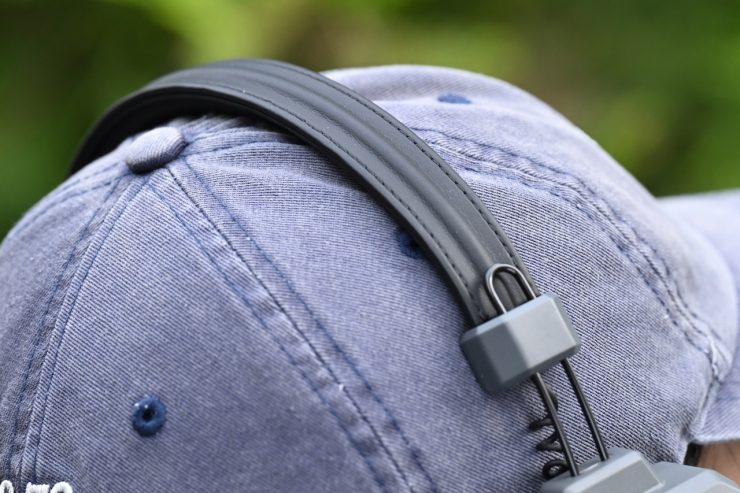
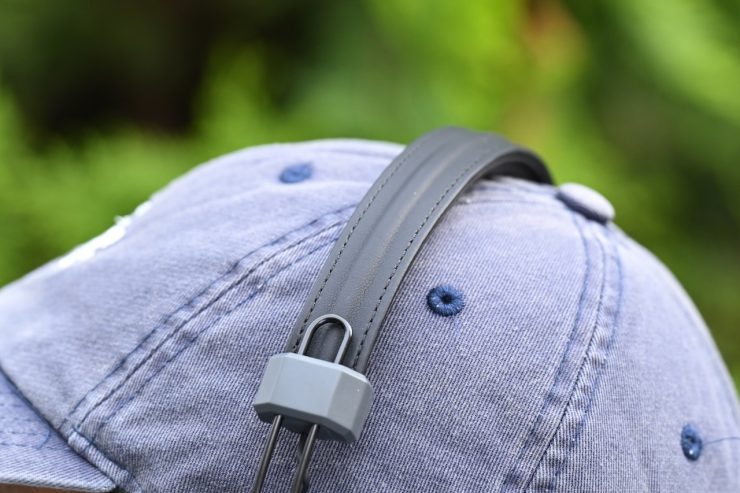
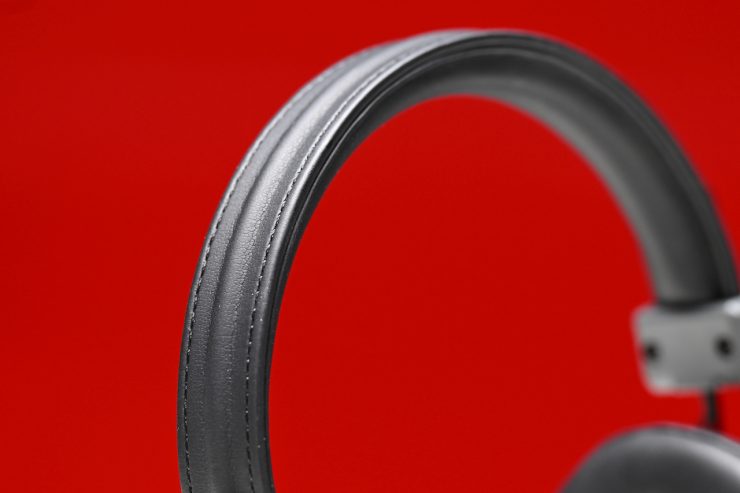
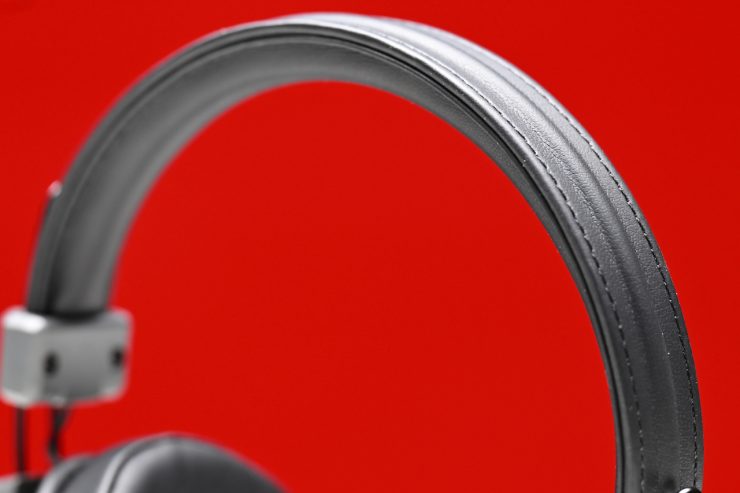
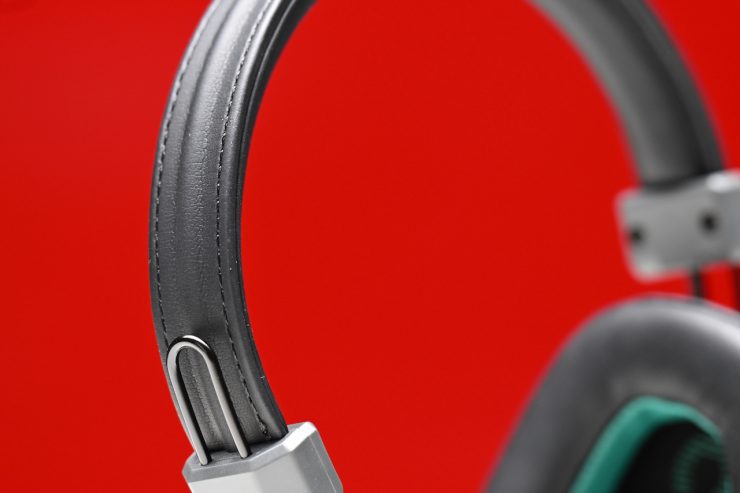
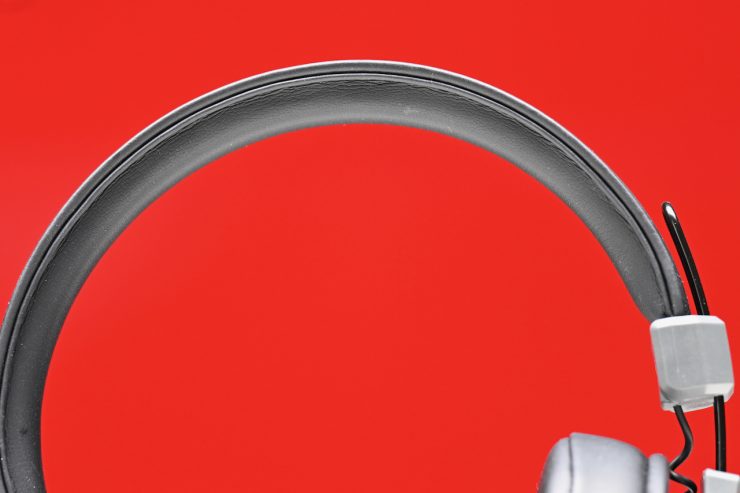
The padded headband is soft and comfortable, and thinner than the one used on its predecessor, and I think that has contributed to better comfort.
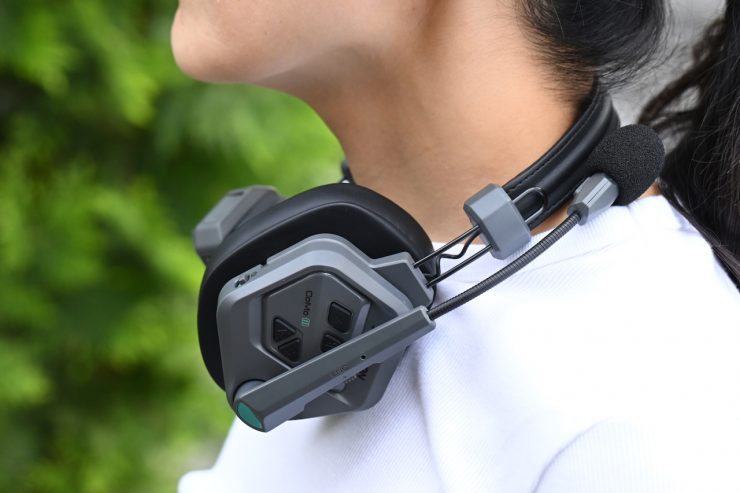
The headsets are also light enough that when you don’t need to use them, you can put them around your neck.
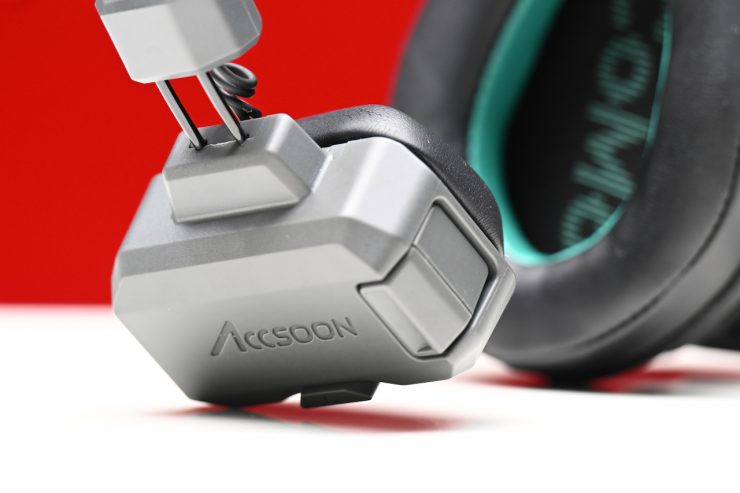
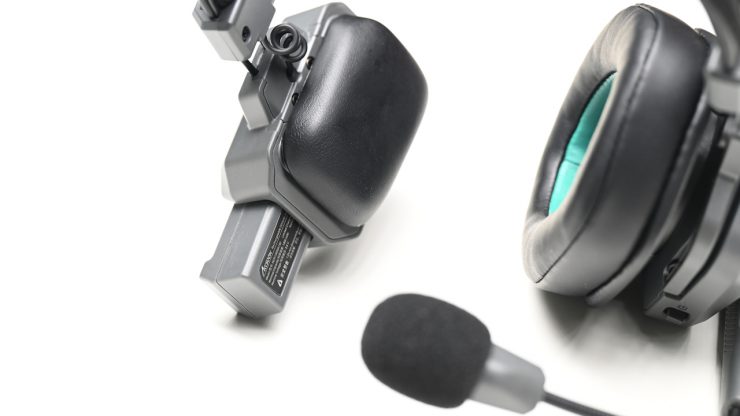
The battery slot is also located on the back of the pad, and with a battery inserted, the headset feels better balanced than its predecessor, which felt noticeably heavier on the pad side.
Operating Range
The CoMo II utilizes the less crowded 1.9GHz spectrum to avoid interference with other devices. Powered by Accsoon’s proprietary wireless stability technology, the Accsoon CoMo II is said to deliver reliable signal penetration and stable multi-user communication, even in environments with obstacles or challenging signal conditions.
Accsoon claims that the maximum operating range of the CoMo is 1312′ / 399m (line of sight). This range is a bit further than some comparable products. I will test the range further down in the review.
Battery
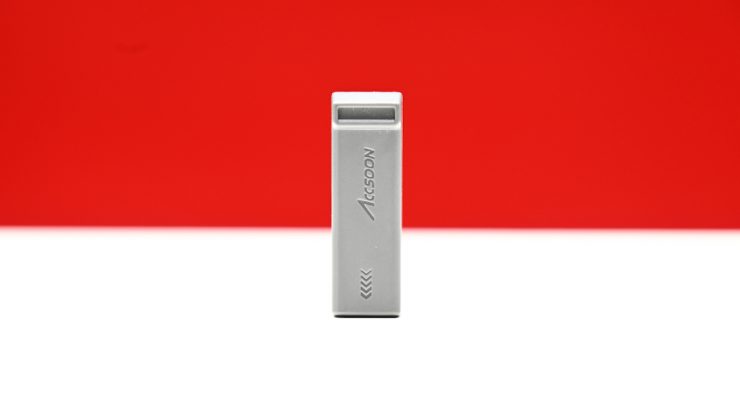
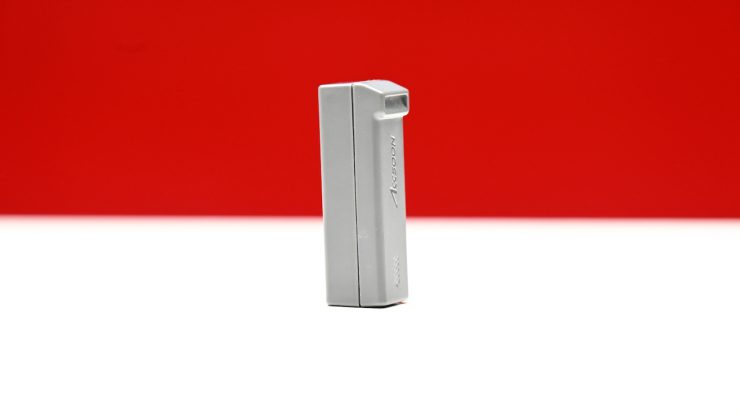
Original CoMo Batteries
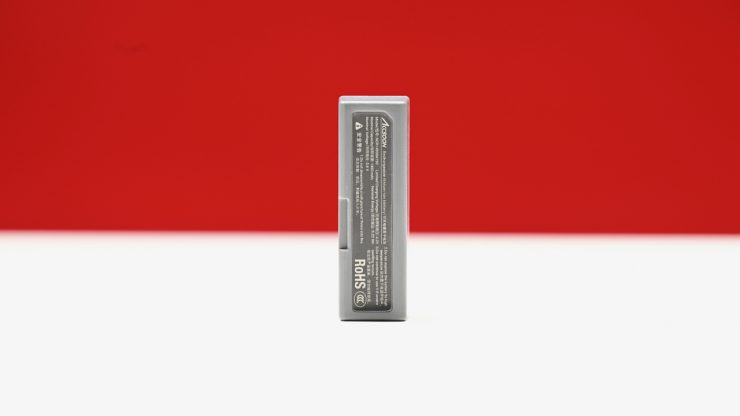
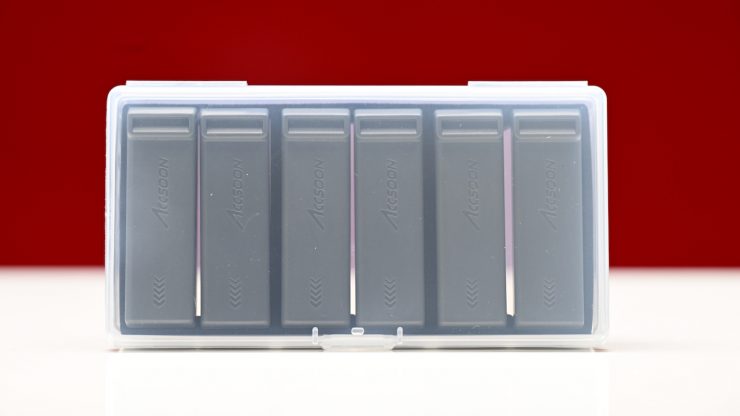
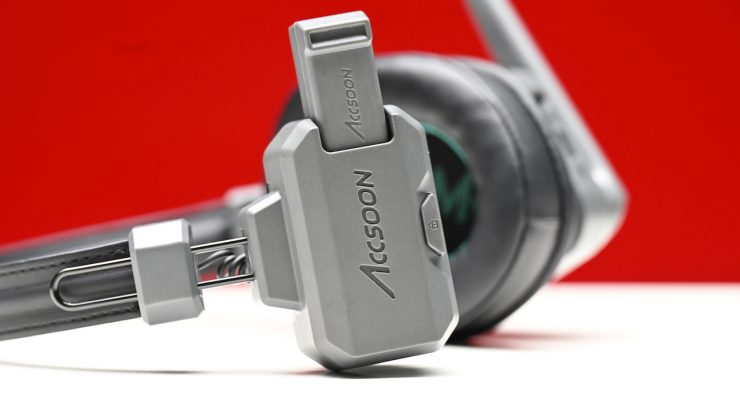
The Accsoon CoMo Wireless Intercom Headset Kit (1 Host, 2 Remotes) comes with 6 batteries. As I mentioned earlier in the review, it is nice to get spare batteries. The batteries are 1450Wh (5.22Wh), which makes them smaller and lighter than the previous CoMo batteries that were 2320mAh (8.36Wh) rechargeable Li-ion batteries.
CoMo II 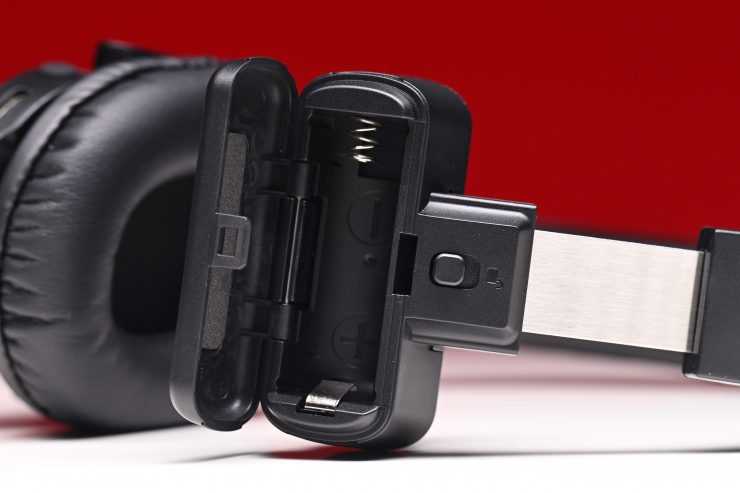
Original CoMo
The battery goes into a slot on the opposite side of the headphone. It is a different design from the original CoMo
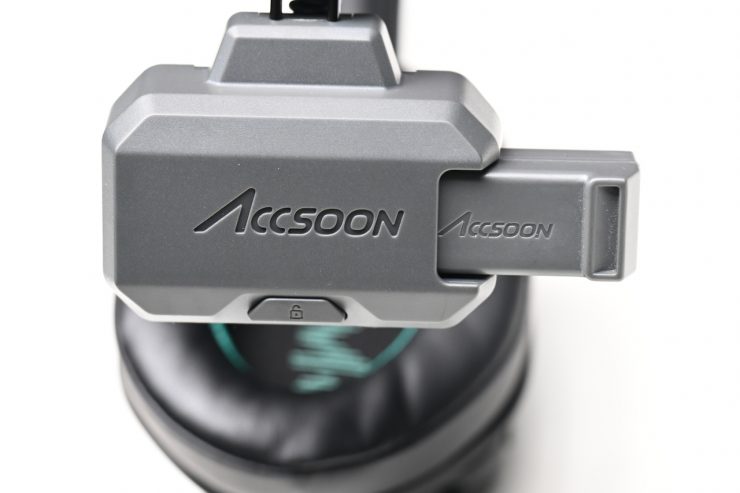
To remove the battery, there is a battery release button that you press.
The batteries need to be recharged externally via a dedicated multi-port charger, or you can charge them individually using USB-C. Each battery takes around 3 hours to fully charge. The batteries are claimed to support up to the following:
The Master headset provides up to 10 hours of operating time, while each Remote headset delivers up to 17 hours of battery life.
Como II Operating Times
- Remote headset: 17 hours
- Master headset: 10 hours (4 remotes in connection)
As a comparison, below you can see what the run times were for the original CoMo system.
CoMo Operating Times
- Remote headset: 13 hours
- Master headset: 10 hours (4 remotes in connection)
- Master headset: 8 hours (8 remotes in connection)
This is a decent amount of time, but you may need to change the batteries of the Master headset during a long shooting day.
As another comparison, the Hollyland Solidcom C1 Pro has the following operating times:
- Remote headset: 10 hours
- Master headset: 5-6 hours
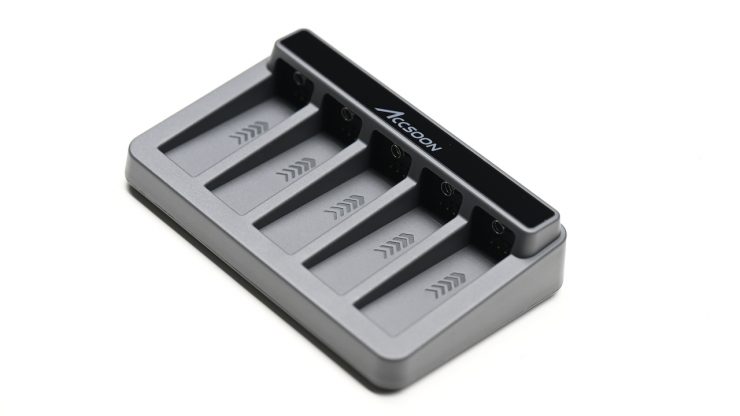
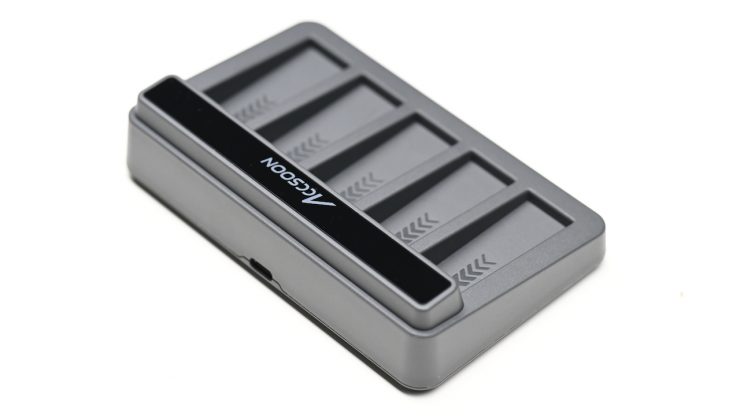
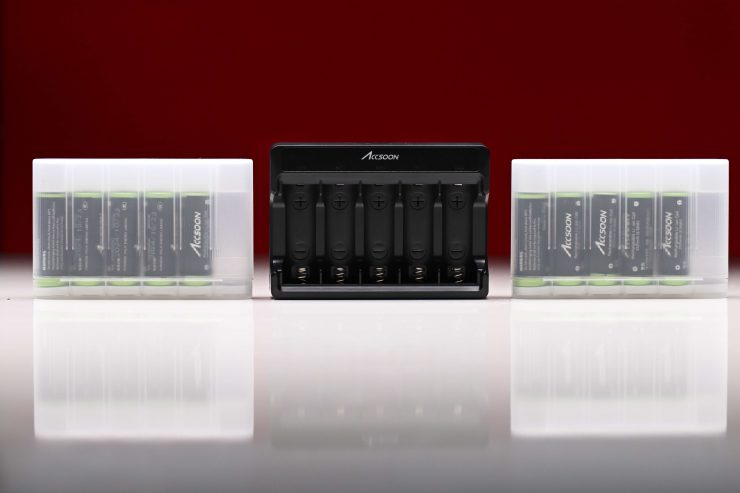
The system I was reviewing comes with a nicely made charger that can charge up to 5 batteries at once. It is a little strange to have a charger that takes 5 batteries when you get 6 in the kit.
The charger is reasonably lightweight, and it is easy to use. It is nice that it fits inside the case with everything else.
As I mentioned earlier, you can also charge the batteries inside the headsets through the USB-C port if you prefer, but I personally think using the charger makes more sense.
What controls do you have?
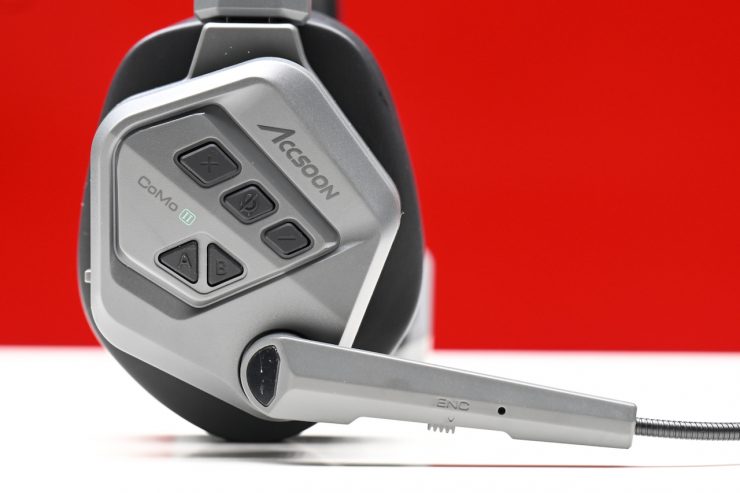
CoMo II 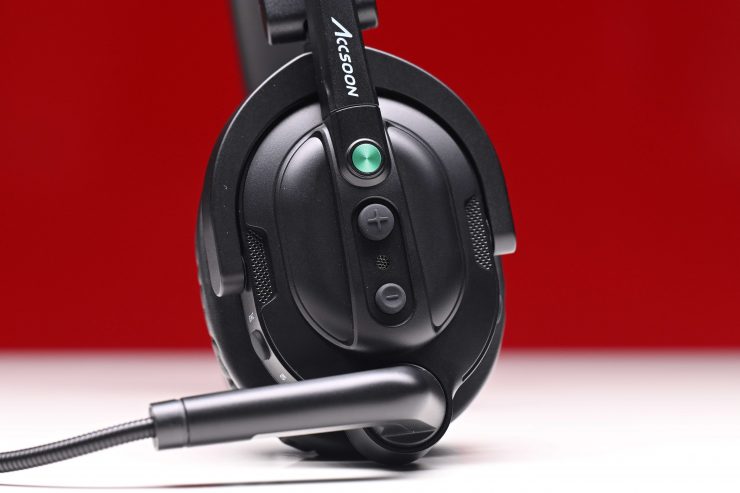
CoMo
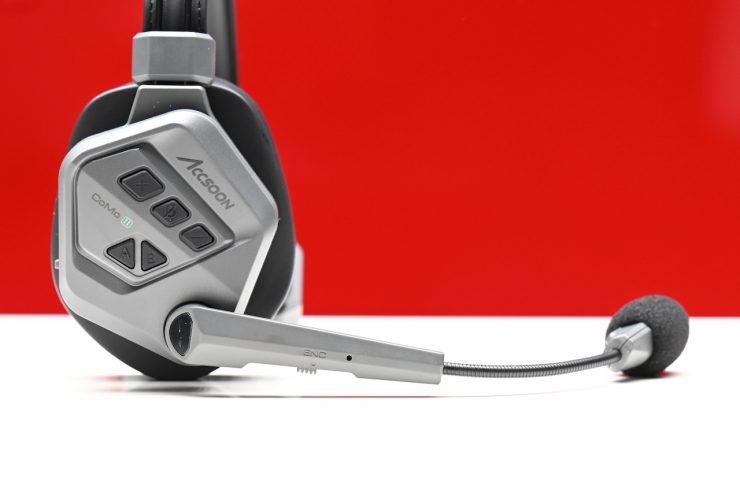
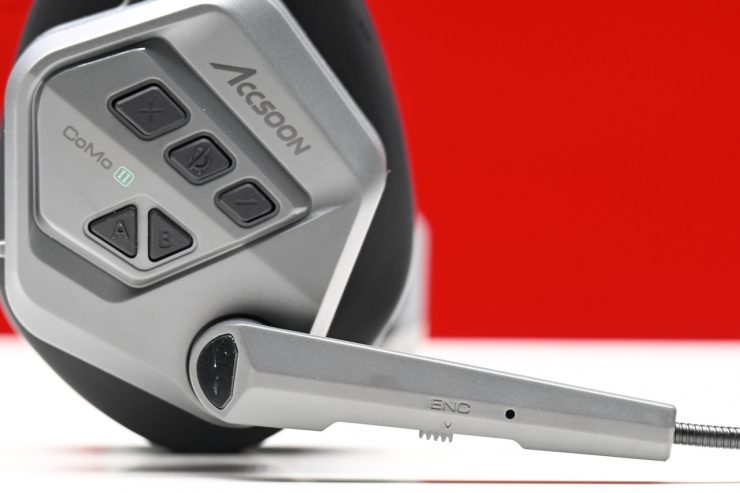
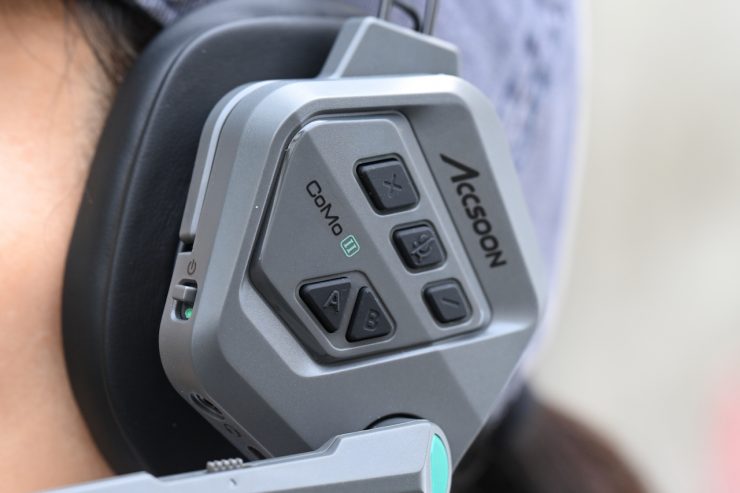
The CoMo II has more physical controls on the headset than its predecessor.
Headsets shouldn’t be complicated. When you are working, the last thing you want to be doing is messing around with controls or settings. KISS is the best philosophy here.
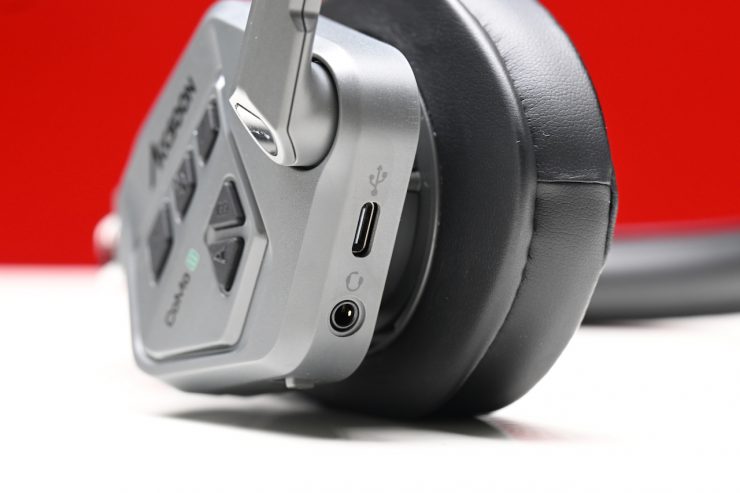
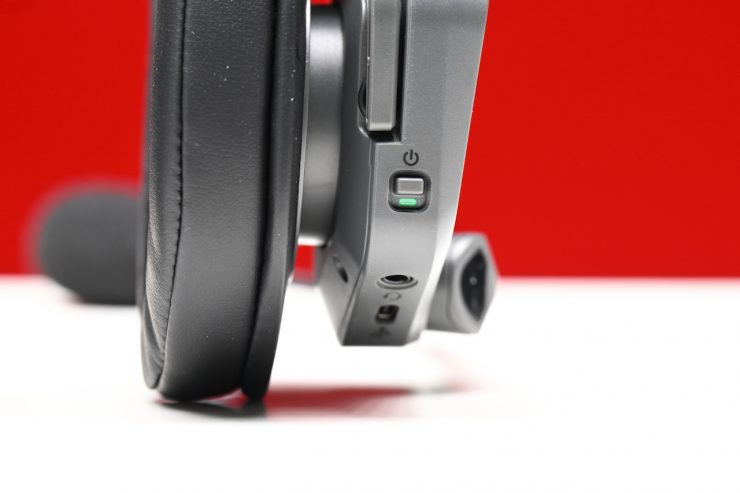
There is a small On/Off switch that is located on the edge of the main headphone, as well as a 3.5mm headphone jack and a USB-C port for charging.
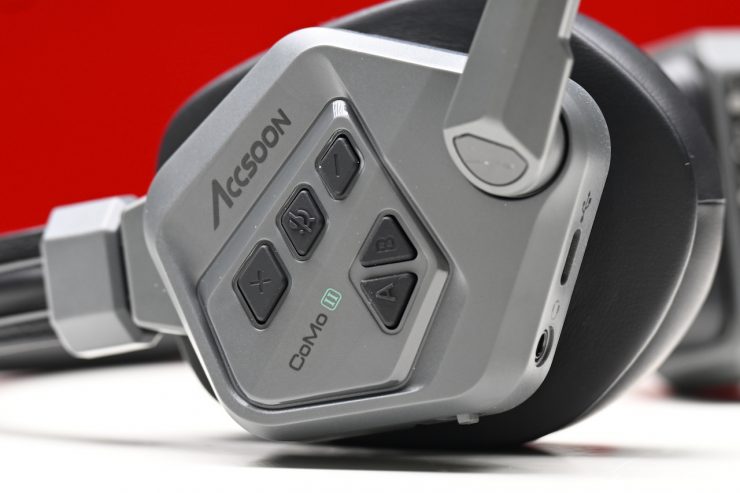
CoMo II 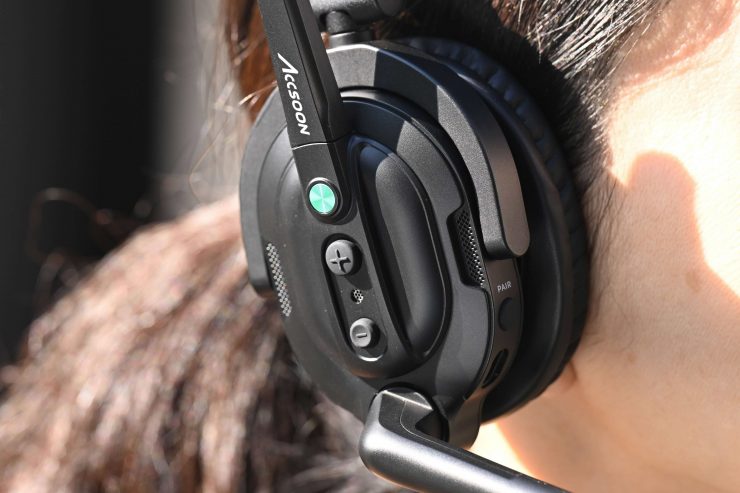
CoMo
On the side of the headset, there are five buttons. On the original CoMo, there were just two.
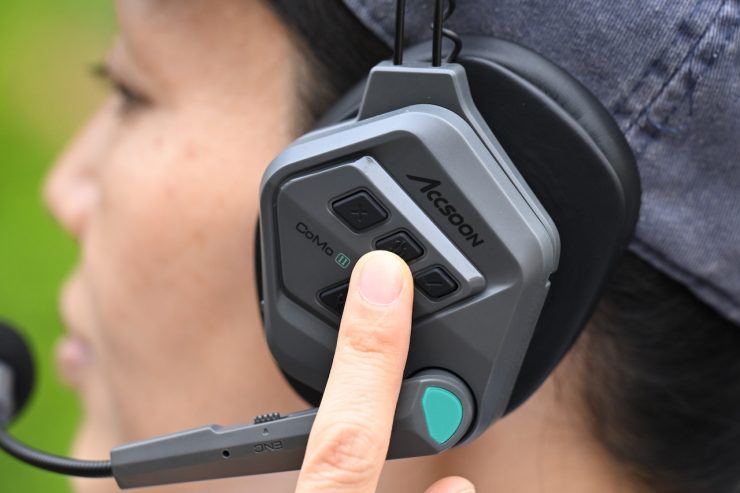
Pressing the Multi-Function Button Mute/Unmutes the microphone. If you press and hold it for 3 seconds, the headset will enter Pairing Mode. It is nice that there is now a dedicated button for muting/unmutting the microphone.
The Volume + button increases the volume. You can choose from 1-7 levels. By default, it is set to level 4.
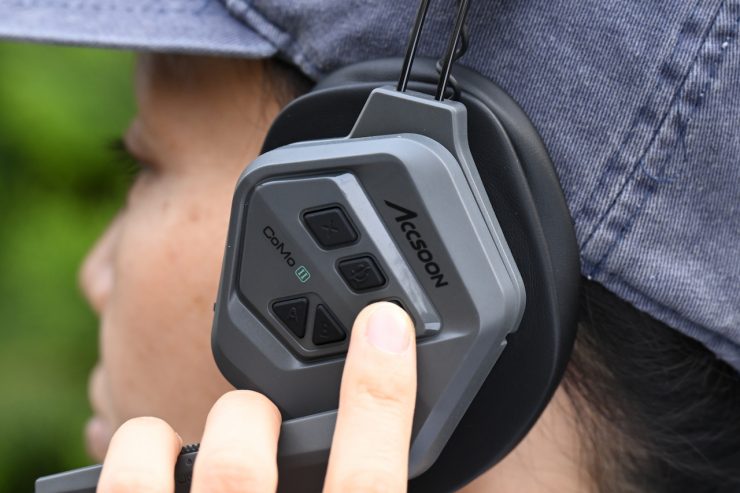
The Volume – button decreases the volume.
If you press and hold both the Volume + and Volume – buttons for 3 seconds, it will erase the pairing memory.
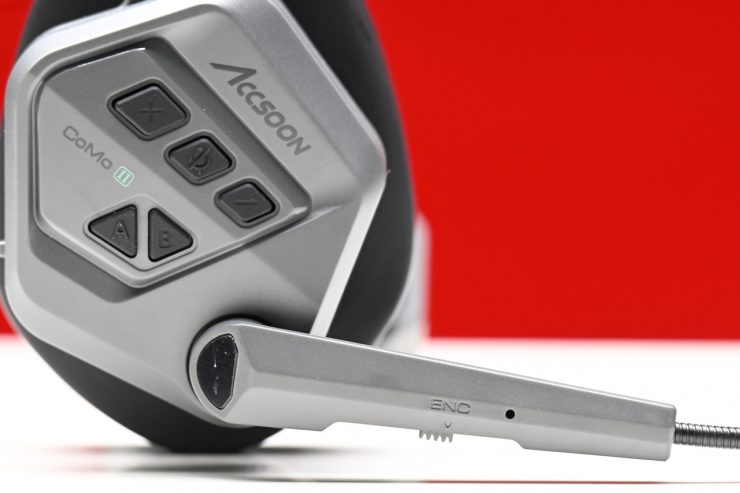
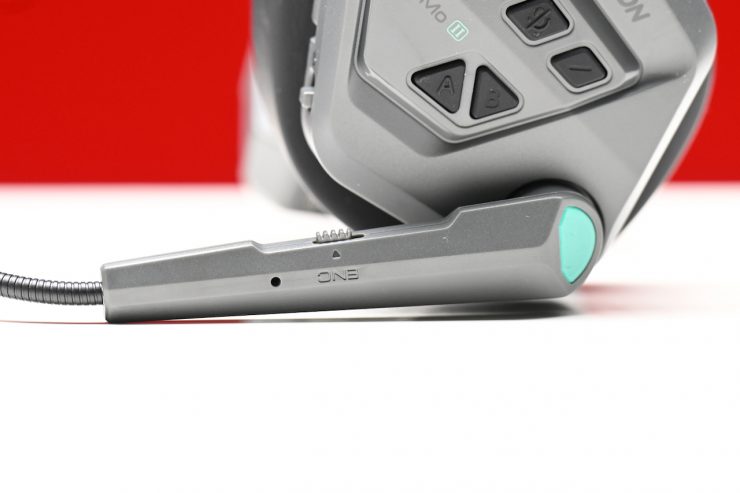
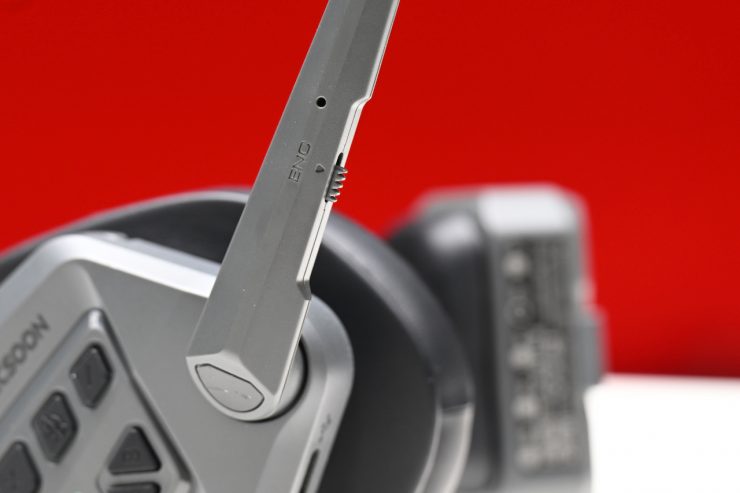
The ENC Switch enables you to turn the ENC on or off.
There are also A and B buttons.
How do they work?
The headsets automatically pair once they are on, which I like. It saves time, and there is no setup required. When the headsets are first turned on, you will hear a little audible message saying ‘Power On’. Then, if you have the Master headset and at least one other headset, you will hear ‘Connected’. You do need to use the master headset for the system to work, but you can just use 1 of the headsets; you don’t have to use all of them.
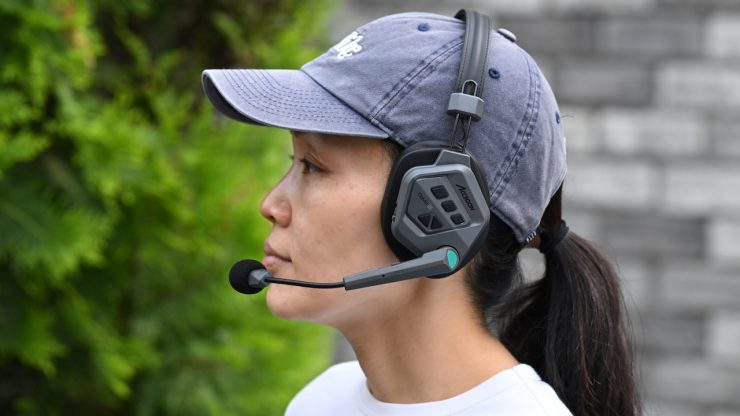
Active mic position 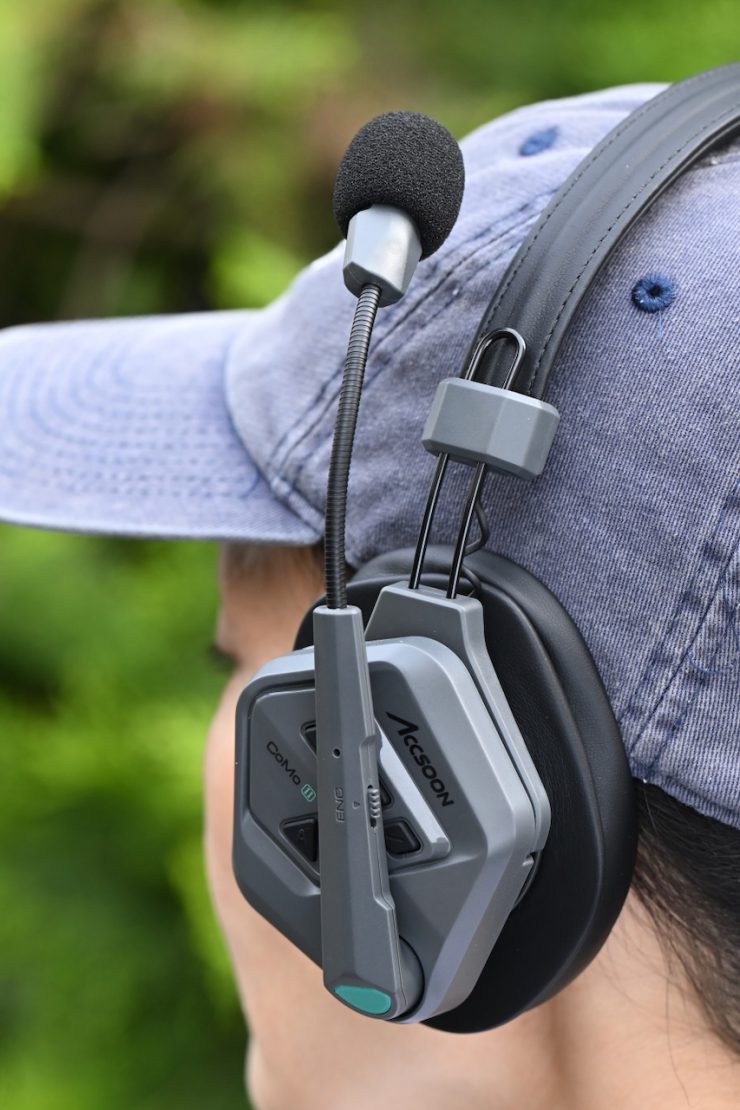
Mute mic position
As I mentioned, to mute the microphone, you pull it up past a certain point where you hear a little chime.
Above, you can see the issue I had with the original CoMo when moving the microphone up to the mute position. You couldn’t do this with one hand without the whole headset moving. The only way I found that you could do it correctly is if you cupped the headphone with your palm and adjusted the microphone position.
With the new CoMo II, you no longer have this issue.
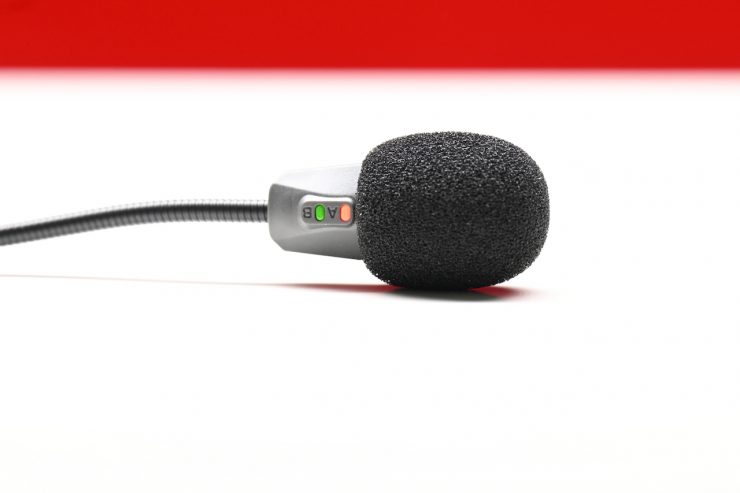
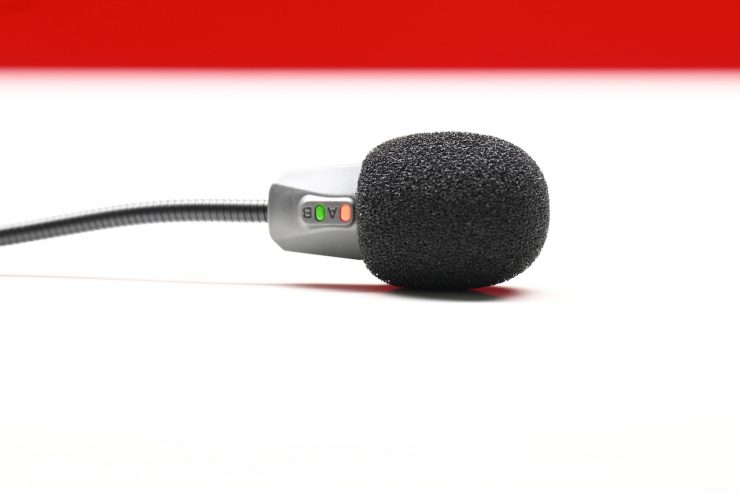
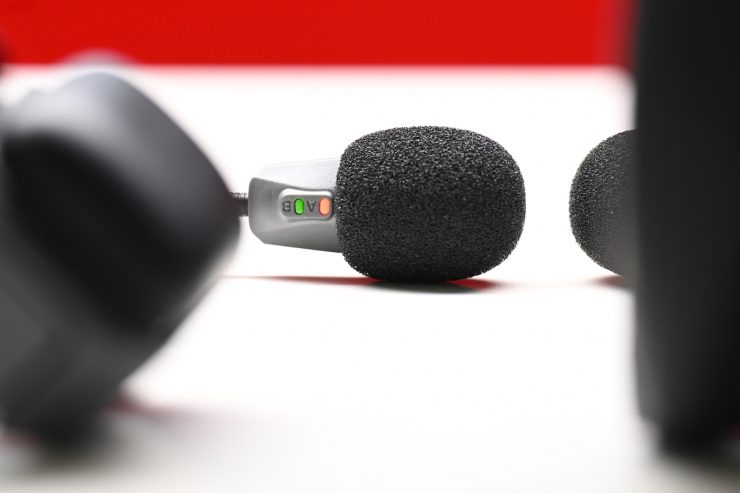
Accsoon has placed two little indicator lights down near the microphone, so you can quickly identify any issues. Here is what the indicators mean:
LED A (Red Light) / LED B (Green Light)
- SOLID RED– Connected
- BOTH RED & GREEN FLASHING RAPIDLY– Ready to pair
- RED & GREEN FLASHING SLOWLY IN ALTERNATION– Pairing
- RED & GREEN FLASHING RAPIDLY IN ALTERNATION– Low Battery Warning
- RED FLASHING RAPIDLY & GREEN FLASHING SLOWLY– Pairing reset takes approx. 10 seconds on the host headset
There are also the following audible messages that can be heard:
- A chime sound when the volume is adjusted
- A chime sound when the Mic is muted or unmuted
- Audible ‘Power On’ when the microphone is turned On or Off
- Audible ‘Connected’ when the headphones are connected
- Audible ‘Disconnected’ when the headsets aren’t connected
- Audible ‘Noise Cancellation On or Noise Cancellation Off’ when ENC is turned On or Off
- Audible ‘Pairing’ when headsets are pairing
- Audible ‘Exit’ when pairing mode is off
- Audible ‘Erasing Completed’ when Pairing Reset is completed
- Audible Beep when Volume is adjusted
- Audible Beep when Volume Minimum or Maximum is reached
- Audible Toot when the Mic boom is raised or lowered
3.5mm CTIA Headset Jack
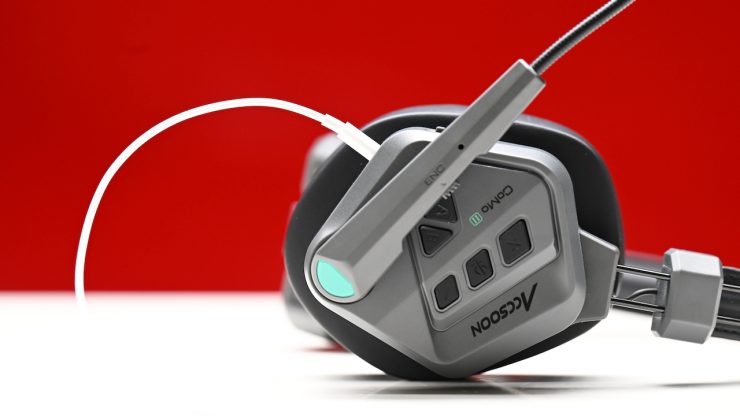
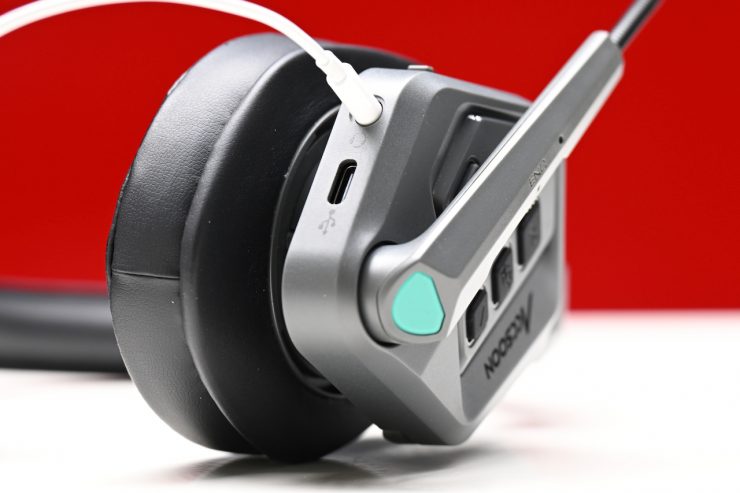
New to the CoMo II is the ability to connect up your own 3.5mm headset. What you need to remember is that if you do this, the CoMo II headset’s speaker and microphone will become muted.
So why would you want to do this? Well, Accsoon states that if you are in noisy environments or situations where it is hard to hear, users can still listen to communication instructions. While this is nice to have, it would have made more sense to have a system where the microphone could still be used on the CoMo II at the same time.
Audio quality
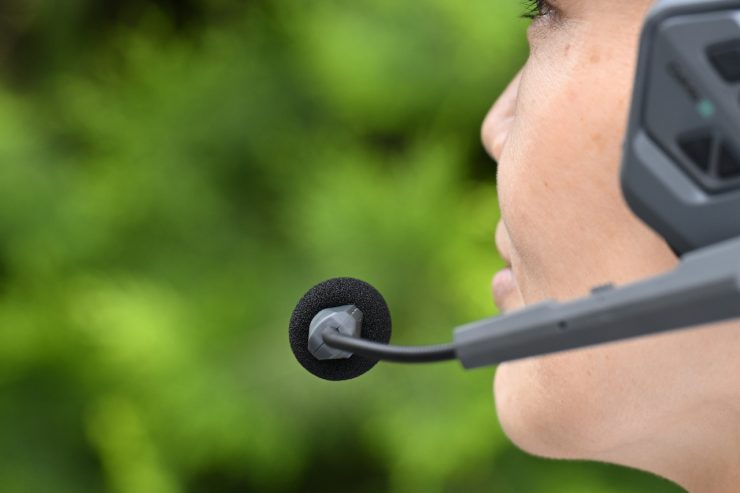
Along with comfort, audio quality is very important with any type of duplex wireless system. You need to be able to hear and communicate with your team effectively. If the audio quality isn’t good, then the system becomes useless. I found the quality of the CoMo II to be fairly similar to that of the previous CoMo system. Just like with its predecessor, I actually preferred having the ENC (electronic noise cancellation) off, as the audio sounds a little muffled with it on. The sound in general is not quite as good as that of the competing Hollyland Solidcom C1 Pro. However, in saying that, the audio quality of all of the duplex wireless systems I have tested is fairly similar in real-world conditions.
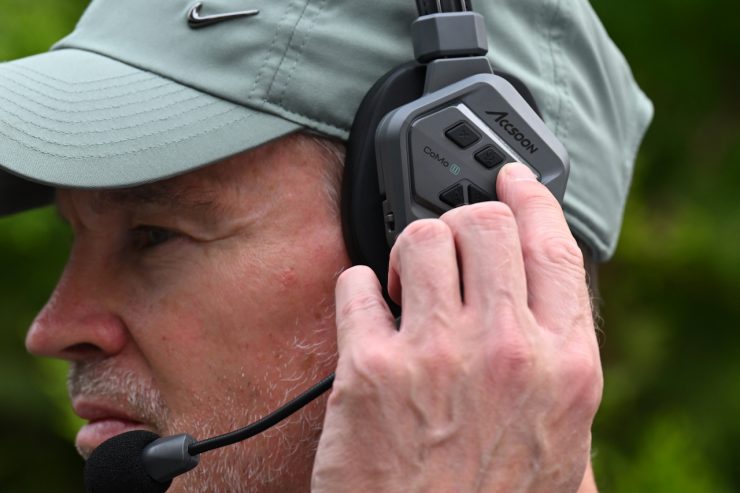
2.4Ghz systems tend to have quite bad latency compared to 1.9Ghz systems. Despite being a 1.9Ghz system, the CoMo II still has some latency. I found that if you have the headsets too close to each other, you will end up hearing yourself back, which is something you need to be aware of. This is something that you don’t get with the competing Hollyland Solidcom C1 Pro.
The volume can be made reasonably loud. While you can still hear someone in normal environments, if you try to use them in a very noisy environment like a concert, you could struggle. That said, that is going to be the case for just about any duplex system that only features a single headphone.
My advice is that if you were going to use a system like this in a noisy environment, I would put an earplug into the ear that doesn’t have the headphone.
Dual-microphone ENC (Environmental Noise Cancellation) together with AI-powered noise reduction
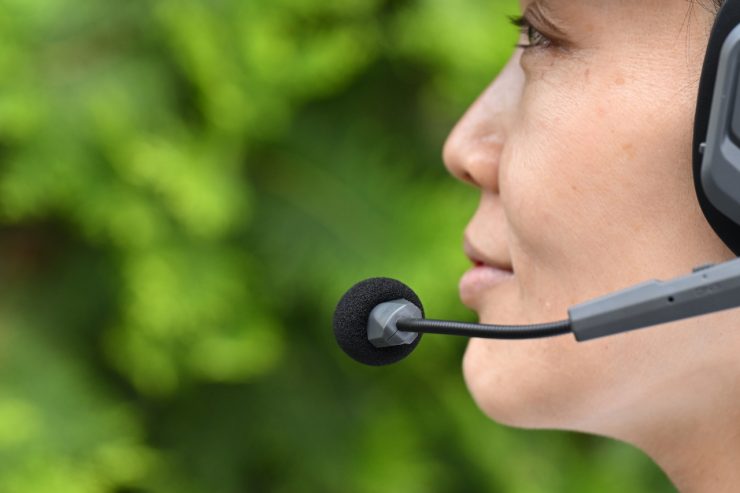
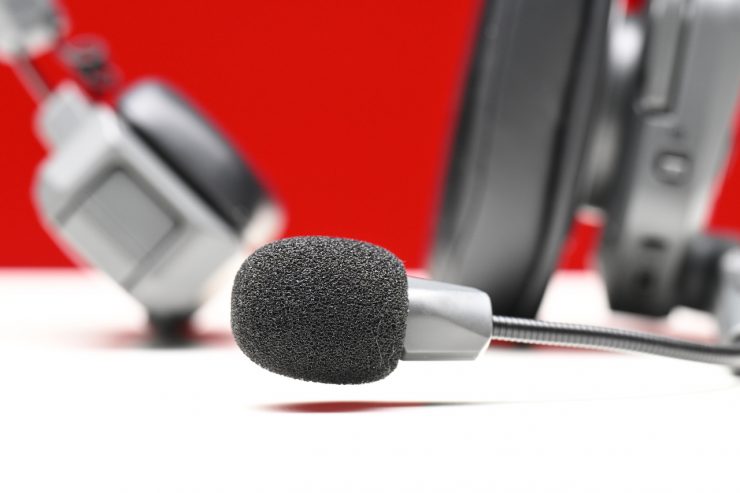
The Accsoon CoMo II incorporates dual-microphone ENC (Environmental Noise Cancellation) together with AI-powered noise reduction, which is claimed to help isolate speech from heavy background noise commonly encountered on set.

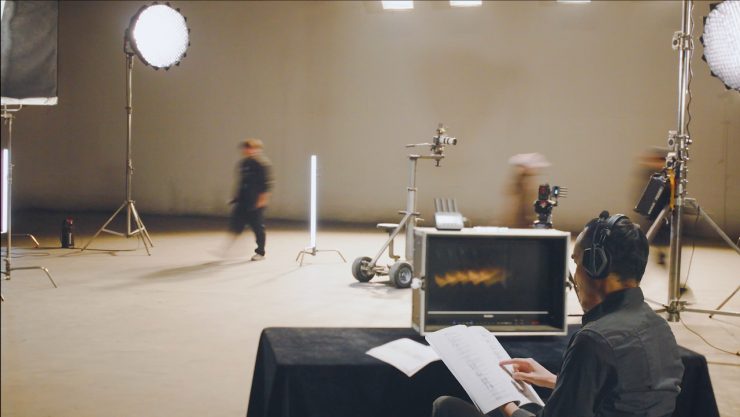
Using an adaptive AI system, the intercom is claimed to continuously learn from real-world environments and then suppress unwanted noise while preserving voice clarity. This enables production teams to maintain clear communication even in noisy environments. As I previously mentioned, I actually preferred to have the noise-cancelling turned off.
The Accsoon CoMo II features a 150Hz–7kHz frequency response.
The system supports full-duplex communication, allowing all connected users to speak and listen simultaneously without push-to-talk operation.

A single Master headset acts as the communication hub, connecting directly with up to 8 Remote headsets, supporting teams of varying sizes:
- 1 Master + 2 Remote – 3 users
- 1 Master + 4 Remote – 5 users
- 1 Master + 6 Remote – 7 users
- 1 Master + 8 Remote – 9 users
This versatile configuration allows the system to scale depending on crew size and production requirements.
Real World Use
A product such as a duplex wireless headset can meet all of the requirements on paper, but if it doesn’t work well out in the field on location, then no one is going to want to use it.
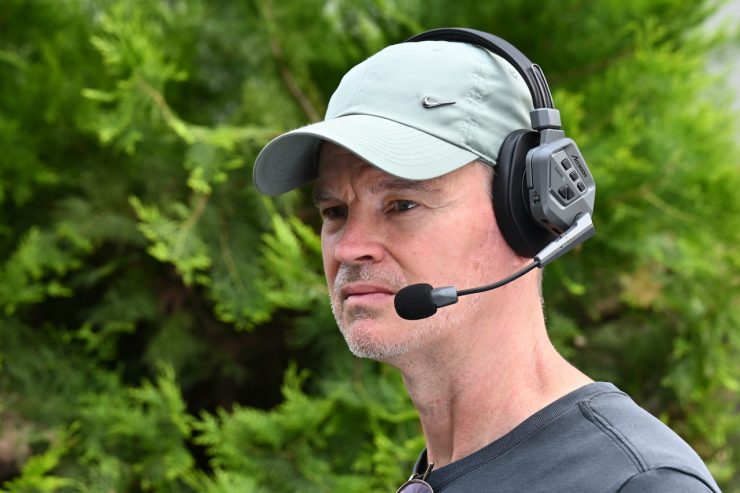
For me, along with comfort and audio quality, usability is a big factor. Everyone on your crew who has a headset needs to be able to use it easily without it getting in the way of what they are doing. The last thing I want on set is a crew member complaining that they can’t get their headset to work. Everything needs to be simple to use as well as reliable, and most importantly, comfortable to wear for long periods of time.
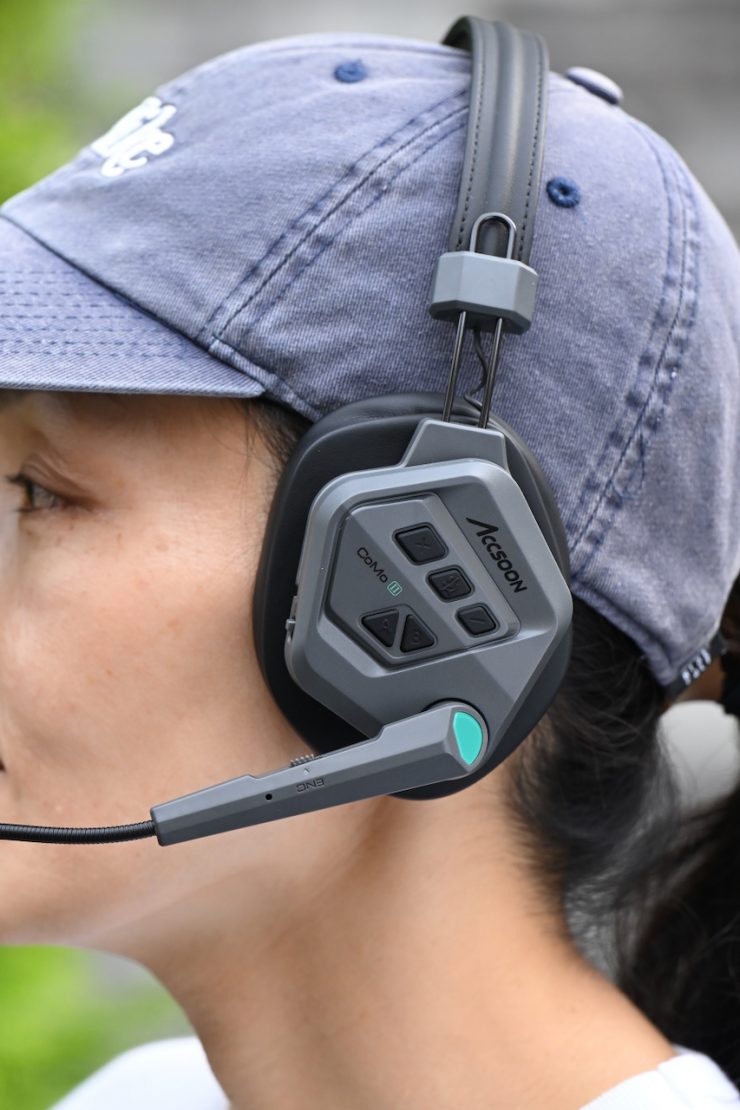
The easiest way to actually test out headsets is to get feedback from a crew after they have used them, so that is exactly what I did. I used the system on a couple of shoots, and everyone in the crew was reasonably happy with how they performed. They also found them to be very comfortable, which is important.
The signal works over quite large distances when you have line of sight, but it will struggle if there are buildings or other man-made structures between the headsets. If the signal does drop out, then it will re-establish automatically as soon as it comes back into range. However, the issue I had was that when I was testing the system, sometimes when the signal dropped out, I had to come right back to within about 10-15m of the master and another headset for it to connect back up.
In a very congested and busy RF environment in the middle of Tokyo, I found that I was able to get around 1476′ / 450m before I started having issues with the signal. This was a little bit more than the max claimed range of 11312′ / 399m. What you need to be mindful of is that distance is usually only going to be achievable in open areas without a lot of RF interference. I found the operating distance to be comparable to the more expensive CoMo 1.9Ghz versions, but it was more prone to the occasional bit of interference.
I also found that if I went around a corner with a large building in the way, I could walk for about 15m / 49.21′ before I lost the signal. You really needed to be in line of sight over distances larger than about 50-75m for the system to work well.
As a comparison, when I tested the Hollyland Solidcom C1 Pro, it had a range of 1148′ / 350m before I started having issues with the signal.
The overall quality of the audio and what you can hear is ok, but I still feel like it could be better. I personally don’t like ENC functions, as I feel like they just manipulate the audio in a way that doesn’t sound natural. The audio feedback you get when headsets are too close together is annoying and something you don’t get with the competing Hollyland Solidcom C1 Pro.
The headsets did work as advertised, and they are trouble-free to use; they are plug-and-play and require no setup.
Pricing & Availability
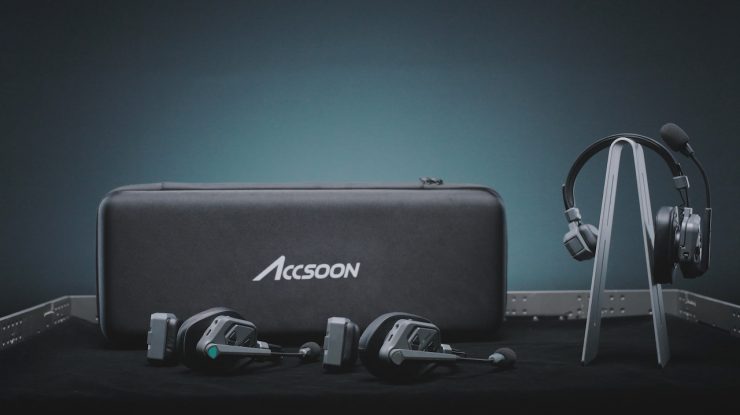
The Accsoon CoMo II is now available to purchase, and pricing starts at $269 USD per headset (host or remote).
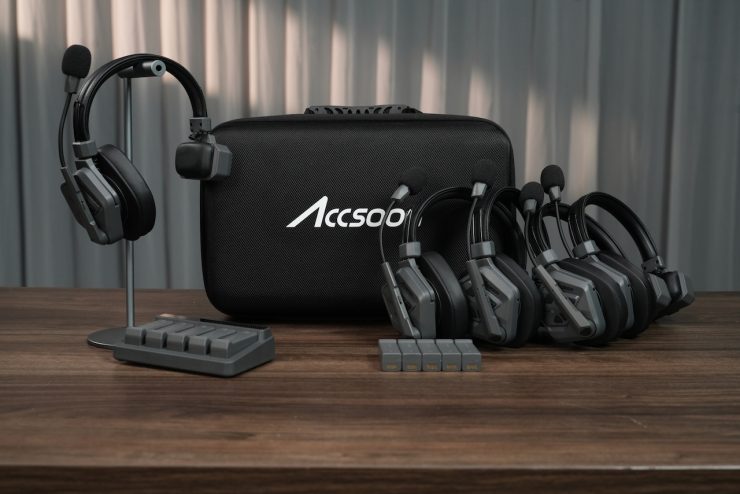
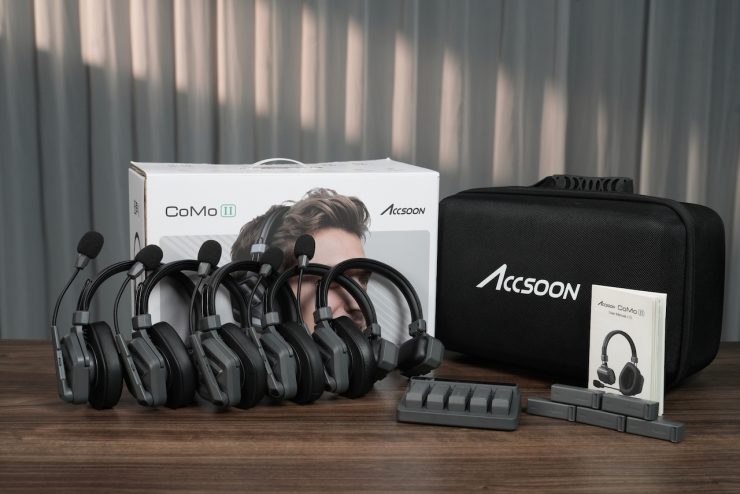
Below are the various sets available:
- 1 headset + 2 remotes – $799 USD
- 1 headset + 4 remotes – $1,299 USD
- 1 headset + 6 remotes – $1,799 USD
- 1 headset + 8 remotes – $2,299 USD
Other Options
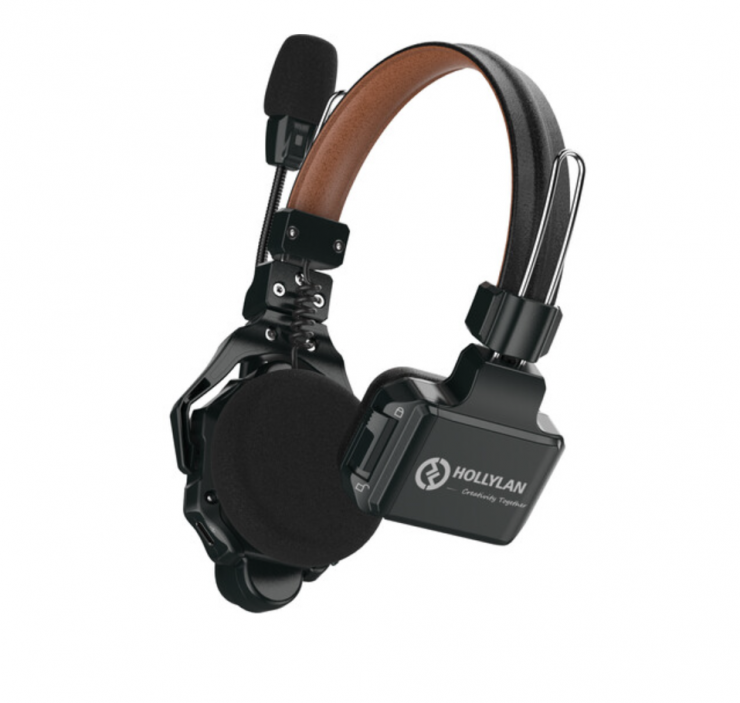
There is a vast array of options at varying price points. Direct competition comes in the form of the Hollyland Solidcom C1 Pro-4S Full-Duplex ENC Wireless Intercom System with 4 Headsets (1.9 GHz), and Saramonic WiTalk9X-5S 5-Person Modular 1.9 GHz Wireless Single-Ear Headset Intercom System. Other systems, such as the Saramonic WiTalk-WT4S 4-Person Full-Duplex Wireless Intercom System with Single-Ear Headsets (1.9 GHz), CAME-TV WAERO Duplex Digital Wireless Foldable Headset with Hardcase 4 Pack, Vaxis Litecomm V1 4S Full-Duplex Wireless Intercom System with Four Headsets (1.9 GHz), could also be considered competition.
Below are some of the options:
- Hollyland Solidcom C1 Pro-4S Full-Duplex ENC Wireless Intercom System with 4 Headsets (1.9 GHz) $1,299 USD
- Hollyland Solidcom SE Global 5S 5-Person Full-Duplex Single-Ear Noise-Canceling Headset Intercom System (2.4 GHz) $579 USD
- Saramonic WiTalk9X-5S 5-Person Modular 1.9 GHz Wireless Single-Ear Headset Intercom System $900 USD
- Saramonic WiTalk-WT4S 4-Person Full-Duplex Wireless Intercom System with Single-Ear Headsets (1.9 GHz) $489 USD
- Hollyland Solidcom C1 Pro-6S Full-Duplex ENC Wireless Intercom System with 6 Headsets $1,949 USD
- Hollyland Solidcom C1 Pro-4S Full-Duplex Wireless Intercom System with 4 Headsets (1.9 GHz) $1,299 USD
- Hollyland Solidcom C1-4S Full-Duplex Wireless DECT Intercom System with 4 Headsets $999 USD
- Hollyland Solidcom C1-6S Full-Duplex Wireless DECT Intercom System with 6 Headsets $1,479 USD
- Eartec UltraLITE 4-Person Full-Duplex Wireless Intercom with 4 Single-Ear Headsets $735 USD
- Eartec UL541 5-Person Full-Duplex Wireless Intercom with 4 UltraLITE Single-Ear & 1 UltraLITE Dual-Ear Headsets ($940 USD)
- CAME-TV WAERO Duplex Digital Wireless Foldable Headset with Hardcase 4 Pack $535 USD
- Vaxis Litecomm V1 4S Full-Duplex Wireless Intercom System with Four Headsets (1.9 GHz) $1,299 USD
Conclusion
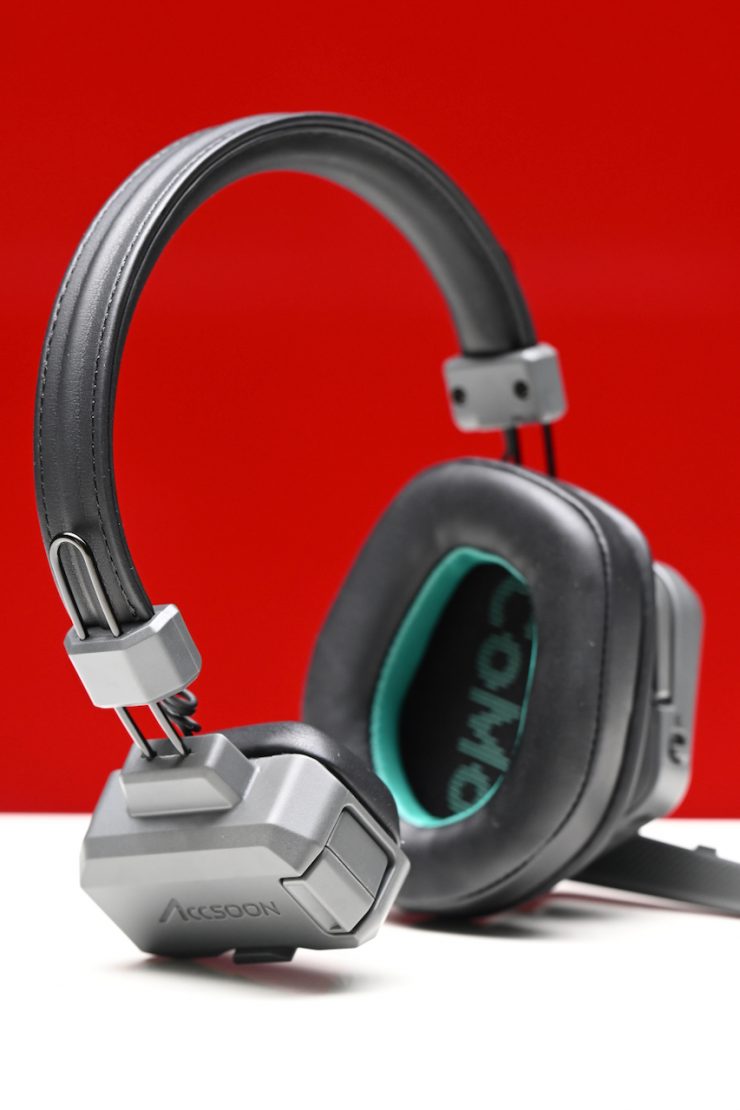
The Accsoon CoMo II is a good option if you are looking for a set of duplex headsets that operate on the 1.9Ghz spectrum. They are very comfortable, well-made, and easy to set up. It is good to see Accsoon make improvements that have led to a much better product.
The audio quality is ok, but I still feel like it could be better. The delay when having headphones operating too close together is annoying. The range was better than advertised. I think for most people looking at this system, they will be happy enough with the performance. The operating range was better than the competing Hollyland Solidcom C1 Pro, as well as a longer runtime on a single battery and better scalability without needing to purchase a hub.
The Accsoon is competitively priced against its direct competition. My job as a reviewer is to give you a completely honest assessment of a product, and that is why it is important to compare it to other competing products when you can.
As I previously mentioned, Accsoon has listened to feedback that they got from the original CoMo and made improvements to fix some of the niggling issues those systems had. The result is a lot more balanced and professional product, but there is still room for improvement on the audio side.