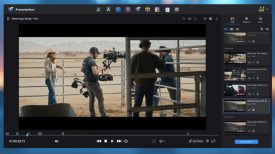
B-Roll Fade & Finish PRO is a DaVinci Resolve toolset specifically designed to solve one of the most tedious bottlenecks in long-form educational/explainer video post-production: the manual cropping, styling, and animating of overlaid B-roll. B-Roll Fade & Finish PRO is the brainchild of one of our readers, Alejandro Urman.
As an independent creator, Alejandro originally built the B-Roll Fade & Finish PRO System out of necessity to survive his own heavy editing workload. When dealing with hundreds of B-roll clips, the native multi-step process in Resolve can become a massive time-sink. Alejandro’s system turns this into a fast, intuitive, keyframe-free workflow.
After seeing how much time it saved him, he wanted to get this into the hands of the wider Resolve community to help other editors and creators reclaim hours of their editing time. He has also created a free version of the tool, so anyone can experience the core workflow benefits.
Key Features of the B-Roll Fade & Finish PRO System
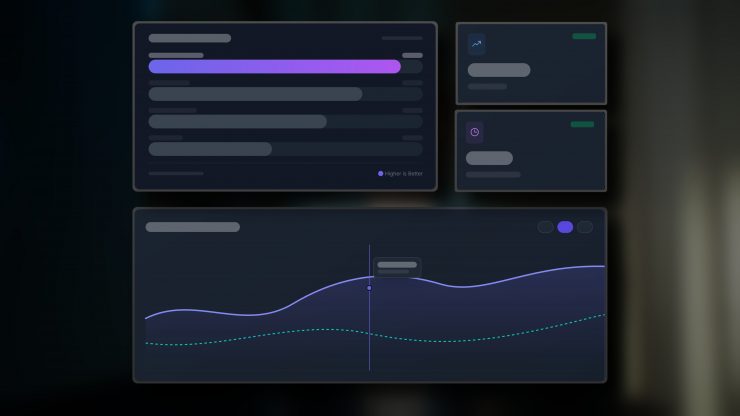
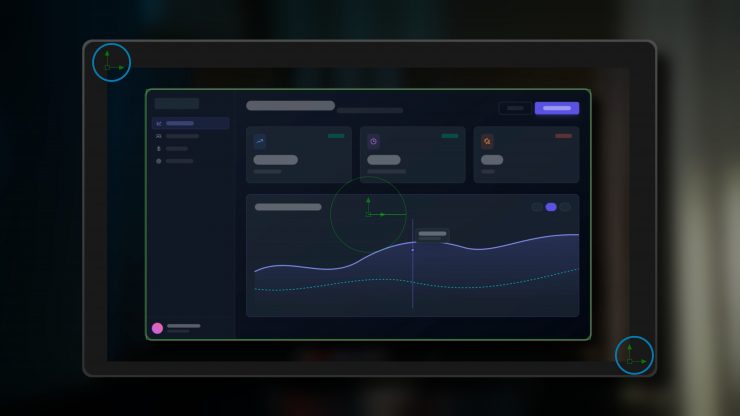
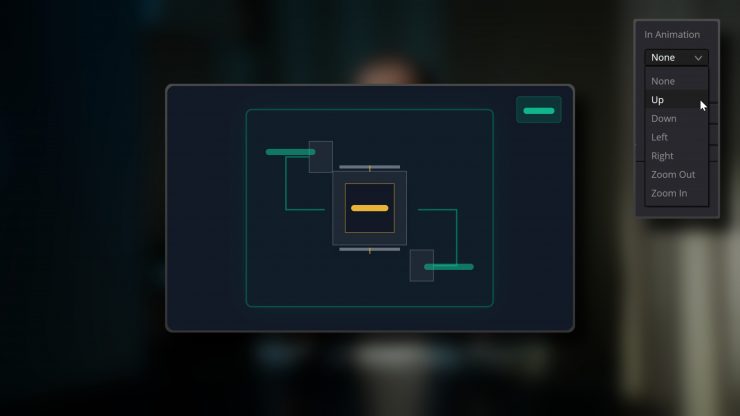
- New Crop System– Features a faster, simpler two-point diagonal method that integrates with DaVinci Resolve’s snap guides.
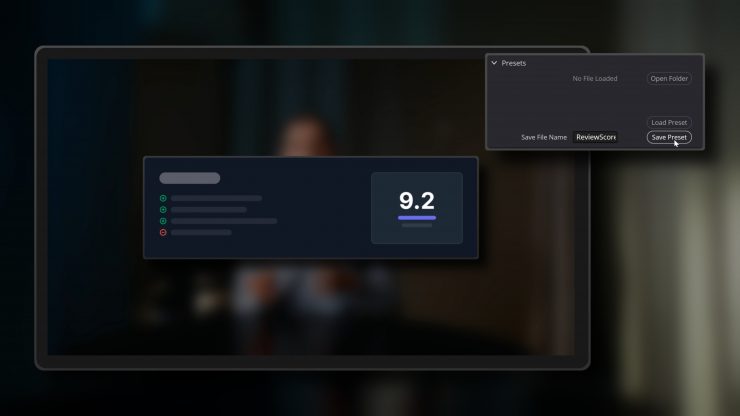
- Preset System– Allows users to save and recall specific border, animation, and crop settings, and includes a Bulk Preset Manager bonus for updating settings across multiple presets at once.
- Advanced Animation– Offers customizable entrance and exit animations (directional, zoom) with motion blur without needing manual keyframes.
- UI Improvements– A cleaner interface with drop-down sections and individual reset buttons for different effects.
- Grid Overlay– Built-in grid lines to help with precise positioning and composition.
- A-Roll Blur & Dim PRO Tool– The system also includes an accompanying tool designed to subtly fade-in a blur and dim effect to the underlying A-roll footage, further directing the viewer’s focus to the overlaid b-roll.
- Exclusive Bulk Preset Manager– A powerful web-based utility allowing users to upload entire libraries of presets and update values, such as swapping a brand color, across the entire batch simultaneously.
Pricing & Availability
The B-Roll Fade & Finish PRO System is available now for DaVinci Resolve on both Windows and Mac. In a shift away from industry subscription trends, the system is a one-time purchase of $59 USD, granting users lifetime access for personal and commercial projects, including free updates for Version 1.x.
A limited-feature free version of the tools is also available for editors looking to experience the core workflow benefits firsthand.
Free Version vs Pro Version
The PRO Advantage: Speed, Precision, and Ease
The PRO version is built for editors who value every second.
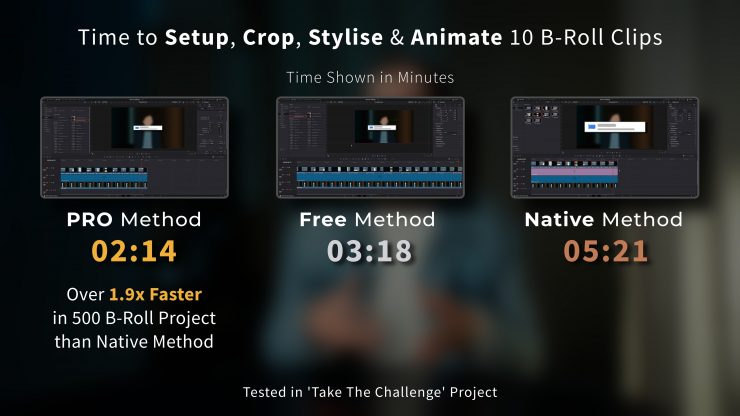
The Point Crop System replaces the original frame crop system with a faster, more intuitive workflow, while the Fast & Highly Editable Preset System ensures you can efficiently save and load your custom crops & looks. These tools, combined with an advanced animation system, provide a massive incremental leap in speed.
The Free Version: The Essentials
Alejandro released the free version to give back to the community. He wanted to share a tool that had truly helped me, so that others could also get some time back in their day. And it remains a high-quality, robust improvement over the native DaVinci Resolve method, offering an essential frame-based crop system and styling that will absolutely get the job done for most projects. It even benefits from the same underlying code optimizations as the PRO version to ensure stability and performance.
If you’re on the fence, Alejandro encourages you to try the Free version first. See how it fits into your workflow. If you find yourself using it on project after project and are ready for a huge incremental leap in speed over what it already offers and a whole new range of premium features, then you’ll know it’s time to move up to the PRO version