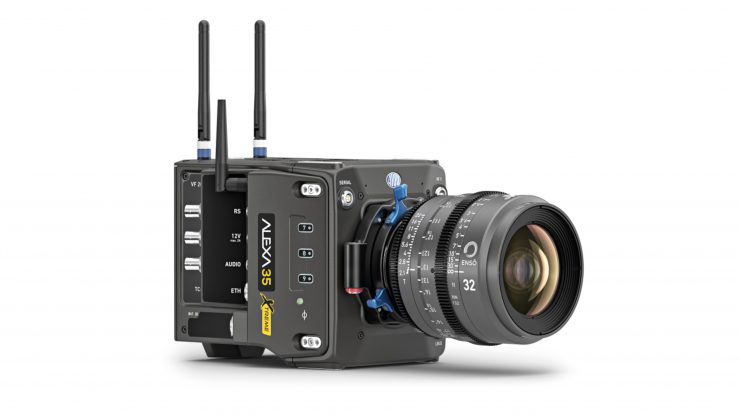
ARRI has released Software Update Package SUP 6.2.0 for the ALEXA 35, ALEXA 35 Xtreme, ALEXA 35 Live, ALEXA 35 Live Xtreme, and ALEXA 265. The main features of this release are the introduction of full Focusbug Cine RT integration through the camera’s SERIAL port, new focus marker capabilities with the Hi-5 hand unit, as well as depth-of-field ramping for live productions.
What’s new in SUP 6.2.0?
- The camera now supports shared focus marks with the Hi-5 hand unit, which can be set directly on the camera.
- The new SUP allows full bi-directional communication between the camera or Hi-5 and the Focus Bug Cine RT system through the camera’s SERIAL port.
- Smooth depth-of-field transitions during live productions are now possible by automatically compensating exposure as the iris is adjusted.
Shared Focus Marks & Overlay
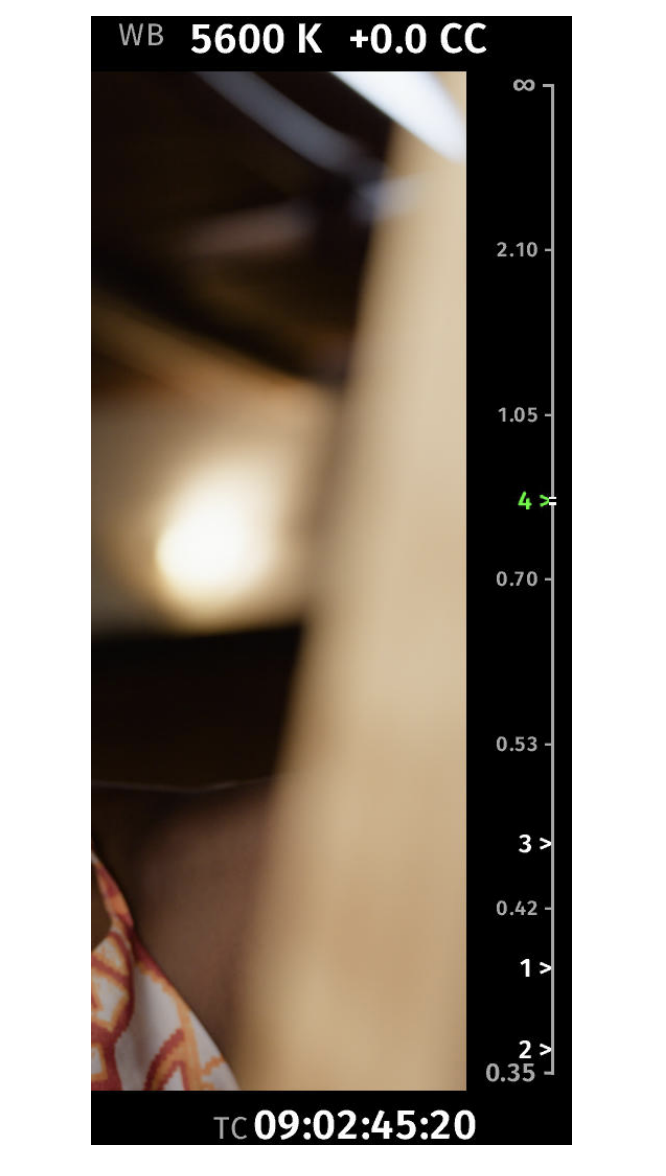
The camera now supports shared focus marks between the camera and the Hi-5 hand unit. You can set focus marks directly on the camera with a programmable user button or through a connected Hi-5 hand unit. Marks created on either side are automatically synchronized, providing a shared set of focus references throughout the entire ecosystem.
Focus marks can be shown in the EVF and in the SDI status overlays, allowing camera operators and focus pullers to see the focus references right next to the live camera image.
In addition to the saved focus marks, the status overlay can show live distance measurements from rangefinders such as the Focusbug Cine RT. This provides focus assistants with both static focus references and measured distance values in a single overlay.
Full Focusbug Cine RT Integration
SUP 6.2.0 adds support for full bi-directional communication between the camera / Hi-5 and the Focus Bug Cine RT system through the camera’s SERIAL port. All Focusbug Cine RT functionality supported by the Focusbug
License for Hi-5 and Hi-5 SX is finally available without requiring a RIA-1 or LCUBE CUB-1.
Depth of Field Ramping for Live Productions
This feature activates smooth depth-of-field transitions during live productions by automatically compensating exposure as the iris is adjusted. This allows operators to creatively shift or enhance viewer attention between foreground and background while maintaining a consistent image brightness.
Fixes & Improvements
Multicam Look Naming
Multicam SDR and HDR Looks are now prefixed with „SDR“ or „HDR“ in their names, making them easier to distinguish on external control panels with limited character displays.
SDI Play Mode for HFR Playback
Added a new setting that allows users to choose whether clips recorded in HFR mode are played back at project rate for slow-motion review or at their recorded frame rate.