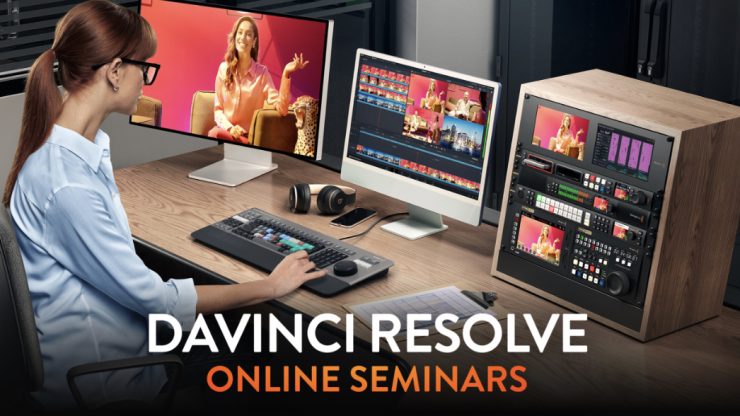
Blackmagic Design is hosting a series of free online seminars for DaVinci Resolve 21. The latest release of Resolve includes the new Photo page, over 100 new motion graphic effects, and 50 new features. New AI tools include IntelliSearch for fast content searching and CineFocus for focal point adjustment.
Below is a list of the seminars, dates, and times. When you click on the links to register, they will show you the local times based on where you are.
DaVinci Resolve for New Users (Friday 18th September 14:00 (BST)
This introductory seminar will help you get started with the world’s most powerful post-production software! This session will guide you through all the pages of DaVinci Resolve Studio 21, giving you a solid foundation for creating professional content across your productions.
Creativity from Photo to Video (Friday 25th September 14:00 (BST)
Whether you’re a filmmaker interested in stills, or a photographer expanding into video, this session will show you how to use DaVinci’s color tools for photos. Learn how to organise and edit images, and use AI-powered color and cinematic effects to integrate still images into your projects.
Color Fundamentals for Editors (Friday 23rd October 14:00 (BST)
An essential workshop for editors to learn color fundamentals using Hollywood’s most advanced color tools! Learn how to balance and match media from different cameras, then begin the creative grading process to create unique looks, working in both layers and nodes.
Switching to DaVinci Resolve Friday 30th October 14:00 (GMT)
Designed for editors switching to DaVinci Resolve, this seminar will cover the overall layout and organization of tools. Building on your existing editing knowledge, you’ll learn how to organise media, prepare timelines and build collaborative projects that your whole team can share.
Workflows from Camera to Delivery Friday 20th November 14:00 (GMT)
Follow a complete post-production workflow from import to delivery. Learn how to organise and manage your media, then edit and grade Blackmagic RAW camera original media. Finish by mixing the audio and delivering your project, all without leaving DaVinci Resolve.
Work Smarter with AI Tools Friday 27th November 14:00 (GMT)
Discover powerful DaVinci AI Neural Engine tools including Object Removal, IntelliScript, IntelliSearch, Magic Mask, Voice Isolation and cinematic effects. You’ll learn how these tools can take care of repetitive, time-consuming tasks, giving you more time to focus on creative editing.