Portkeys has published a nice, concise step-by-step guide on how to connect and use the Portkeys LH7C monitor to enable wired camera control when working with the Nikon ZR.
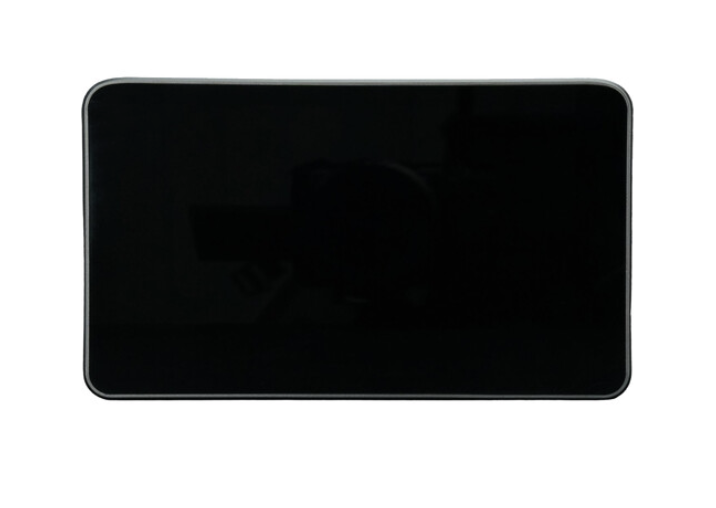
If you are not familiar with the Portkeys LH7C, it is a 7″ High-Brightness Touchscreen Monitor. The 7″ on-camera touchscreen monitor features a 1920 x 1080 resolution, 1000 cd/m² brightness, and a 170° viewing angle. Wired camera control is facilitated via the included HDMI/USB-C cable and works in tandem with select Sony, Canon, and Panasonic camera models. A wide array of monitoring tools powered by MOVNORM OS offer a professional-grade experience. This version includes a sunshade for improved daylight viewing.
Key features
- 7″ HDMI 1920 x 1080 Touchscreen Display
- Wired Control for Sony/Canon/Panasonic
- Up to DCI 4K24 Input Support
- 1000 cd/m² Brightness
- Powered by MOVNORM OS
- HDMI I/O, USB-A Port, Headphone Jack
- Professional Monitoring Tools
- DC Power and NP-F Battery Plate
Set-up Instructions for using the Nikon ZR
- Connect the Type-C end of the control cable to the camera’s Type-C port and the HDMI end to the monitor’s HDMI input.
- Access the monitor menu by tapping the screen, select Camera, and choose the USB option to establish the connection.
Once connected, the monitor provides an interface to control various camera settings:
- Recording & Shutter: Use the record button for video or the shutter button for photos.
- Exposure Settings: Adjust the aperture, shutter speed, and ISO directly via the monitor.
- Focus: Enable touch focus directly on the monitor screen while in AF mode.
- Advanced Settings: Switch camera modes, adjust white balance (including color temperature when set to K), and modify the exposure compensation (EV) in automatic modes.