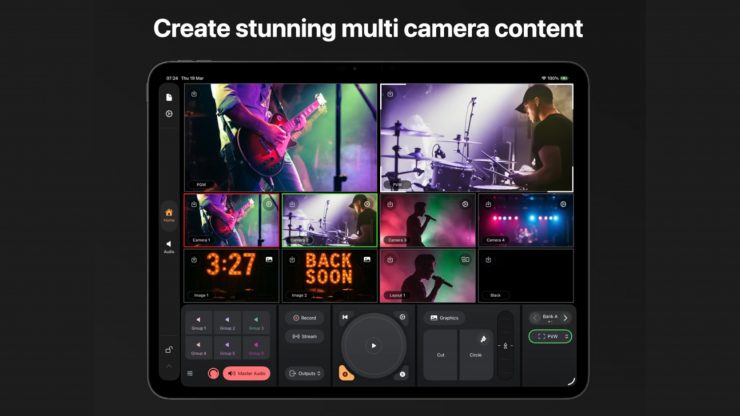
Mavis has announced Mavis Studio, a new live production app for iPad that combines multi-camera video switching, playback, integrated graphics, audio mixing, recording, and streaming.
It was designed to give creators, broadcasters, and production teams a new way to build and deliver professional multi-camera content in an affordably priced, portable setup.
Key features
- Powerful multicamera HD production switcher
- Camera inputs via NDI and Mavis Camera (Mavis Camera also integrates with Atomos Ninja Phone and Accsoon SeeMo series for SDI and HDMI support)
- Stream (RTMP or SRT), record, or NDI output any video source
- Interactive touch-first interface and multiview
- Integrated media players for video and stills
- HTML5-based graphics overlay with alpha support
- Preset and custom scene layouts
- 16-channel audio desk
- Integrated tally
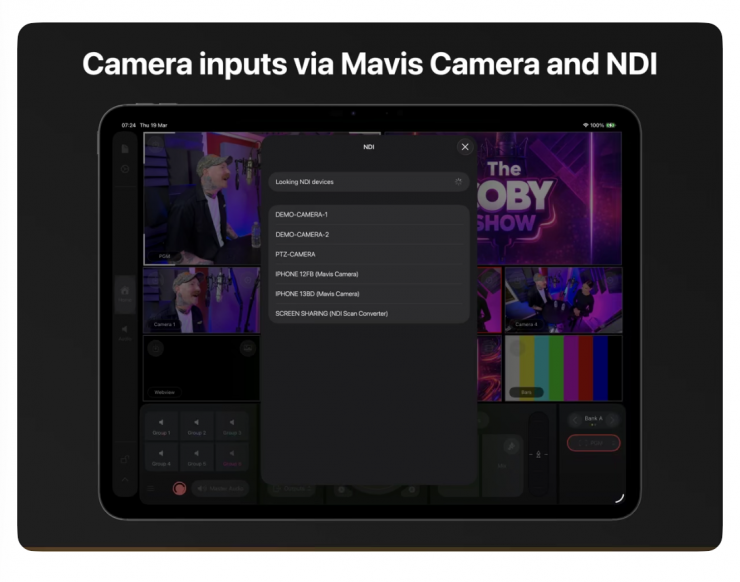
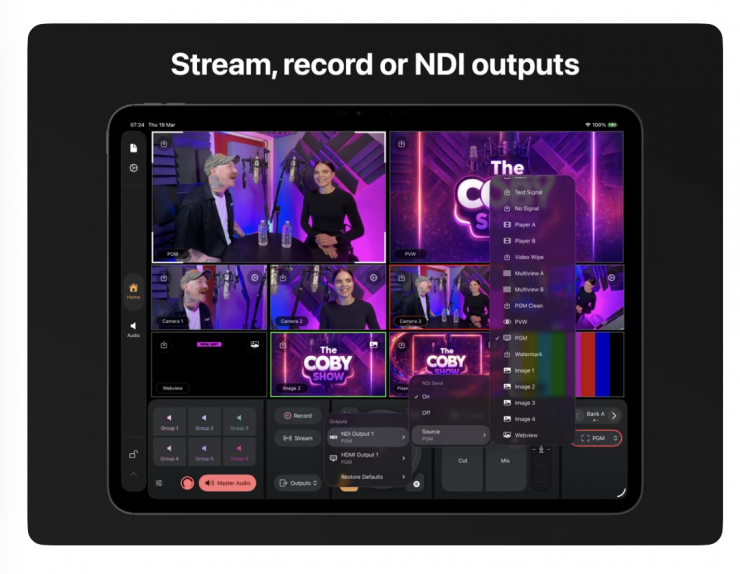
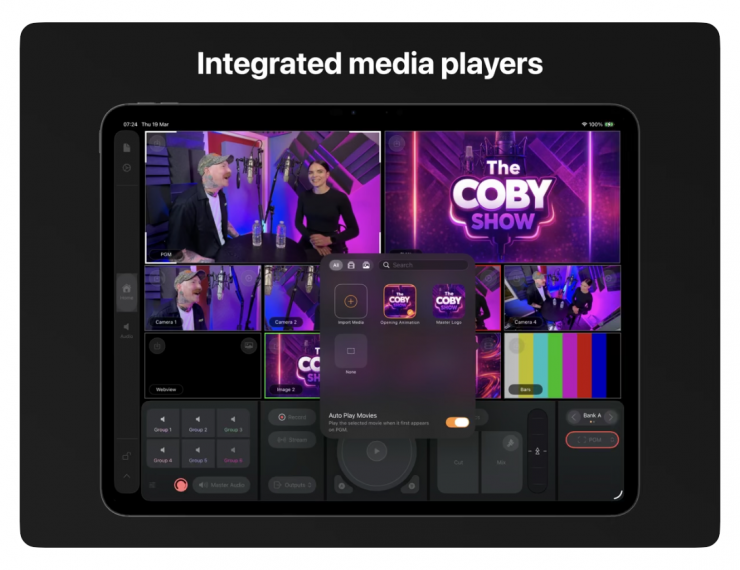
Mavis Studio features Mavis Camera integration, NDI certified with HX3 support for high-quality IP video workflows, internal recording and streaming output to all popular social media platforms, including YouTube, Facebook, and Twitch. For custom streaming, RTMP and SRT protocols are also supported.
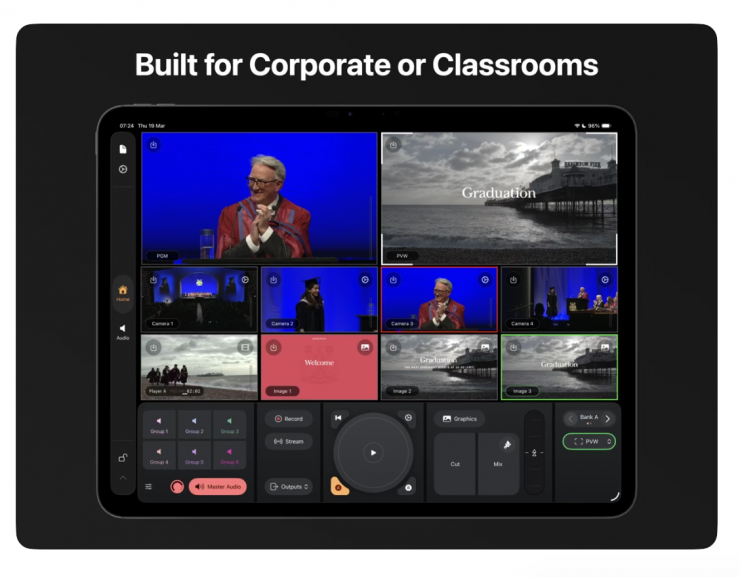
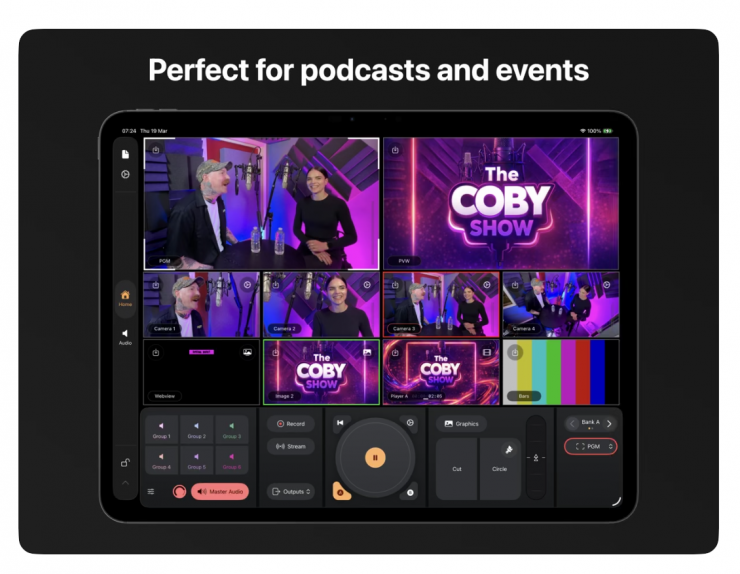
Mavis Studio’s touch-first interface was designed to make live production feel more intuitive, with interactive multiviews for fast source selection, revealable control panels for extended functionality, and support for codecs such as Apple ProRes. It could be used for anything from video podcasts and music performances to corporate events and house of worship.
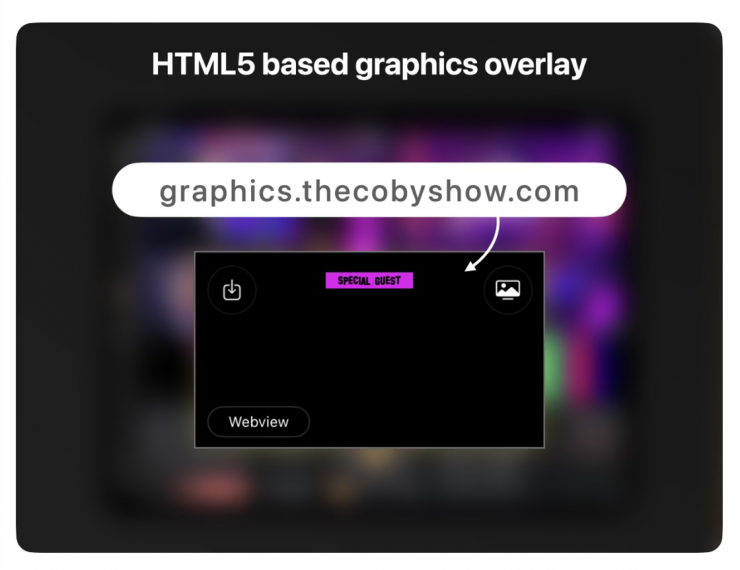
The production switcher in the app offers support for live and internal sources. Users can manage up to four live inputs and combine those feeds with multiple integrated playout tools. Video packages can also be rolled from the built-in media players, stills displayed from the image players, and HTML5-based graphics overlays and web presentations incorporated. Additionally, there is support for alpha-aware graphics across the application, allowing for lower thirds, branding, and other visual elements to be layered cleanly into the live output. Preset and custom scene layouts allow operators to build anything from simple two-way interviews to more complex multi-layer productions with graphics and branded visual elements.
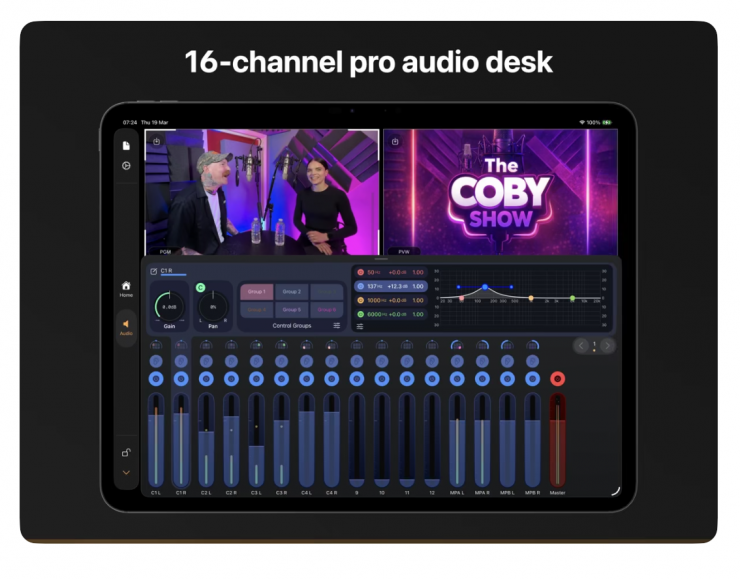
Mavis Studio includes a 16-channel audio desk with channel strips, pan, gain, EQ, grouping, and master output control, enabling users to create a live mix directly inside the app.
A company presentation, university lecture, corporate event, or brand live stream often needs more than a single camera but may not justify the expense of a full outside broadcast rig. Mavis Studio is NDI Certified, allowing it to take advantage of high-quality IP video running over a conventional network. The app supports receiving up to four synchronized NDI feeds and sending an NDI output for use in IP-based workflows for live events. As with other outputs, NDI can also be configured from the internal video matrix, allowing users to record a clean PGM feed while simultaneously sending a branded feed out via NDI.
Pricing & Availability
The Mavis Studio app costs $24.99 USD per month or $79.99 USD per year. To activate NDI costs $39.99 USD per month or $129.99 USD per year. You can download it for free to try, but it will apply a watermark over all of the outputs.