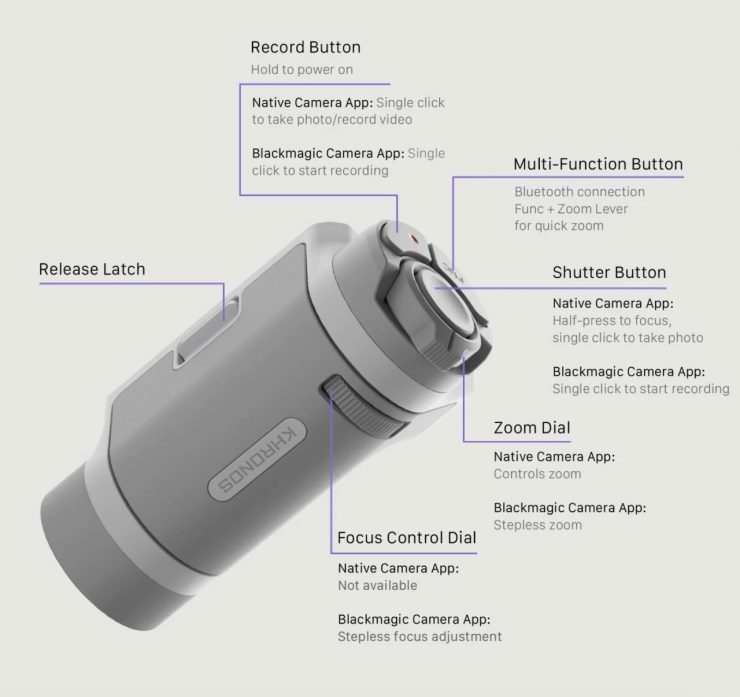
Tilta has posted up a nice setup and overview guide for its Khronos 17 Lite iPhone cases. This in-depth tutorial covers how to connect the Khronos Lite Control Handle via Bluetooth, allowing you to control key functions inside both the iPhone 17 native camera app and the Blackmagic Camera app.
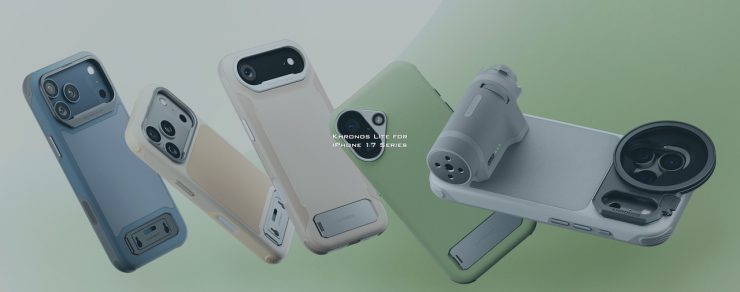
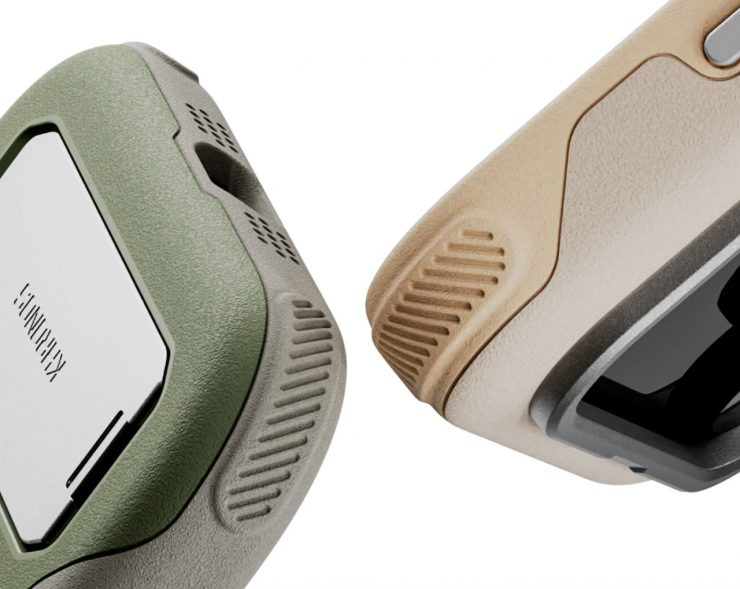
The Tilta Khronos 17 Lite is available in a range of versions.
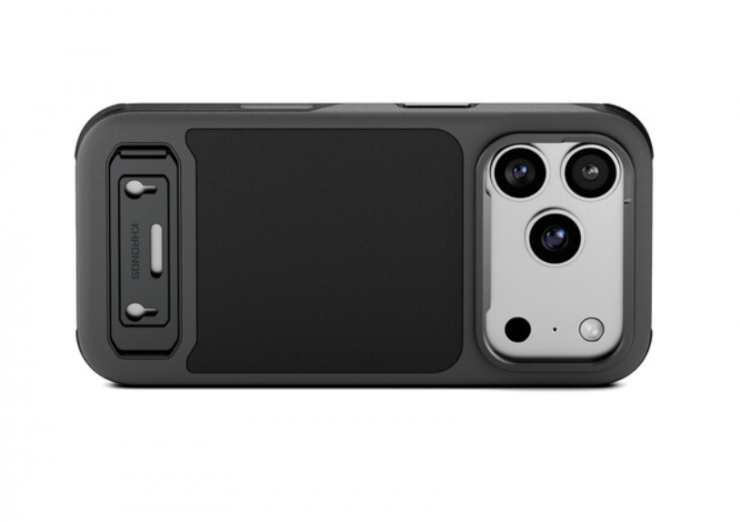
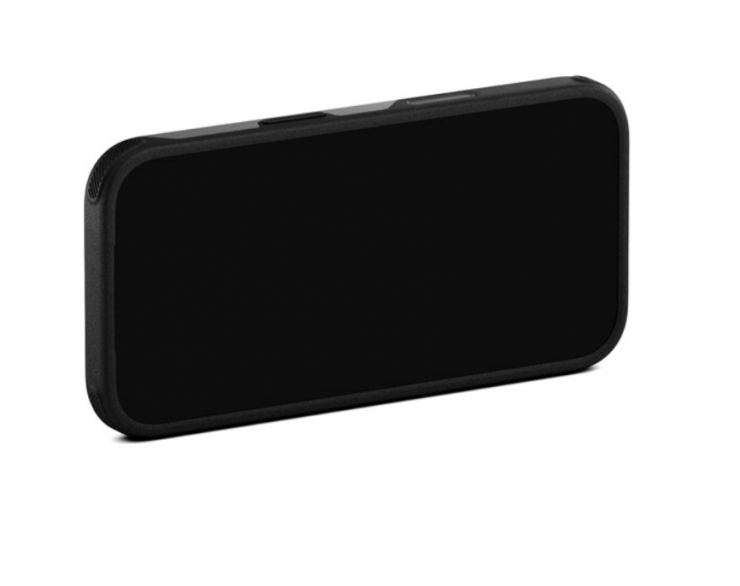
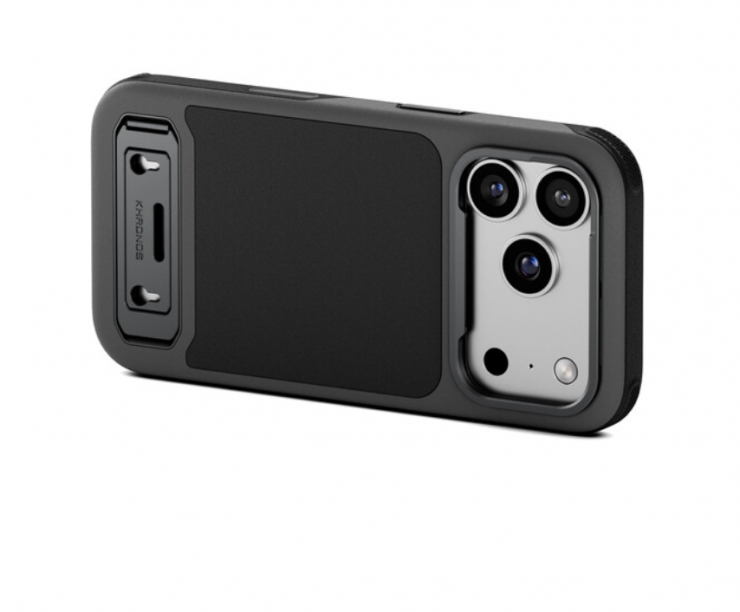
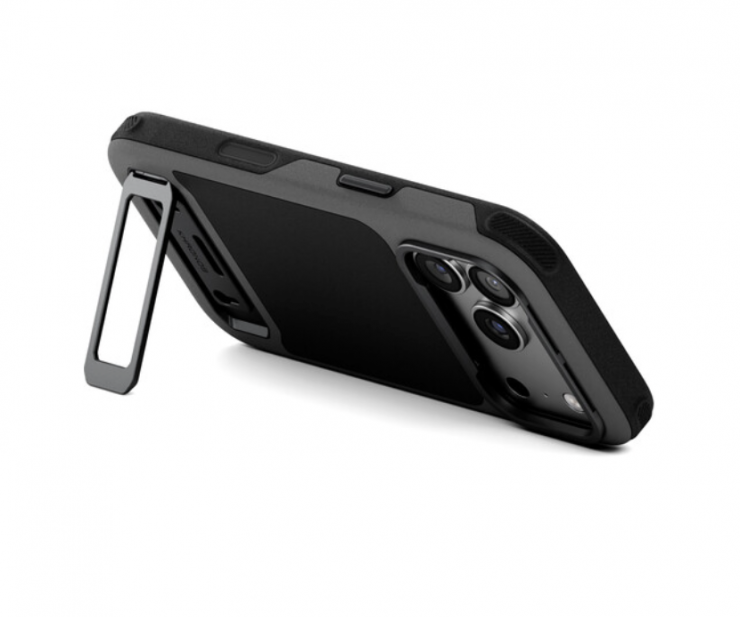
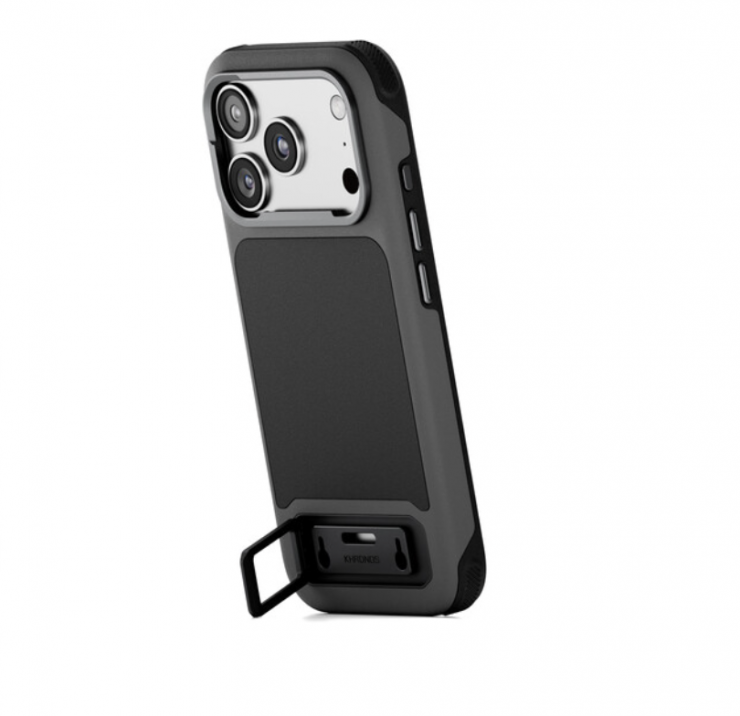
The Khronos Lite Case features an integrated kickstand that supports both horizontal and vertical orientations.
Its magnetic back plate seamlessly connects to a variety of magnetic accessories such as card holders, LED lights, SSDs, power banks, or cooling fans.
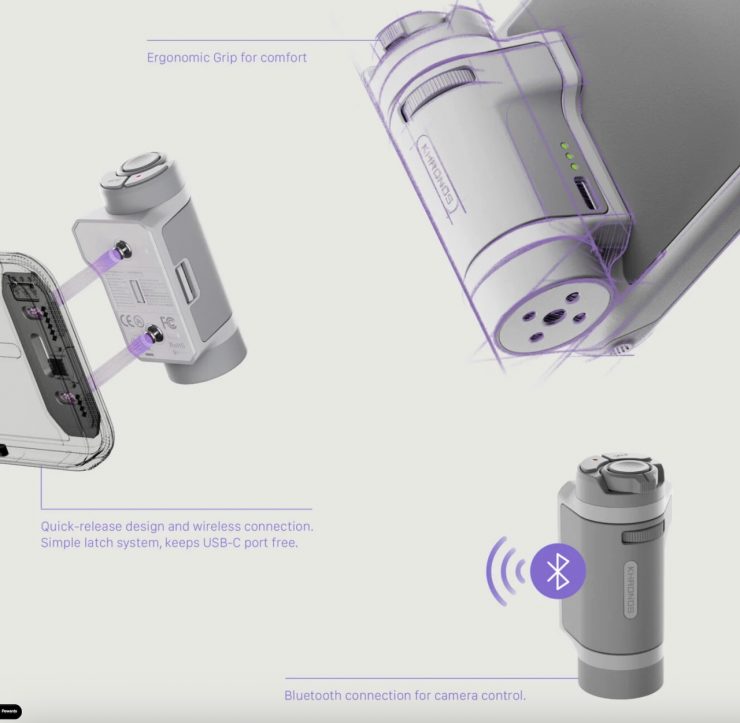
A lightweight Bluetooth handle mounts directly onto the case via the kickstand’s mounting points, keeping your USB-C port completely free. Through Bluetooth connection, you can intuitively control focus, zoom, shutter, and recording without touching the screen.
You can also buy a kit that comes with a 58mm Variable ND Filter (1–5 stops) and a 58mm Polarizer with built-in Black Mist 1/2 effect, giving you control over exposure and reflections.