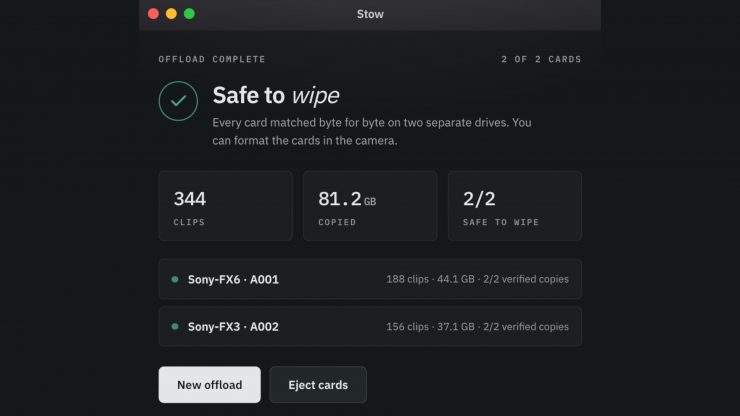
Stow, the free copy and verification software that I featured on the site last month, has received an update.
If you are not familiar with Stow, it was designed by Luke Lv, who runs a video production studio in the UK called lümira.
The team at lümira was tired of paying per seat for offload software, so they decided to build their own and make it free. Stow copies a card to two drives at once, reads every file back off the disk to prove the copy, then gives a plain verdict: safe to wipe, or not yet. It runs on both Mac and Windows.
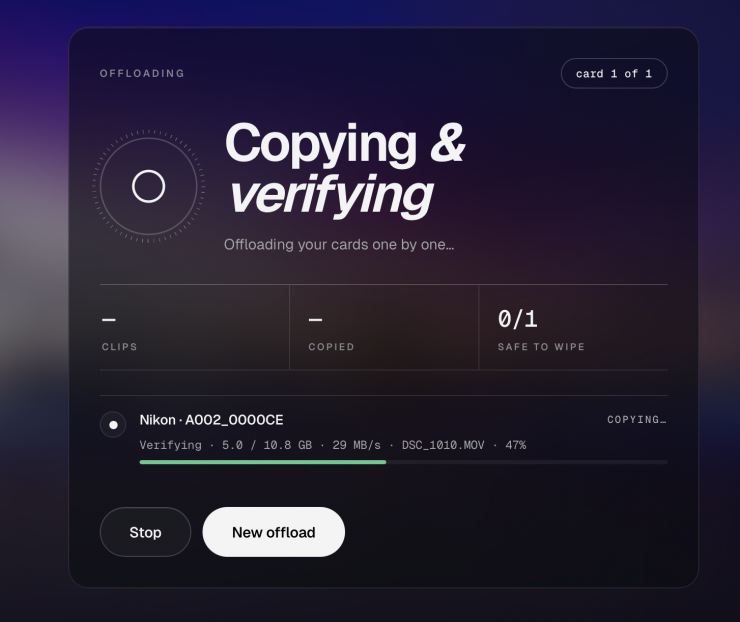
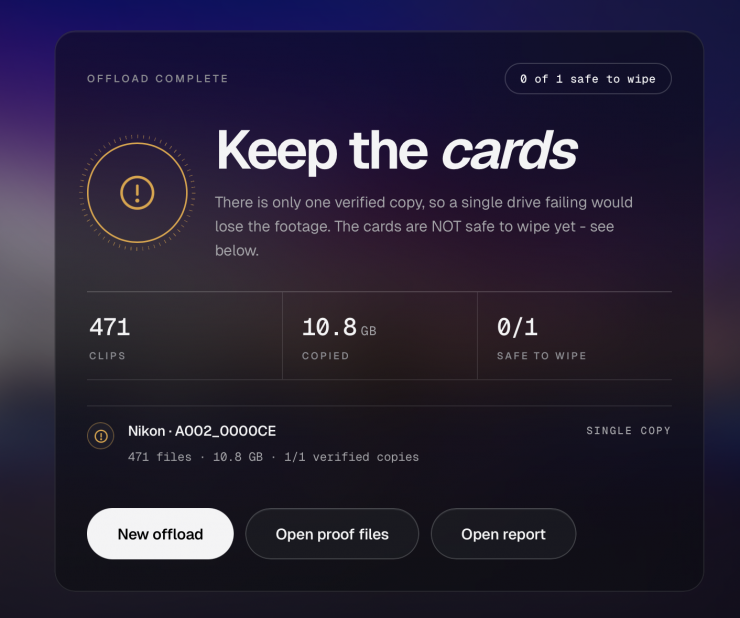
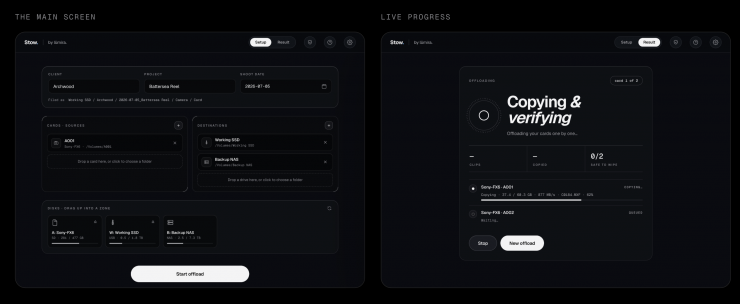
The important part is the read-back. After Stow writes a file to a destination, it re-reads that file from the drive and calculates a checksum, which is a short fingerprint of the exact bytes. It compares that fingerprint to the one taken from the card. If they match, the copy is a true copy. If they differ by even a single byte, it is not, and Stow says so.
What is new in Version 0.6.45?
- Custom folder layouts: build and save your own filing structure using Client, Project, Shoot date, Camera, Card and custom text, saved as presets per job.
- Clips only mode: footage lands directly in the card folder while every other card file is kept separately. Nothing is discarded, everything is still verified, and formats that depend on their structure (P2, Canon XF, RED, AVCHD) are automatically copied whole.
- Naming for any source: cards and drives are named and remembered even when no camera model can be read – drones, audio recorders, USB drives.
- Phone alerts now say which computer finished, which cards, and how each one went – useful with more than one bay running.
- 0.6.45 fixed NAS offloading from Macs: a macOS quirk meant every file written to an SMB share was wrongly reported as failed. Found by a user testing against two NAS brands, fixed within a day of the report.
What is also new is incremental offload for part-full cards, signed builds on both platforms, and self-updating within the app.
The full changelog is at https://www.lumirastudio.com/stow/changelog