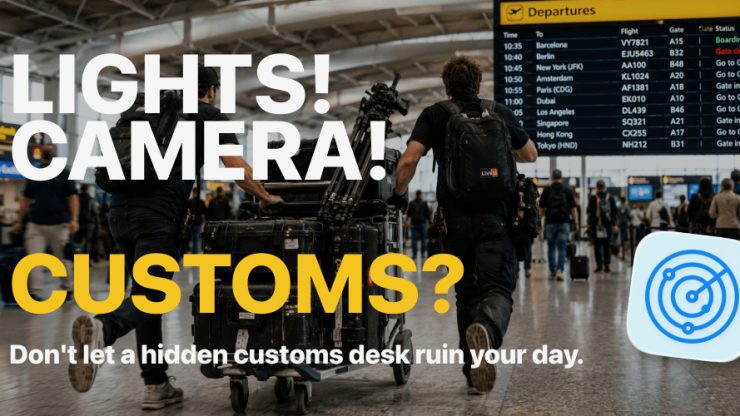
If you travel overseas a lot with kit, you will be well aware of having to utilize ATA Carnets when travelling in and out of certain countries. While creating an ATA Carnet isn’t that difficult if you have previous experience doing it, finding where to take it at an airport you may not be familiar with can be daunting, and if you are in a rush for a flight, you don’t want to waste precious time.
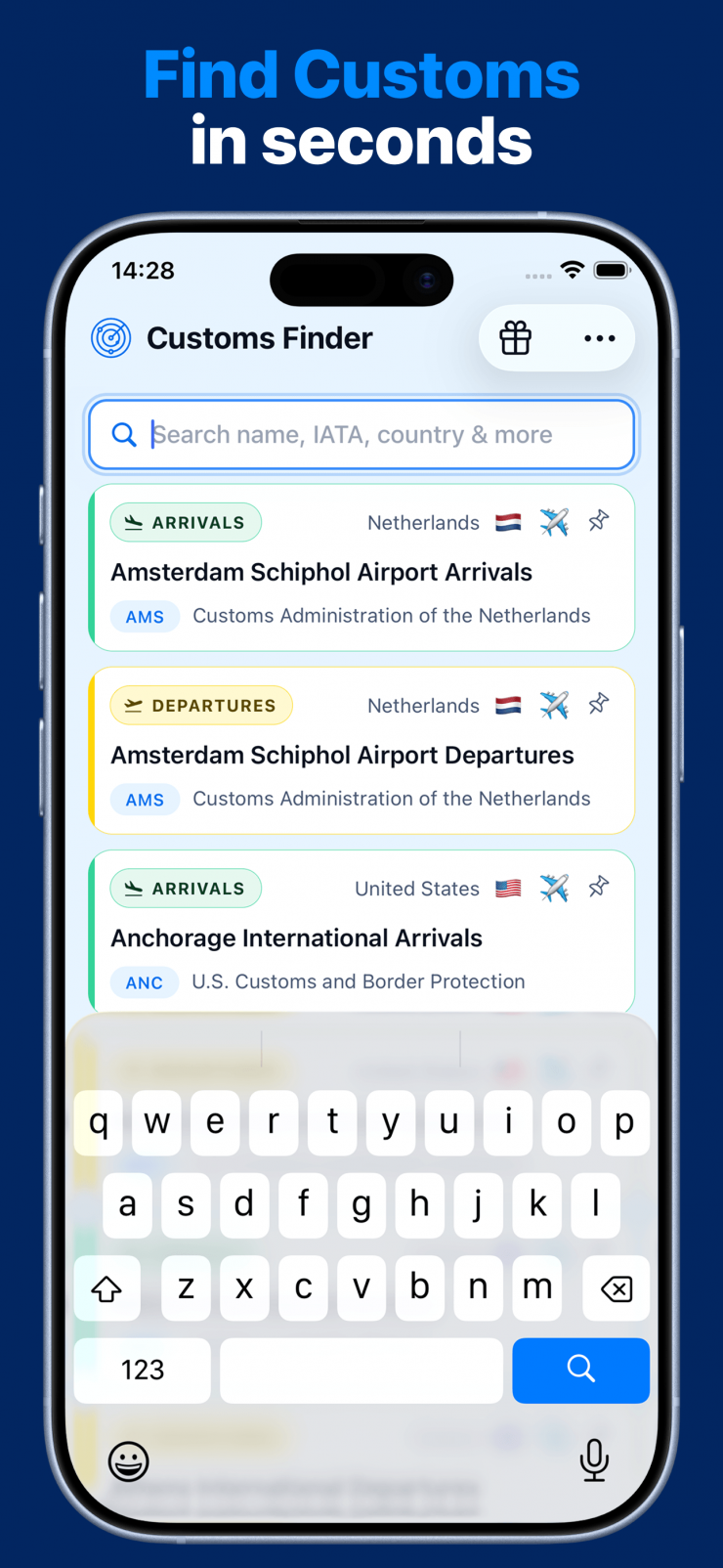
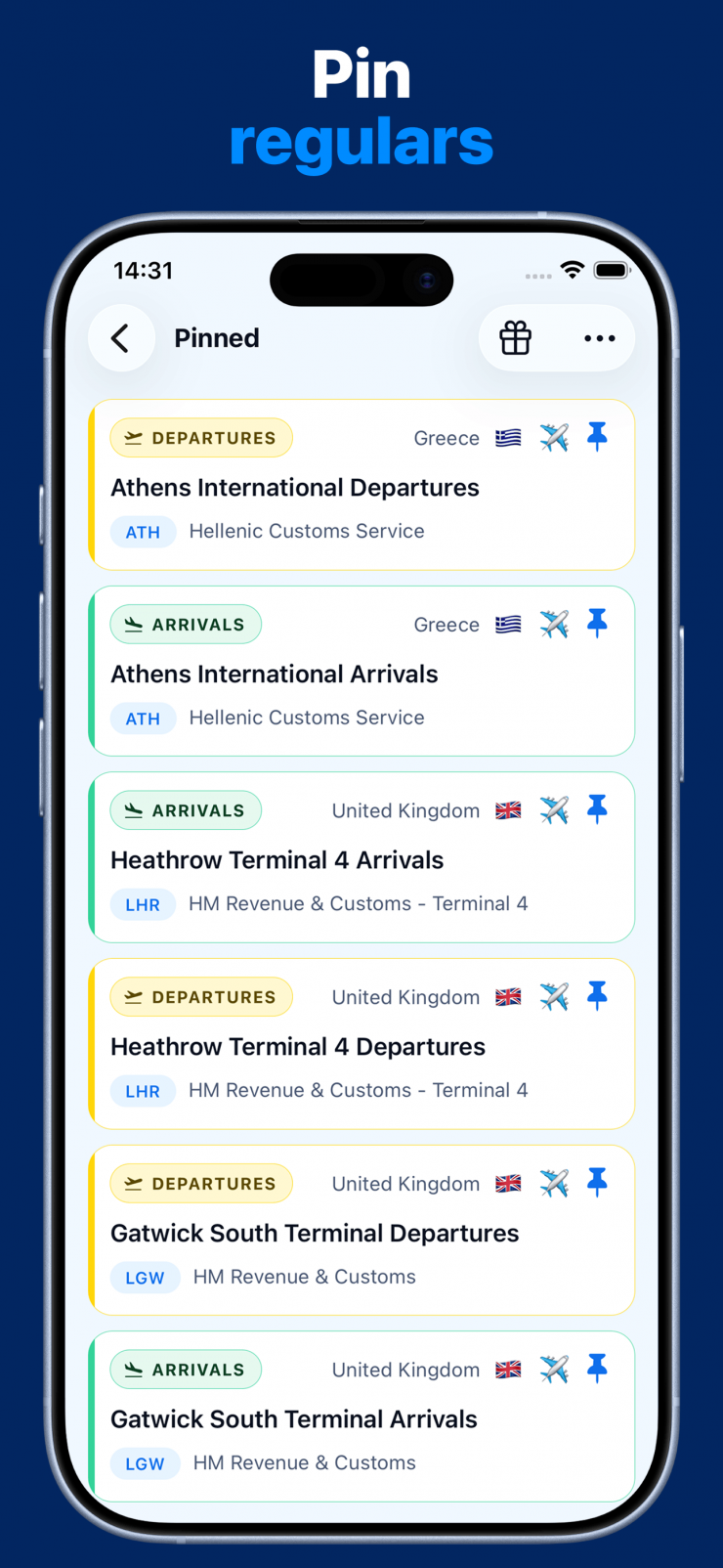
To help with all of this, Ash and Pas came up with Customs Finder, a search-first mobile app that helps film and TV crews find ATA Carnet customs desks at airports, ports, rail stations and land border crossings. It is a community-based app, and the location intel in it is shared knowledge, contributed by crews, for crews.
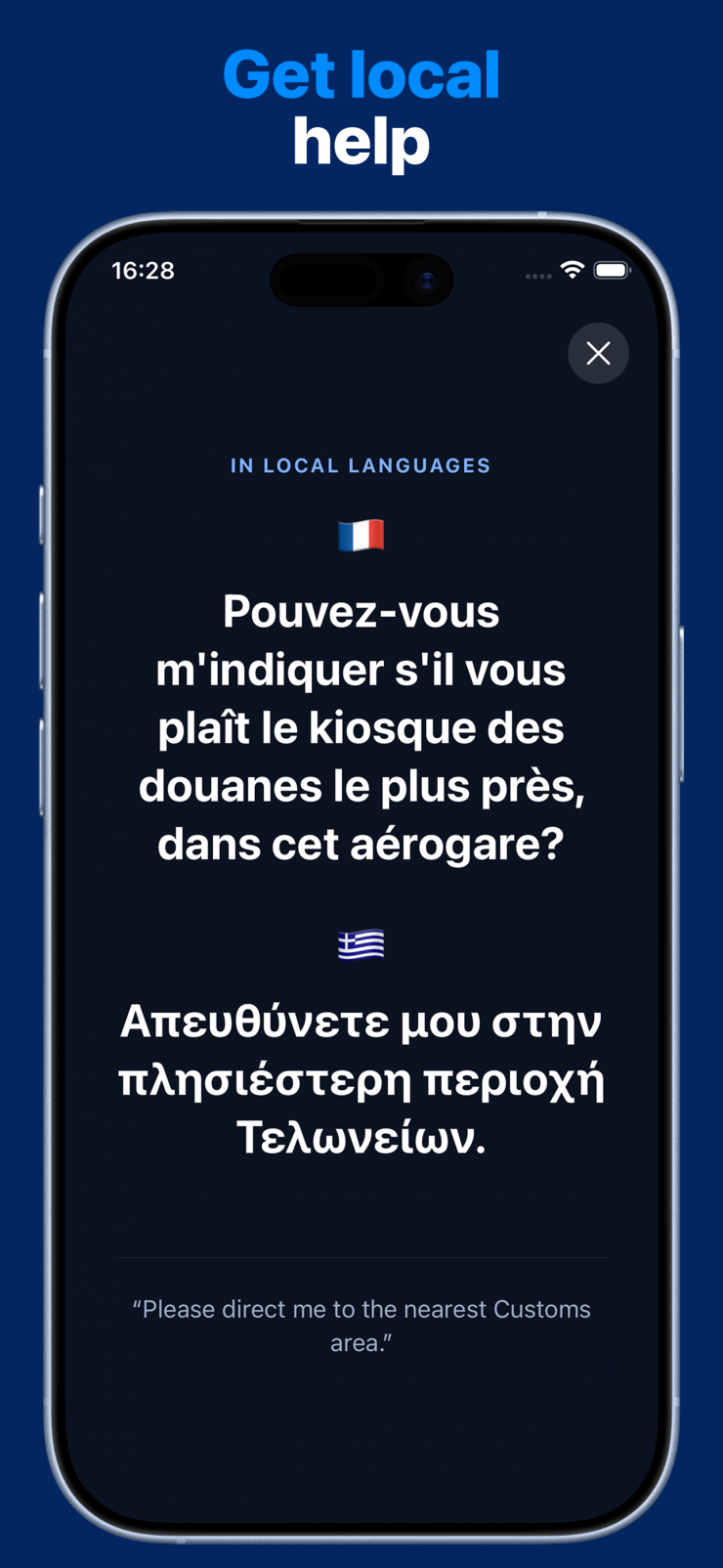
Customs Finder was designed to provide practical directions, photos, opening information, local-language help and updates from crews on the ground. The good news is, the guide works offline when you may not have connectivity.
I wish something like this had existed years ago when I used to travel overseas a lot for shoots!
How does it work?
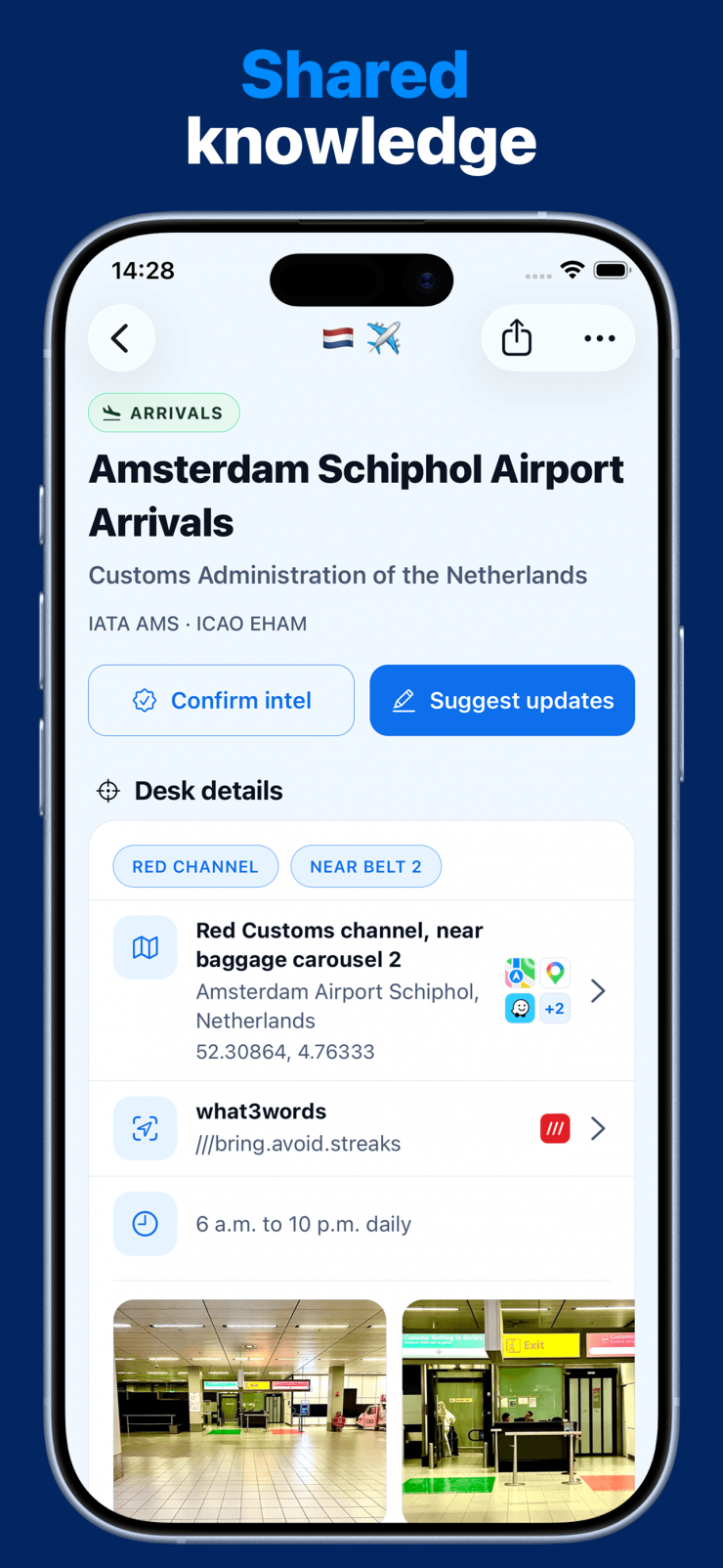
Search for your airport or crossing
Type an airport name, city, or IATA code (like LHR or JFK). Results filter as you type, so one or two letters is usually enough to find what you need.
Read the directions
Each listing tells you exactly where the customs carnet desk is, what to expect, opening hours if known, and any quirks the community has flagged.
Get to the desk
Follow the directions. If something has changed since the listing was last updated, you can share that intel with the community right from the listing.
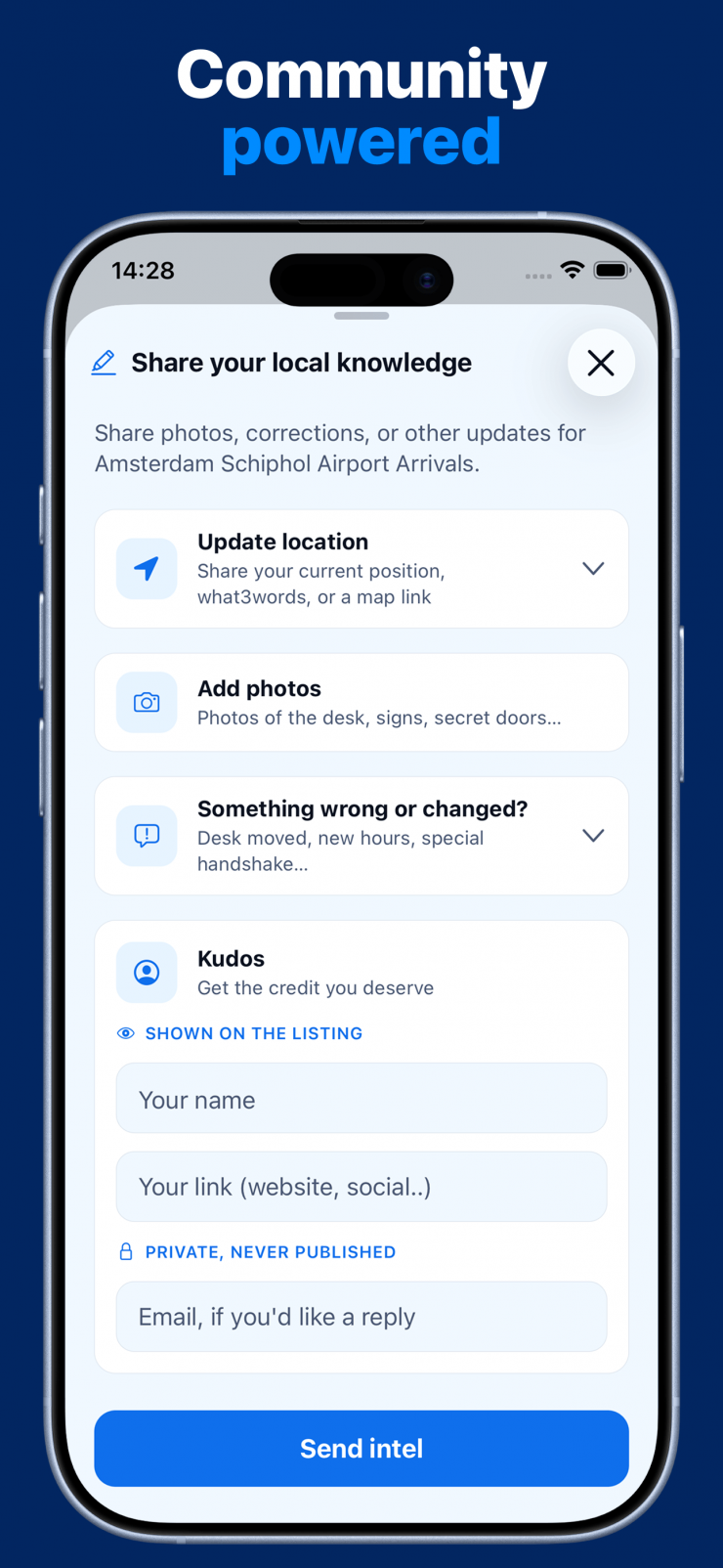
Because Customs Finder is a community-based app, users can update information. If you notice something that is out of date, you can submit updated information directly from the listing. Every submission is reviewed before it goes live.
To share intel, you open a listing and look for the “Provide intel” option in the feedback section at the bottom of the page.
Free to use
Customs Finder is free to use because there are sponsors that support it, and according to its developers, it will stay that way.