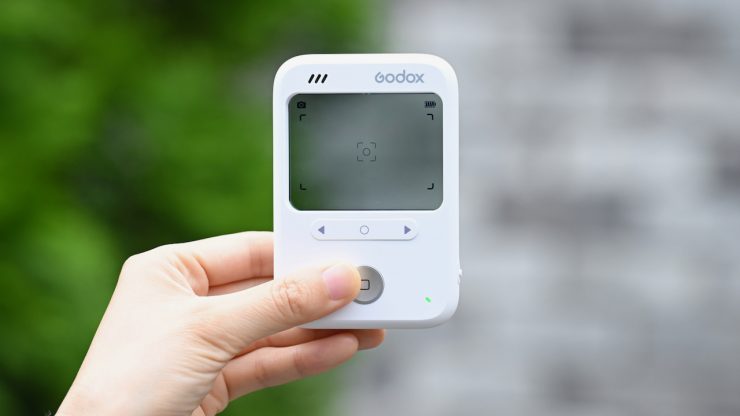
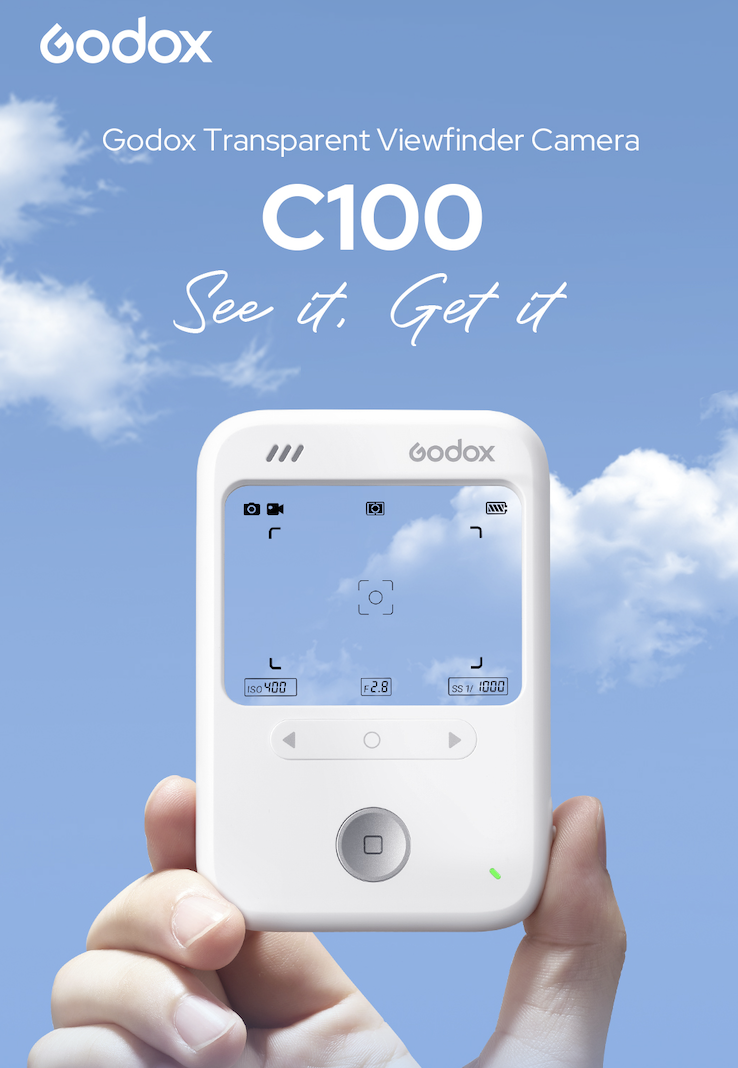
The Godox C100 Transparent Viewfinder Camera is an interesting concept, albeit an unusual one. It’s a compact, pocket-sized camera with no electronic viewfinder and no screen. Instead, the camera uses a transparent optical viewfinder.
Now, this is a pretty niche product and not something I would normally review, but because it’s an interesting concept, I thought I would give it a try.
The C100 almost looks like an old Apple iPod.
Key features
- Smart Light Metering – Provides real-time exposure information, making it easier to understand and work with light in different shooting situations.
- Transparent Optical Viewfinder – Keeps you visually connected to your subject while encouraging a more natural and engaging shooting experience.
- HUD Display – Displays shooting modes, framing guides, and exposure information in a clean, unobtrusive overlay.
- Four Creative Aspect Ratios – Switch easily between 16:9, 4:3, 3:2, and 1:1 aspect ratios
- 65g Pocket-Sized Design – Lightweight and easy to carry
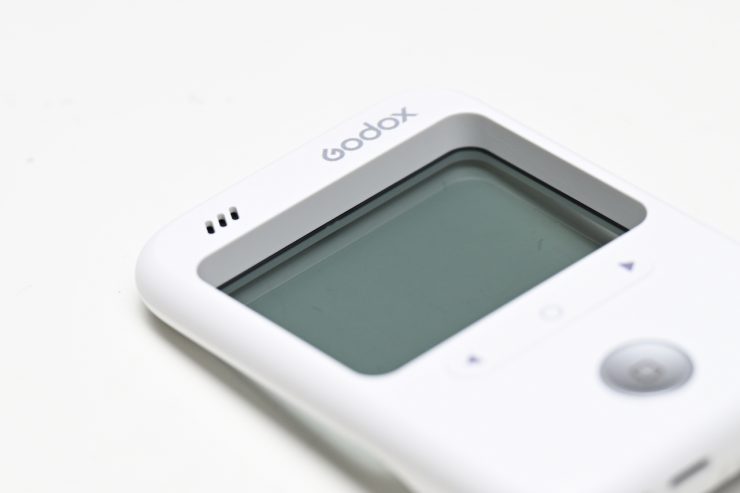
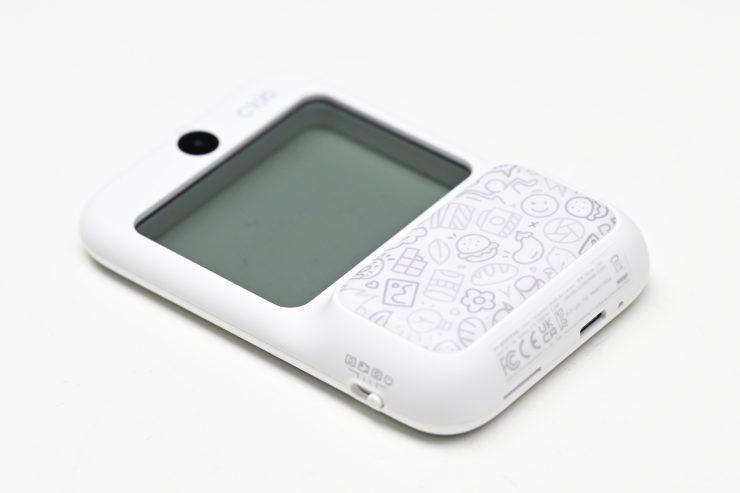
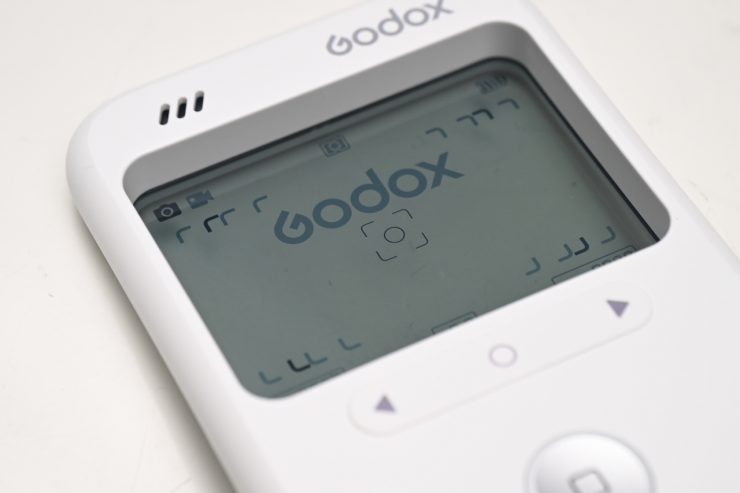
The camera features a built-in light meter, wrapped in a transparent design. Godox states that ‘The C100 strips away the complexity of traditional exposure so that users can compose shots while staying engaged with their subject.’
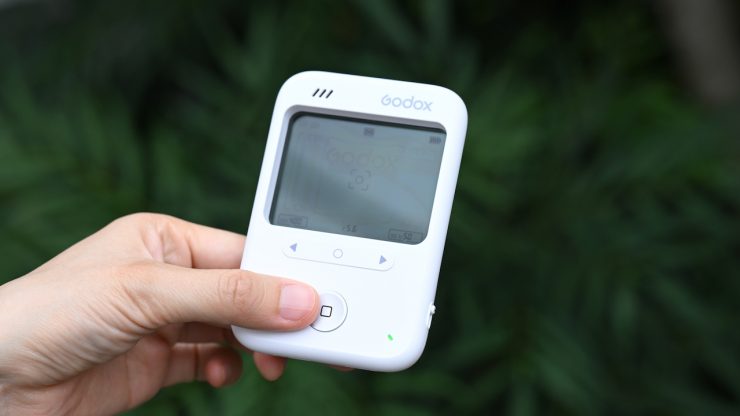
This is an unusual concept and one that many users may take some getting used to. If you have used a camera with an optical viewfinder, then the way you use the C100 isn’t a huge departure. For younger people who have never used an optical viewfinder and are used to smartphones and mirrorless hybrids, it will be interesting to see how they react to this camera.
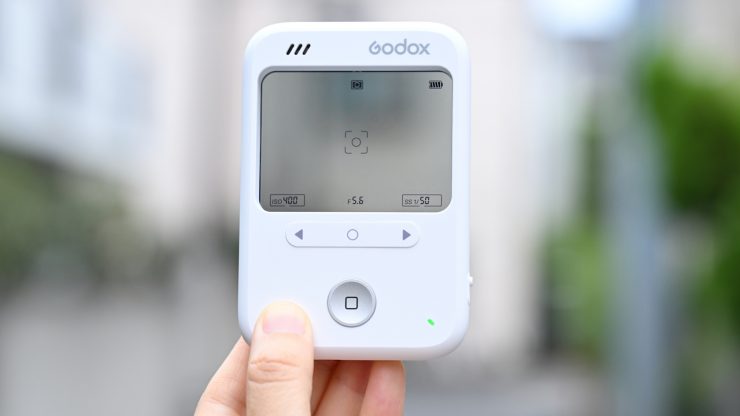
The optical transparent screen overlays essential shooting data, including current mode, framing grids, battery, and exposure parameters directly onto your field of view.
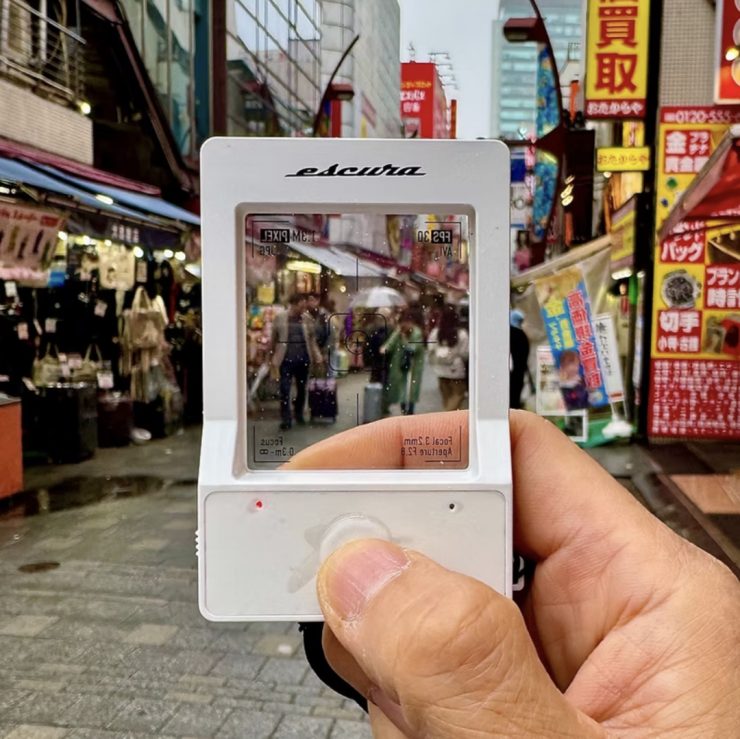
The overall concept is not a new one. The ESCURA InstantSnap, which came out in 2025, utilized a similar transparent screen, although it was limited to taking still images of 1200 x 1440 and video in 400 x 480 (30 fps).
Three Operating Modes
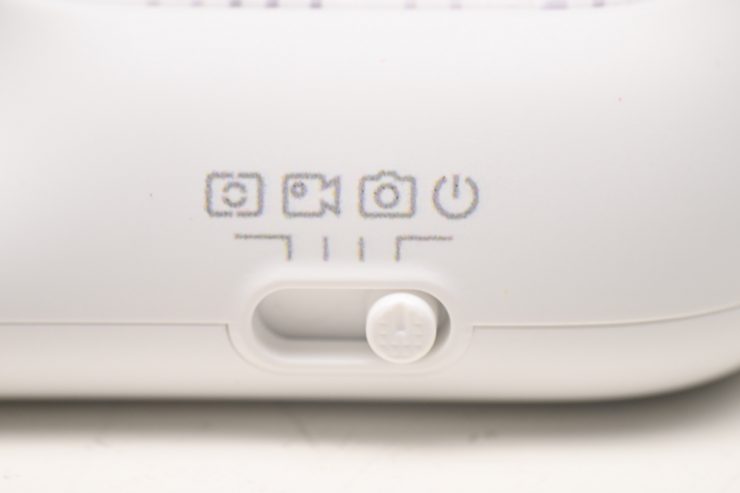
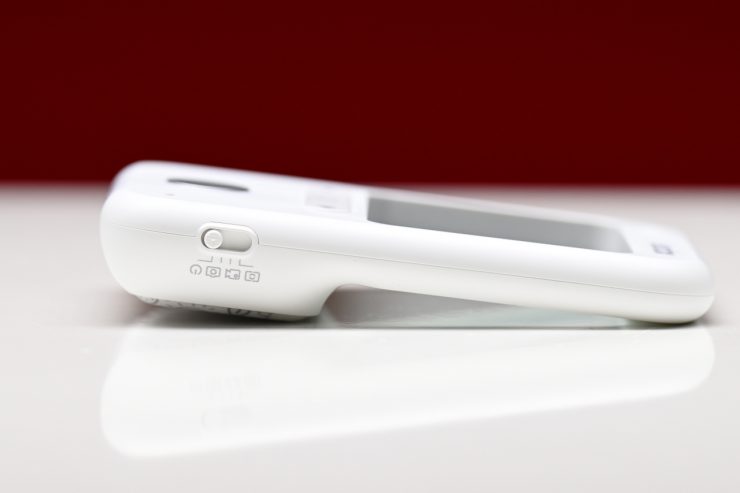
The C100 has three operating modes that can be accessed by sliding a switch on the top of the camera.
The three modes are:
- Photo Mode
- Video Mode
- Metering Mode
Photo Mode
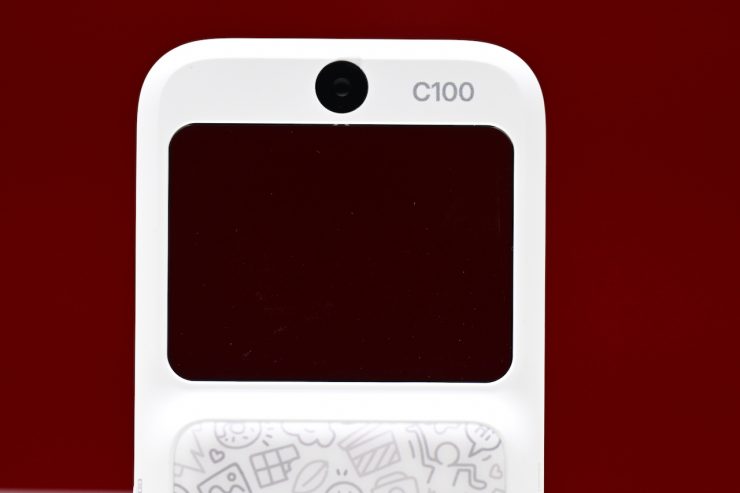
In Photo Mode, there is a simple shutter button that you press to take a photo. It is sort of strange taking a photo, because it’s just doing everything automatically! Then, as you can’t actually see what you shot, it’s almost like being transported back to the days before digital, when you had to wait to see how your picture turned out.
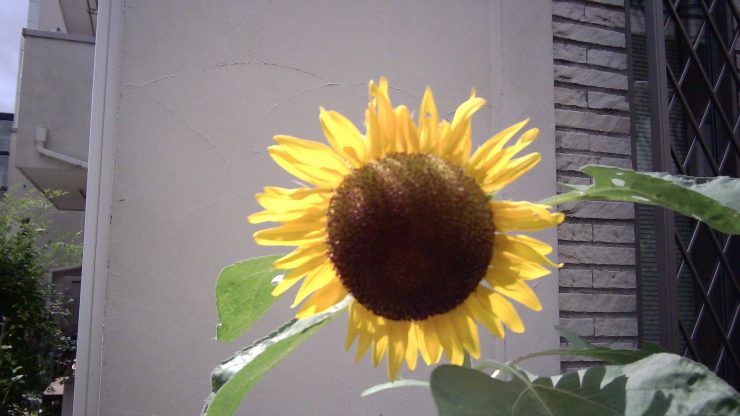


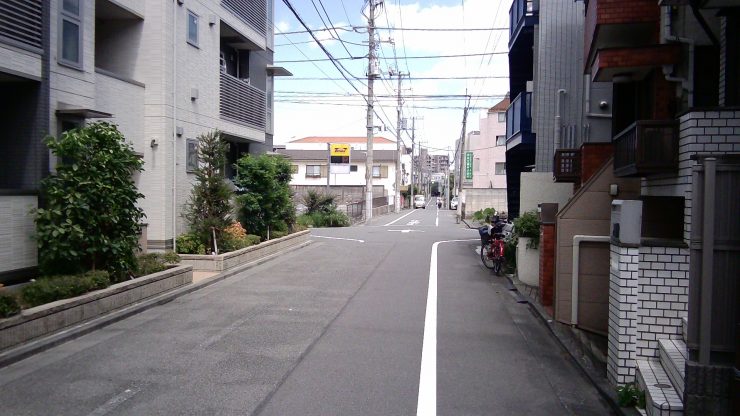

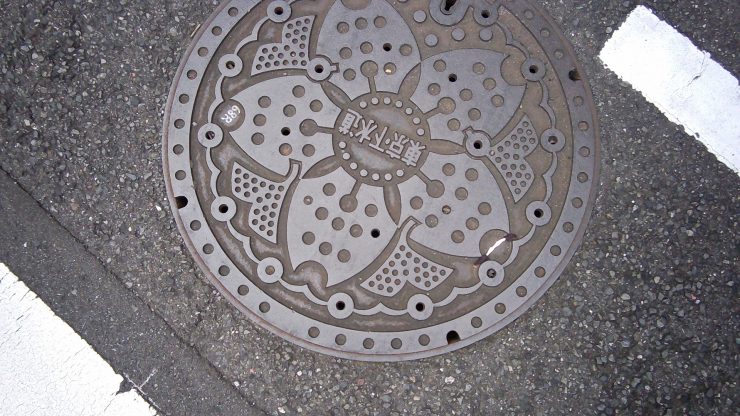
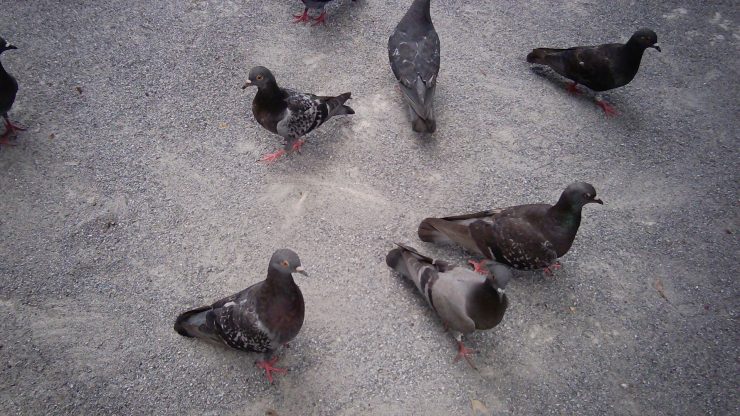
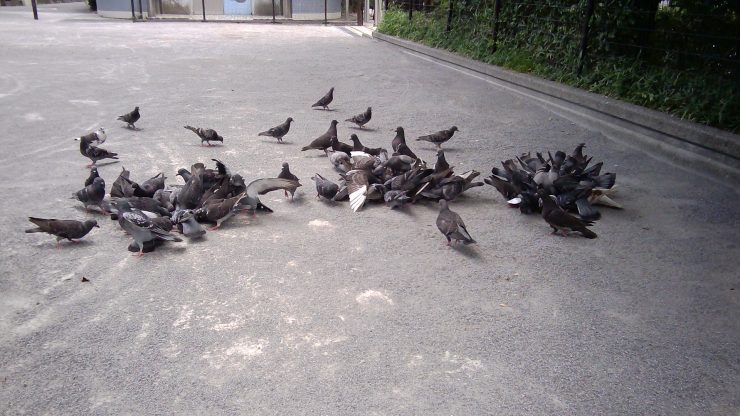
The quality of the images isn’t great, and they are all saved as JPEGs, and all of the shots I took ended up being under 1MB. If you try to shoot in highly contrasty conditions or where your subject is backlit, the results are terrible. Any objects that get too close to the camera are out of focus.
The field of view is inevitably wider than what you think, and whatever you end up framing up never seems to be what was actually captured.
From what I can ascertain, the lens and sensor being used are probably something you would likely see in a low-cost dashcam. The honest truth is that using a 10-year-old smartphone would provide better results.
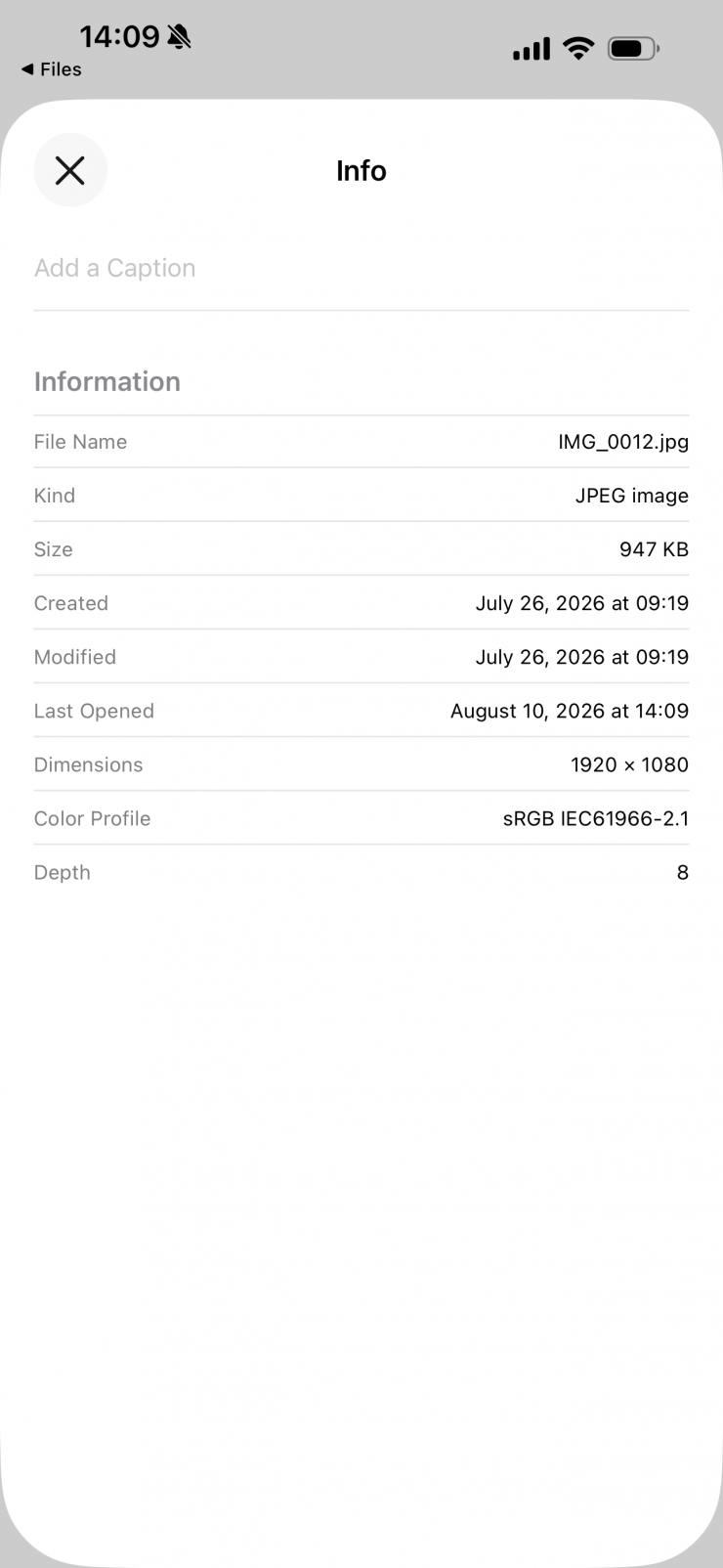
Above you can see what metadata is captured with the photos.
Video Mode
The Video Mode is similar to the Photo Mode, where all of the settings are controlled automatically. It only captures in 1920 x 1080 at 29.97 fps. There are no other options.
The rolling shutter is bad, there is no stabilization, and the lack of any manual controls means the footage ends up looking almost unusable. It also crushes blacks, blows out highlights, and performs badly in any type of contrasty lighting conditions.
The only way you can get ok results would be to keep the camera static and use it in nice even lighting conditions.
I also had issues where I pressed the record button, and then the device would simply shut off after about 5 seconds.
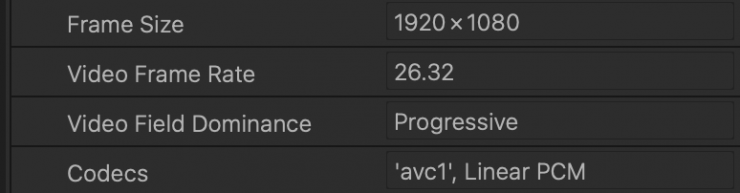
Also, when I brought the material into an NLE, it was telling me that the frame rate was 26.32 and not even 29.97p.
In Video Mode, you are limited to taking videos of up to 20 minutes in length. Recording will automatically stop, and the file will be saved when the time limit is reached, or when the MicroSD card is full.
Use it as a light meter
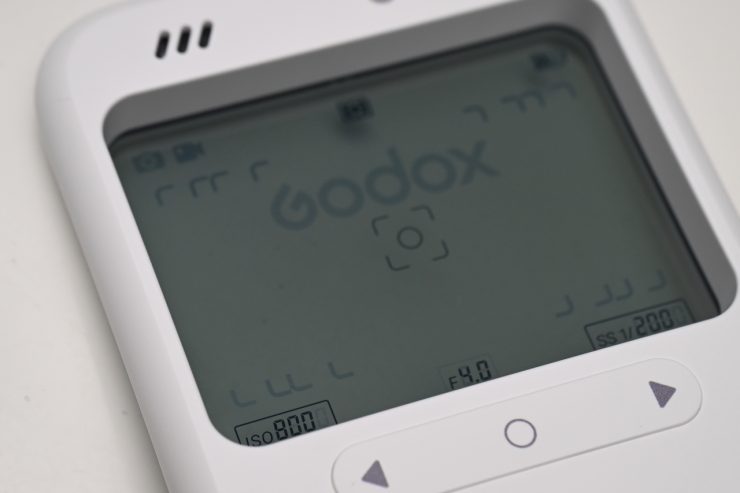
The C100 reads brightness from the central 25% of the frame, and it gives you an instant exposure reading. In this regard, you could use it as a pseudo light meter to get a quick reading if you are shooting with a film camera, etc. With a digital camera, it could also be useful, but most cameras have decent onboard exposure monitoring tools.
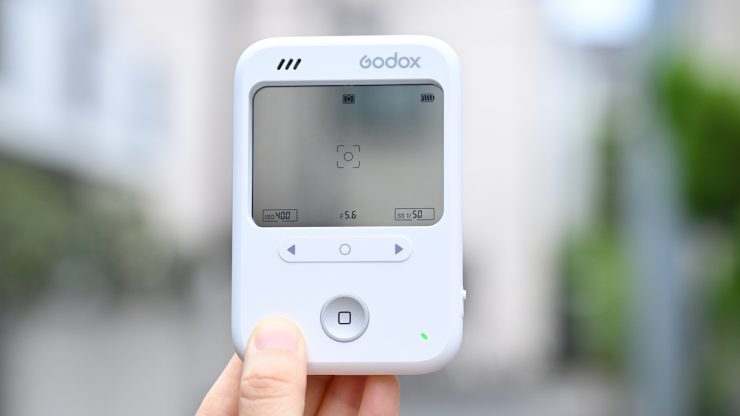
You press the < > button to select the parameter for adjustment; the icon flashes to indicate the adjustable state. You then press the < > or < > button to adjust the current parameter value. Once you have the parameters set, you press the shutter button to lock and save the metering parameters. If no parameter was previously adjusted, ISO is selected by default.
Metering Parameter Ranges
- ISO Range: 100 – 800
- Aperture: f/1.0 – f/64
- Shutter Speed: 1/8000 – 1s
The ISO can only be adjusted manually, but the aperture and shutter speed are linked. When either parameter is adjusted manually, the device
automatically calculates and matches the other in real time to maintain the current exposure value (EV).
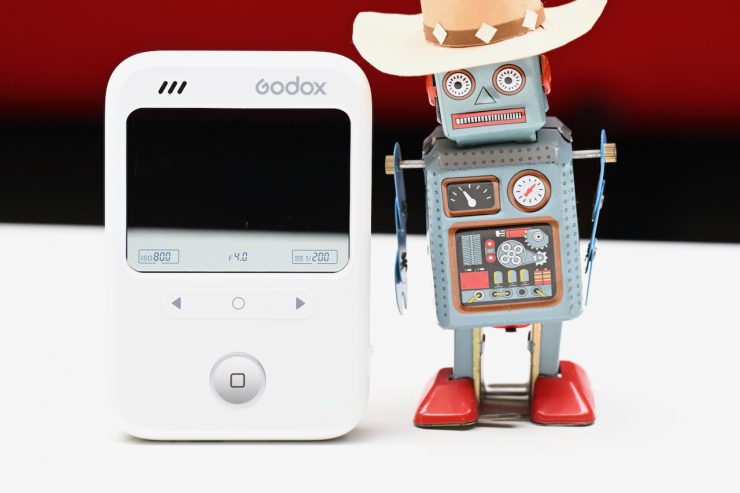
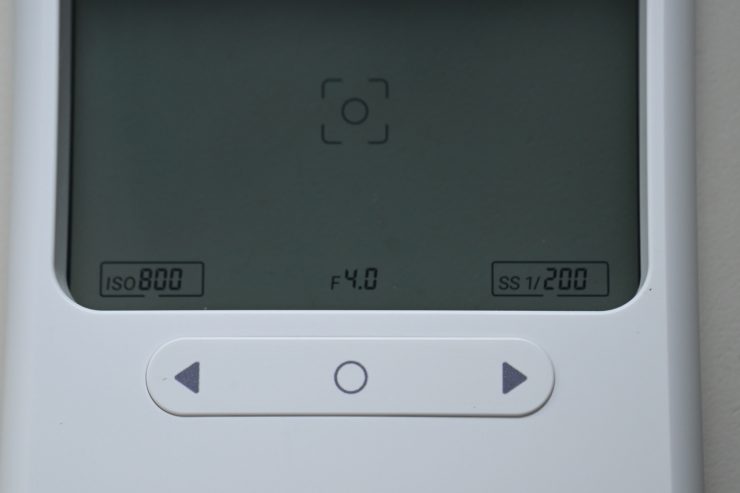
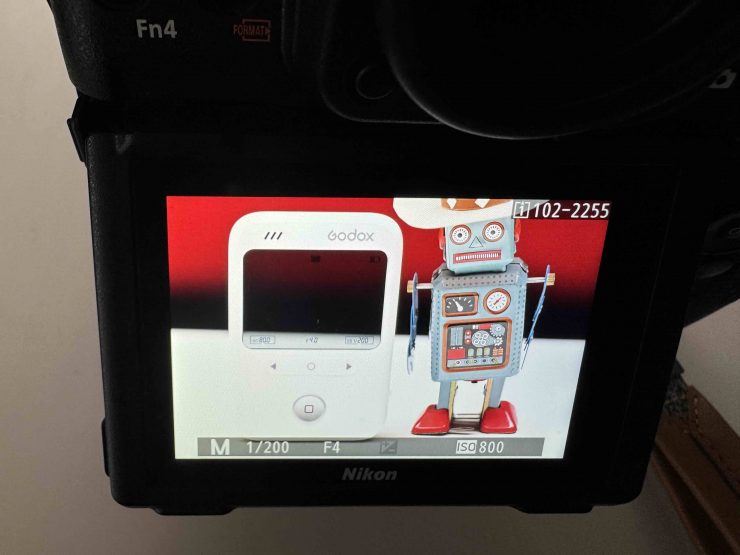
I tried out the light meter functionality, and it actually works reasonably well. I selected the shutter speed and ISO on the C100 and then took a reading to see what f-stop reading it gave me. I then put those same settings into my camera and took a photograph.
Could I have just made adjustments myself on the camera without using the C100 and gotten the same result? Absolutely!
Where it could come in handy is if you are on a location scout and you wanted to see what the exposure settings might be in certain conditions. Again, you could also just pull out your phone and use an app that is probably going to get you a similar reading.
The glaring issue with the C100 is that you can’t take a photo with the exposure information you metered embedded into the file. This means you physically have to record it somewhere, which somewhat defeats the purpose in the first place if you are using it for location scouting, etc.
Using the C100’s light meter functionality if you are shooting video is a bit trickier, because there is no way of adding simulated or real ND, and you can’t go above 800 ISO. It is nice that the f-stop goes down to as low as F1.0. Despite these shortcomings, you can go into a room and get a reading that is going to give you a ballpark result.
It would be nice to see Godox make another version of the C100 that is tailored specifically for video.
Multiple Aspect Ratios
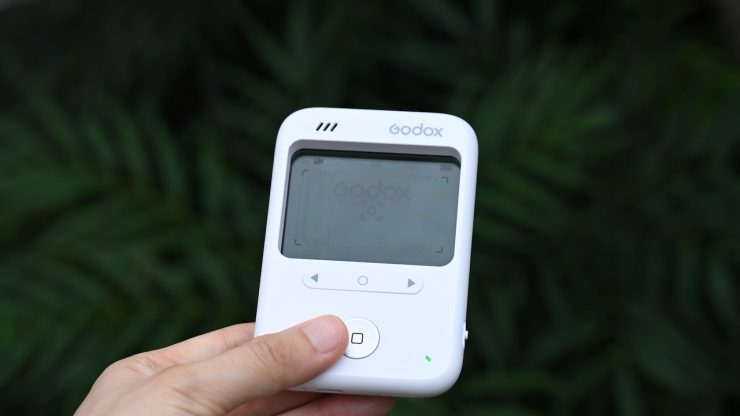
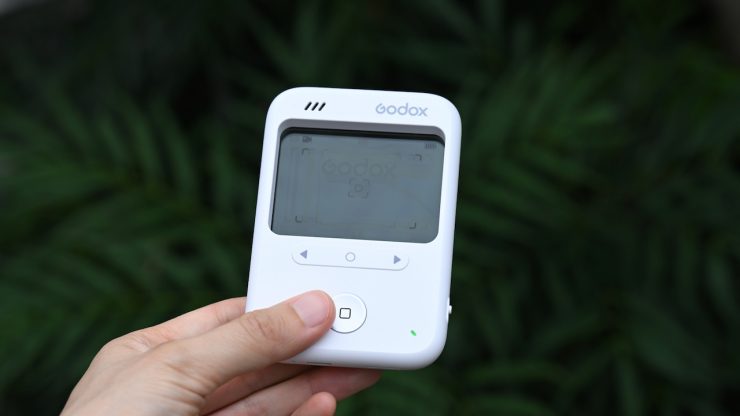
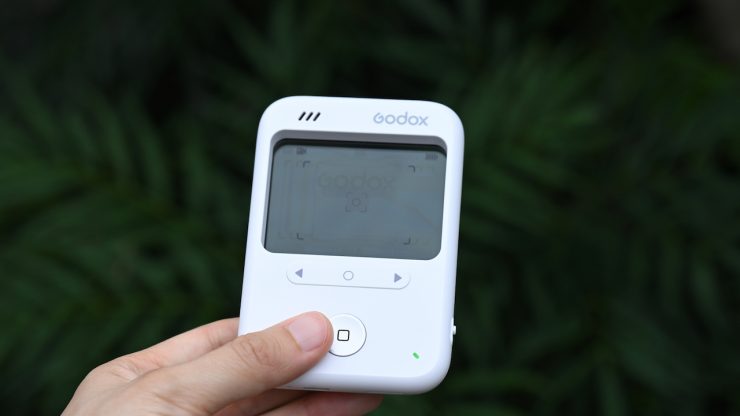
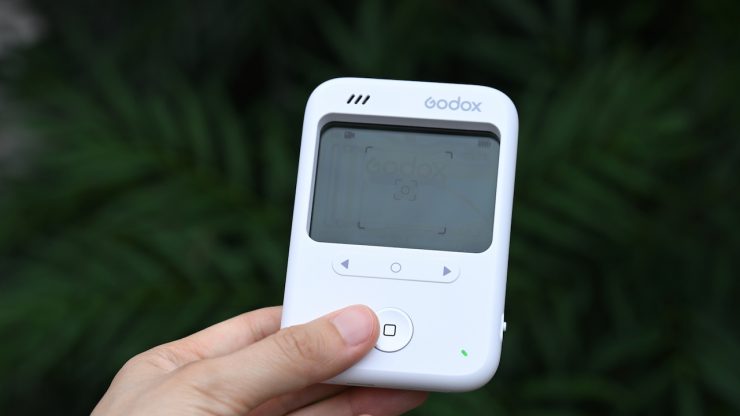
Users can switch between capturing in 16:9, 4:3, 3:2, and 1:1 aspect ratios for both videos and photos. While there is nothing wrong with having choices, the resolution and image quality drop if you are not shooting natively in 16:9.
Usability
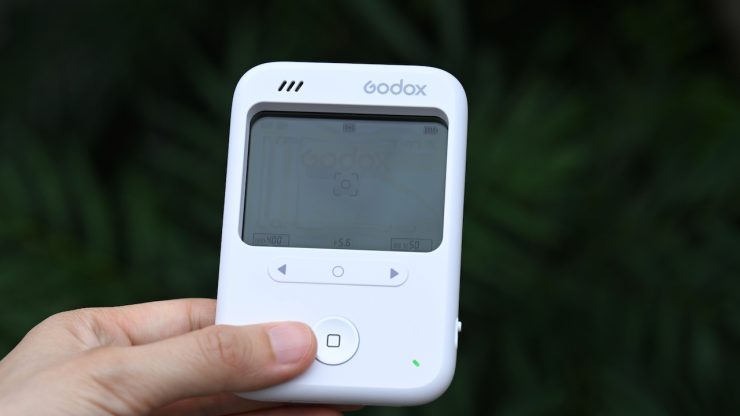
In general, the basic controls are relatively simple to use, and taking a photo or video is just a matter of pressing a button. However, there are no onboard menus for changing any settings. I also didn’t like the overly loud beeps and simulated shutter noises it makes.
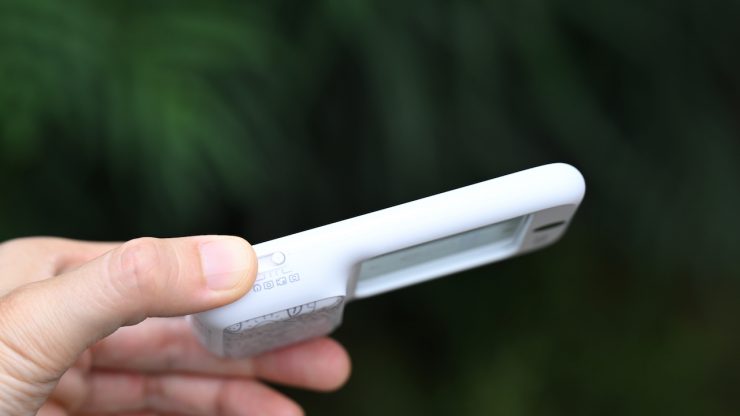
Additionally, the mode selection switch is pretty small, and you can end up going straight past the mode you want to select.
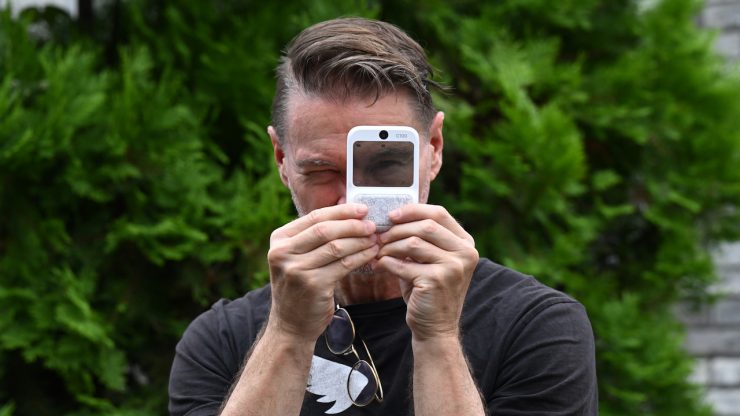
I found the C100 is a bit awkward to use, especially when it comes to framing. You really need to have the screen right in front of your face to see what you are actually framing. This makes it hard to get low and high angles.
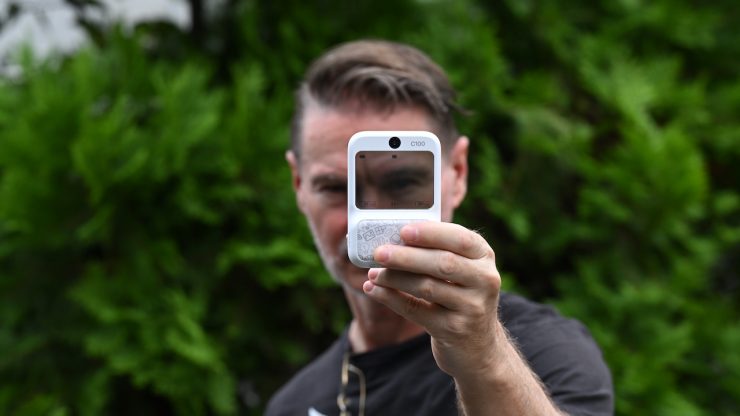
If you hold the C100 away from you and try to frame up shots, the framing you get is totally not what you intended. You have to hold it right up close to your face to achieve half-decent framing. You also have no idea if the framing is level because there is no horizon level.
I also had issues where I was pressing the shutter button, and then I would have a look on the card later and some of the photos I thought I took just weren’t there at all. There seems to be a problem where if there is any other material on your MicroSD card, and even if it was formatted as FAT32/exFAT, the camera will have recording issues.
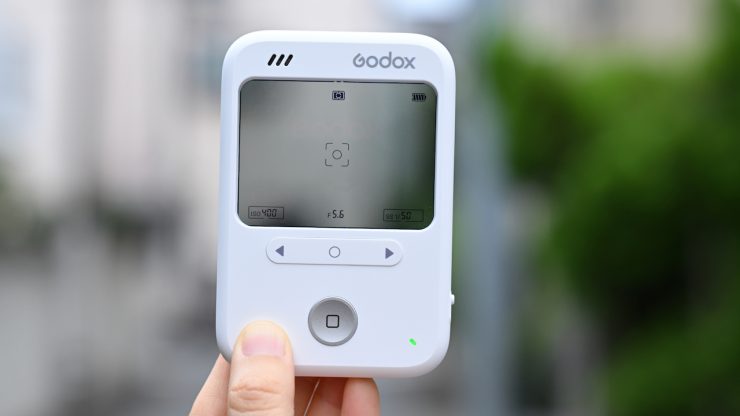
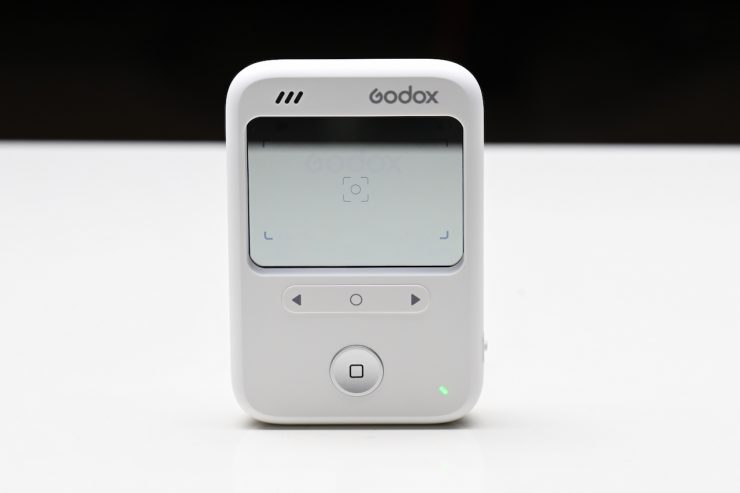
I also had a hard time seeing the icons on the transparent screen in a lot of lighting conditions. The screen icons are not overly bright. You also can’t see them if you are holding the C100 right up close to your face.
There is also no indicator that shows whether or not a MicroSD card has been inserted into the camera. You could easily go out and shoot and then realize there was no card inside the C100.
A camera like this is supposed to be fun and interesting, but the overall usability doesn’t make it fun at all. There are far too many frustrations that make you not want to use it.
How do you view photos & videos?
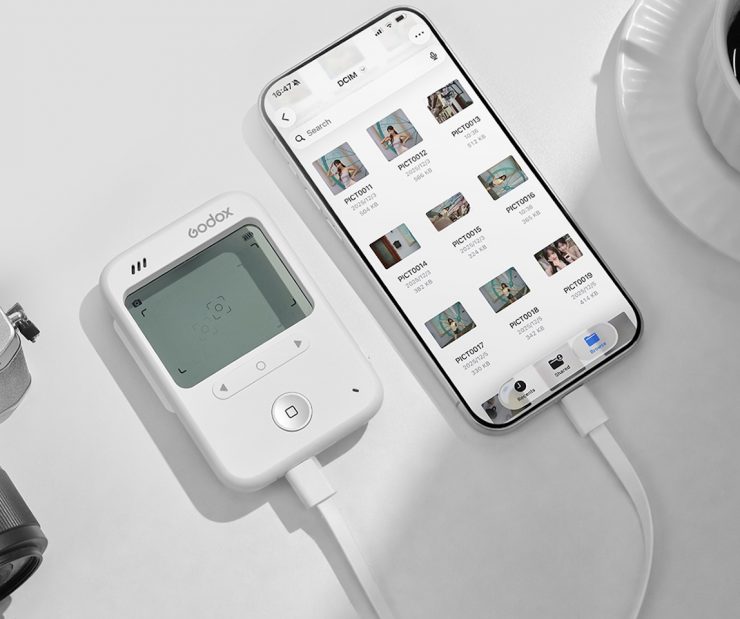
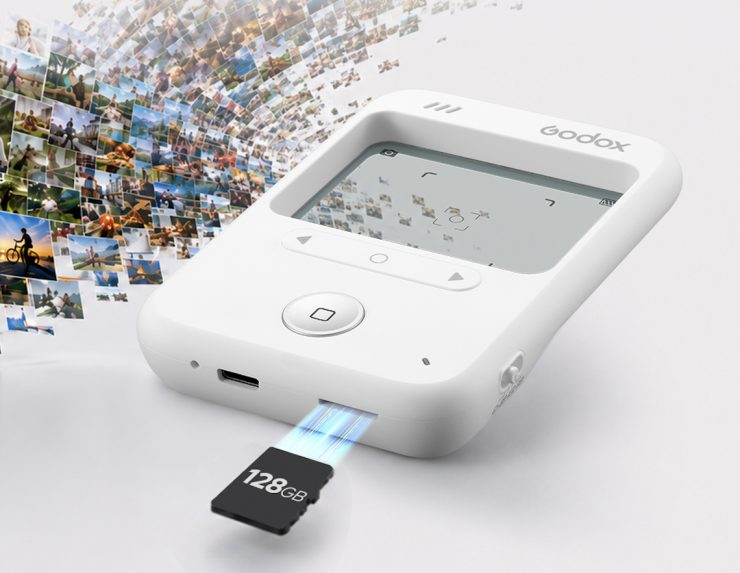
You can’t view any images or videos on the C100 itself. The only way to view the material you capture is to take out the MicroSD card and use it with a reader, or connect the C100 directly to your phone via a single Type-C cable. On your phone, you can preview, export, and share your content.
Godox states that on iOS devices, once you have connected to the camera and turned it on, you open the Files app to enter the main interface.
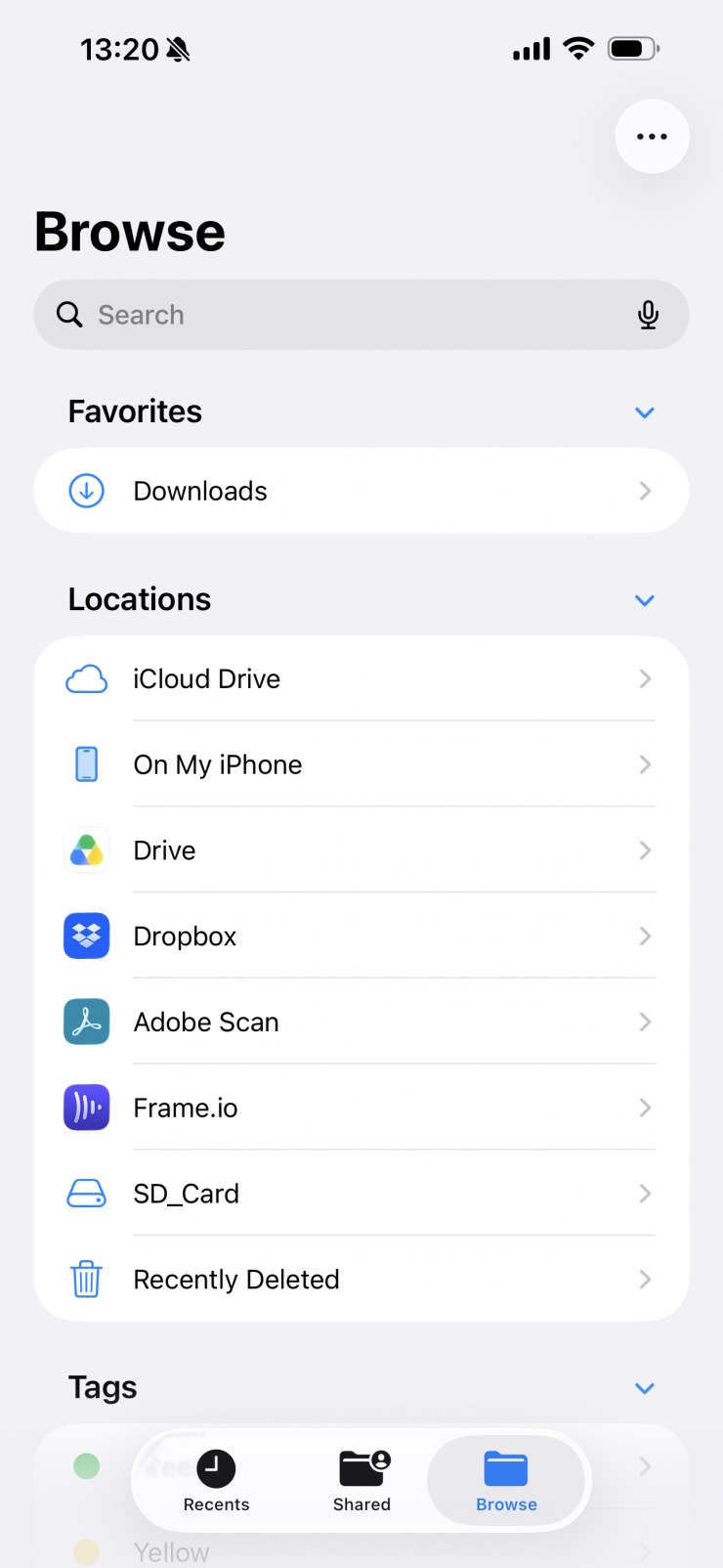
Under Locations, you can tap on your SD card Folder to access the C100 storage directory.
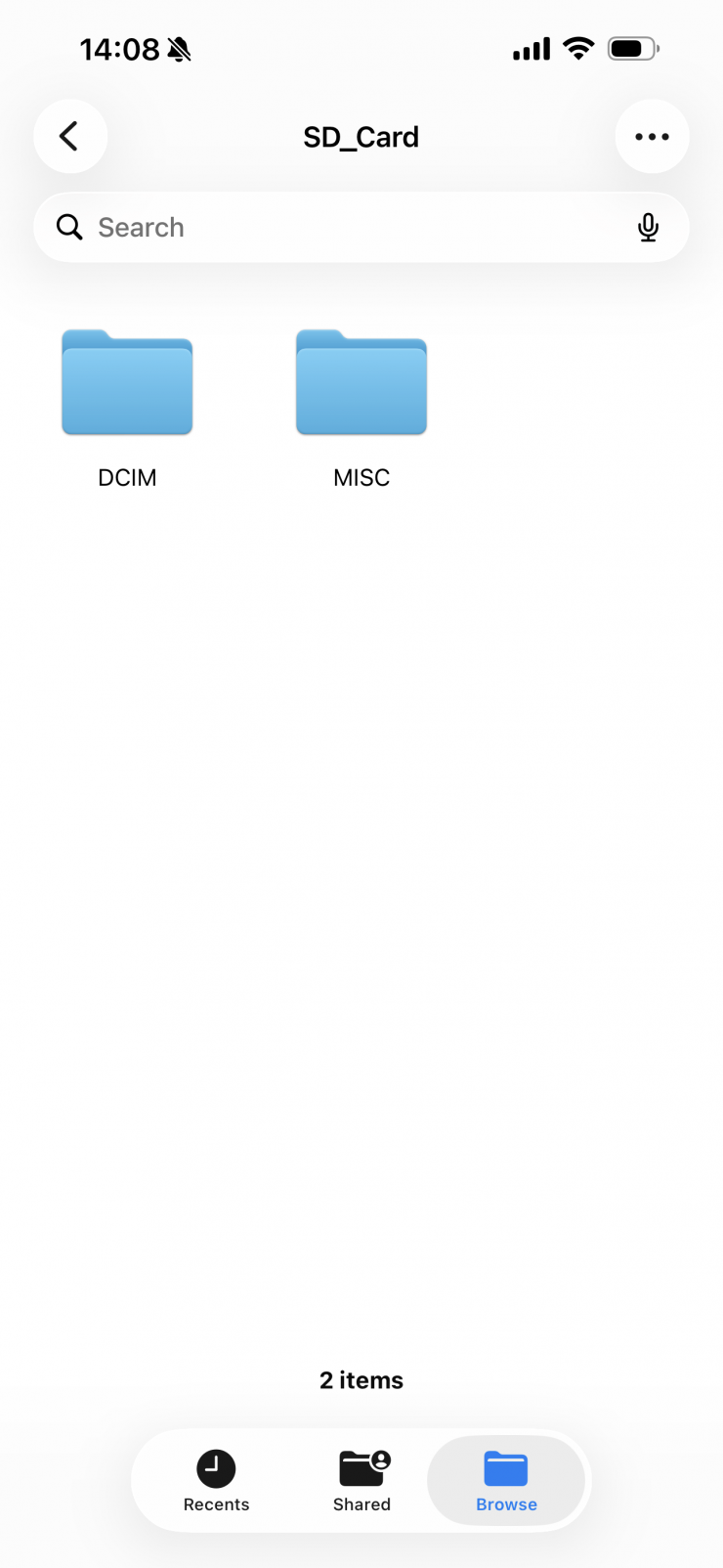
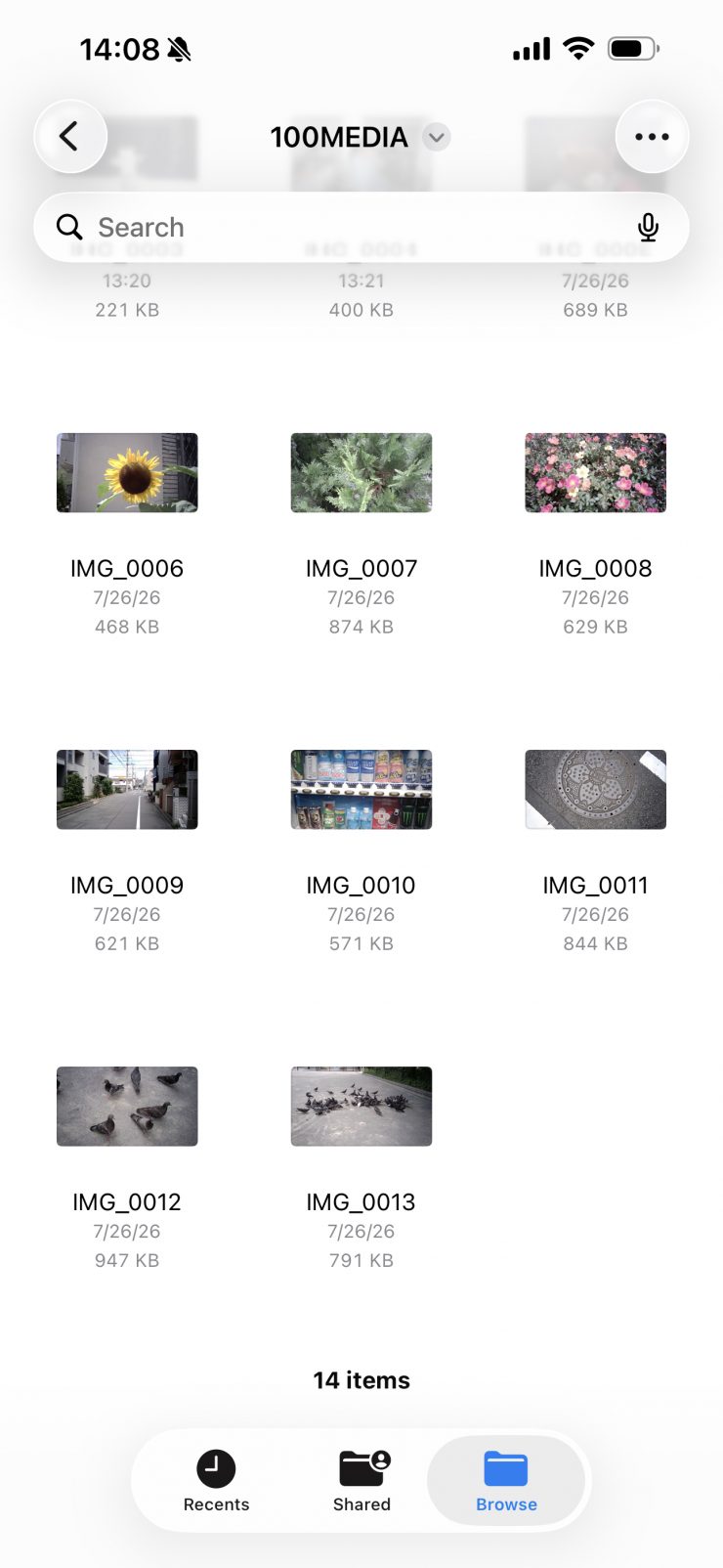
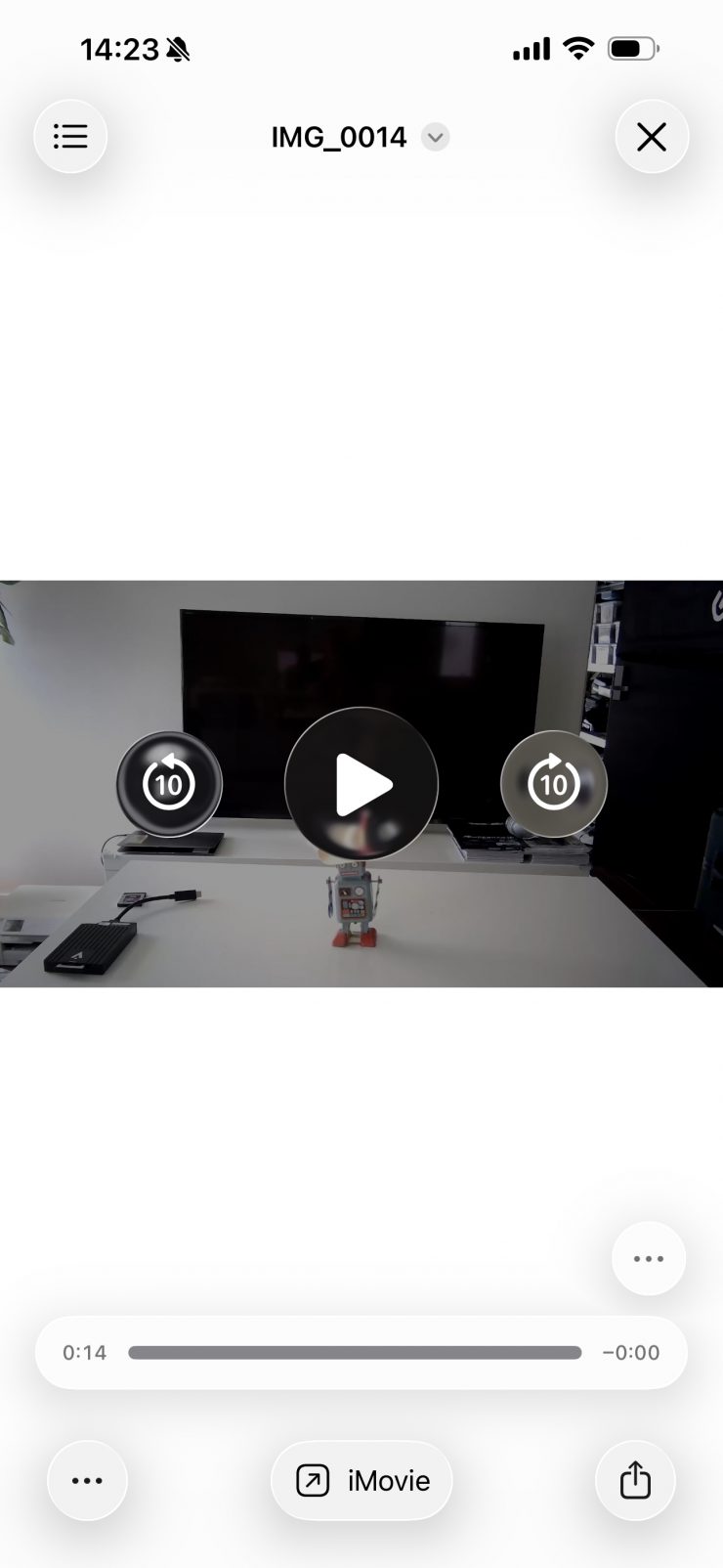
You then navigate through the path DCIM folder →1OOMEDIA to view photos and videos.
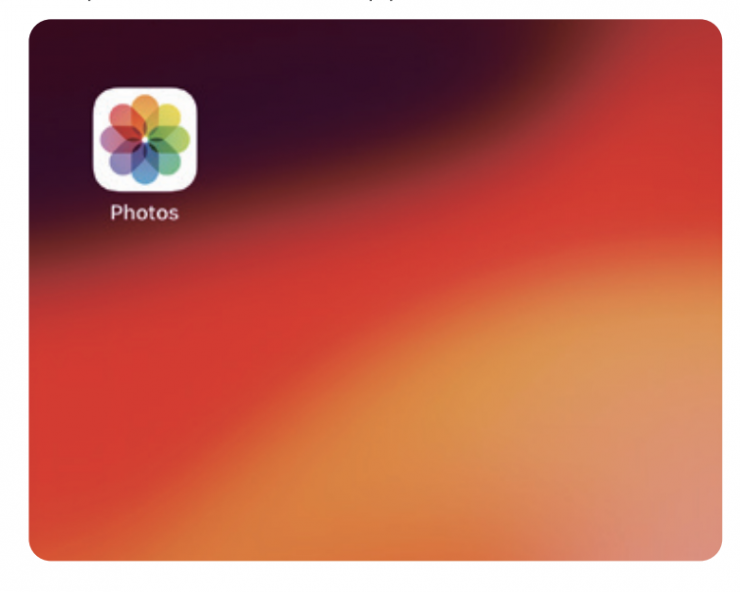
If you want to import everything into the Photos app, click on Photos.
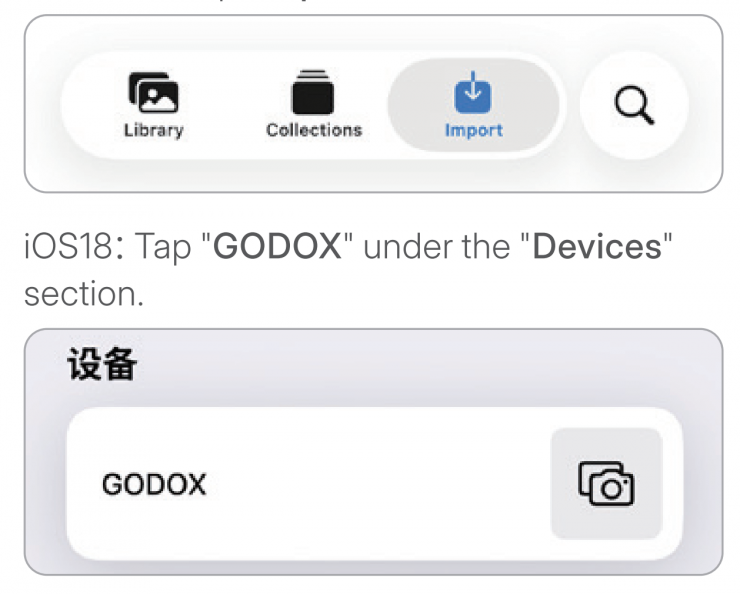
You can then click on Import, and then your images should appear.
What does it record to?
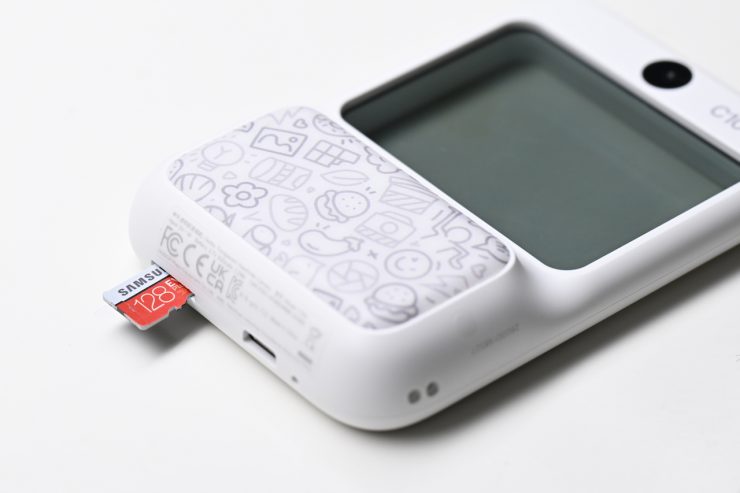
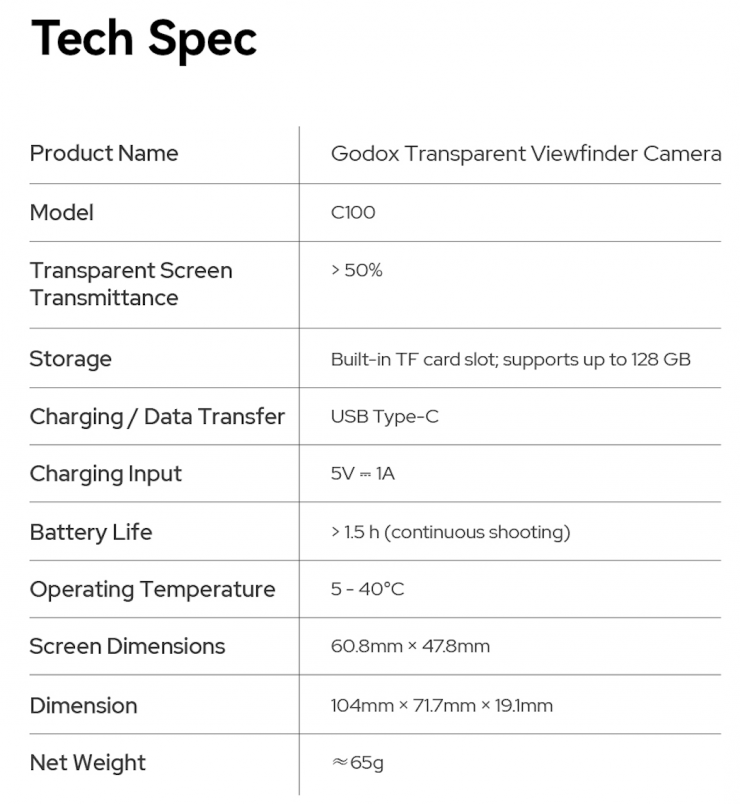
The C100 doesn’t feature any built-in storage. Instead, it has a built-in MicroSD card slot that supports up to 128GB. The card needs to be formatted to FAT32/exFAT.
If the green LED indicator at the bottom right of the camera keeps flashing, you should check that the MicroSD card is properly inserted and recognized and ensure the card is formatted to FAT32/exFAT.
Size & Weight
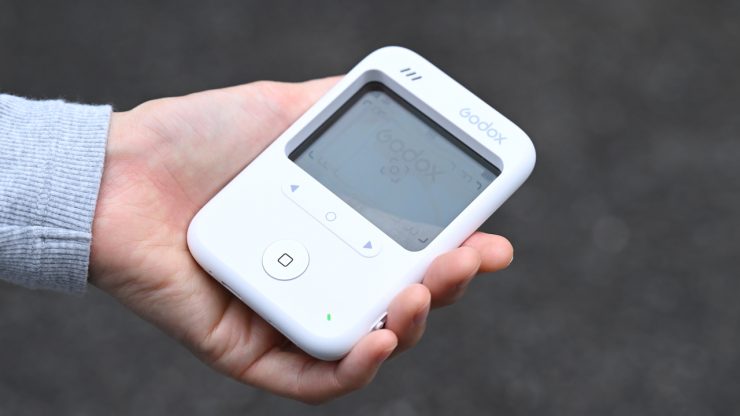
The C100 has dimensions of 104.1 x 71.7 x 19.1 mm, and it weighs in at just 65g / 2.29 oz. It is really lightweight and easy to carry around or put in a bag.
Charging & Battery
Godox claims that the C100 can run for around 1.5 hours if you are continuously shooting. The built-in battery can be charged via USB-C. I’m not the biggest fan of built-in batteries in devices like these that will inevitably have a short lifespan.
Build Quality
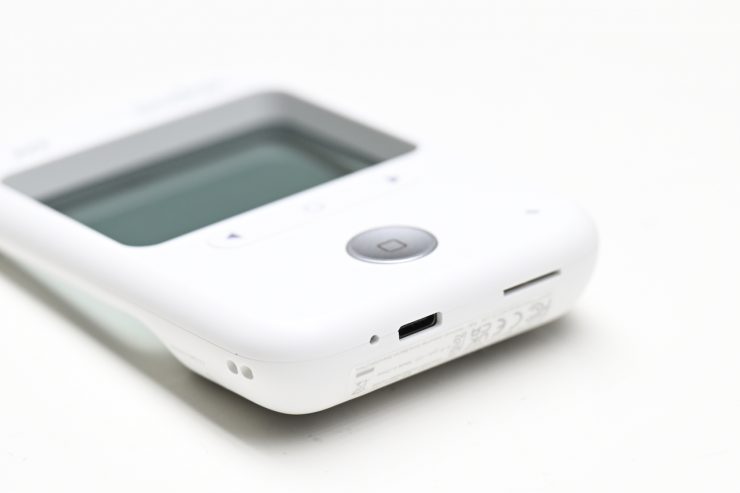
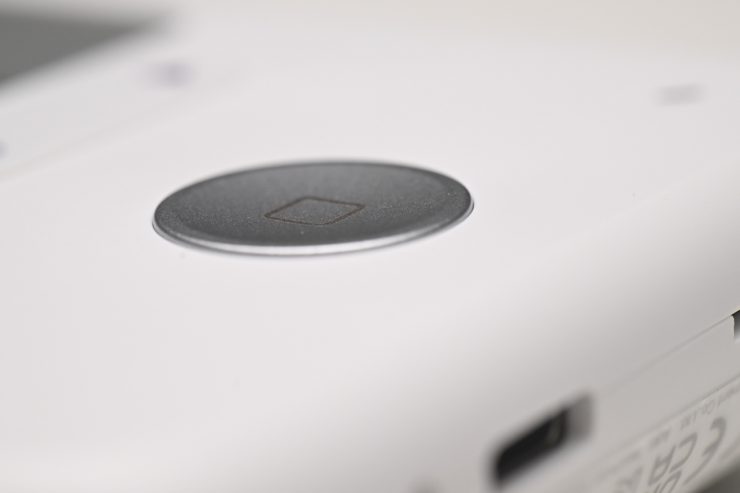
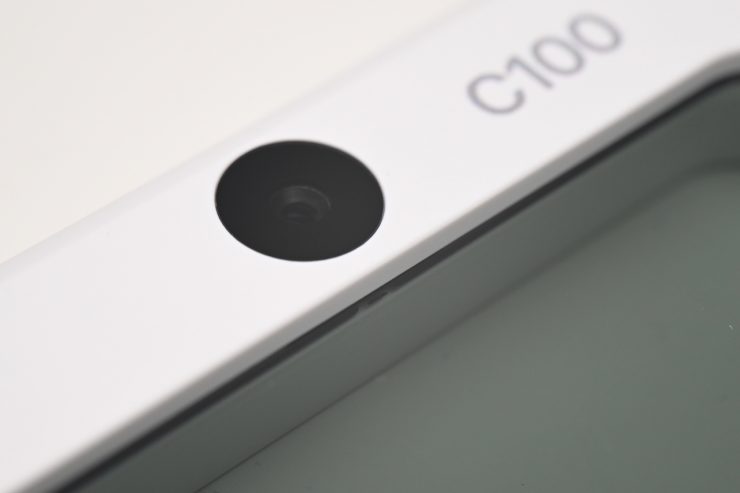
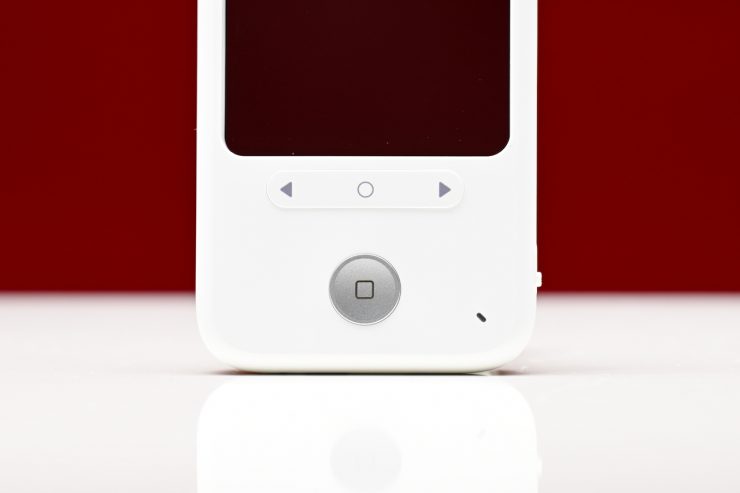
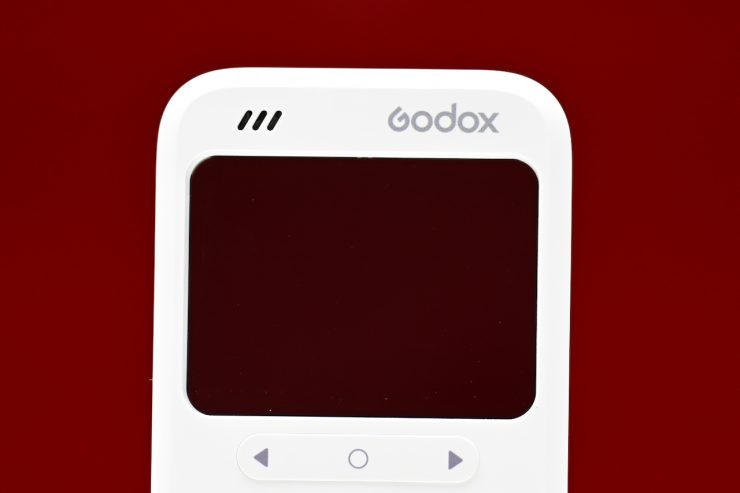
For what it is, it is decently built. The buttons are tactile and easy to use, and as there aren’t a lot of parts, there isn’t much you could break. The biggest issue for me is the plastic screen. This is bound to get scratched and marked over time if you are not careful.
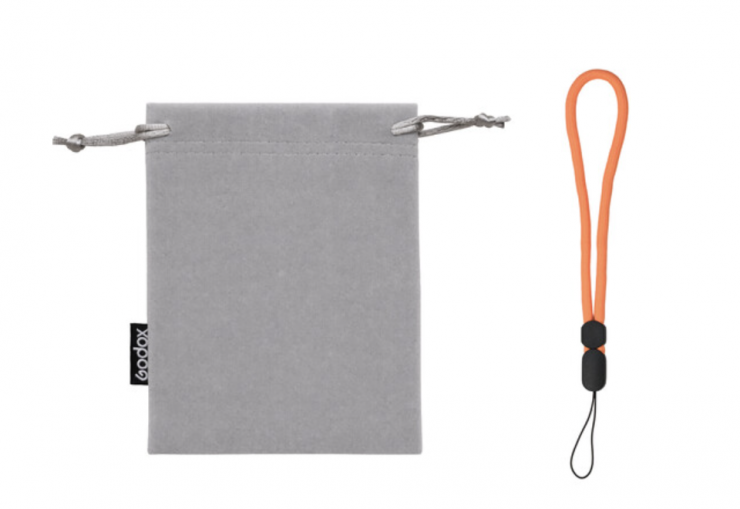
For storage and transportation, they do have an optional Storage Pouch & Lanyard that you can buy for $1.99 USD.
Pricing & Availability
The Godox C100 Transparent Viewfinder Camera is available to purchase for $44.90 USD.
Thoughts
I think the C100 is an interesting concept, but it’s a bit of a jack-of-all-trades, master of none. The quality of the photos or videos isn’t good, and despite the light meter functionality working pretty well, it has a lot of limitations. On the positive side, it’s less than $50 USD, so you can’t really complain about its shortcomings too much!
It might appear to be cool and edgy, but it’s more of a toy than anything else. Look, there’s nothing wrong with that concept at all, especially for the target audience it is being aimed at; it just feels like it’s been poorly executed. I just don’t see the rationale in using a sensor and camera combination where the quality is what you would expect from an early 2000s camera phone.
At least in my opinion, the C100 could have been a lot better product if it utilized a much better camera and sensor and a way more intuitive operating system with a wireless connection to a smartphone so you could instantly check a shot or even see live framing, even if this meant making the price $199 USD instead of under $50 USD.