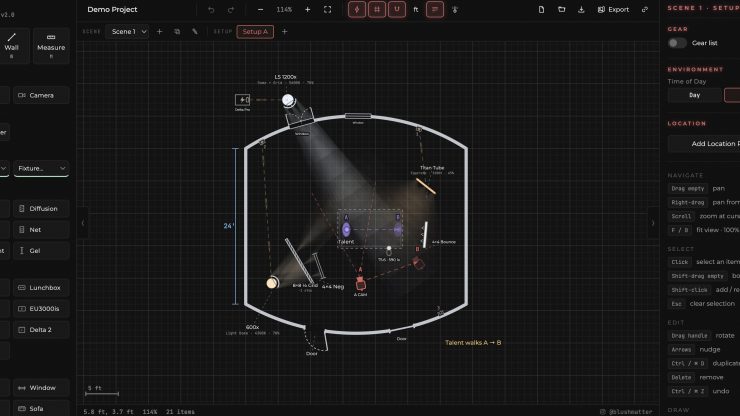
Blush is a free lighting diagram tool that runs in your browser. You can use it on a desktop, a laptop, and an iPad.
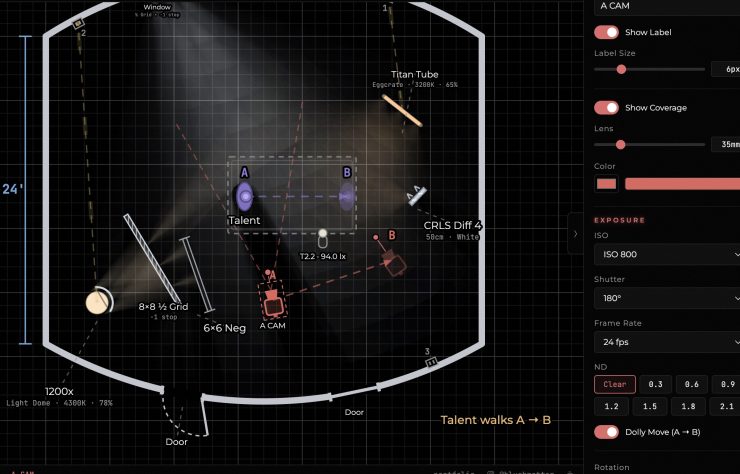
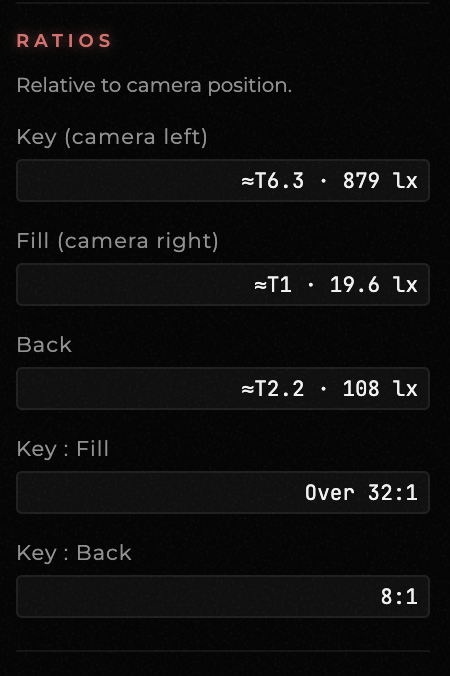
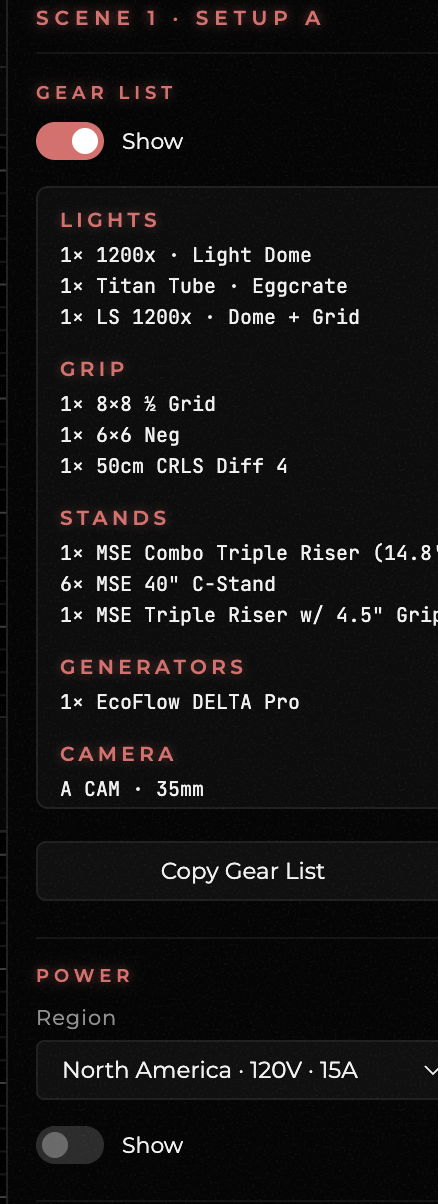
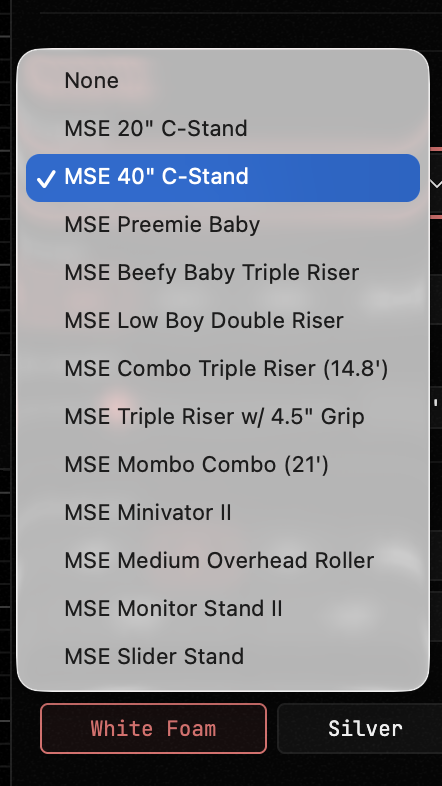
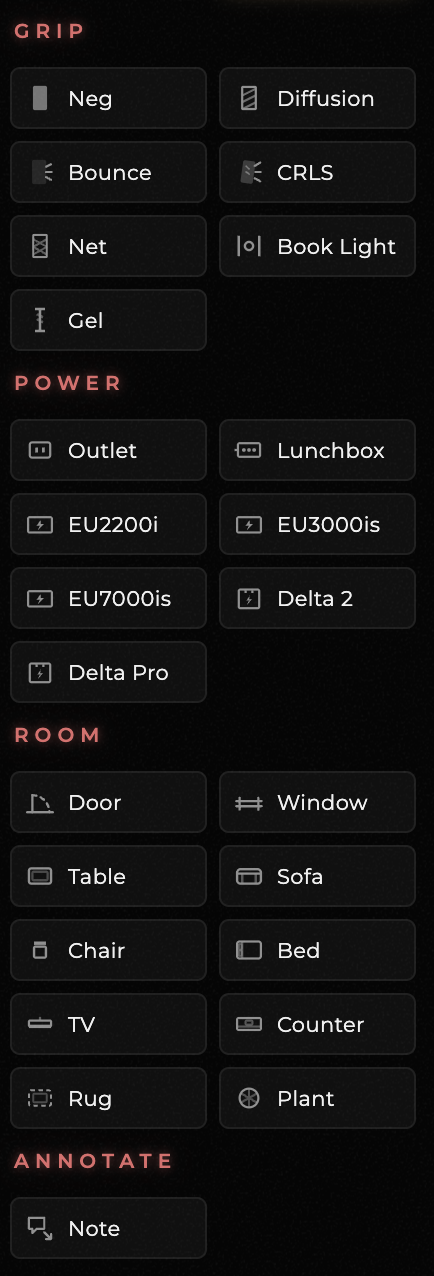
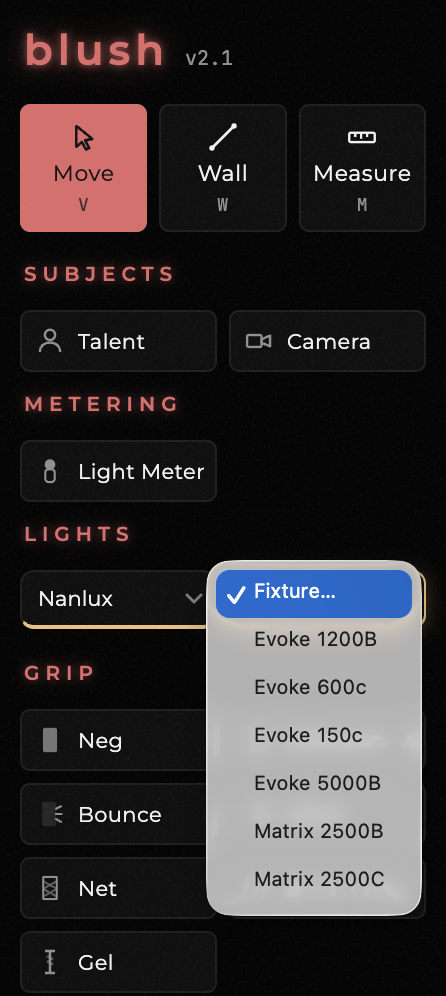
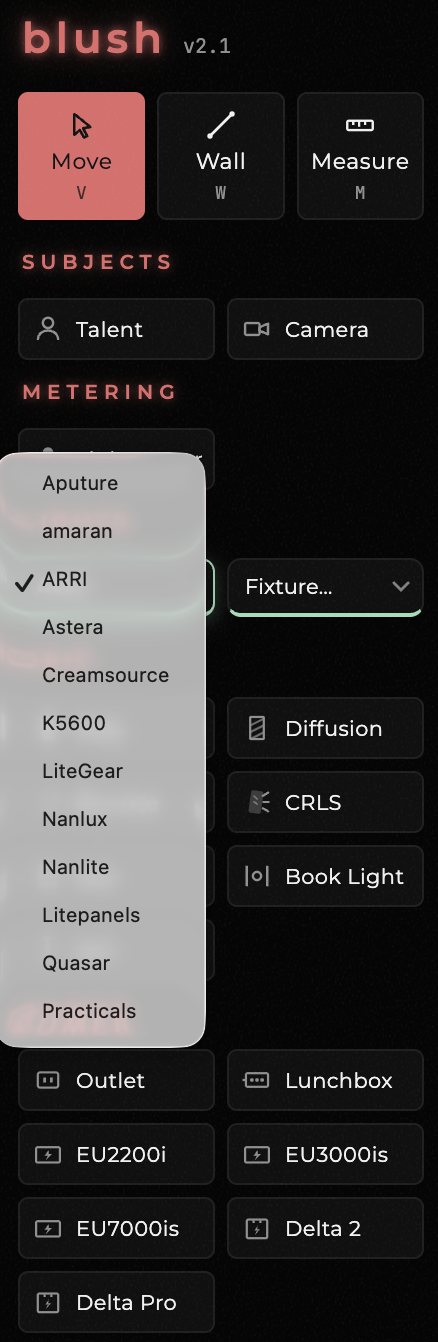
The tool allows you to draw a room, place lights, and then throw real beams that spill, kick off bounces, and soften through diffusion. Every fixture carries manufacturer photometric data, so the diagram reads the way a light meter would. You can measure T-stop, lux, and ratios where the talent or shot will be, and everything is tied directly to your camera position and settings.
Key Features
Drawing
- Draw straight or curved walls in seconds
- Add doors and windows, with adjustable open angles
- Add diffusion to windows
- Add furniture, rugs, notes, and dimension lines
- Import location photos as underlays
- Work across multiple scenes and setups, with undo and autosave
Lights
- Choose from over 100 fixtures with manufacturer photometric data
- Lights show their real beam spread
- Mount modifiers such as reflectors, domes, softboxes, grids, eggcrates, and skirts
- Control dimmer, color temperature, and RGB
Grip
- Add diffusion frames, bounce boards, CRLS mirrors, gels
- Cut light with negs and nets
Environment
- Switch between day and night
- Adjust sun azimuth, elevation, and weather
- Walls bounce light back based on their finish
Metering
- Drop light meters anywhere to measure T-stop and lux
- Check lighting ratios on talent
Blocking and camera
- Block talent and camera moves from A to B
- Add multiple cameras
Power
- Add outlets to walls, 15A or dedicated 20A
- Assign outlets to different breaker groups
- Stinger runs a route around walls and through doorways
- Get stinger counts, generator battery runtime, and overload warnings
- Switch regional power standards, 120V or 230V, imperial or metric
Gear and export
- The gear list build themselves from the floor plan
- Export one setup, or batch export every setup at once in PNG or PDF
Sharing
- Share projects by link or send as a file for your team to edit and return
Platform
- Runs in the browser on desktop and iPad
- Free, no account needed
Blush was designed by cinematographer Daniyal Shah because he found that every tool he tried, just drawing four walls, took too long. With Blush Lighting, you can create a room down in seconds and get straight to lighting it.
Daniyal wanted the diagram itself to answer a lot of the prep questions that you usually encounter, such as what will the ratio be, what changes do I need to make if I want to direct a light into a mirror instead of a white bounce, and what’s on the diagram that isn’t on the truck yet.
The diagram also builds the gear list and power breakdown automatically, so the electric department can see how many stingers you will be running and whether you are about to trip a breaker.
You can also share projects by link or as a file, so your gaffer can open it, make changes, and send it back.
Blush is completely free to use; there are no sign-ins, no sponsors, no ads, just a tip jar.
I have been having a play with the tool, and it is incredibly easy and intuitive to use. It is great to see so many people in our industry taking the initiative to build and create free tools.