The MONO-Match Skin Tone Matching Assistant for DaVinci Resolve is claimed to analyze each clip, find the best frame with a visible face, and automatically match exposure, subtractive saturation, and tint.
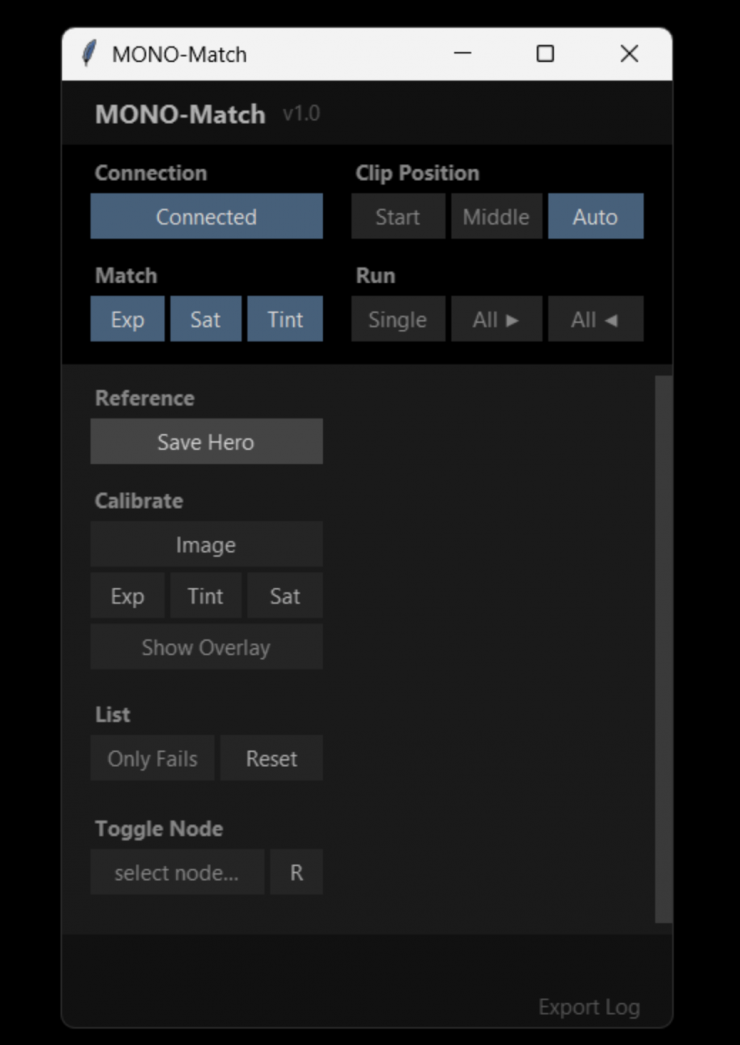
It was designed to give you a fast and consistent first pass. Just to be clear, MONO-Match is not magic. If there are extreme lighting changes, direct sunlight, heavy shadows, or missing faces, manual adjustments may be required after the automatic match.
Key features
- Automatic hero frame matching
- Face-based frame selection
- Exposure matching
- Subtractive saturation matching
- Tint matching
- Batch matching for entire timelines
HOW IT WORKS
- Open DaVinci Resolve and go to the Color Page.
- Apply the MONO LAB DCTL to a node on your hero clip.
- Grade Exposure, Tint and Subtractive Saturation on the hero by hand.
- Launch MONO-Match.
- Calibrate once: set the viewer corners and the slider positions.
- Press Save Hero. The tool measures the skin tone.
- Click Match. The tool walks the timeline and matches every clip to your hero – automatically.
Pricing
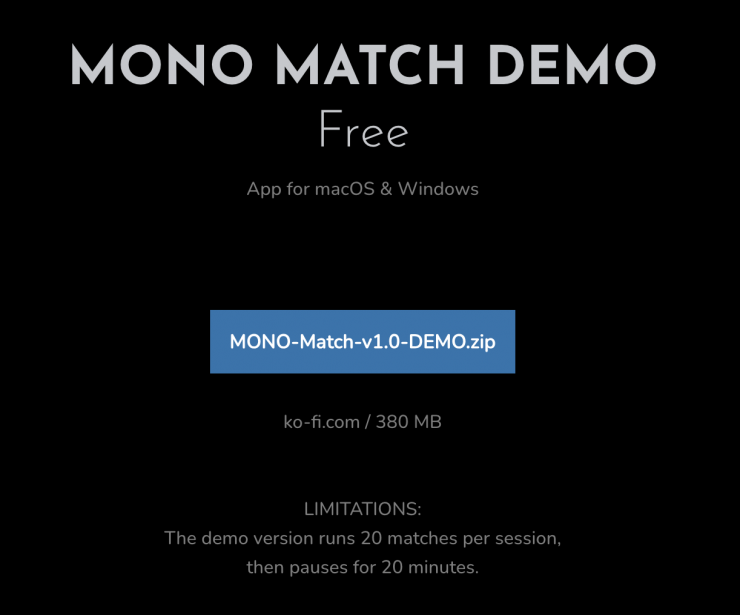
If you want to try it out, you can download a free demo.
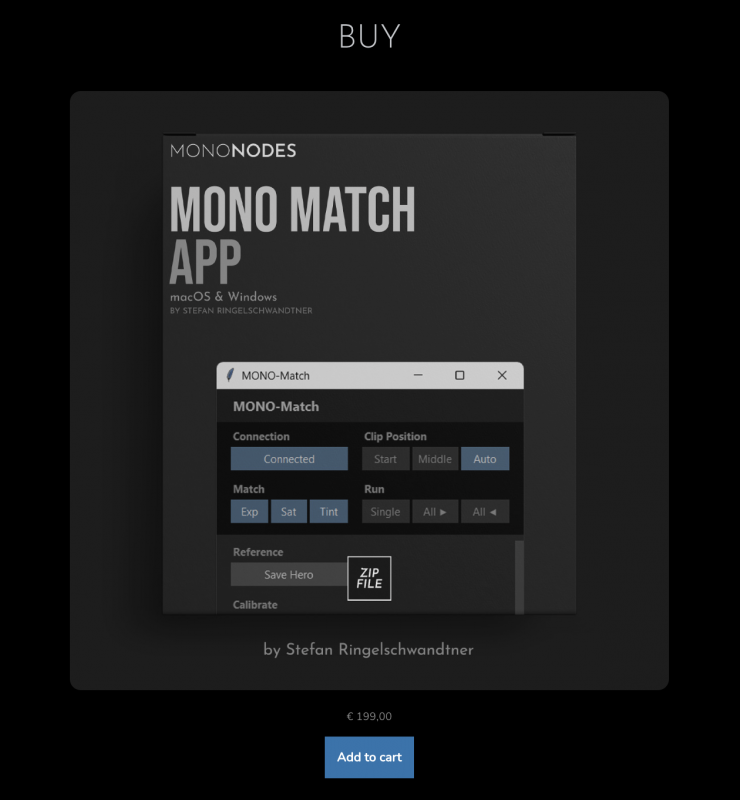
If you want to purchase it, the program costs 199 Euros.
Now, there is a bit of a catch:
MONO Match requires the Lab DCTL from the LOOK / Lab / Print DCTL Pack (349 Euros). The Lab DCTL is not included with MONO Match. It must be purchased and installed separately before using MONO Match.


Latest news
Save $1,800 USD on the SmallHD Ultra 5 Bolt 6 RX 750 Monitor Kit

Save $450 USD on the Gitzo GT1545T Series 1 Traveler Carbon Fiber Tripod with Center Ball Head & GM2542 Carbon Fiber Monopod (Special 50th Anniversary Kit)