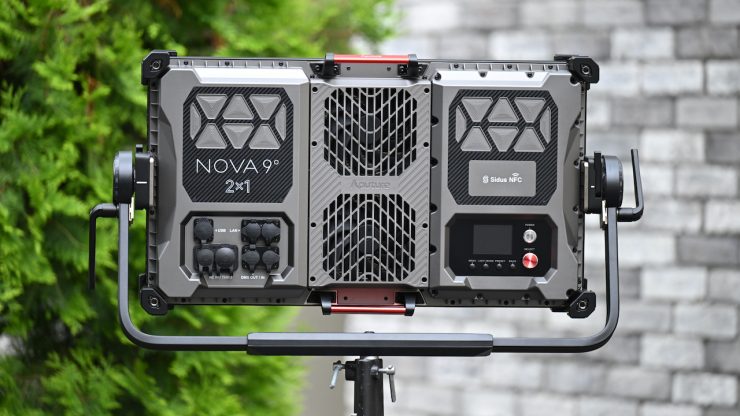
The Aputure NOVA 9° 2×1 Tunable White LED Light Panel was announced back in January, along with the NOVA II.
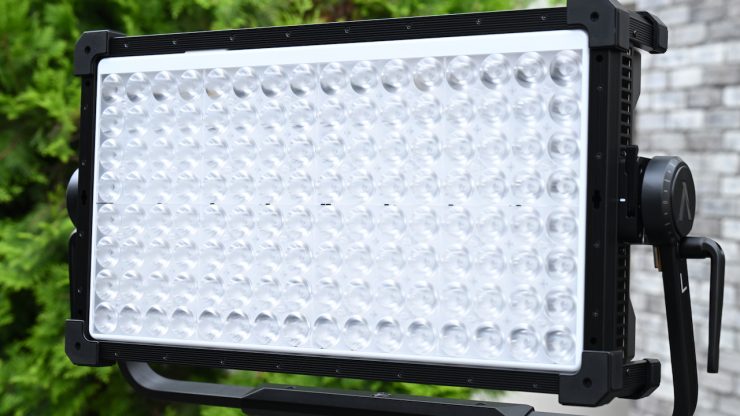
The NOVA 9° 2×1 is a hyper-narrow beam panel and uses the same accessories as the NOVA II 2×1. The Aputure NOVA 9º 2×1 is a high-output, lensed LED panel that uses the same accessories as the NOVA II 2x. It was designed to replicate the power and precision of natural sunlight in a compact, portable form factor. Featuring an ultra-tight 9º native beam angle and a BLAIR chipset, the NOVA 9º 2×1 delivers exceptional long-throw performance, enabling filmmakers to project crisp, directional beams and hard shadows across great distances with remarkable intensity and control.
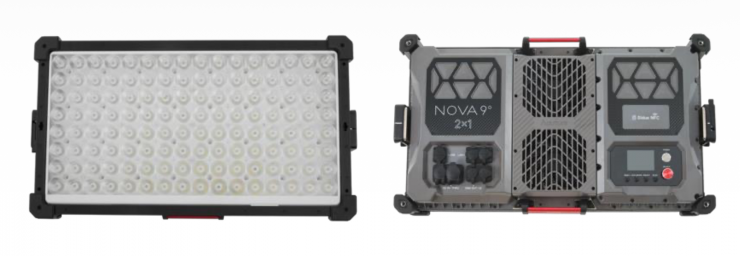
At 5 meters, the NOVA 9° 2×1 is claimed to be twice as bright as a 5,000W tungsten fresnel at full spot (28,090 lux vs 14,920 lux). The light draws 800W.
Key features
- For Studio & Film/TV Production
- Output: 29,730 Lux at 16.4′ (9º, 5600K)
- 1800-20,000K CCT; BLAIR Chipset
- Plus/Minus Green Adj.
- 27.2 x 15.3″ Panel; AC Power
- CRI 95 | TLCI 95 | TM-30 Rf 95, Rg 100
- Onboard, DMX/RDM, CRMX & Art-Net/sACN
- Fan Cooled & QuickClip Front-Mounting
- IP65-Rated Weather Resistance
- Includes Yoke, Flat Diffuser & Cable
We first saw this product at NAB 2026 back in April. Above, you can see my interview with Mitch Gross.
The Aputure NOVA 9° is a very unique fixture and quite different from anything else that is on the market that has a power draw of below 1000W.
Size & Weight
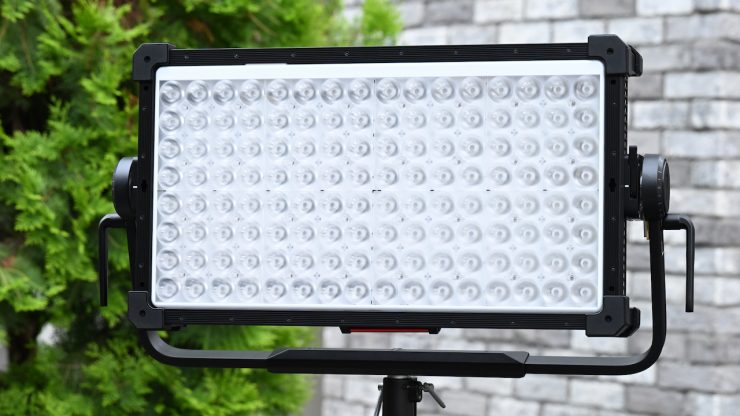
There is no way of sugar-coating the fact that this is a very heavy light. It weighs in at 20.45 kg / 45.08 lb (light, yoke, & power supply), which may sound like a lot for a 2×1-sized fixture, but it’s far from an anomaly. With its weight, it is still manageable to lift and operate by a solo operator, but you should always be careful when lifting this sort of weight.
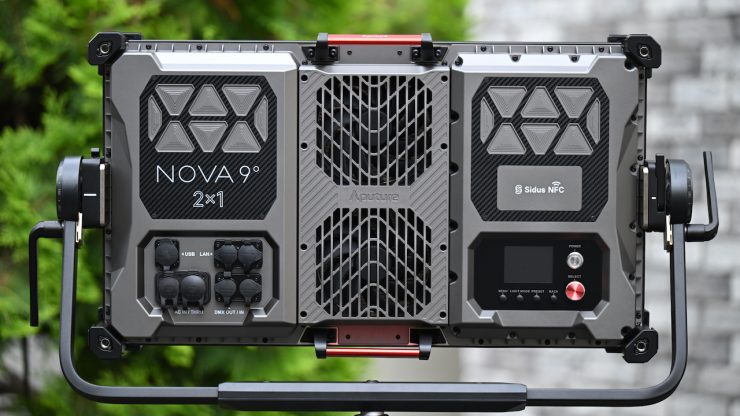
Like the ARRI SkyPanel X21 and Creamsource Vortex8, the power supply is incorporated into the light. While I like panel lights with built-in power supplies, it does make the actual light a lot heavier, and you, therefore, need to make sure that you use heavy-duty light stands.
How does this weight compare to some other high-end 2×1 full-color lights?
| WEIGHT | |
| Aputure NOVA 9° | 20.45 kg / 45.08 lb* |
| Aputure NOVA II | 18kg / 39.68 lb** |
| KNOWLED P1200R Hard PRO | 22kg / 48.5 lb** |
| Godox KNOWLED P600R Hard Pro | 13kg / 28.7 lb |
| ARRI SkyPanel X21 | 18kg / 39.7 lb** |
| Creamsource Vortex8 | 15.6 kg / 34.39 lb* |
| ARRI S60-C SkyPanel | 17 kg / 37.47 lb* |
| Rotolight Titan X2 | 14.3 kg (31.52 lb)** |
| Litepanels Gemini 2×1 | 10.1 kg / 22.26 lb** |
| Litepanels Gemini 2×1 Hard | 11.5 kg / 25.3 lb** |
| Z CAM ZOLAR Vega 80C | 20 kg / 44.1 lb** |
| SUNNYXIAO CO2P | 12.5 kg / 27.55 lb** |
| Lupo UltrapanelPRO Full Color Hard 60 | 9 kg / 19.8 lb** |
| Luxli Taiko | 8.96 kg / 19.75 lb** |
| Velvet EVO 2 | 7.57 kg / 16.7 lb** |
| Nanlux Dyno 650C | 15.8 kg / 34.8 lb** |
*Weight includes power supply and yoke frame.
** With standard yoke
As you can see, the weight of the Aputure NOVA 9° is fairly similar to a lot of other high-end 2×1-sized fixtures.
BLAIR Light Engine
The NOVA 9° utilizes a version of the BLAIR Light Engine that was first introduced with the STORM 1200x. BLAIR was the direct result of Aputure acquiring Prolycht.
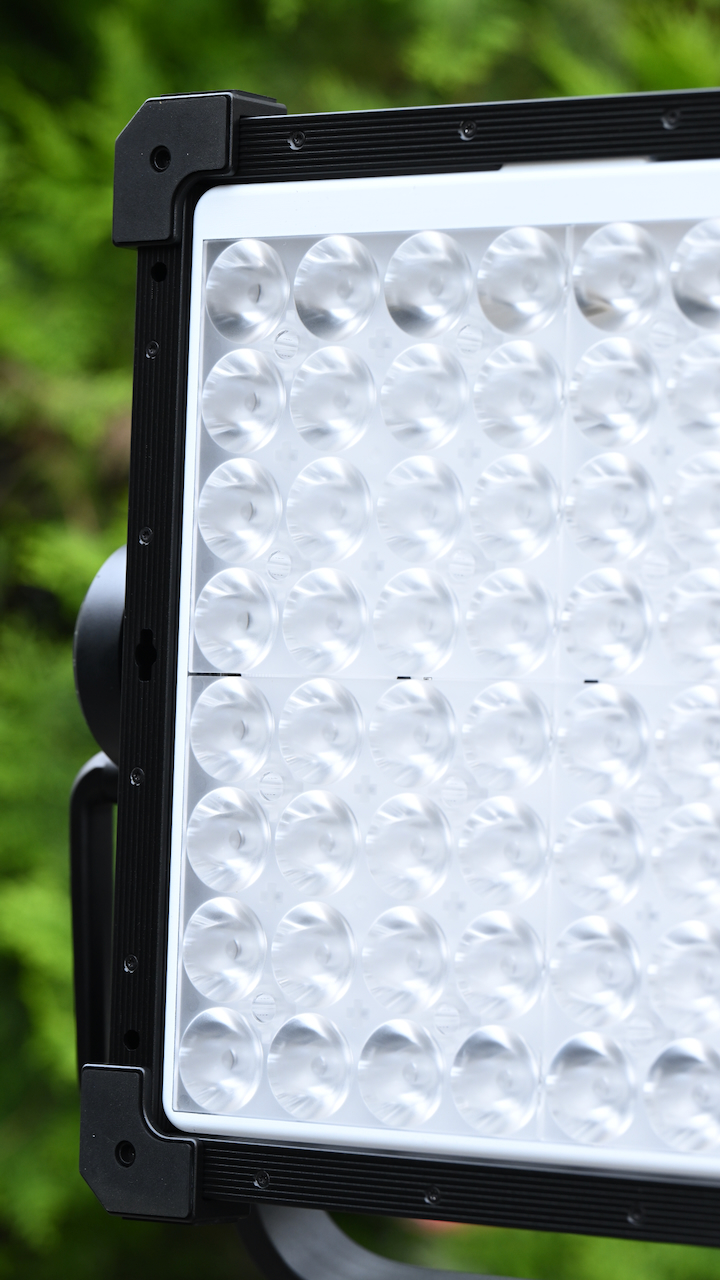
The BLAIR Light Engine utilizes blue, lime, amber, indigo, and red LED emitters. This is quite different from RGBWW or RGBACL. Lights that utilize RGBACL don’t use any white LEDs; instead, they mix all of those different color LEDs to produce white light, and that’s essentially what BLAIR is doing too. Instead of having a green emitter, they are utilizing indigo.
Aputure decided to call it BLAIR because they wanted to avoid the alphabet soup confusion of other RGB variants. Regardless of whether you like the name or not, it is easier to remember.
The NOVA 9° 2×1 uses Aputure’s BLAIR with Extended Red light engine. The choice of BLAIR instead of BLAIR-CG is based on the expected use case. The NOVA 9° has such a tight beam that its intended use is as a sunbeam or other white light source. It is unlikely to be used for some extreme saturated color effect. BLAIR gives more lumens per watt when used for white light, as it is not wasting capacity trying to hit extreme saturated colors. So this gives the light more punch. Aputure’s use of Extended Red is to better cover the red part of the spectrum with multiple emitters for improved skin tones. Multiple red emitters also help increase overall output.
The NOVA 9° is a full-spectrum white light, and Aputure claims that it has excellent CRI and SSI. It is claimed to deliver a better-quality white light to fill out the color spectrum while offering greater adjustability. The calibrated Indigo is said to enhance fluorescing materials, resulting in a higher quality white light that better matches natural daylight and blackbody sources such as tungsten quartz.
Adding Indigo is very interesting because the light it emits is right at the edge of our visible spectrum, and that is why engineers probably haven’t thought about doing it before; that was until now. But why Indigo? Well, not all objects or surfaces reflect light; some of them absorb it. What Aputure engineers found is that by adding an Indigo emitter, certain materials and objects retained their natural brightness and color. In practice, this actually makes quite a noticeable difference. In some of the examples I have seen, you can certainly see its benefits. The benefits will be more noticeable when using the light at daylight CCT setting as opposed to tungsten.
The human eye is only really capable of detecting wavelengths from 380 to 700 nanometers, and most LED lights don’t contain any information below around 420 nanometers. The BLAIR light engine adds information right out to 405 nanometers.
The NOVA 9° is claimed to have the following photometric scores:
- CR I≥ 95
- TLCI ≥ 95
- SSI (Tungsten) 89
- SSI (D56) 86
- TM-30 RF (Average) 95
- TM-30 RG (Average) 100
Hive Lighting has been using 7 LED-chip blending. Instead of the traditional 3 colors, Hive uses red, amber, lime, cyan, green, blue, and sapphire. Companies like ARRI and Kelvin are using RGBACL, while a lot of other lighting companies are using RGBW and RGBWW.
We have seen everything from RGBW/RGBWW to 6-color systems (RGBLAC), to Aputure’s BLAIR CG, NANLUX’s new C8 Full Color Light Engine, which is claimed to be the industry’s first eight-color light engine, the Profoto CORE-6 RGBWWW LED Engine, and Godox’s PaletteLab, which is claimed to deliver full-spectrum performance across the entire visible wavelength range. PaletteLab is made up of 9 separate color diodes.
There is a lot of debate and argument over what color engine is better, but at least in my opinion, all of the new lighting engines produce excellent results.
Aputure does have another version of BLAIR called BLAIR CG, which is used in the STORM C fixtures. Along with the blue, lime, amber, indigo, and red emitters, it also has additional cyan and green emitters.
How did they arrive at BLAIR?
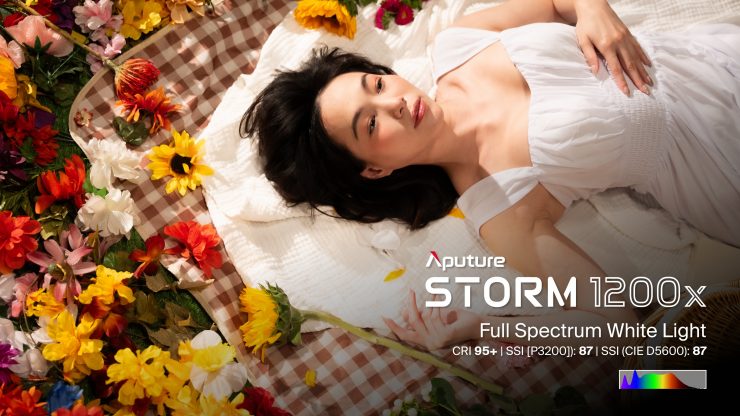
Instead of just making incremental improvements, Aputure got to the point where they asked themselves what are we are trying to do, and what are the problems we are trying to solve. They wanted to come up with a better mousetrap and not just build another existing one. This led them to look at different ways of coming up with an alternative solution to what was already available. Aputure received a lot of feedback from Art Directors, make-up artists, etc. that things just never seemed to look quite right when trying to replicate daylight sources.
With LED lights, replicating tungsten has always been a lot easier than replicating daylight. A lot of LED lights, when used at daylight CCT settings, never quite look right. The color of skin tones, fabrics, etc., can look slightly off. This led Aputure to re-look at the spectrum to see what was missing.
What Aputure found is that there was a discord between measuring colors with a meter and seeing what actually happened when it came to light being reflected and absorbed by colors. Certain surfaces reflect light, and others absorb it, and then there is another group that reflects back light that is different from what is hitting it. This can lead to differences in color and brightness. This discovery led to what Aputure believes was the key ingredient that was missing in the color engine, Indigo.
Probably the best way to describe it is that if you were to shine an incandescent UV light at an object, you could see how bright that reflected light is compared to the light being emitted from the source.
If an LED light doesn’t have a certain frequency that is contained in UV light, it won’t look the same. This is why so many LED lights struggle to replicate daylight sources, because up to now, those frequencies weren’t being generated by the light engine. Why engineers didn’t see this in the past is because they believed that these frequencies weren’t visible to the human eye, but what they were overlooking was that the reflected light from these frequencies was visible.
Now, some other companies have been using an extra blue emitter in their light engines to help replicate better daylight sources, and while that may sound similar to what Aputure is doing, it isn’t exactly the same. Companies like Maxima are using technology to add more information out toward the edges of the spectrum, but it’s not the same as what Aputure is now doing.
Build Quality
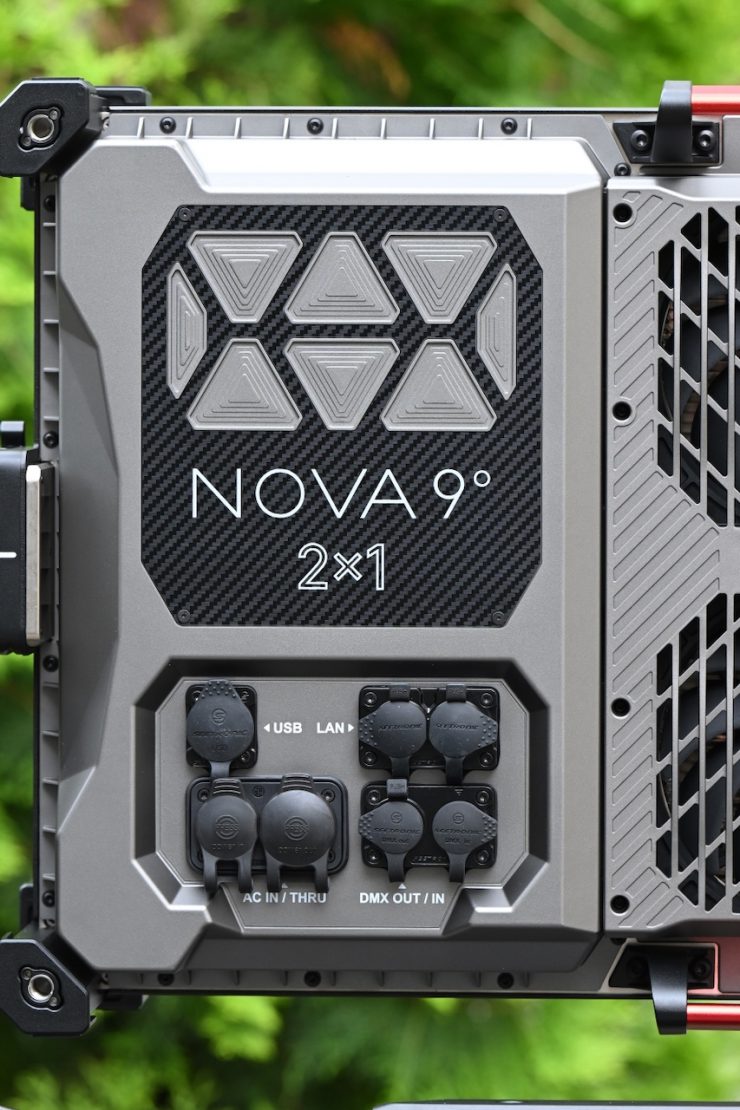
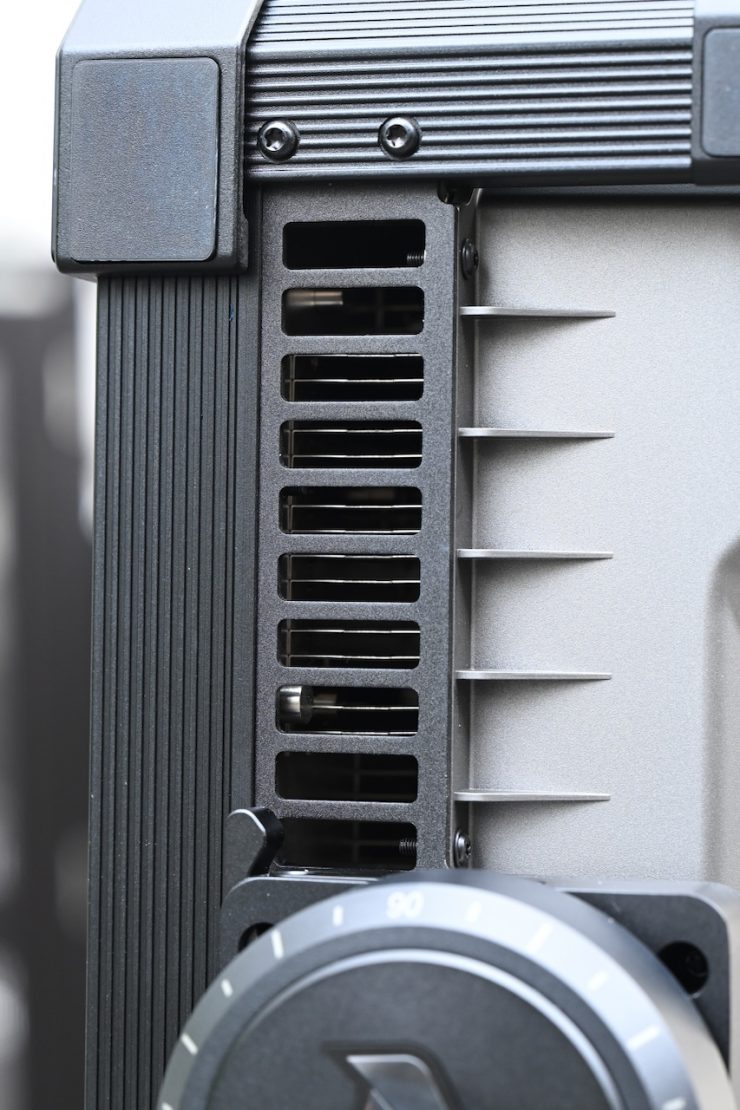
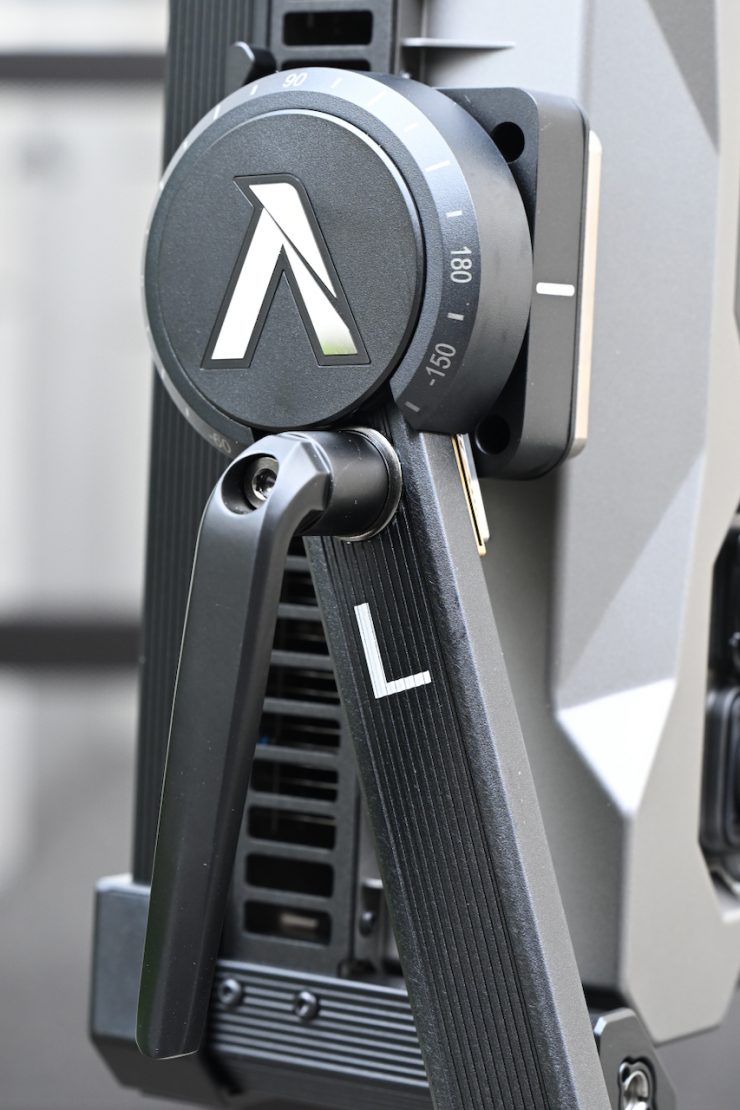
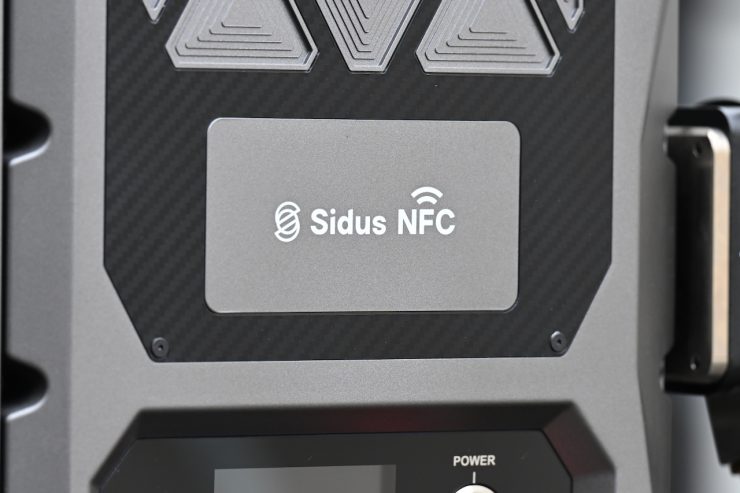
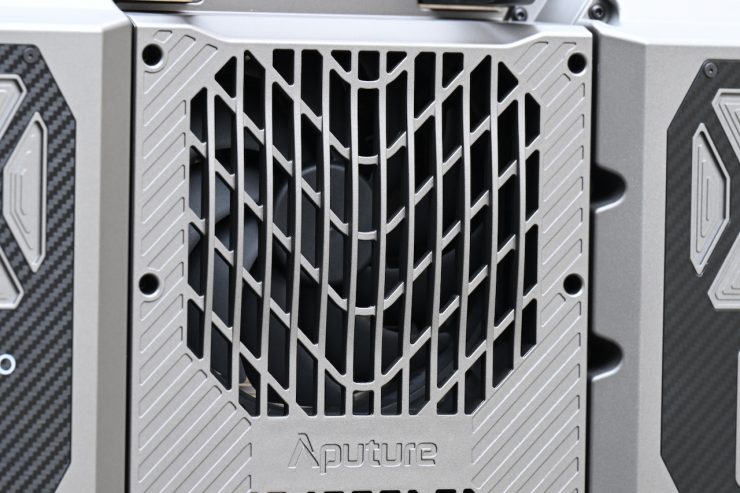
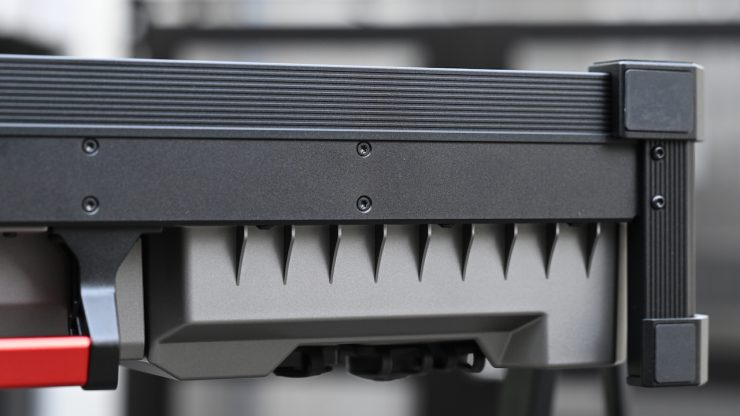
At least in my opinion, the gap between companies such as ARRI and Creamsource, who have been sitting at the top of the pyramid when it comes to lighting build quality, and Aputure, NANLUX, etc., continues to get smaller every year. The Aputure NOVA 9° is a big step up from the original NOVA, and the overall build quality is excellent.
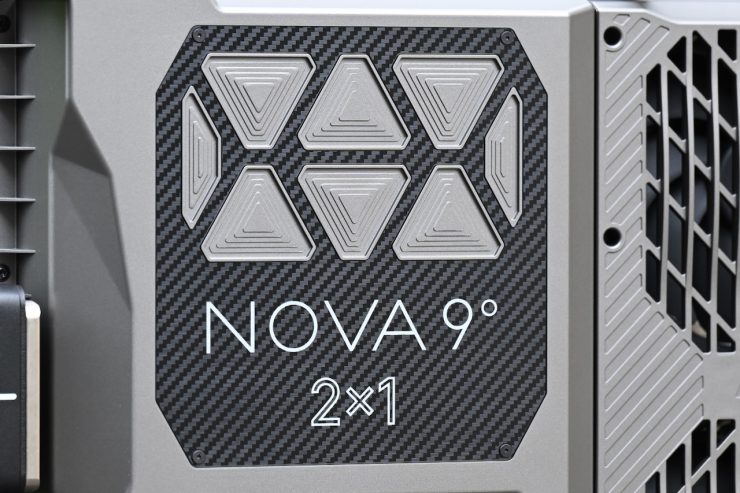
As I mentioned earlier, this is a very heavy fixture, and I think a lot of that has to do with the solid build quality. The build quality is right up there with fixtures such as the ARRI SkyPanel X21 or Creamsource Vortex8.
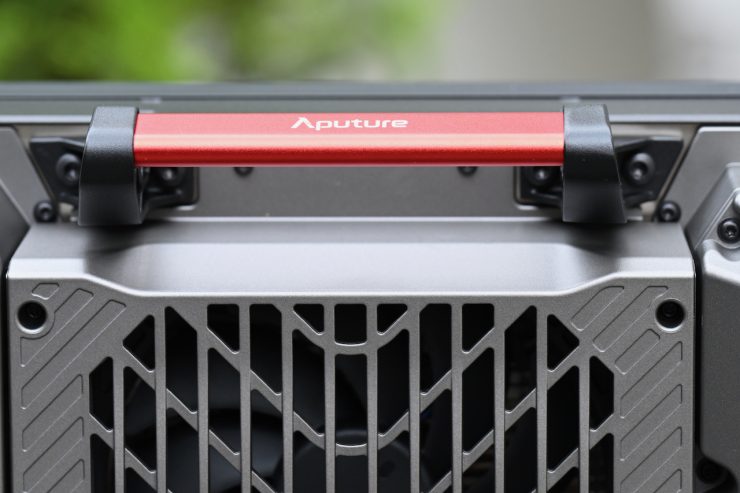
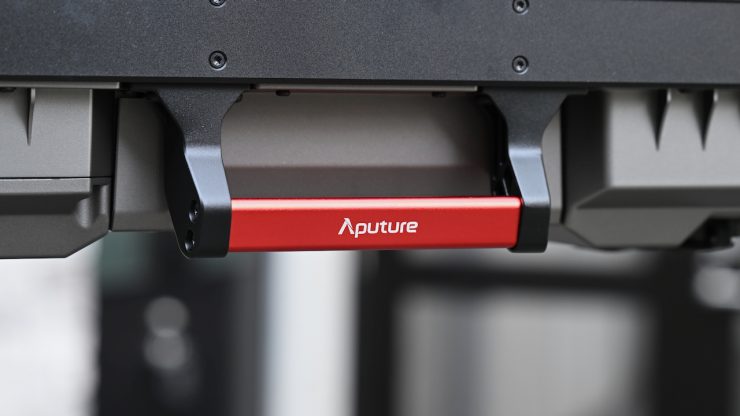
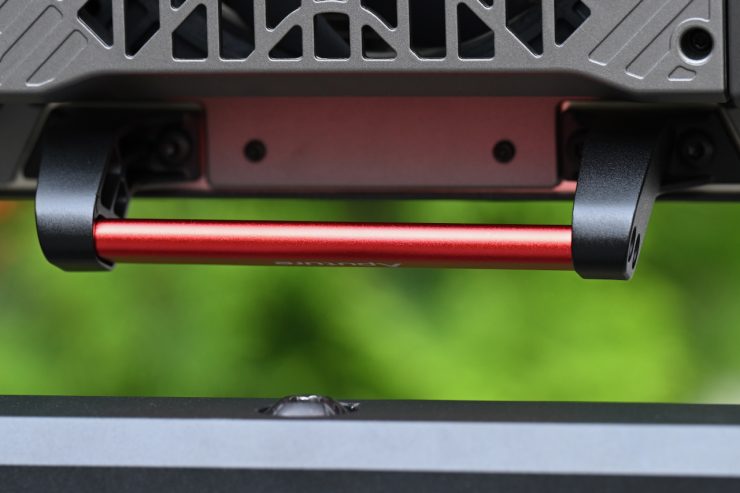
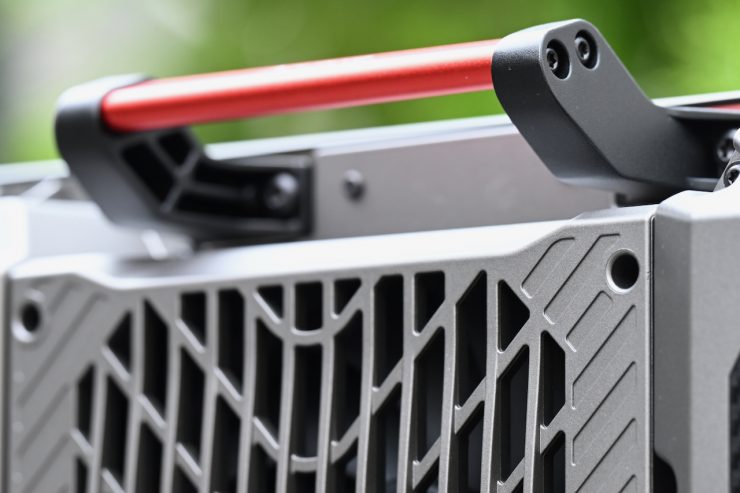
There are two very solidly made carry handles on the fixture. They have been nicely designed and positioned, which makes carrying or moving the fixture a lot easier.
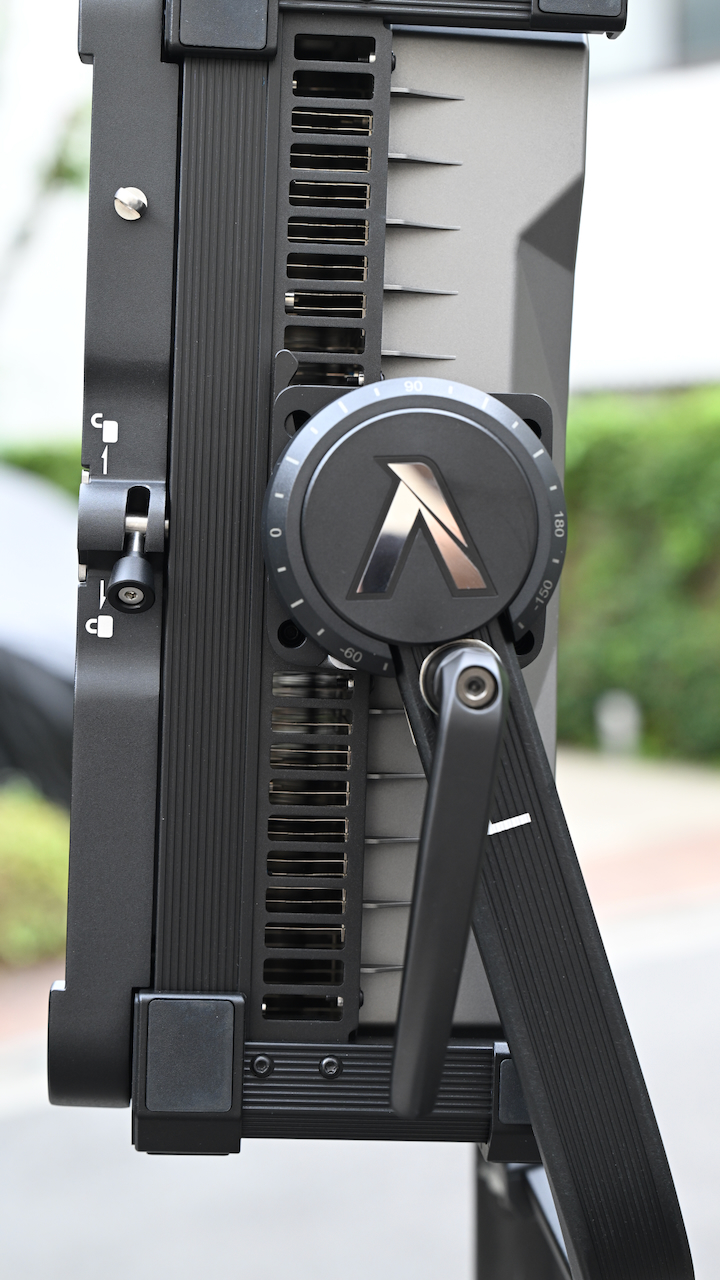
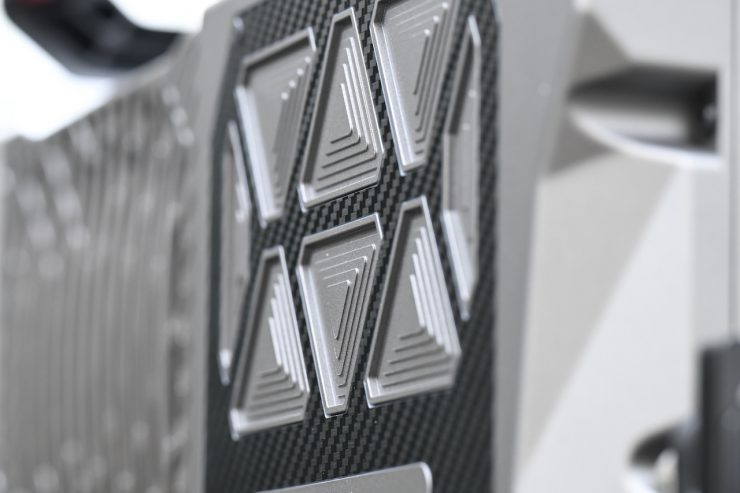
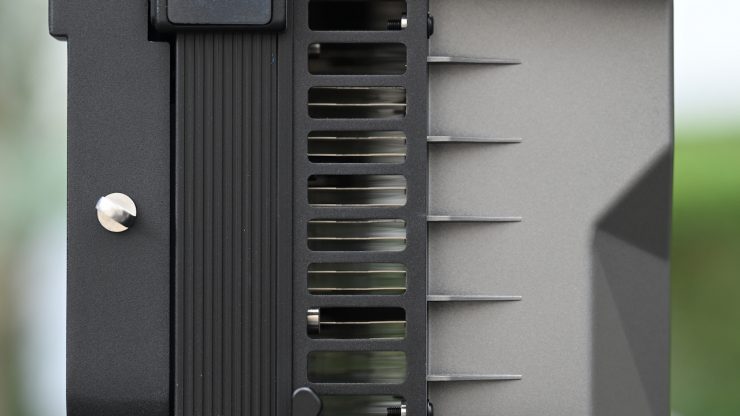
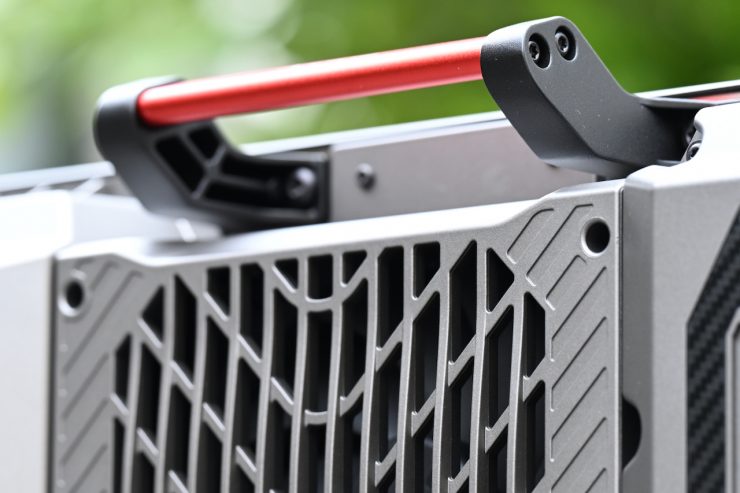
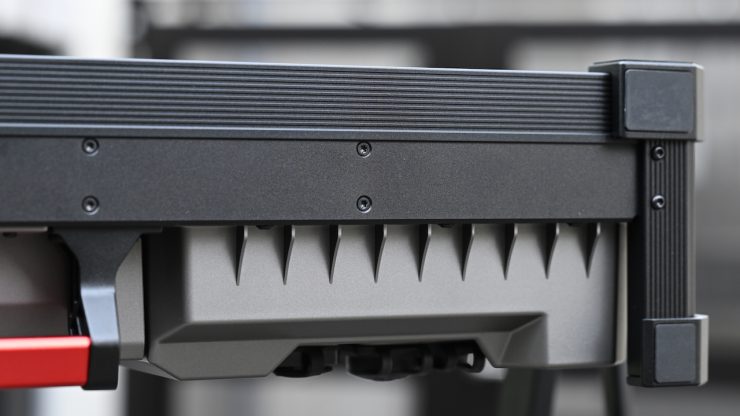
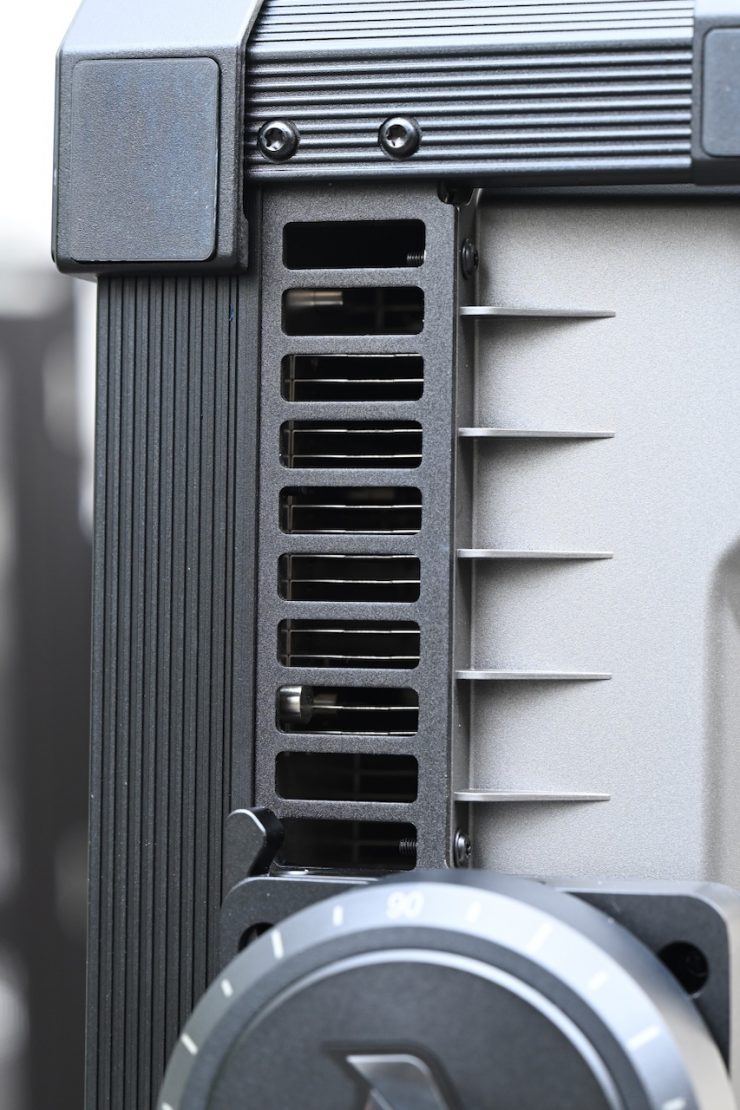
The casing of the light is very robust, and it looks like it could stand up to the rigors of life in a busy rental house. The fixture has an IP65-rated body that was engineered for the most demanding productions.
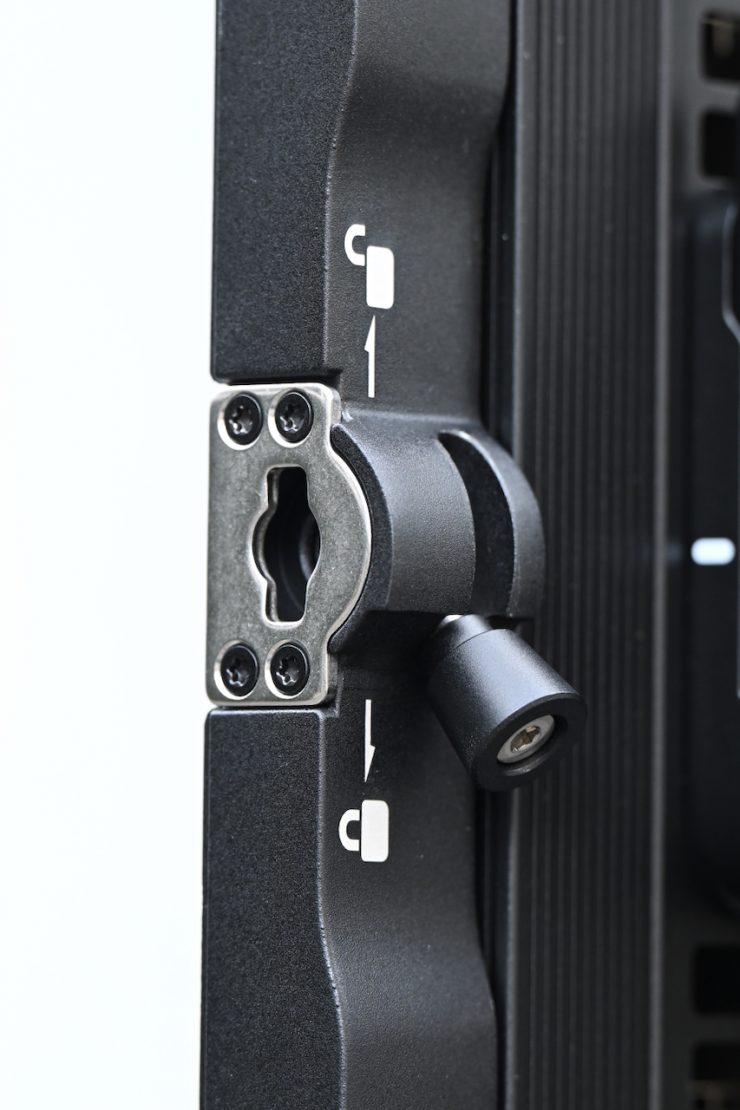
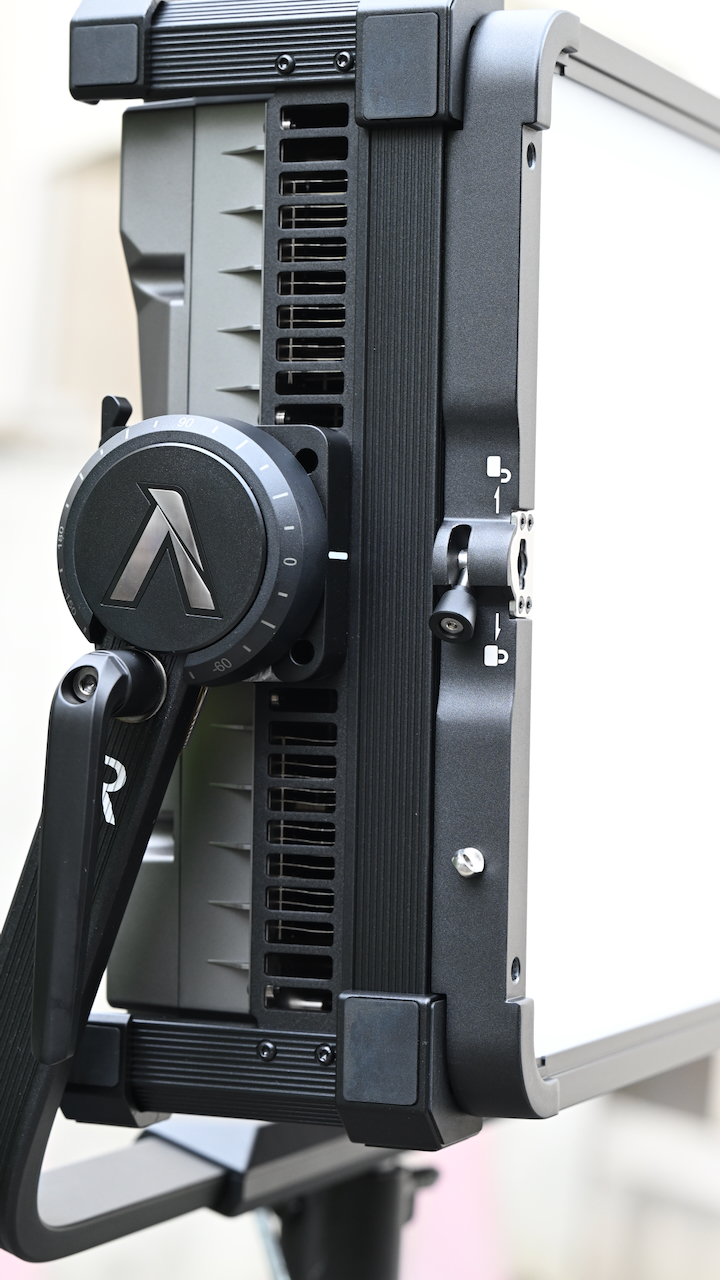
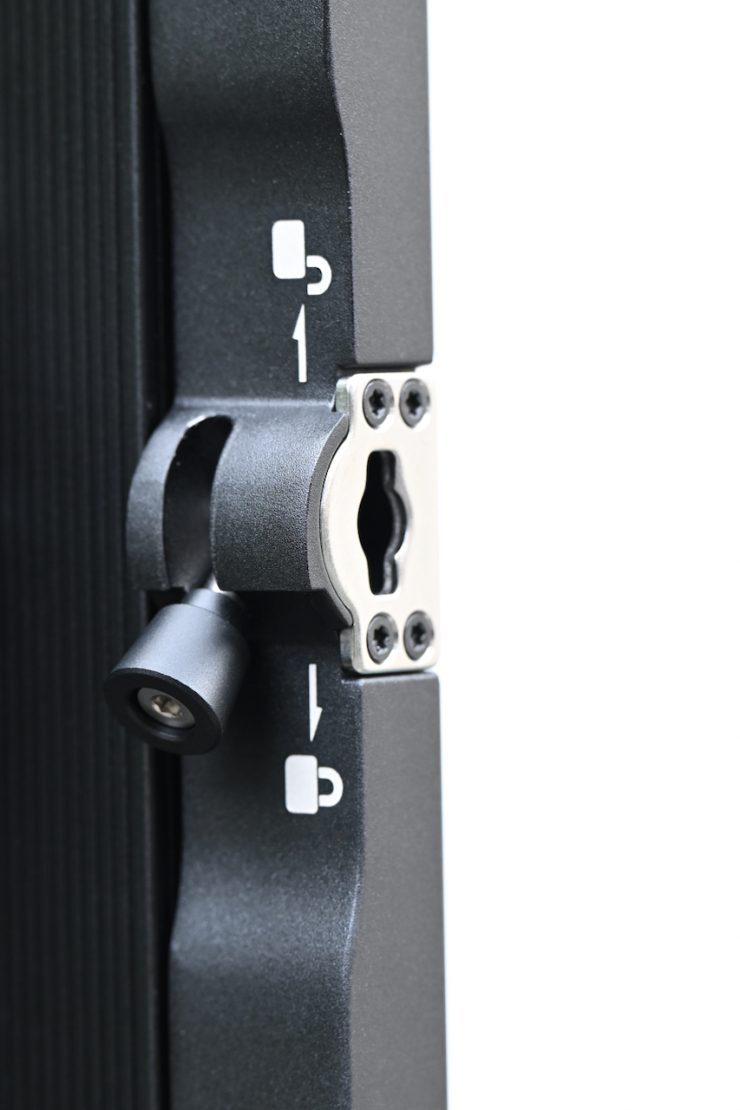
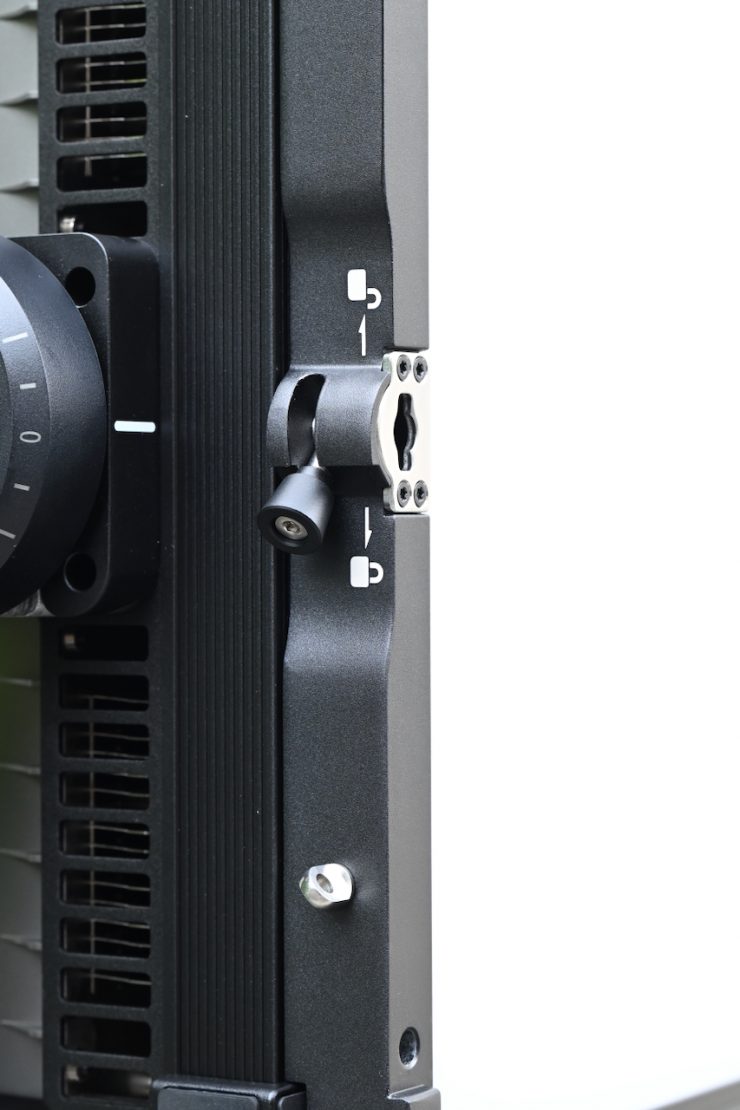
The attention to detail is excellent, and the clip-in mechanism for attaching modifiers to the front of the fixture has been very well designed and thought out. This is arguably one of the best systems on the market.
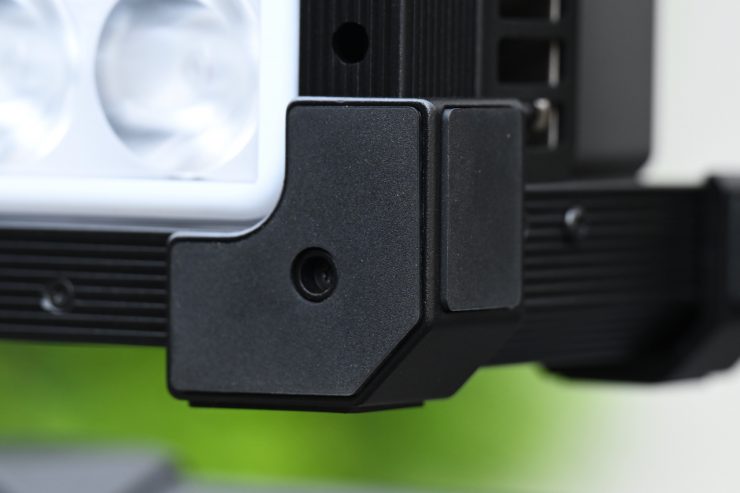
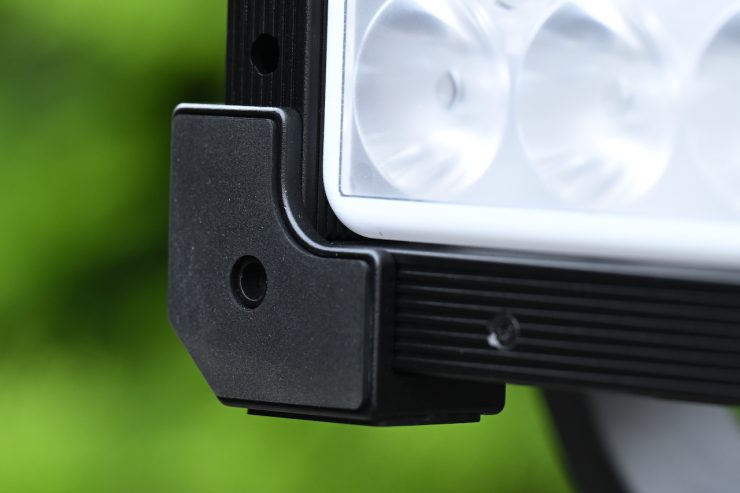
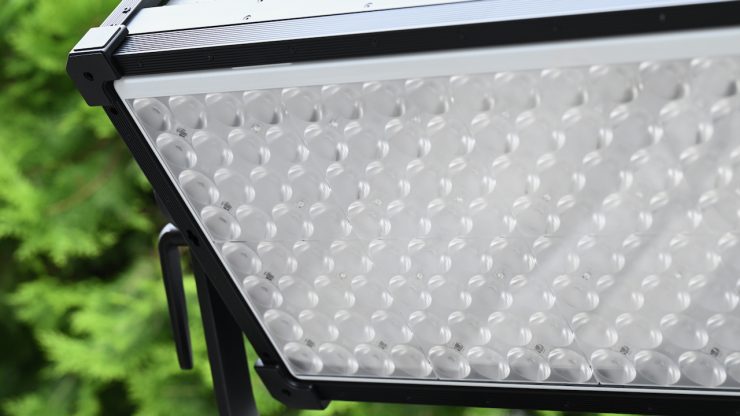
There are protective edges on all of the corners.
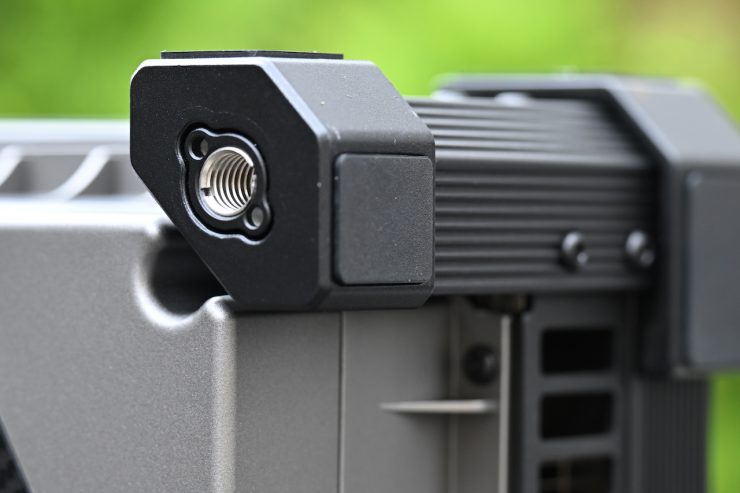
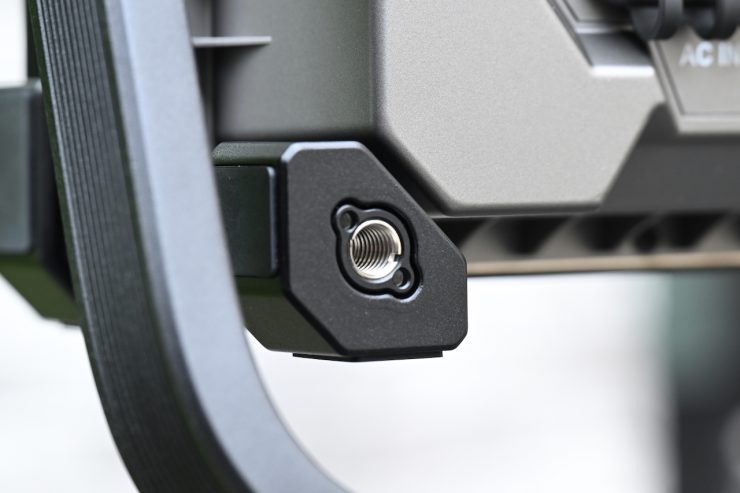
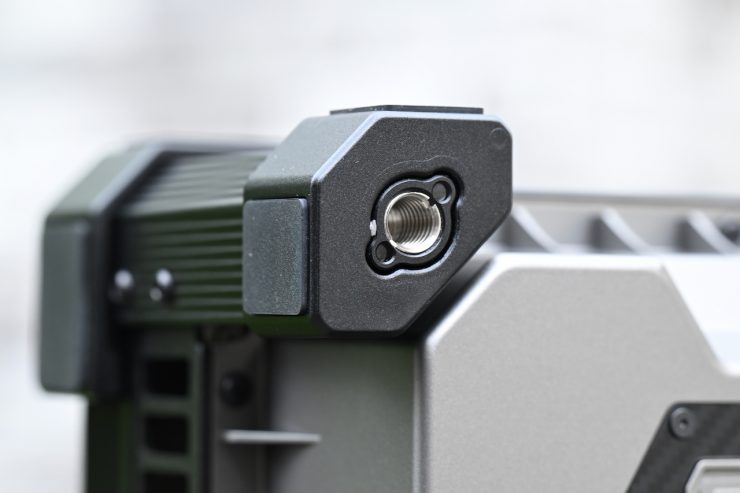
On the back of the fixture, there are also protective bumpers. These help protect the light when putting it down on the ground.
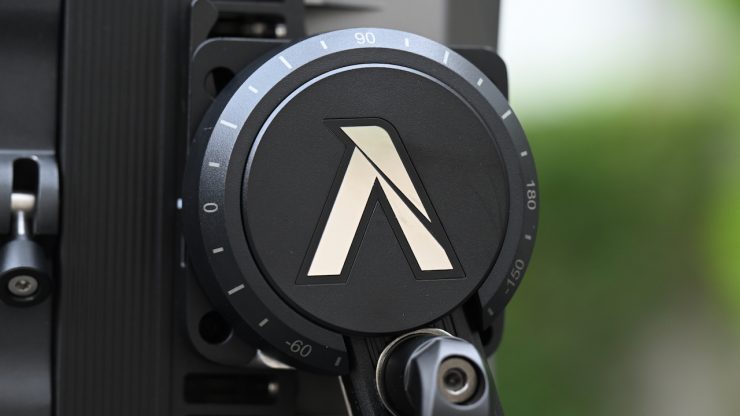
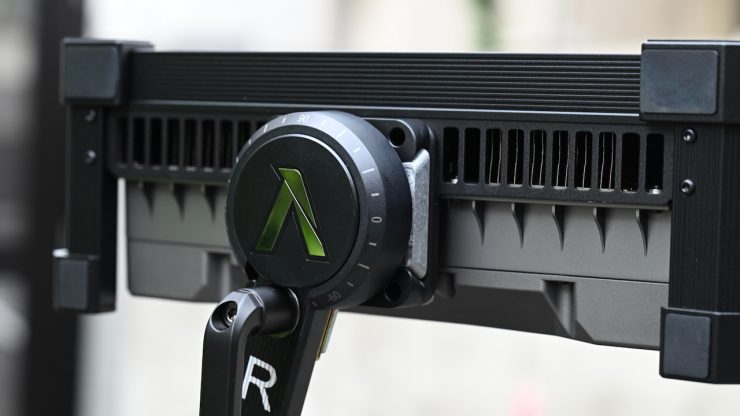
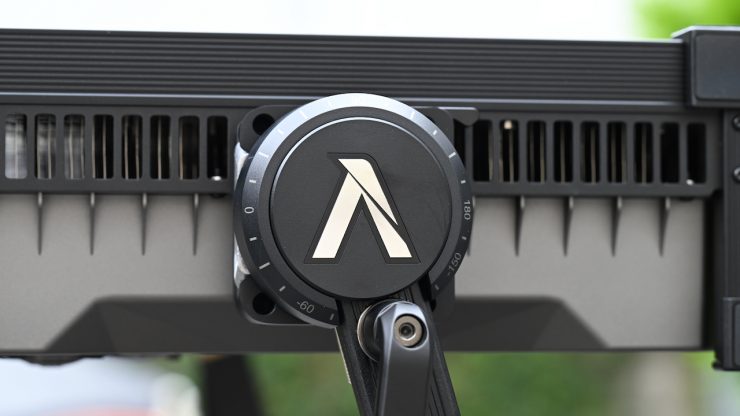
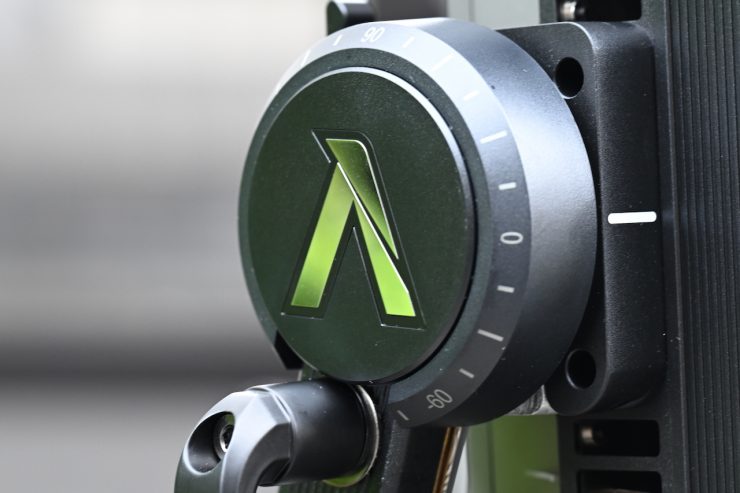
The Aputure NOVA 9° uses a removable quick-release yoke. We have seen quite a few companies now using this type of design that ARRI first pioneered with the Orbiter.
It is reasonably easy to attach and detach from the fixture; however, I recommend doing it on the ground because it’s a heavy light and you don’t want to be holding it above your head trying to line it up with the mounting plates.
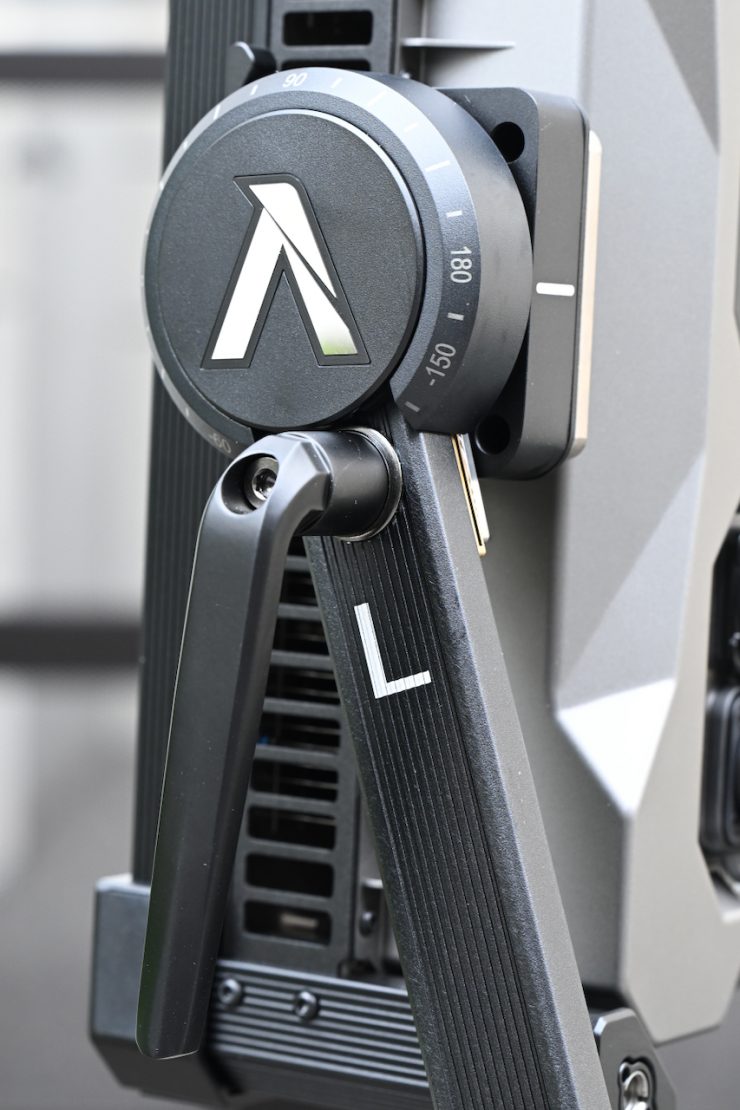
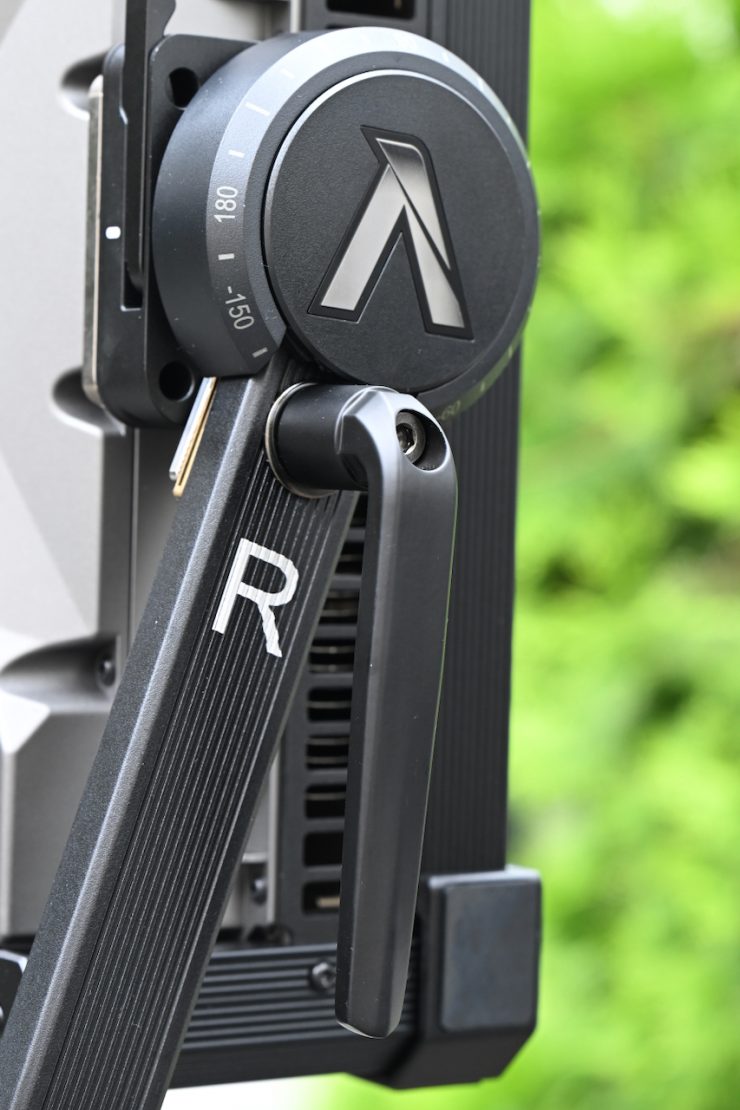
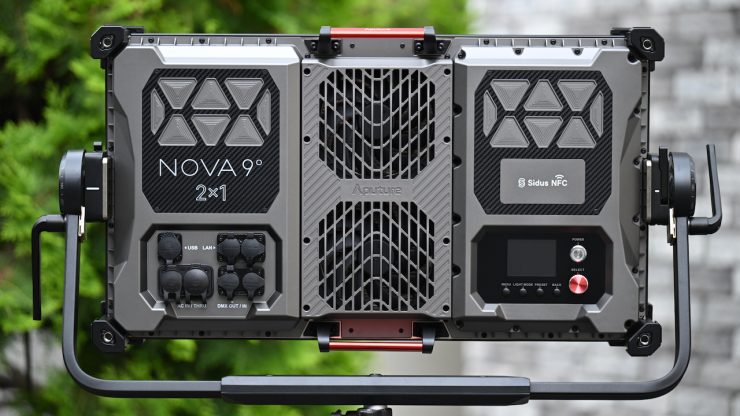
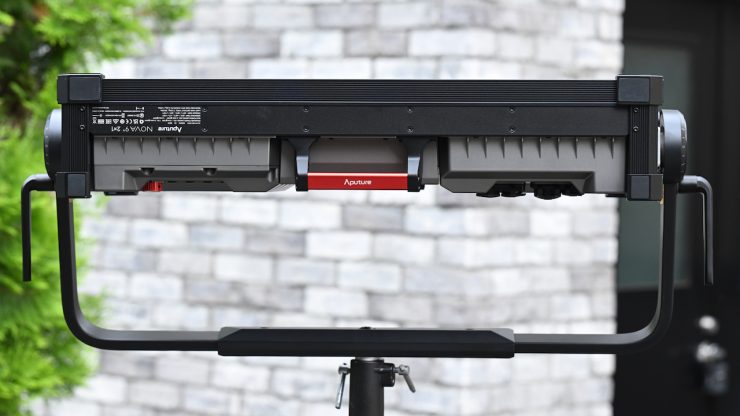
There are two locking mechanisms on the yoke frame, and they lock down very securely. They are clearly labeled L & R, so you know what side of the fixture they are supposed to be attached to.
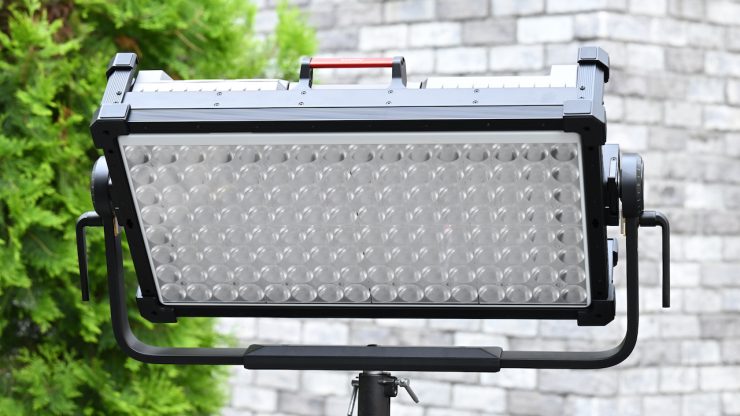
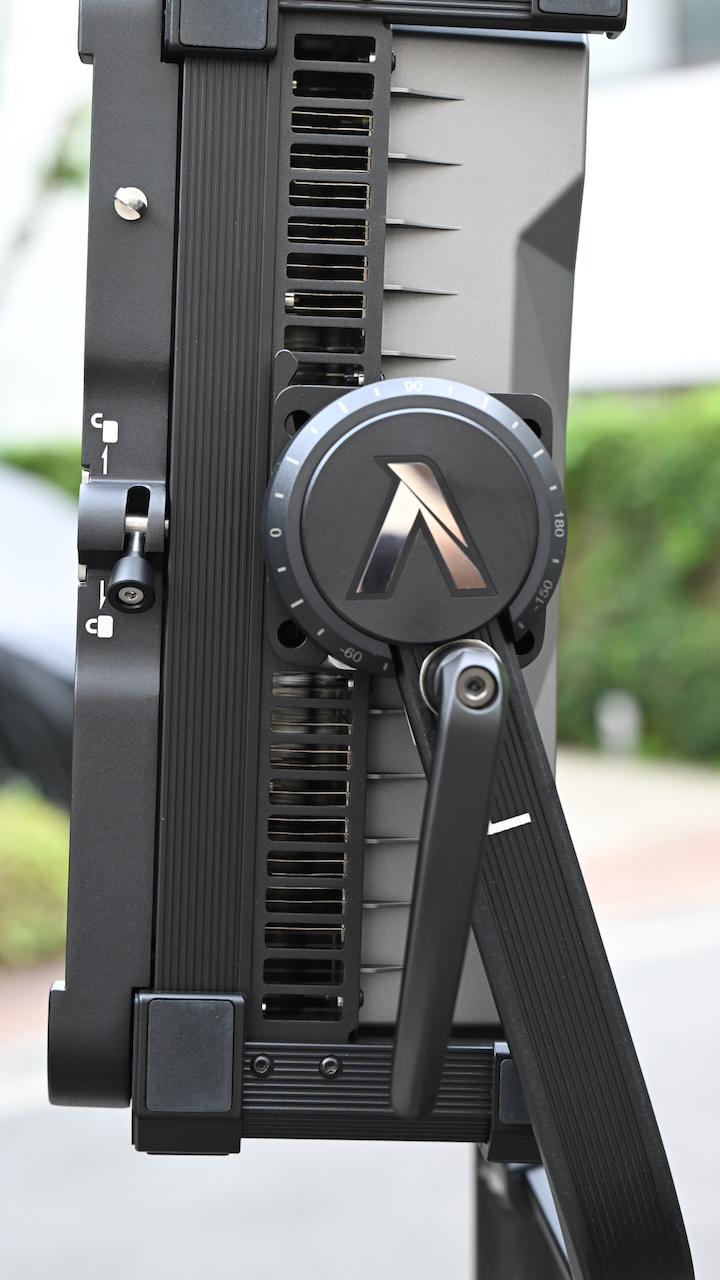
The standard yoke allows for mounting to a combo stand with a standard baby pin receiver. As all of the weight sits out over the front, you need to use a heavy-duty light stand and sandbags.
Cooling & Power
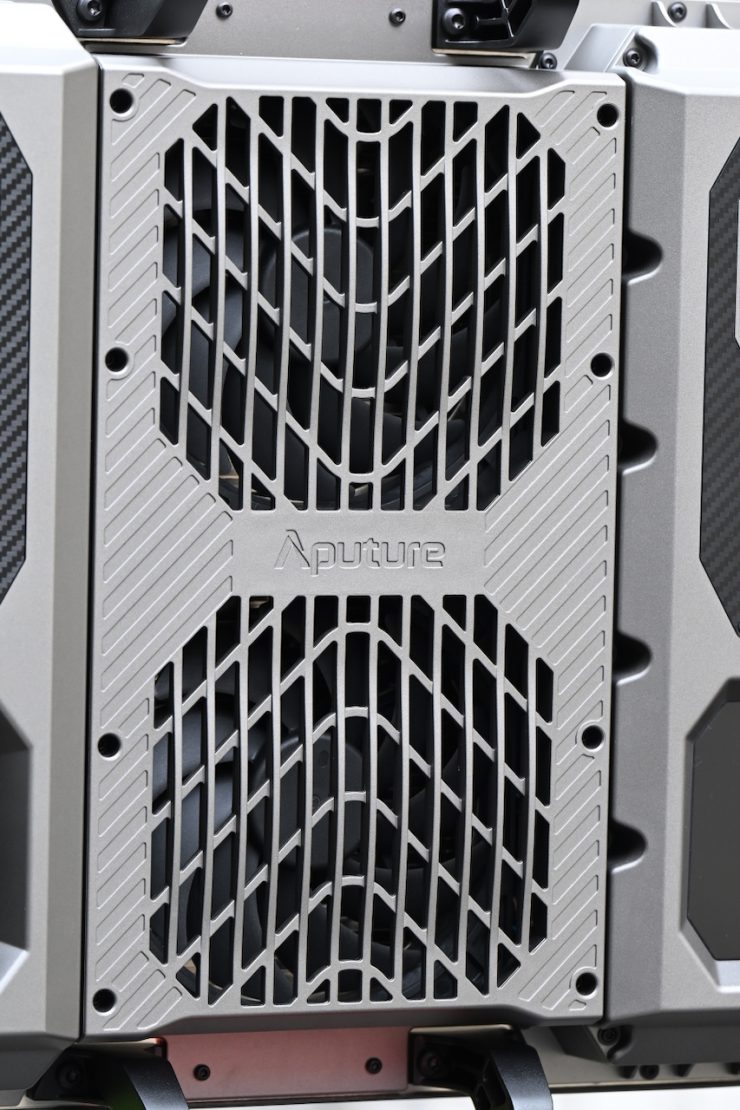
High power draw, high output full color lights create an awful lot of heat, and that heat needs to be dispersed. The Aputure NOVA 9° draws 800W.
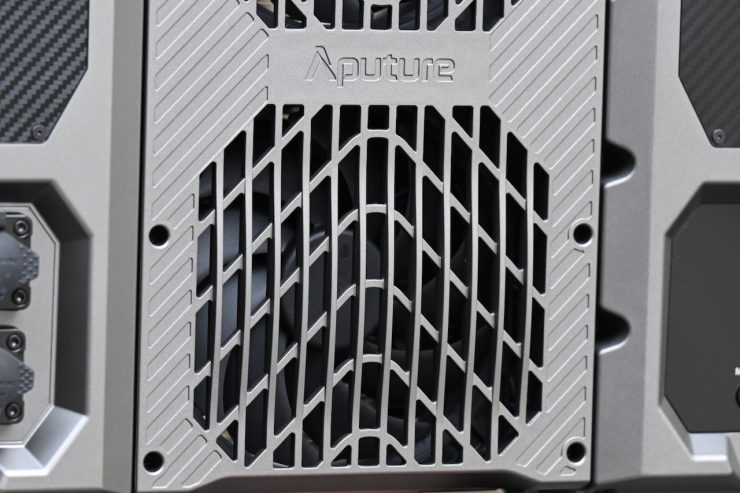
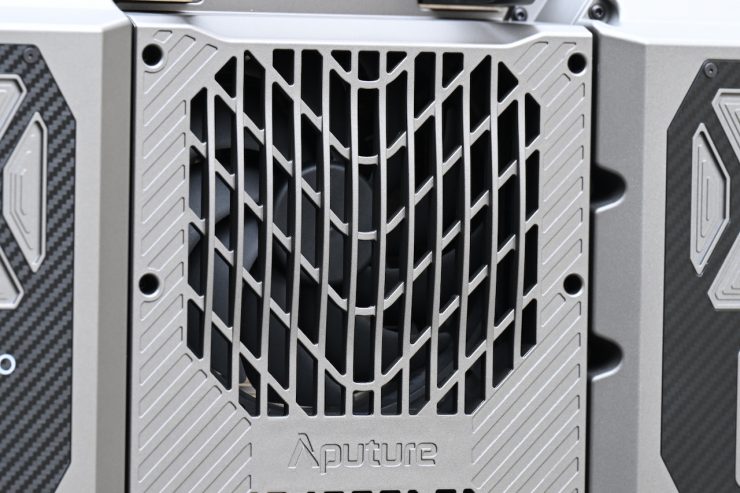
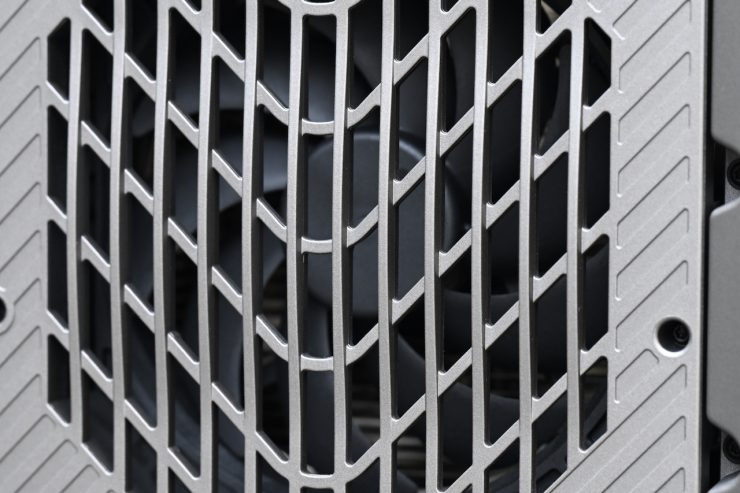
The fixture has two fans to keep it cool.
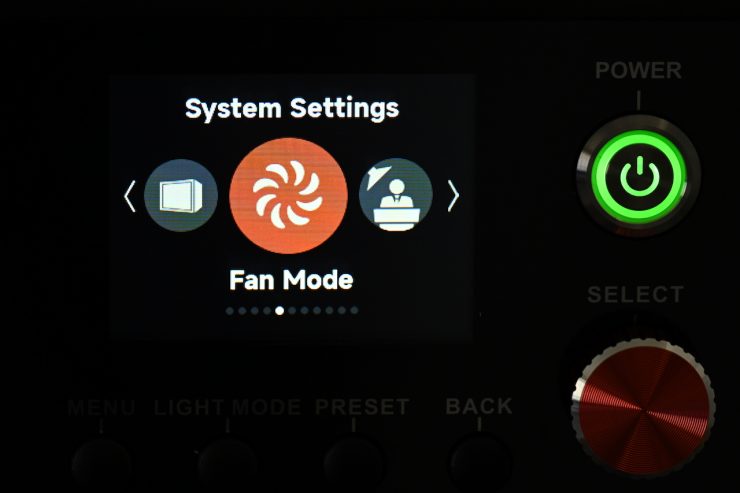
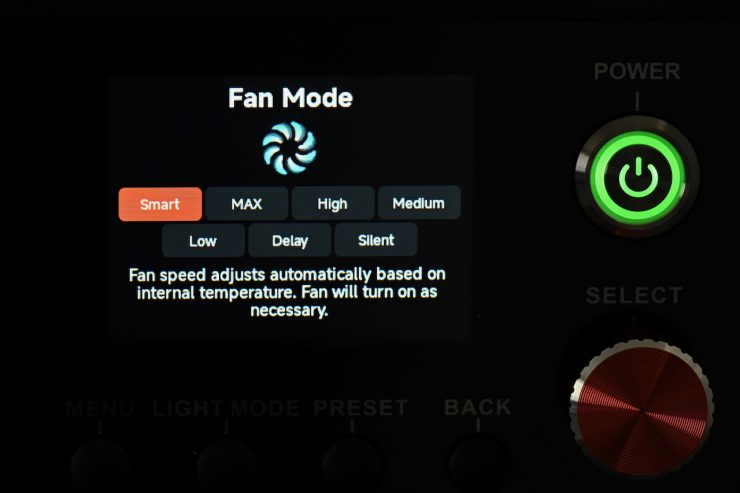
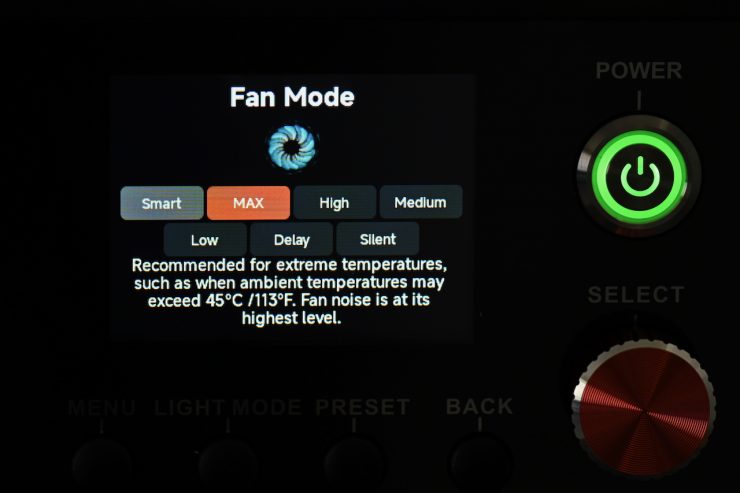
In System Settings, you can change the fan speed.
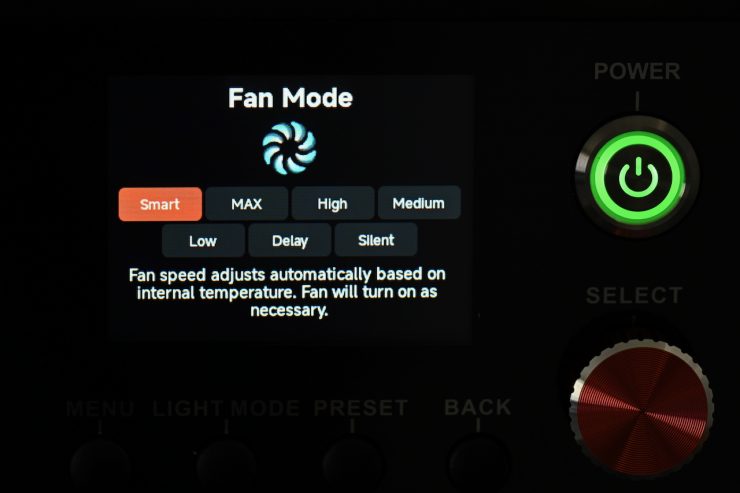
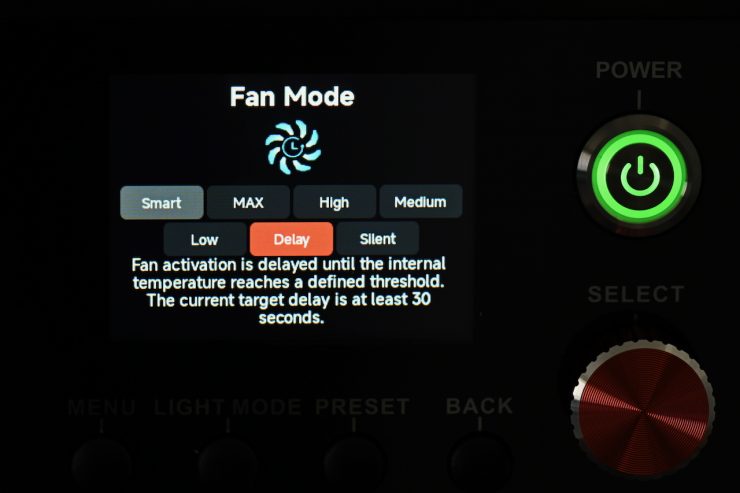
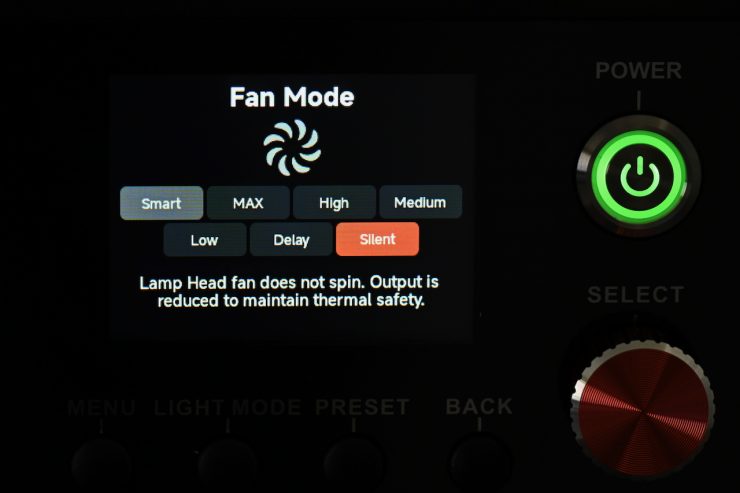
You can choose between Smart, MAX, High, Medium, Low, Delay, and Silent.
Smart: Able to work in -20°C / -4°F through 50°C / 122°F environment. The lamp will automatically adjust the fan speed according to different ambient temperatures.
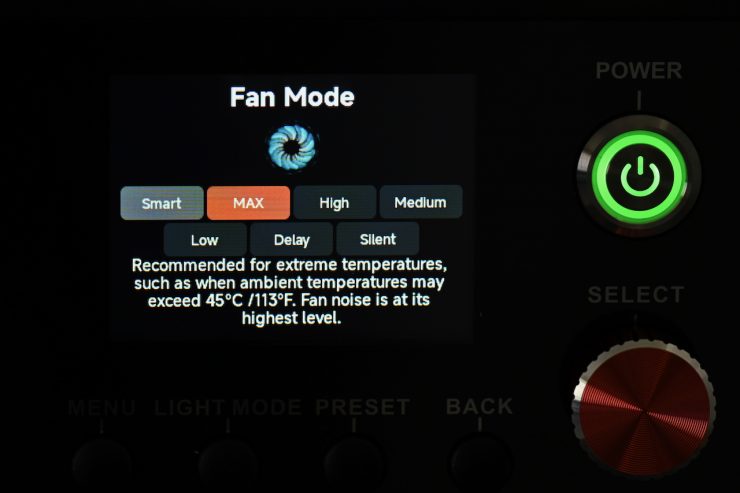
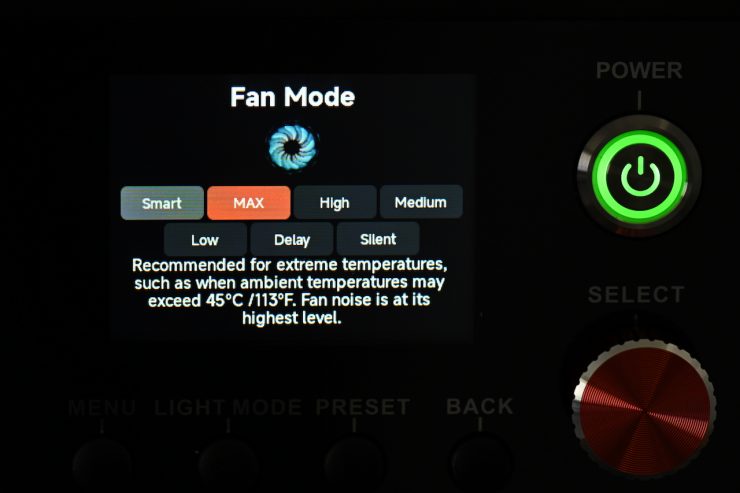
MAX: Recommended for extreme temperatures, such as when ambient temperatures may exceed 45°C / 113°F. Fan noise is at its highest level.
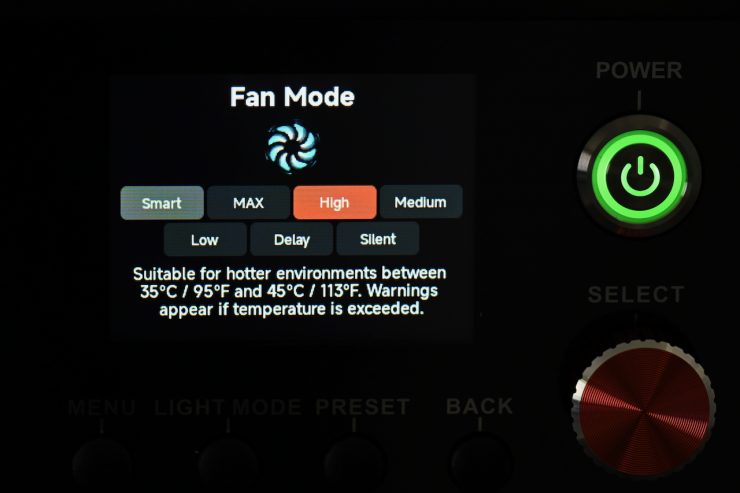
High: Suitable for hotter environments between 35°C / 113°F. Warnings appear if the temperature limit is exceeded.
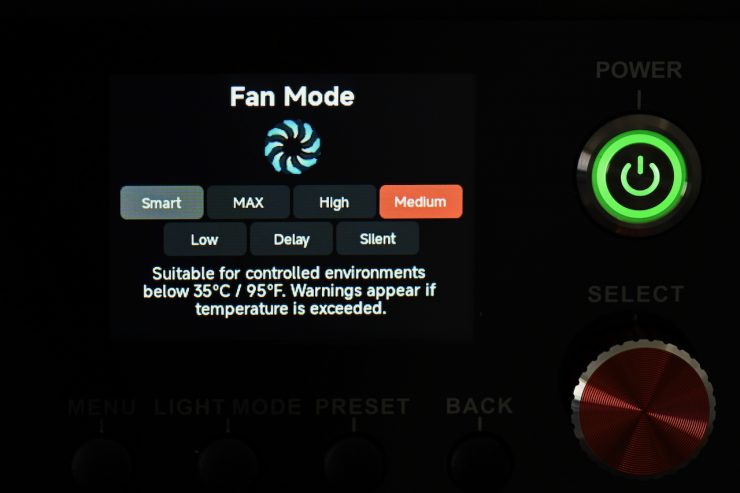
Medium: Suitable for controlled environments between 35°C / 113°F. Warnings appear if the temperature limit is exceeded.
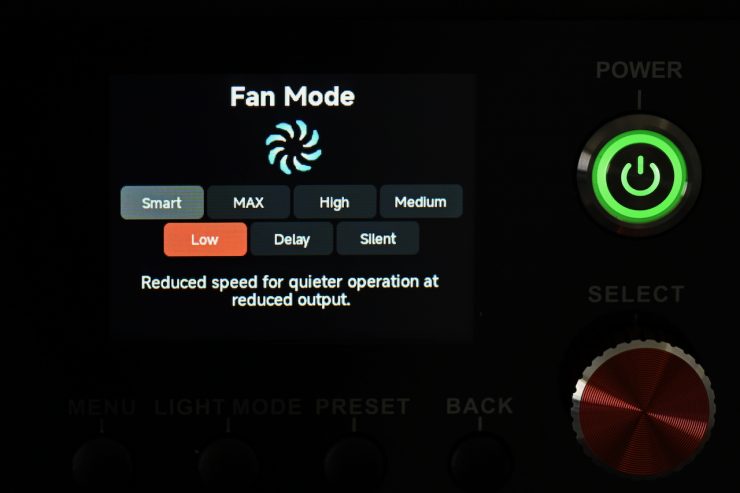
Low: Reduced speed for quieter operation at reduced output.
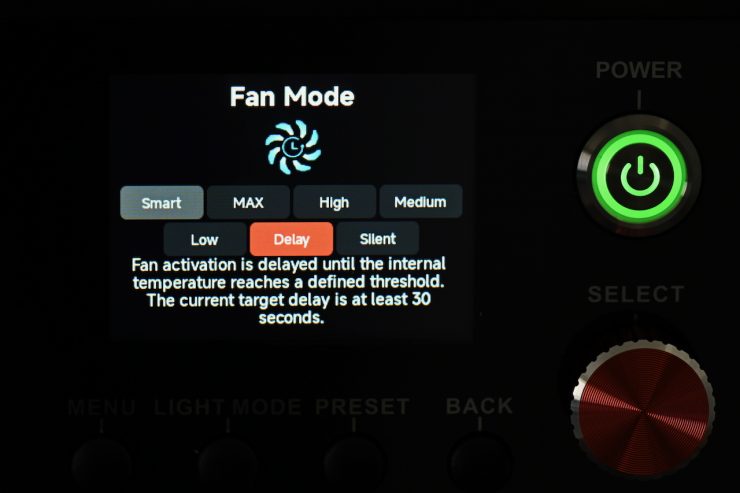
Delay: Fan Activation is delayed until the internal temperature reaches a defined threshold. The current target delay is at least 30 seconds.
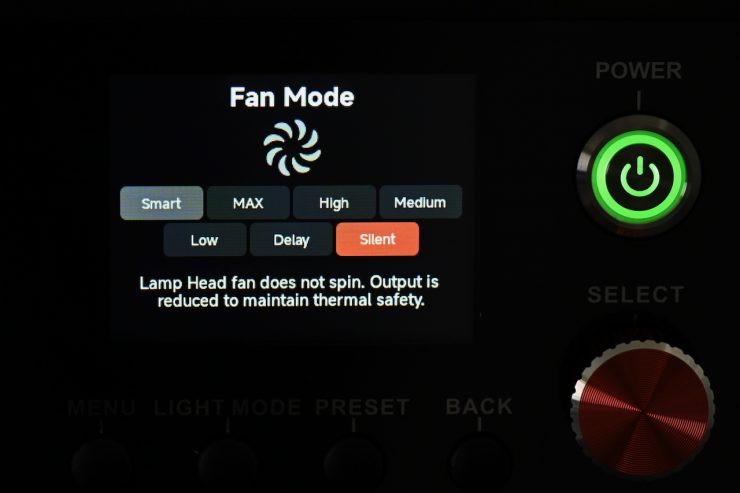
Silent: Lamp head fan does not spin. Output is reduced to maintain thermal safety.
The fans do make noise when they are running, but considering the output of the fixture, they aren’t very loud. I was actually surprised by just how quiet it was.
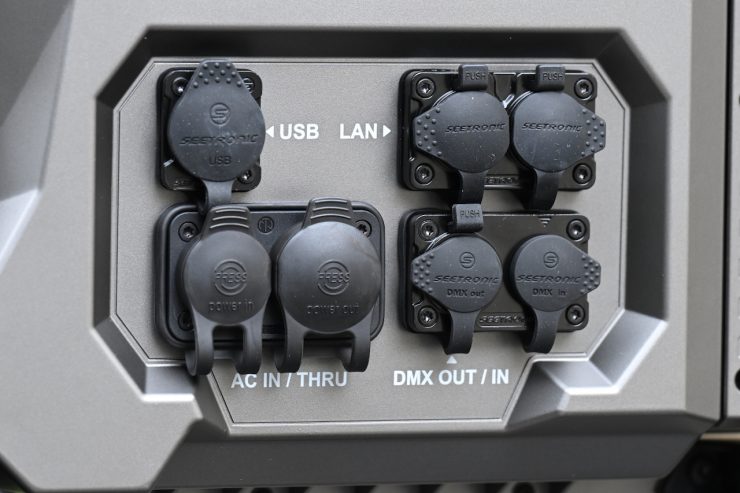
As far as power is concerned, the light can handle a 100-240V AC, 50/60Hz source. The light features a Neutrik PowerCon connector, and you can also pass power through if you are running an array.
There is no DC input, so you can’t run the light remotely from a DC source; however, there are plenty of readily available and affordable portable power stations that could easily run this fixture remotely in the field.
Below you can see how the power draw of the Aputure NOVA 9° compares to other high-end 2×1 full color fixtures:
| POWER DRAW | |
| Aputure NOVA 9° | 800W |
| Aputure NOVA II | 1250W |
| Godox Knowled P1200R Hard PRO | 1300W |
| Godox KNOWLED P600R Hard Pro | 670W |
| ARRI SkyPanel X21 | 800W |
| Creamsource Vortex8 | 650W |
| ARRI S60-C SkyPanel | 450W |
| Rotolight Titan X2 | 420W |
| Litepanels Gemini 2×1 | 325W |
| Litepanels Gemini 2×1 Hard | 500W |
| ZOLAR Vega 80C | 1000W |
| SUNNYXIAO CO2P | 450W |
| Lupo UltrapanelPRO Full Color Hard 60 | 440W |
| Luxli Taiko | 250W |
| Velvet EVO 2 | 200W |
| Nanlux Dyno 650C | 650W |
At just 800W, the light can easily be run from a household socket or via one of the many affordably priced power solutions from companies such as Jackery, BLUETTI, DJI, etc.
QuickClip direct front-mounting ecosystem
As I mentioned earlier, the fixture has a very easy-to-use and well designed was of attaching lighting modifiers.
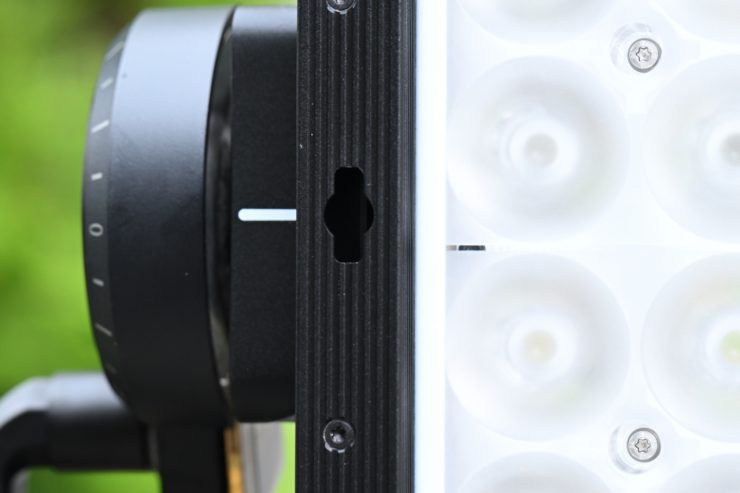
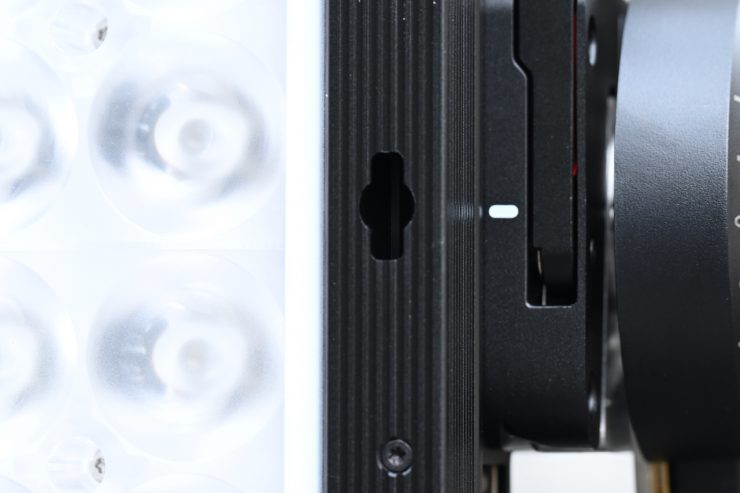
On the front of the fixture, you will see two sort of keyhole-shaped cutouts. You use these to attach the compatible lighting modifiers to the Aputure NOVA 9°.
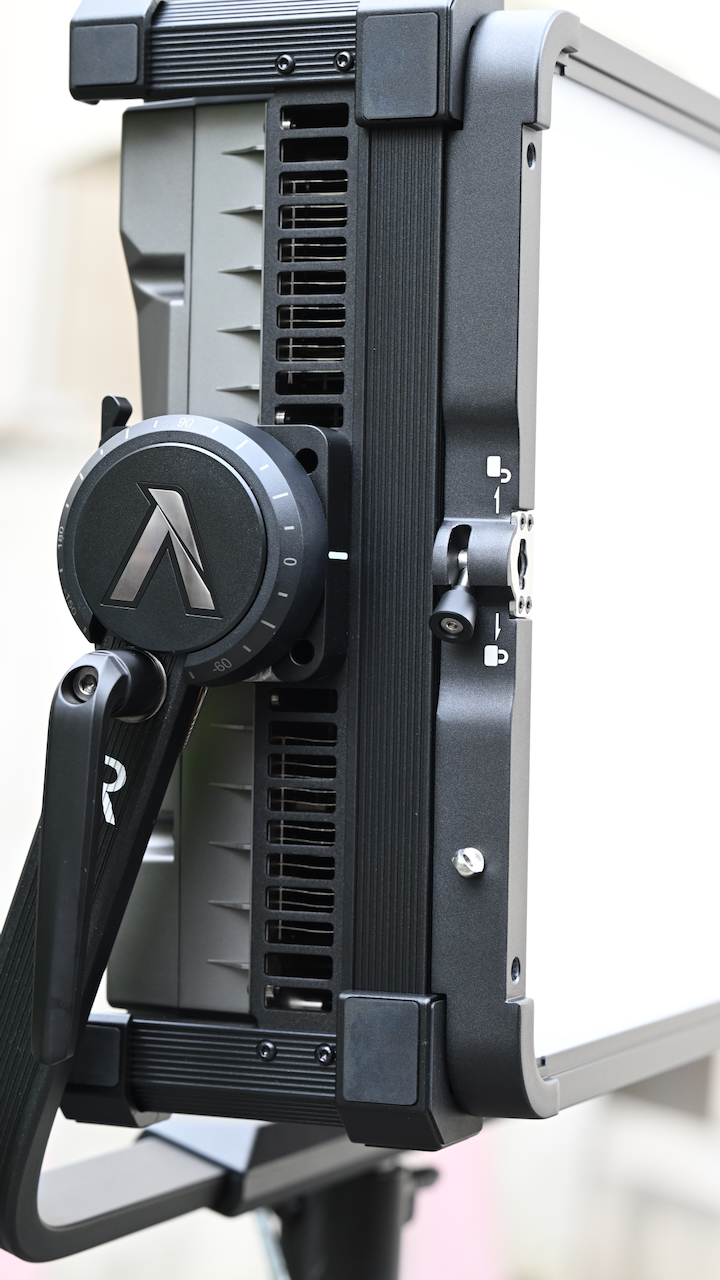
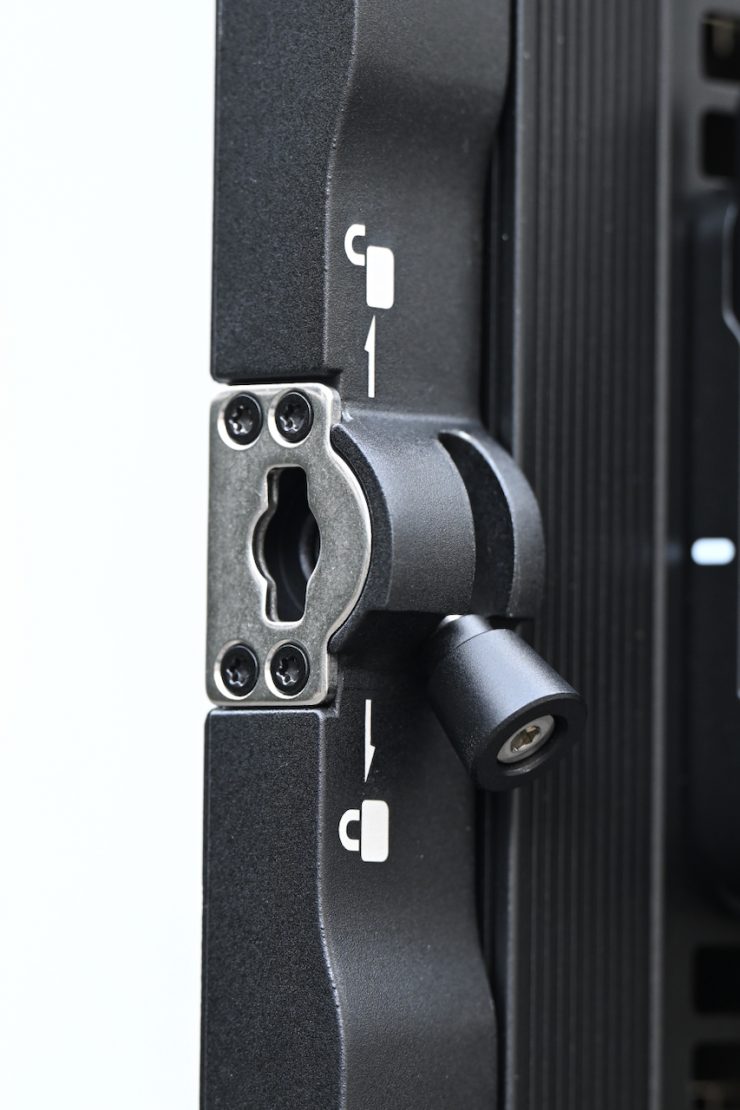
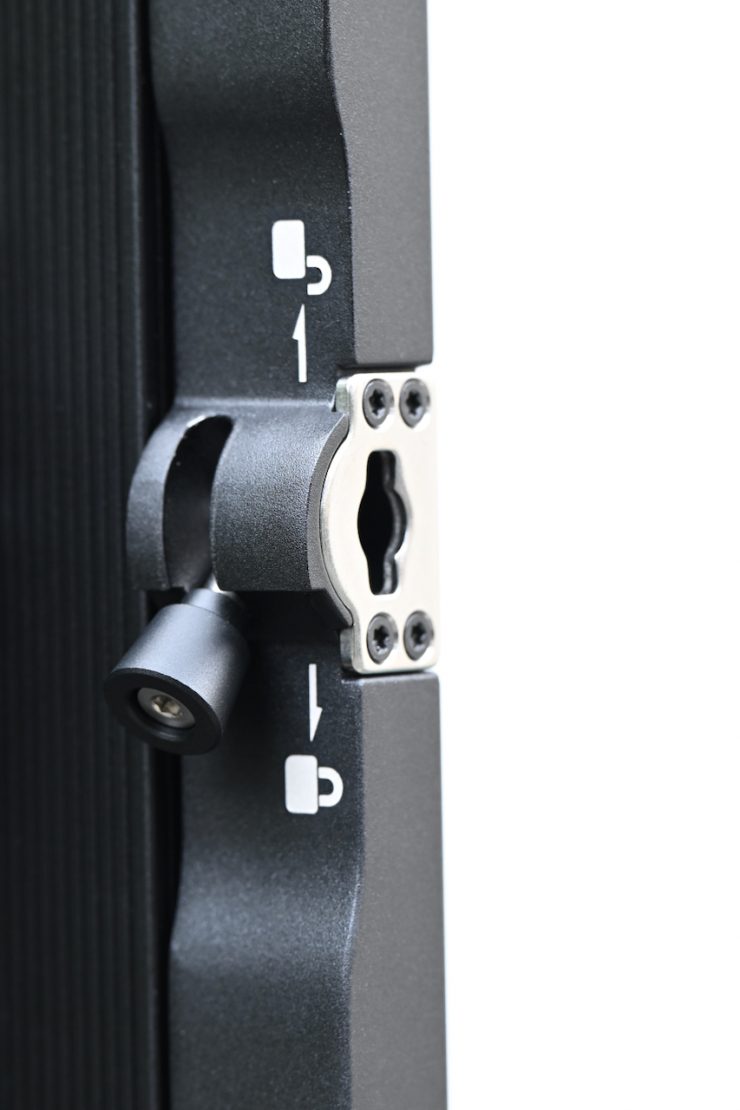
You simply line up your lighting modifier with these holes and then lock it into place by pulling out and lifting up the lever on both sides to secure it. All of the lighting modifiers have these locking mechanisms on them.
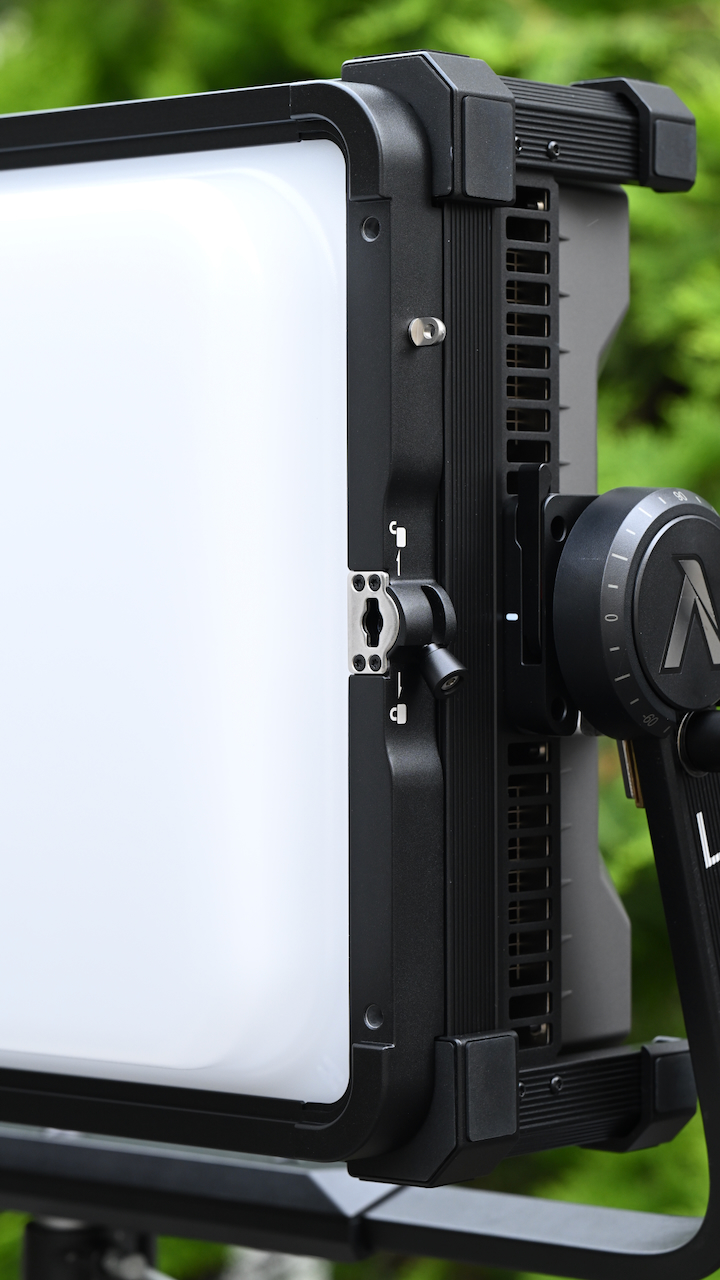
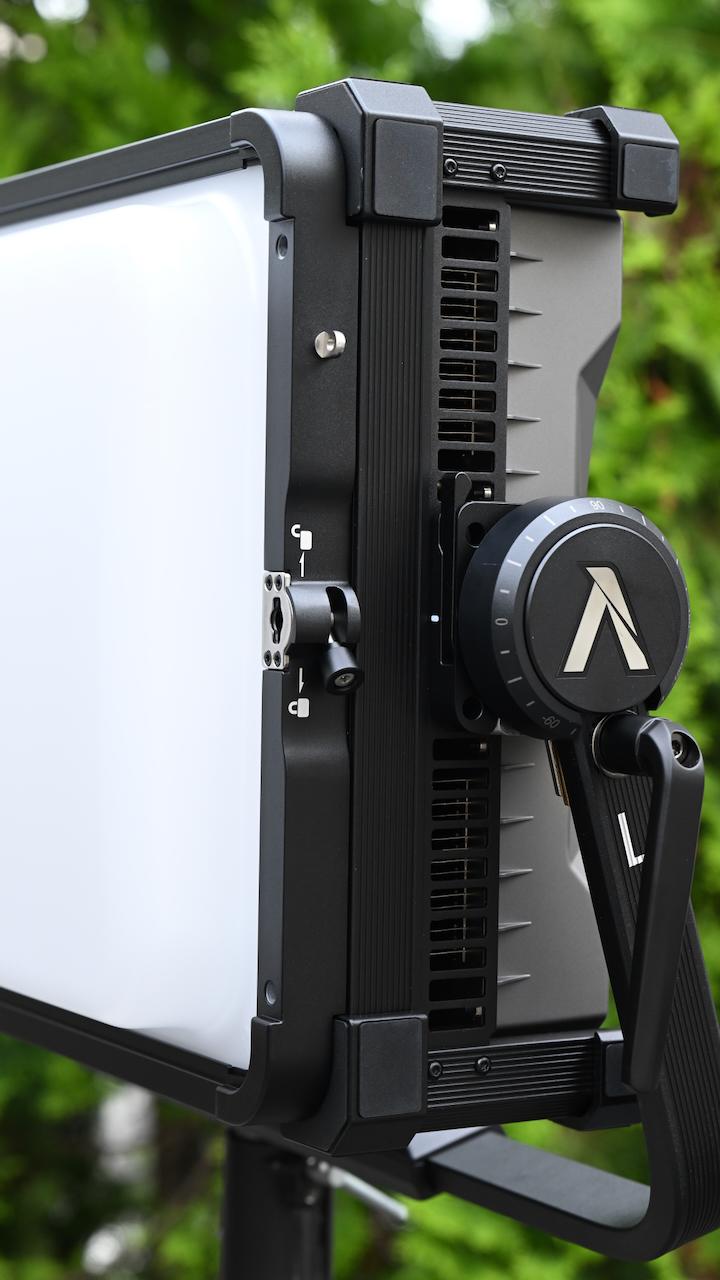
Because the modifiers have the same key hole shaped cut out them you can layer lighting modifiers.
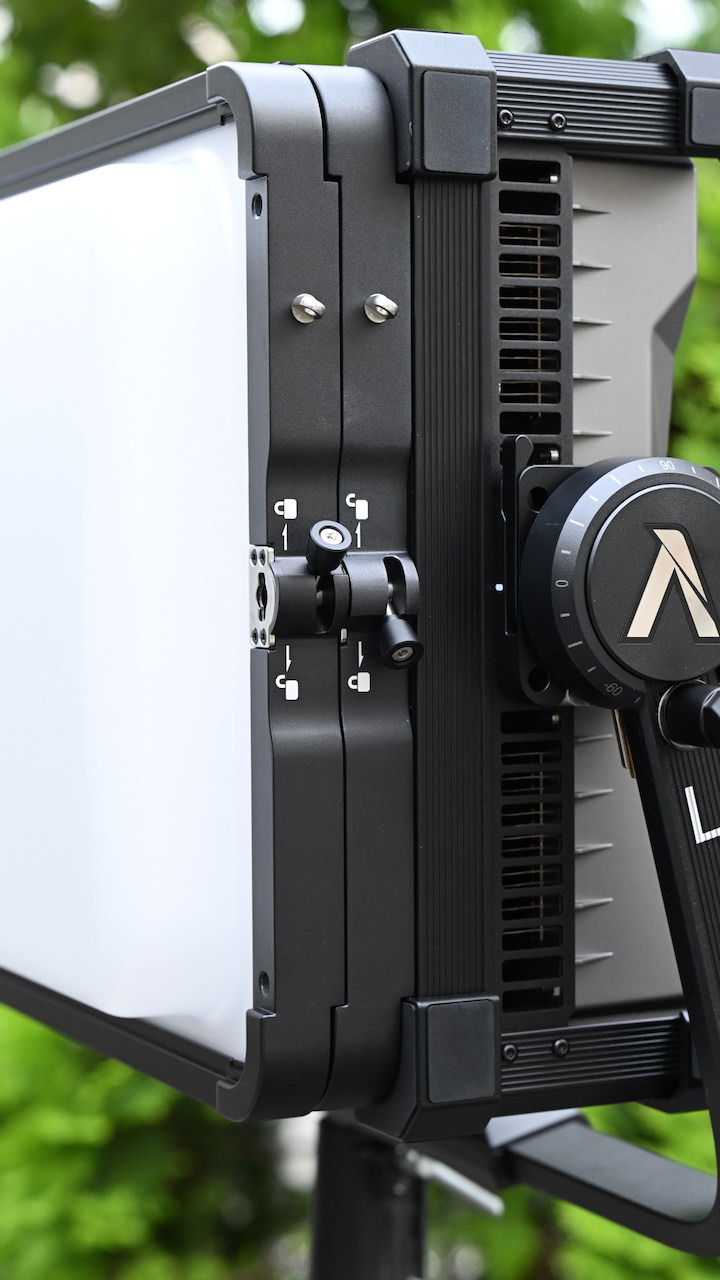
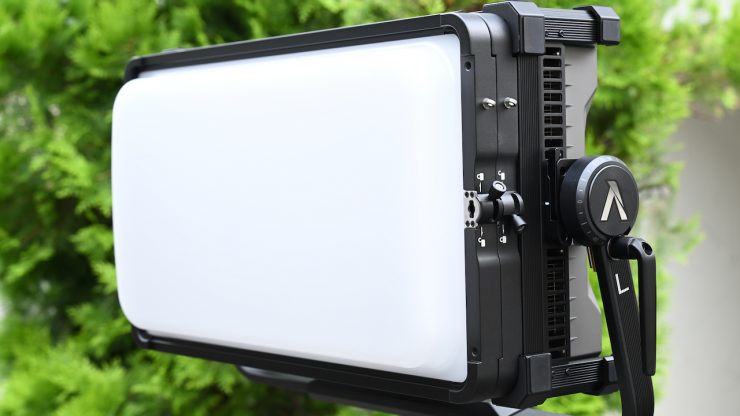
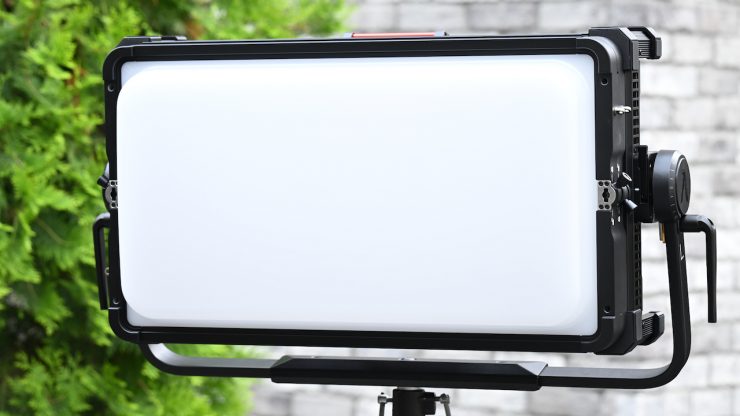
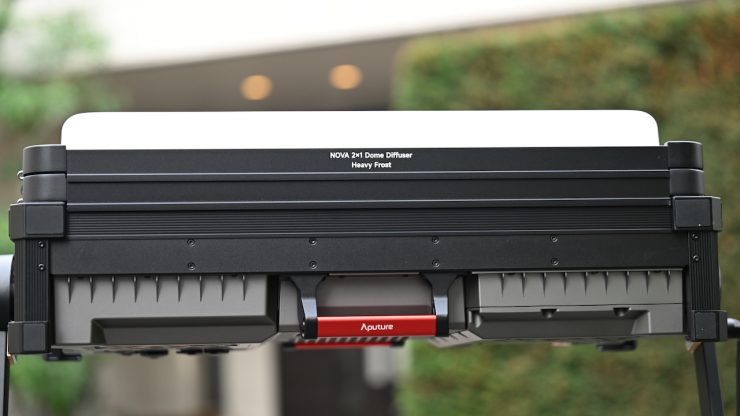
Above, you can see that I have attached the Flat Diffuser and the Dome Diffuser (Heavy Frost) to create stronger diffusion.
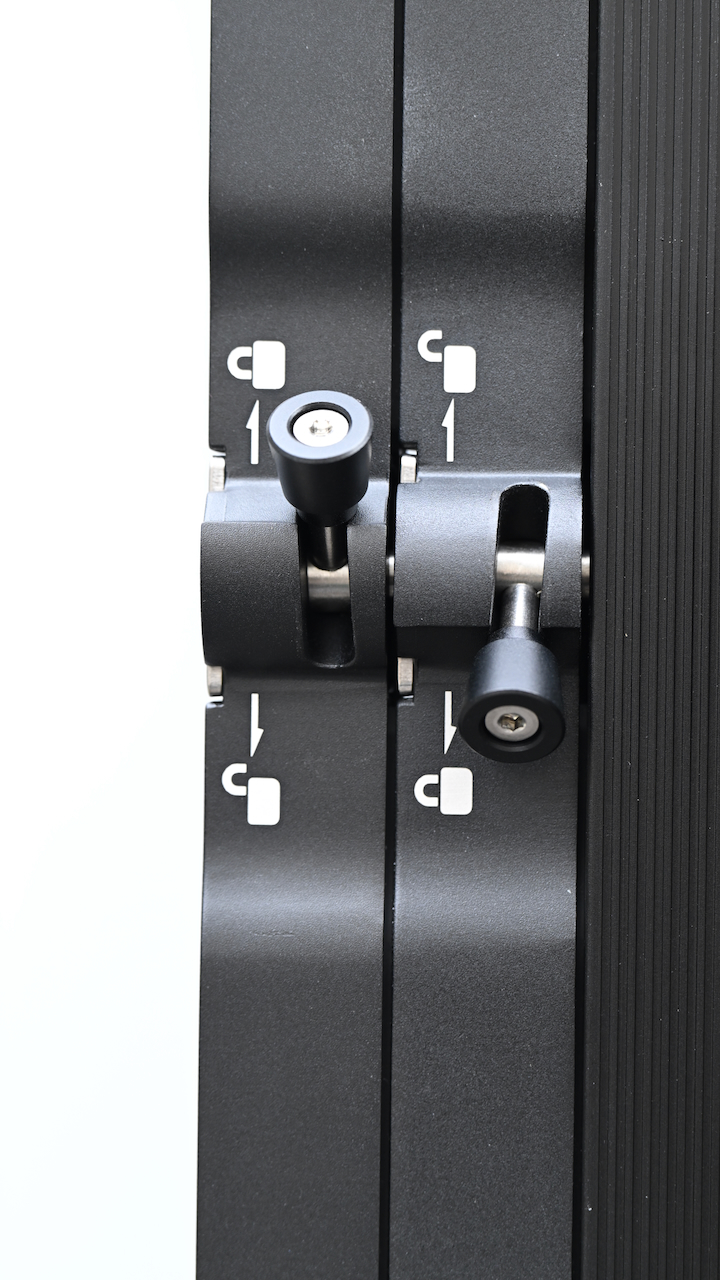
Here you can see the attention to detail because I am able to combine two lighting modifiers, and the locking mechanisms stay out of the way of each other.
Flat Diffuser
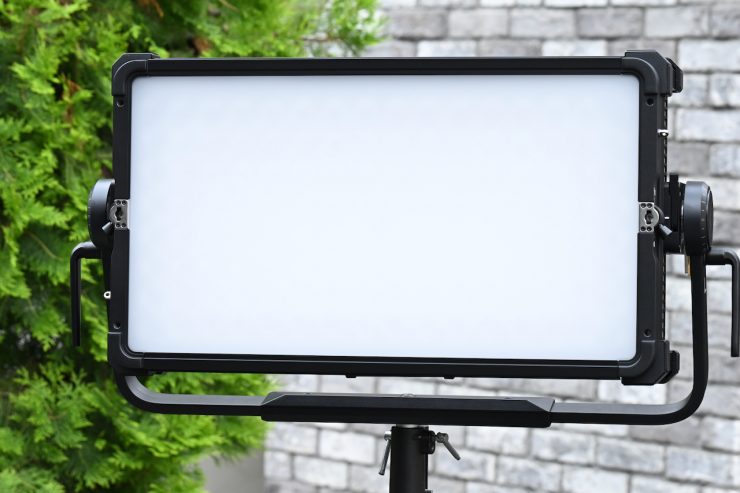
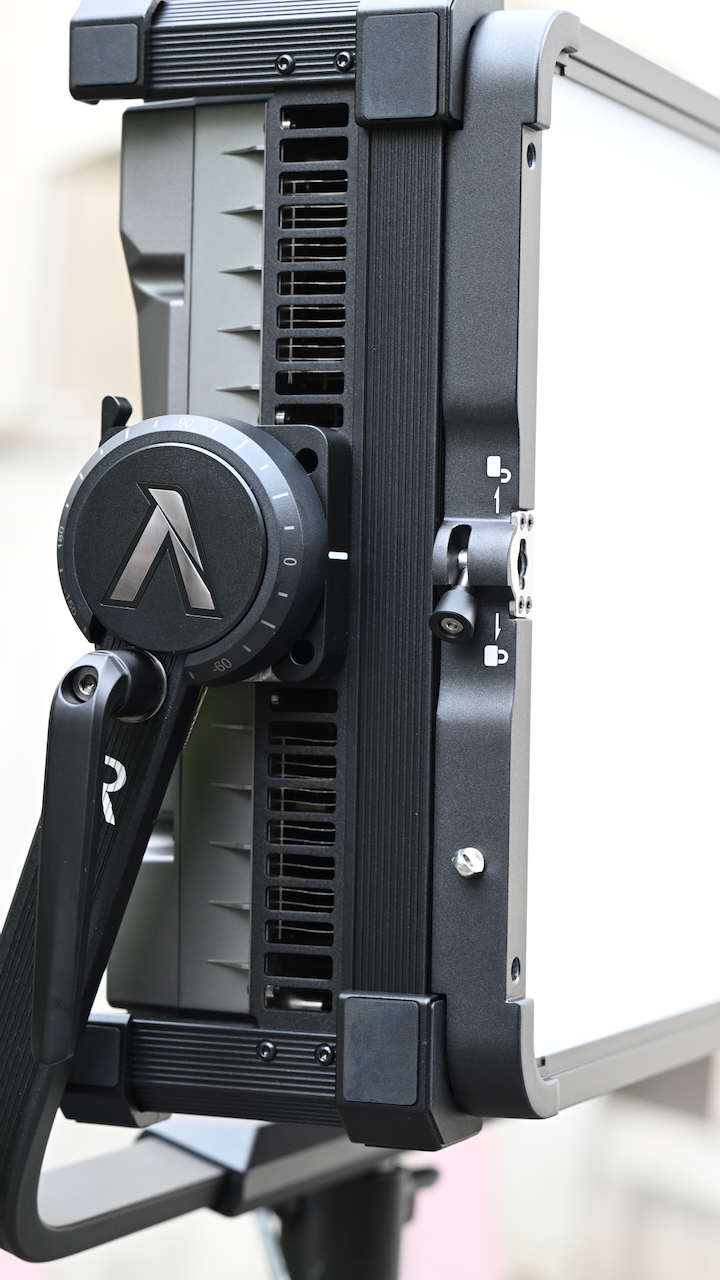
The Flat Diffuser is included in the Aputure NOVA 9° 2×1 Tunable White LED Light Panel (Travel Kit). You can also buy it for $159 USD if you don’t purchase the kit. It connects using the QuickClip direct front-mounting ecosystem. This flat diffuser has a beam angle of 95°.
Dome Diffuser (Heavy Frost) $199 USD
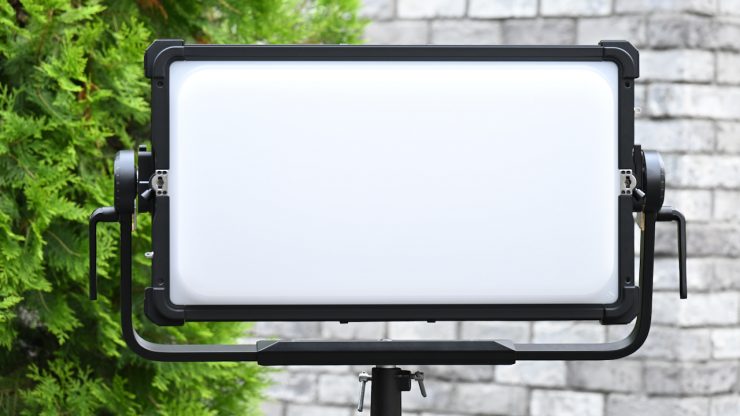
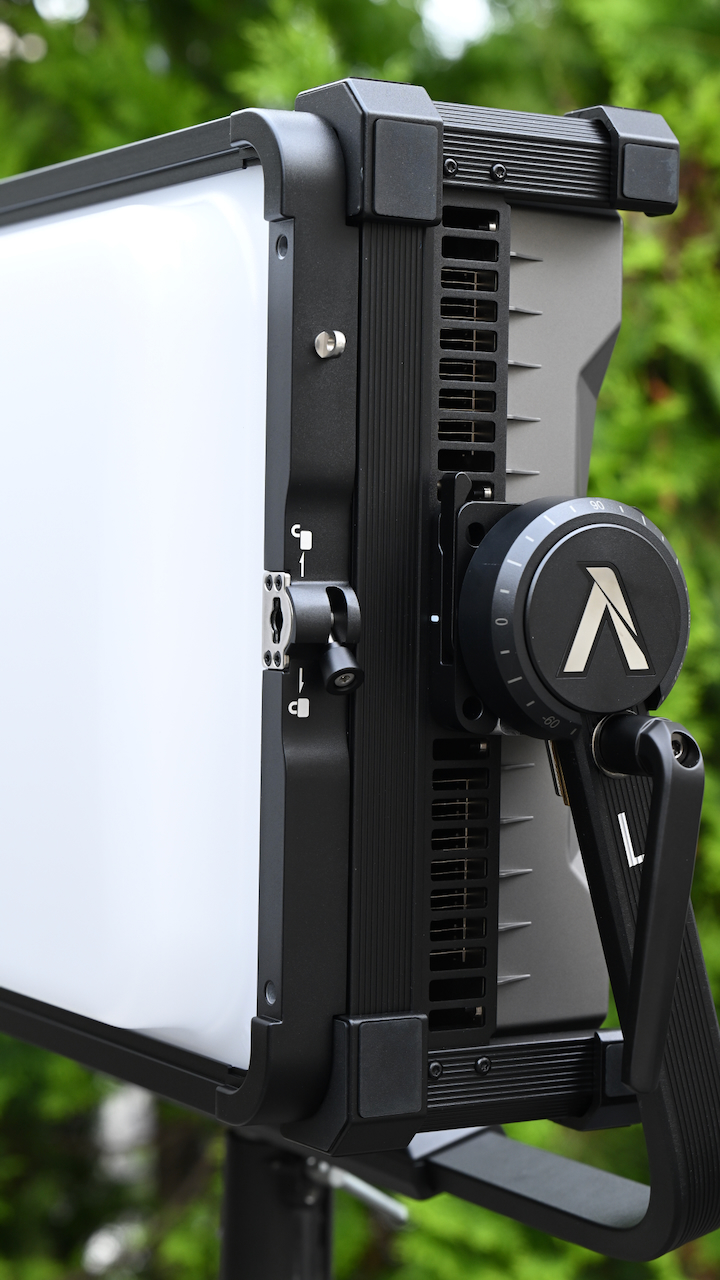
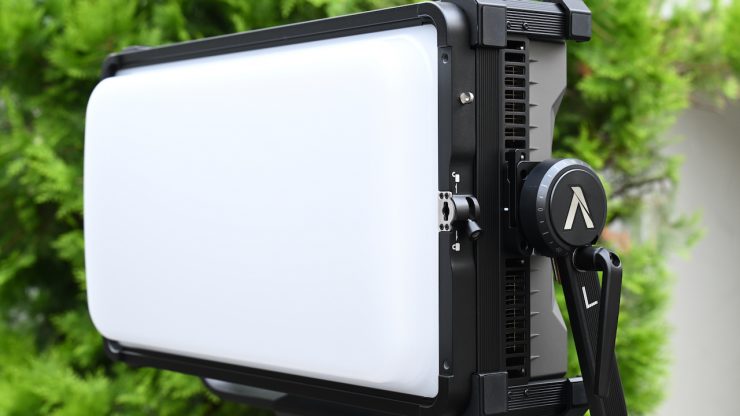
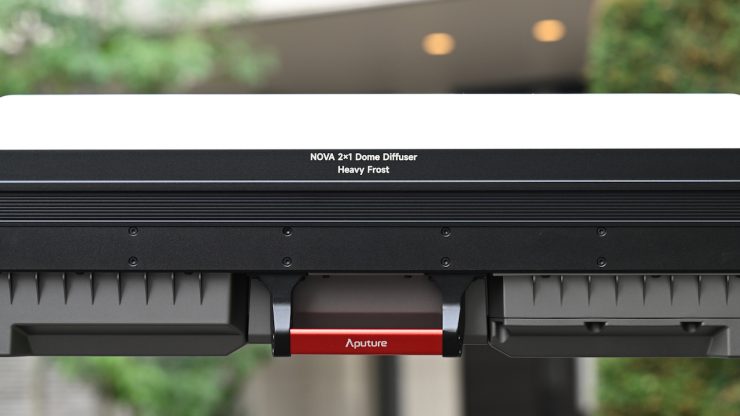
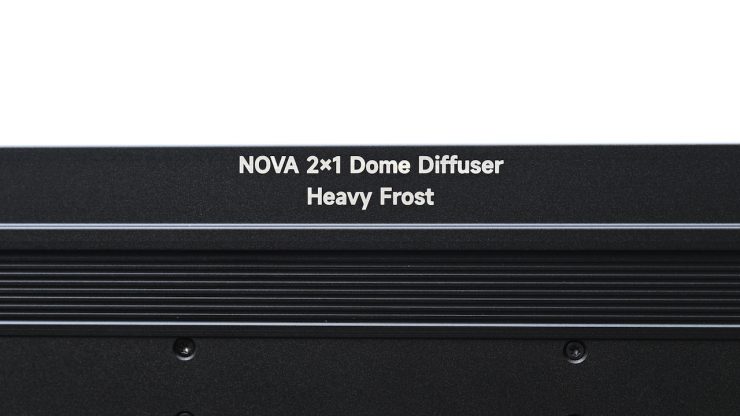
The optional Dome Diffuser ( Heavy Frost) attaches to the front of the fixture to help transform its native output to a soft, omnidirectional light source. This makes it usable for keying or ambient fill by creating a natural, wraparound light.
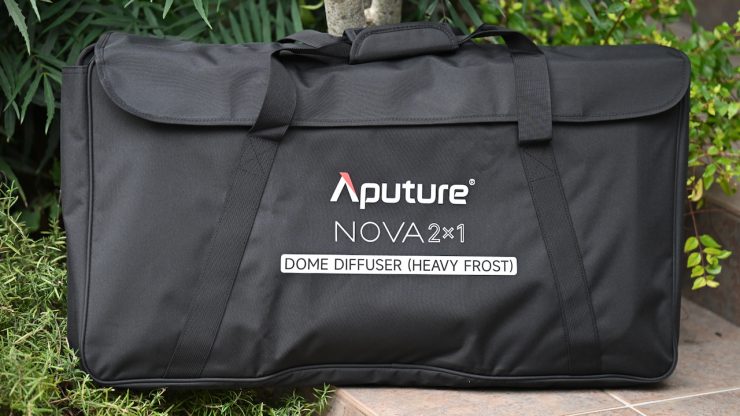
It comes with a nice, simple carry bag that you can keep it in. This is fine for transportation, but it’s not something you could use if you were trying to check it on a plane.
Barndoors $180 USD
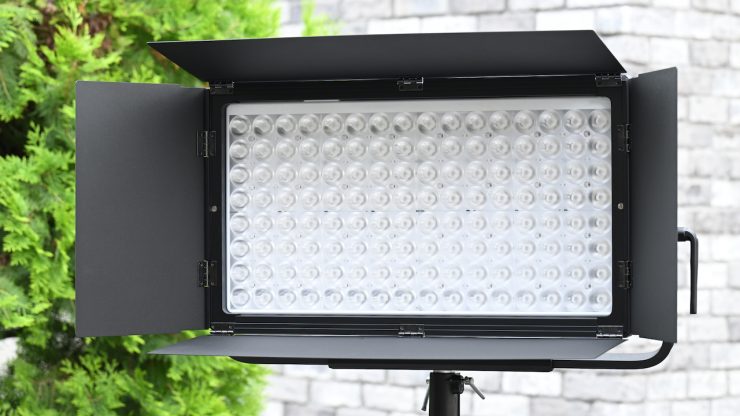
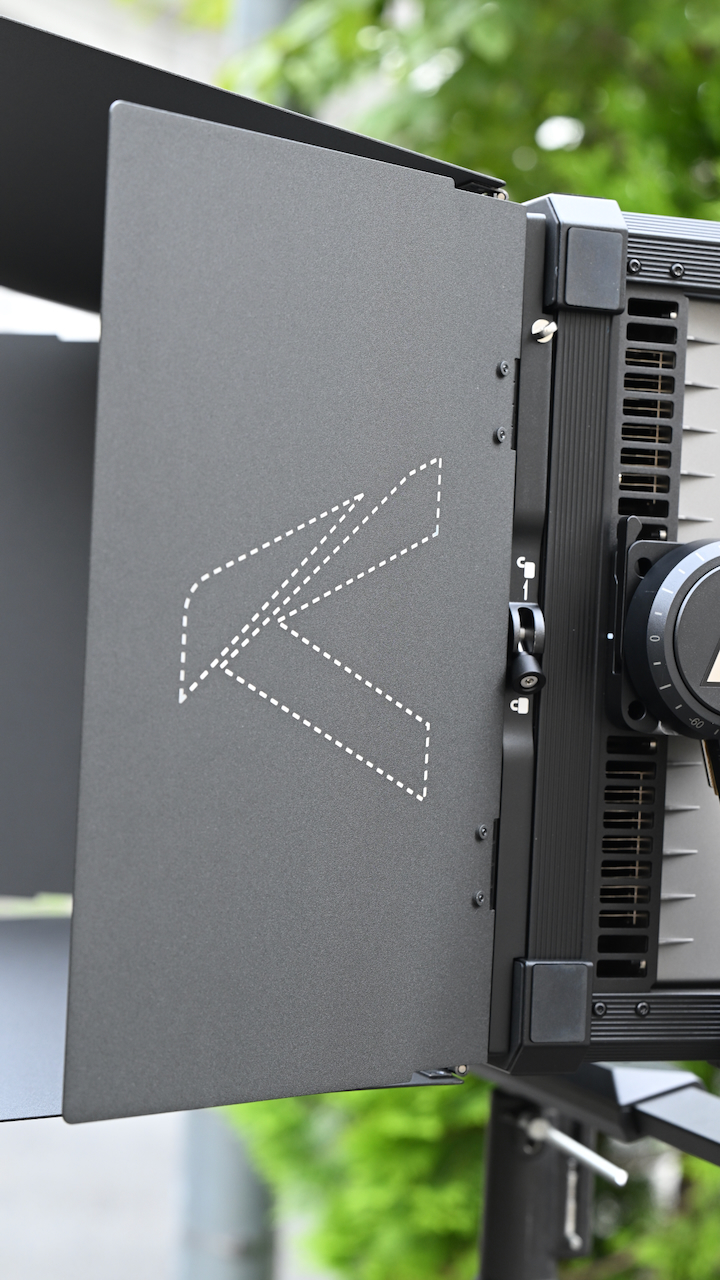
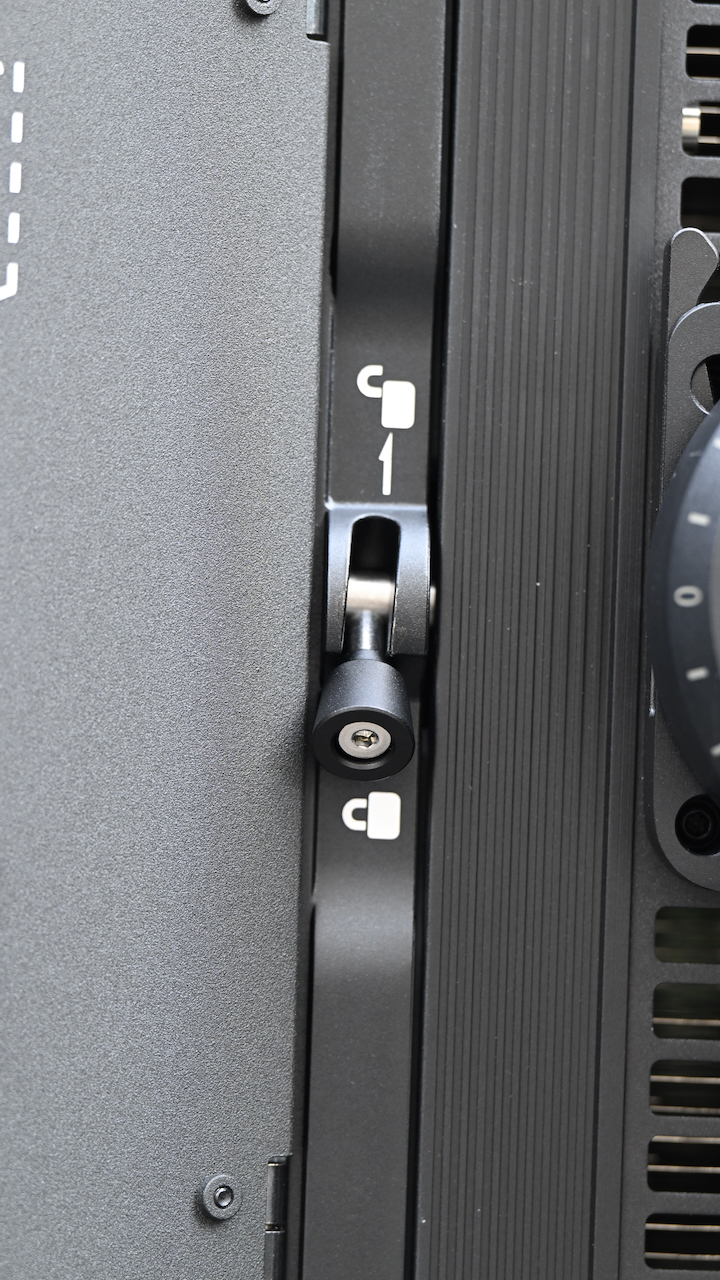
The optional four-leaf Barndoors allow you to shape and direct the output ot the fixture. The rugged metal flags attach to the fixture’s front accessory slots.
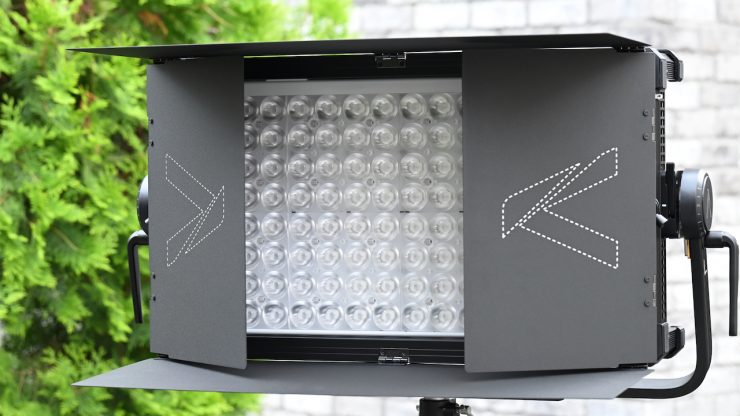
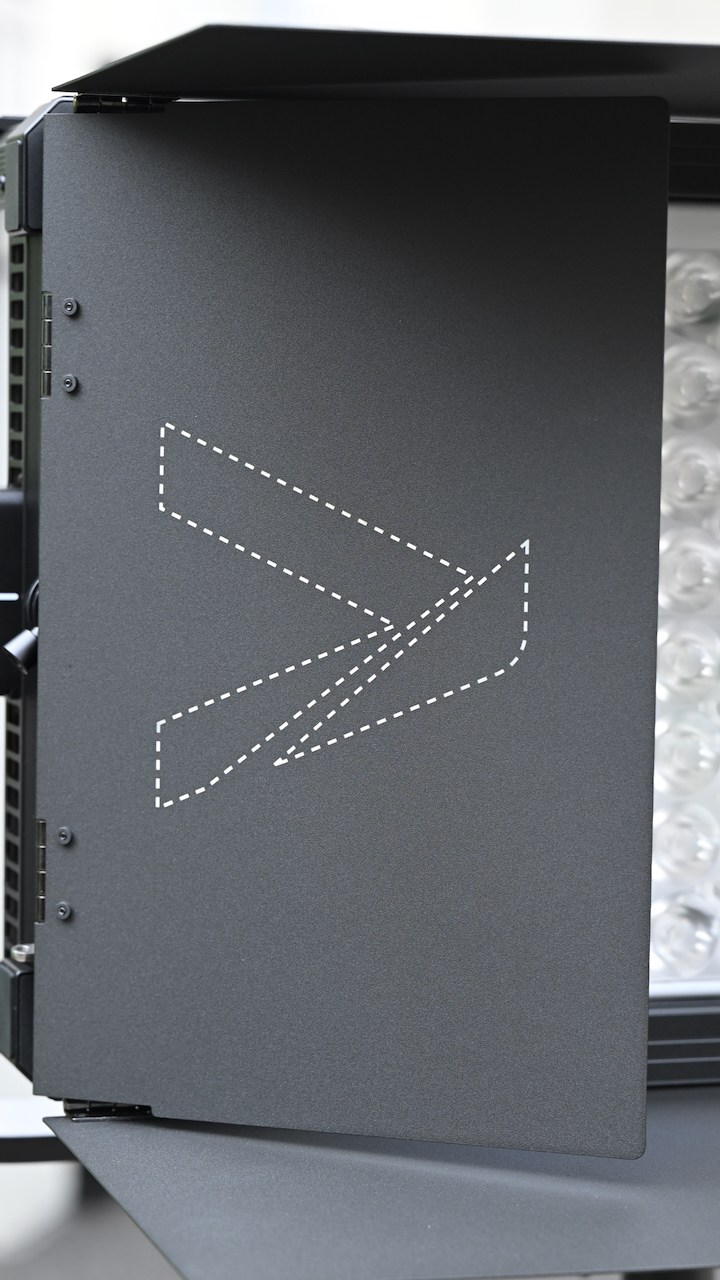
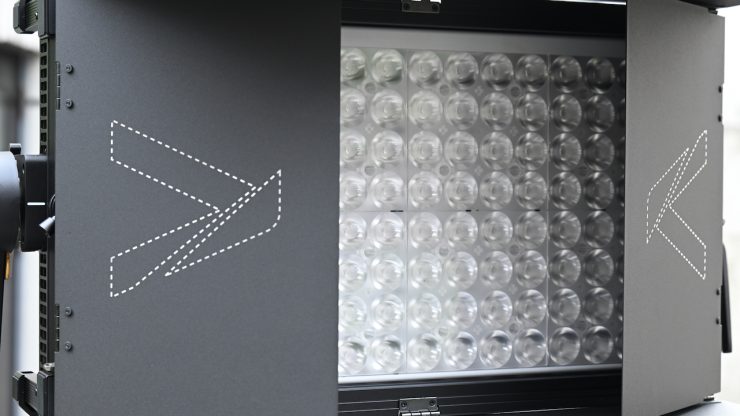
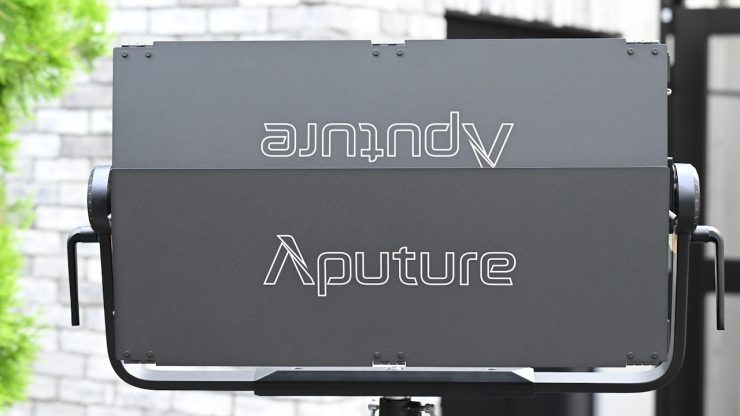
These are nicely made, and they work pretty well.
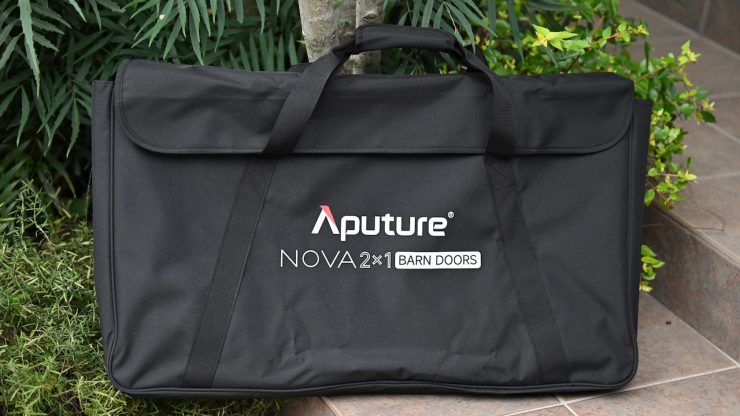
Just like the optional Dome Diffuser, they come with a soft bag.
Control & Connectivity
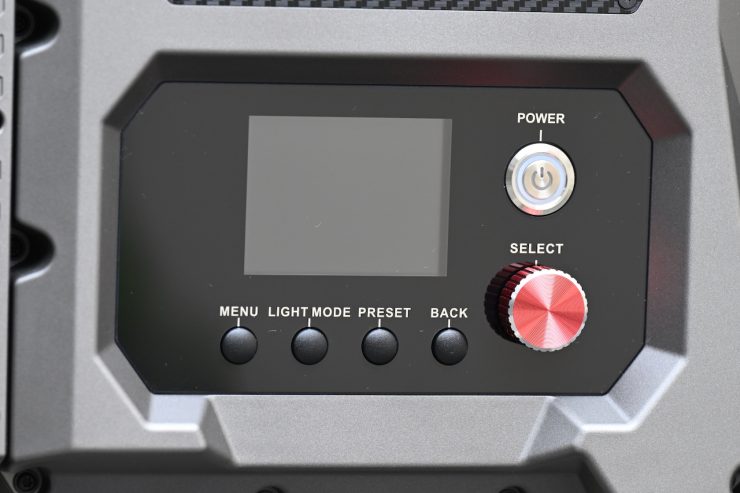
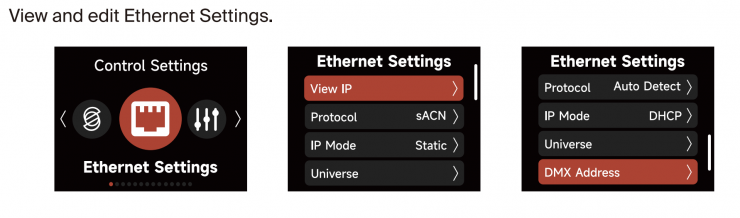
Aputure gives you multiple ways to control the fixture. You can do onboard control and access and change DMX Settings, CRMX Settings, Sidus BT Settings, and Ethernet Settings.
DMX Settings
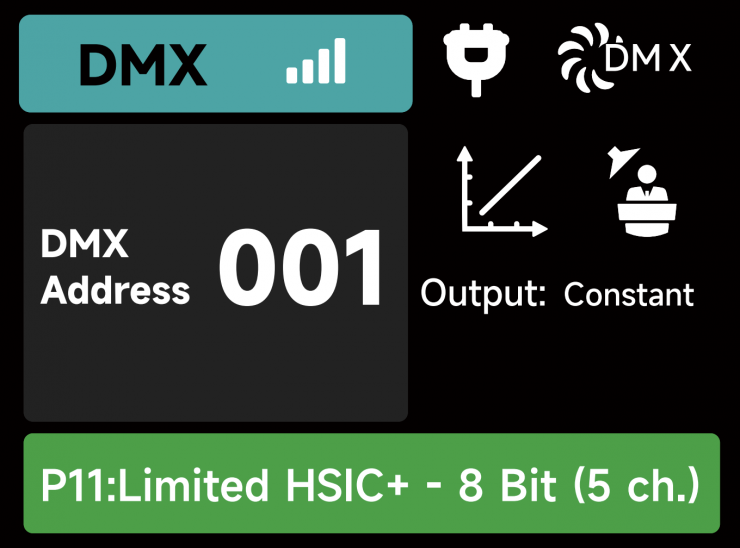
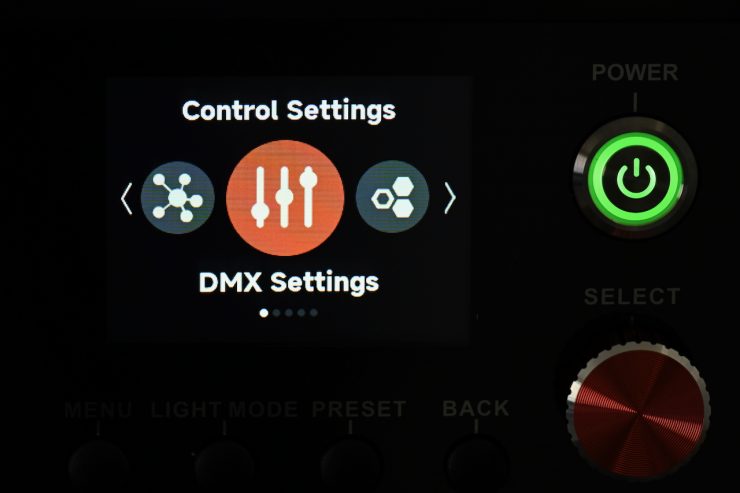
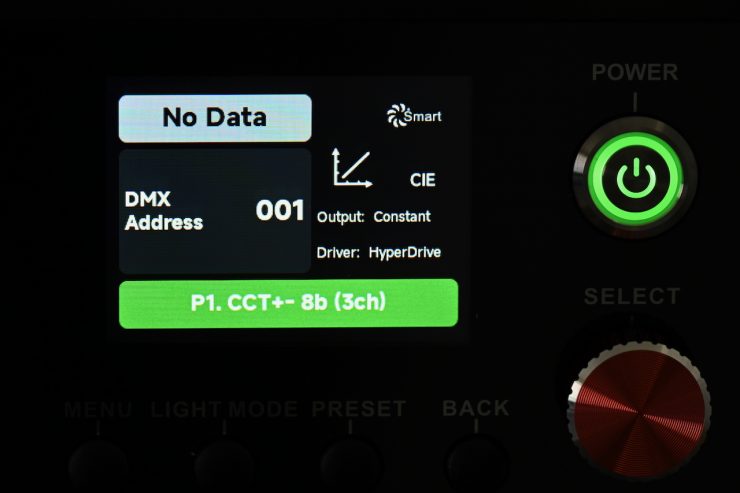
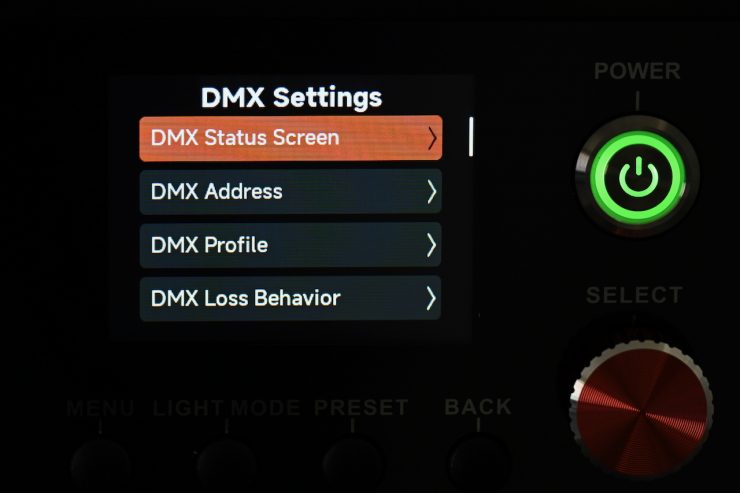
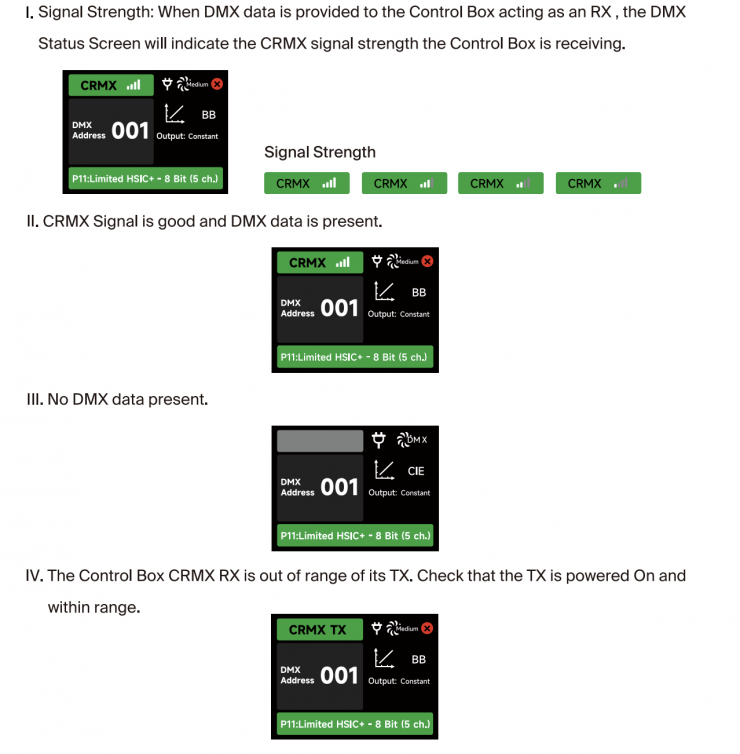
DMX Status Screen: Displays DMX data status, the DMX address, the DMX Profile being used, the CRMX Signal Strength, Fan Mode, Dimming Curve, Studio Mode in use, Output Mode, and Power Status.
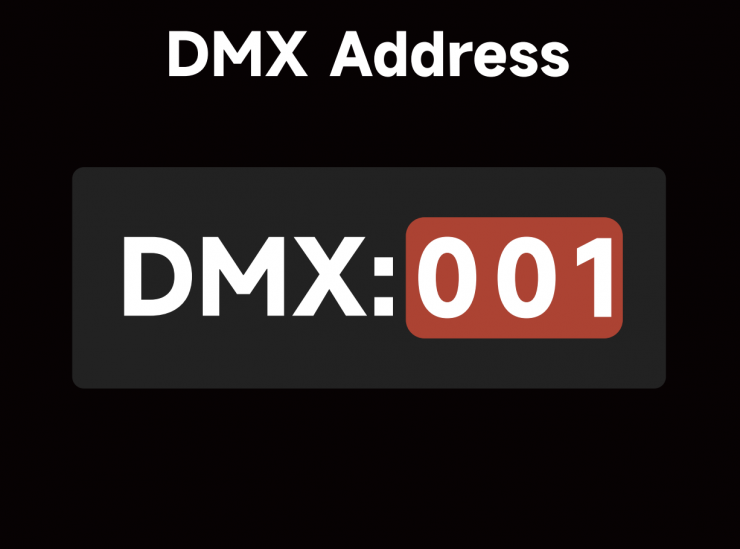
DMX Address: Set the DMX address of this fixture.
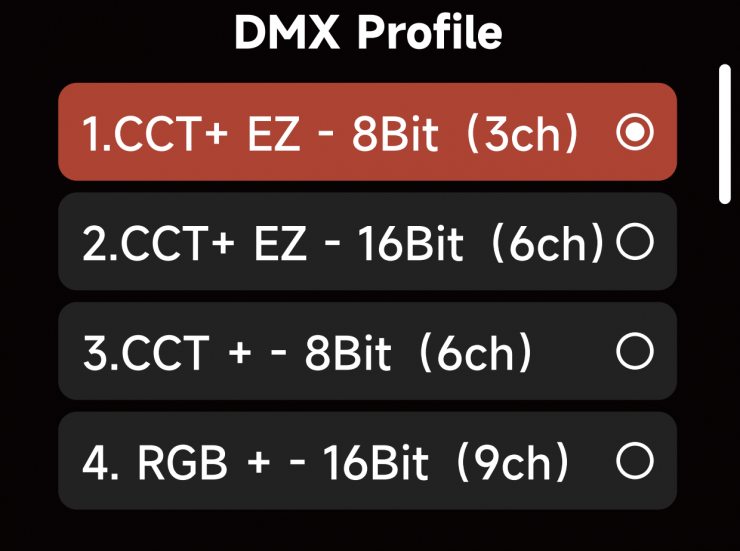
DMX Profile: Choose which DMX Profile to use. Refer to the DMX Chart for the specifics of each profile.
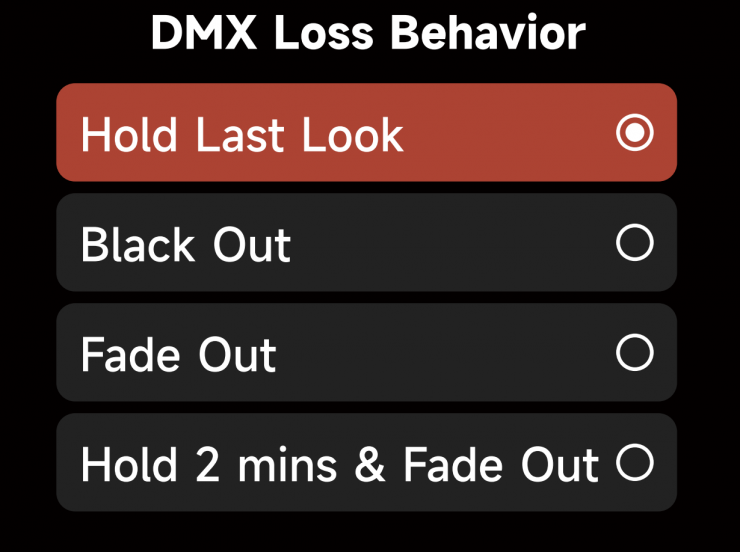
DMX Loss Behavior: Choose from the following options:
- Hold Last Look: When the DMX signal is lost, DMX values will be retained until the signal is regained.
- Black Out: When the DMX signal is lost, the light will black out.
- Fade to Black: When the DMX signal is lost, the light will wait for 60 seconds before fading to black.
- Hold 2 min.& Fade Out: When the DMX signal is lost, the DMX values are retained for two minutes before fading out over a duration of 60 seconds.
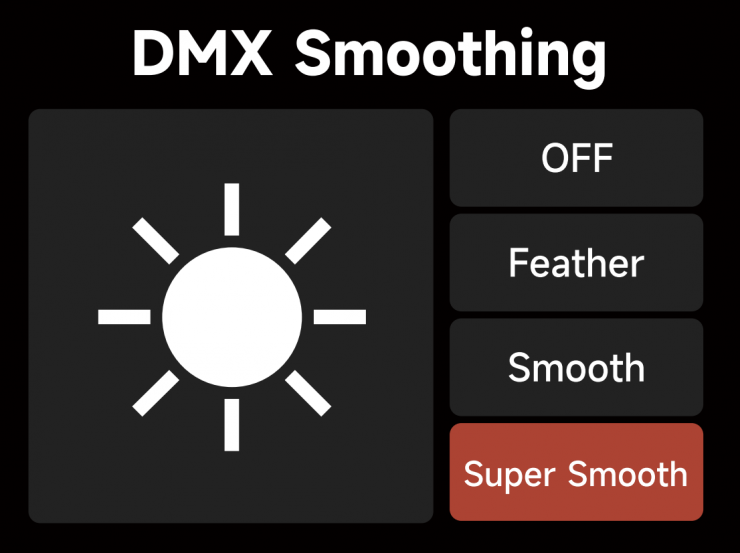
DMX Smoothing: Set the smoothness of DMX dimming.
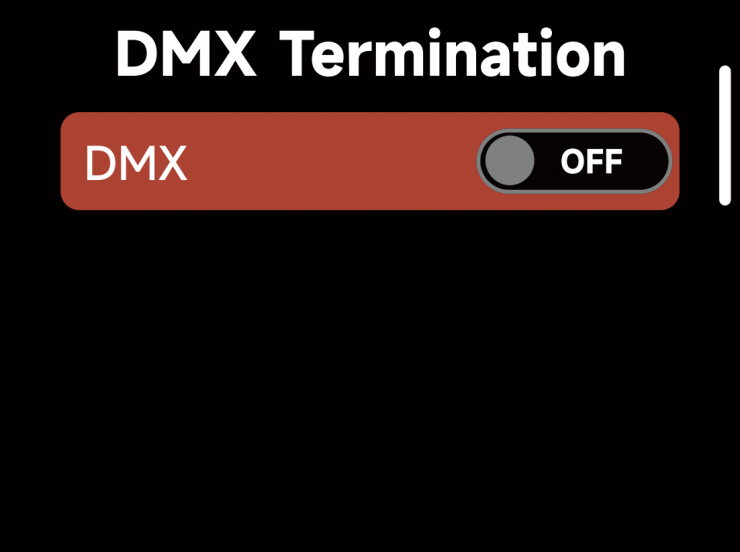
DMX Termination: Turn ON (to help with DMX signal reflection) or OFF.
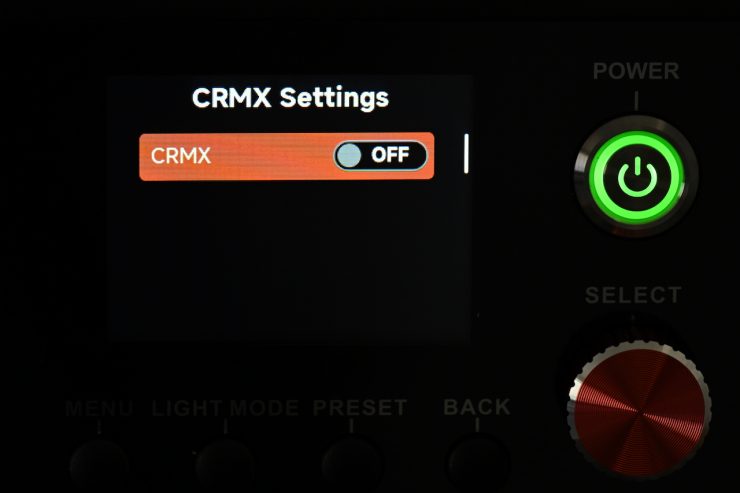
CRMX
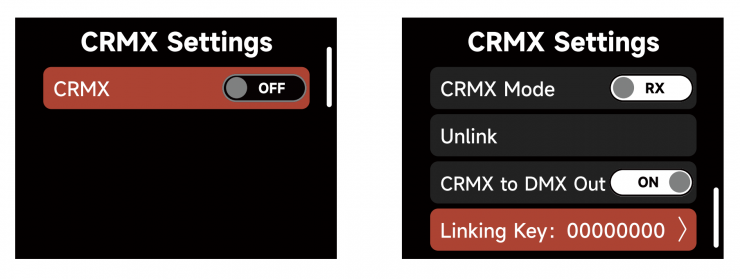
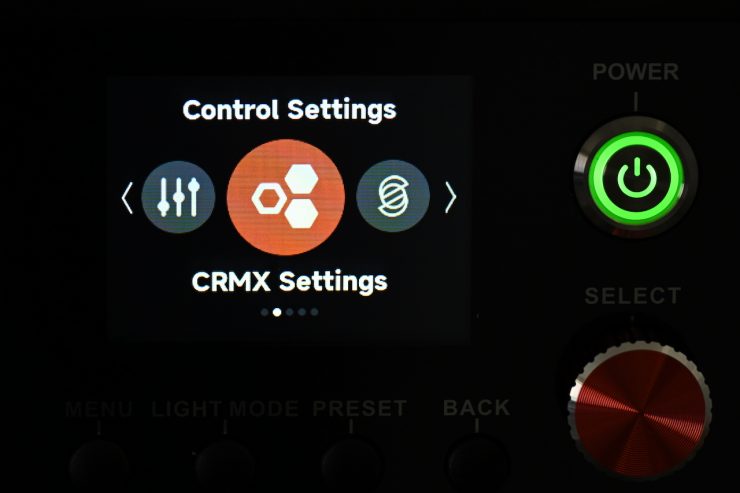
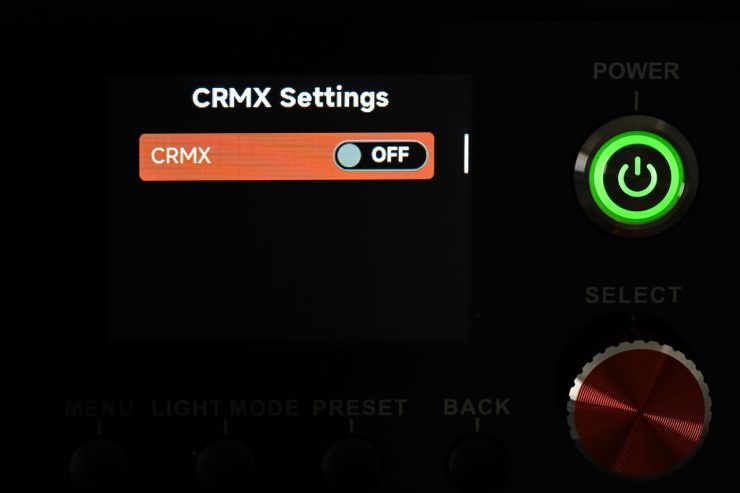
When CRMX is ON, the fixture will listen for its previously linked Transmitter.
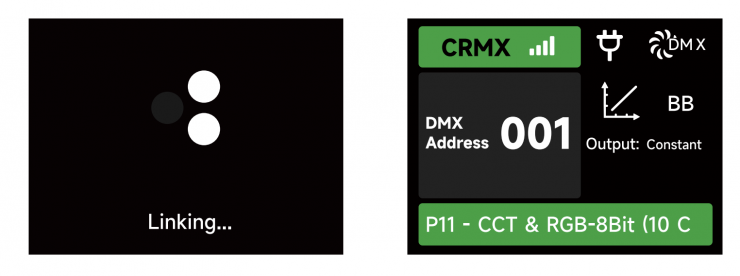
If the fixture is currently unlinked, it will listen for a Transmitter link signal and link to any new CRMX link signal. Users can unlink from previously linked Transmitters by selecting Unlink. Once a CRMX Link is established and DMX data is present, the display will change to the DMX Status Screen.
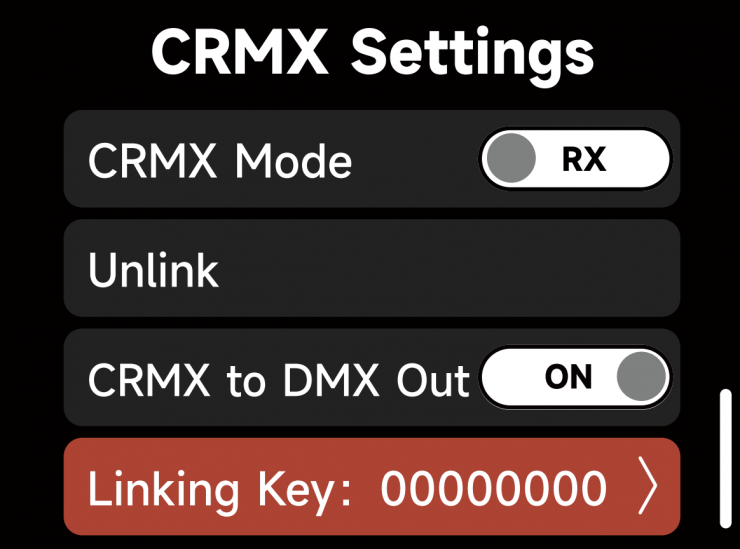
When in CRMX RX Mode, if CRMX to DMX Out is “ON”, DMX data is pushed out of the DMX Out Port. If CRMX to DMX Out is “OFF”, no data is pushed out of the DMX Out Port.
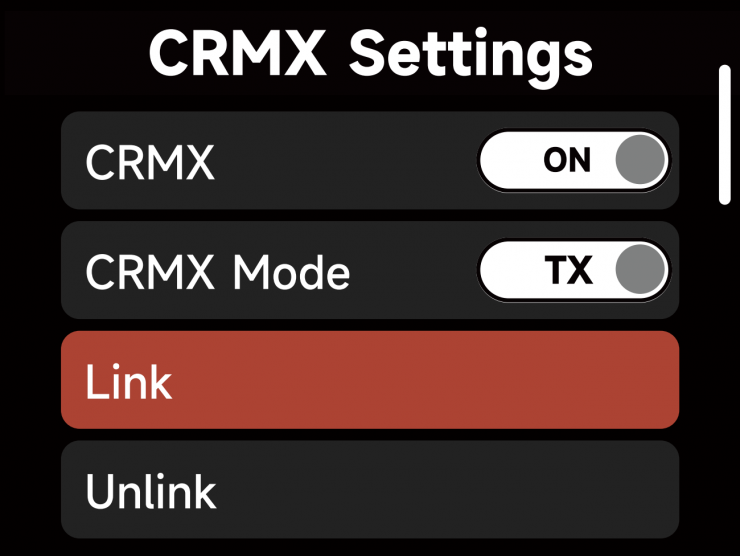
When utilizing CRMX TX Mode, the Control Box can transmit DMX data to CRMX receivers.
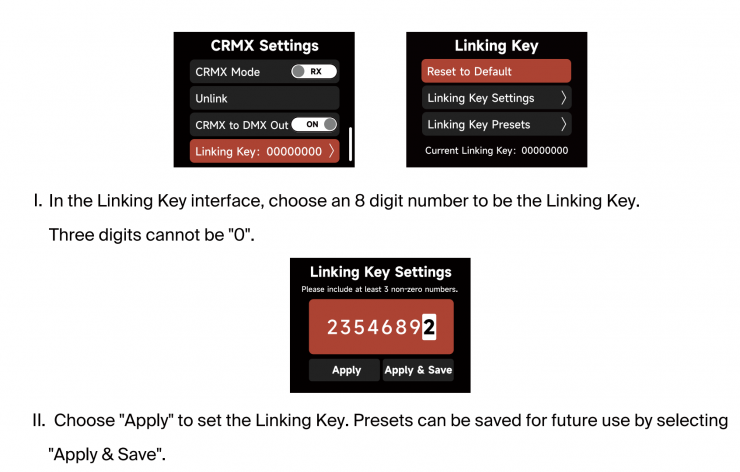
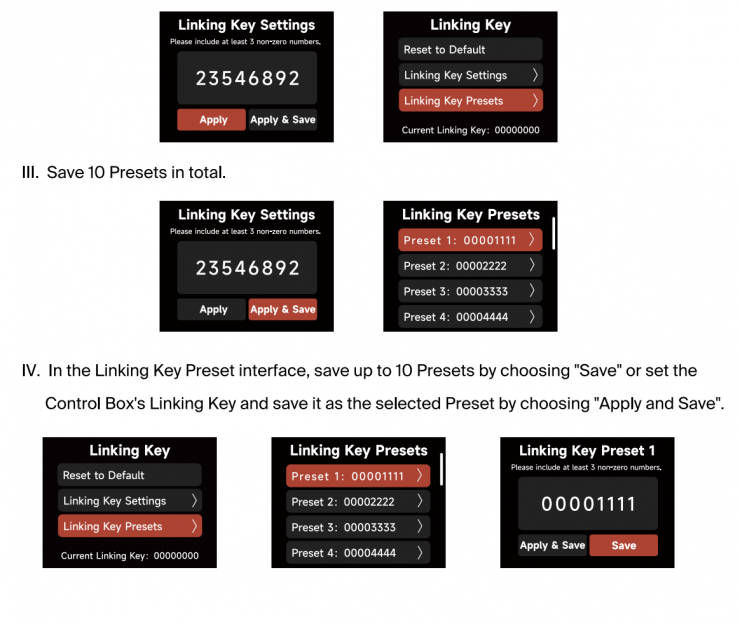
CRMX
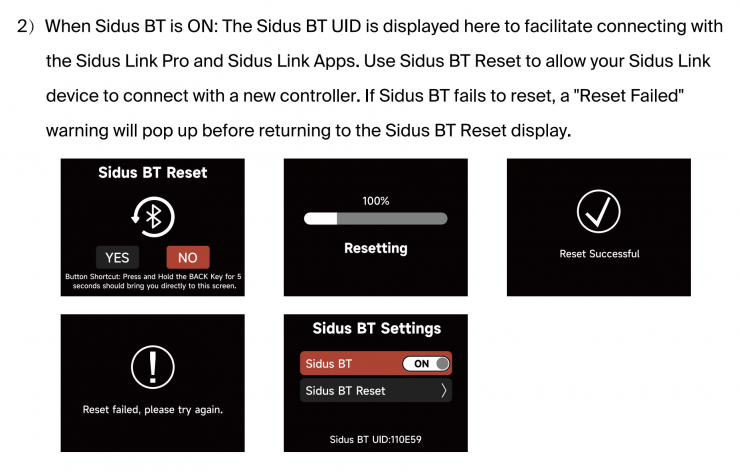
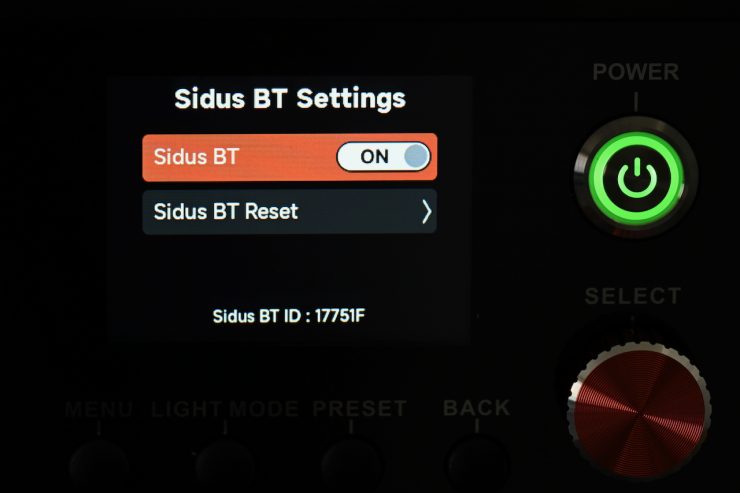
Sidus BT Settings
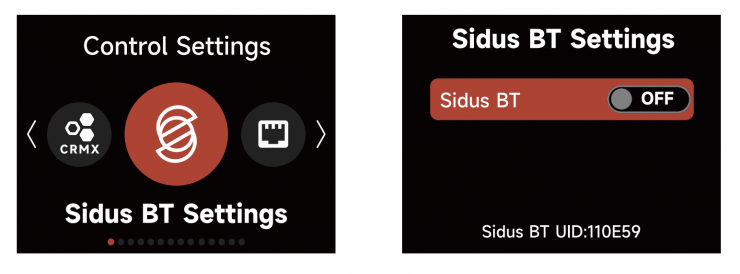
Turn Sidus BT ON or OFF in the Sidus BT settings.
Ethernet Settings
Controls & Menu System
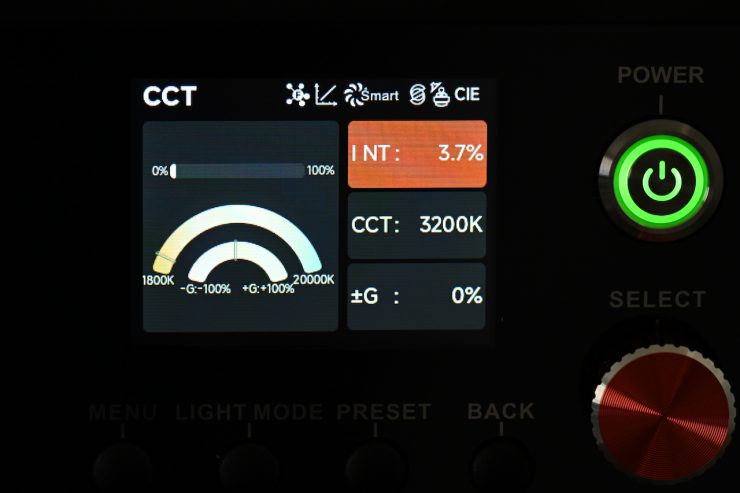
The fixture has a reasonably large LCD screen that clearly shows you information about the light. While it is not a touchscreen, it is still pretty quick to access all the available lighting modes and make changes. It is an easy interface to use.
The design of the interface is the same across all of the larger STORM x and STORM c fixtures. Users who are familiar with Aputure operating systems will be right at home.
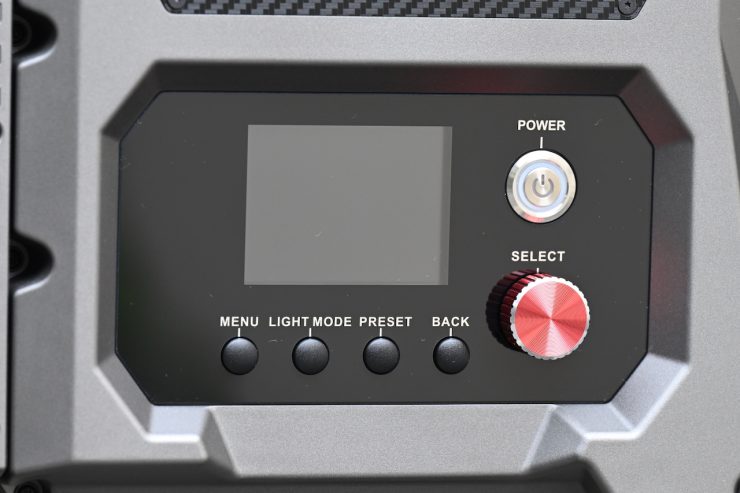
There are four buttons, a Select dial, and a power on/off switch on the power supply/controller.
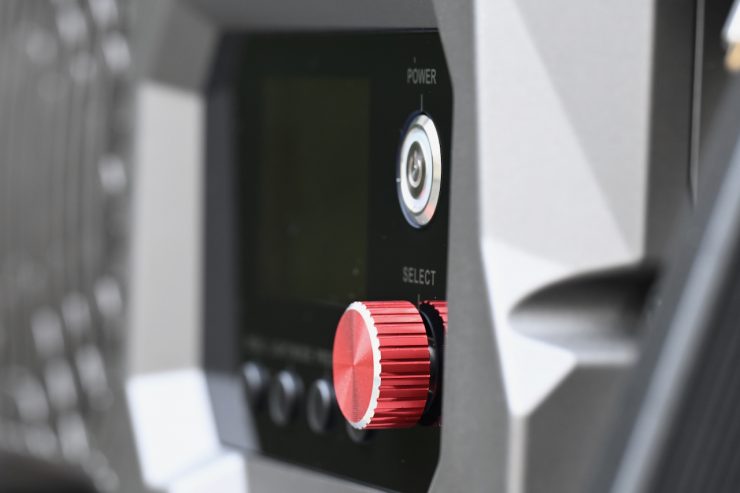
The buttons and dial are all very tactile and responsive to use.
With a good light, you shouldn’t have to read a manual to work out how to operate it. You should be able to turn it on and use it straight away. You won’t find any deep sub-menus or complicated way of making changes on the Aputure NOVA 9°. It was designed to be simplistic and easy to operate.
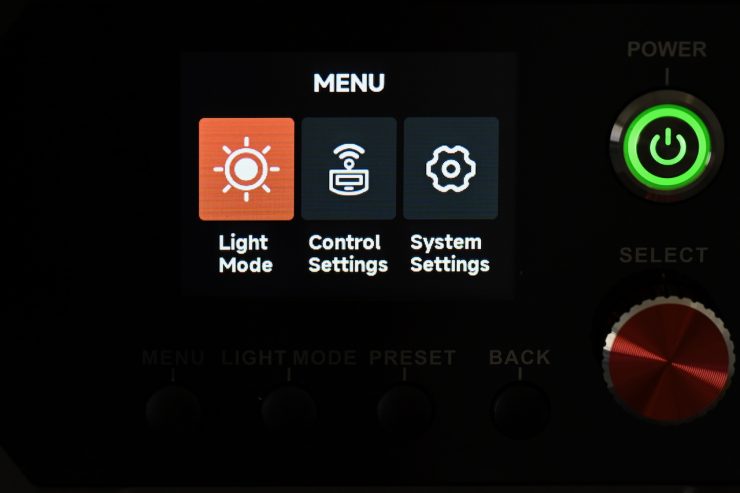
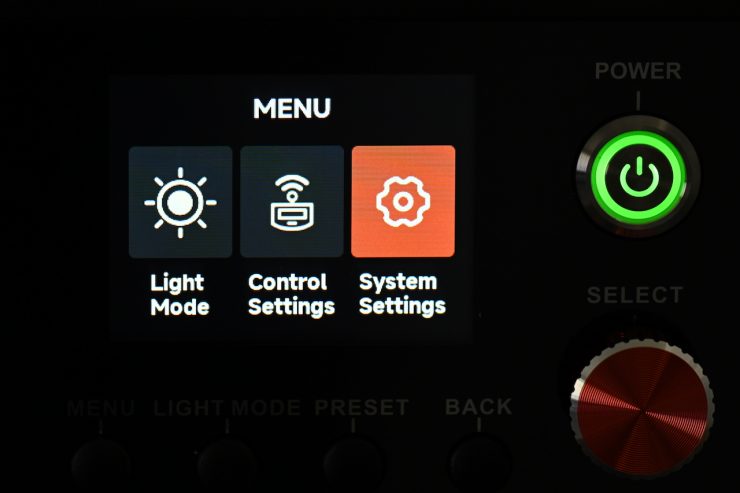
In the main Menu, there are three different sub-categories:
- Light Mode
- Control Settings
- System Settings
Light Mode
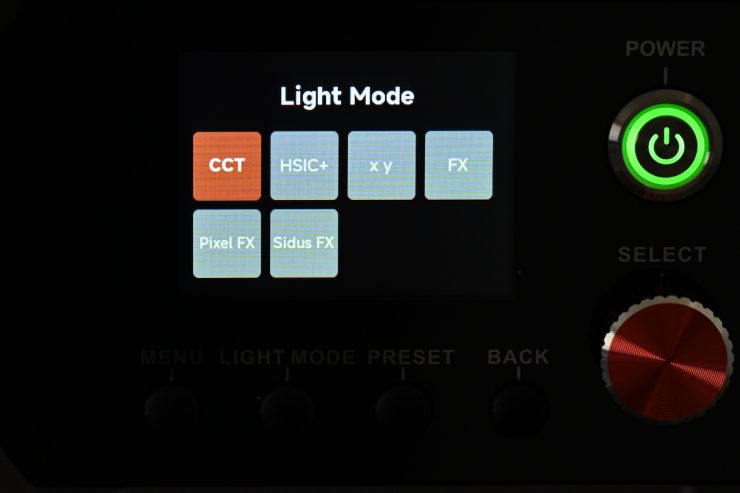
Light Mode just takes you to the page where you can choose between the six different operating modes that I will talk about a bit later.
Control Settings
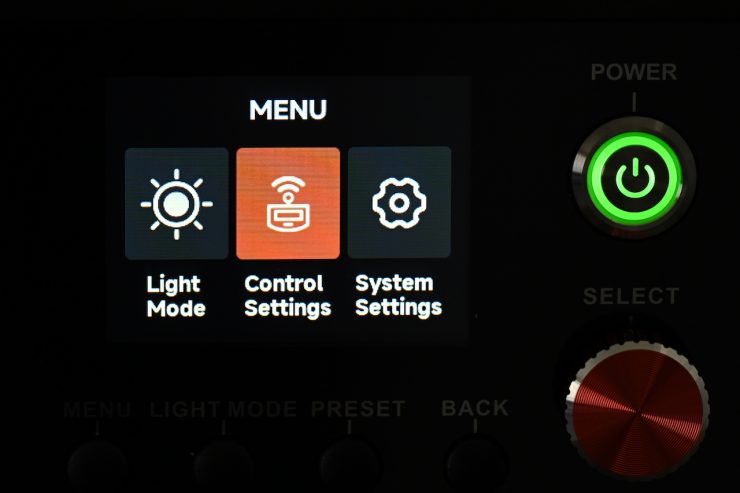
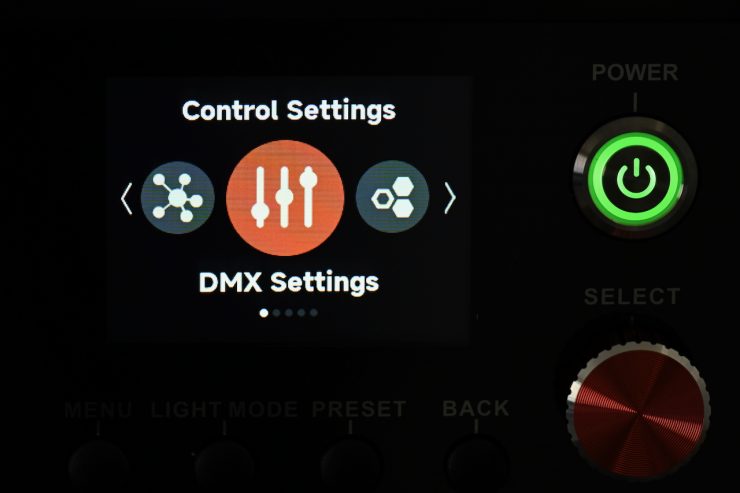
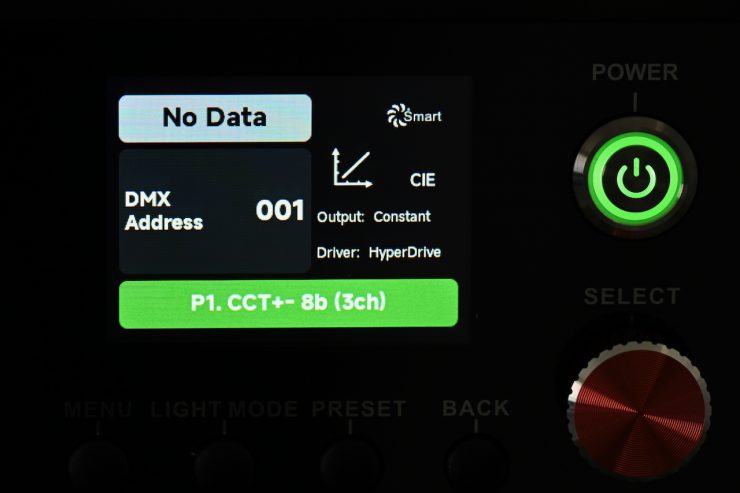
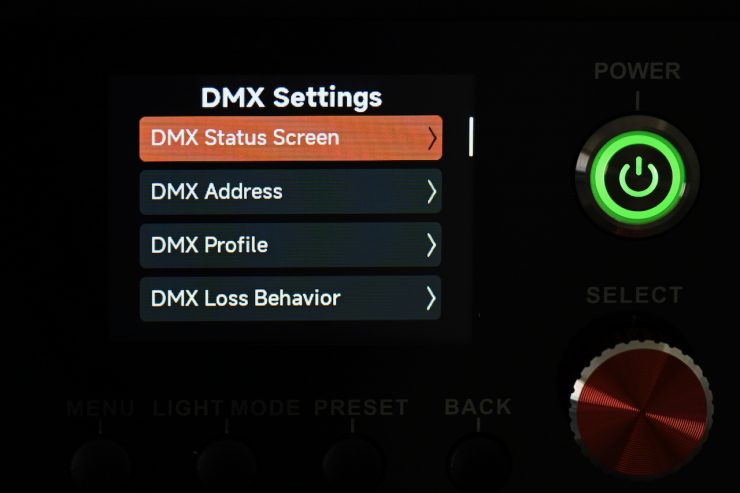
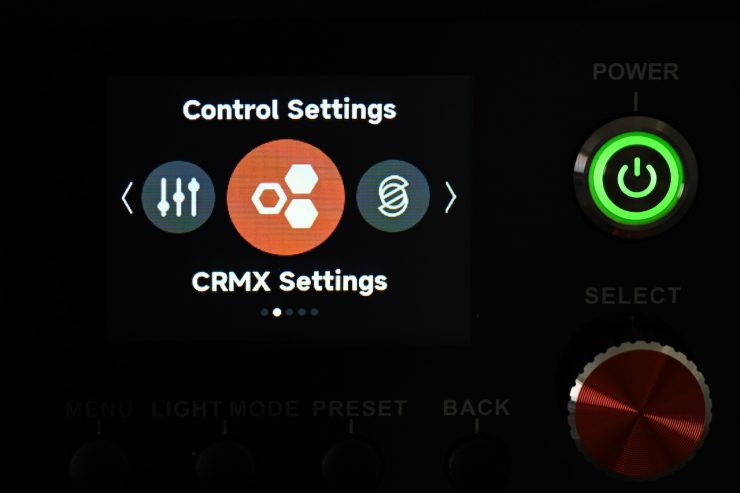
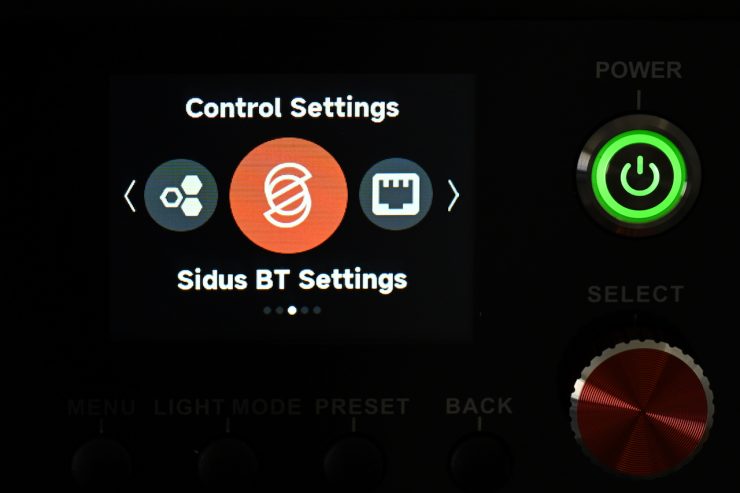
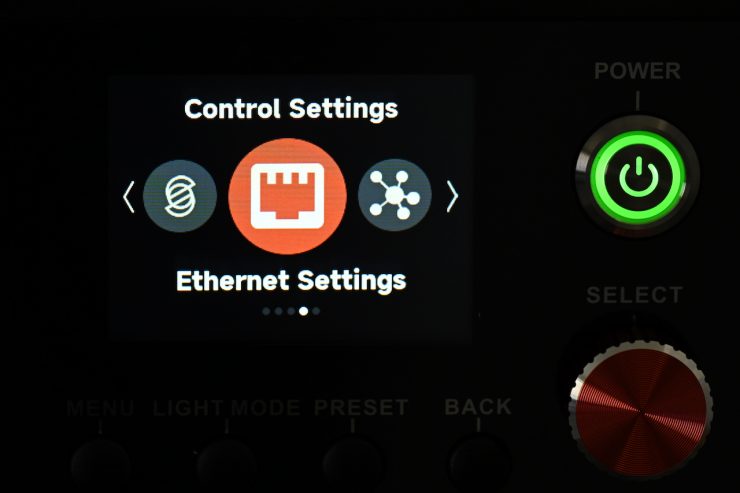
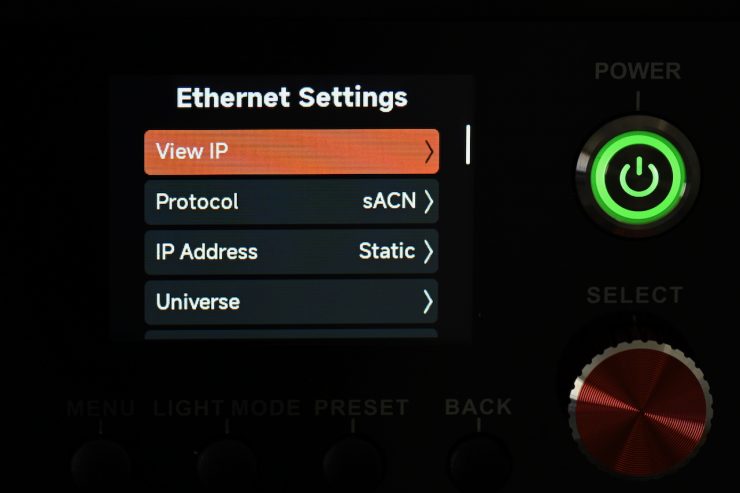
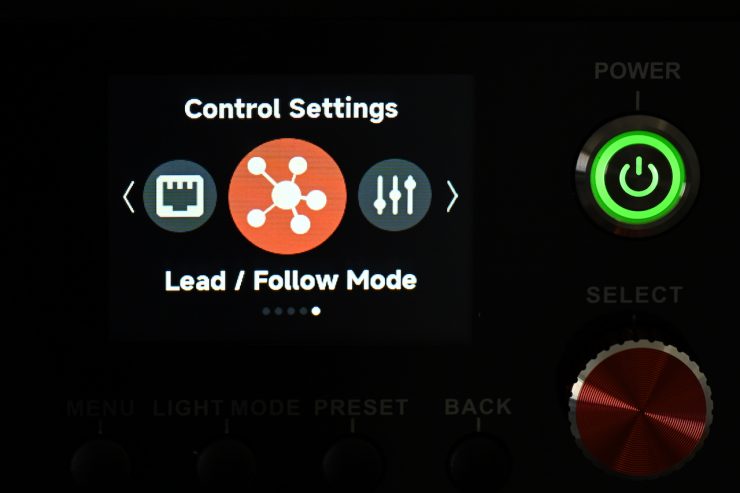
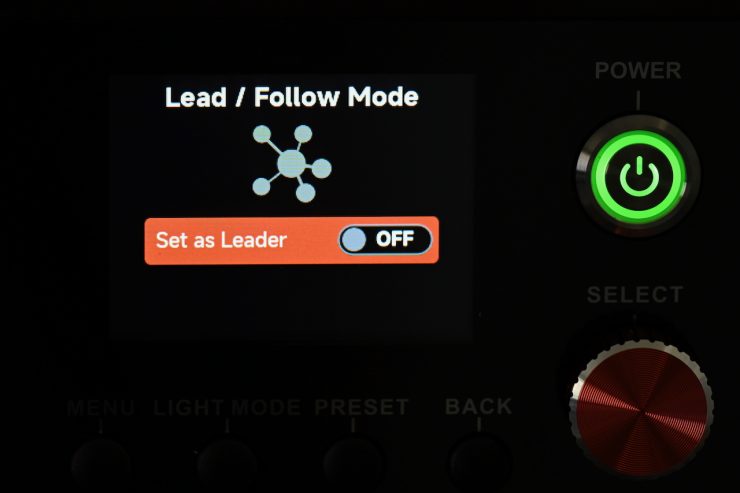
In Control Settings, you can access the following:
- DMX Settings
- CRMX Settings
- Ethernet Settings
- Sidus BT Settings
- Lead/Follow Mode
System Settings
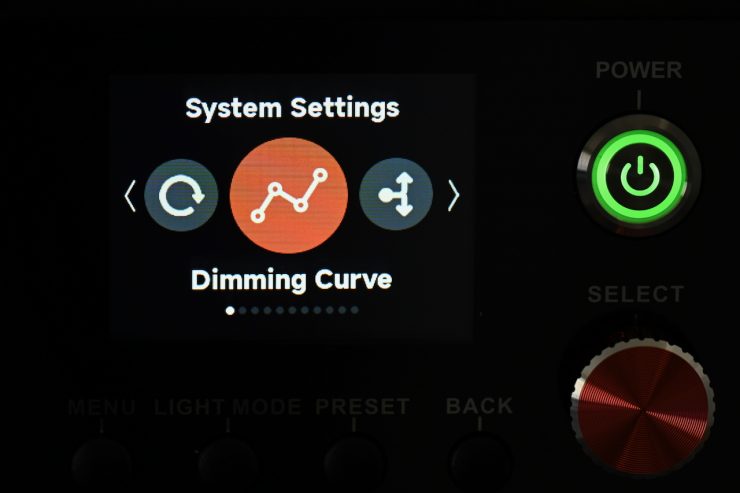
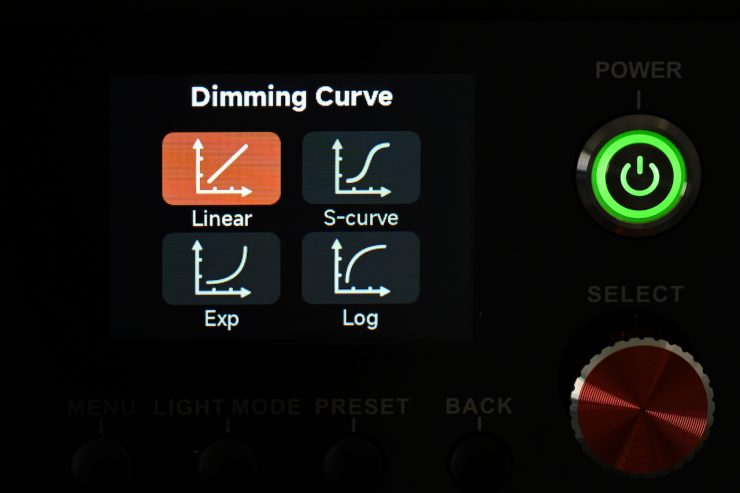
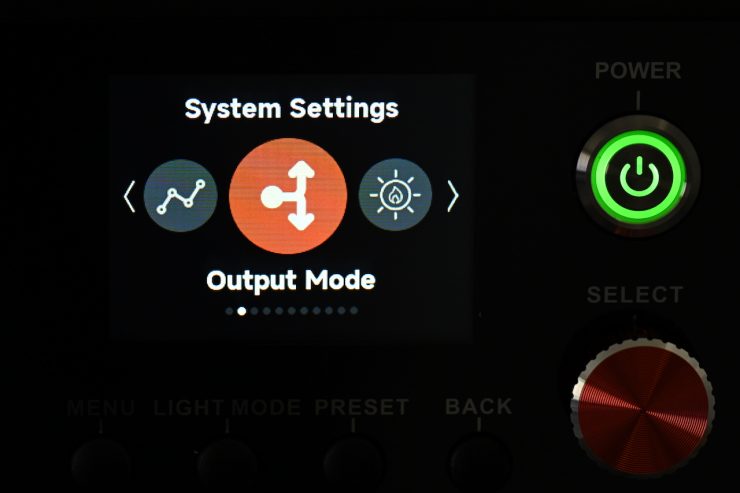
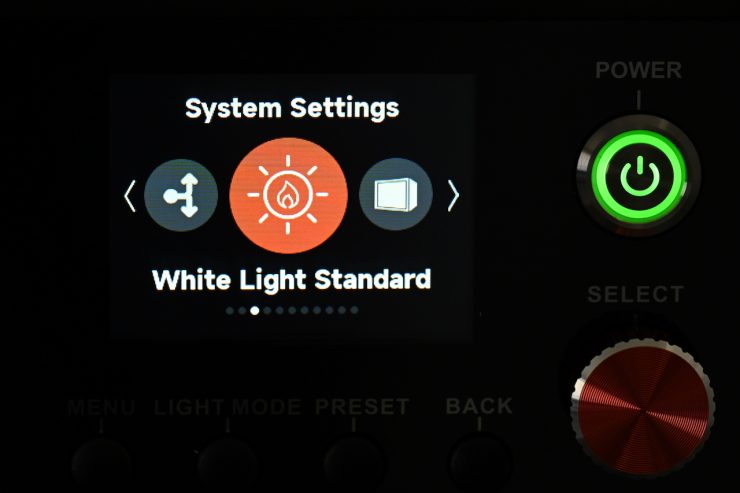
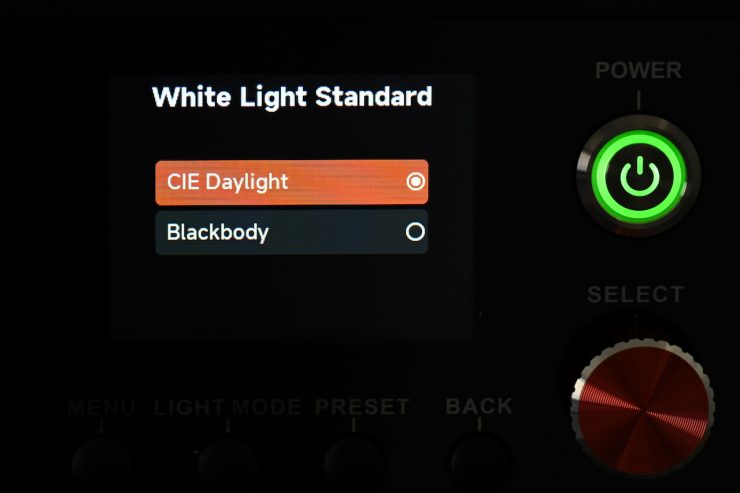
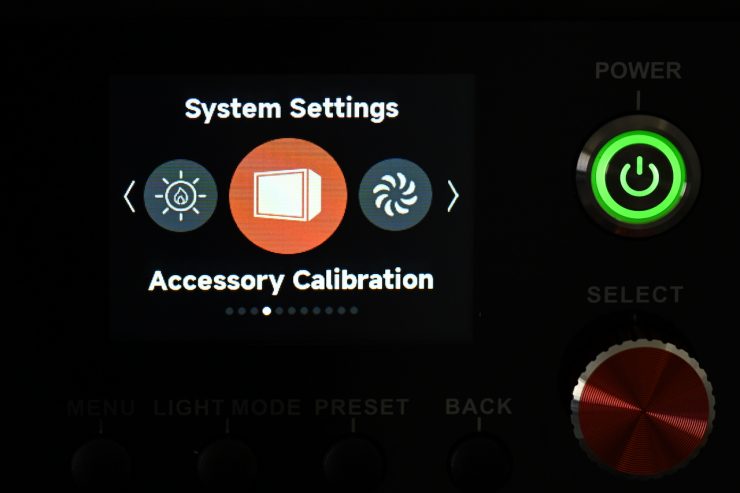
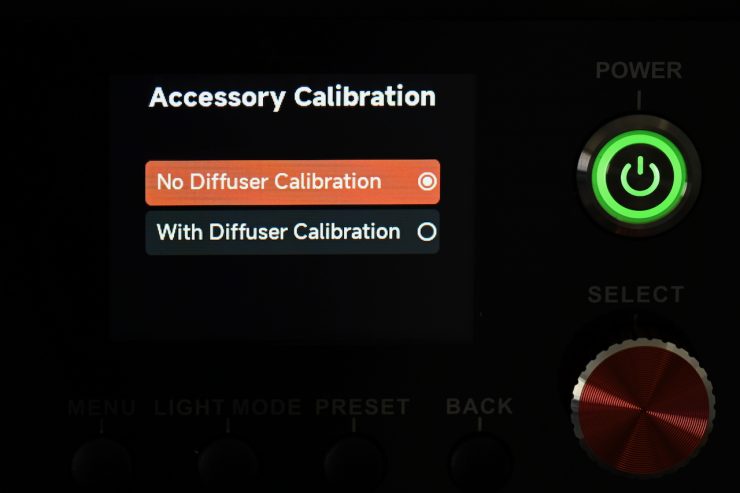
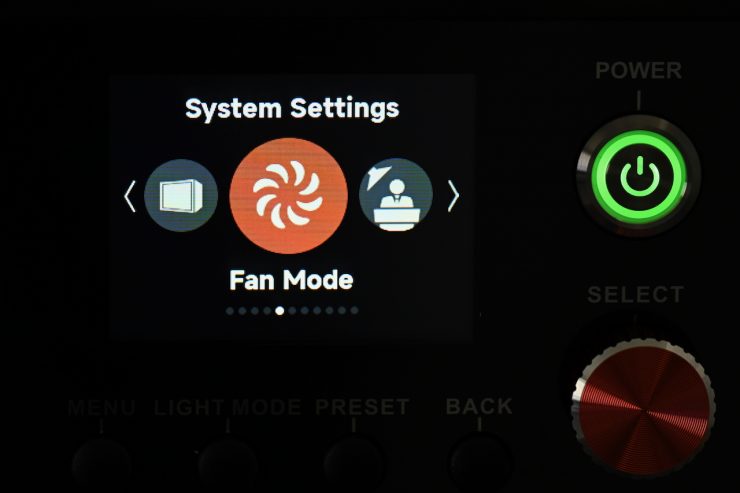
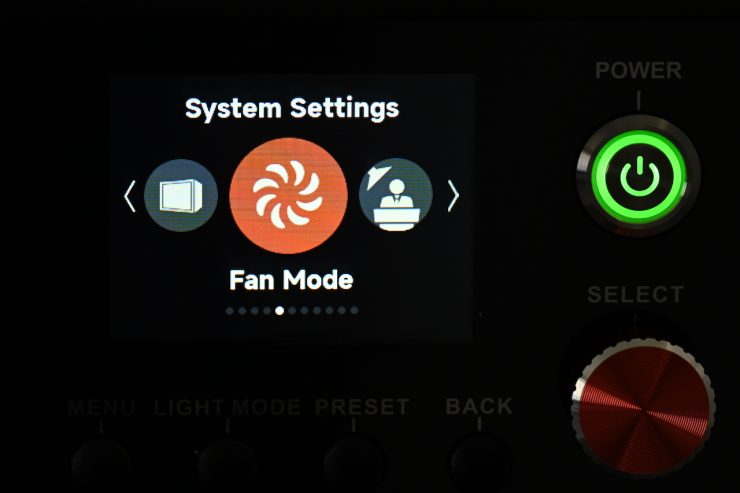
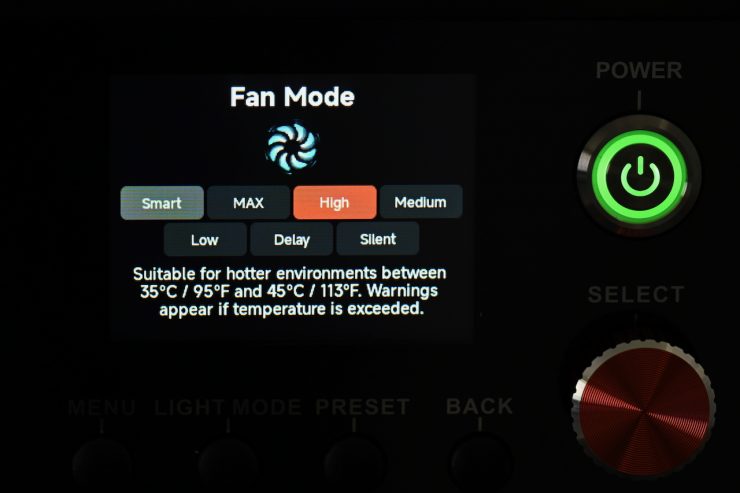
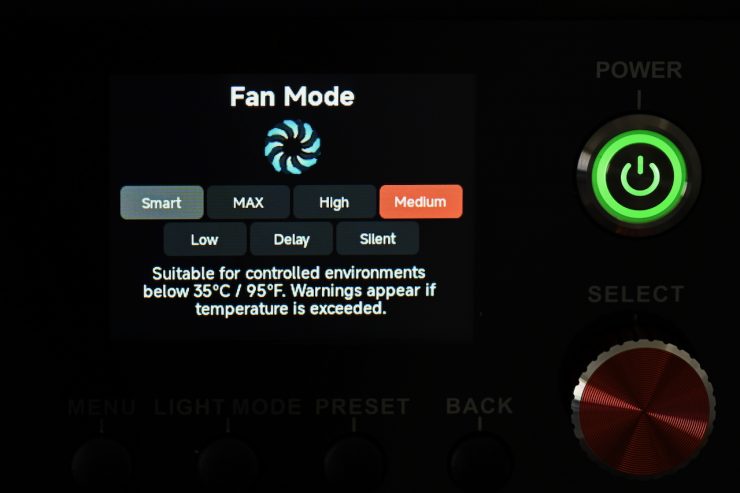
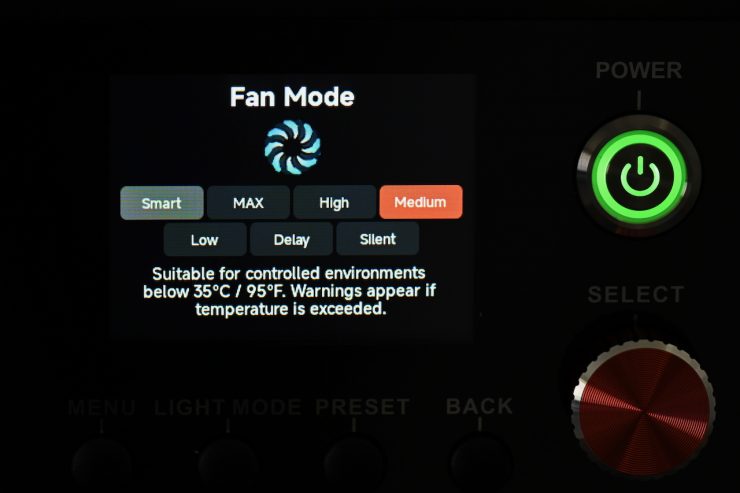
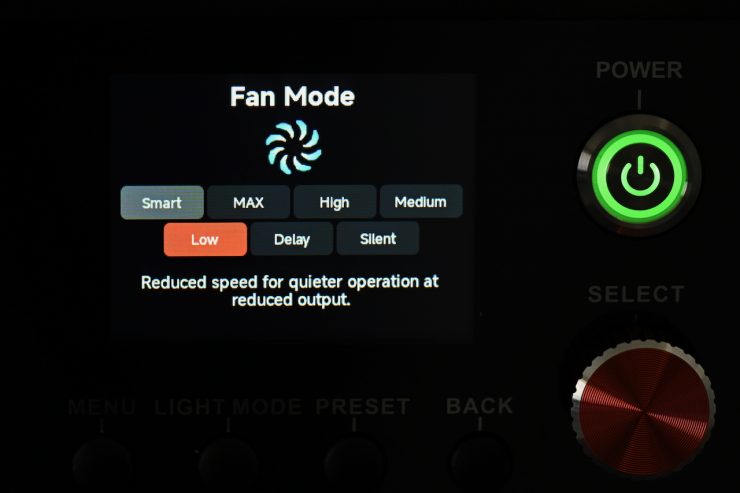
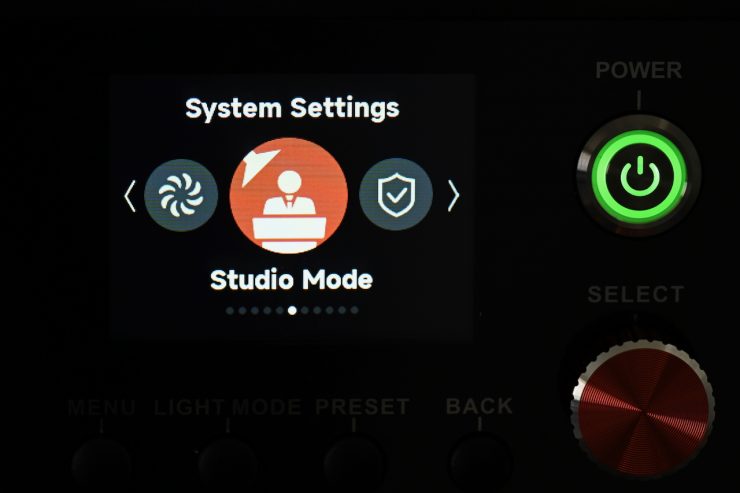
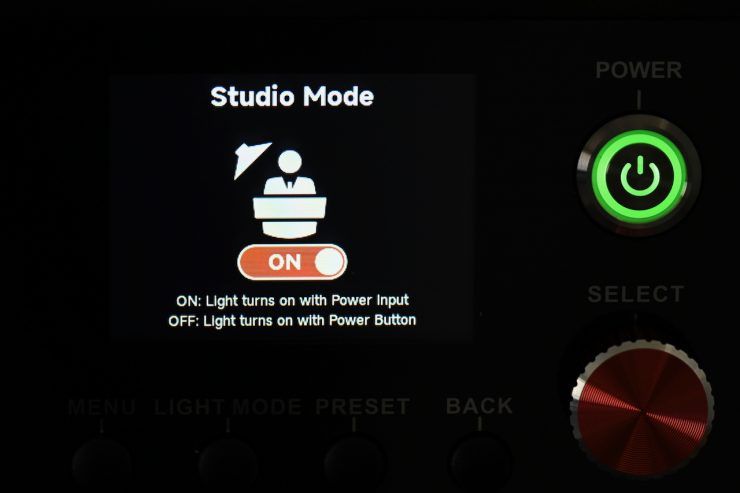
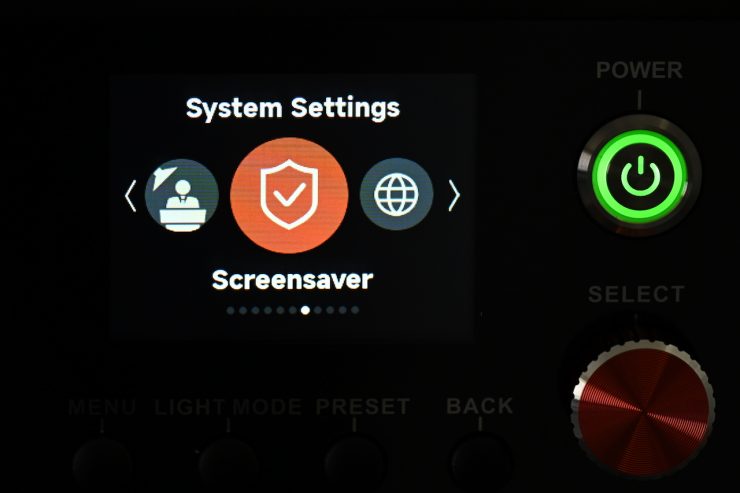
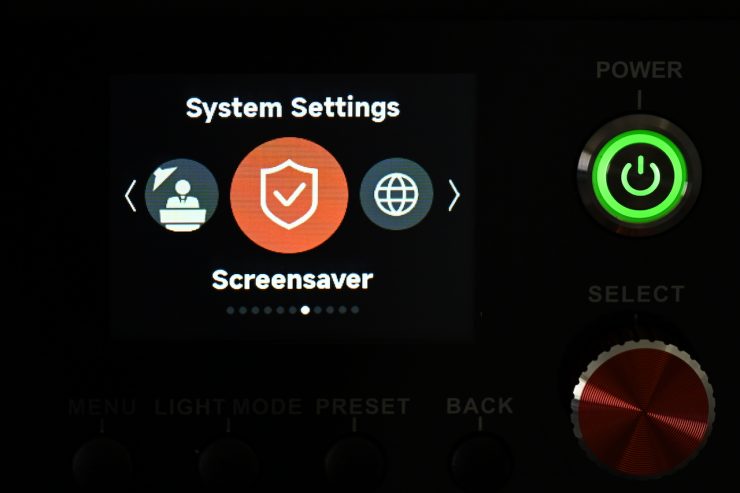
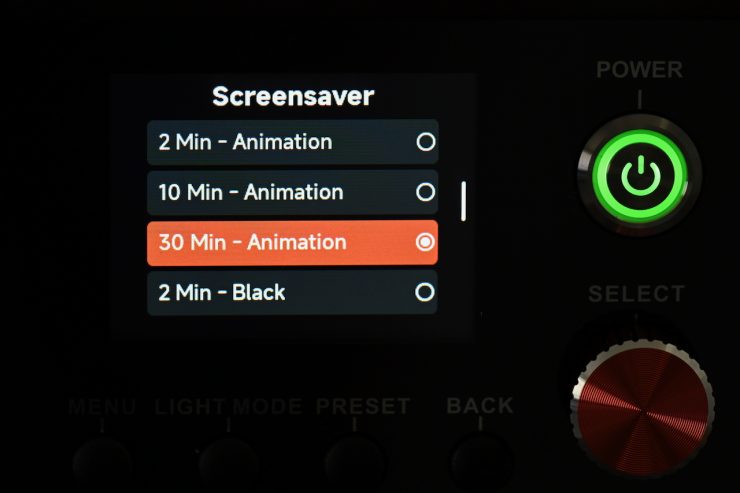
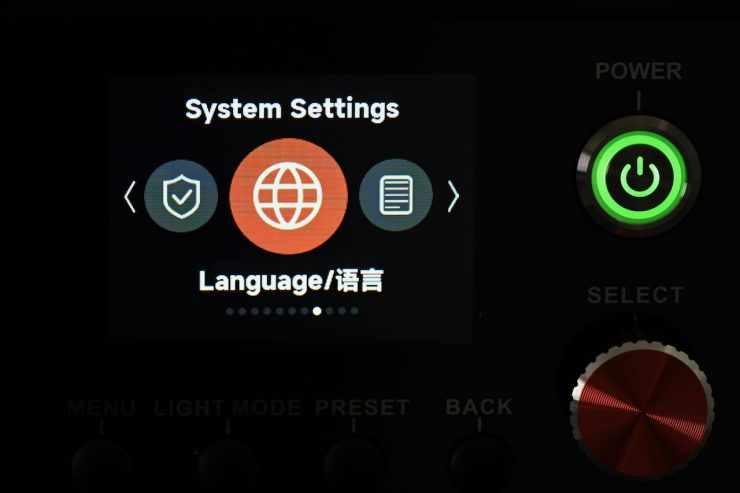
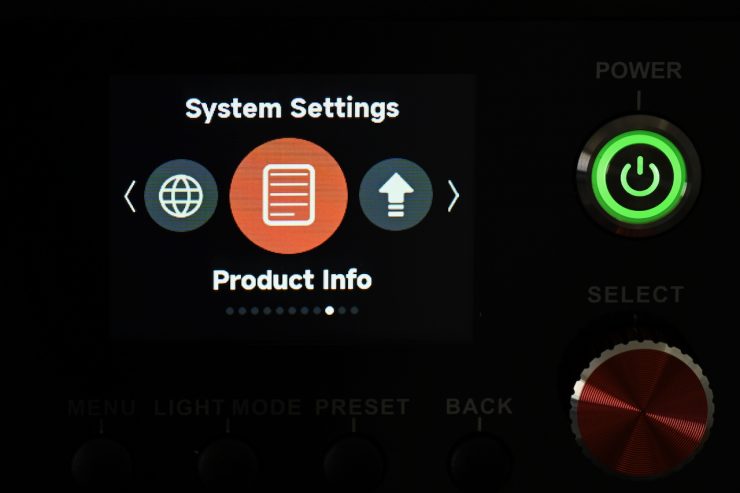
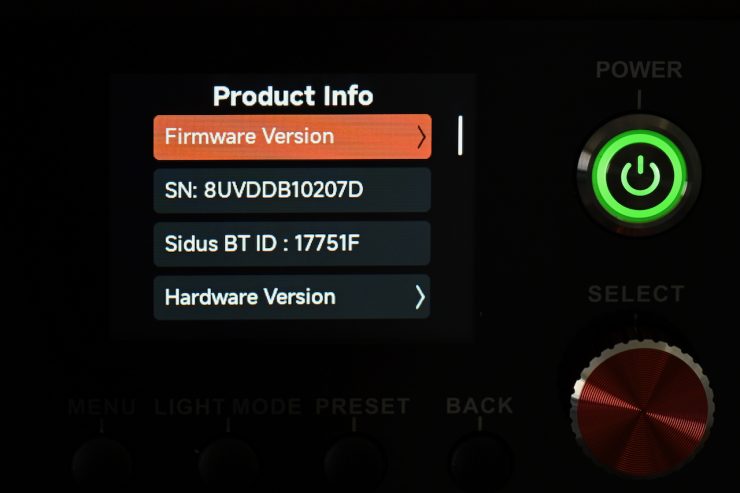
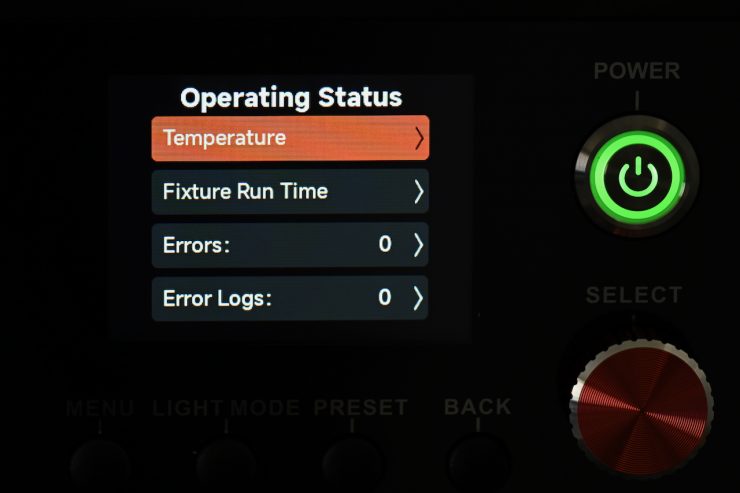
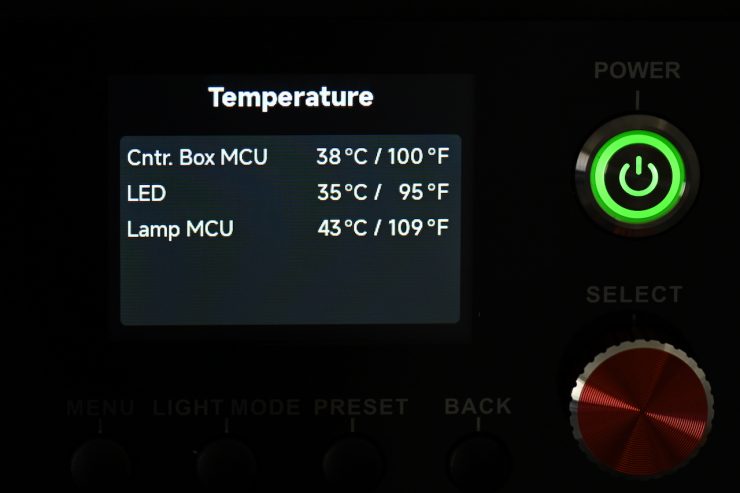
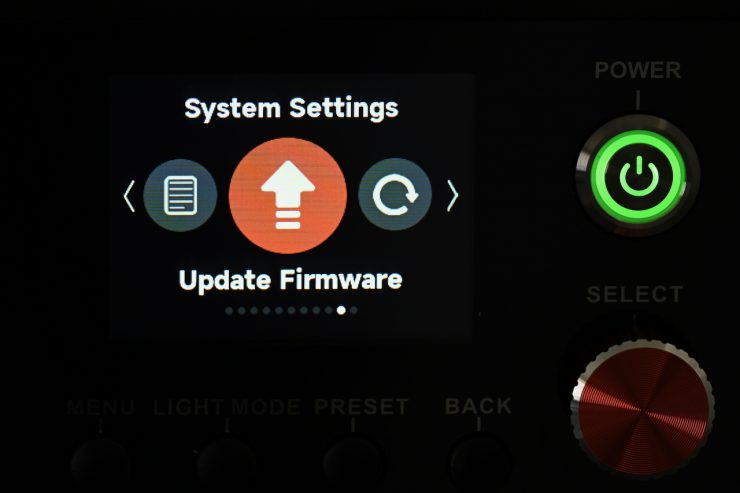
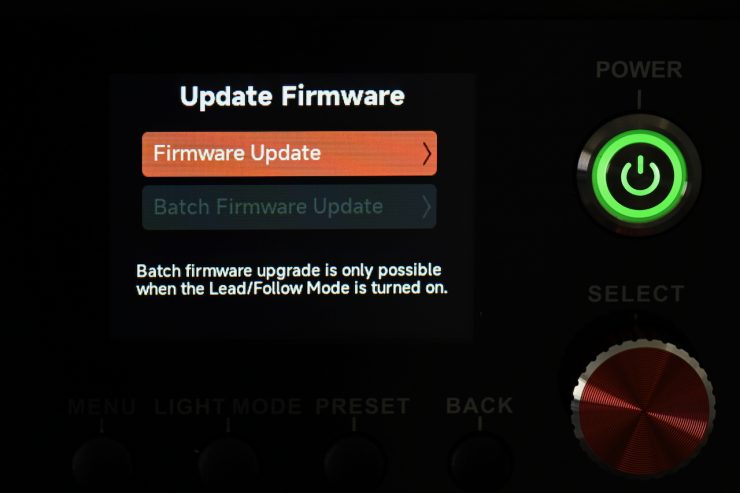
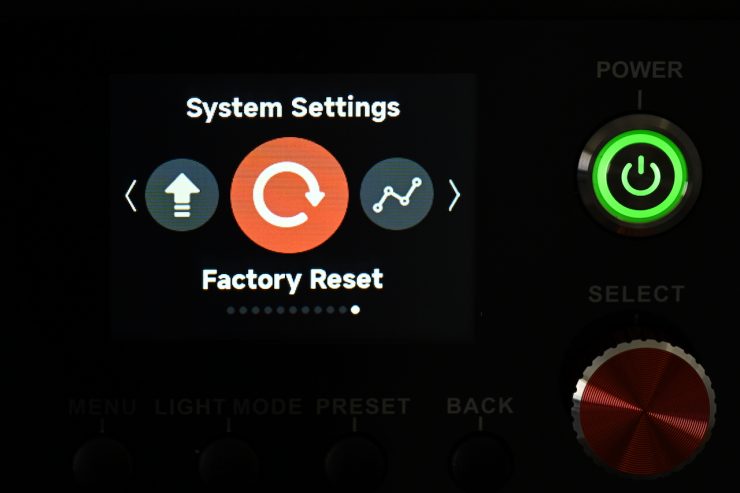
In System Settings, you can adjust and change the following:
- Dimming Curves
- Output Mode
- White Light Standard
- Accessory Calibration
- Fan Mode
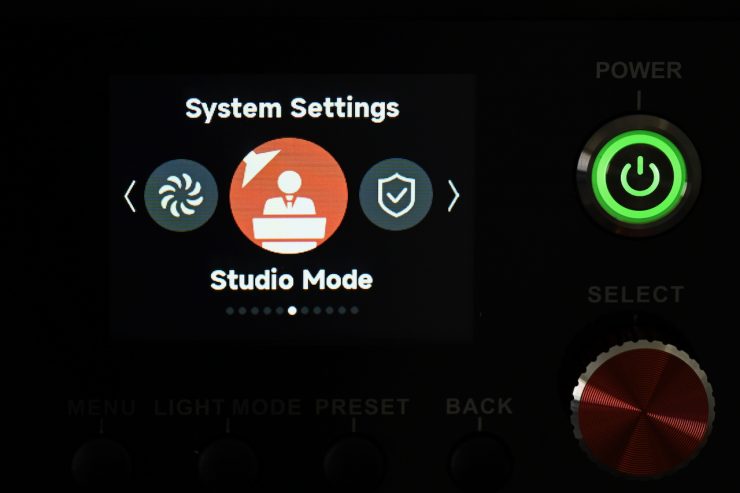
- Studio Mode
- Screensaver
- Language
- Product Info
- Update Firmware
- Factory Reset
Dimming Curves
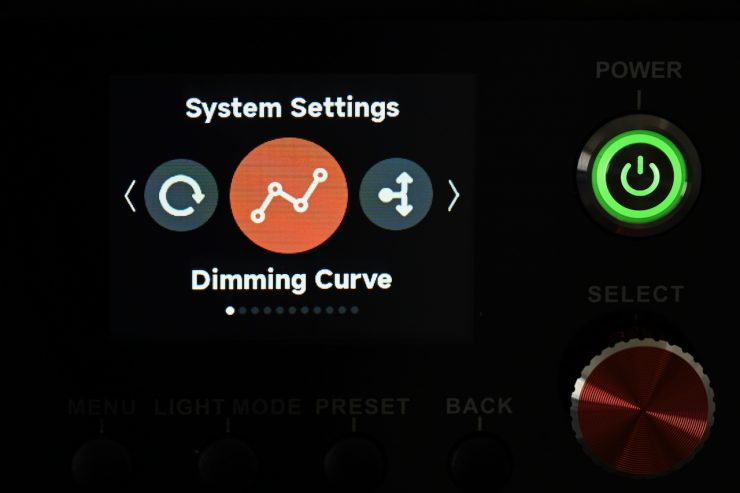
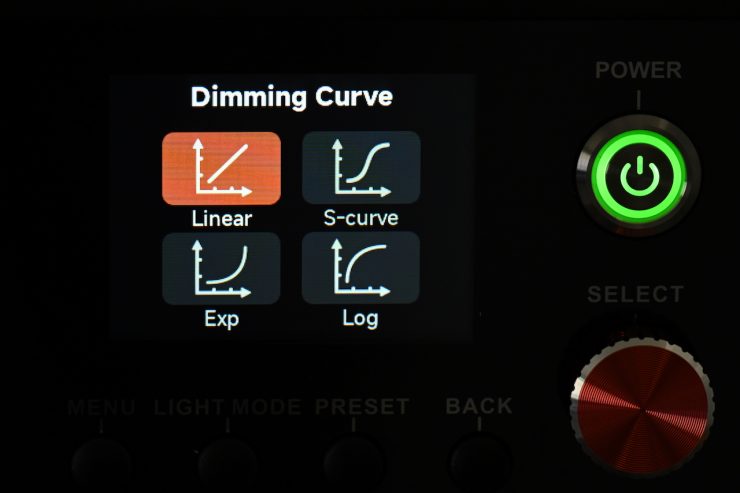
In Dimming Curves, you can choose from:
- Linear
- S-Curve
- Exponential
- Log
The light will dim right down to 0.1%, which is certainly handy, but realistically, I don’t know how many people will actually run a fixture with this power draw and output at 0.1%.
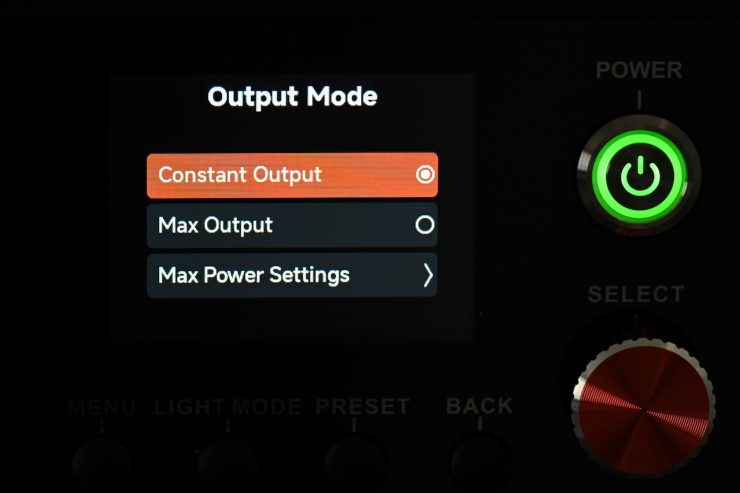
Output Mode
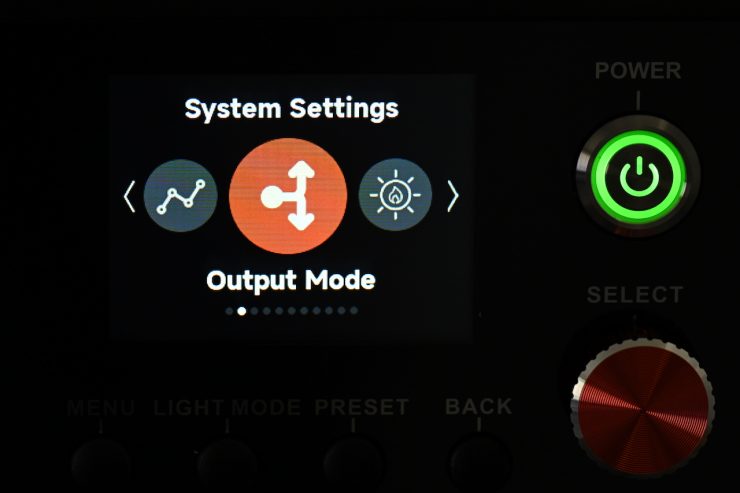
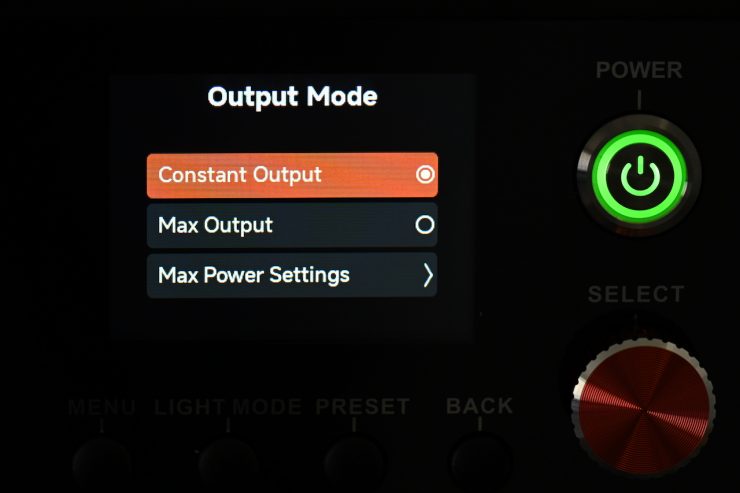
The light has two Output Modes:
- Constant Output
- Max. Output
In Constant Output, the fixture should produce a fairly similar output regardless of the CCT setting. I will test this out later in the review.
In Max. Output, the light will produce the maximum amount of output that is possible at various CCT settings.
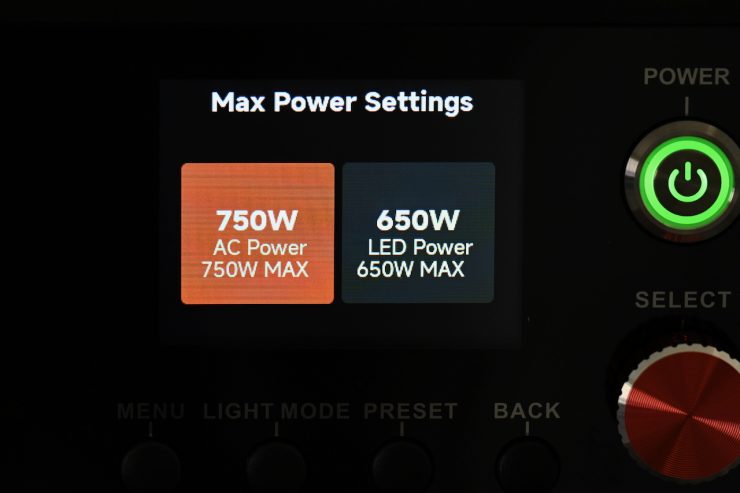
There is also a Max. Power Settings, where you can select between 750W and 650W
White Light Standard
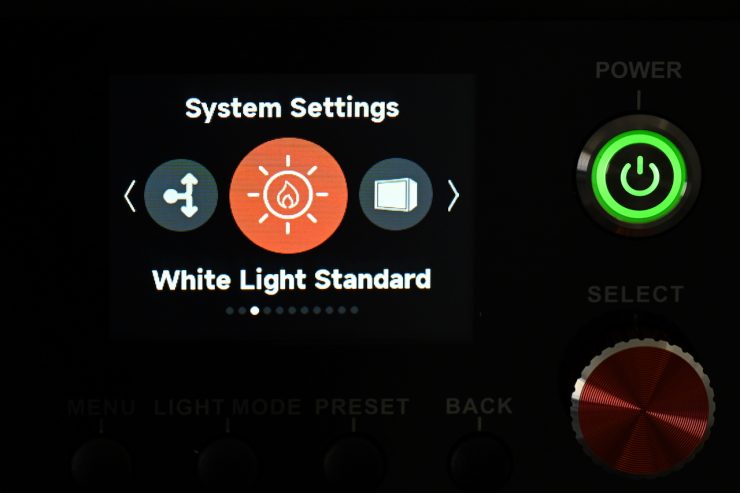
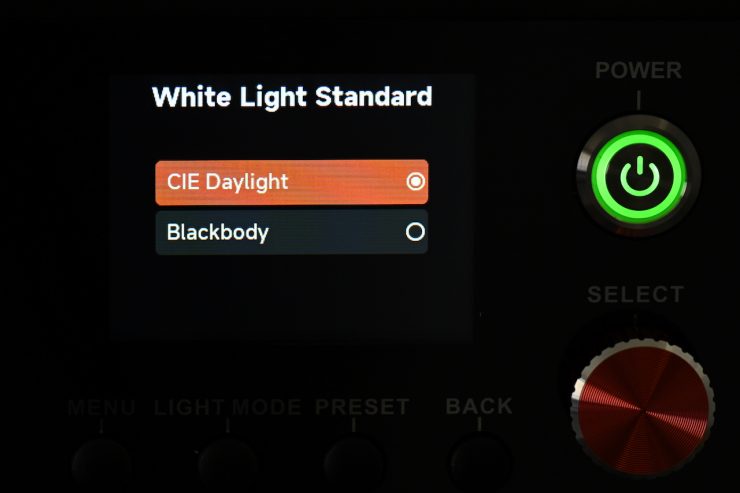
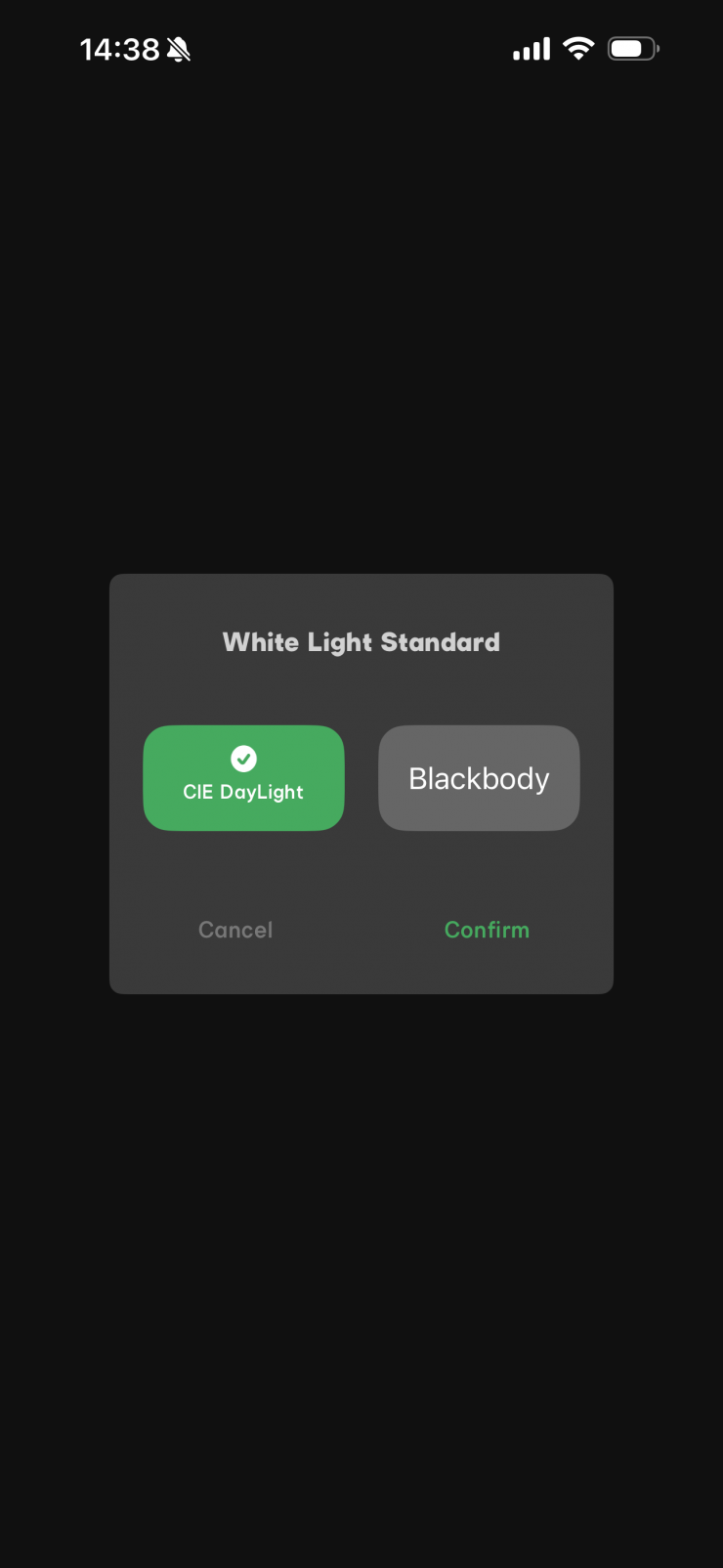
In White Light Standard, you can choose from CIE Daylight or Blackbody.
Blackbody follows the Blackbody curve.
CIE Daylight follows the Blackbody curve up to 4000K, then it transitions from the Blackbody curve to the Daylight curve from 4000-5000K, then follows the Daylight curve from 5000K up. This is the CIE standard as defined by TM30.
Accessory Calibration
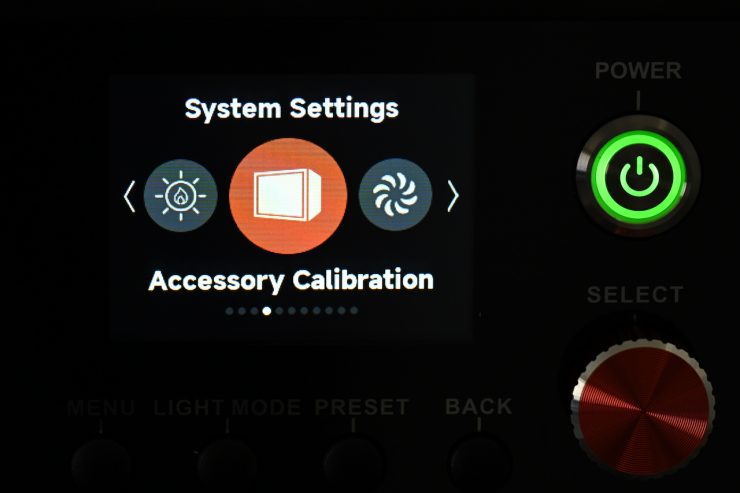
The NOVA 9° 2×1 includes an Accessory Calibration Mode designed to maintain accurate color temperature and color quality when used with or without diffusion accessories. This calibration adjusts for the optical characteristics of diffusion materials to ensure consistent color output.
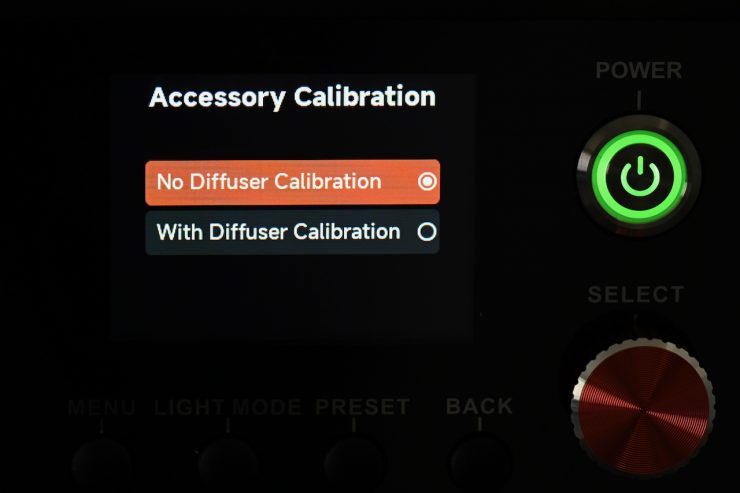
- With Diffuser Calibration (Default): Select this mode to maintain accurate white light when using diffusion accessories such as a Flat Diffuser, Dome Diffuser, Softbox, or Space Light.
- Without Diffuser Calibration: Select this mode to maintain accurate white light when operating the fixture without any diffusion accessories attached.
Fan Mode
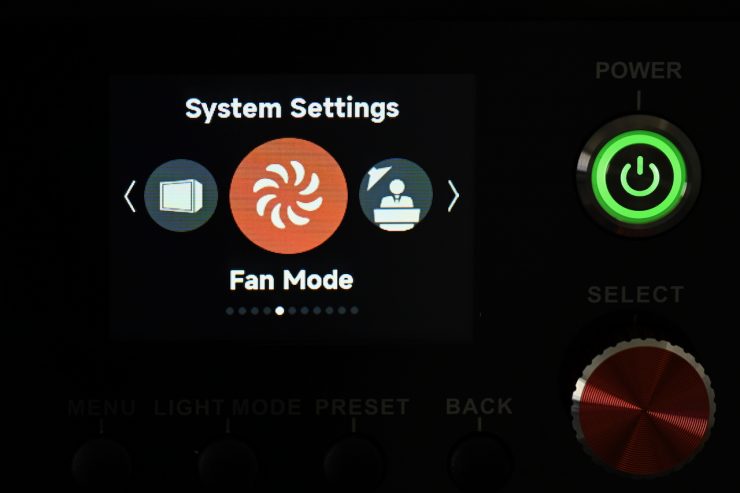
As I mentioned earlier in the review, you can change the fan speed.
You can choose between Smart, MAX, High, Medium, Low, Delay, and Silent.
Studio Mode
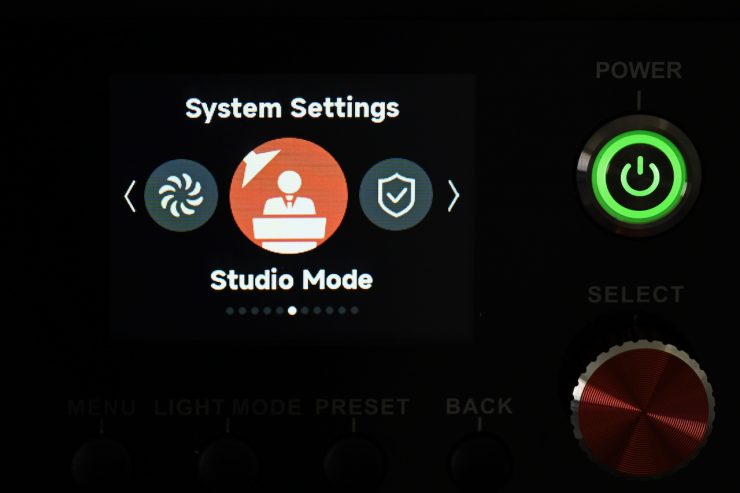
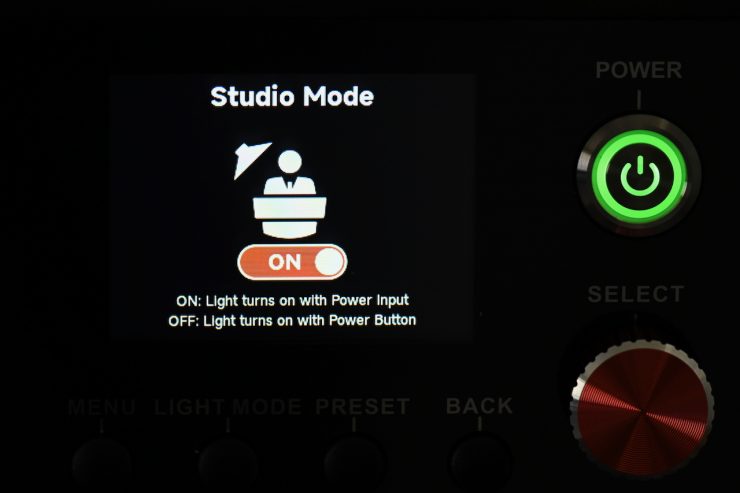
When Studio Mode is ON, the fixture will power on when connected to live power.
When Studio Mode is OFF, press the power button to power on or power off the fixture.
Screensaver
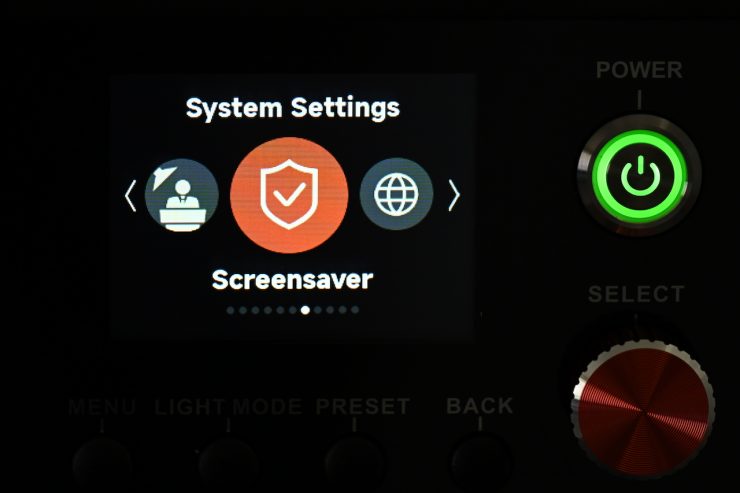
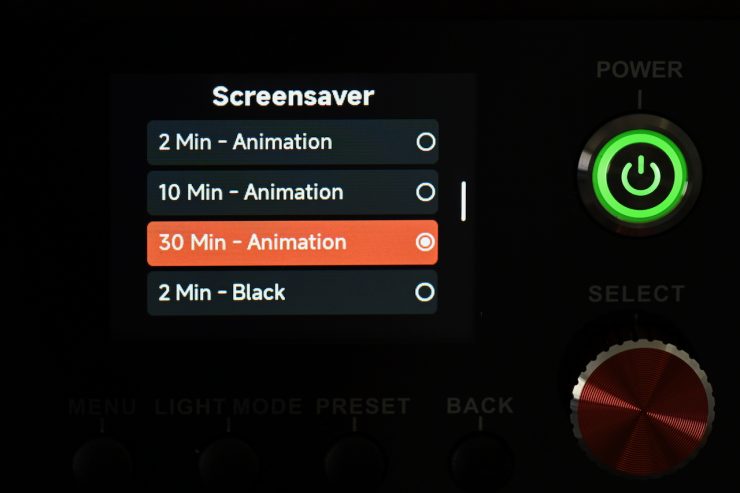
Here you can select the Screensaver time and display behavior.
Language
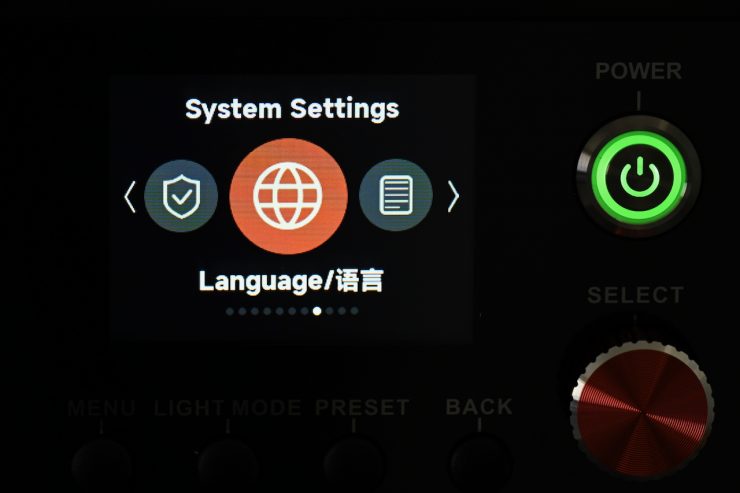
Here you can change the language (the languages available depend on where you have purchased the light).
Product Info
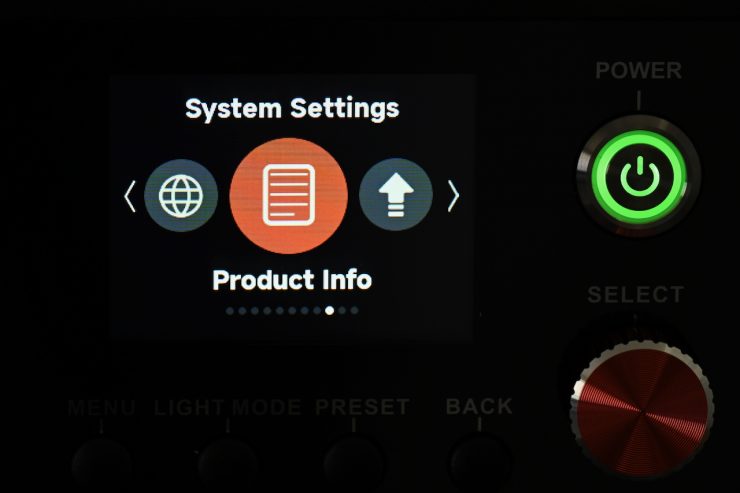
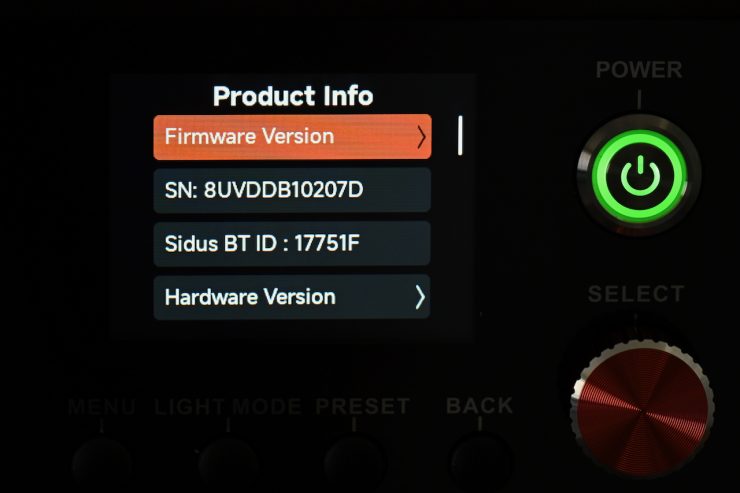
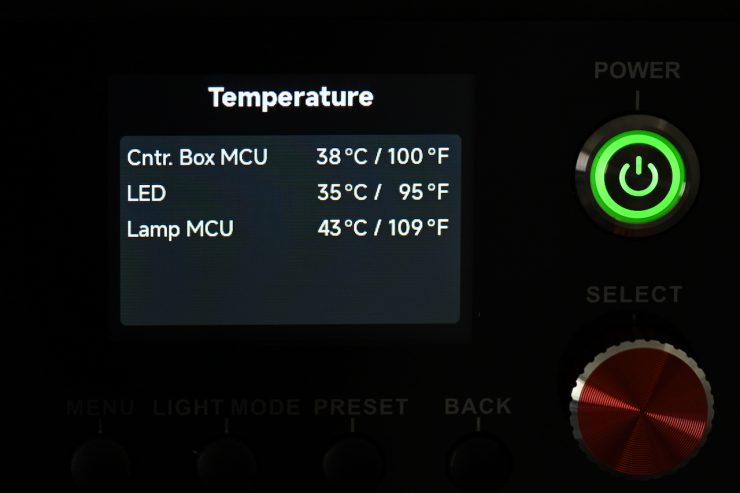
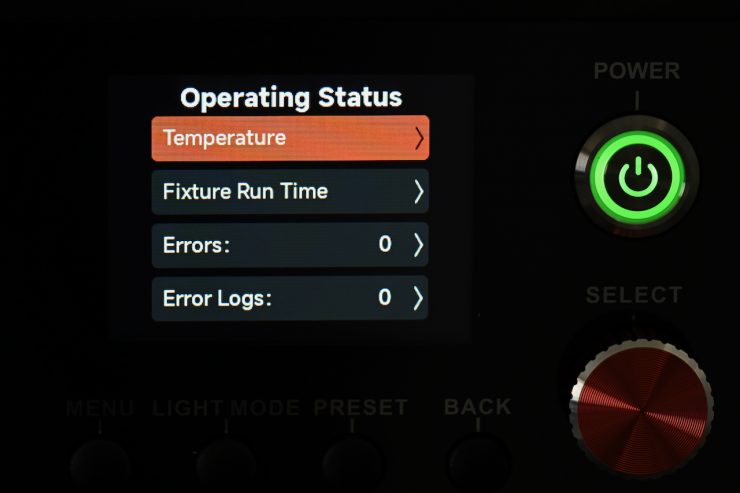
In Product Info, you can see the following:
- Firmware Version: Displays the Firmware Version of the Control Box and attached Lamp Head.
- SN: Serial Number.
- Sidus BT ID.
- Hardware Version: Displays the hardware version
- Operating status: Displays the Temperature, etc.
- Run Time and any Error Code
Errors are divided into two categories:
- Serious error: When a serious error occurs, the fixture cannot be used and will be locked for protection. Please respond to the error according to the fault prompt.
- General error: When a general error occurs, the fixture is still available for use; enter the Product Info interface to view the error details.
- Error Log: Corresponding sensor data for each error, enabling quick and accurate fault diagnosis.
Update Firmware
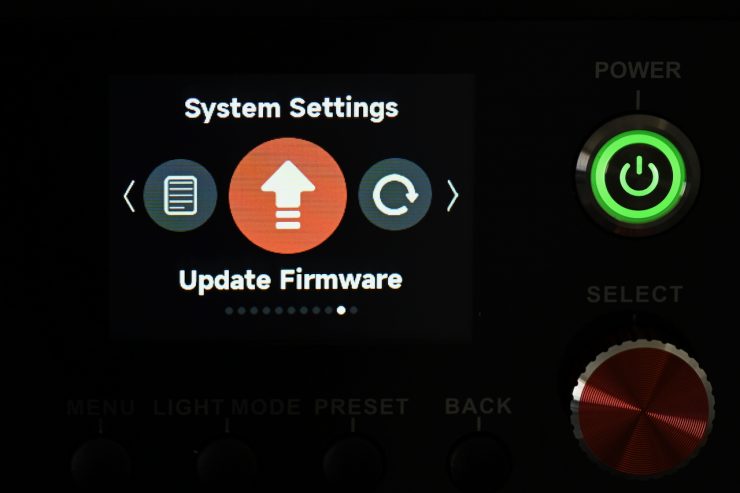
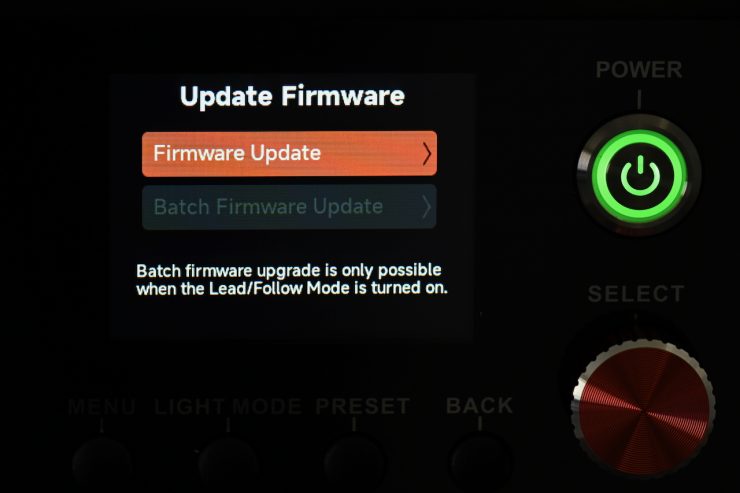
Here you can update the firmware. You do this by putting firmware onto a USB stick and inserting it into the fixture.
Factory Reset
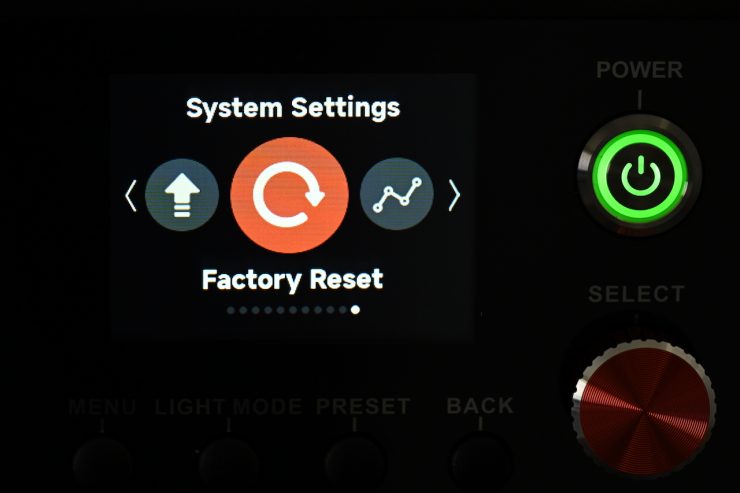
If you need to, you can do a full factory reset.
Operating Modes
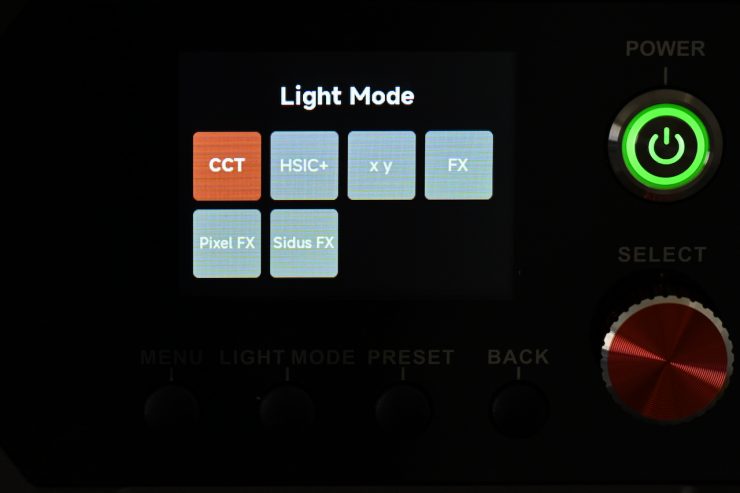
The light has 6 key lighting modes:
- CCT
- HSIC+
- xy
- FX
- Pixel FX
- Sidus FX
You won’t find any RGB, HSI, Gels, or source-matching modes in this light.
Correlated Color Temperature (CCT)
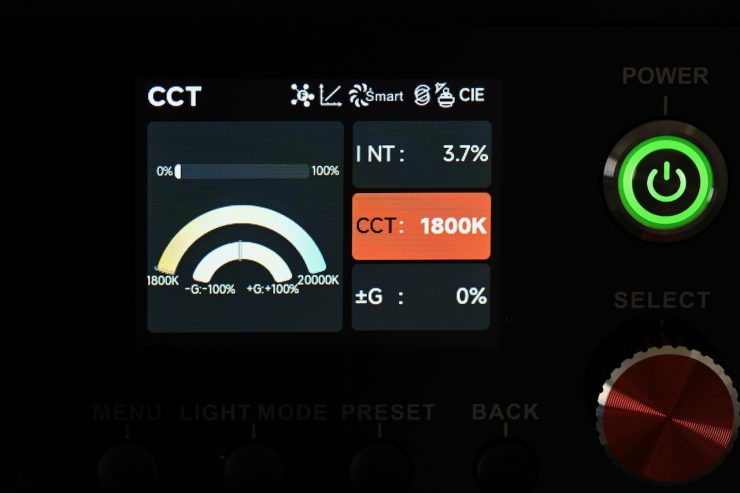
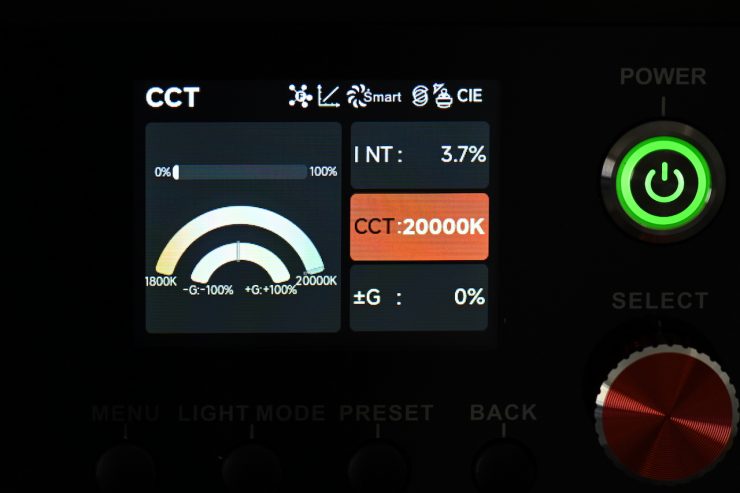
This is the mode most people are going to use the light in. In the CCT Mode, you have full access to making CCT adjustments between 1800 and 20,000K. This is a very good range.
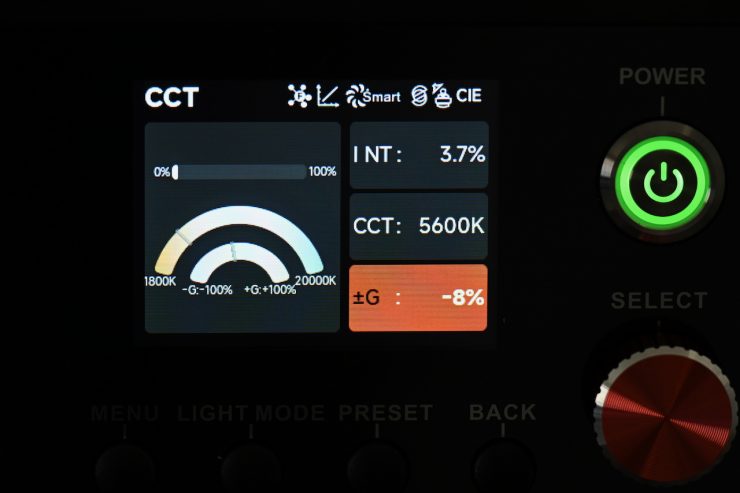
The fixture also has continuous variable (full minus green to full plus green) correction from -100% to +100% (Full ASC MITC Range).
Being able to dial in more or reduce the amount of green coming from your lighting source can make a huge difference. Different camera companies use different sensors in their cameras, and they all react differently to light. Some camera sensors may lean towards magenta, and some, more towards green. By making CCT adjustments, you can dial in the light so that it looks better for whatever camera system you are using. G/M adjustment also helps when you are trying to match lights from different manufacturers.
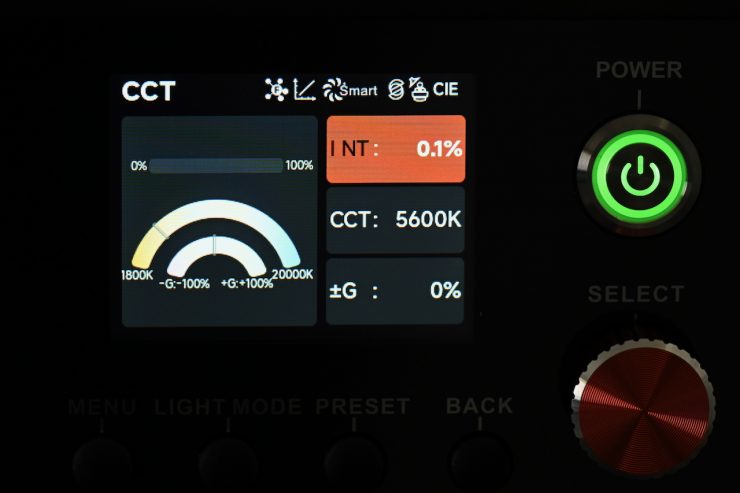
You can also dim the fixture right down to 0.1%.
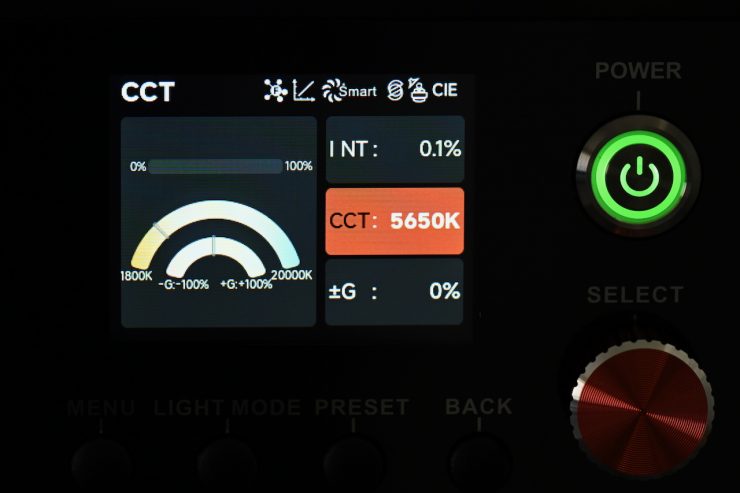
The CCT range can be done in increments of 50K.
HSIC+
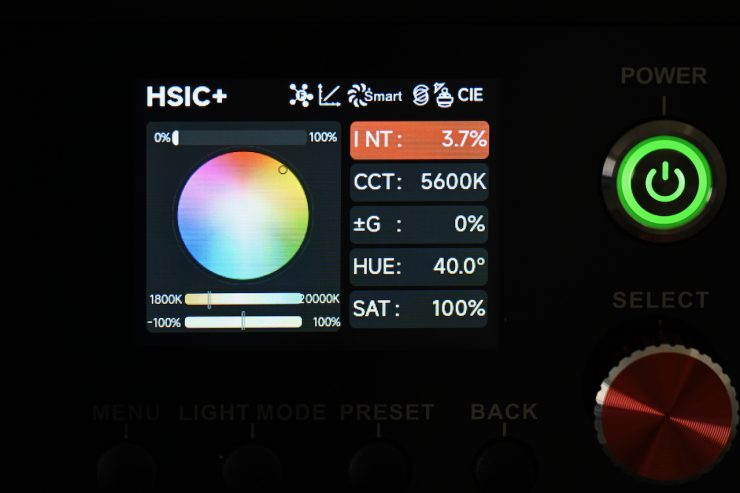
In HSIC+ Mode, you can adjust the intensity (0-100%), Color Temperature (1800K-20000K), =Green level (-100% -+100%), and Hue / Saturation.
xy
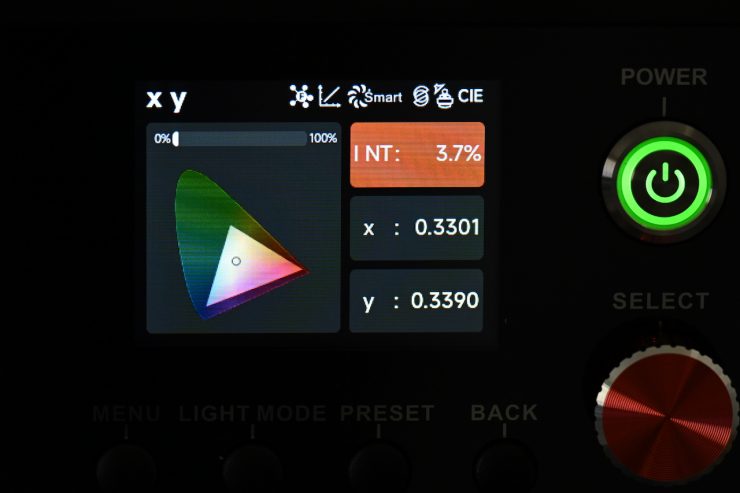
In xy mode, you can dial in exact xy coordinates. Dialing in xy coordinates is a fairly easy way to get a light to match other lighting sources, or at least get it in the ballpark.
FX
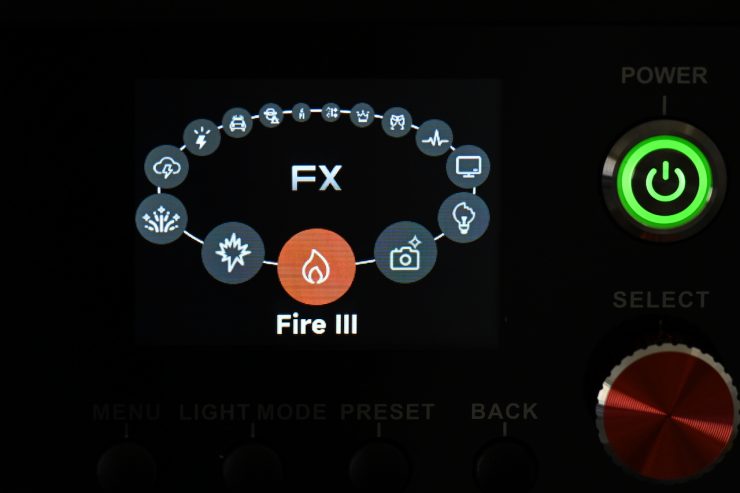
The BLAIR light engine allows the fixture to deliver a variety of lighting effects.
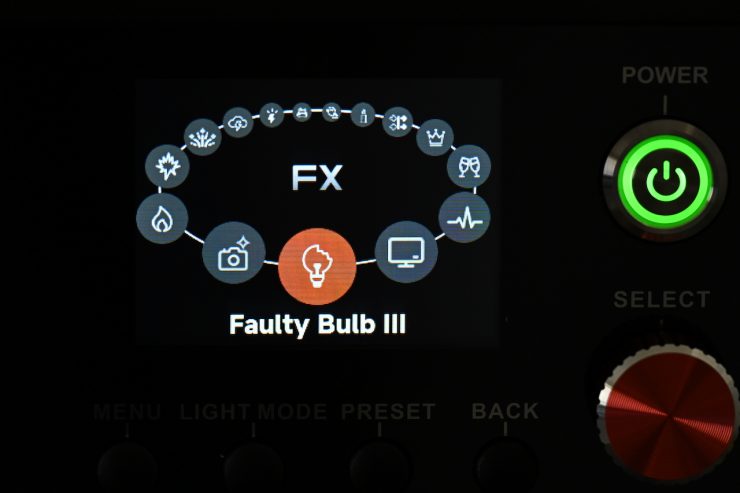
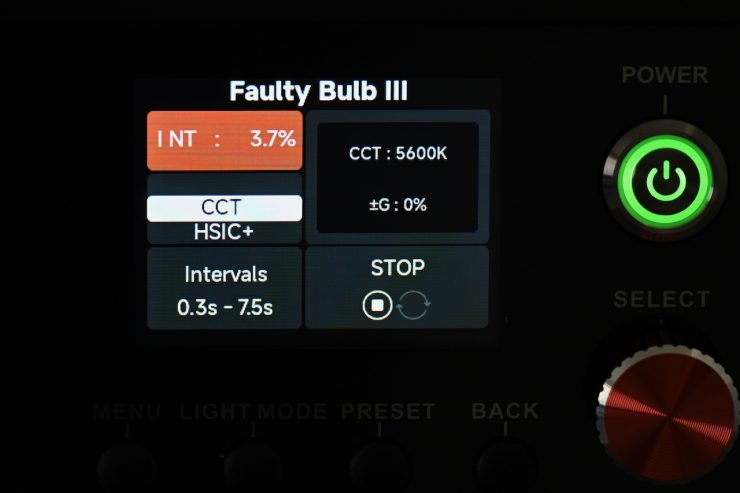
Effects mode lets you recreate a wide range of lighting effects that can be handy for certain scenarios. The effects include:
- Fire
- Explosion
- Fireworks
- Lightning
- Strobe
- Pulsing
- TV
- Faulty Bulb
- Paparazzi
All the effect modes can be individually adjusted and tailored to your lighting needs.
Pixel FX
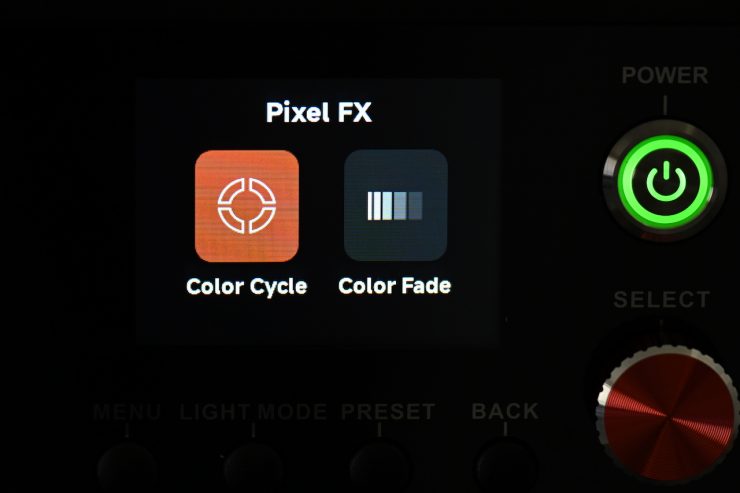
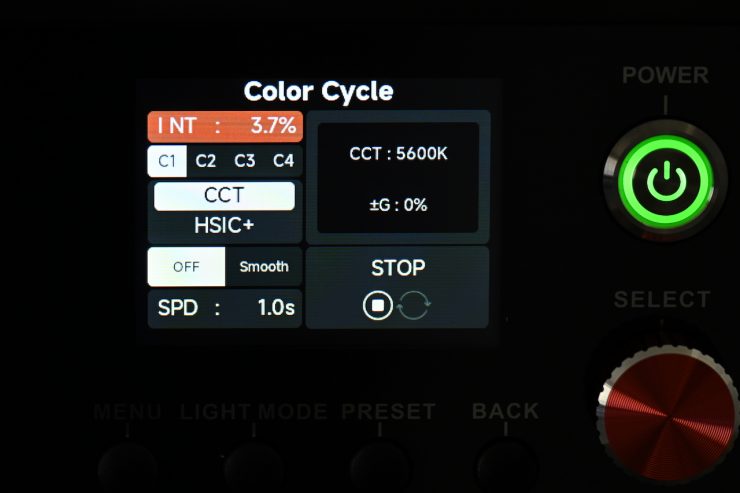
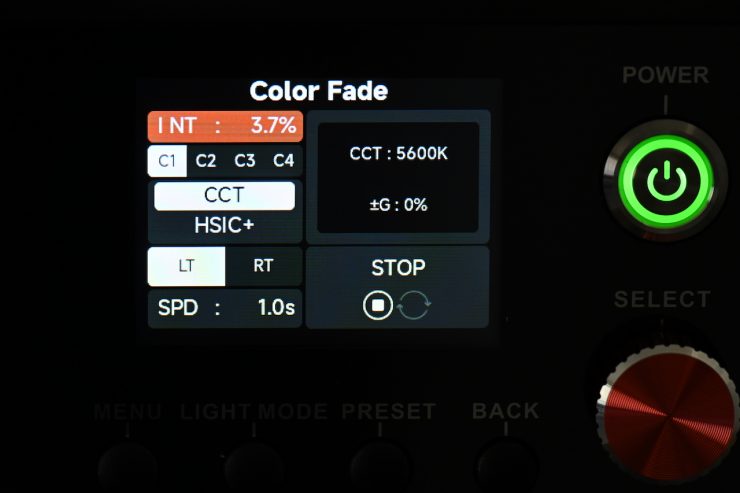
Select between two Pixel FX modes: Color Cycle and Color Fade. These two Pixel FX provide more options to utilize the four pixels that NOVA 9° 2×1 has.
Sidus FX
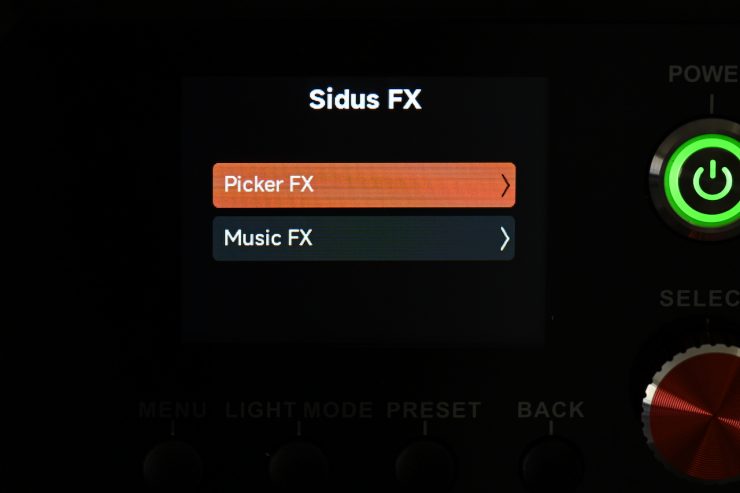
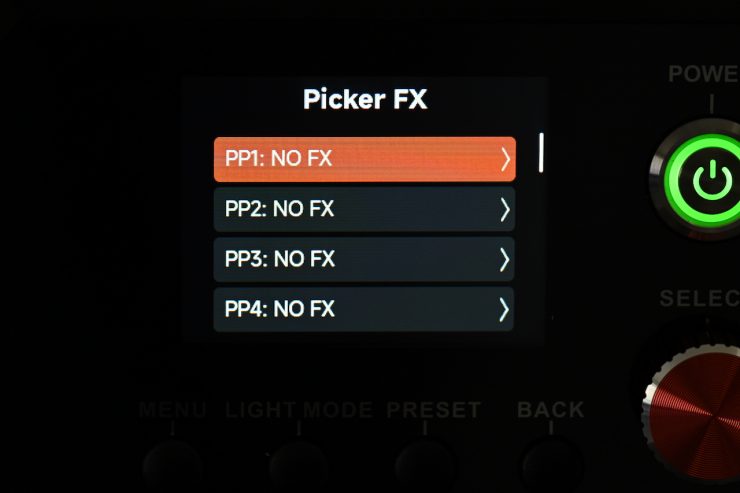
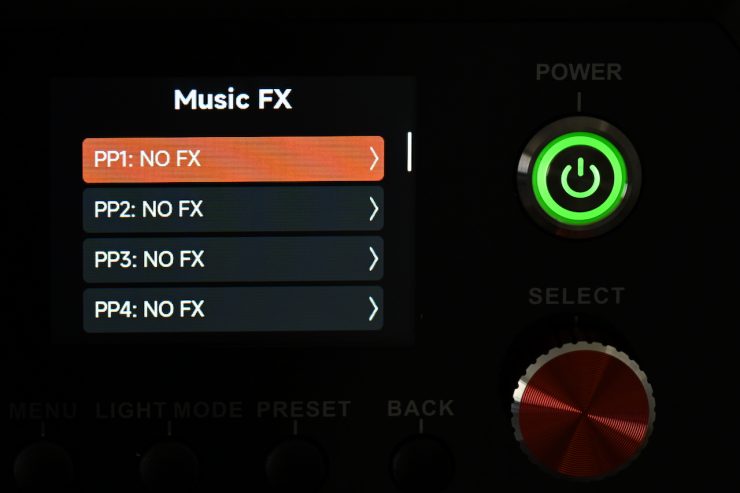
In Sidus FX, you can choose from Picker FX or Music FX. Both of these modes need to be used in collaboration with the Sidus Link App.
You can store up to 10 Picker FX or Music FX settings (a total of 20).
Sidus Link App
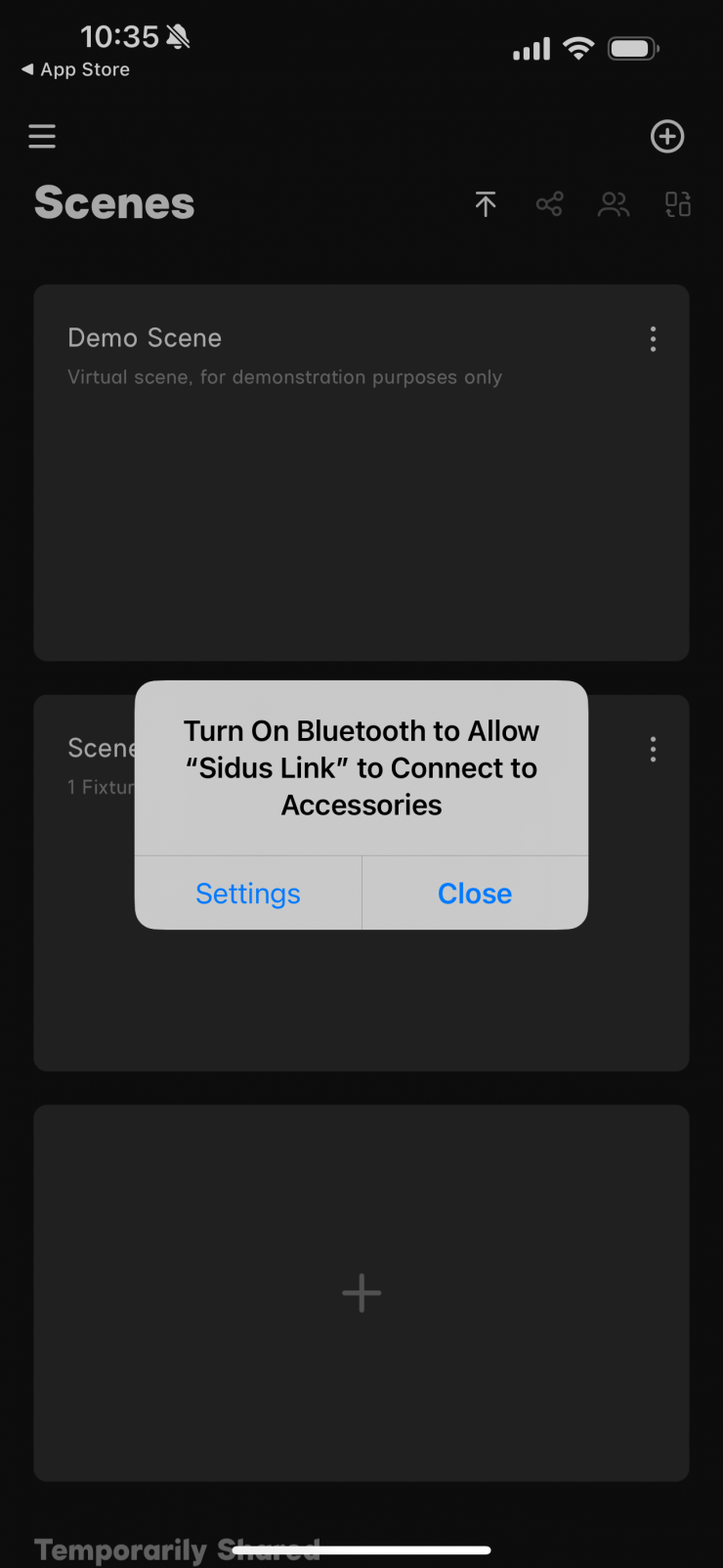
The light can be controlled via Bluetooth using the Sidus Link App.
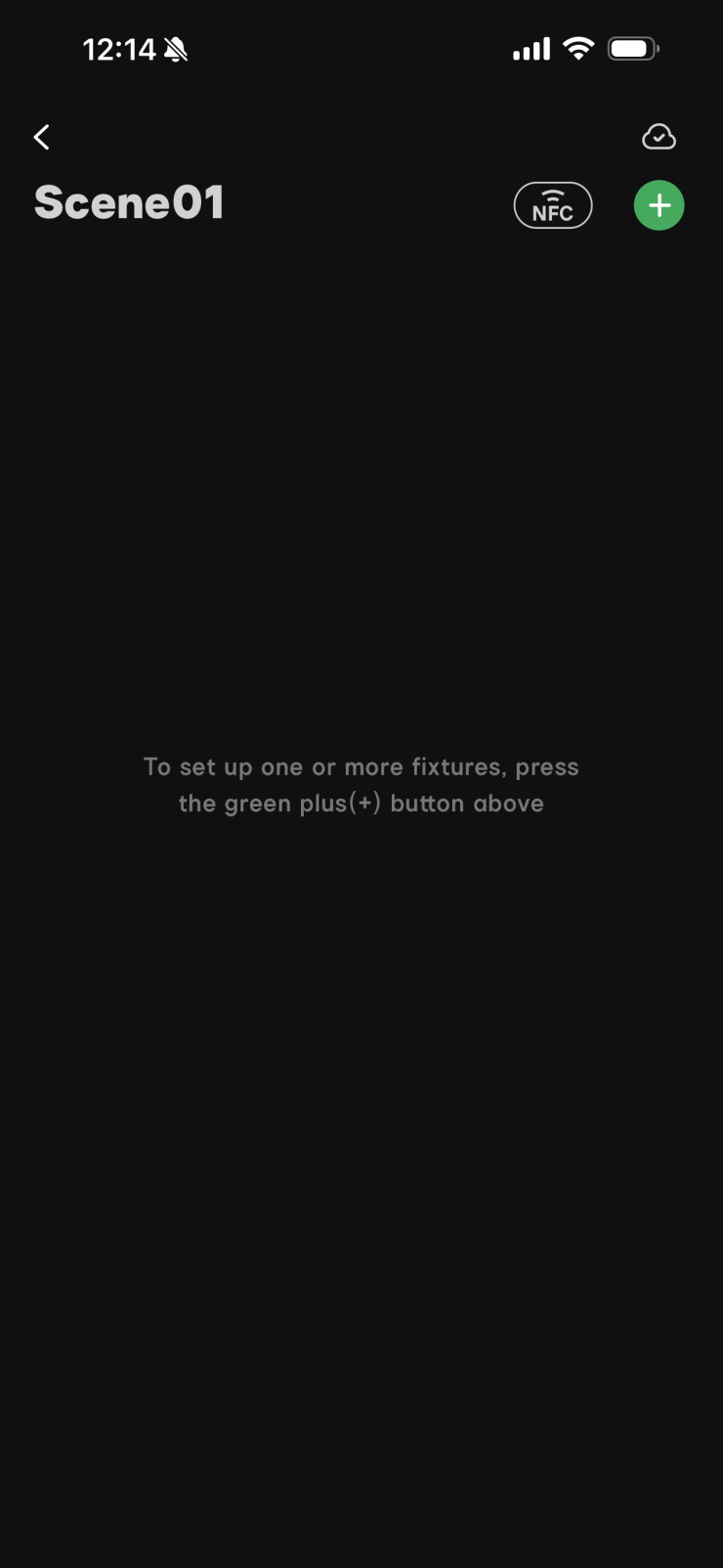
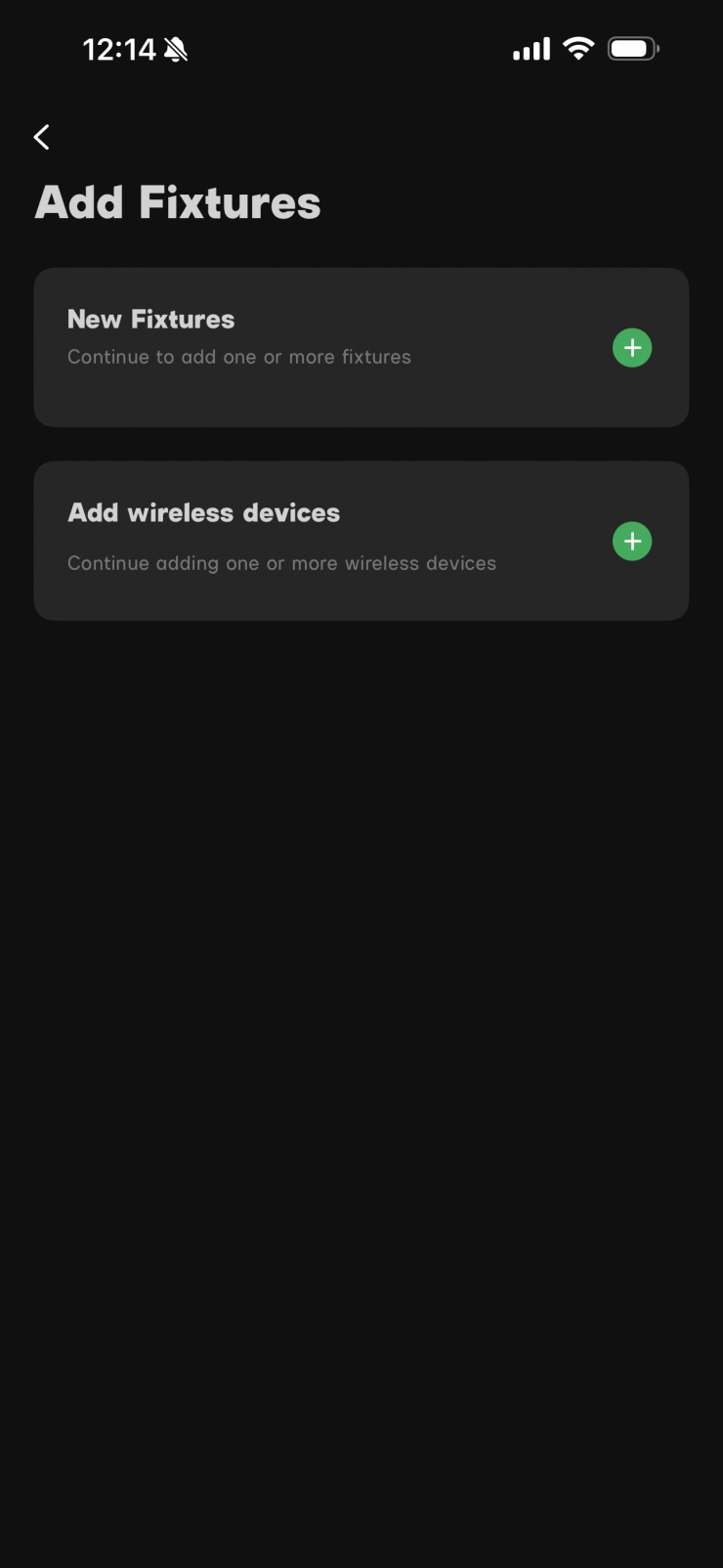
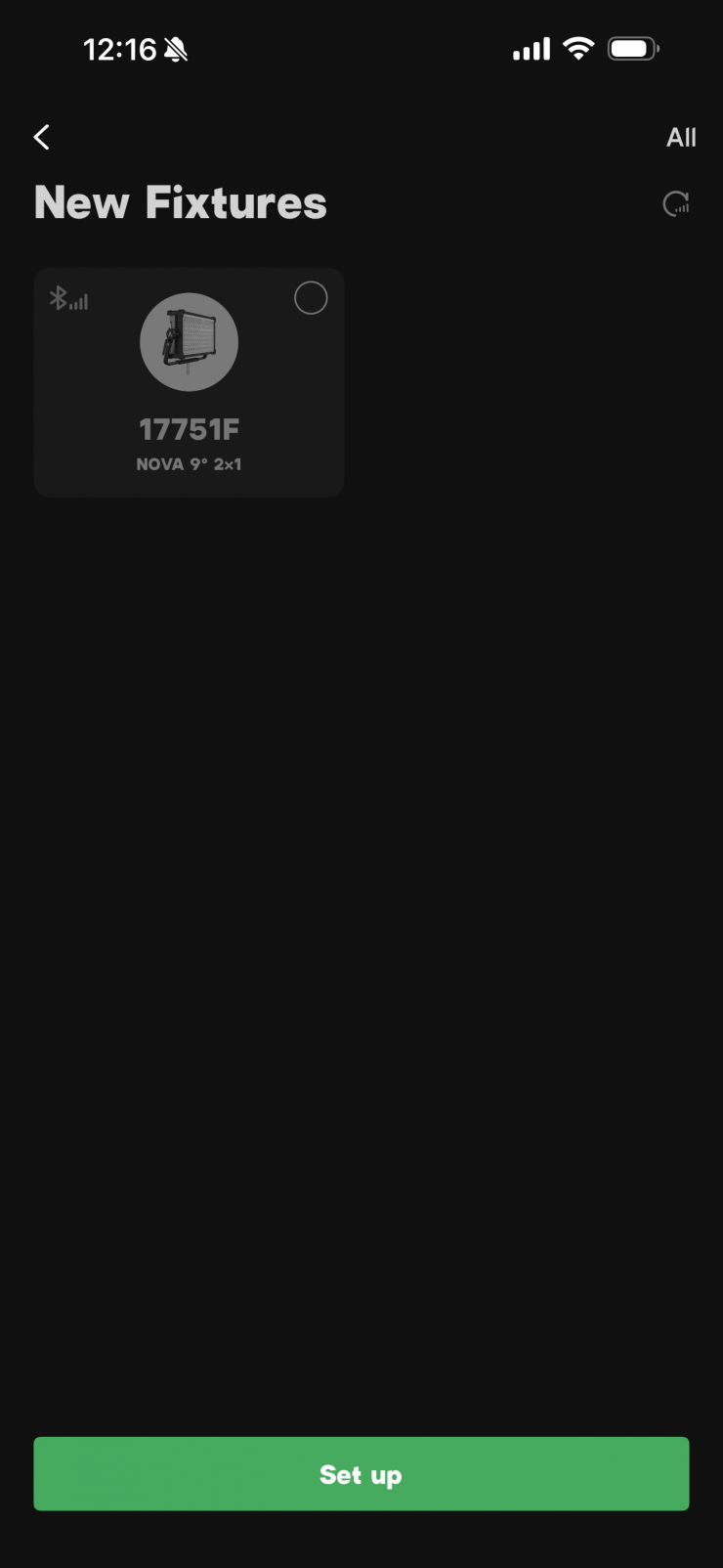
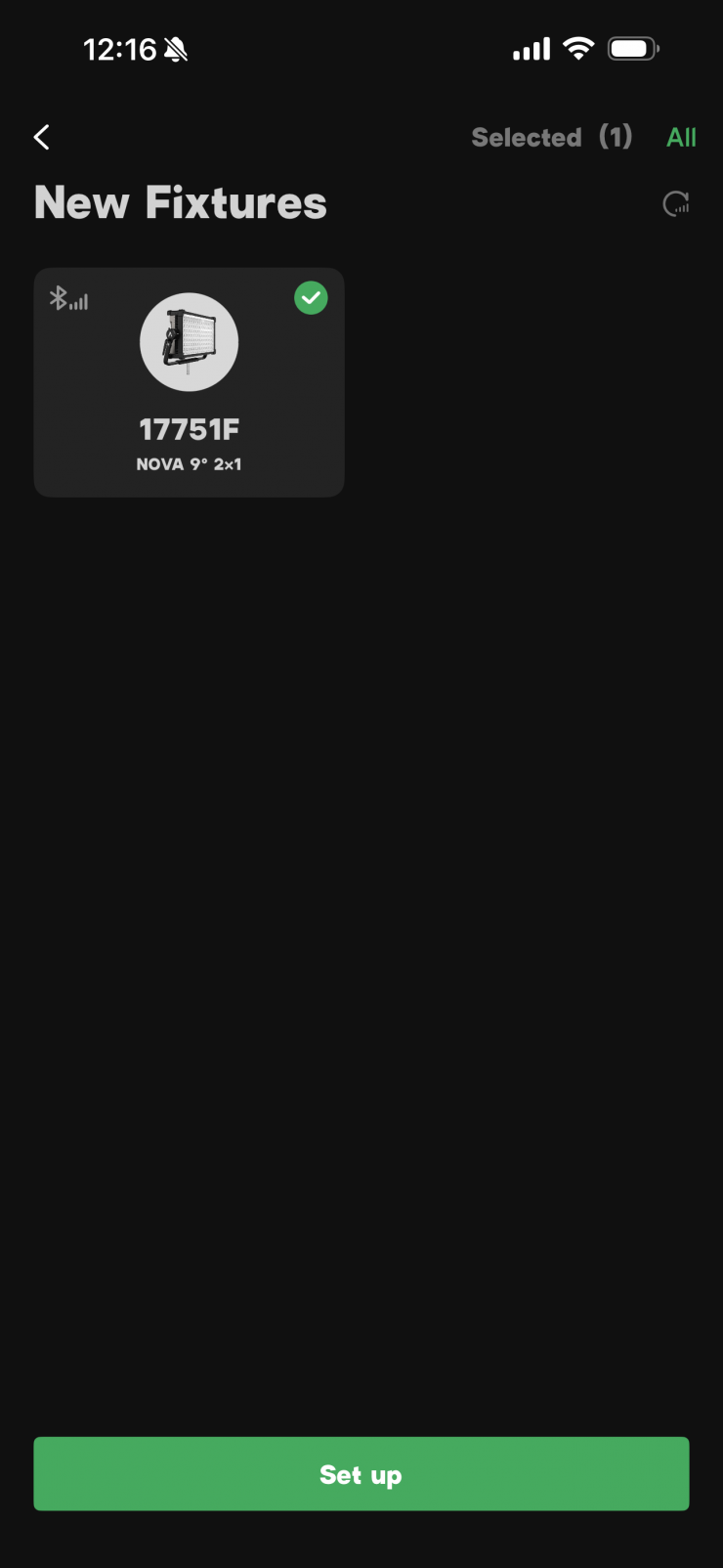
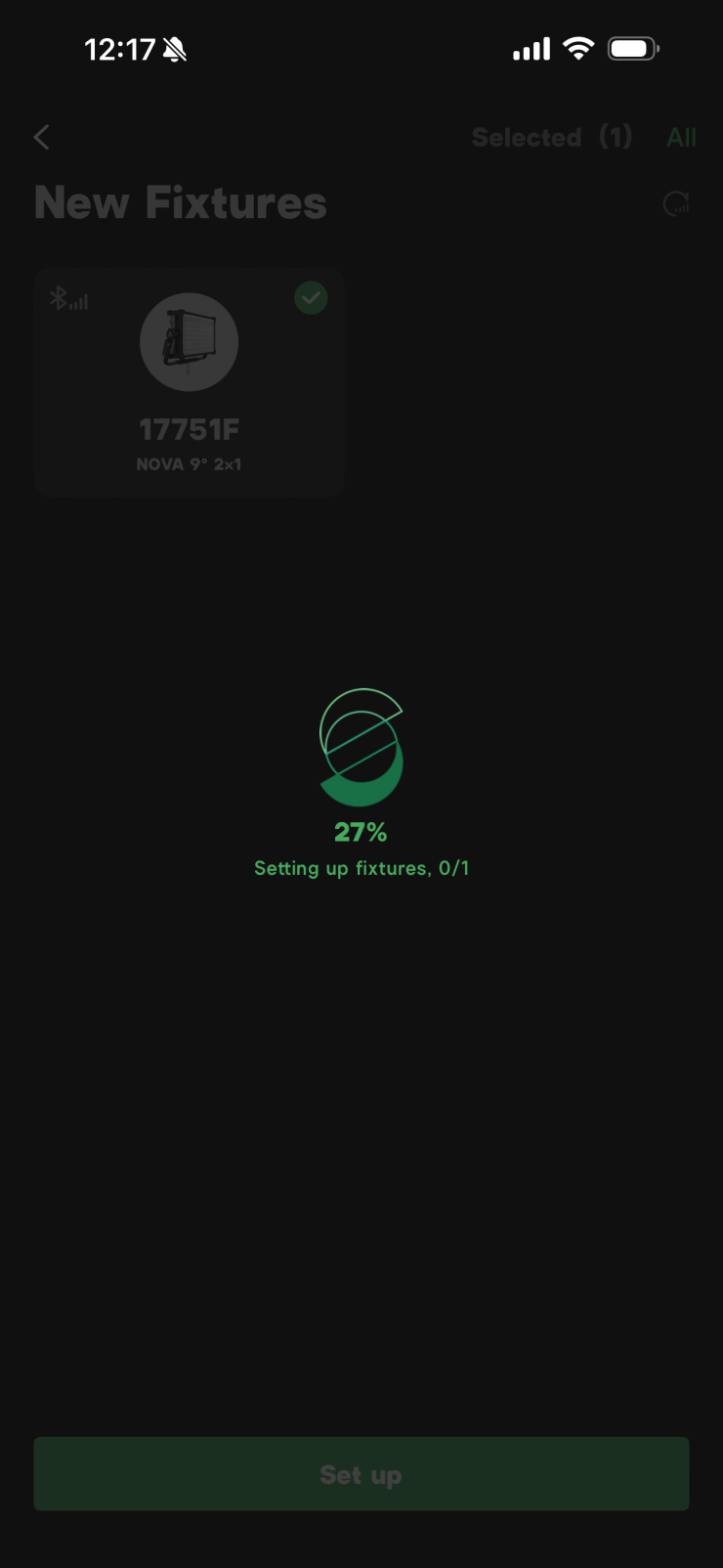
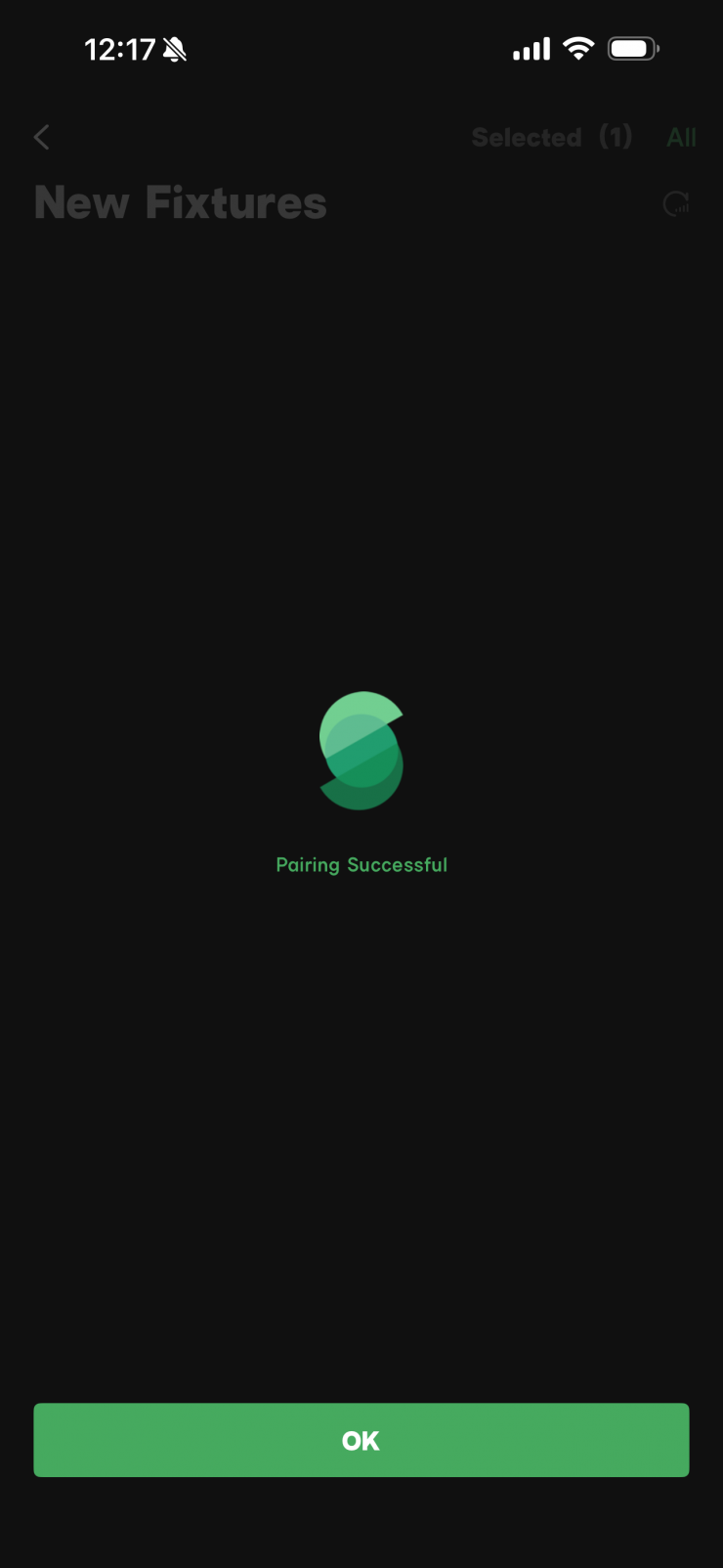
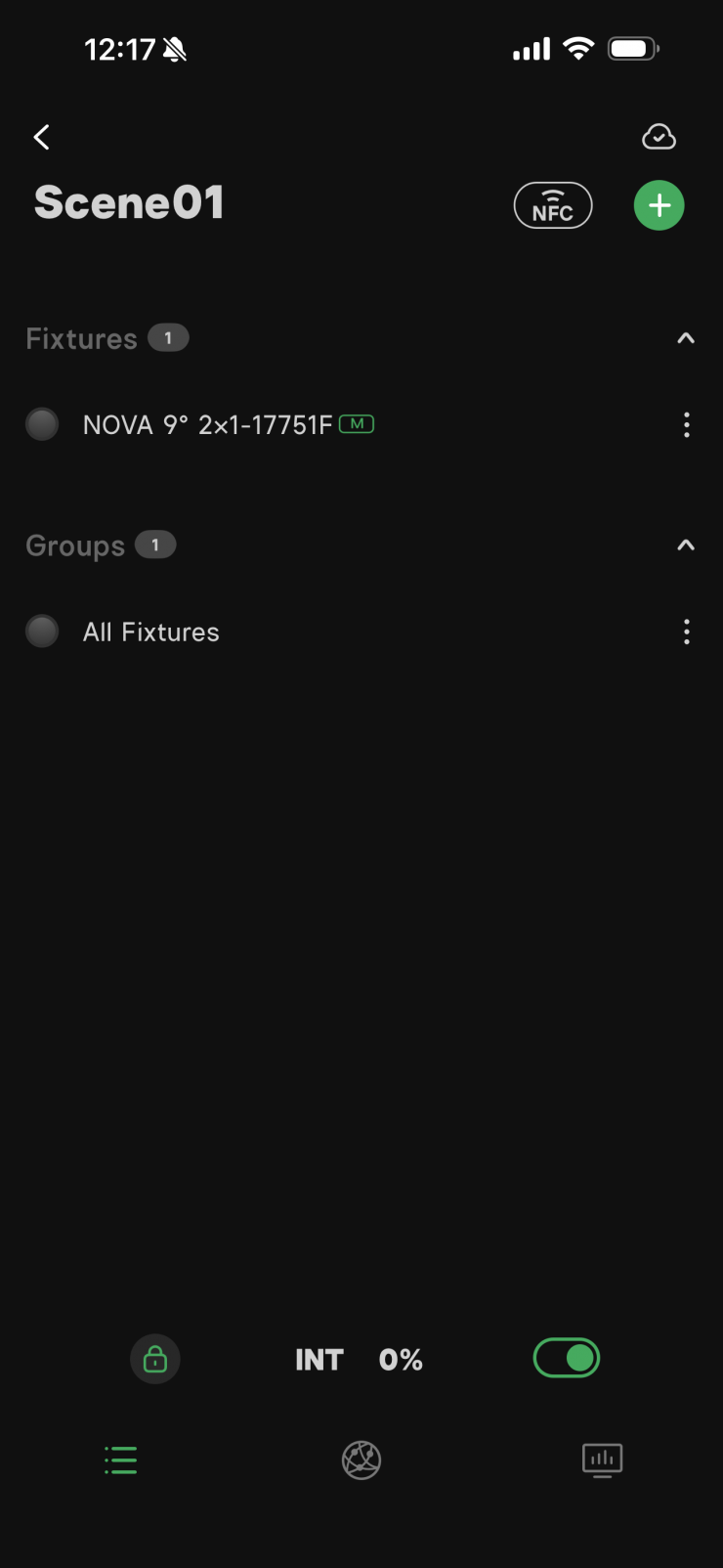
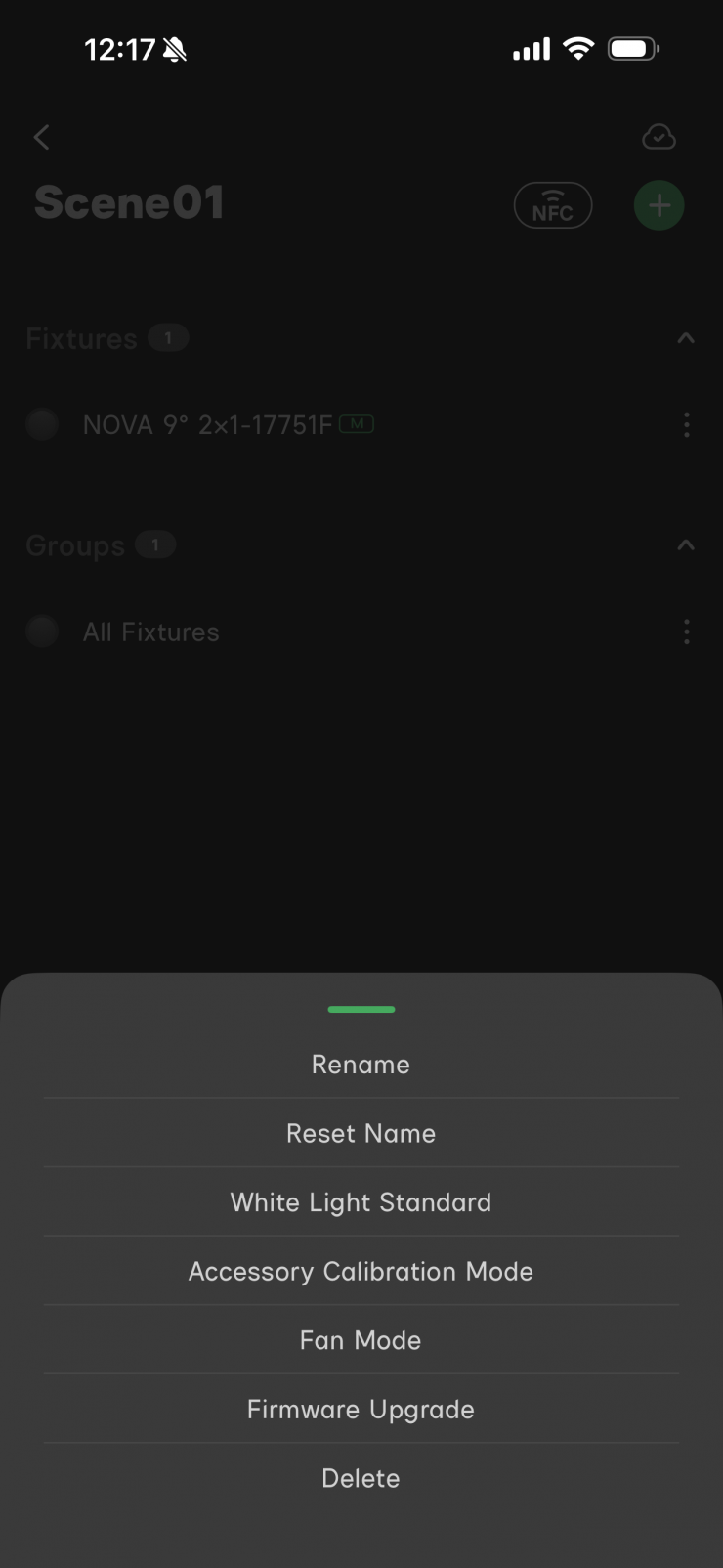
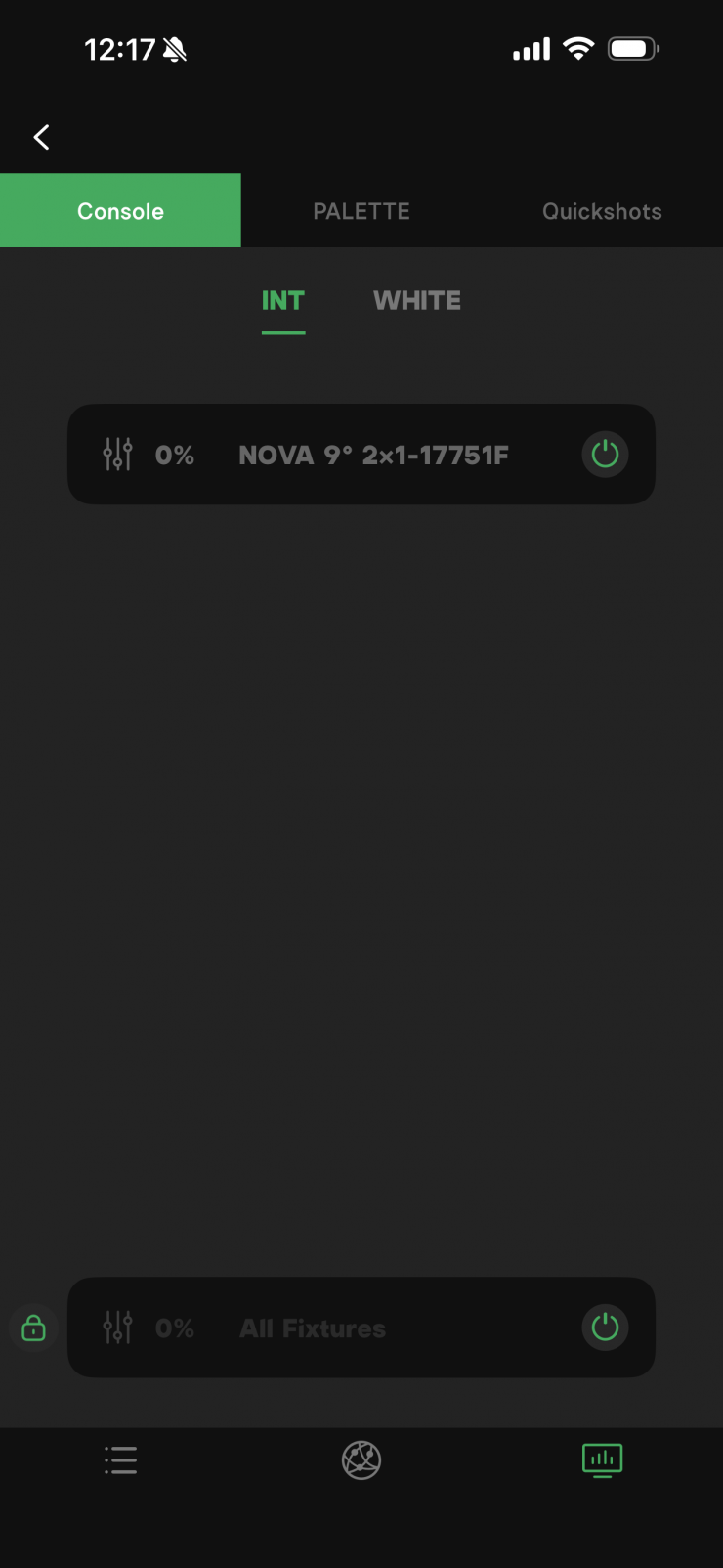
Setting up a fixture is pretty straightforward and easy to do.
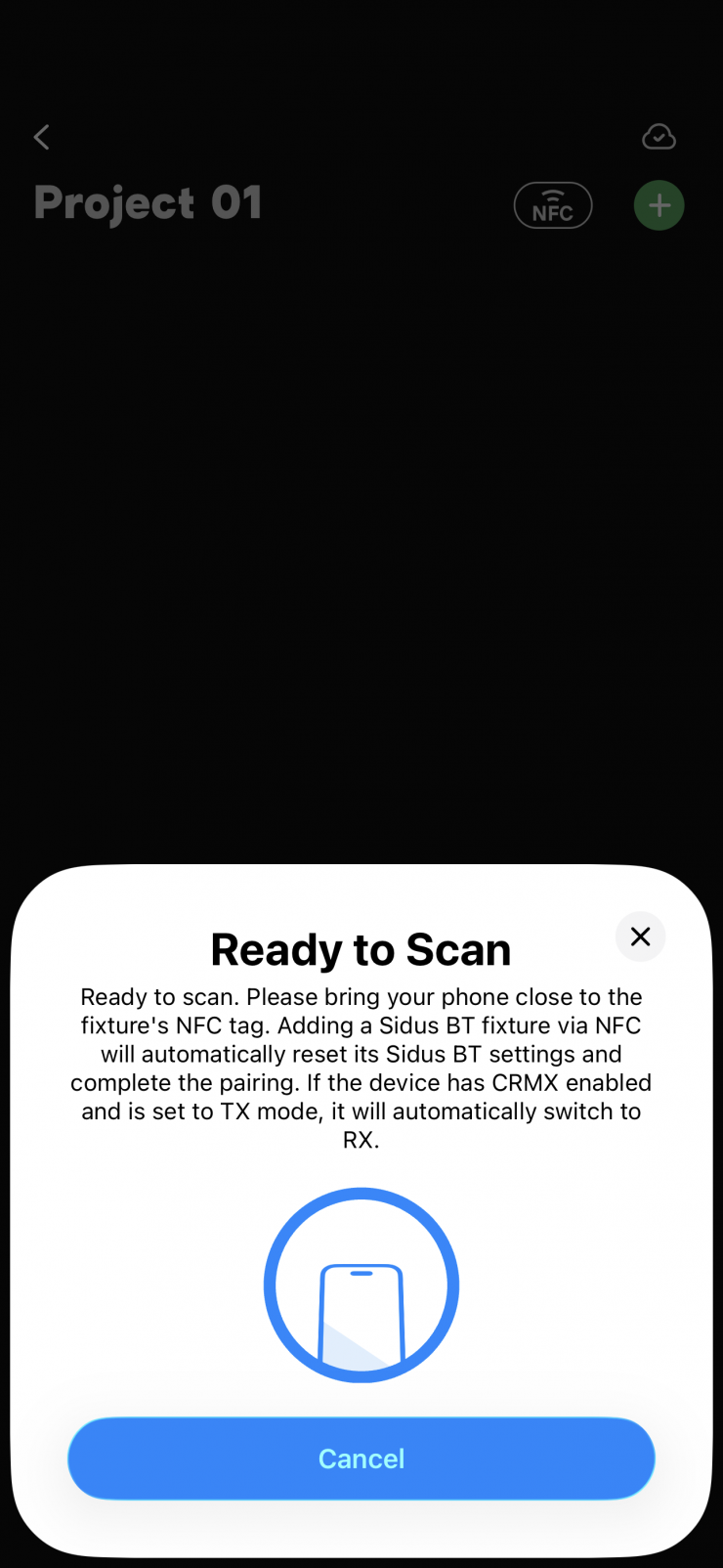
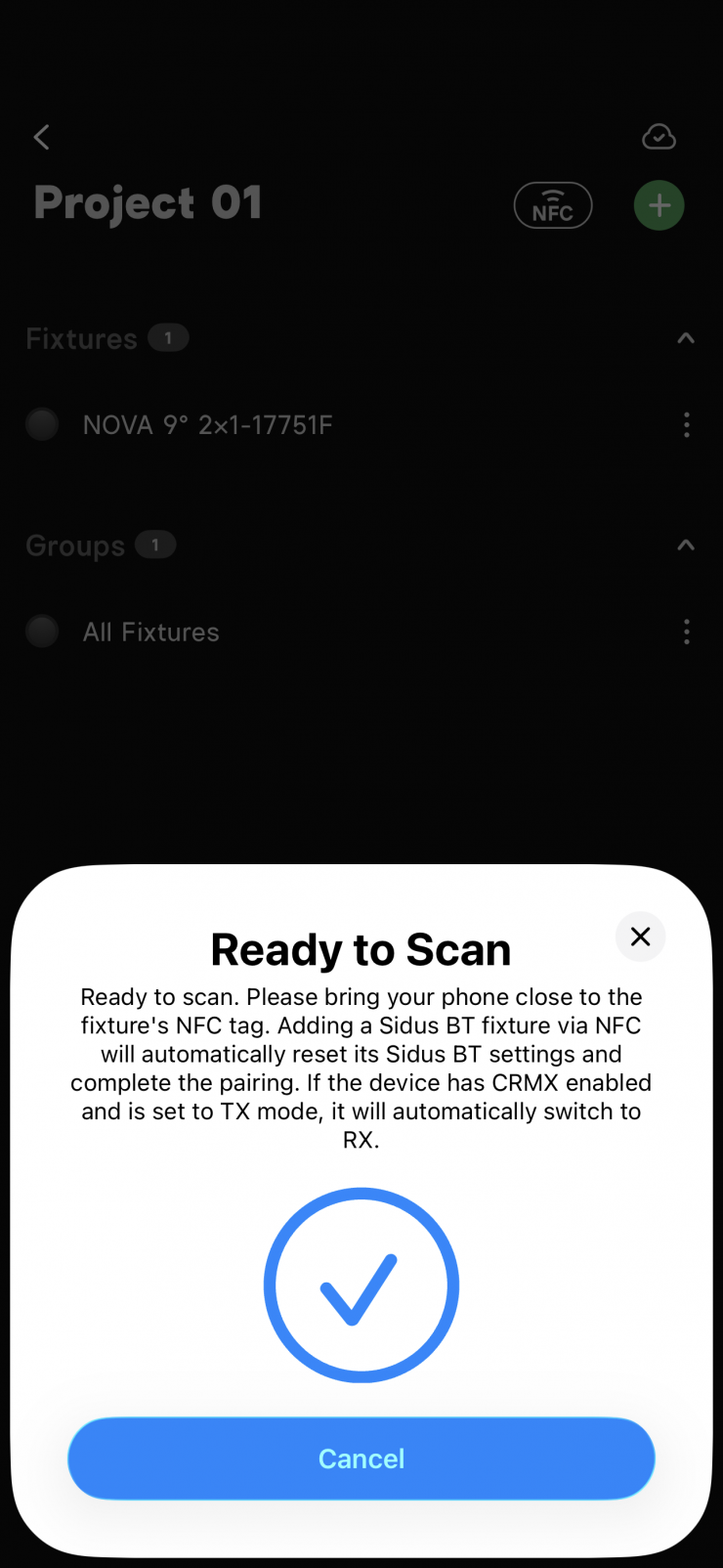
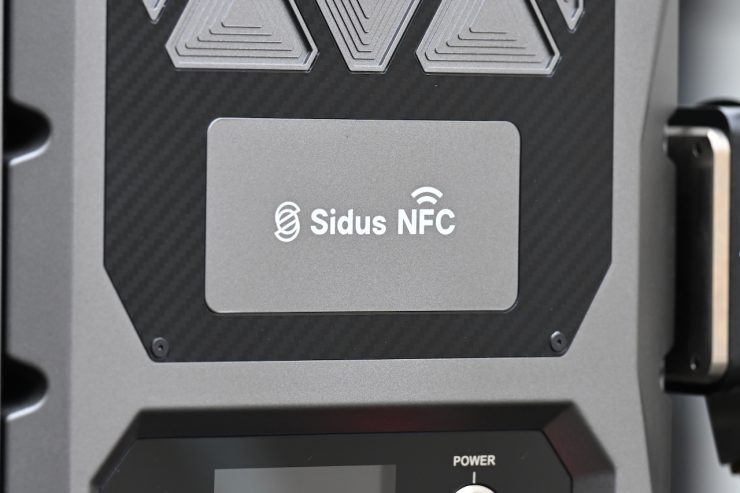
The addition of NFC is also a nice touch.
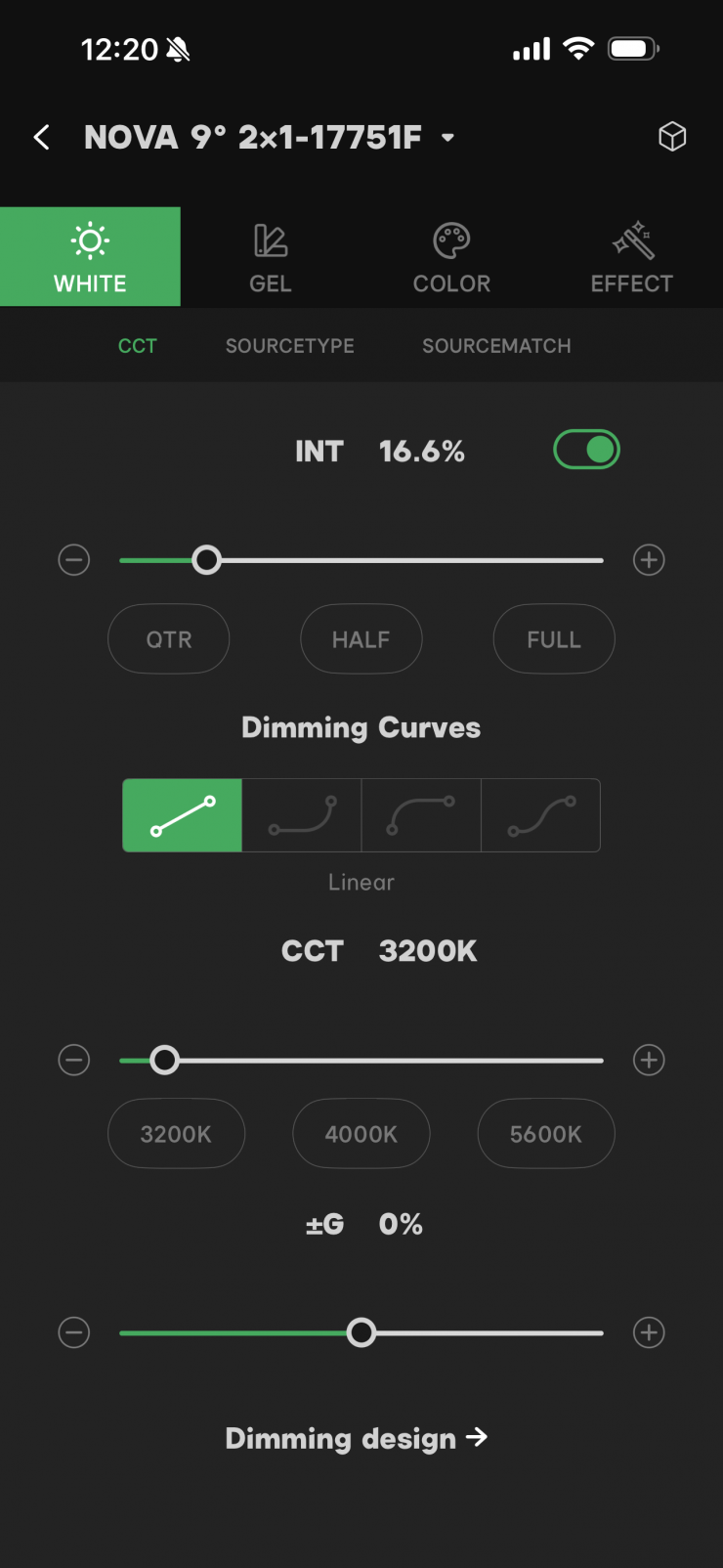
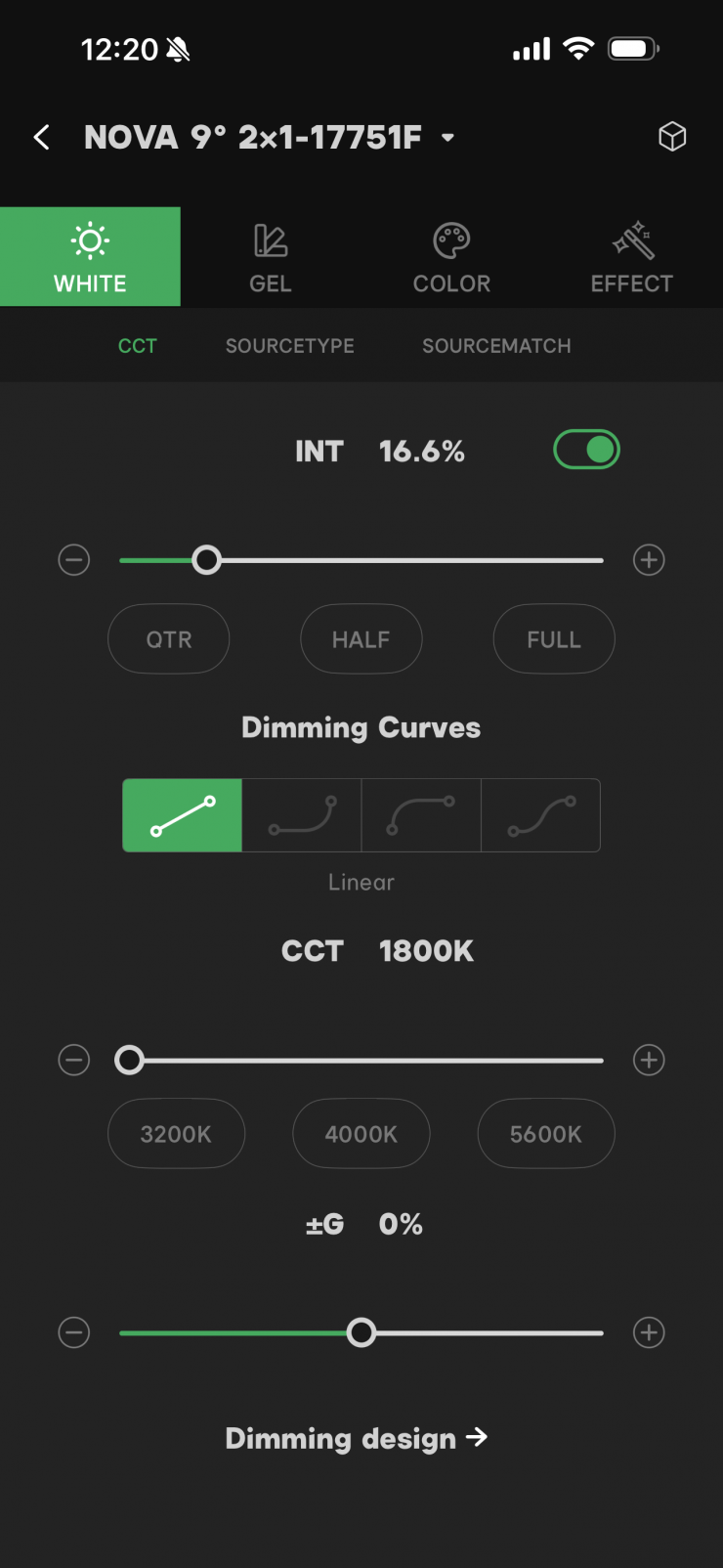
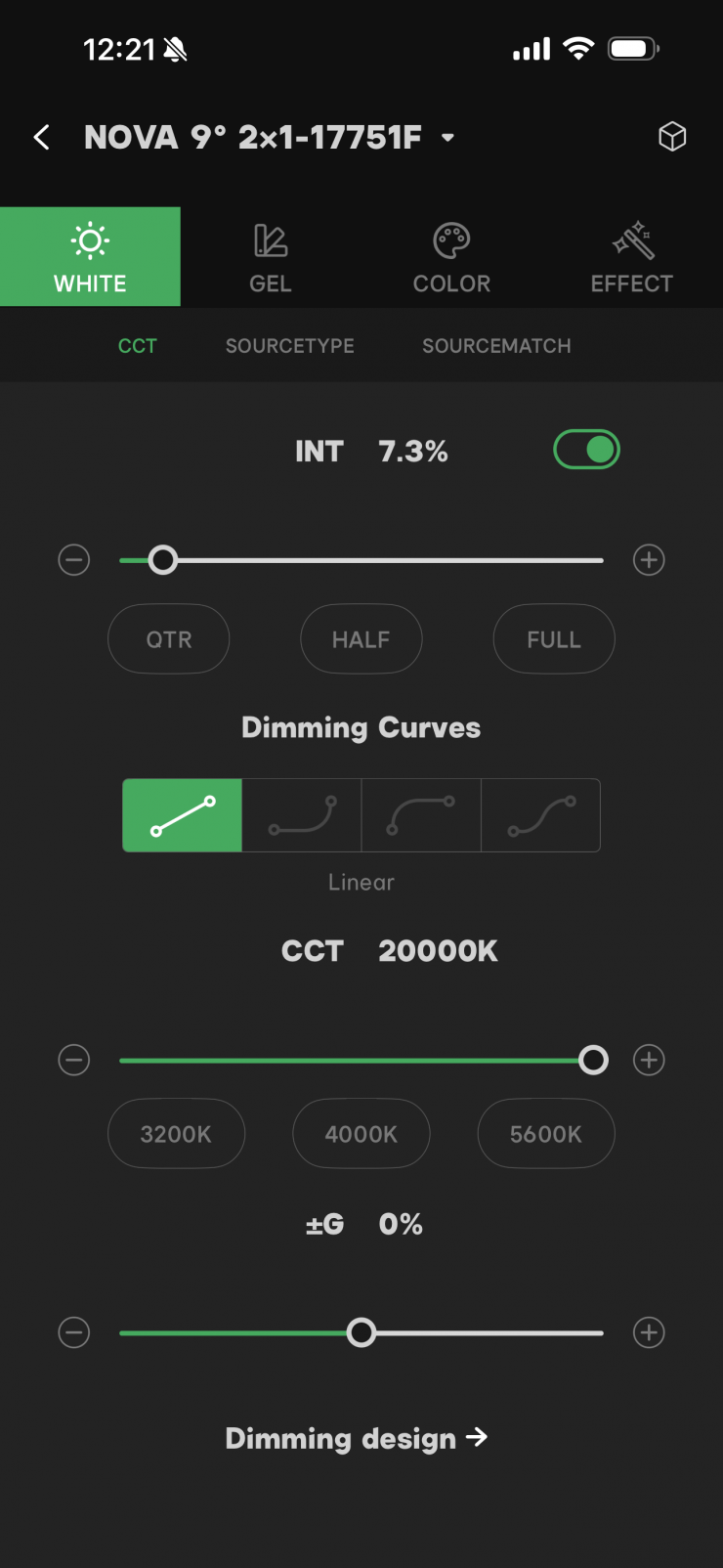
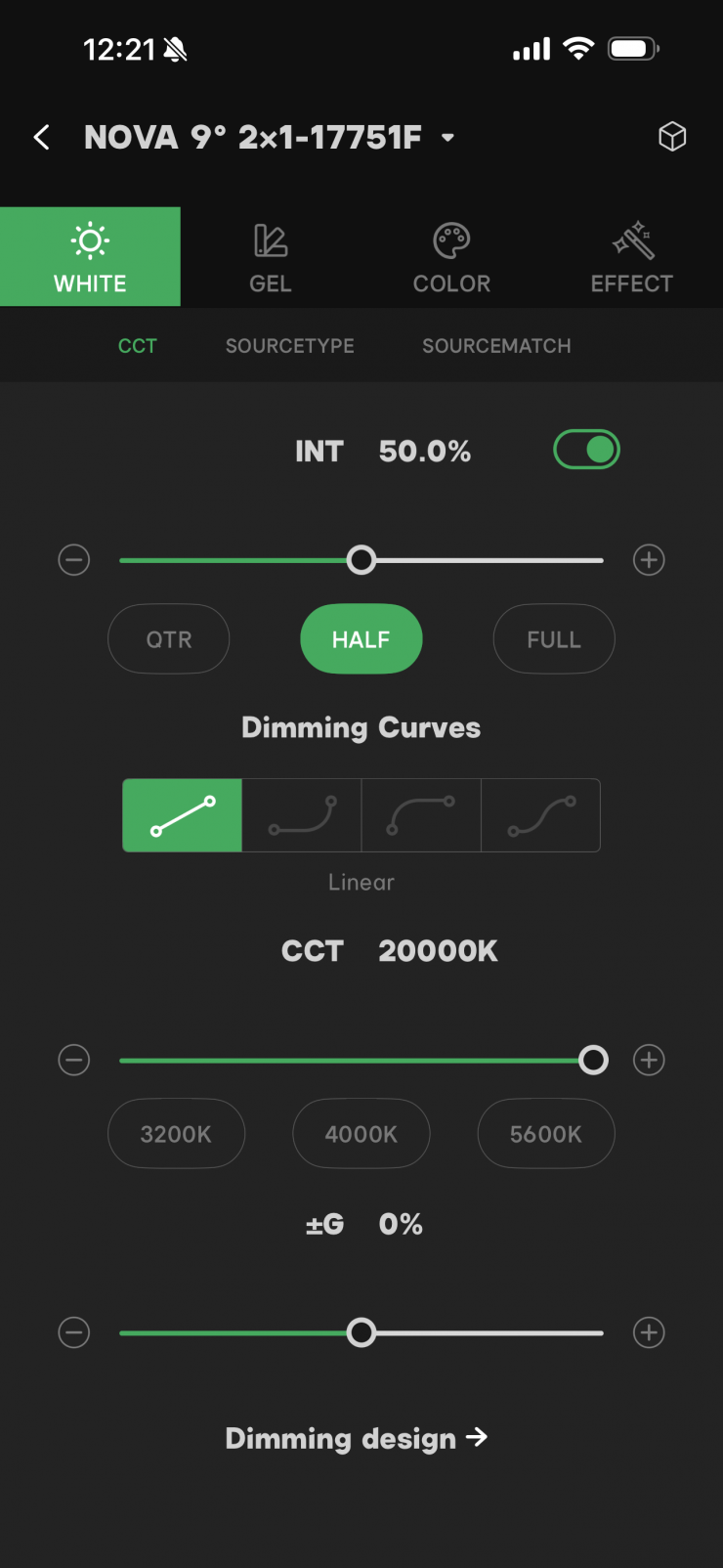
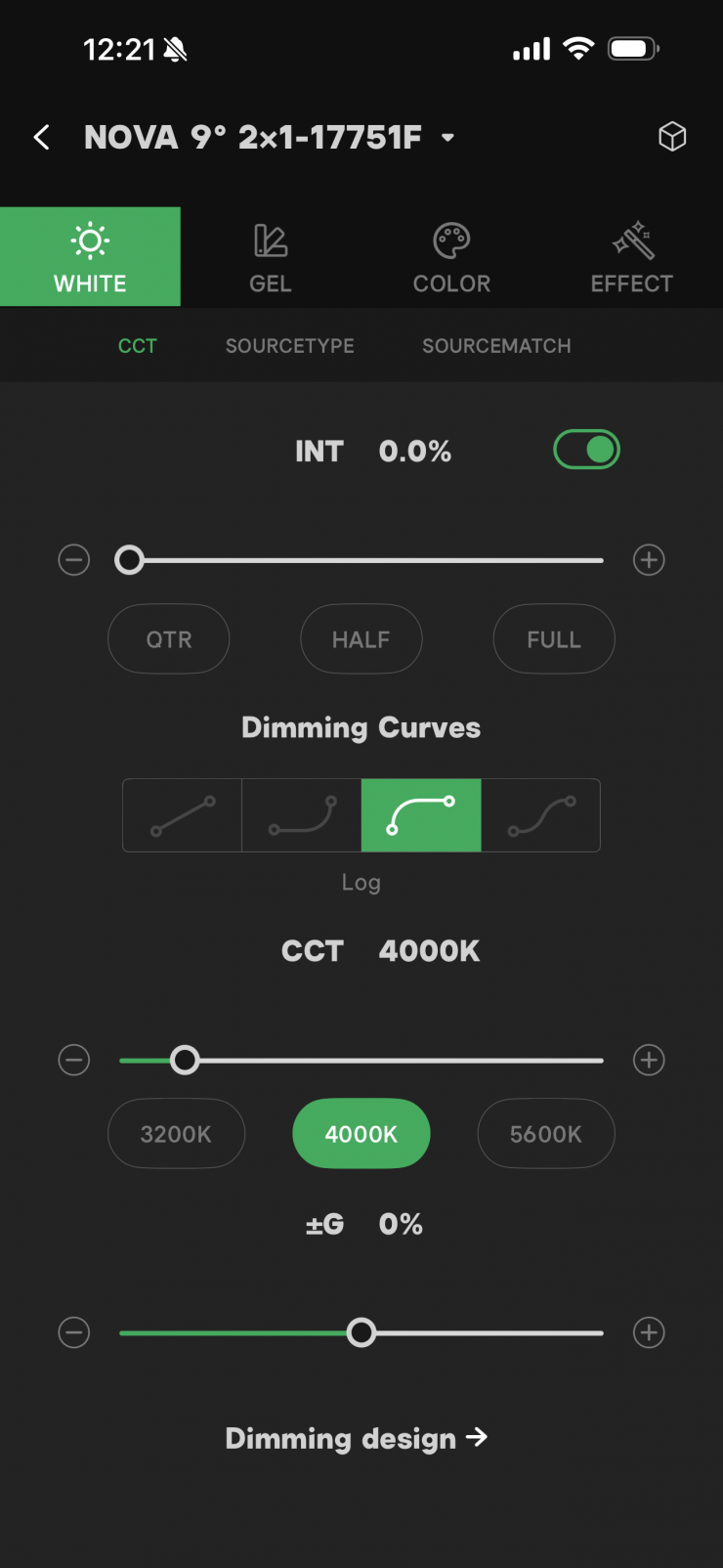
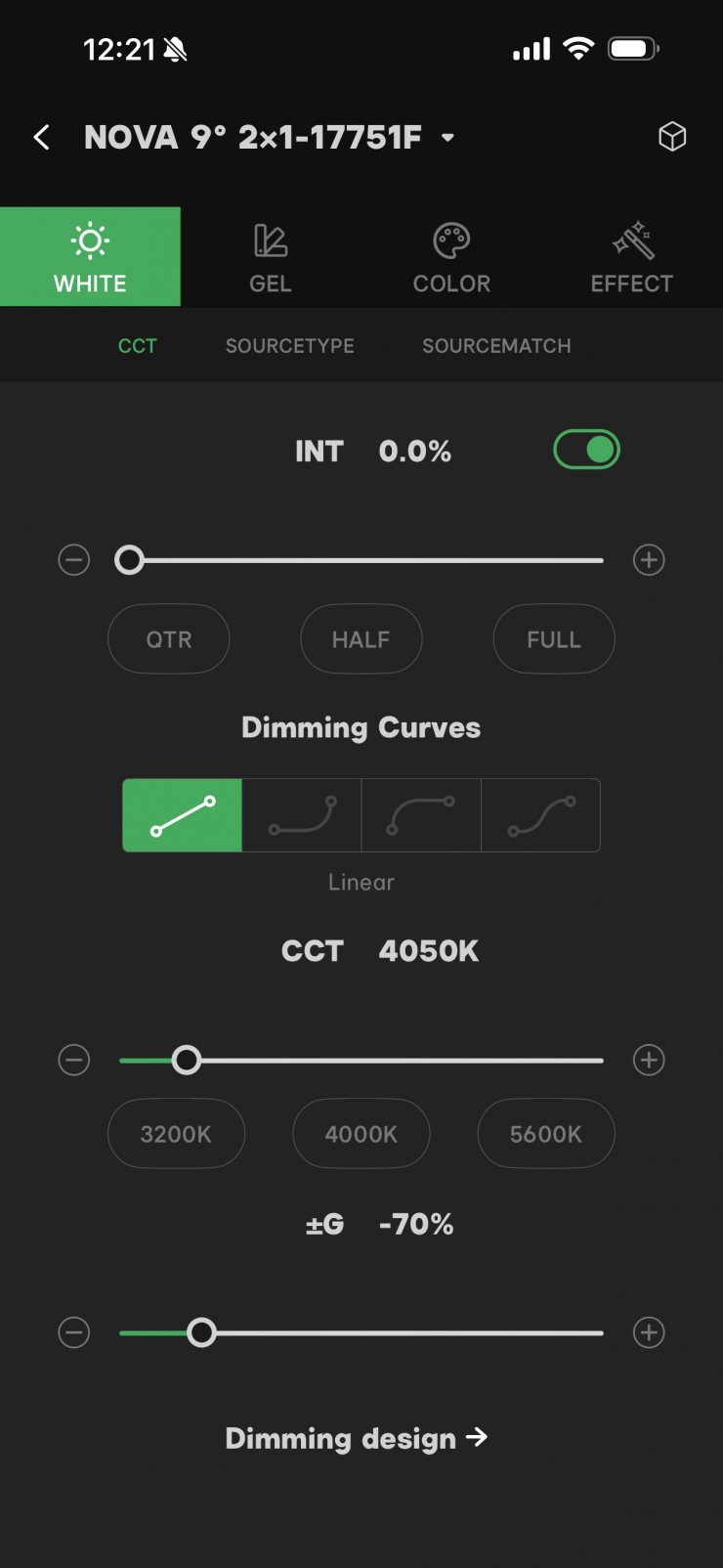
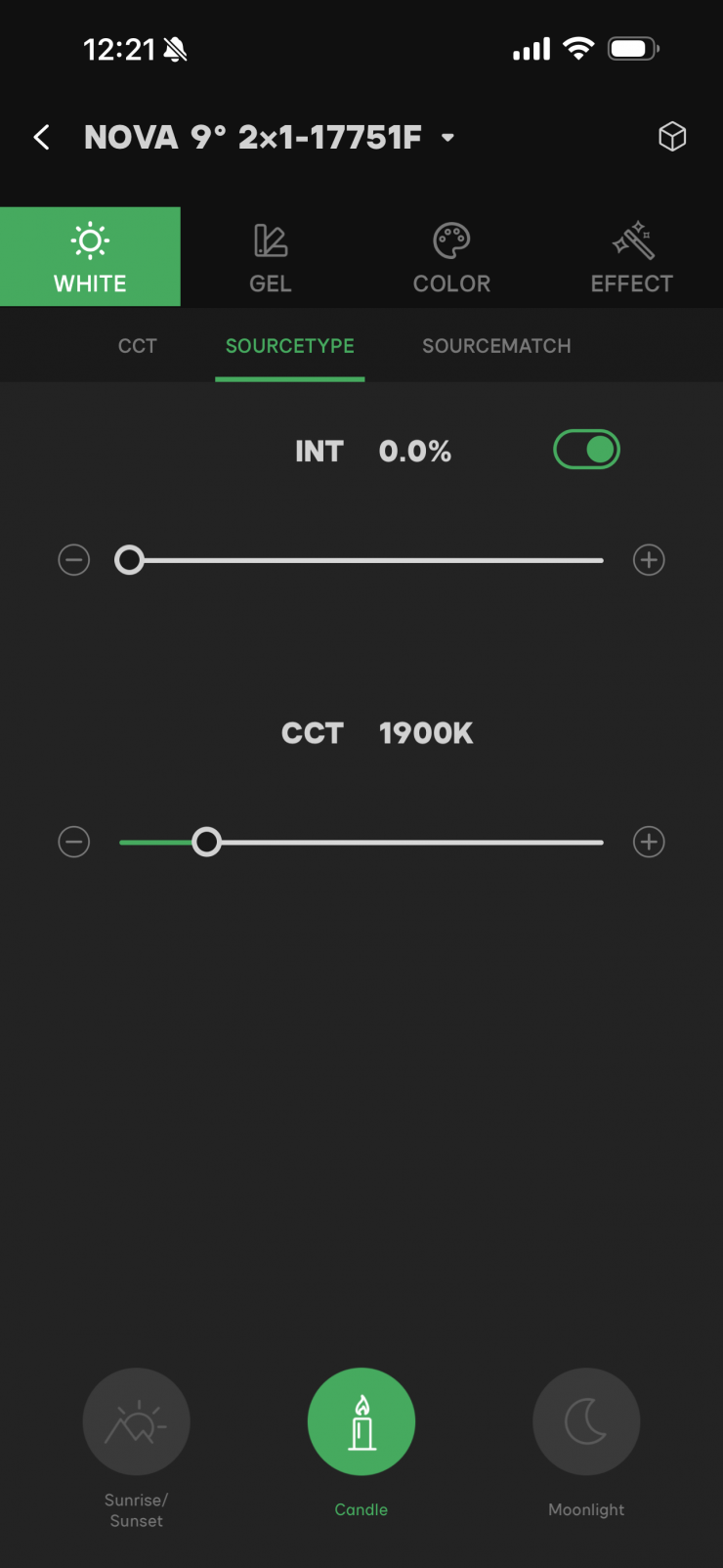
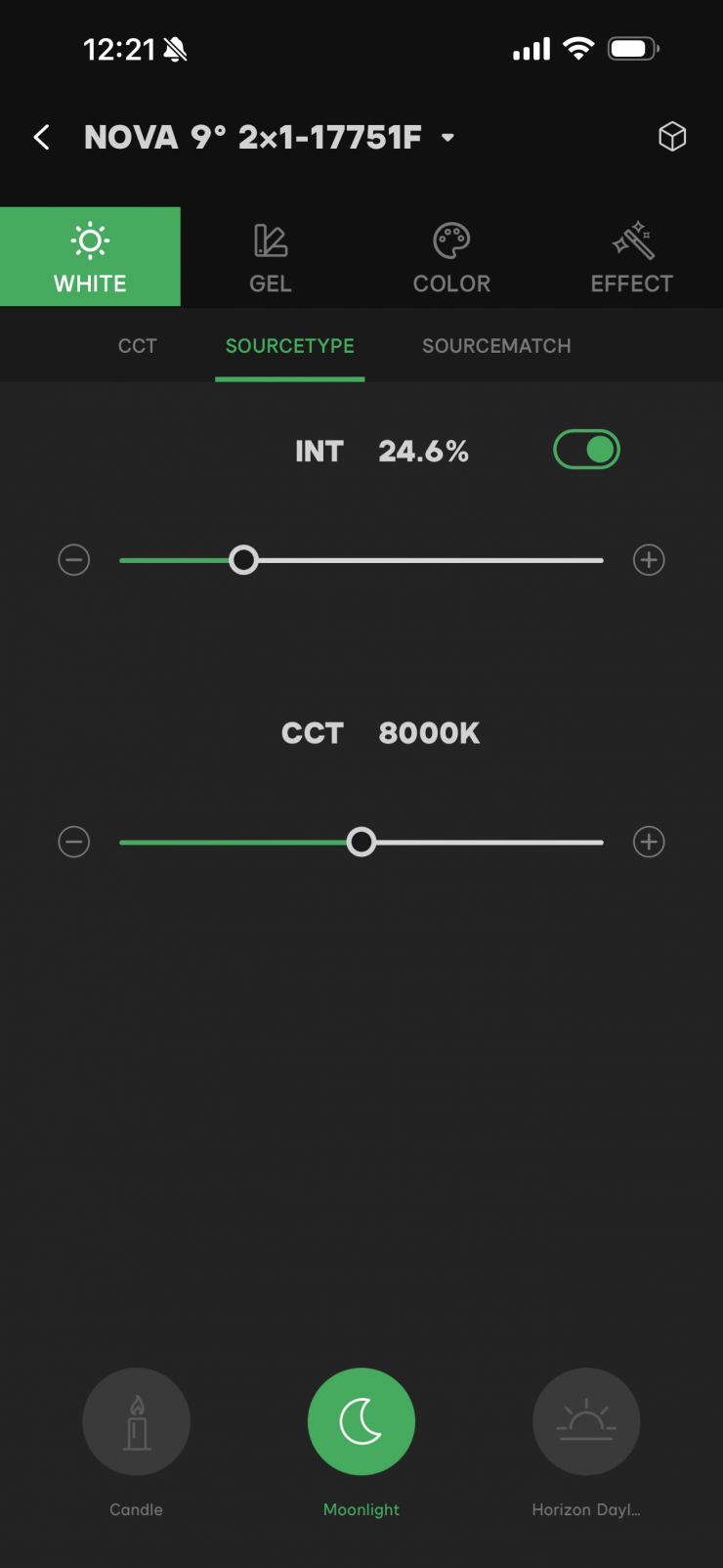
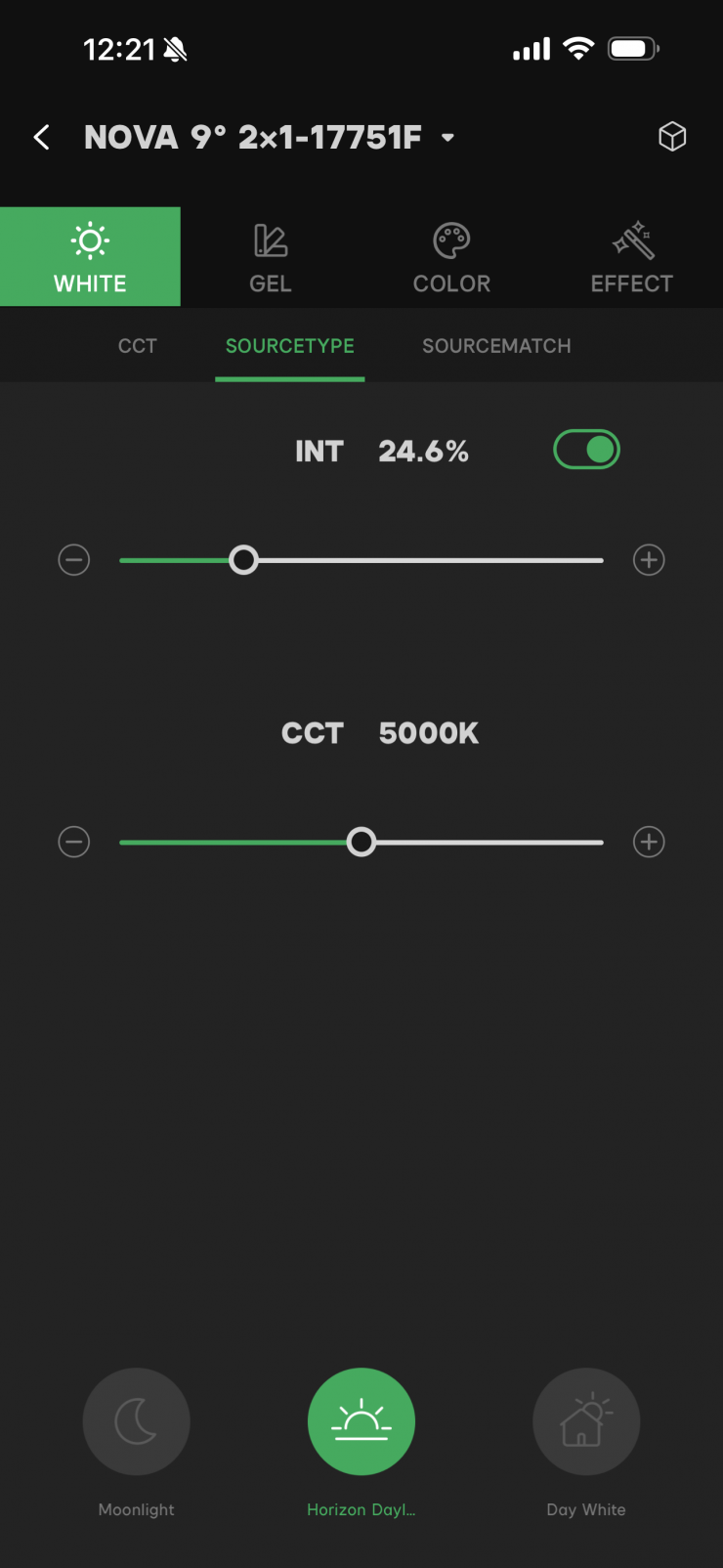
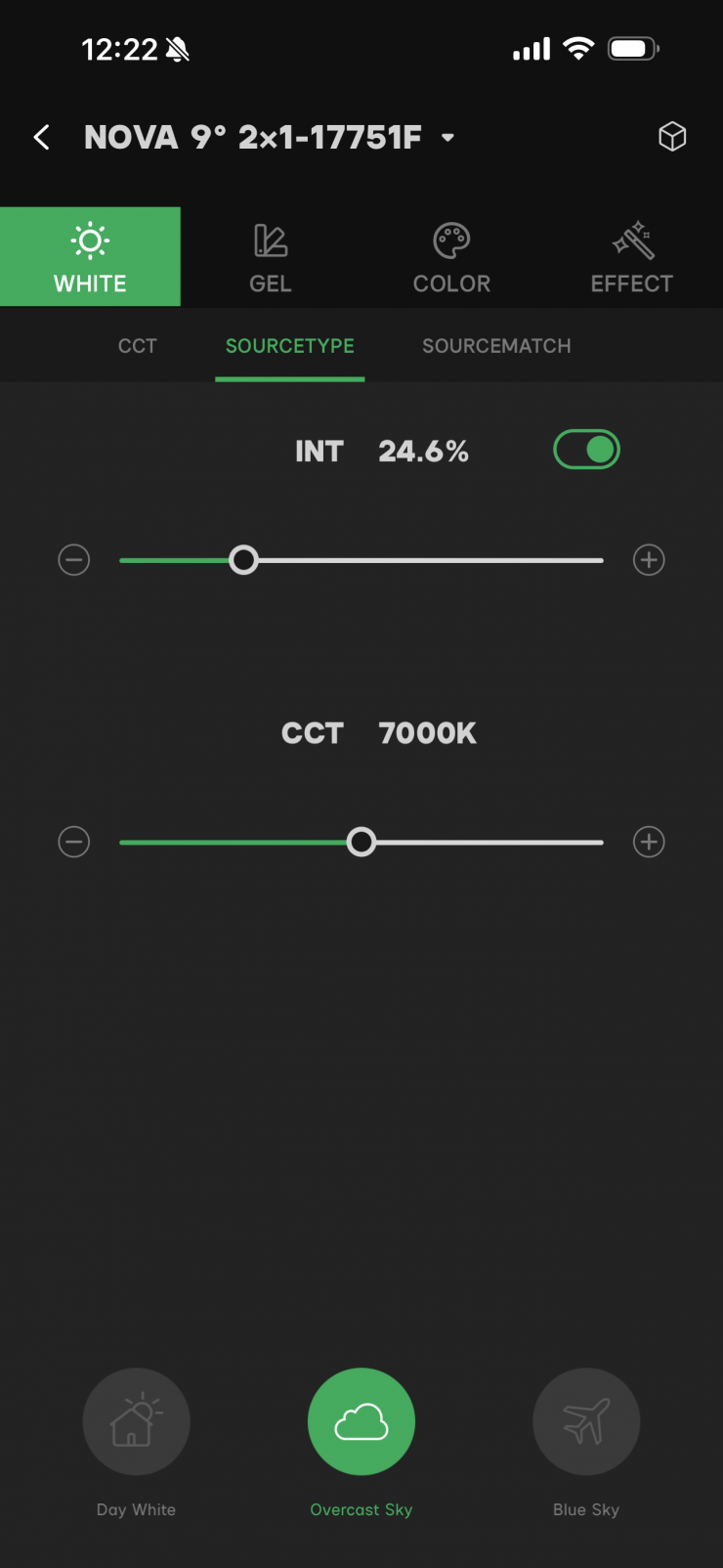
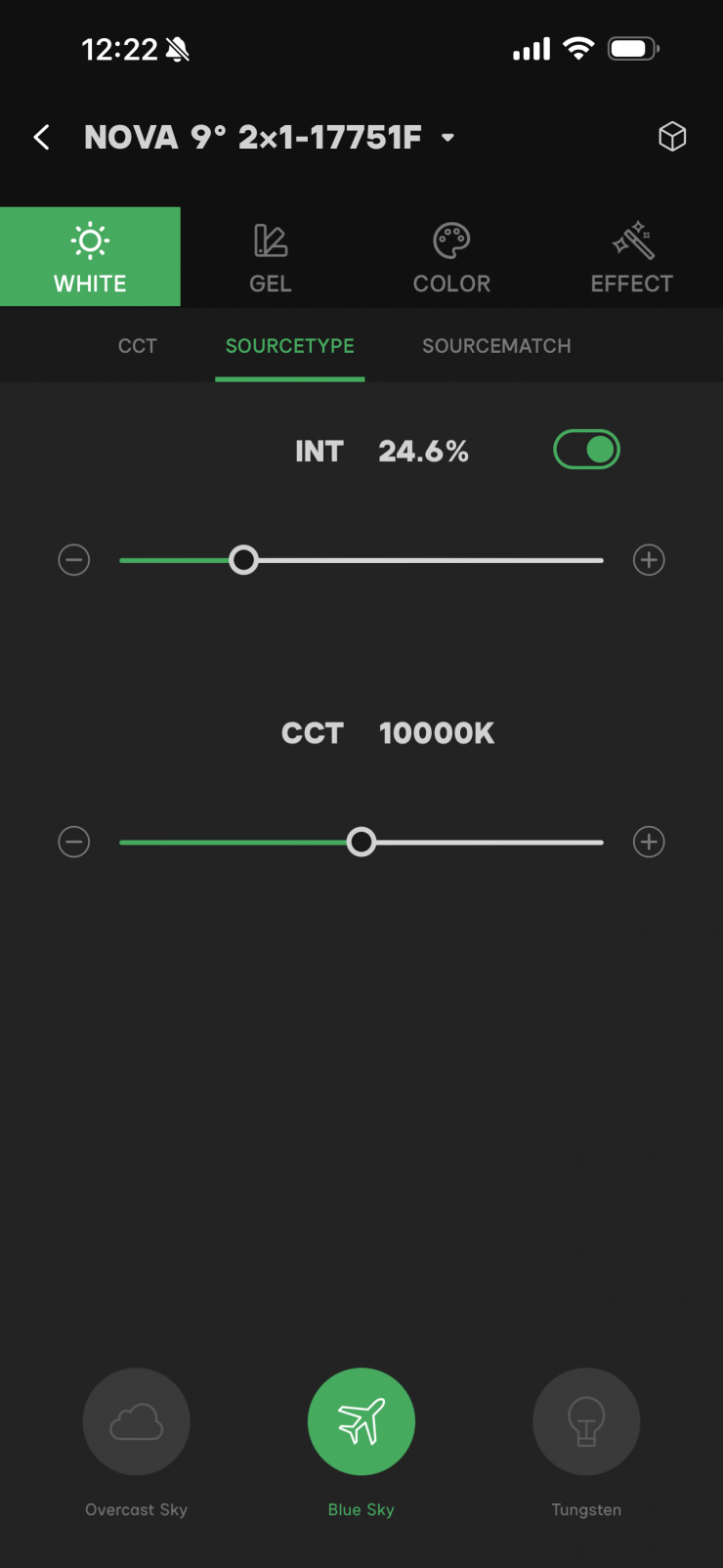
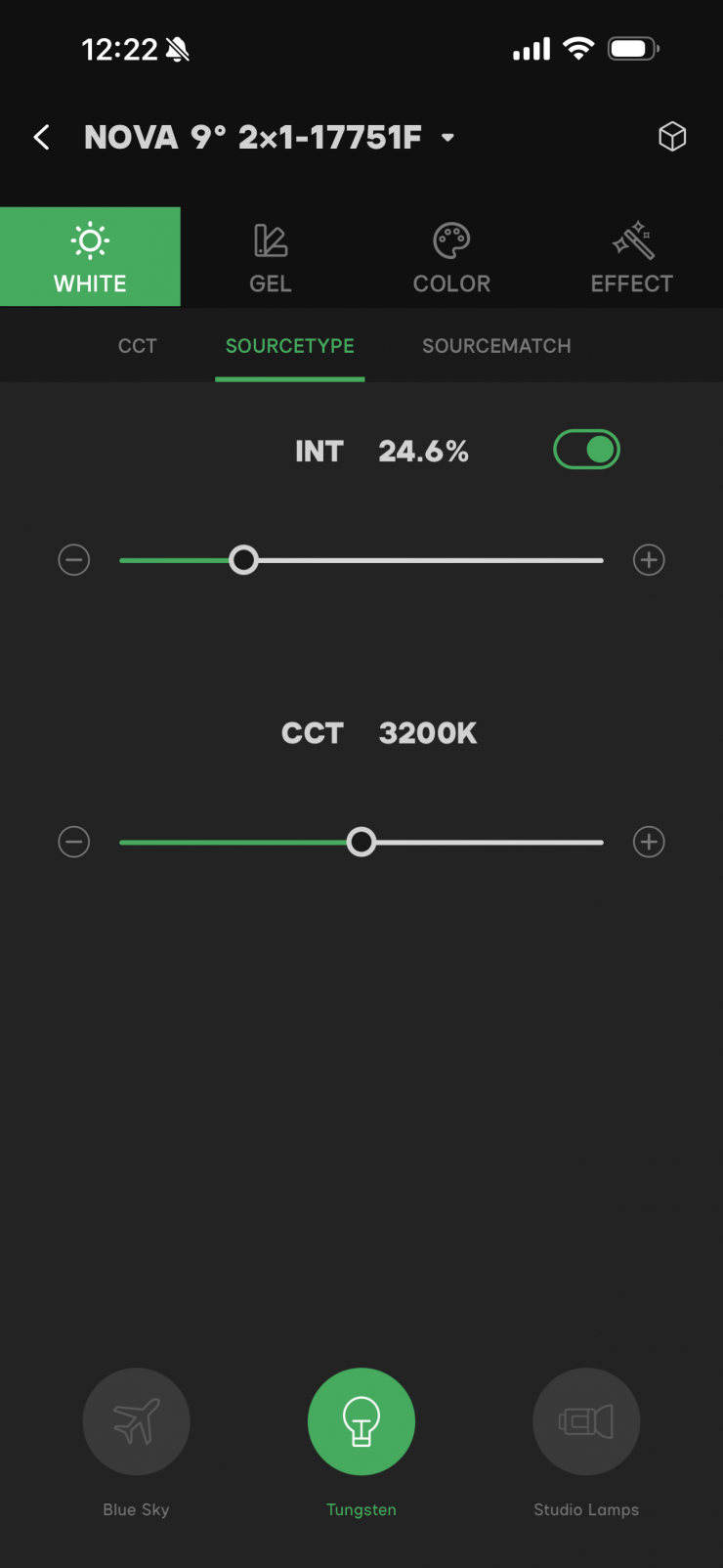
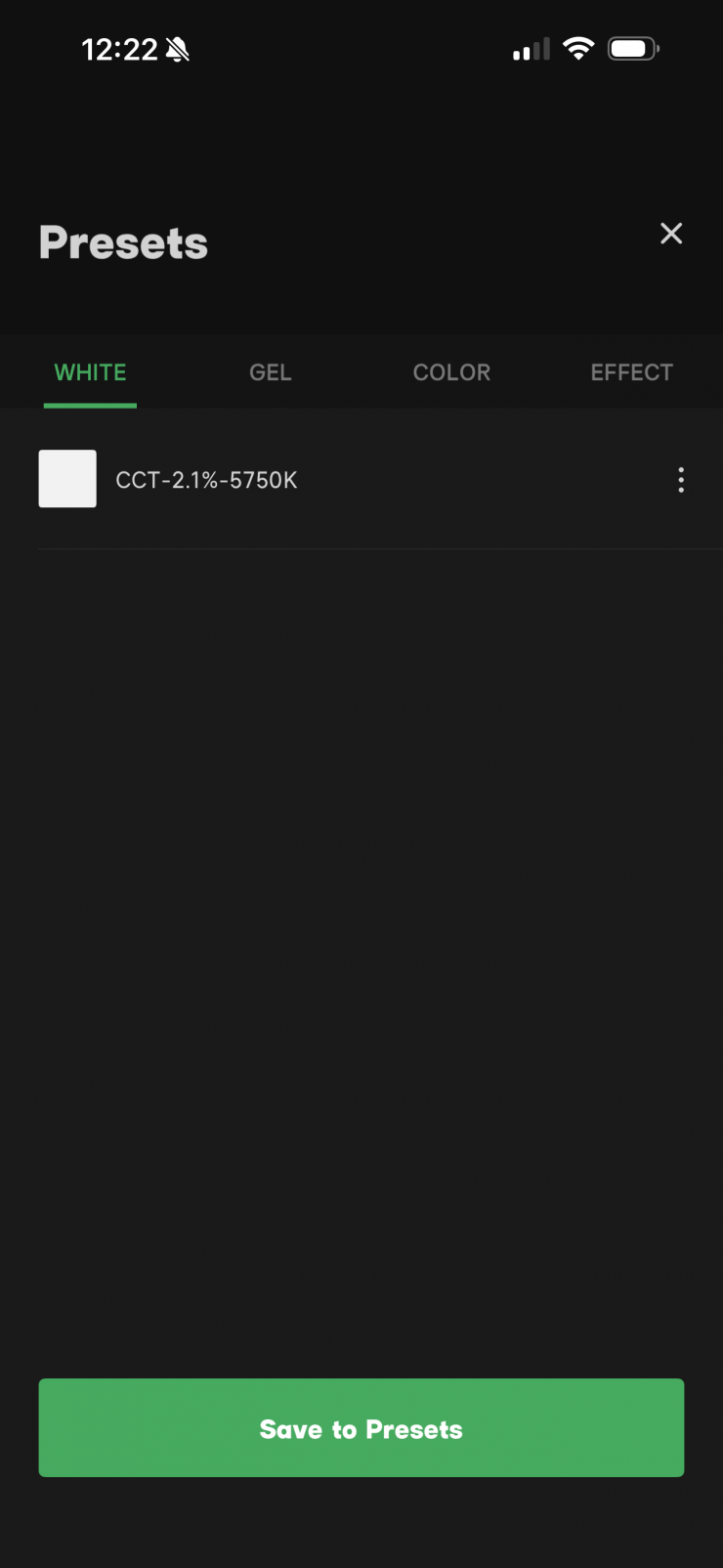
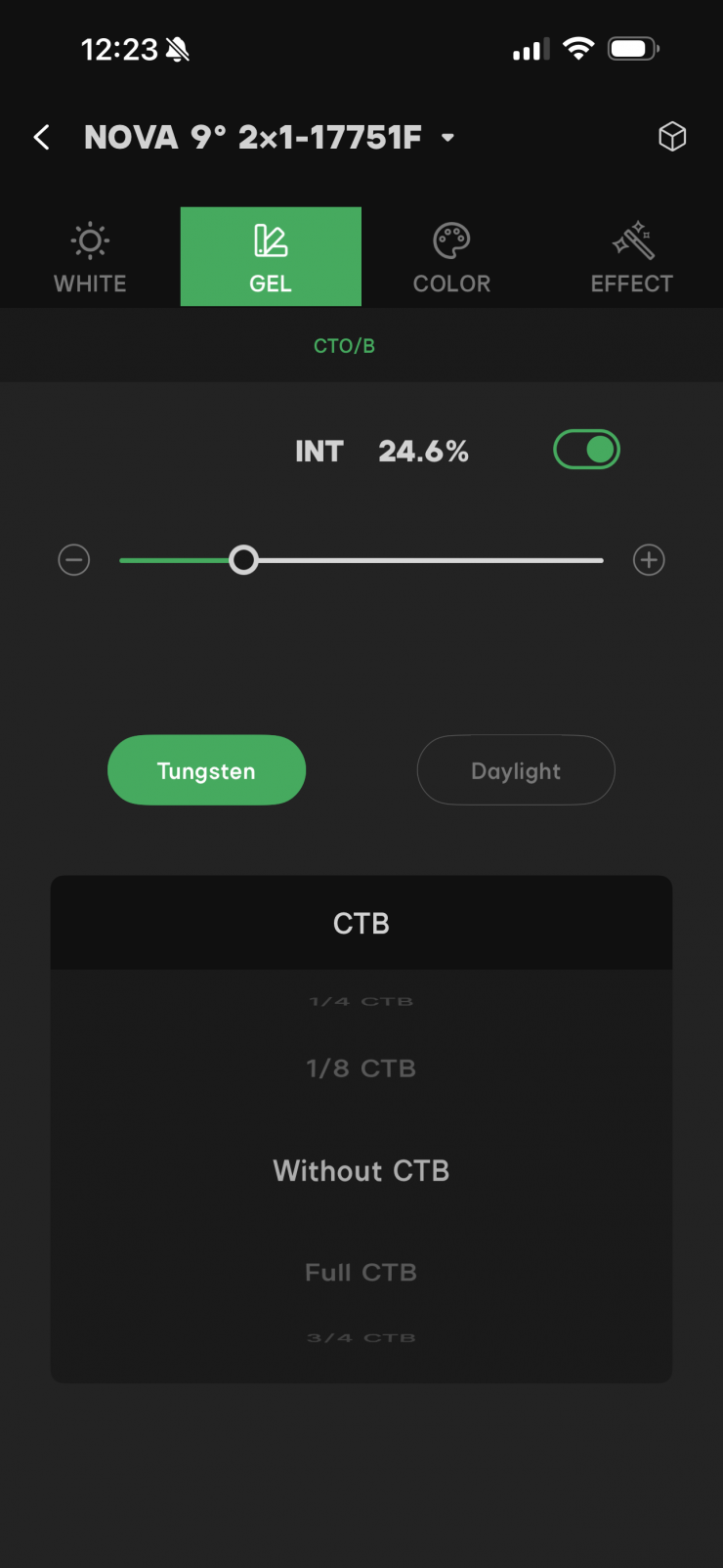
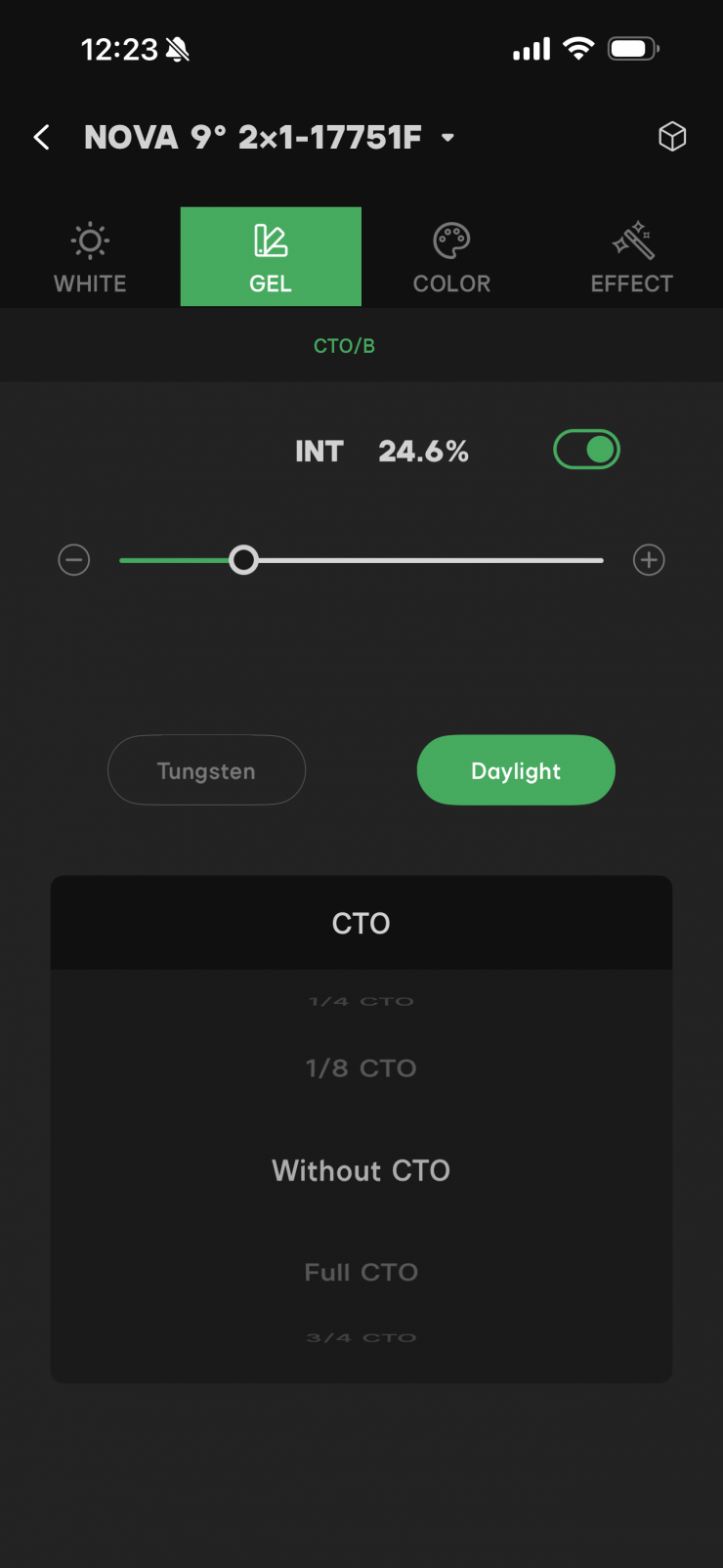
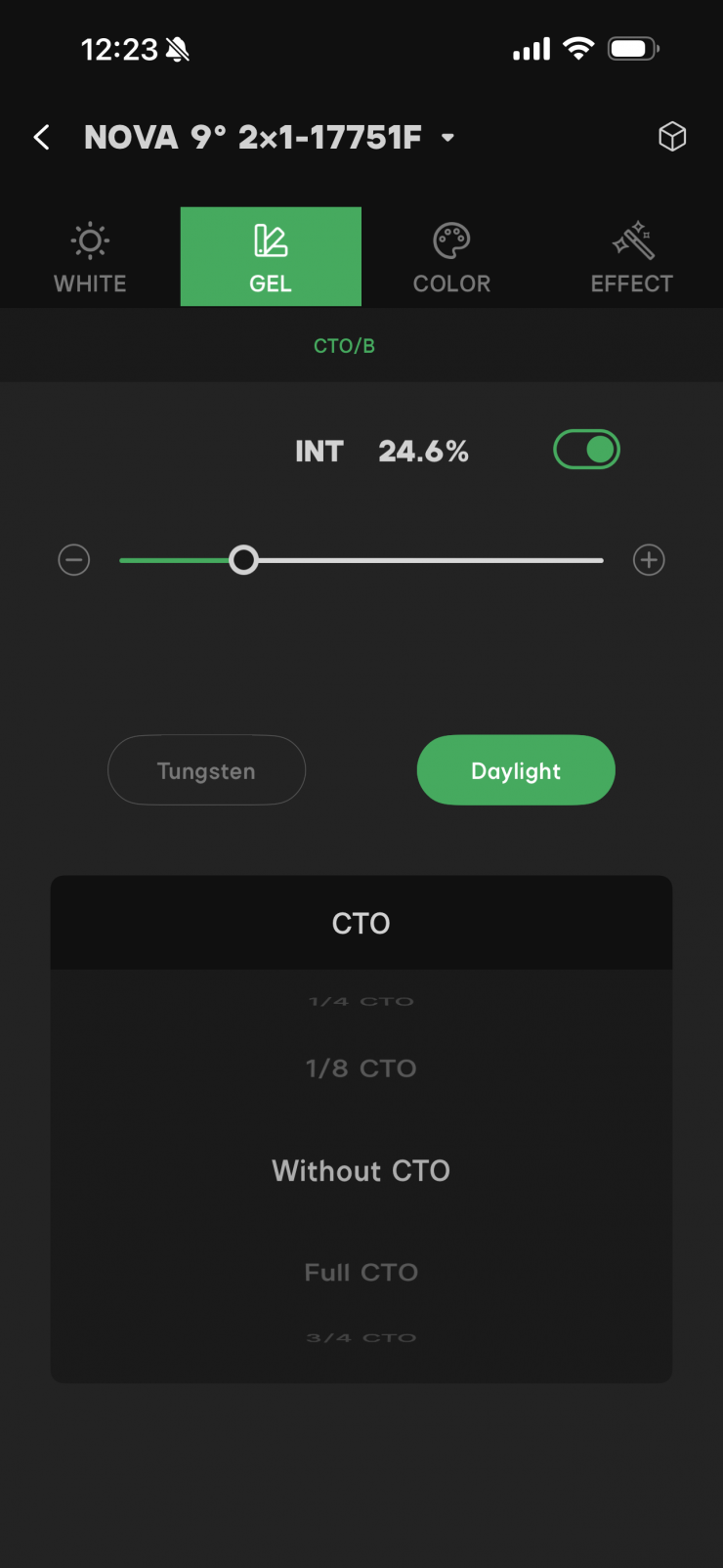
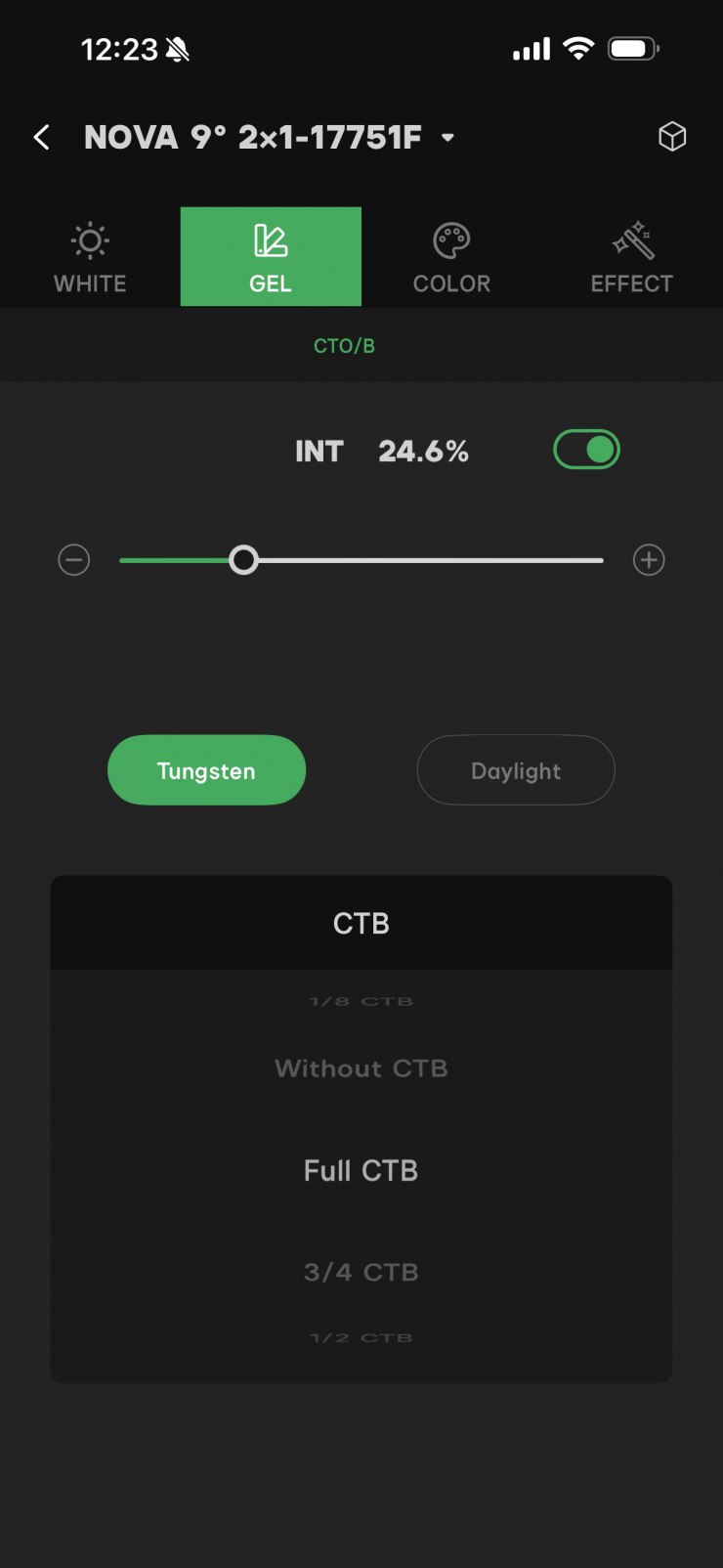
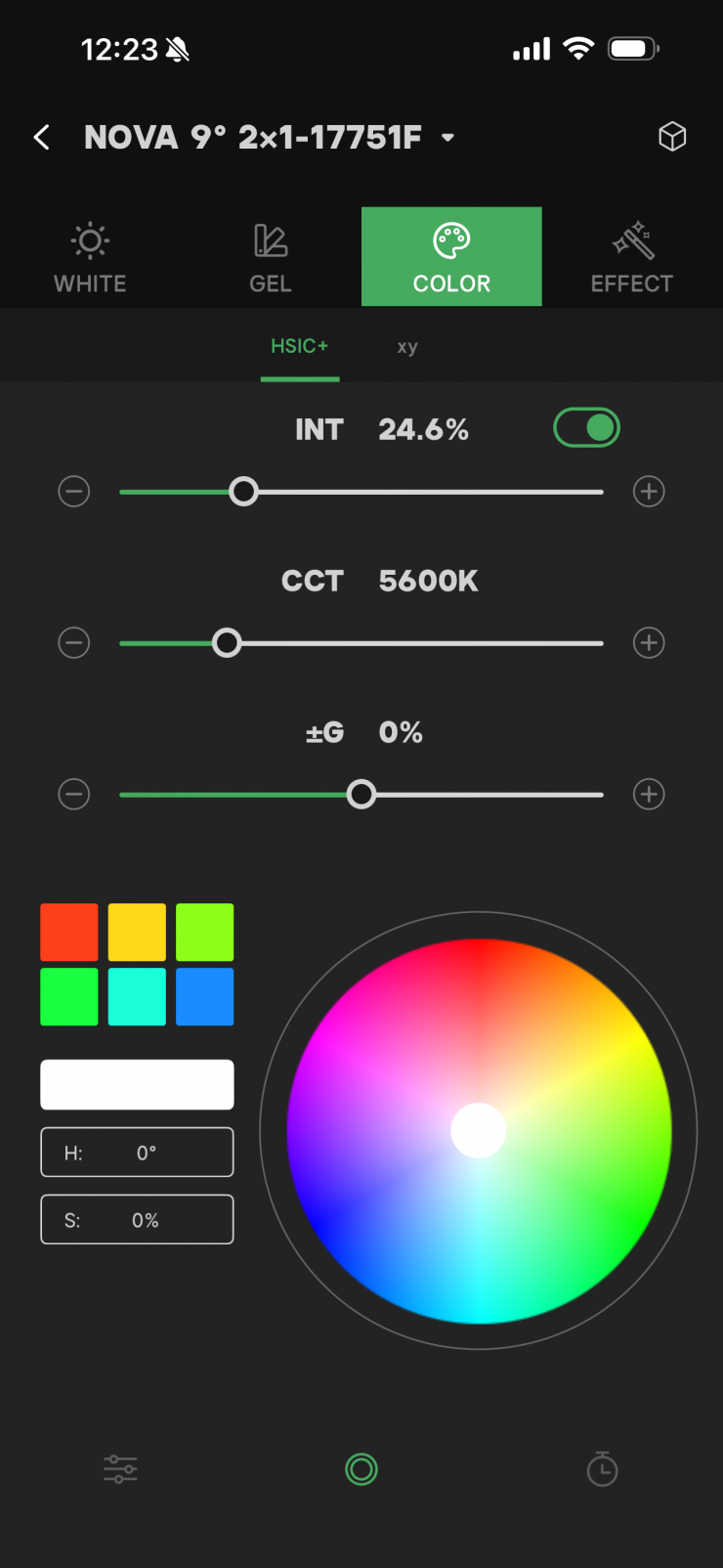
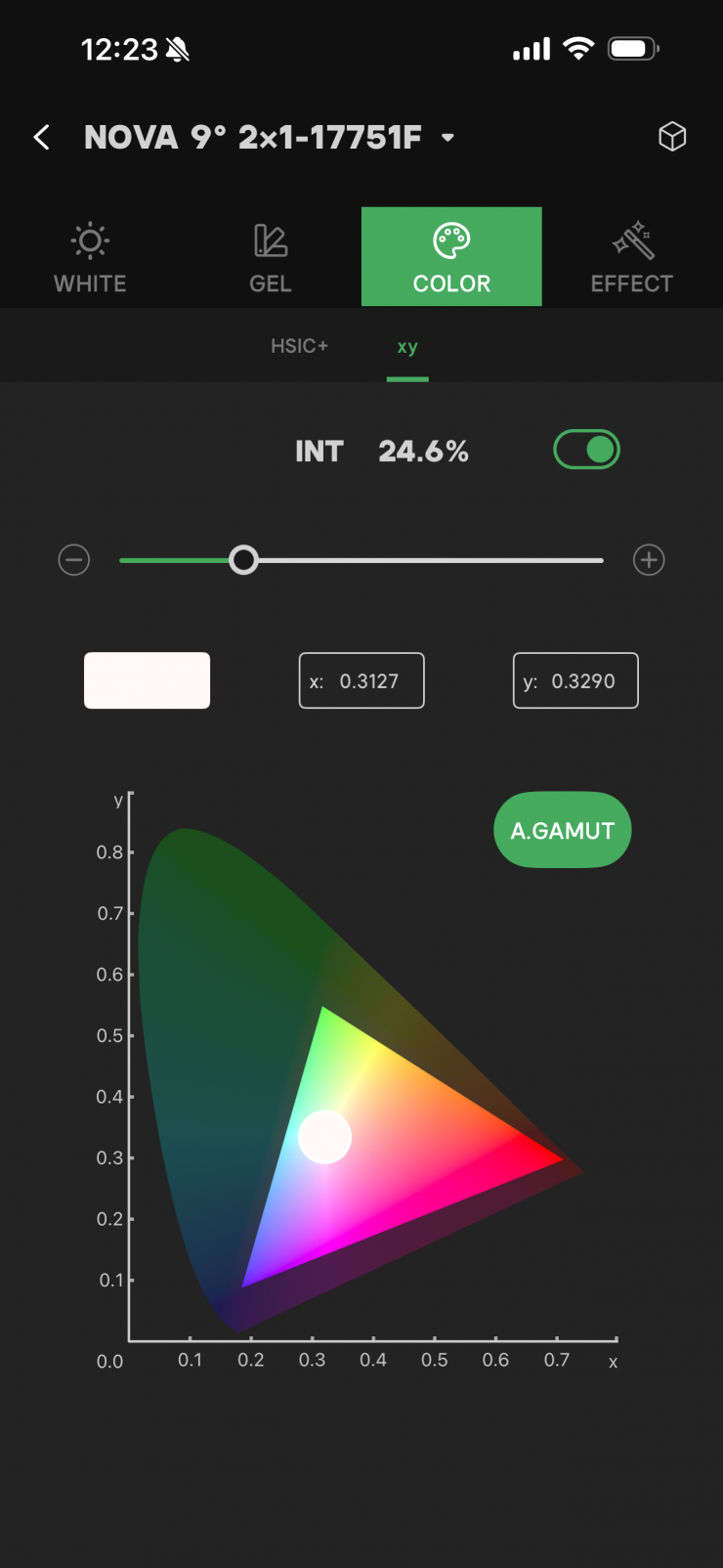
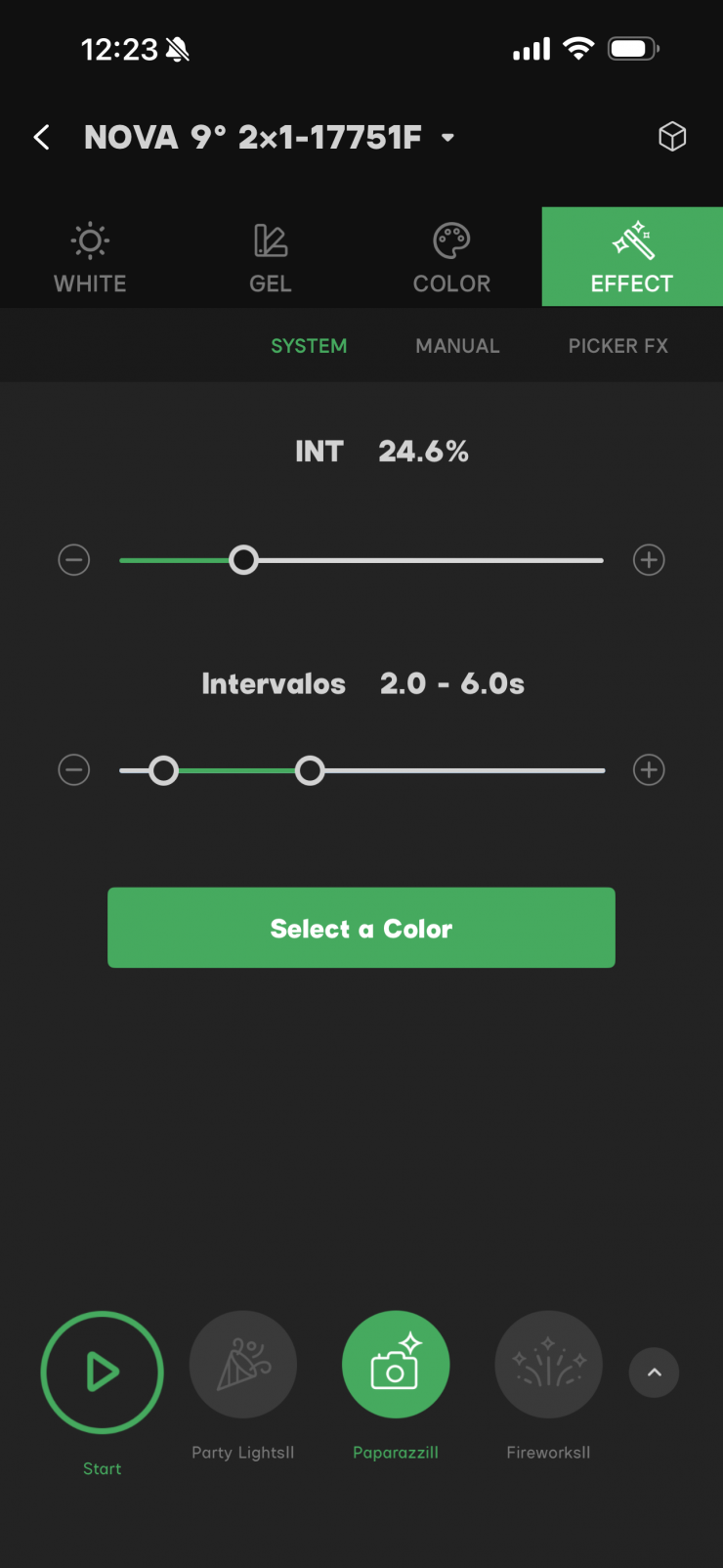
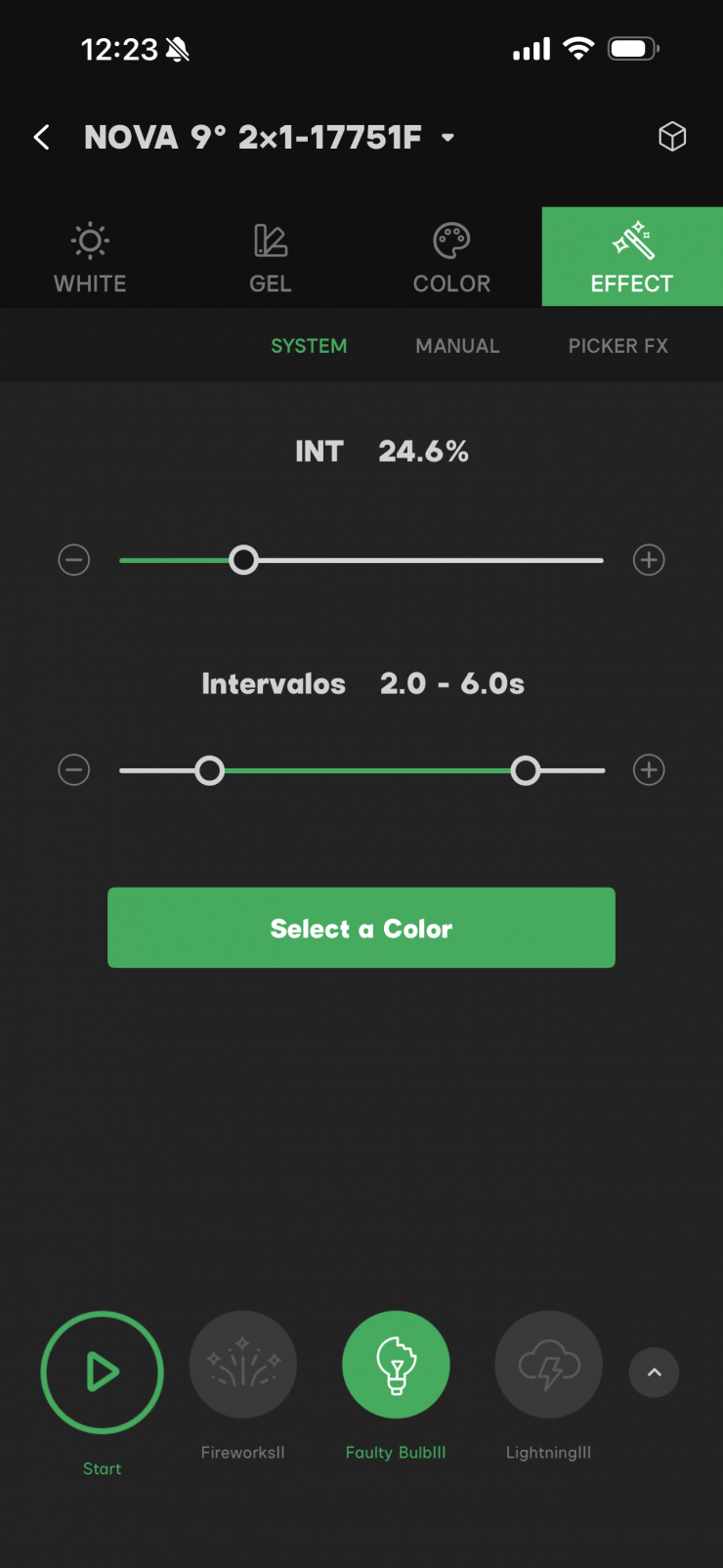
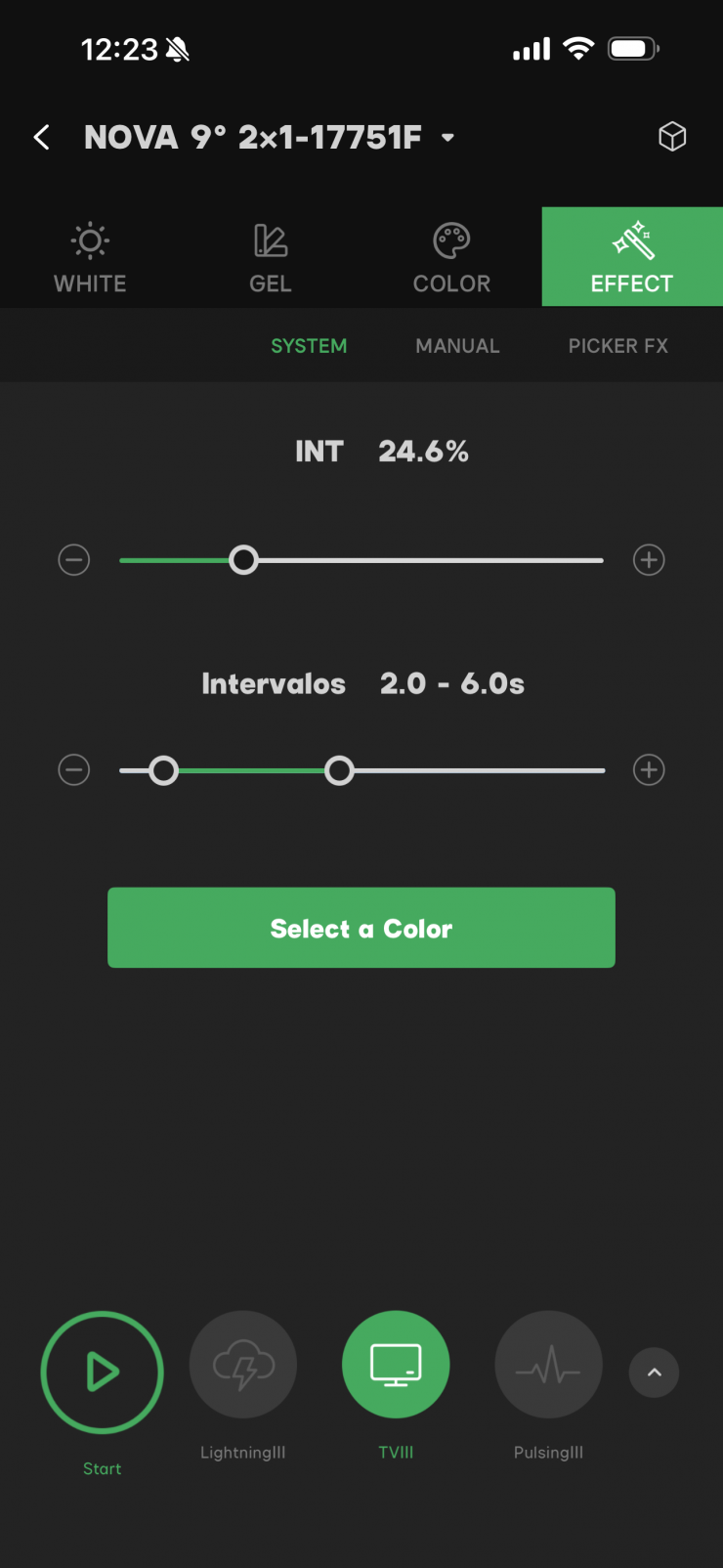
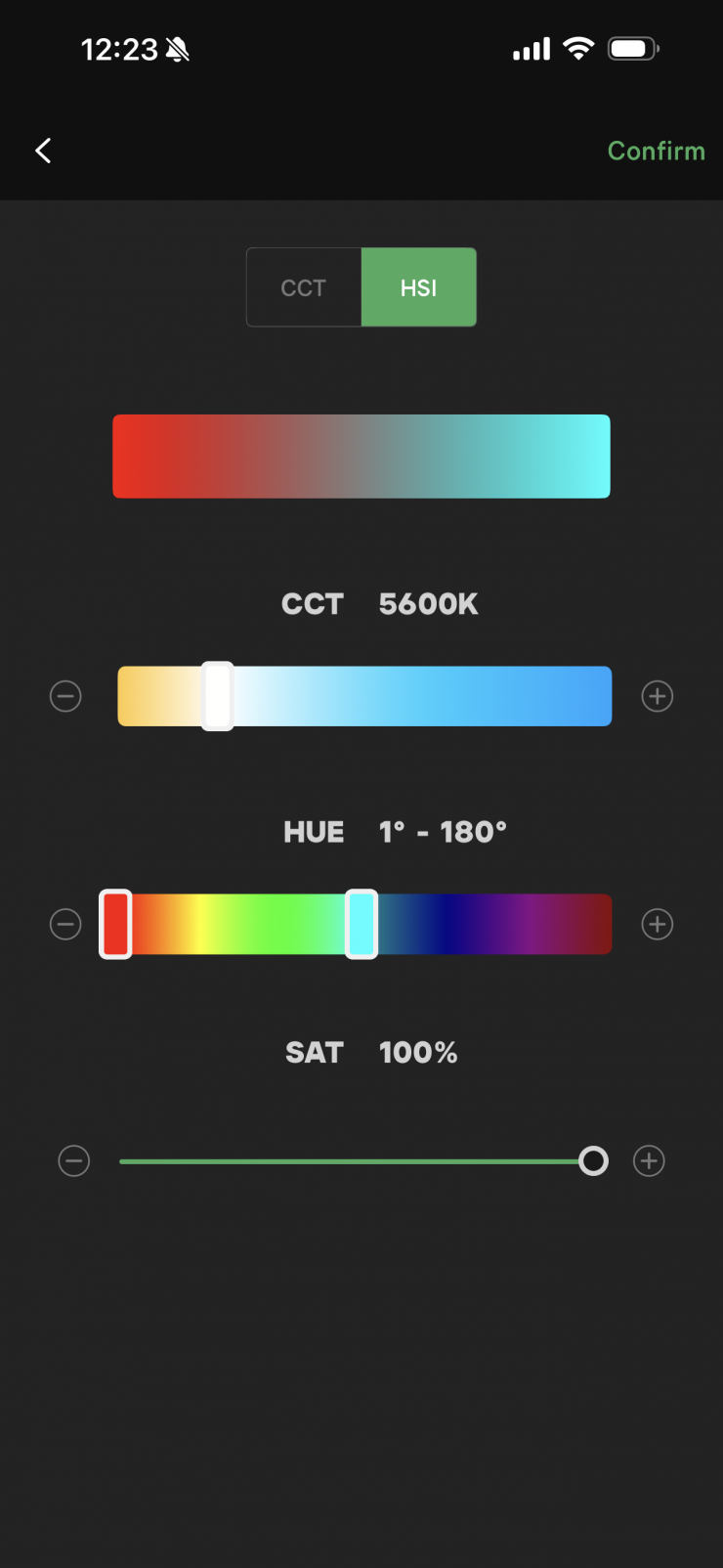
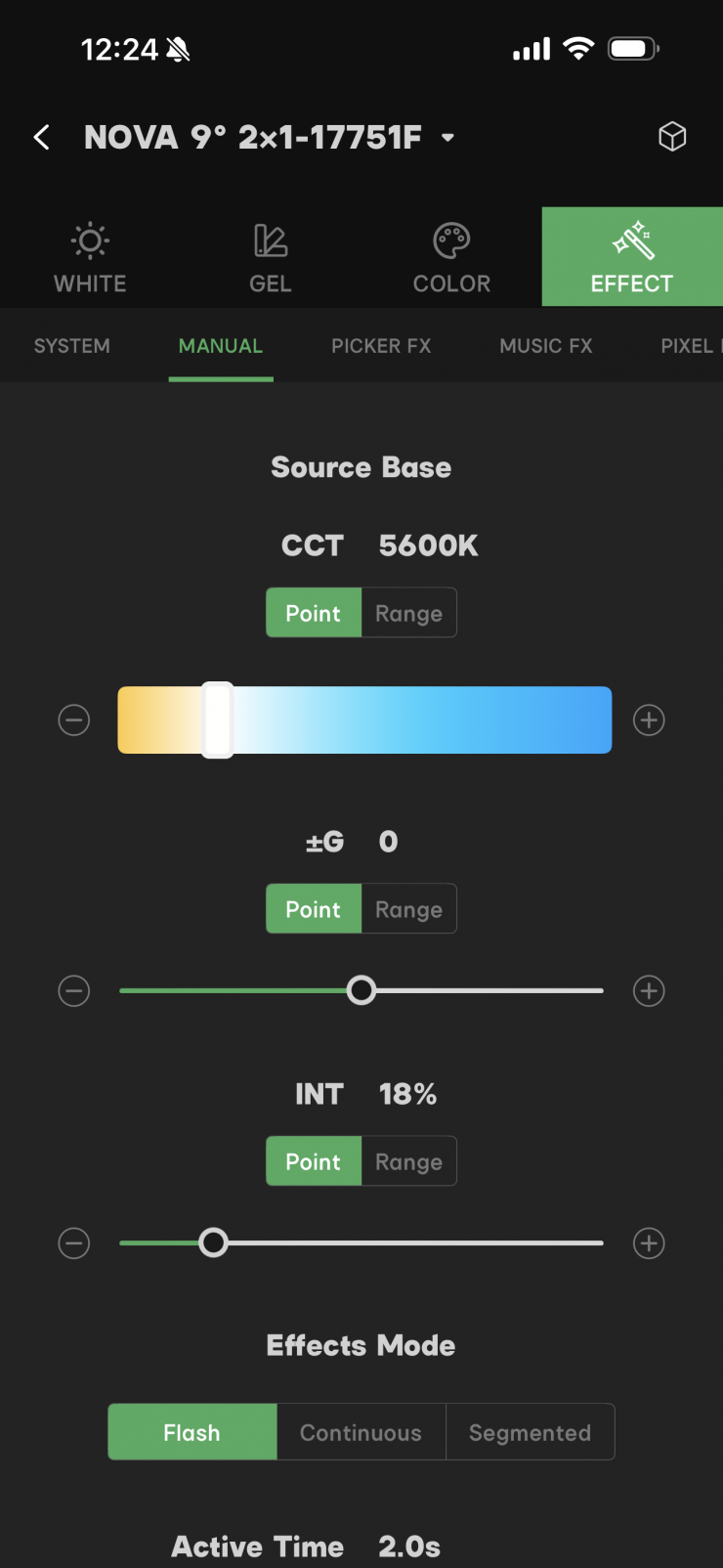
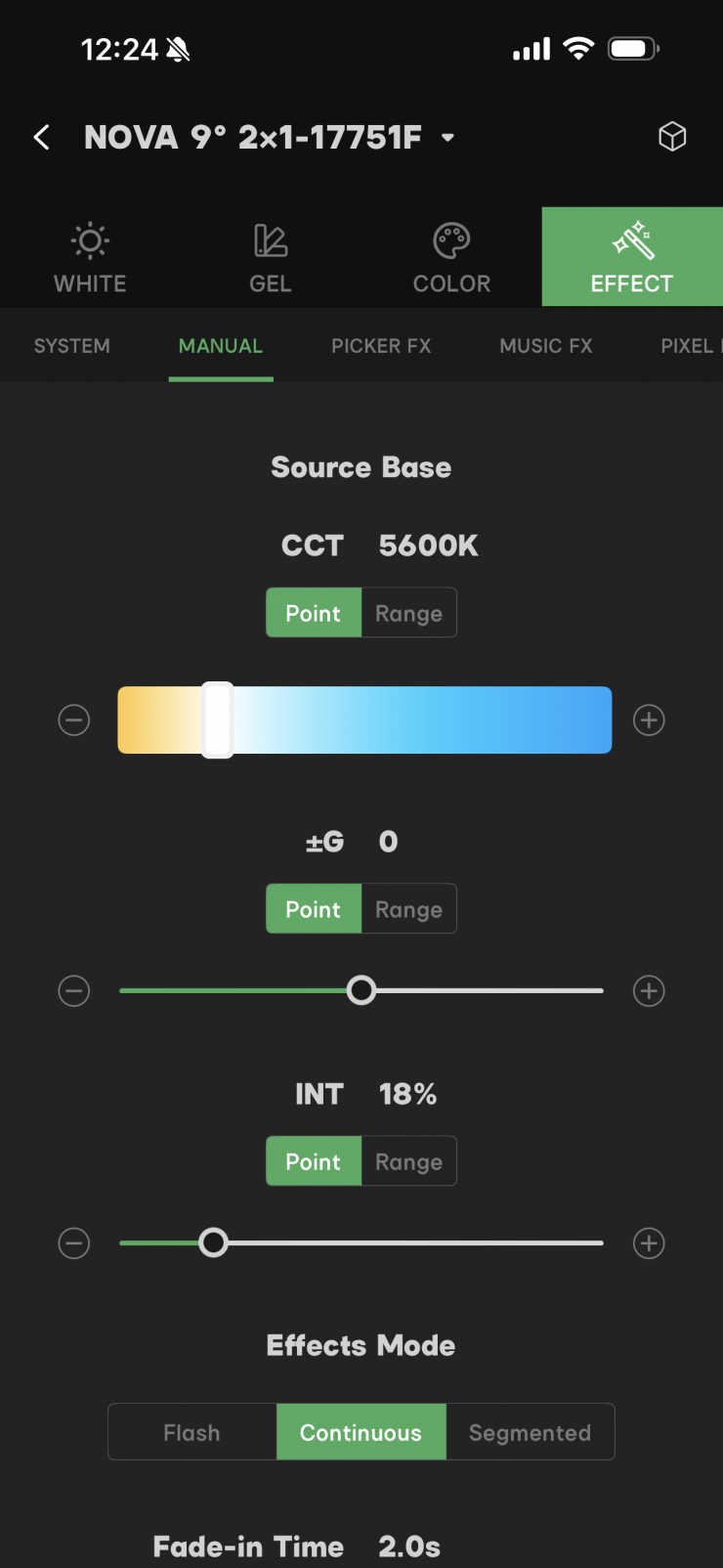
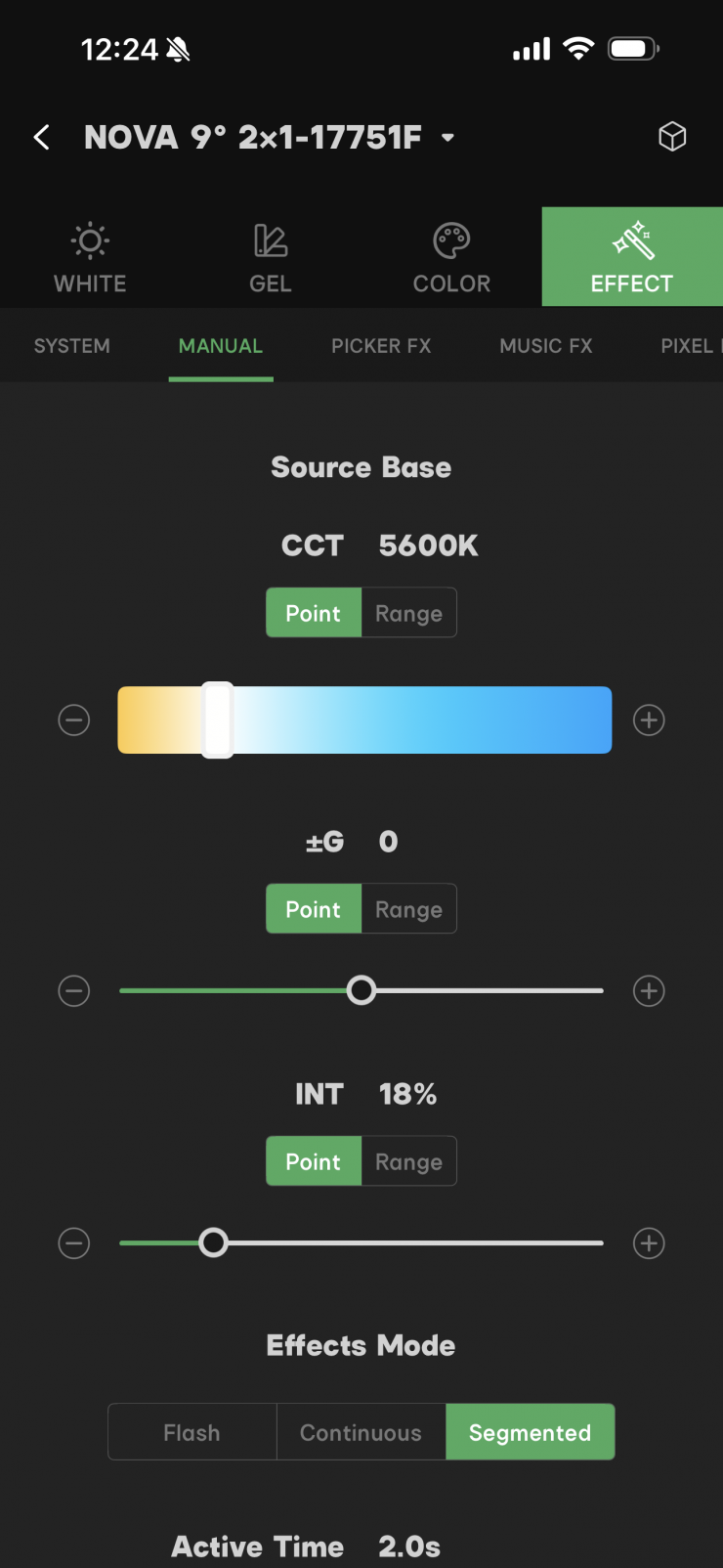
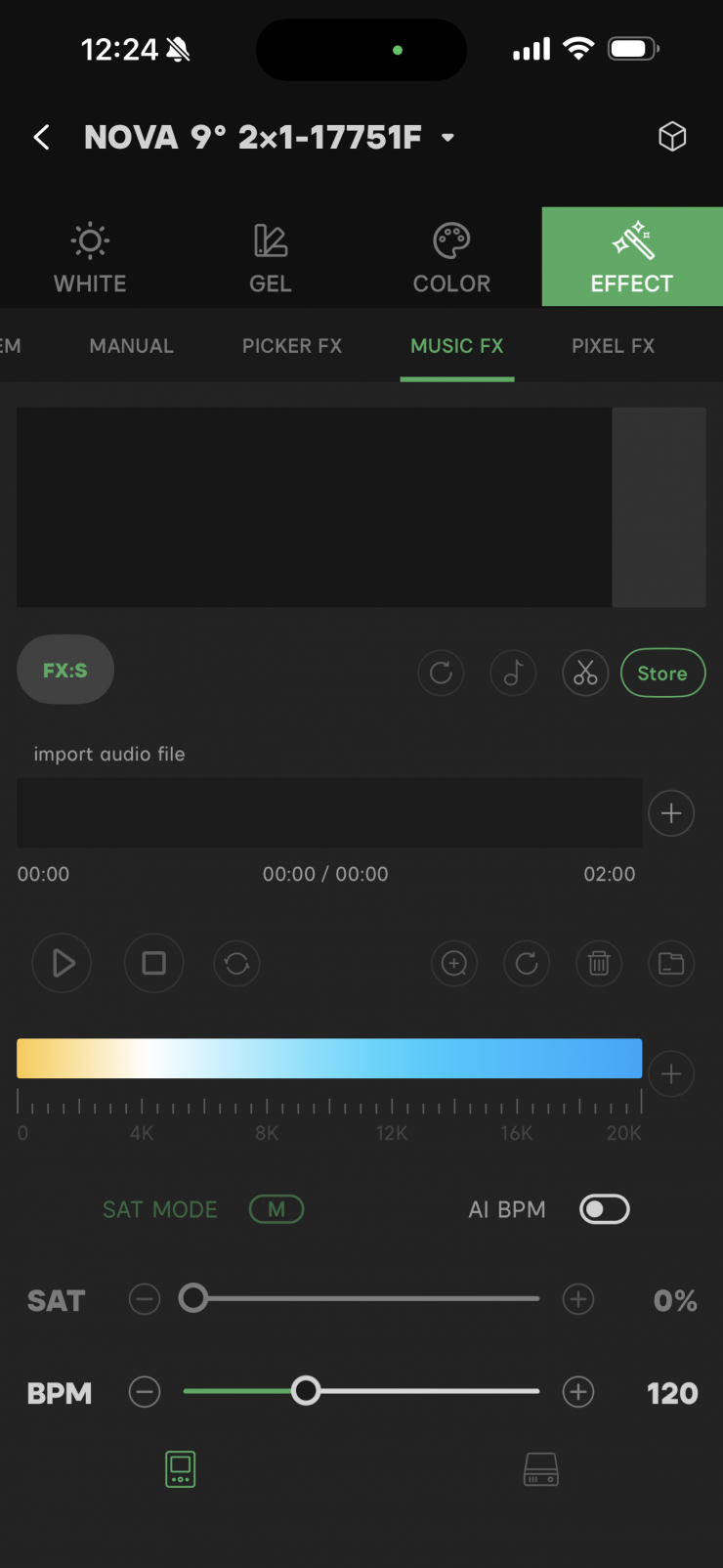
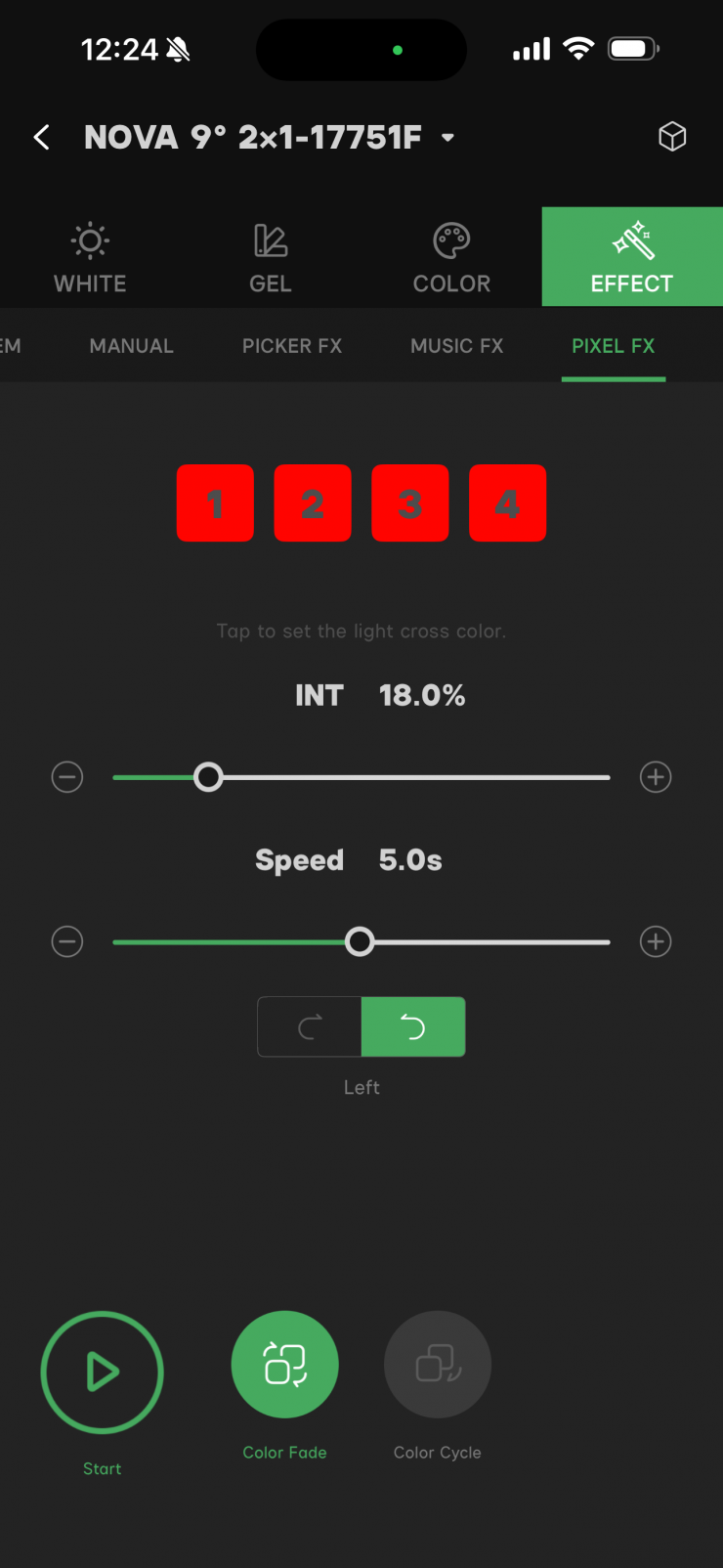
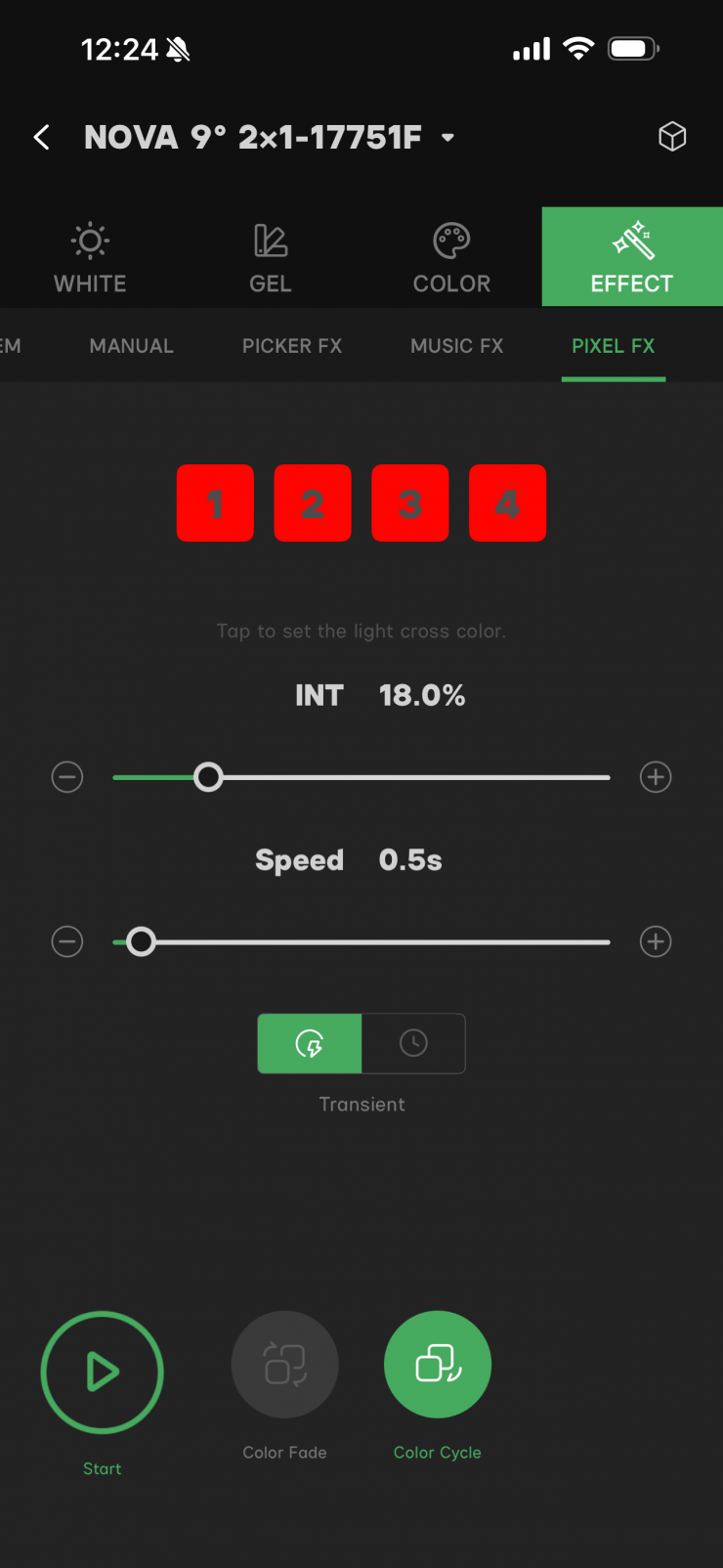
There is a range of parameters and settings that you can adjust using the Sidus Link app.
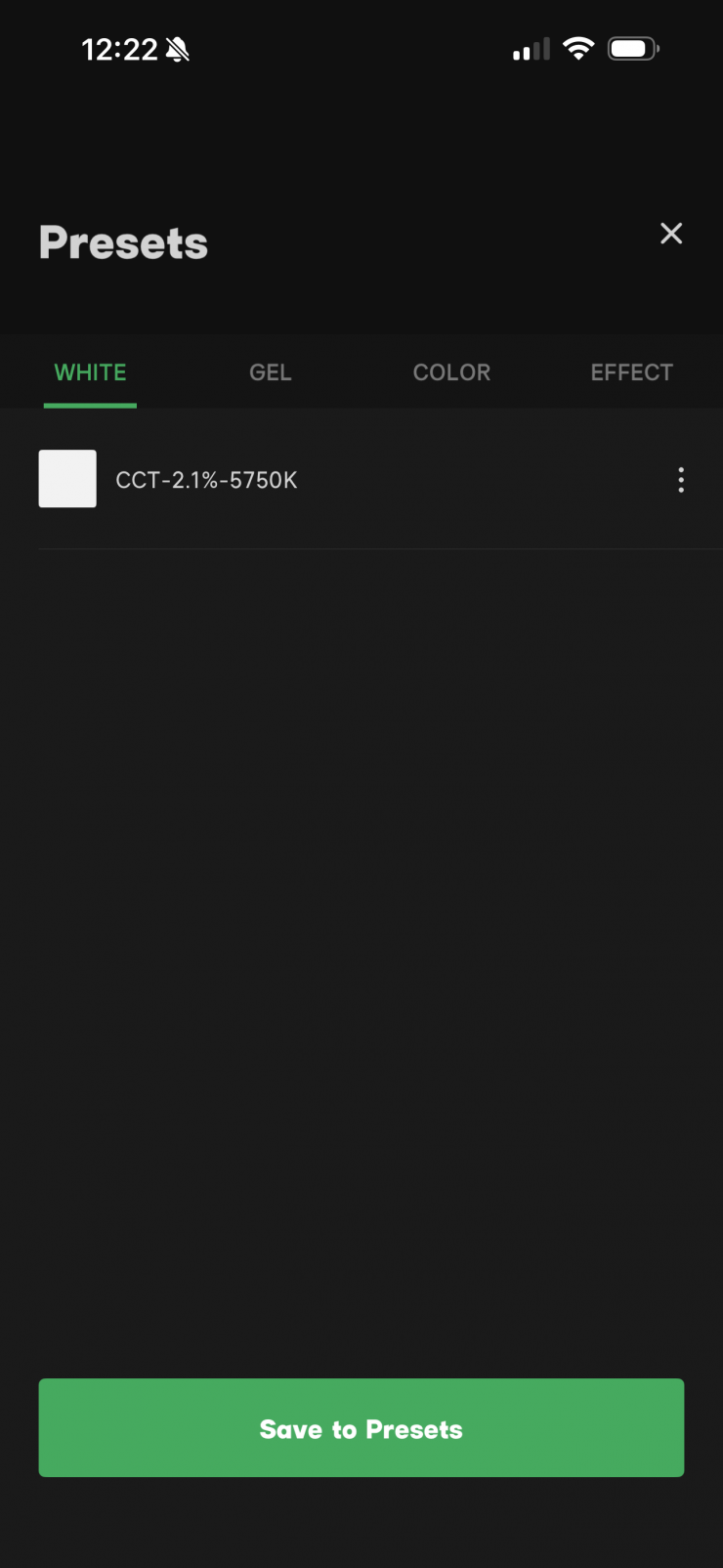
I also like that you can save favorites and then also bring them back up very quickly.
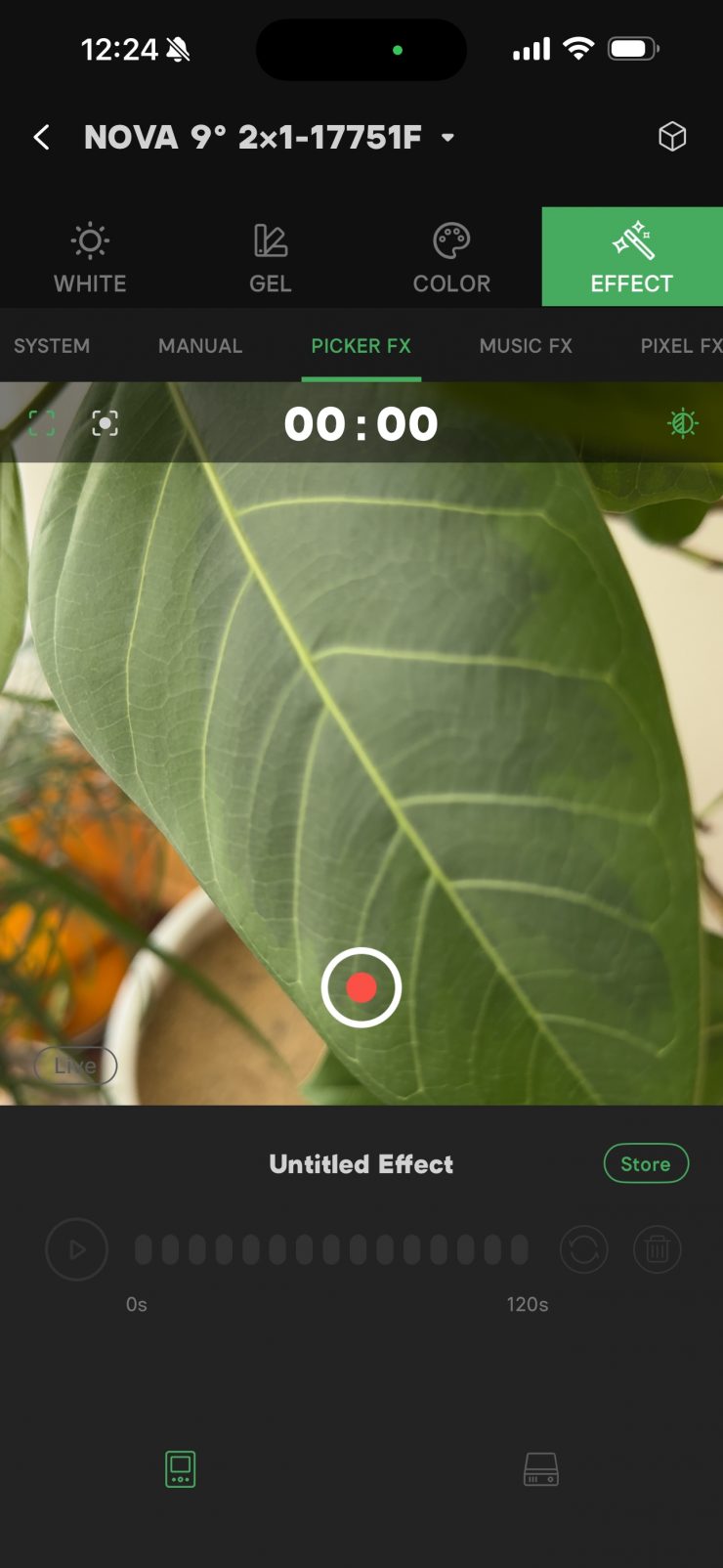
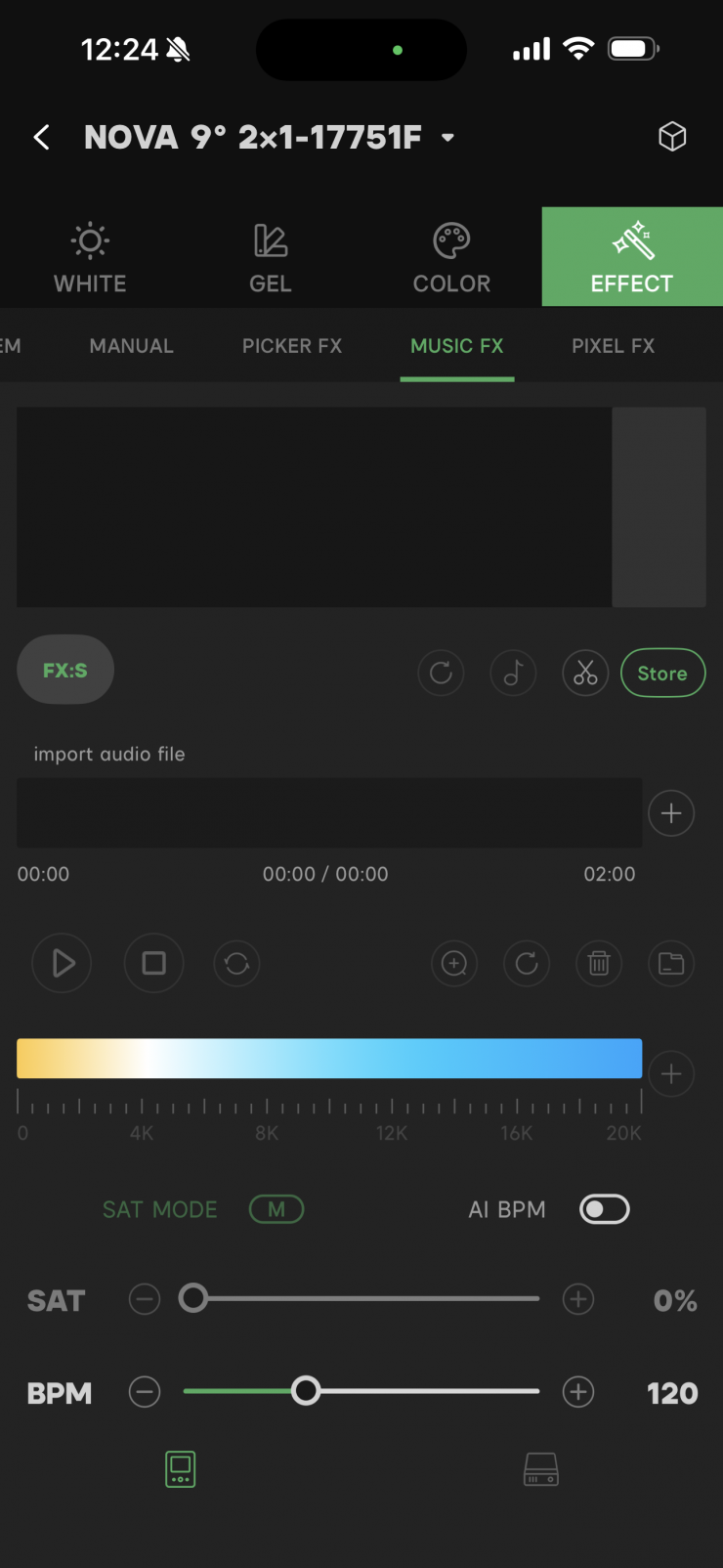
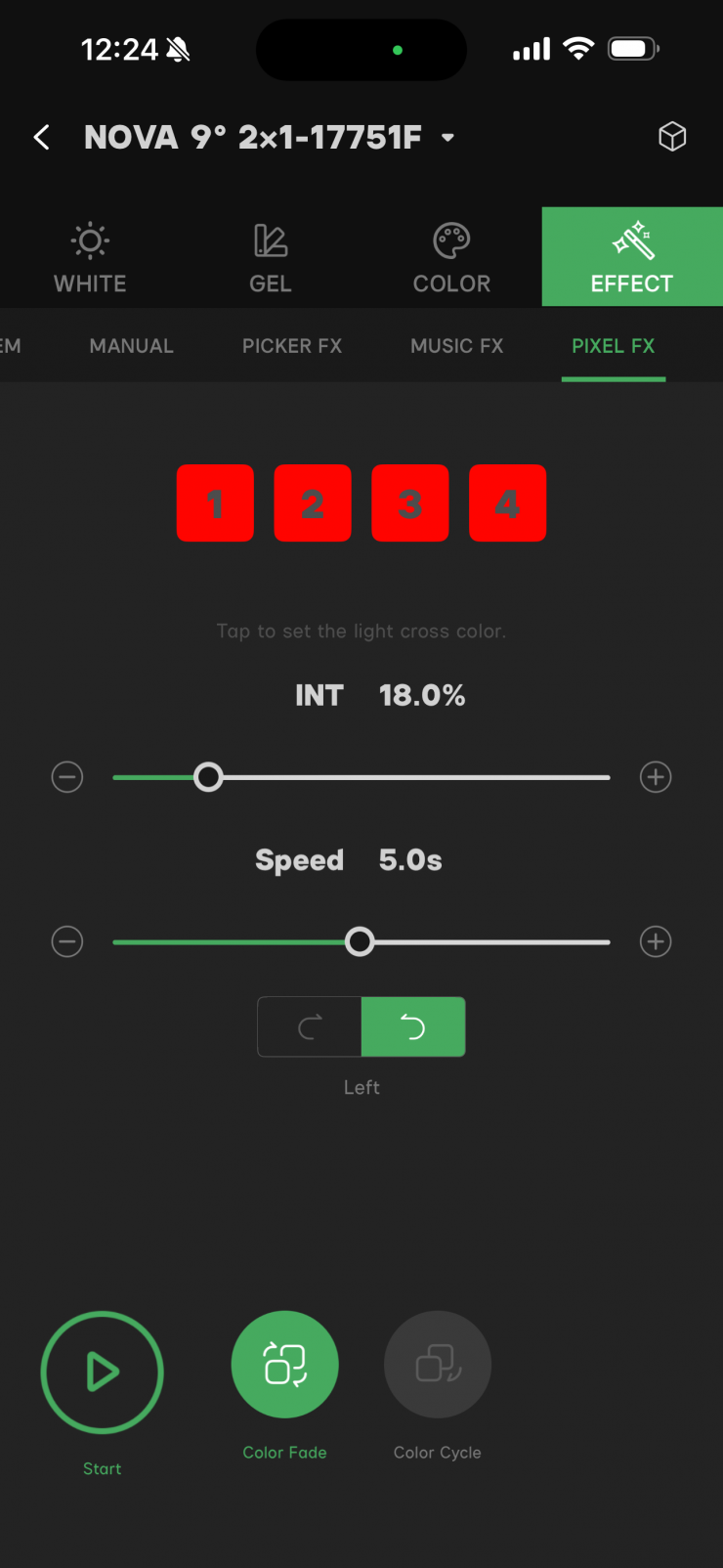
The Picker FX function can only be accessed and utilized within the app. This gives you the ability to do real-time tracking. Essentially, this gives you the ability to use your phone to capture a scene, and the light will mimic it in real-time.
Overall, the app is reasonably straightforward and easy to use.
Beam Angle
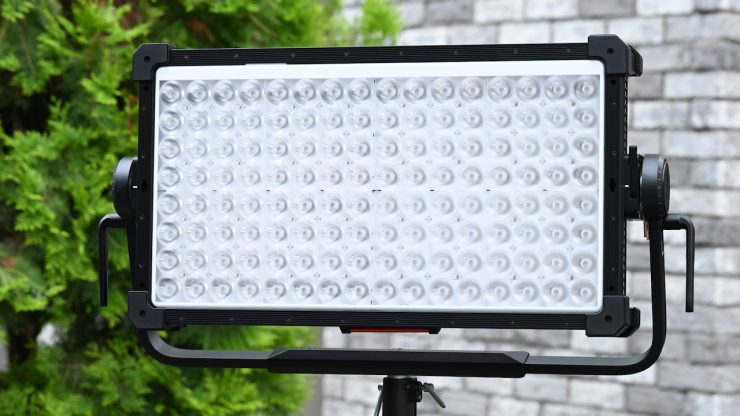
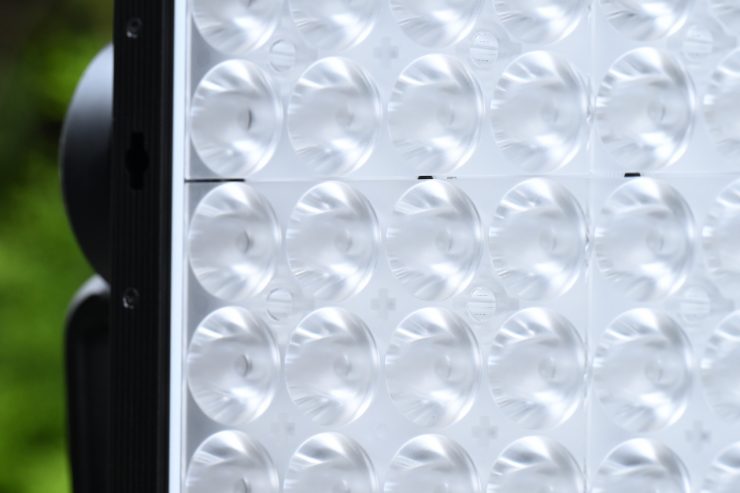
This is where the NOVA 9° is quite different from any of the other competing fixtures. The super-tight 9° beam angle lets it do things that other similar lights can’t.
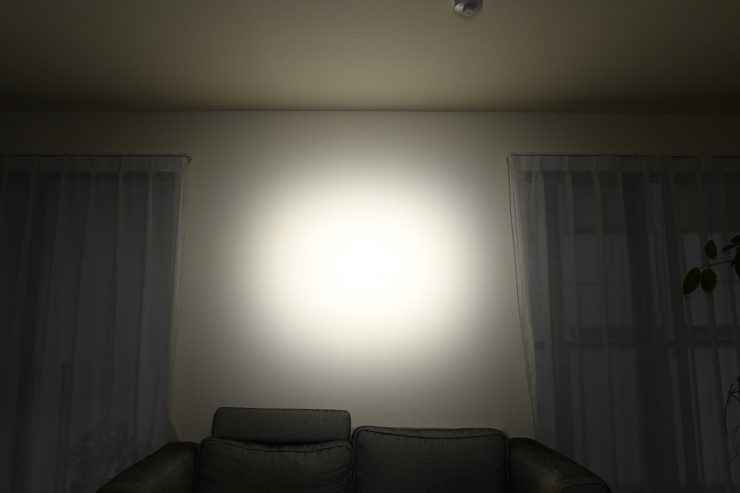
No Diffusion Panel 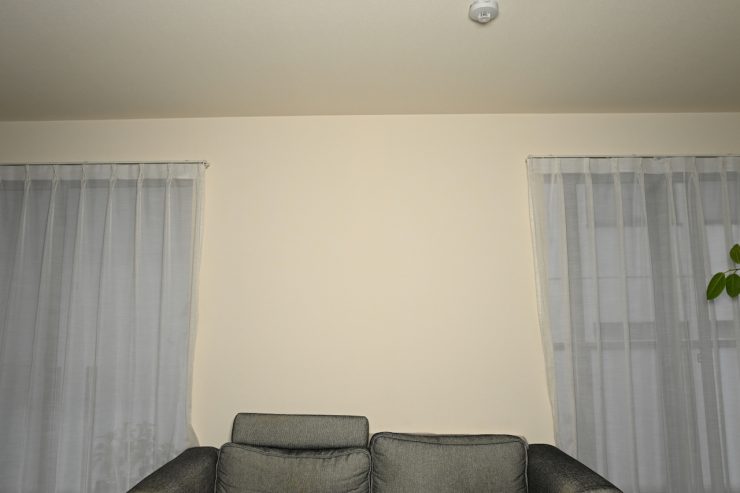
Diffusion Panel
Above you can see a comparison where I used the light with and without the optional Diffusion Panel so you can see the spread of light. This was done with the light @3m / 9.9′ from the wall.
Below you can see what the standard beam angle is of other competing lights:
| Beam Angle | |
| Aputure NOVA 9° | 9 degrees |
| Aputure NOVA II | 35 degrees |
| Godox KNOWLED P1200R Hard PRO | 50-55 degrees |
| ARRI SkyPanel X21 | 120 degrees |
| ARRI SkyPanel X21 & HyPer Optic | 11 degrees |
| Creamsource Vortex8 | 20 degrees |
| Creamsource Vortex24 | 20 degrees |
| Rotolight Titan X2 | 68 degrees to 150 degrees |
| ARRI SkyPanel S60-C | 115 degrees |
| Litepanels Gemini 2×1 | 93 degrees |
| Litepanels Gemini 2×1 Hard | 20 degrees |
| ZOLAR Vega 80C | 60 degrees |
| SUNNYXIAO CASTER C02P | 110 degrees |
| Razyr MC MAX 400 | 120 degrees |
| Lupo UltrapanelPRO Full Color Hard 60 | 40 degrees |
| Lupo Superpanel 60 Full Color | 115 degrees |
| Luxli Taiko 2×1 RGBAW | 76 degrees |
| Velvet EVO 2 | 115 degrees |
| Nanlux Dyno 650C | 160 degrees |
Output
The NOVA 9° is claimed to be able to output 29,980 lx @5m / 16.4′ when used at 4300K. I will test this further down in the review.
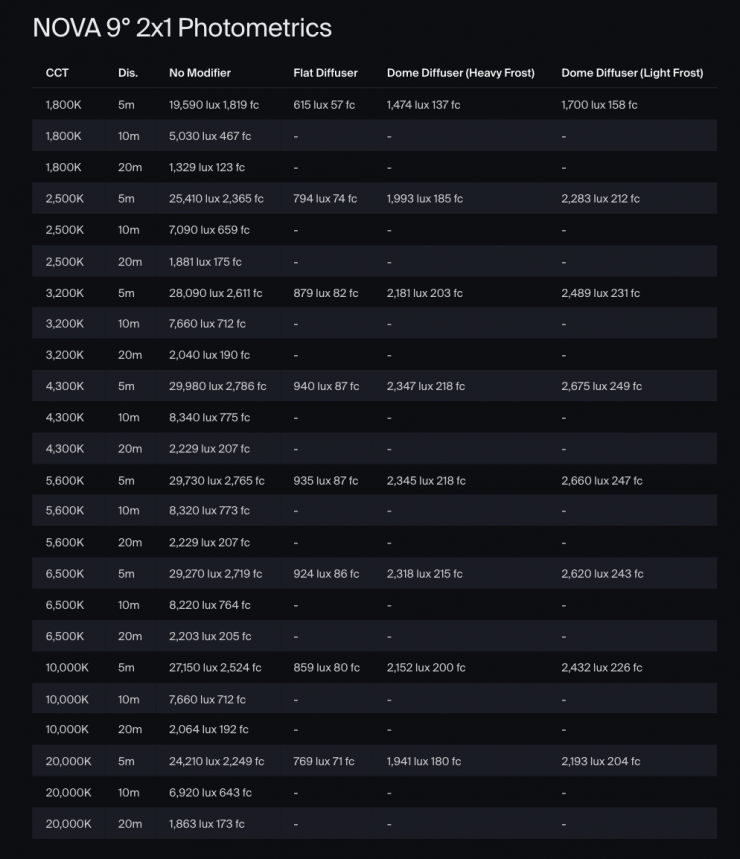
Above, you can see the claimed photometric output data for the Aputure NOVA 9°.
Who is it aimed at?
The Aputure NOVA 9° is arguably primarily being targeted at rental houses, studios, and large productions; however, there is no reason it wouldn’t make for a versatile high-end lighting solution for smaller production houses and even some owner/operators.
NOVA 9° 2×1 Tunable White LED Light Panel 3-Light Kit
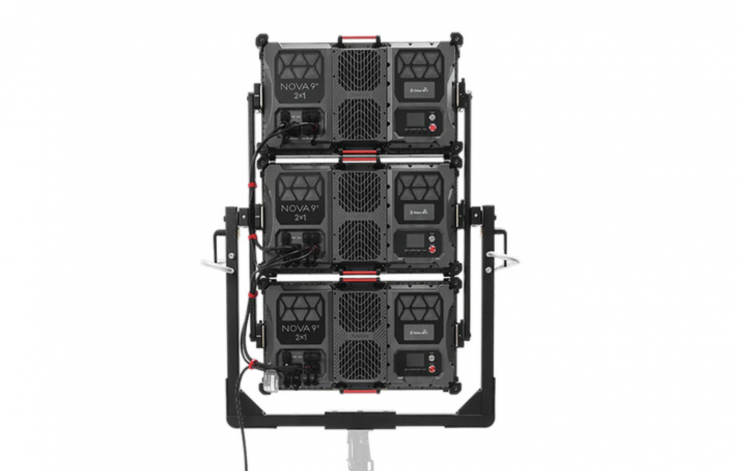
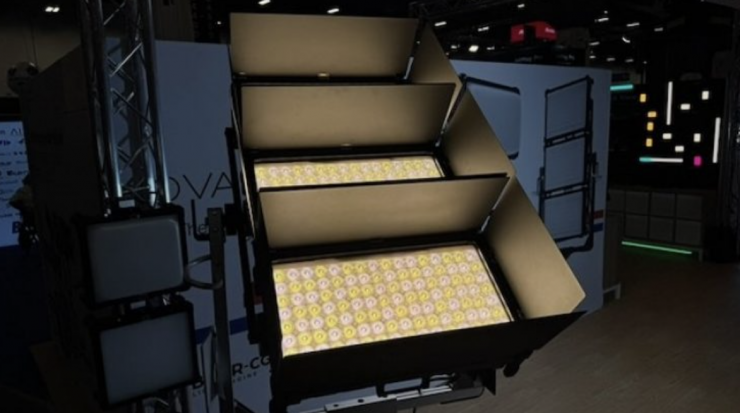
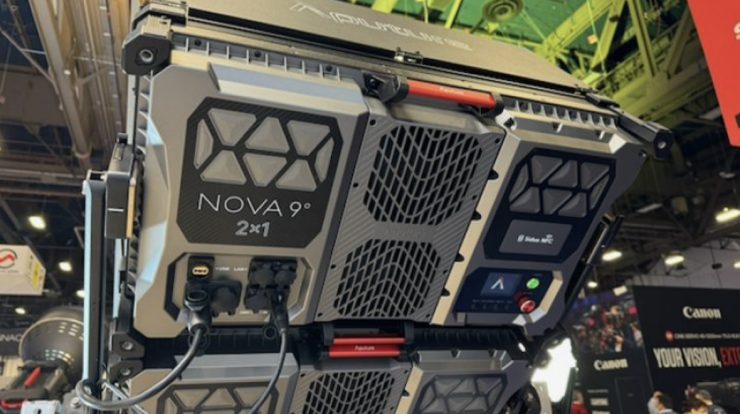
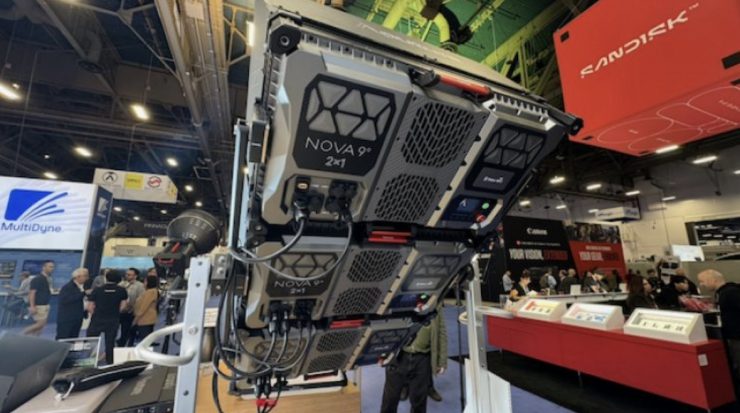
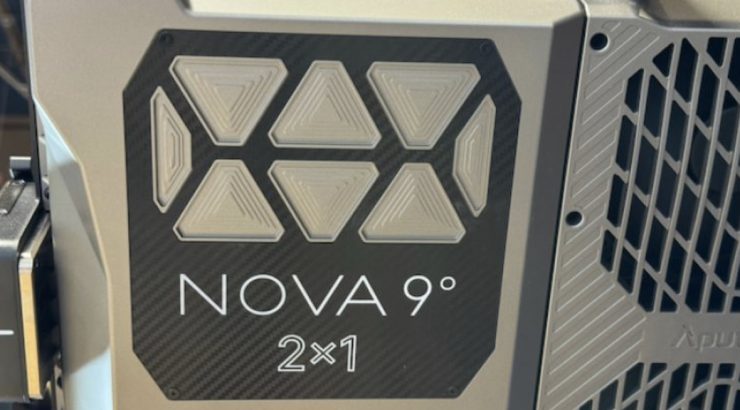
The NOVA 9° 2×1 Tunable White LED Light Panel 3-Light Kit allows users to create a long, powerful throw of light from a single setup. The kit includes three NOVA 9° 2×1 fixtures, each with a set of necessary accessories, such as diffusers and cables, plus a yoke that holds the three LED panels at the same time for a larger vertical assembly.
Key features
- Three Lights with Yoke
- Output: 29,730 Lux at 16.4′ per Light
- 1800-20,000K CCT; BLAIR Chipset
- Plus/Minus Green Adj.
- 27.2 x 15.3″ Panel; AC Power
- CRI 95 | TLCI 95 | TM-30 Rf 95, Rg 100
- Onboard, DMX/RDM, CRMX & Art-Net/sACN
- Fan Cooled & QuickClip Front-Mounting
- IP65-Rated Weather Resistance
- Includes Flat Diffusers & Cables
Photometrics
So now let’s get to the photometric results. I always test lights in this way so that I get a reference for how they compare to other fixtures. Results only tell part of the story and should never be used alone to judge a light. I have found from extensive testing over the years that certain lights that have good photometric results don’t always look good, and lights that have worse photometric scores can sometimes look better than their results indicate.
You should never judge a light based on one particular set of tests. You need to look at all of the data to get a comprehensive idea of how a light performs.
Different lights can also look different depending on what camera you happen to be using. You should never judge a light based on one particular test. You need to look at all of the data to come up with an accurate conclusion.
Output & Color Temperature Accuracy
I tested the Aputure NOVA 9° at a variety of CCT settings, using a Sekonic C-800 Spectrometer to find out how much output the light had and how accurate the CCT reproduction was. All readings are taken at a distance of 3m (9.9ft) in a controlled environment unless otherwise stated.
With large physical sources, you cannot measure them correctly at a distance of 1m / 3.3′ and that is why the Aputure NOVA 9° is being measured at 3m / 9.9′. There is also a potential issue when measuring large light sources @1m /3.3′. If you consider the diameter of the sensor (for example, Sekonic 800C), it is obviously very small. The emitting area of a 3×2 is very large by comparison. Of course, the quantity of light emitted from the whole area of the panel will not fit into a 1m in the small area of the sensor. Ideally, the sensor should be in the same area as the emitting area. In this case, the ideal sensor would be a 2×1 sensor and would “catch” all the light emitted. Please note that testing a light at 3m / 9.9′ does come with some caveats unless you are in a completely black, light-absorbing room. I have done my best to do the tests in a dark room with no other ambient light, and I have put black up on the floor and the sides to minimize any reflections. In the real world, there will always be light reflections and color casts that can be picked up, so please take that into account when you see the CCT results.
There is a lot to get through here, so I suggest you grab a coffee or a tea!
Max Output Mode
Aputure NOVA 9° 5600K @3m / 9.9′ Max. Output Mode
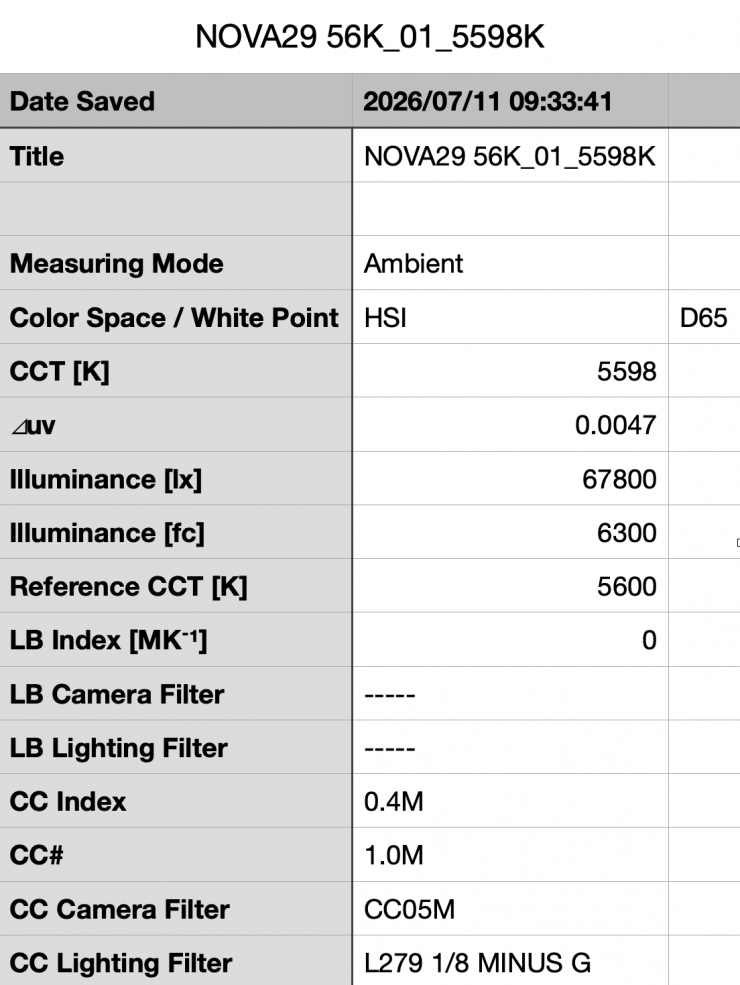
Above, you can see the Aputure NOVA 9° recorded an output of 67,800 lx (6300 fc) when set at 5600K and measured at a distance of 3m / 9.9′. This is a lot of output from a light this size.
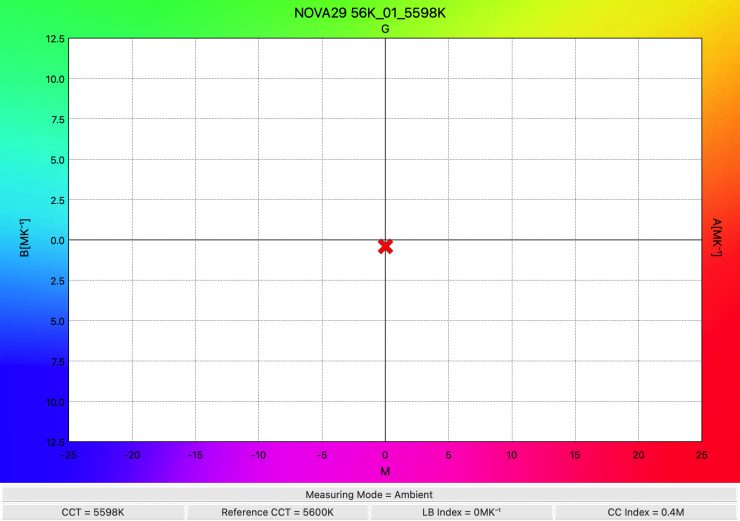
The light recorded an almost perfect CCT reading of 5598K.
Aputure NOVA 9° 3200K @3m / 9.9′ Max. Output Mode
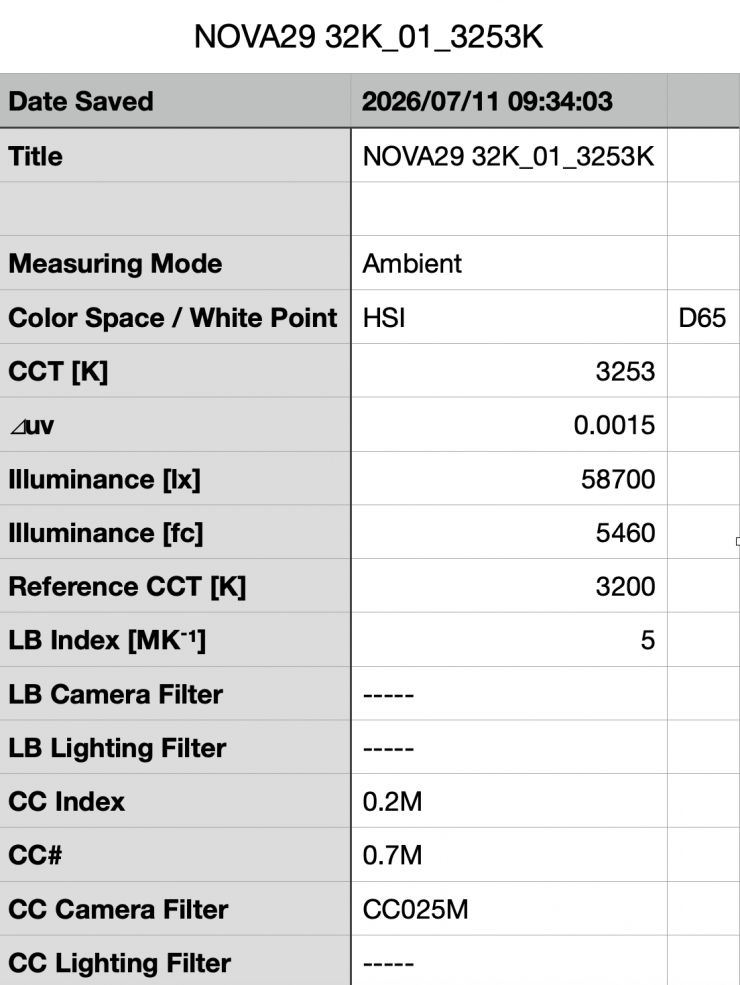
Above, you can see the Aputure NOVA 9° recorded an output of 58,700 lx (5460 fc) when set at 3200K and used in its Max. Output mode.
This was 13.42% less output than it had when used at 5600K.
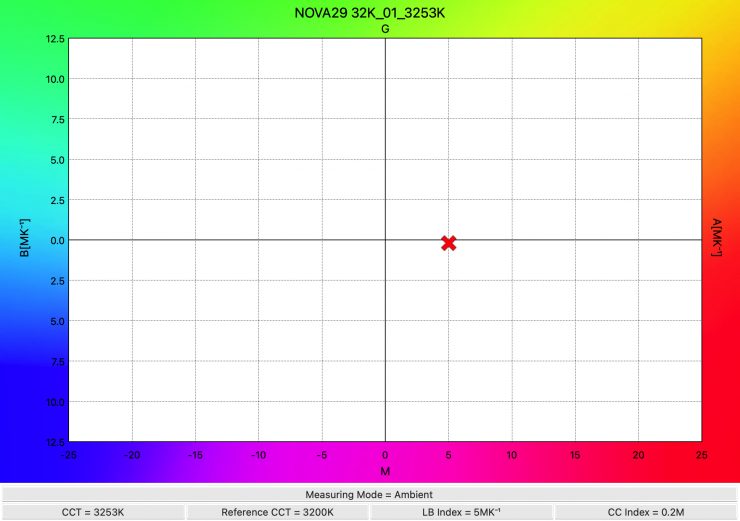
The light recorded a CCT reading of 3253K, which was a very good result.
How does it perform at various CCT Settings (@3m /9.9′) in the Max. Output Mode?
Summary of results (Max. Output Mode)
| OUTPUT | CCT READING | |
| 2500K | 53,700 lx | 2544K |
| 3200K | 58,700 lx | 3253K |
| 4500K | 65,200 lx | 4569K |
| 5600K | 67,800 lx | 5598K |
| 6500K | 65,000 lx | 6521K |
| 8000K | 63,300 lx | 7961K |
| 10000K | 61,300 lx | 9941K |
These results show me that the light’s output, even when operating in its Max. Output mode is pretty consistent at most CCT settings, but it has the most output when used at 5600K. The light’s output varies by 20.79% across the 2500K to 10000K range.
The results also show me that the light is extremely accurate when it comes to accurate CCT reproduction. At no stage was it more than 69K off being correct.
How does this compare to some other 2×1 Full Color lights that we have previously reviewed? Now, I am only going to compare 2×1 hard lights and the ARRI SkyPanel X21 with its HyPer Optic. To keep the comparison as fair as possible, I will use the readings taken @3m / 3.3′
| Output 5600K | Output 3200K | |
| Aputure NOVA 9° | 67,800 lx | 58,700 lx |
| Godox Knowled P1200R Hard PRO | 22,100 lx | 20,900 lx |
| ARRI SkyPanel X21 (HyPer Optic) | 35,600 lx | 33,600 lx |
| Creamsource Vortex8 20-degree beam angle | 13,300 lx | 12,300 lx |
As you can see, the Aputure NOVA 9° had the most amount of output of any of these lights.
As far as an accurate rendition of creating a 5600K and 3200k source, here is how some of the other 2×1 Full Color lights that we have previously reviewed fare.
| CCT Reading (5600K) | CCT Reading (3200K) | |
| Aputure NOVA 9° | 5598K 0.4M | 3253K 0.2M |
| Godox Knowled P1200R Hard PRO | 5533K 0.1G | 3198K 0.0 |
| ARRI SkyPanel X21 (Standard Mode) | 5592K 0.2M | 3184K 0.0 |
| ARRI SkyPanel X21 (High CRI Vari Fan Mode) | 5607K 0.1M | 3170K 0.0 |
| ARRI SkyPanel X21 (High Output Mode) | 5641K 0.2M | 3181K 0.0 |
| Creamsource Vortex8* | 5983K 0.0 | 3242K 0.0 |
| Rotolight Titan X2 | 5689K 0.1M | 3246K 0.0 |
| ARRI S60-C SkyPanel | 5708K 0.0 | 3225K 0.1M |
| Litepanels Gemini 2×1 | 5460K 0.0 | 3249K 0.4M |
| SUNNYXIAO CASTER C02P | 5704K 0.0 | 3304K 0.3M |
| Luxli Taiko | 5510K 0.0 | 3171K 0.0 |
| Rayzr MC MAX 400 | 5621K 0.4M | 3300K 0.5M |
*Using the included diffusion panel
The Aputure NOVA 9° had the best CCT result at 5600K, but at 3200K, it was a bit behind some other fixtures. However, in saying that, its result was still very good. Please remember that one set of results doesn’t tell you the whole story about any light.
Aputure NOVA 9° 5600K @3m / 9.9′ Max. Output Mode Blackbody
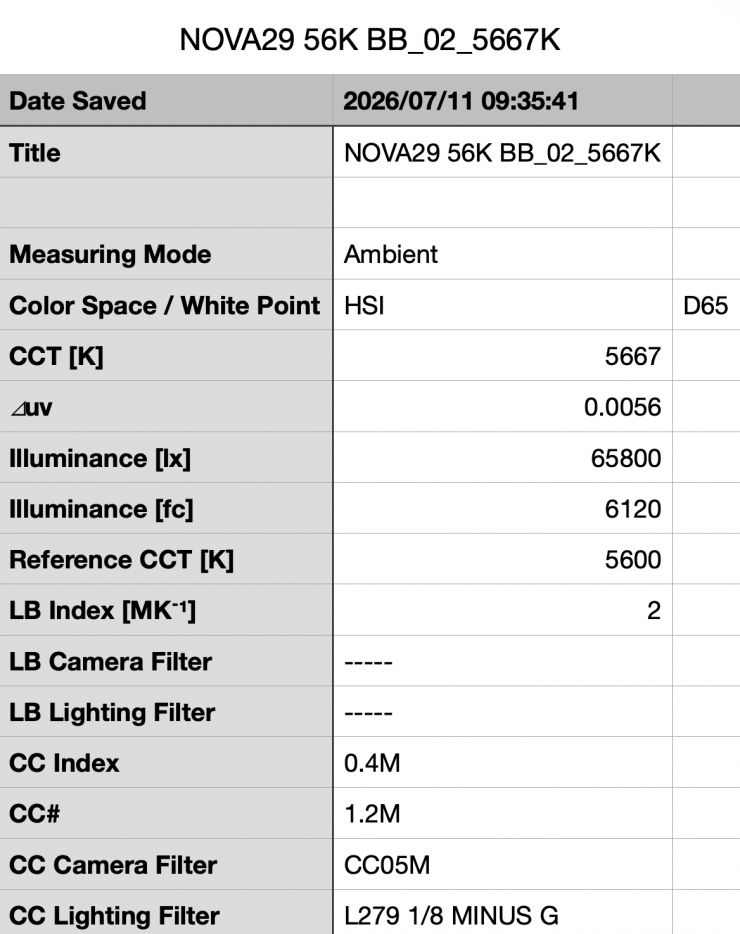
Above, you can see the Aputure NOVA 9° recorded an output of 65,800 lx (6120 fc) when set at 5600K in its Blackbody operating mode at a distance of 3m / 9.9′. This was 2.94% less output than when it was used in its CIE operating mode.
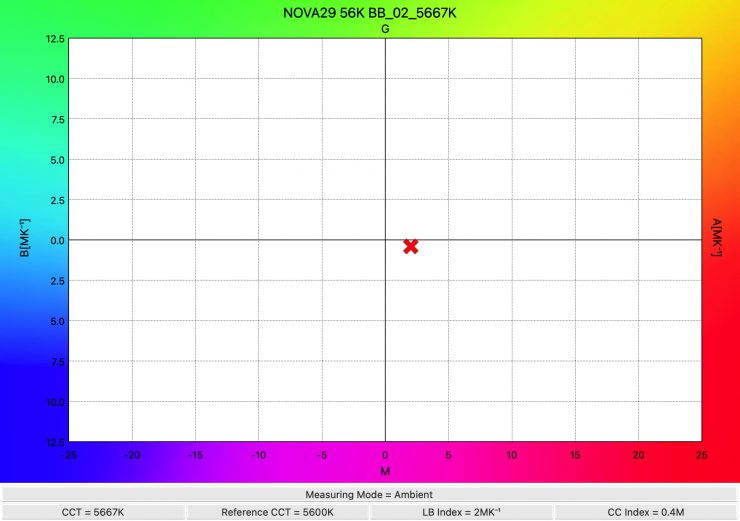
The light recorded a CCT reading of 5667K. When it was used in its CIE operating mode, it recorded a CCT reading of 5598K.
Output at various fan settings
Aputure NOVA 9° 5600K Fan set to Medium (max. Output Mode) @3m / 9.9′
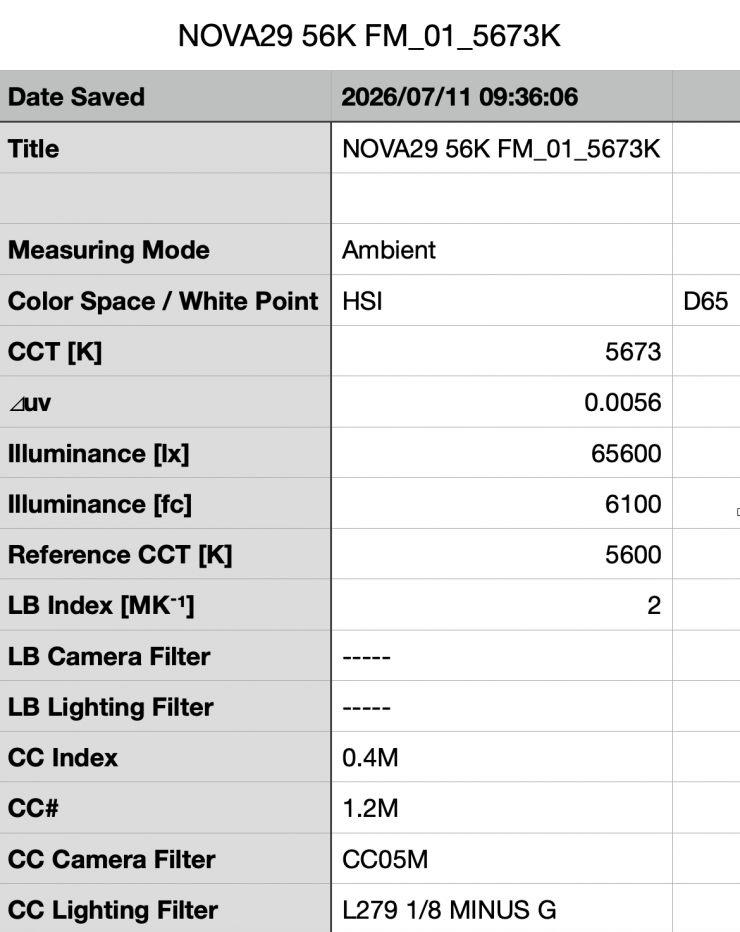
Above you can see the Aputure NOVA 9° recorded an output of 65,600 lx (6100 fc) when set at 5600K with its Fan set to Medium at a distance of 3m / 9.9′. This was 3.24% less output than when it was used with the fan set to Smart.
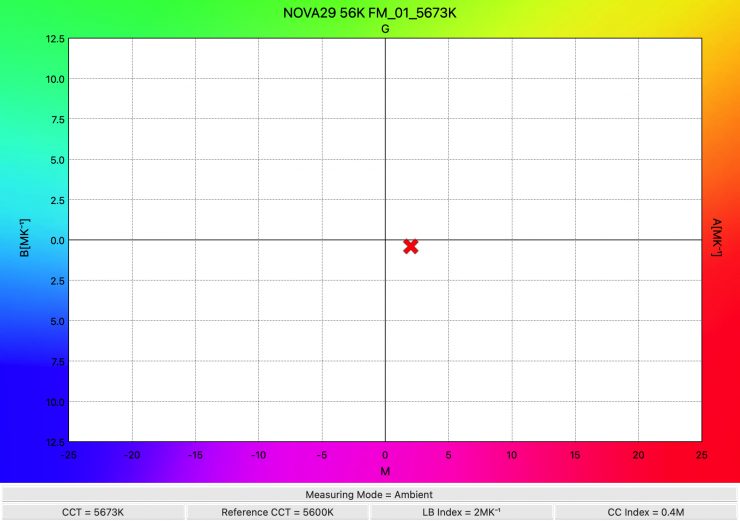
The light recorded a CCT reading of 5673K.
Aputure NOVA 9° 5600K Fan set to Low (max. Output Mode) @3m / 9.9′
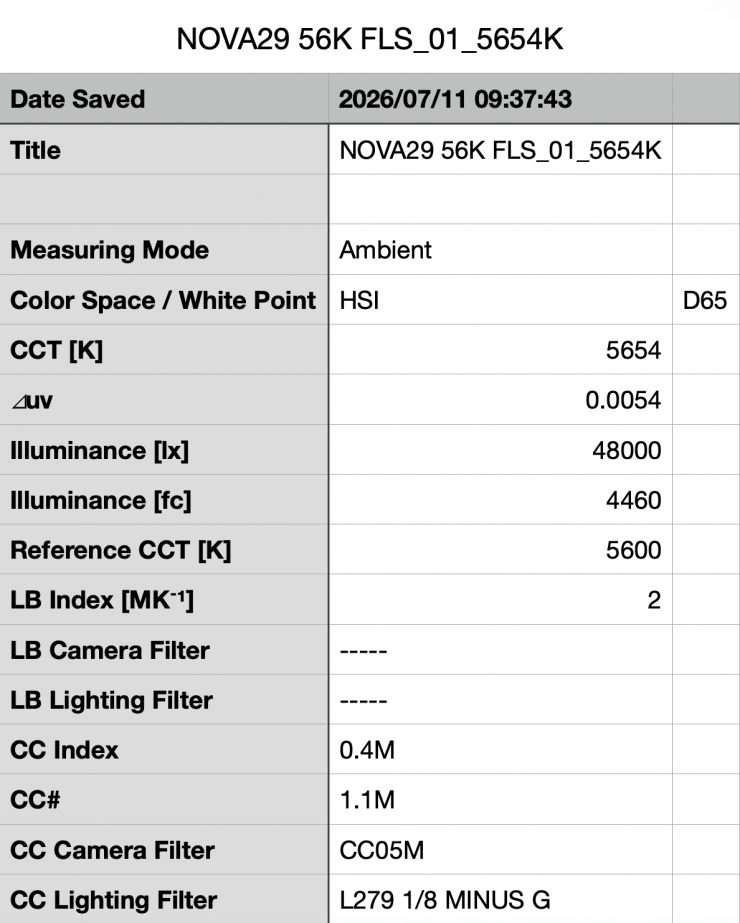
Above you can see the Aputure NOVA 9° recorded an output of 48,000 lx (4460 fc) when set at 5600K with its Fan set to Low at a distance of 3m / 9.9′. This was 29.20% less output than when it was used with the fan set to Smart.
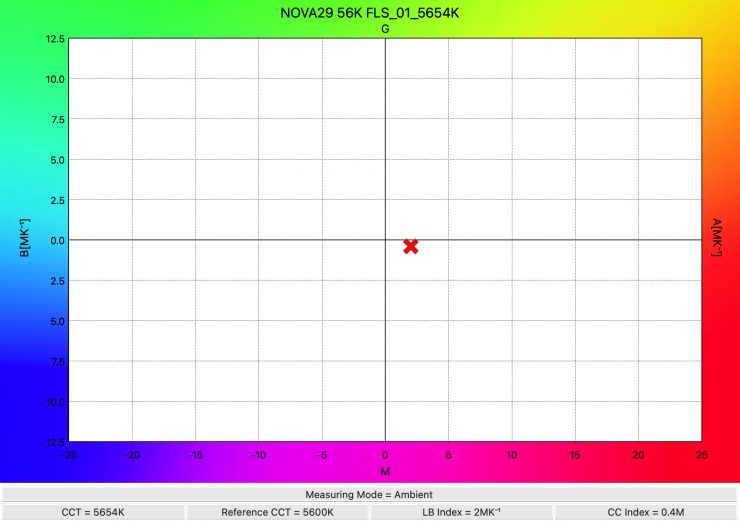
The light recorded a CCT reading of 5654K.
Aputure NOVA 9° 5600K Fan set to Silent (max. Output Mode) @3m / 9.9′
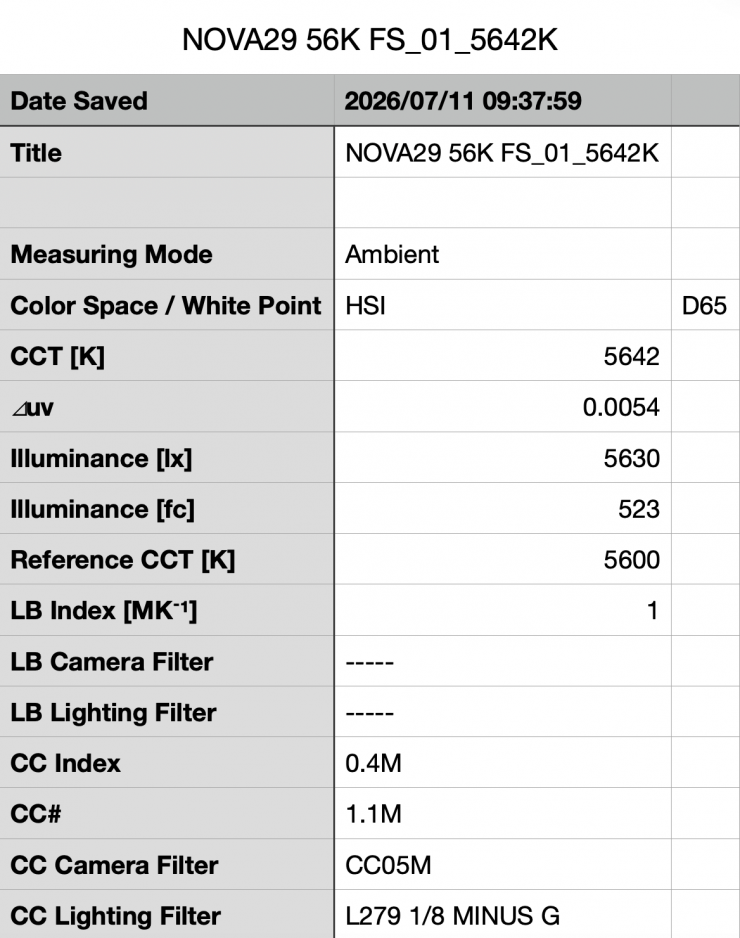
Above you can see the Aputure NOVA 9° recorded an output of 5630 lx (523 fc) when set at 5600K with its Fan set to Silent at a distance of 3m / 9.9′. This was 91.69% less output than when it was used with the fan set to Smart.
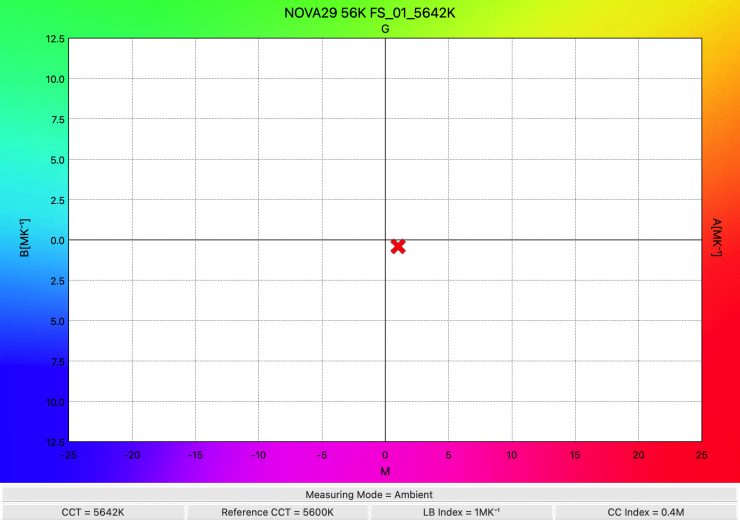
The light recorded a CCT reading of 5642K.
Constant Output Mode
Aputure NOVA 9° 5600K @3m / 9.9′ Constant Output Mode
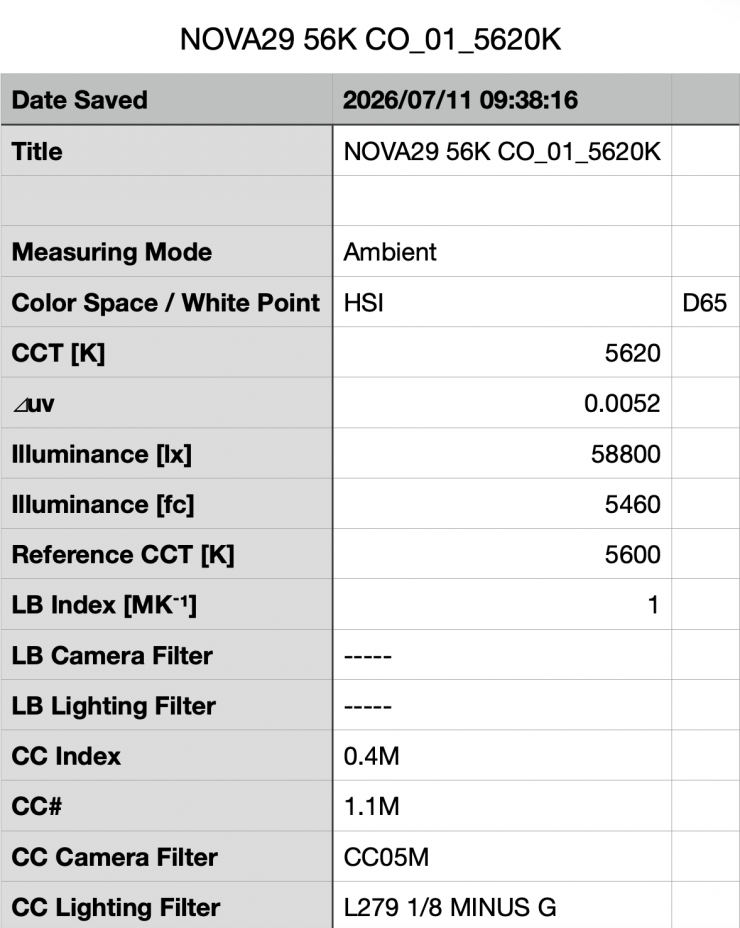
Above, you can see the Aputure NOVA 9° recorded an output of 58,800 lx (5460 fc) when set at 5600K and measured at a distance of 3m / 9.9′. This was 13.27% less output than when it was used in its Max. Output mode.
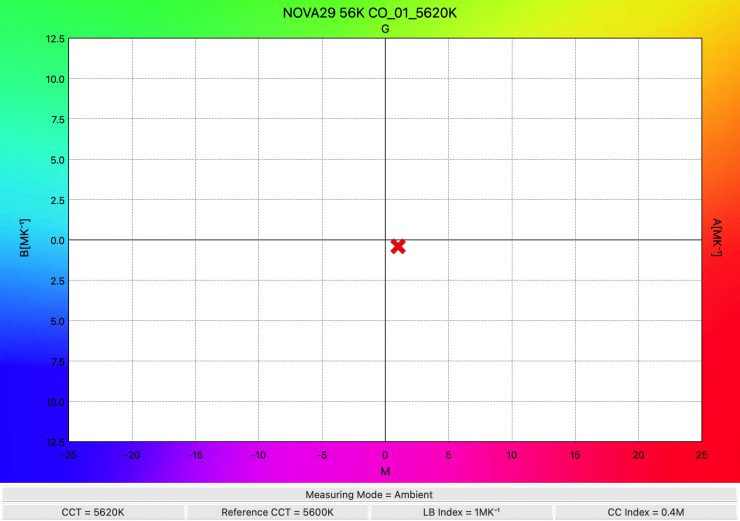
The light recorded a very accurate CCT reading of 5620K.
Aputure NOVA 9° 3200K @3m / 9.9′ Constant Output Mode
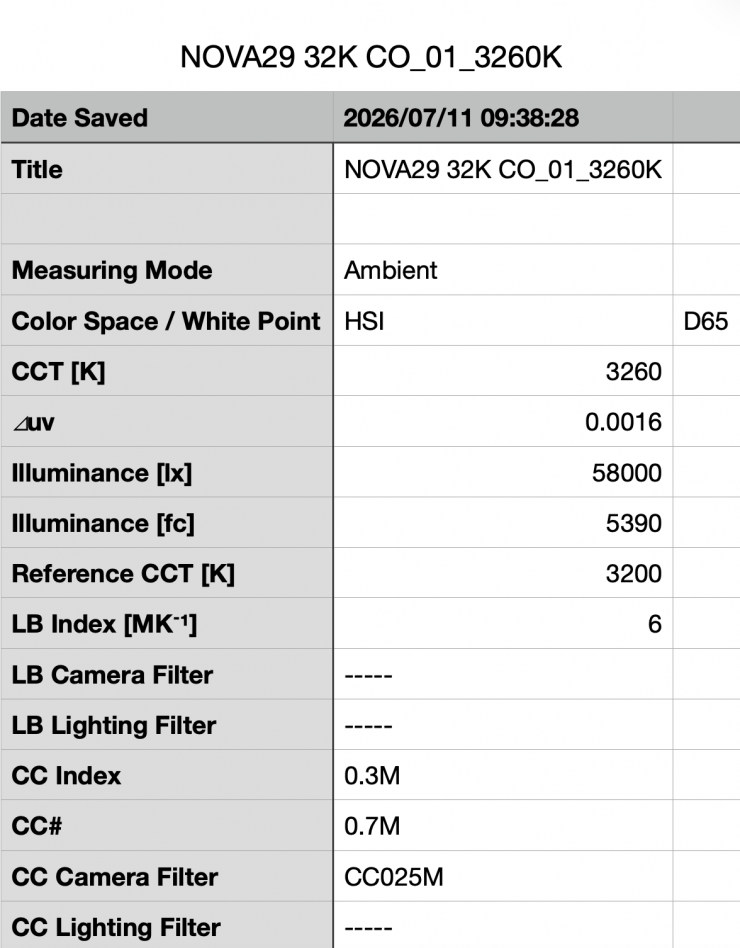
Above, you can see the Aputure NOVA 9° recorded an output of 58,000 lx (5460 fc) when set at 3200K and used in its Constant Output mode.
This was 1.36% less output than it had when used at 5600K in its Constant Output Mode.
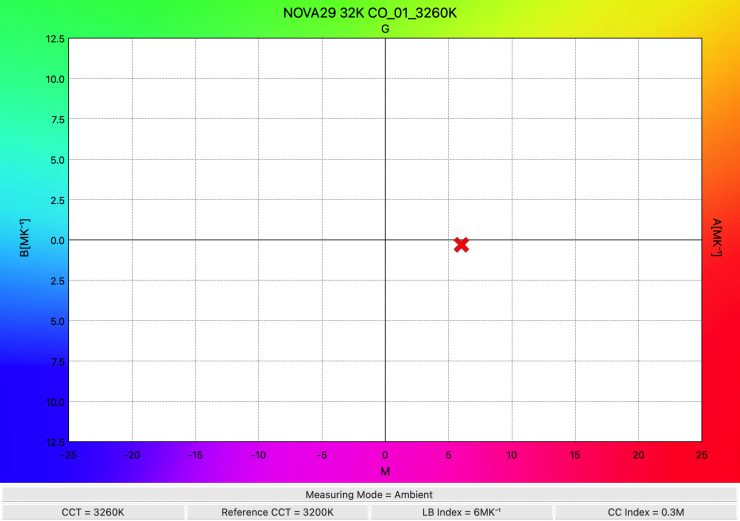
The light recorded a CCT reading of 3260K, which was a very good result.
How does it perform at various CCT Settings (@3m /9.9′) in the Constant Output Mode?
Summary of results (Constant Output Mode)
| OUTPUT | CCT READING | |
| 2500K | 52,300 lx | 2565K |
| 3200K | 58,000 lx | 3260K |
| 5600K | 58,800 lx | 5620K |
| 10000K | 58,000 lx | 9917K |
These results show me that the light’s output, when operating in its Constant Output mode, is very consistent at most CCT settings, but it has a little less output at 2500K. The light’s output varies by 11.05% across the 2500K to 10000K range. Between 3200K and 10,000K, it only varied by 1.36%
The results also show me that the light is very accurate when it comes to accurate CCT reproduction. At no stage was it more than 83K off being correct.
Output with Diffusion Panel
Aputure NOVA 9° 5600K (max. Output Mode) @3m / 9.9′
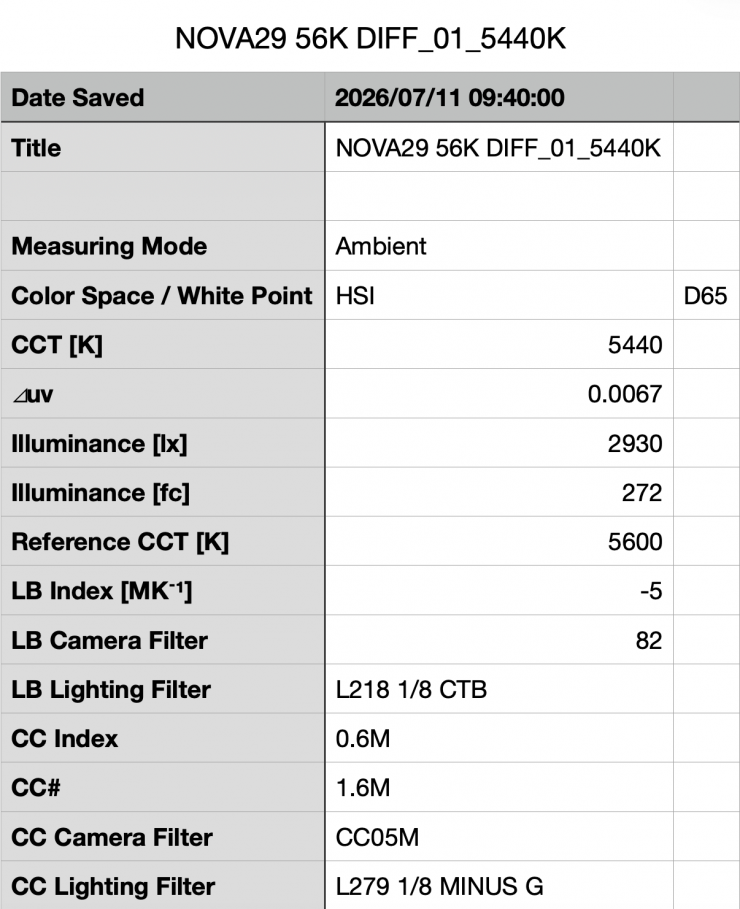
Above you can see the Aputure NOVA 9° recorded an output of 2,930 lx (272 fc) when set at 5600K with its Diffusion Panel at a distance of 3m / 9.9′. This was 95.97% less output than when it was used without the Diffusion Panel.
If we use the inverse square law, 2,930 lx @3m /9.9′ equates to 26,370 lx @1m /3.3′.
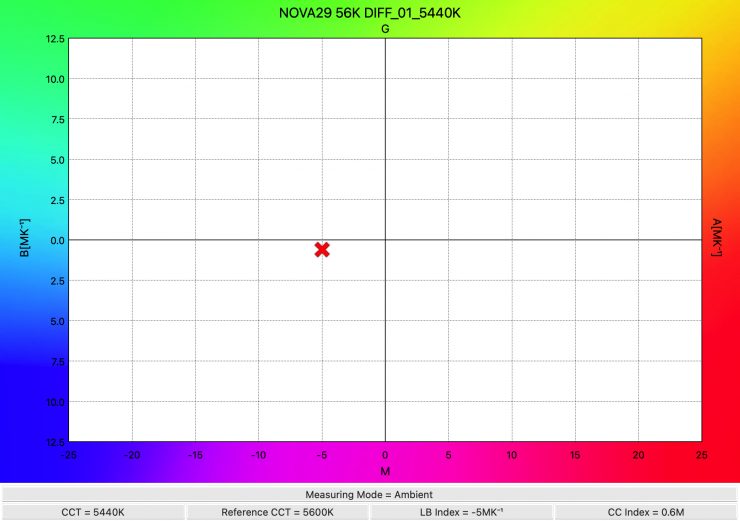
The light recorded a CCT reading of 5440K.
Aputure NOVA 9° 3200K (max. Output Mode) @3m / 9.9′
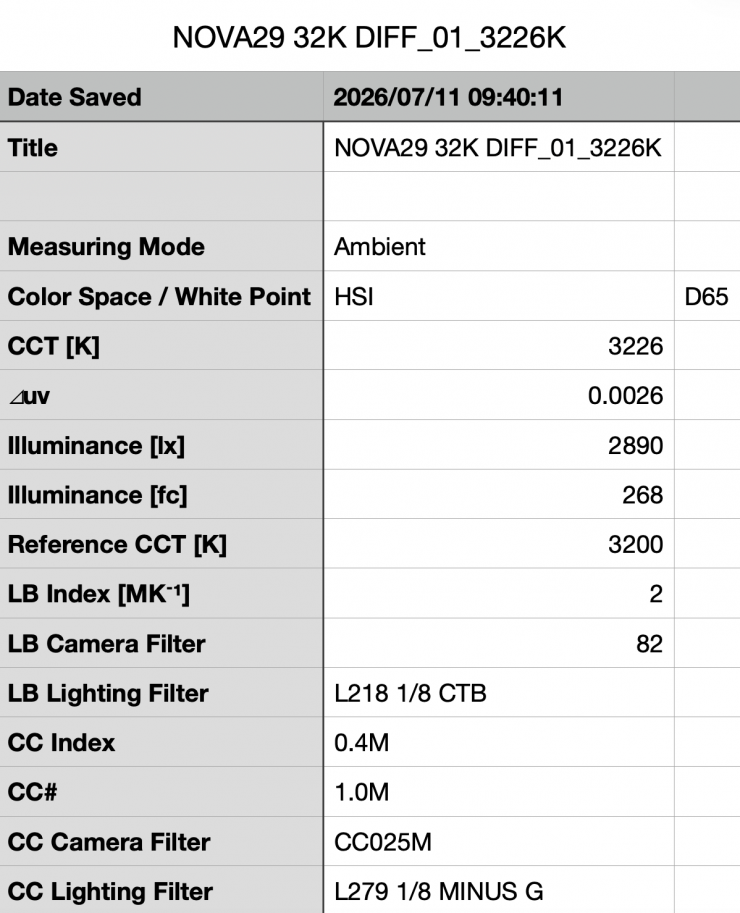
Above you can see the Aputure NOVA 9° recorded an output of 2,890 lx (268 fc) when set at 3200K with its Diffusion Panel at a distance of 3m / 9.9′. If we use the inverse square law, that equates to 26,010 lx @1m / 3.3′. This was 95.07% less output than when it was used without the Diffusion Panel.
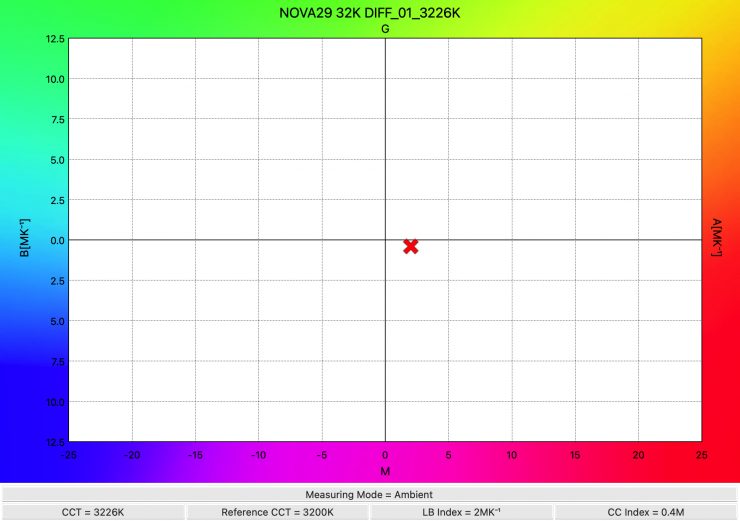
The light recorded a CCT reading of 3226K.
Output with Dome Diffuser (Heavy Frost)
Aputure NOVA 9° 5600K (max. Output Mode) @3m / 9.9′ Dome Diffuser (Heavy Frost)
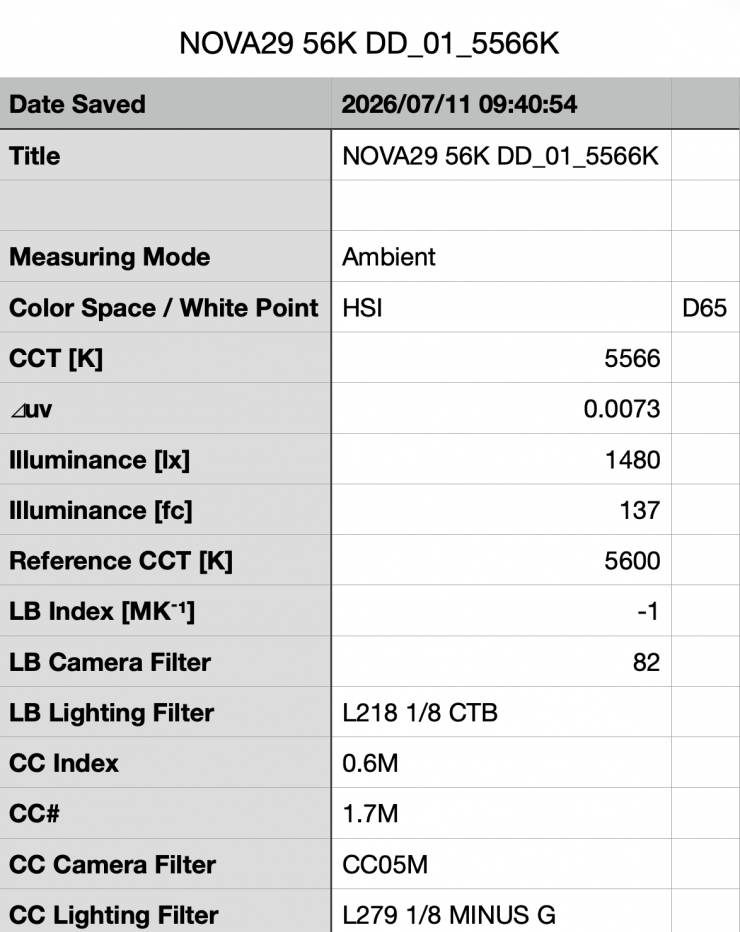
Above you can see the Aputure NOVA 9° recorded an output of 1,430 lx (137 fc) when set at 5600K with the optional Dome Diffuser (Heavy Frost) at a distance of 3m / 9.9′. This was 97.89% less output than when it was used without any diffusion.
If we use the inverse square law, 1,430 lx @3m /9.9′ equates to 12,870 lx @1m /3.3′.
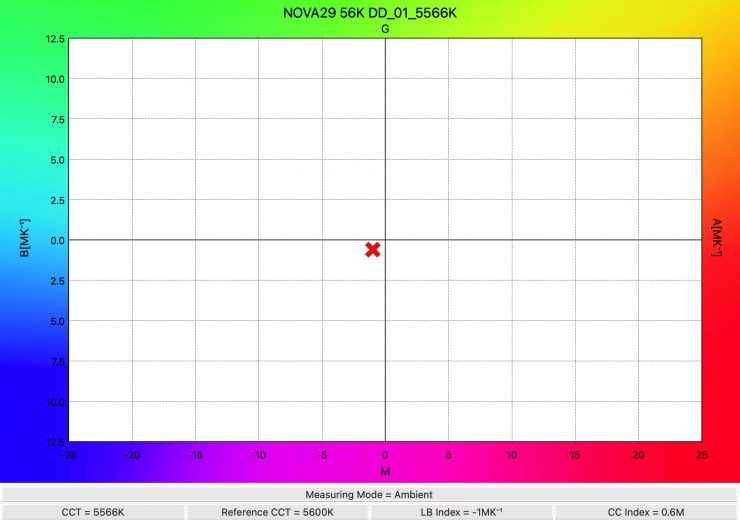
The light recorded a CCT reading of 5566K, which was excellent.
Aputure NOVA 9° 3200K (max. Output Mode) @3m / 9.9′ Dome Diffuser (Heavy Frost)
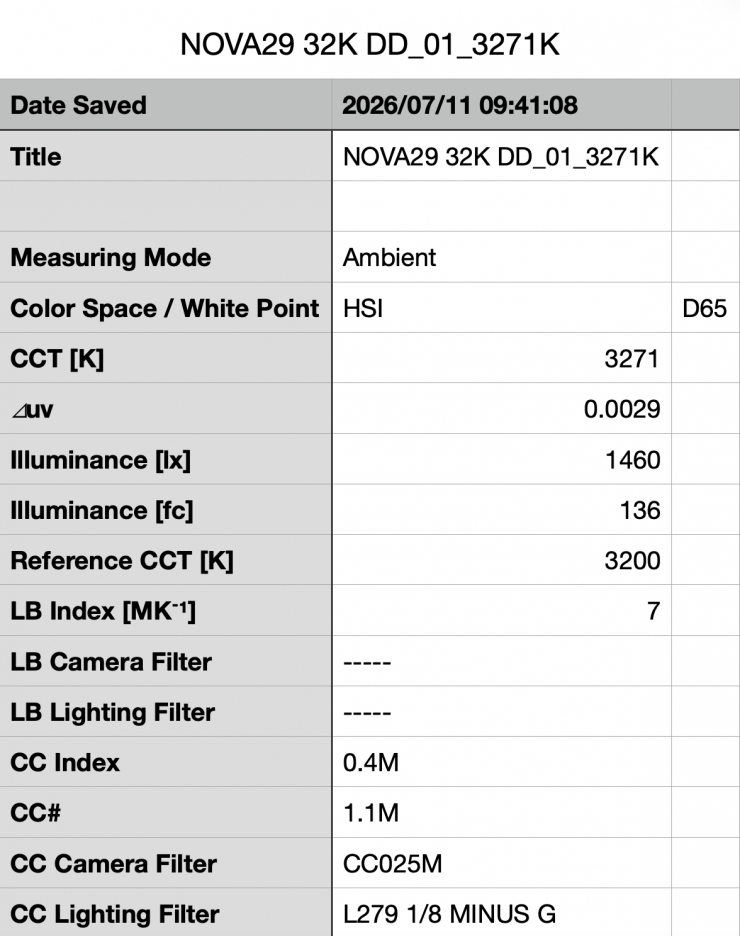
Above you can see the Aputure NOVA 9° recorded an output of 1,460 lx (136 fc) when set at 3200K with its optional Dome Diffuser (Heavy Frost) at a distance of 3m / 9.9′. This was 97.517% less output than when it was used without diffusion.
If we use the inverse square law, that equates to 13,140 lx @1m / 3.3′.
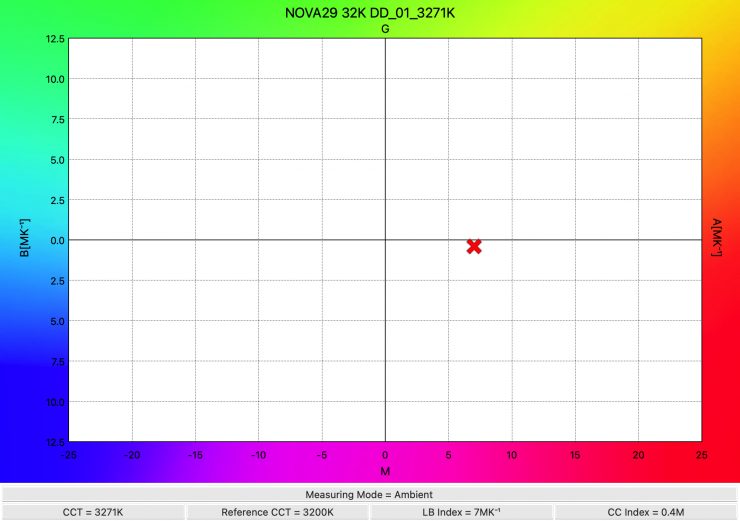
The light recorded a CCT reading of 3271K.
Output with Diffusion Panel & Dome Diffuser (Heavy Frost)
Aputure NOVA 9° 5600K (max. Output Mode) @3m / 9.9′ Diffusion Panel & Dome Diffuser (Heavy Frost)
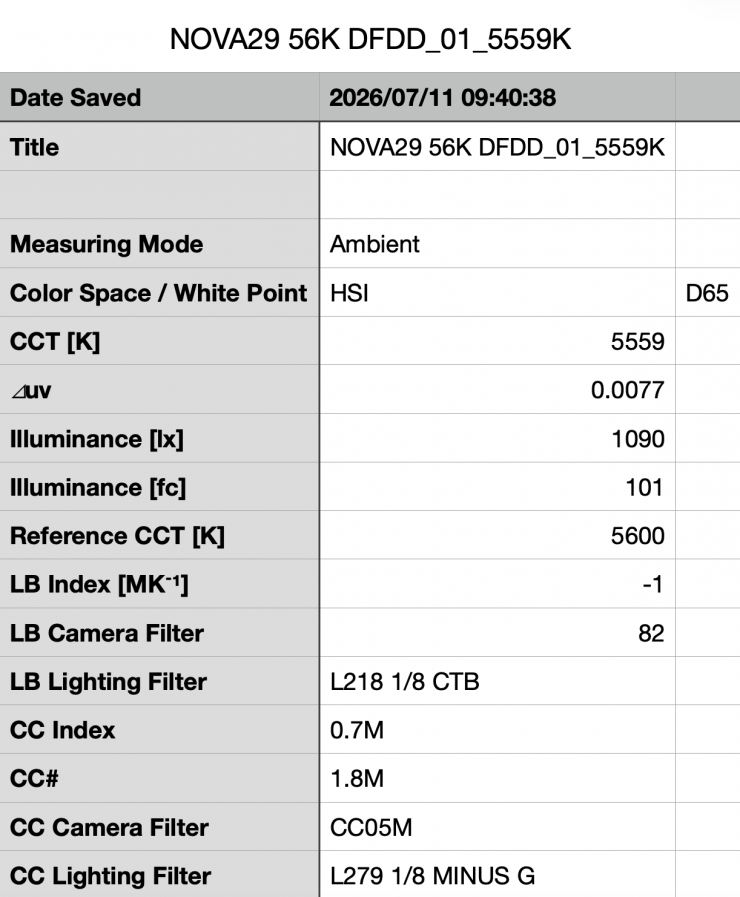
Above, you can see the Aputure NOVA 9° recorded an output of 1,090 lx (101 fc) when set at 5600K, with the Diffusion Panel & Dome Diffuser (Heavy Frost) being used together at a distance of 3m / 9.9′.
If we use the inverse square law, 1,090 lx @3m /9.9′ equates to 9,810 lx @1m /3.3′.
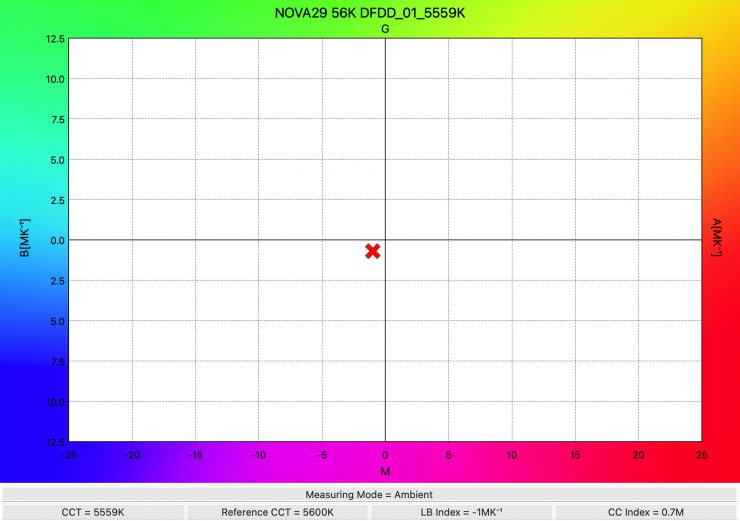
The light recorded a CCT reading of 5559K, which was excellent considering I was using two modifiers together.
Aputure NOVA 9° 3200K (max. Output Mode) @3m / 9.9′ Diffusion Panel & Dome Diffuser (Heavy Frost)
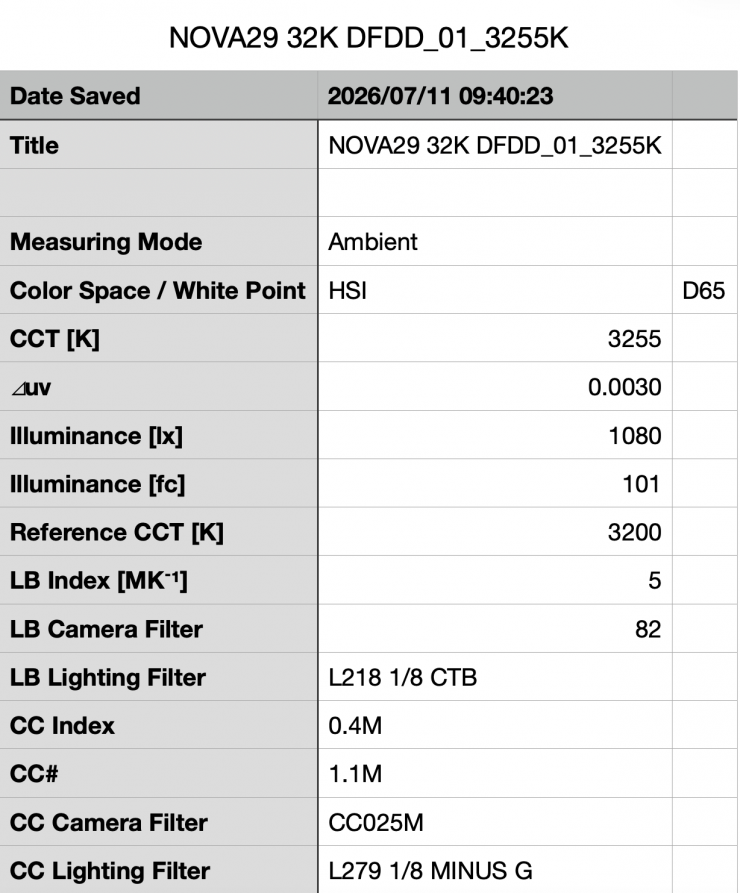
Above, you can see the Aputure NOVA 9° recorded an output of 1,080 lx (101 fc) when set at 3200K with its optional Diffusion Panel & Dome Diffuser (Heavy Frost) at a distance of 3m / 9.9′.
If we use the inverse square law, that equates to 9.720 lx @1m / 3.3′.
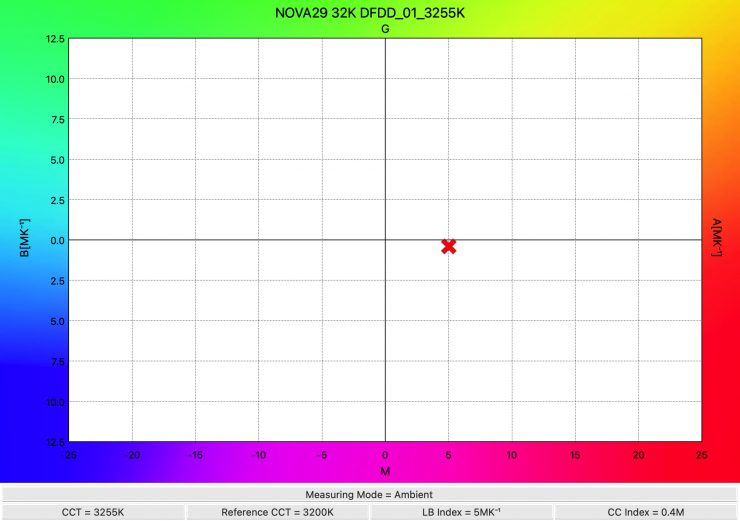
The light recorded a CCT reading of 3255K. Again, this was an outstanding result considering I am using two lighting modifiers together.
Output when using a DoPChoice SnapBag Soft Box
Aputure NOVA 9° 5600K with DoPChoice SnapBag Soft Box & Diffusion Panel @3m / 9.9′
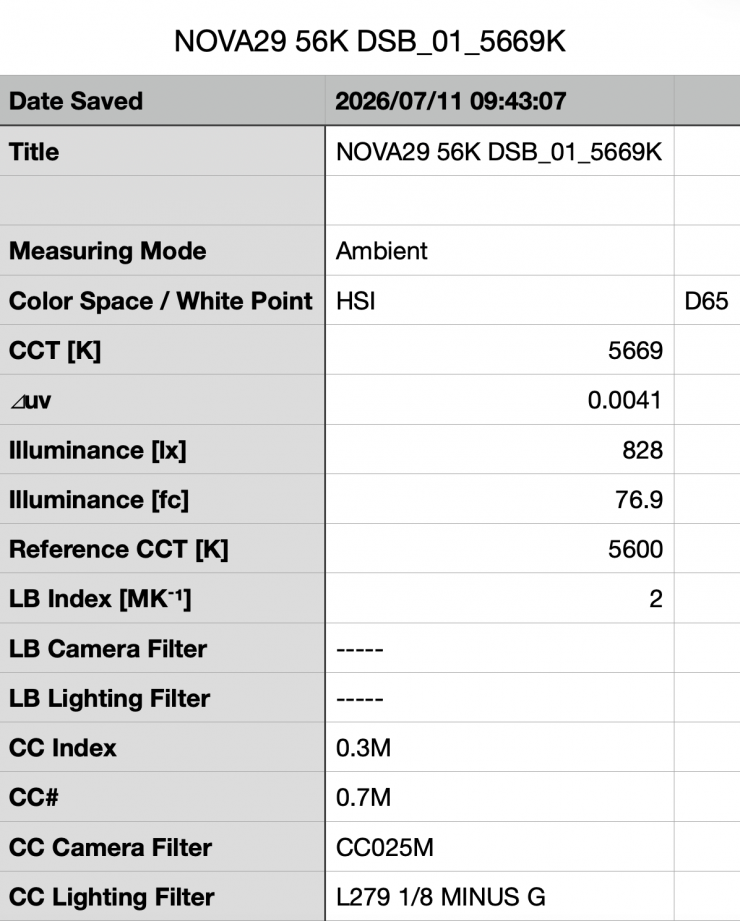
Above you can see the Aputure NOVA 9° recorded an output of 828 lx (76.9 fc) when set at 5600K using a DoPChoice SnapBag Soft Box & its included Diffusion Panel at a distance of 3m / 9.9′. If we use the inverse square law, that equates to 7,452 lx @1m / 3.3′.
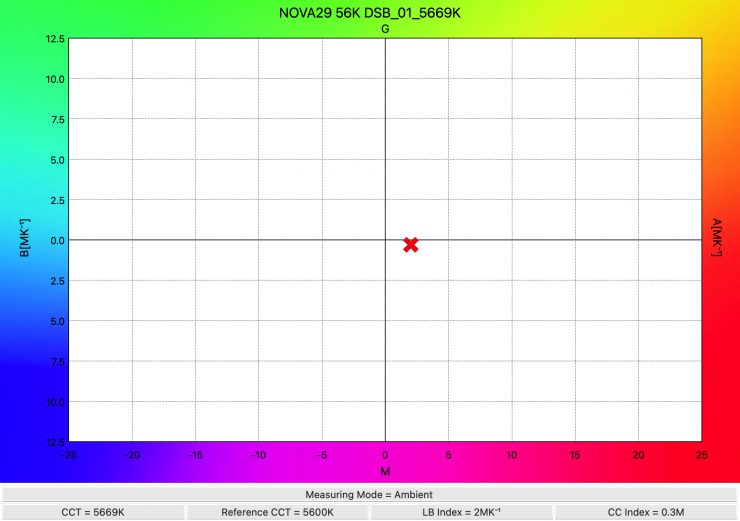
The light recorded a CCT reading of 5669K. This was an excellent reading, considering two lighting modifiers are being used.
Aputure NOVA 9° 5600K with DoPChoice SnapBag Soft Box & Diffusion Panel @3m / 9.9′
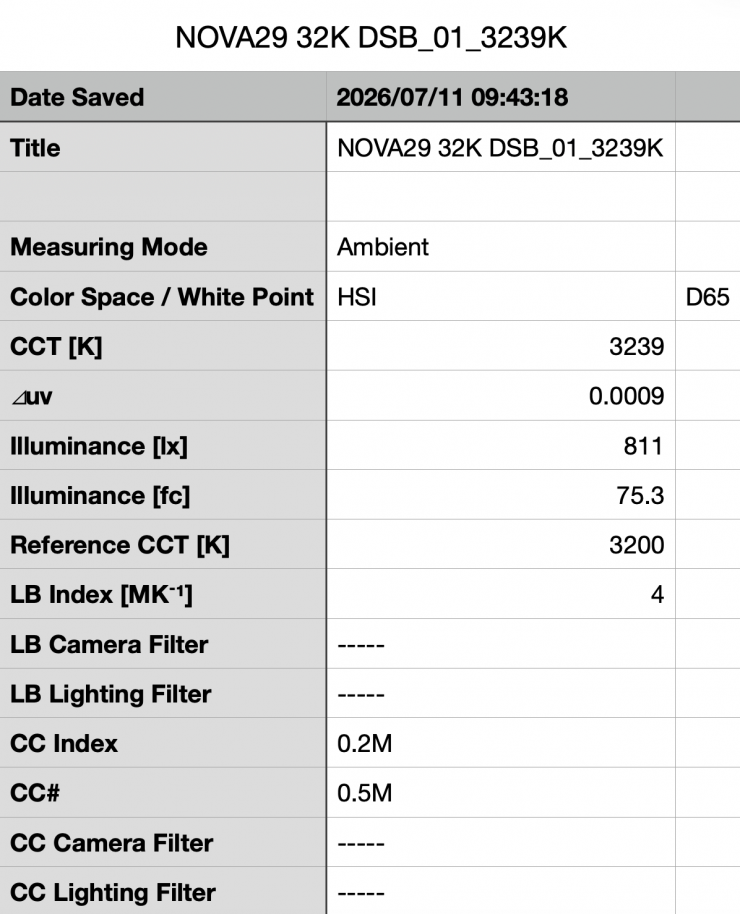
Above, you can see the Aputure NOVA 9° recorded an output of 811 lx (75.3 fc) when set at 3200K with a DoPChoice SnapBag Soft Box & the included Diffusion Panel at a distance of 3m / 9.9′. If we use the inverse square law, that equates to 7,299 lx @1m / 3.3′.
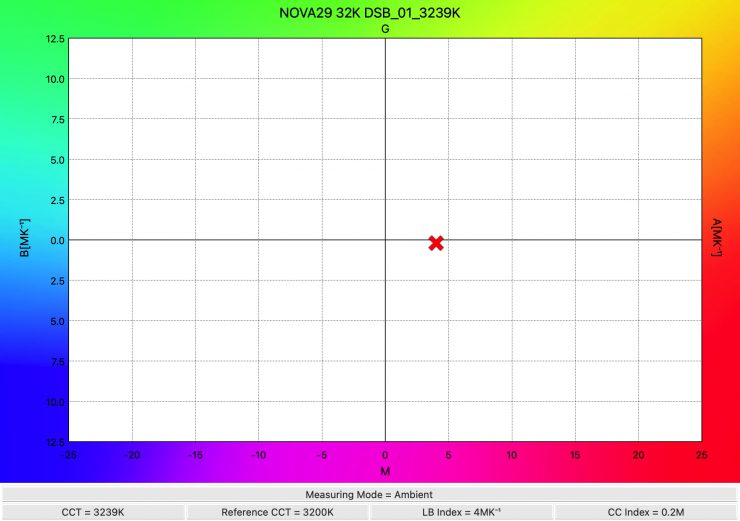
The light recorded a CCT reading of 3293K.
It is always beneficial to have fixtures give you as accurate a reading as possible based on the settings you choose. However, with most modern-day lights that have a wide CCT range and +/- G/M correction, you can offset them to produce excellent results.
RGBW Output & Accuracy
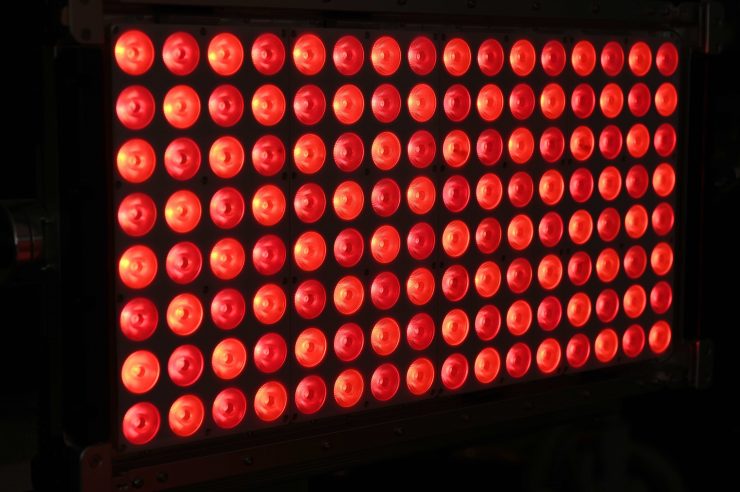
With most full-color lights, if you use them to generate or create colors, the output gets massively reduced. So how does the Aputure NOVA 9° fare?
I decided to do a test to see how much output the light had when I created super-saturated colors.
Aputure NOVA 9° RED 0° (@3m / 9.9′) Max. Output Mode
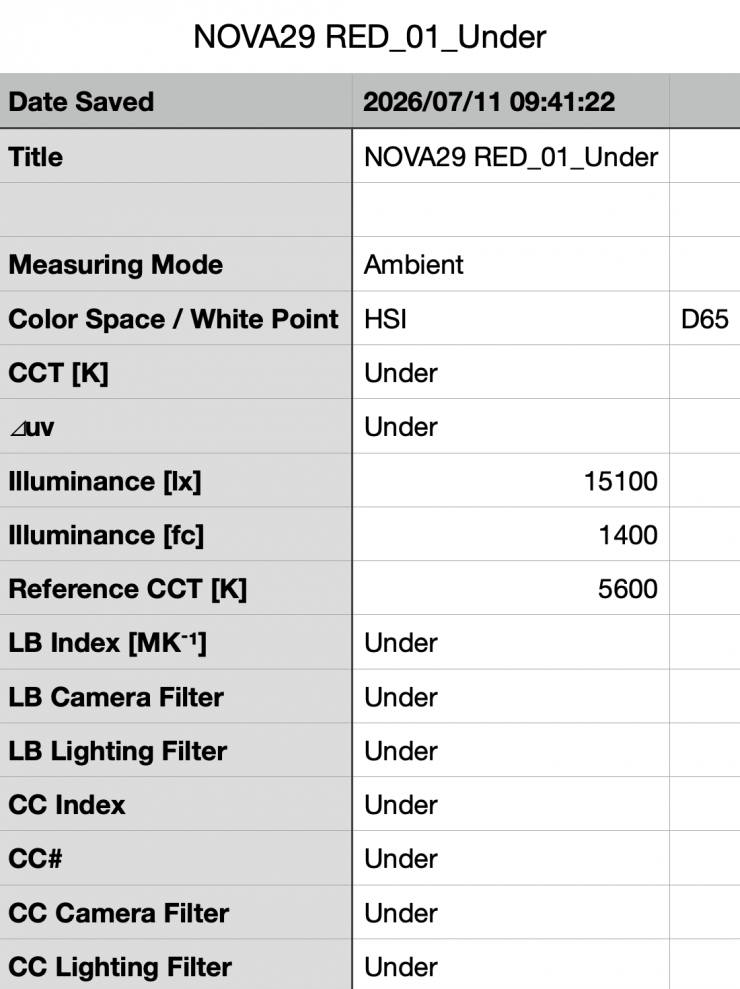
Above you can see that when it was in the HSIC+ mode, choosing a 0° saturated RED, and set to 100% output @3m /9.9′, the light recorded 15,100 lx / 1400 fc. What you need to be clearly aware of when trying to generate some super saturated colors is that the output is going to be significantly lower than when using the light in CCT mode.
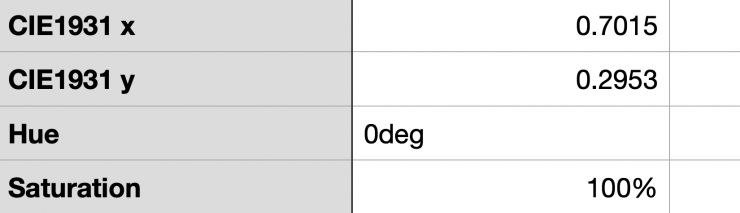
As far as being able to accurately create a super saturated RED, the NOVA 9° was spot on with a reading of 0°.
Aputure NOVA 9° GREEN 120° (@3m / 9.9′) Max. Output Mode
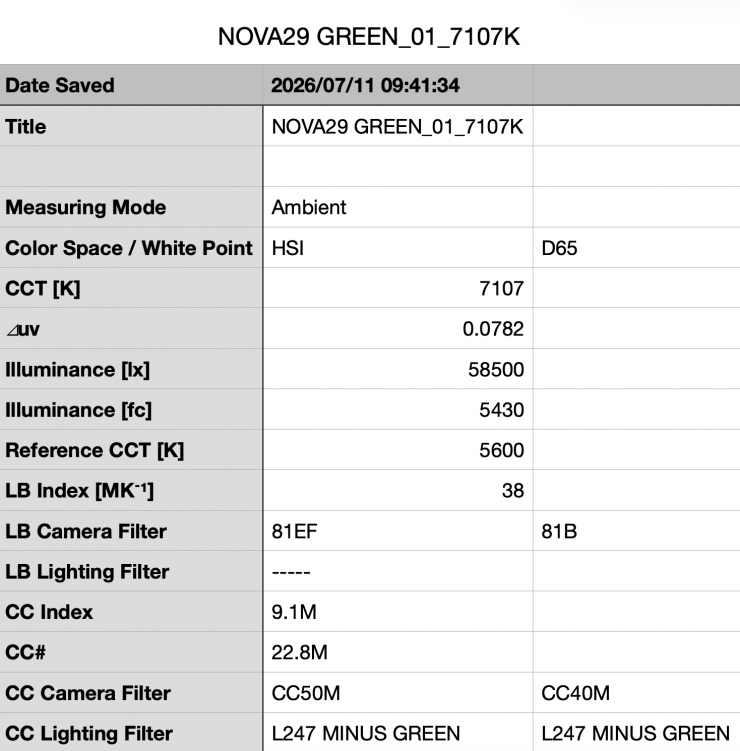
Above you can see that when it was in the HSIC+ mode, choosing a 120° saturated GREEN, and set to 100% output @3m / 9.9′, the light recorded 58,500 lx / 5430 fc.
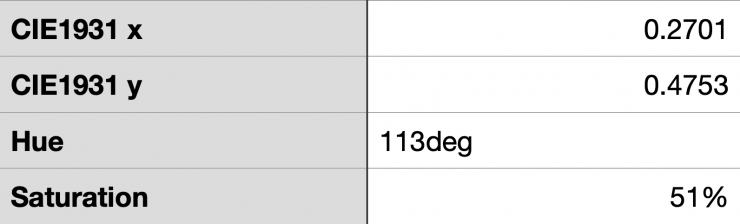
As far as being able to accurately create a super-saturated GREEN, the Aputure was 7° off, with a reading of 113°, and the saturation was only 51%, which was extremely low.
Aputure NOVA 9° BLUE 240° (@3m / 9.9′) Max. Output Mode
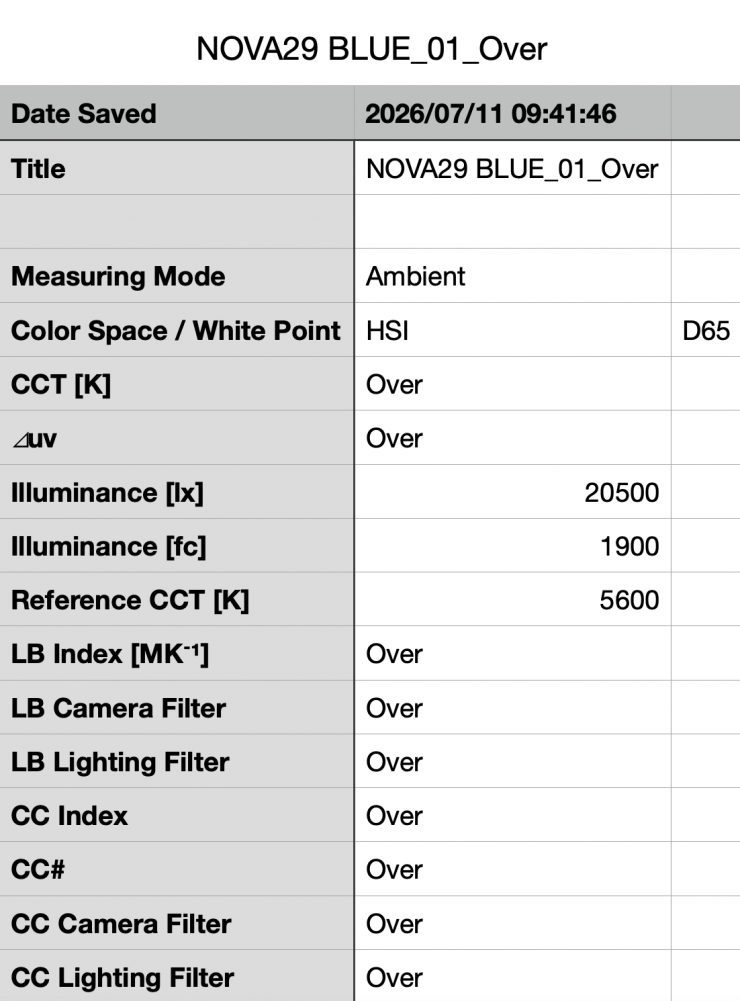
Above you can see that when it was in the HSIC+ mode, choosing a 240° saturated BLUE, and set to 100% output @3m / 9.9′, the light recorded 20,500 lx / 1900 fc.
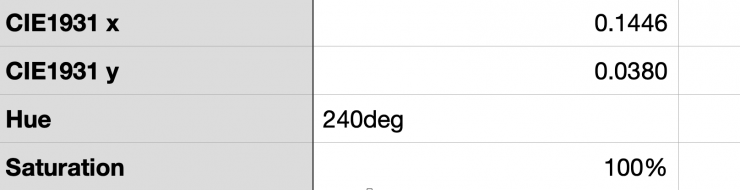
As far as being able to accurately create a super saturated BLUE, the Aputure was spot on with a reading of 240°.
Aputure NOVA 9° YELLOW 40° (@3m / 9.9′) Max. Output Mode
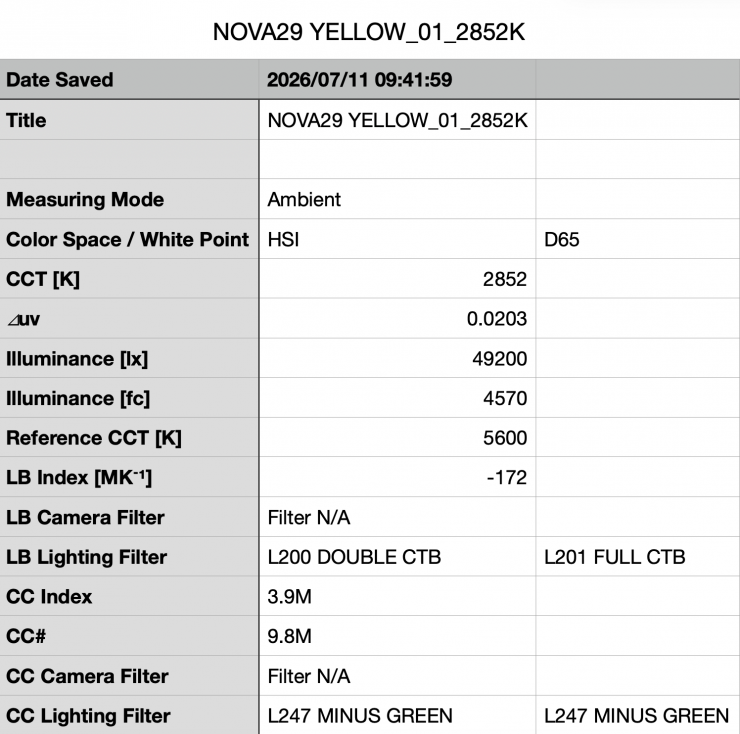
Above you can see that when it was in the HSIC+ mode, choosing a 40° saturated YELLOW and set to 100% output @3m / 9.9′, the light recorded 49,200 lx / 4570 fc.
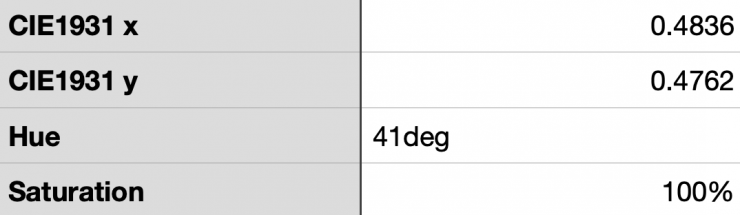
As far as being able to accurately create a super-saturated YELLOW, the Godox was just 1° off with a reading of 41°.
The Aputure NOVA 9° was very good at replicating accurate colors with full saturation. It was 7° off when trying to create a super-saturated green, and the saturation was very low, which wasn’t great; however, it had the best super-saturated yellow score I have come across when testing any light.
CCT consistency when dimming the light
Now, what you should always do when testing lights is to see if the CCT remains consistent when dimming the light. Just because you set a light at, say, 5600K, that doesn’t mean that the CCT will remain stable as you start dimming the fixture down.
I decided to do a series of tests with the light set to its Max. Output and Linear Dimming modes at 100%/75%/50%/25%/10% to see if the CCT being recorded changed. This was done at a distance of 3m / 9.9′ using a Sekonic C-800.
| INTENSITY | CCT READING |
| 100% | 5598K |
| 75% | 5642K |
| 50% | 5652K |
| 25% | 5643K |
| 10% | 5620K |
| 1% | 5549 |
The Aputure NOVA 9° is able to maintain excellent CCT consistency as you start dimming the fixture. My testing showed that the CCT only varied by 78K from 100-10%. These are good results, and it shows me that you can dim this fixture down without having to worry about any big noticeable changes in the CCT.
How linear is the output?
With lights, it is important to check how linear the dimming curve is. So let’s check out how the Aputure NOVA 9° performs when it is used in its Linear Dimming Curve and Max. Output Modes. The results were measured @3m / 9.9′
| INTENSITY | OUTPUT |
| 100% | 67,800 lx |
| 75% | 43,600 lx |
| 50% | 29,100 lx |
| 25% | 14,600 lx |
| 10% | 5970 lx |
| 1% | 694lx |
At 50%, the fixture produces 57.07% less output than when it was used at 100%. At 25%, it has 78.46% less output than when it was used at 100%. At 10%, it had 91.19% less output, and at 1% output, it had 98.97% less output. This tells me that the light’s dimming curve is pretty linear and excellent at the low end.
Color Rendering
Aputure NOVA 9° 5600K @3m / 9.9′ Max. Output
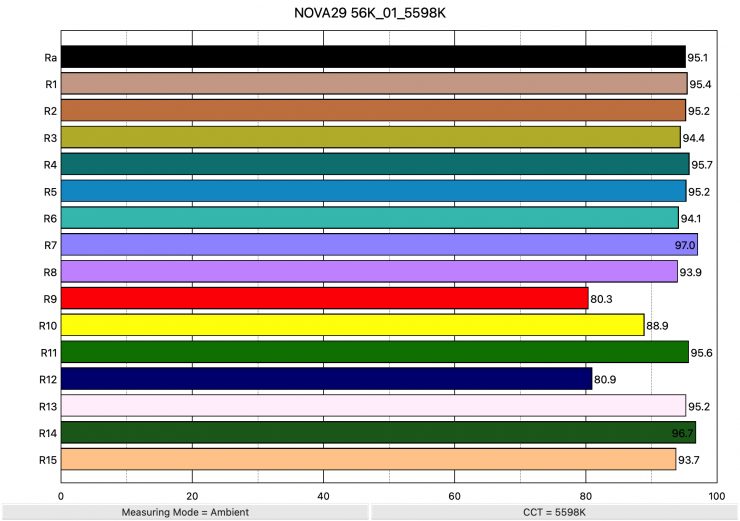
So now that we have seen how much output the Aputure NOVA 9° produces, how does it perform when it comes to replicating accurate colors? Above, you can see that when the light was set at 5600K, it recorded an average CRI (R1-R8) of 95.1 and an extended CRI (R1-R15) of 92.81. For replicating accurate skin tones, it recorded 80.3 for R9 (red), 95.2 for R13 (closest to caucasian skin tones), and 93.7 for R15 (closest to Asian skin tones). These are decent results; however, R9 (Red), R11 (Green), R10 (Yellow), and R12 (Blue) were all below 90.
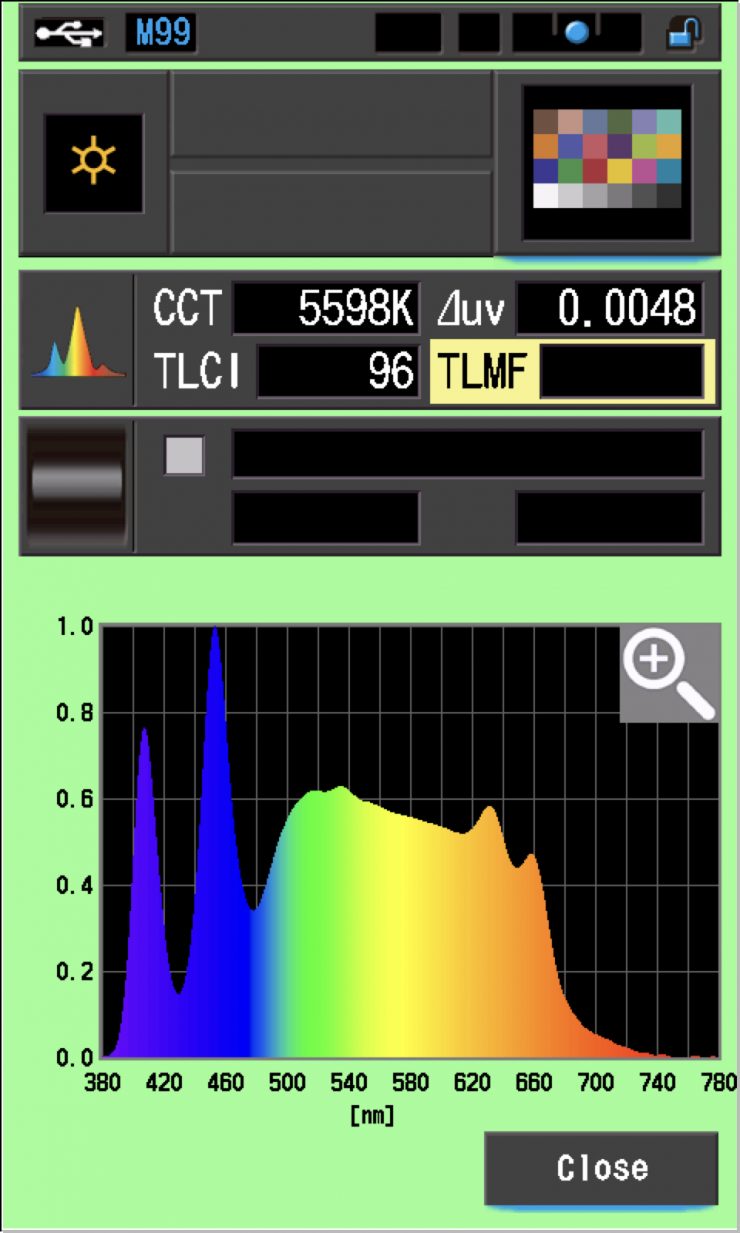
The light, when set at 5600K, recorded a TLCI score of 96.
How does this compare to some other 2×1 Full Color lights that we have previously reviewed when used at 5600K? Below you can see:
| Average CRI | Extended CRI | |
| Aputure NOVA 9° | 95.1 | 92.81 |
| Godox KNOWLED P1200R Hard Pro | 94.8 | 92.92 |
| ARRI SkyPanel X21 | 96.9 | 95.58 |
| Creamsource Vortex8 | 96.2 | 94.24 |
| Rotolight Titan X2 | 96.8 | 95.21 |
| ARRI SkyPanel S60-C | 95.7 | 92.92 |
| Litepanels Gemini 2×1 | 95.2 | 93.24 |
| SUNNYXIAO CASTER C02P | 95.4 | 92.83 |
| Luxli Taiko | 97.6 | 95.8 |
| Rayzr MC MAX 400 | 95.3 | 92.96 |
All of these lights perform well at 5600K. There are very few LED lights these days that produce bad results.
Aputure NOVA 9° 3200K @3m / 9.9′ Max. Output
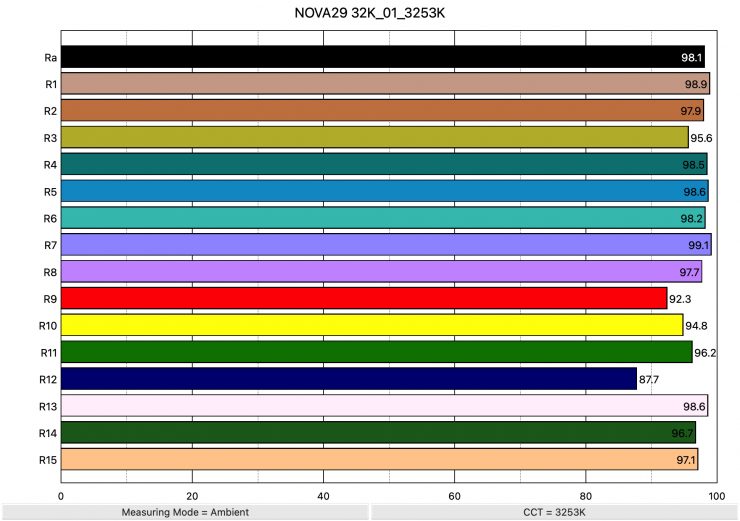
Above, you can see the scores for when the light was used at 3200K. It recorded an average CRI (R1-R8) of 98.1 and an extended CRI (R1-R15) of 96.52. For replicating accurate skin tones, it recorded 92.3 for R9 (red), 98.6 for R13 (closest to caucasian skin tones), and 97.1 for R15 (closest to Asian skin tones). These were excellent results, and only R12 (Blue) was slightly below 90.
These results were better than those obtained when the light was used at 5600K.
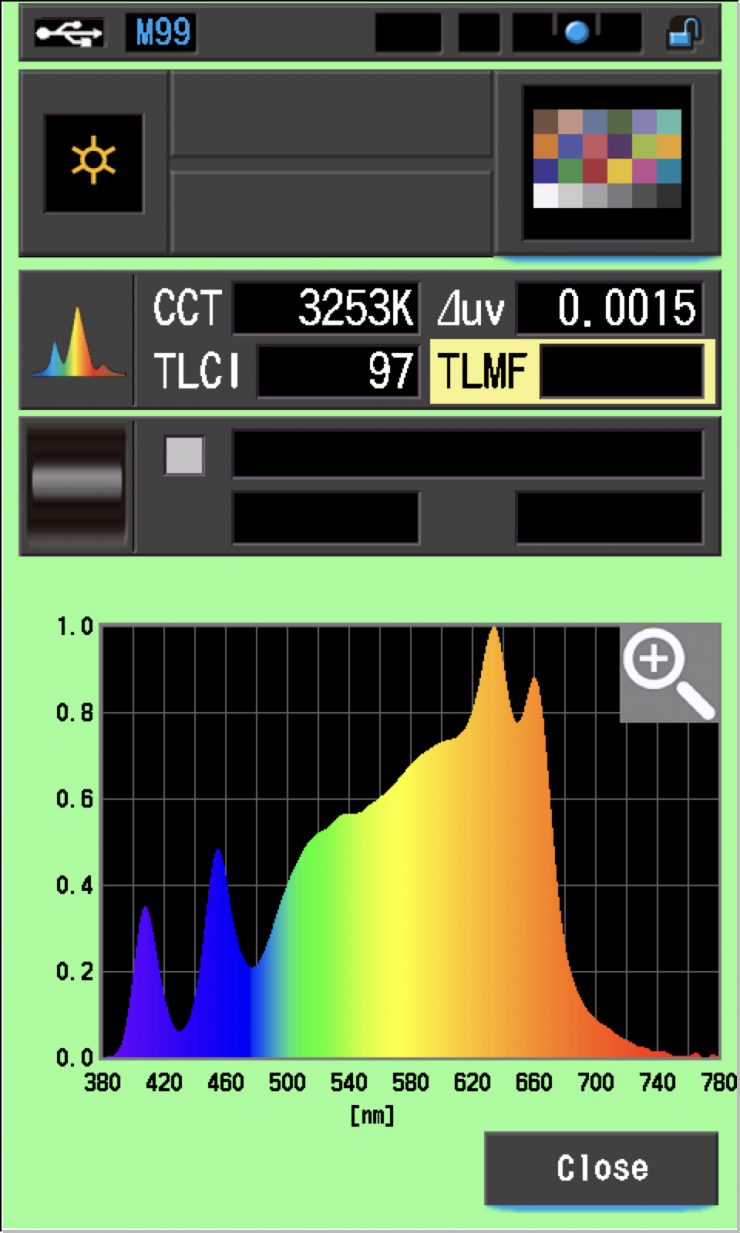
The light, when set at 3200K, recorded a TLCI score of 97.
How does this compare to some other 2×1 Full Color lights that we have previously reviewed when used at 3200K? Below you can see:
| Average CRI | Extended CRI | |
| Aputure NOVA 9° | 98.1 | 96.52 |
| Godox KNOWLED P1200R Hard Pro | 94.6 | 93.70 |
| ARRI SkyPanel X21 | 97.7 | 97.34 |
| Cteamsource Vortex8 | 97.1 | 95.82 |
| Rotolight Titan X2 | 95.9 | 94.27 |
| ARRI SkyPanel S60-C | 96.1 | 94.06 |
| Litepanels Gemini 2×1 | 97.2 | 95.3 |
| SUNNYXIAO CASTER C02P | 95.3 | 93.78 |
| Luxli Taiko | 97.7 | 96.8 |
| Rayzr MC MAX 400 | 90.6 | 88.64 |
The Aputure, Creamsource, Rotolight, Litepanels, and ARRI fixtures are all very close when it comes to color rendering scores at 3200K. The ARRI SkyPanel X21 has the highest extended CRI score at 3200K that I have recorded from a 2×1 Full Color light.
Ok, so what if we use the Aputure NOVA 9° with its included Diffusion Panel?
Aputure NOVA 9° 5600K @3m / 9.9′ Diffusion Panel (Max. Output)
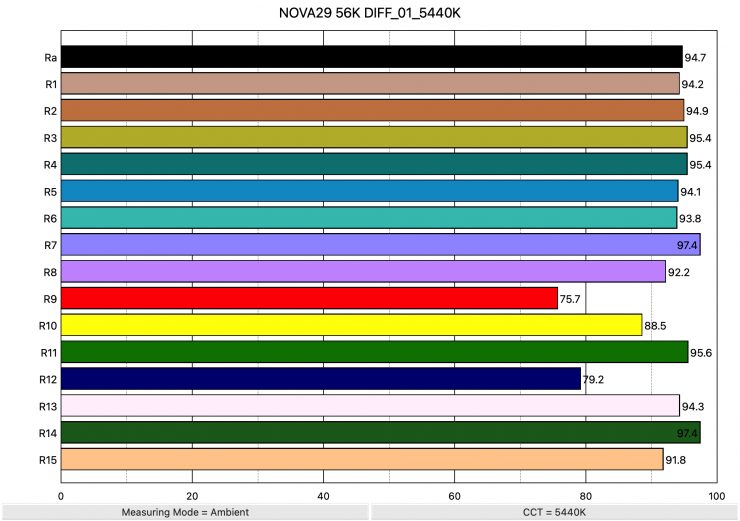
Above you can see the scores for when the light was used at 5600K with its included Diffusion Panel @3m / 9.9′. It recorded an average CRI (R1-R8) of 94.7 and an extended CRI (R1-R15) of 91.99. For replicating accurate skin tones, it recorded 75.7 for R9 (red), 94.3 for R13 (closest to caucasian skin tones), and 91.8 for R15 (closest to Asian skin tones). These were decent results, but R9 (Red), R10 (Yellow), and R12 (Blue) were all below 90.
These results were reasonably similar to those obtained when the light was used without its Diffusion Panel.
Aputure NOVA 9° 3200K @3m / 9.9′ (Diffusion Panel)
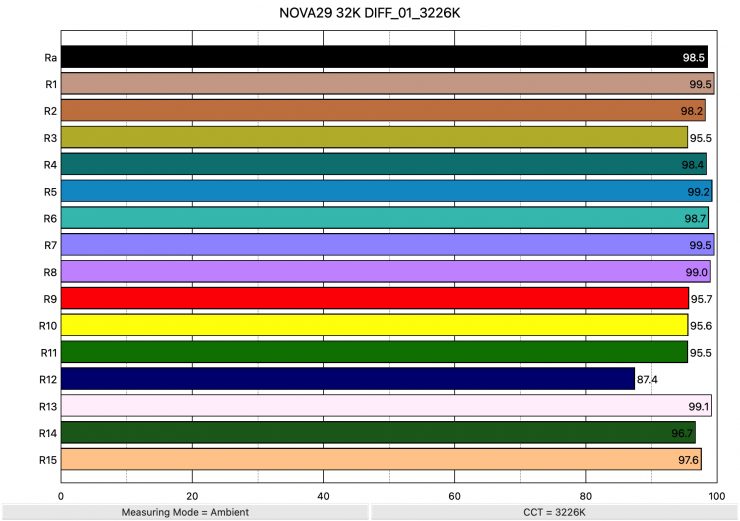
Above you can see the scores for when the light was used at 3200K with its included Diffusion Panel @3m /9.9′. It recorded an average CRI (R1-R8) of 98.5 and an extended CRI (R1-R15) of 97.04. For replicating accurate skin tones, it recorded 95.7 for R9 (red), 99.1 for R13 (closest to caucasian skin tones), and 97.6 for R15 (closest to Asian skin tones). These were outstanding results, and only R12 (Blue) was slightly below 90.
These results were very similar to those obtained when the light was used without its Diffusion Panel.
Thoughts
The Aputure NOVA 9° scored well in these color rendering tests. It actually surprised me that it performed better at 3200K than it did at 5600K. The scores were pretty similar to other higher-end 2×1 fixtures that use modern light engines, but nonetheless, the scores were impressive given the high output.
What you clearly also need to understand, and I want to continue to stress this point, is that all lights react differently to different camera and sensor combinations. One particular light may look better with an ARRI camera, and another light may look better with a Canon camera, etc.
CC Index & ⊿uv
The CC Index displays the CC correction value and whether any magenta or green need to be added or subtracted. 1 CC corresponds to 035 Kodak CC values or 1/8 Rosco filter values. Any reading less than +1.00 or -1.00 and you’re probably not going to need to make any kind of adjustment. The ⊿uv is the value to show how much this light is away from being an ideal light source (black body radiation = incandescent lamp). As with the CC Index you want this number to theoretically be zero. Kelvin is not a linear value, so we need to convert from Kelvin to MK-1 to compare the values of color temperature. To calculate from Kelvin to Mired is MK-1= 1*1000000/Kelvin. While this may sound confusing, it is the only way of measuring if the Kelvin shift is significant enough to warrant having to use a filter for correction. Below are the results for the Aputure NOVA 9°.
Kelvin Vs MK-1
| Kelvin | Difference in K | MK-1 | Difference in MK-1 | |
| SET VALUE | 2500K | 0 | 400 | 0 |
| ACTUAL READING | 2544K | 44 | 393.08 | 6.92 MK-1 |
| SET VALUE | 3200K | 0 | 312.5 | 0 |
| ACTUAL READING | 3253K | 53 | 307.41 | 5.09 MK-1 |
| SET VALUE | 4500K | 0 | 222.22 | 0 |
| ACTUAL READING | 4569K | 69 | 218.87 | 3.35 MK-1 |
| SET VALUE | 5600K | 0 | 178.57 | 0 |
| ACTUAL READING | 5598K | 2 | 178.63 | -0.06 MK-1 |
| SET VALUE | 6500K | 0 | 153.84 | 0 |
| ACTUAL READING | 6521K | 21 | 153.35 | 0.49 MK-1 |
| SET VALUE | 8000K | 0 | 125 | 0 |
| ACTUAL READING | 7961K | 39 | 125.61 | -0.61 MK-1 |
| SET VALUE | 10000K | 0 | 100.00 | 0 |
| ACTUAL READING | 9941K | 59 | 100.59 | -0.59 MK-1 |
These figures might look confusing, but what they tell me is that the light is exceptionally CCT-accurate from 4500-10,000K. Any MK-1 score that is under -9/9 means you wouldn’t have to use any color correction gels. A score under -6/6 is considered to be excellent. The consistency and accuracy of the MK-1 scores for the Aputure NOVA 9° above 4500K were the best I have seen from any light.
CC INDEX & ⊿uv
| CC INDEX | ⊿uv | |
| 2500K | 0.0 | 0.0012 |
| 3200K | 0.2M | 0.0015 |
| 4500K | 0.4M | 0.0034 |
| 5600K | 0.4M | 0.0047 |
| 6500K | 0.2M | 0.0052 |
| 8000K | 0.0 | 0.0050 |
| 10000K | 0.3G | 0.0053 |
The ⊿uv scores were pretty good for this light and very consistent from 5600-10,000K to 5600K.
The CC INDEX scores were also very good and pretty consistent.
TM-30
TM-30 is a relatively new color rendering standard that was developed to deal with the limitations of CRI. TM-30 looks at 99 individual colors. These 99 colors are categorized into seven groups: nature, skin color, textiles, paints, plastics, printed material, and color systems.
TM-30 scores go from 0 – 100. The higher the score, the more accurate a light is at producing colors. Any TM-30 Rf score in the ’90s is considered to be good. What is interesting, and something that you need to be very aware of, is that two separate light sources with the exact same CRI scores can render colors very differently. A light with a high CRI rating could have a low TM-30 score. Conversely, a light with a good TM-30 score could have a bad CRI score.
Now, there are two measurements associated with TM-30, Rf and Rg.
- Rf (Color Fidelity)
- Rg (Color Gamut)
With Rf value, ideally, you want a score in the 90s.
With Rg value, a score below 100 indicates that the light source renders colors with less saturation than the reference source. So ideally you want this score to be 100.
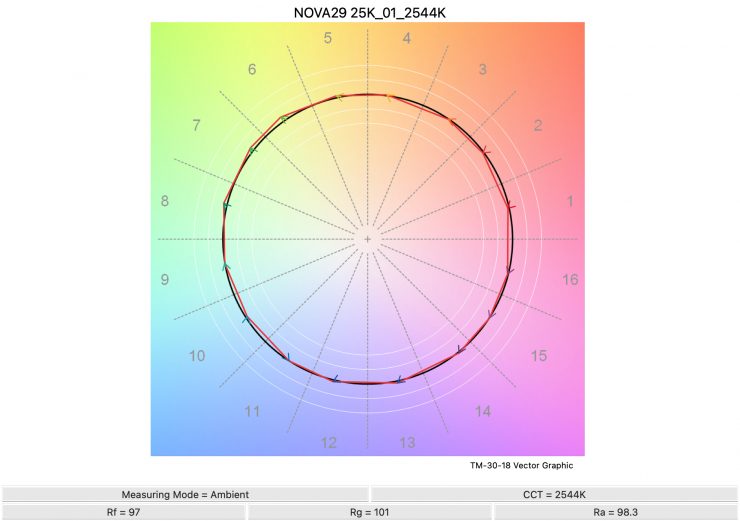
2500K 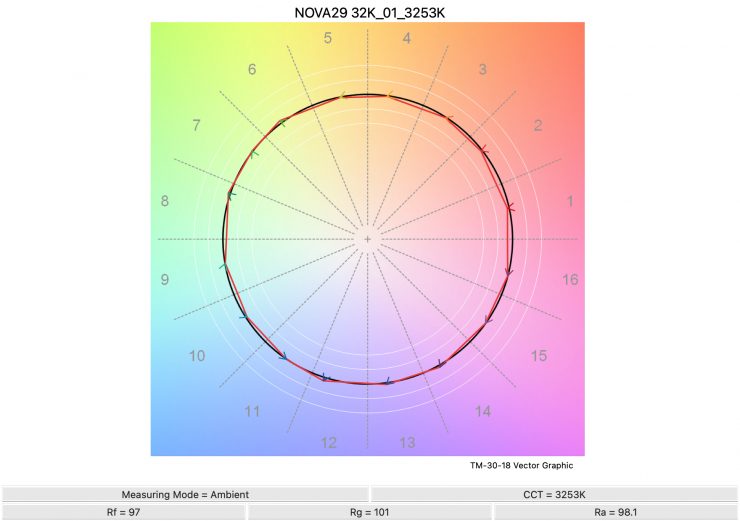
3200K 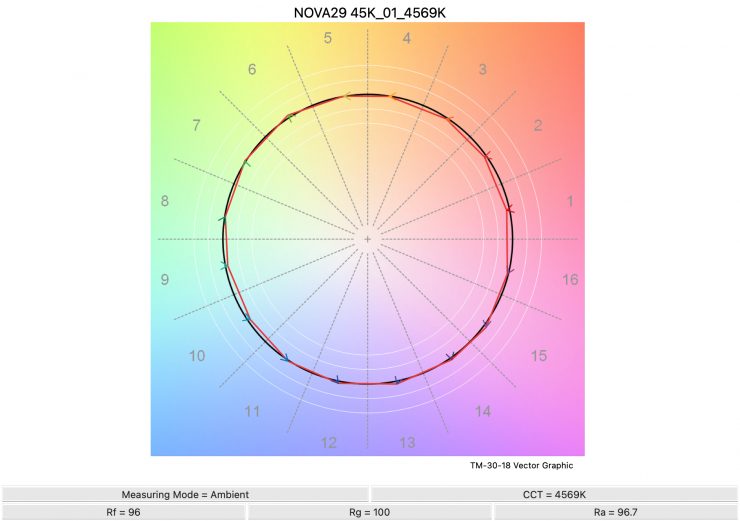
4500K 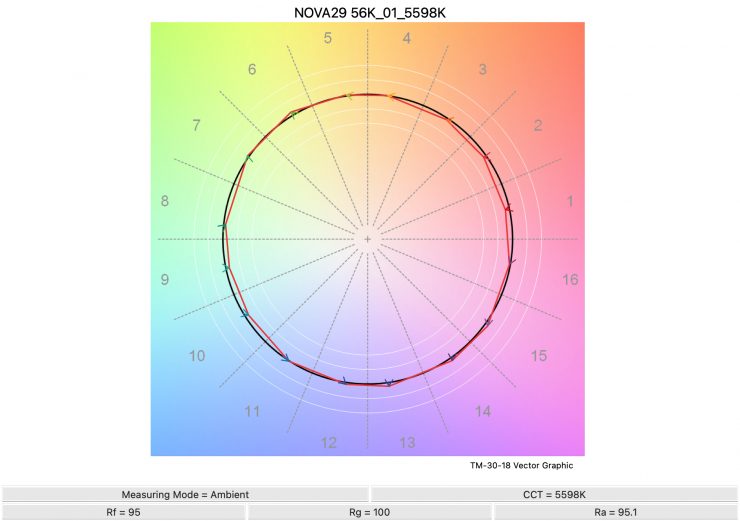
5600K 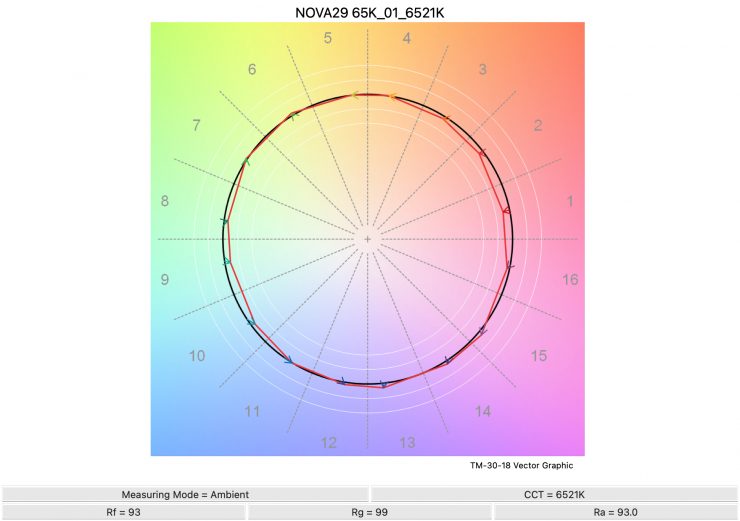
6500K 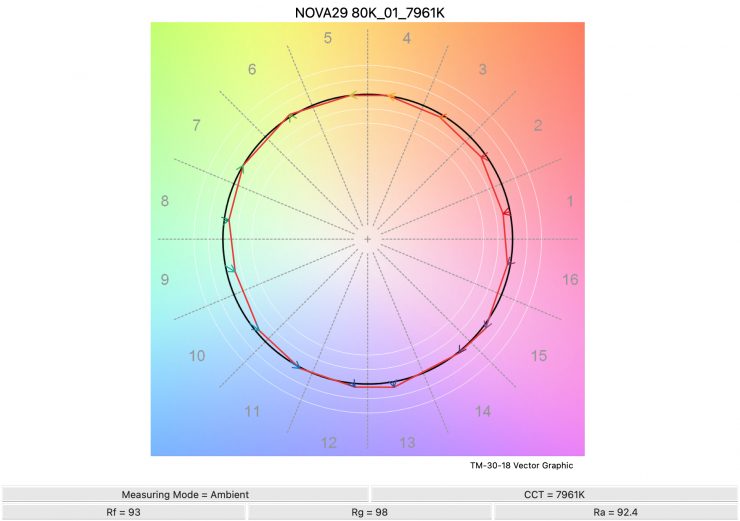
8000K 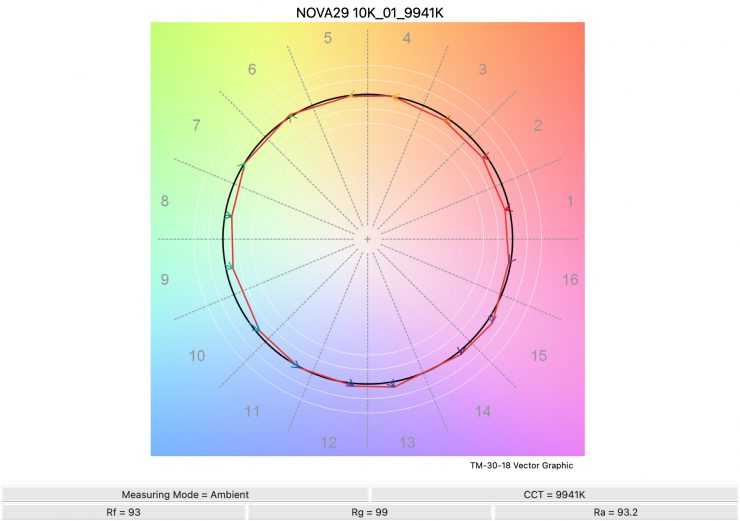
10,000K
Above, you can see the scores for the Aputure at various CCT settings.
Here are the results:
| Rf | Rg | |
| 2500K | 97 | 101 |
| 3200K | 97 | 101 |
| 4500K | 96 | 100 |
| 5600K | 95 | 100 |
| 6500K | 93 | 99 |
| 8000K | 93 | 98 |
| 10000K | 93 | 99 |
The Rf scores are extremely consistent across the CCT range, and it was able to produce saturated colors well.
SSI
SSI (Spectral Similarity Index) was developed by the Sci-Tech Council of the Academy. SSI gives me the ability to set any light as a standard or use predefined standards (such as CIE D55), and then give other lights an SSI score based on how well they will match standards such as CIE D55. This way, I can measure spectral response and compare it directly against an ideal light source. This is actually a much better test than recording CRI scores; however, a lot of lights have very similar SSI scores. Don’t believe for one second that SSI scores can tell you all you need to know about a light, because they can’t.
Aputure NOVA 9° 3200K Max. Output
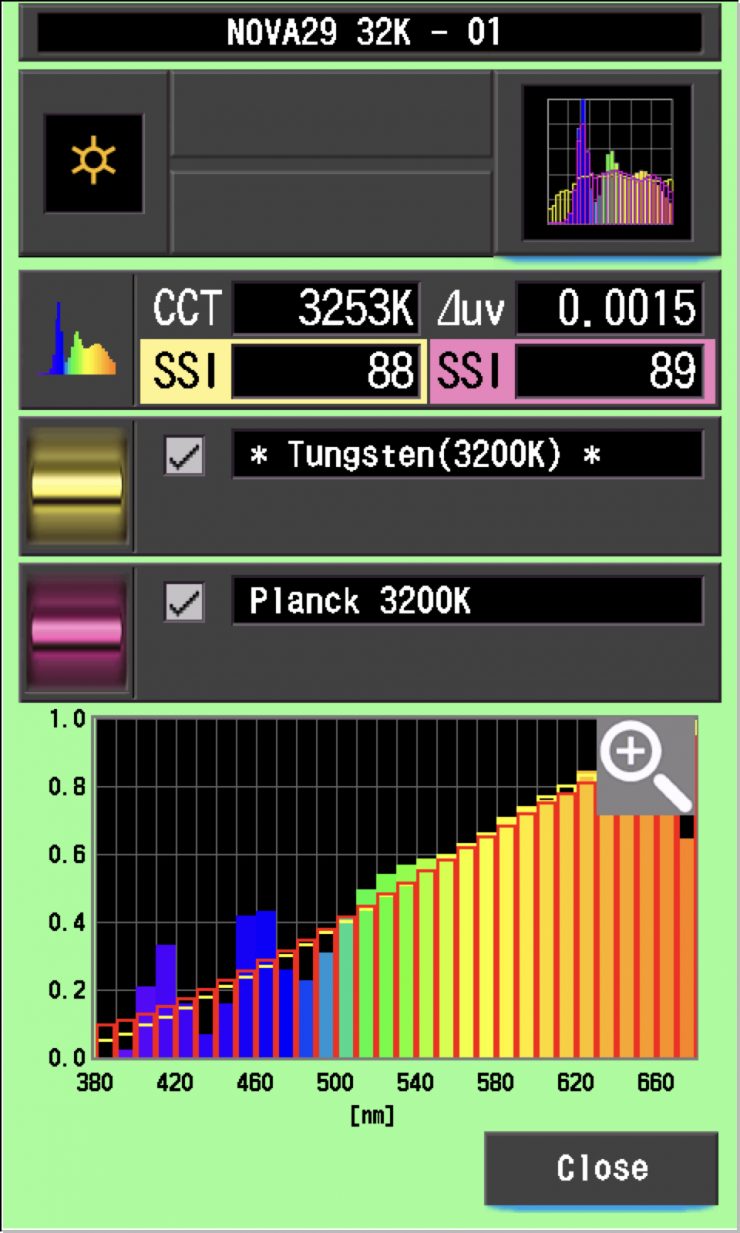
In this graph, the red bars indicate a perfect Planck 3200K source. The gold bars indicate a perfect 3200K Tungsten source. This lets us compare how close to a perfect 3200K lighting source the Aputure NOVA 9° is. Any SSI score in the ’80s is very good for a 3200K LED light. The scores for the NOVA 9° were outstanding at 3200K
As you can see, unlike a lot of lights, the Aputure NOVA 9° is able to replicate colors below 450nm.
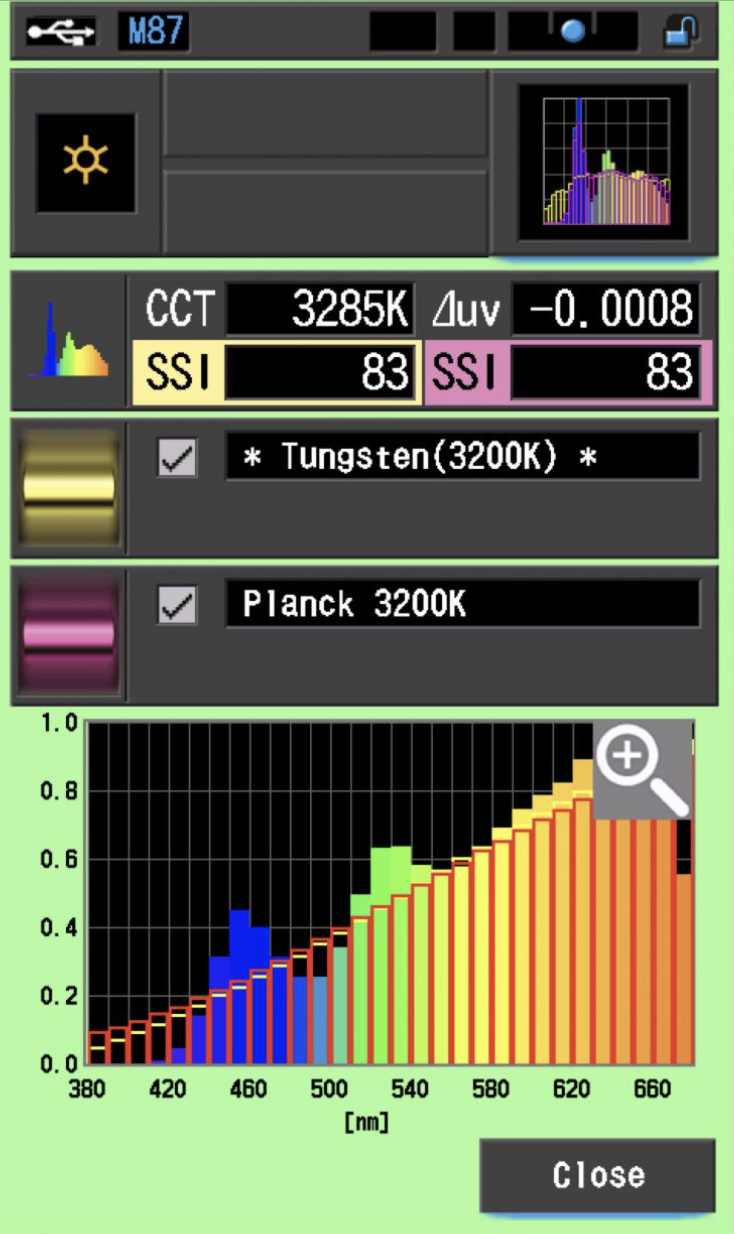
As a comparison, above you can see the scores for the Creamsource Vortex8.
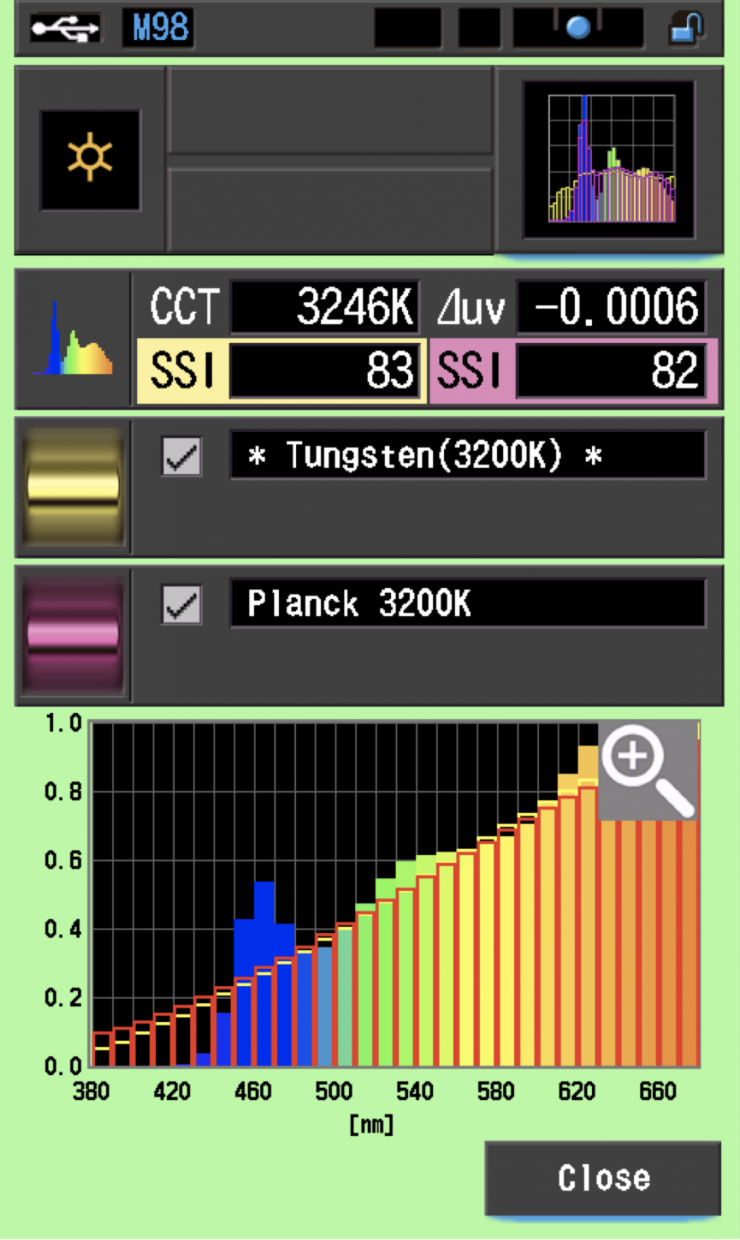
As another comparison, above you can see the same scores for the Rotolight Titan X2.
Aputure NOVA 9° 5600K Max. Output
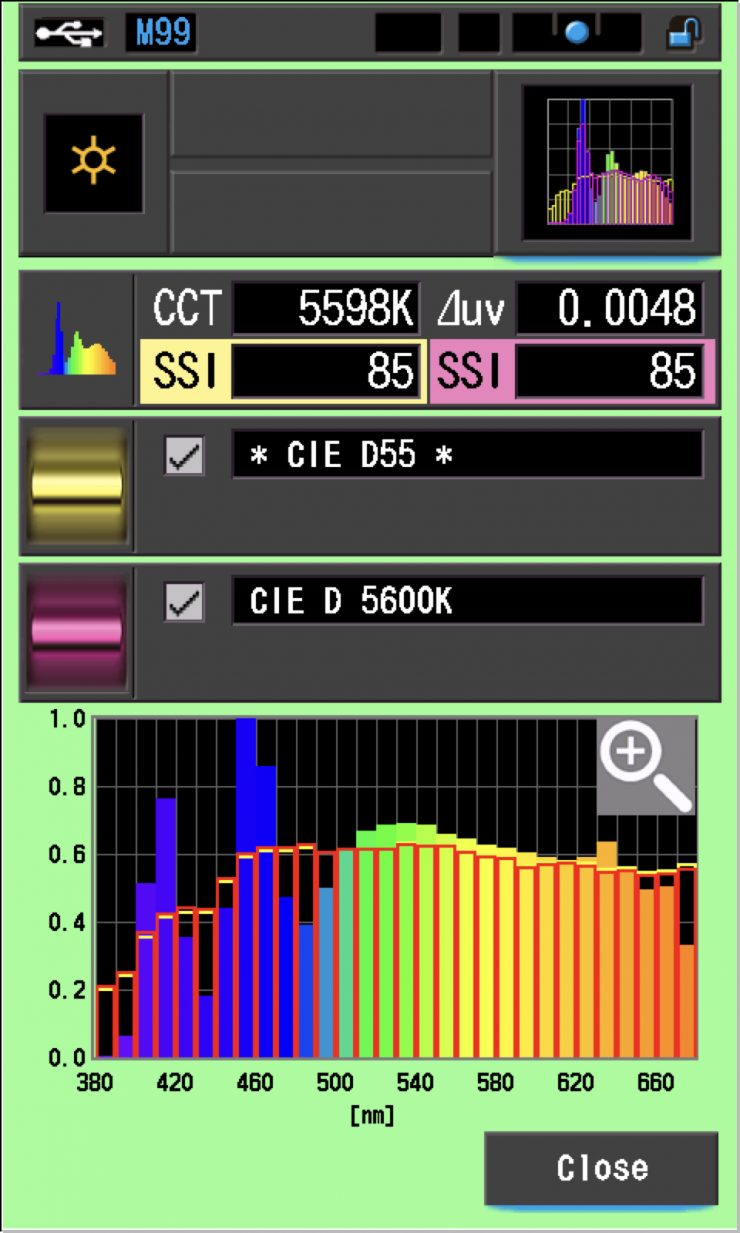
In the graph above, the gold bars indicate a perfect CIE D55 source. The red bars indicate a perfect CIE D 5600K source. This lets us compare how close to a perfect 5600K lighting source the Aputure NOVA 9° is. A score in the low 70’s is typical for a 5600K LED source. The scores for the NOVA 9° were excellent. Again, you can see that the Aputure NOVA 9° is able to replicate colors below 450nm.
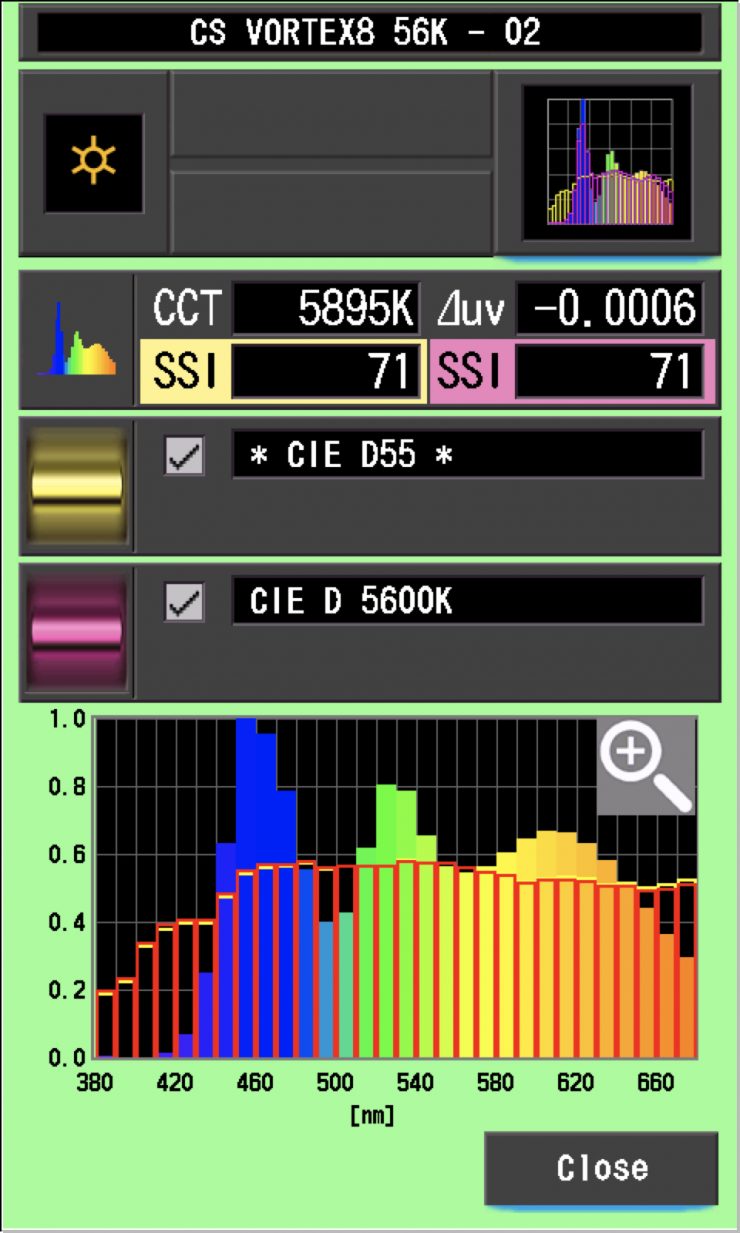
As a comparison, above you can see the same scores for the Creamsource Vortex8.
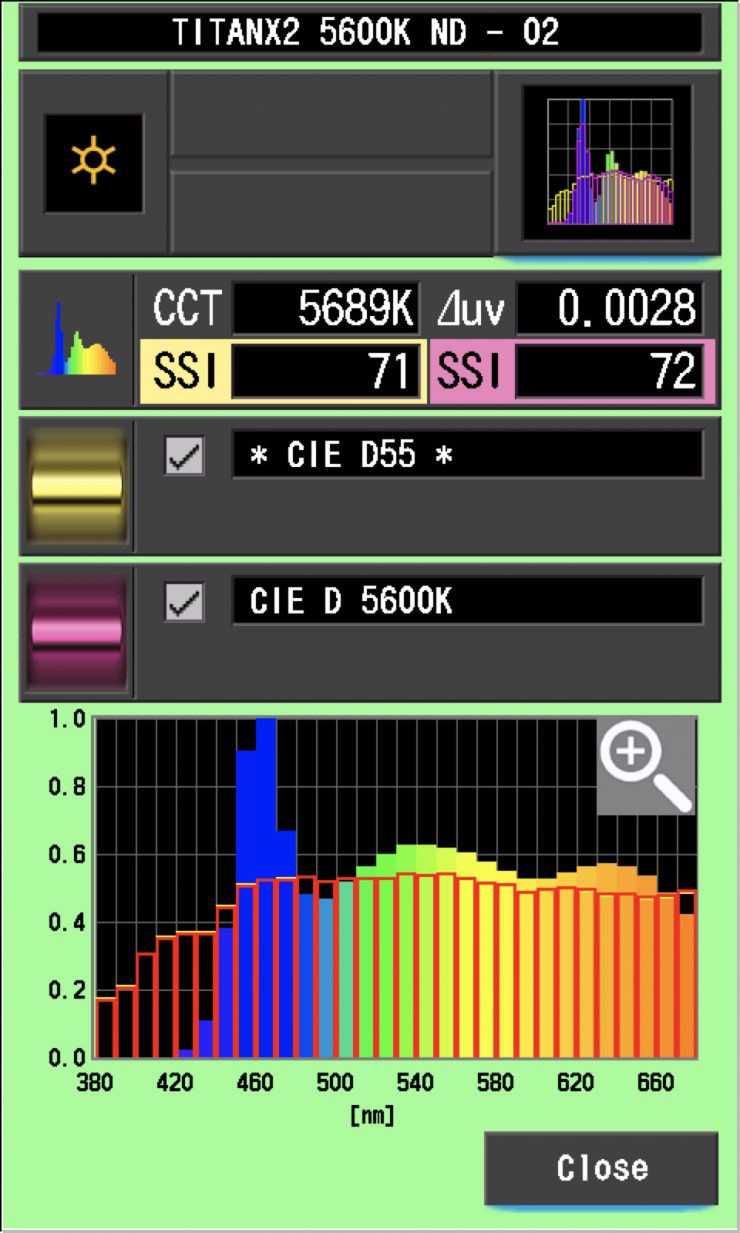
As another comparison, above you can see the same scores for the Rotolight Titan X2.
The main reason we want to record SSI scores is so we can see how well they match with other lights. As a test, I was curious to see how well the Aputure NOVA 9° matched a Profoto L600C and the Aputure’s own STORM 1200x. Below you can see the results.
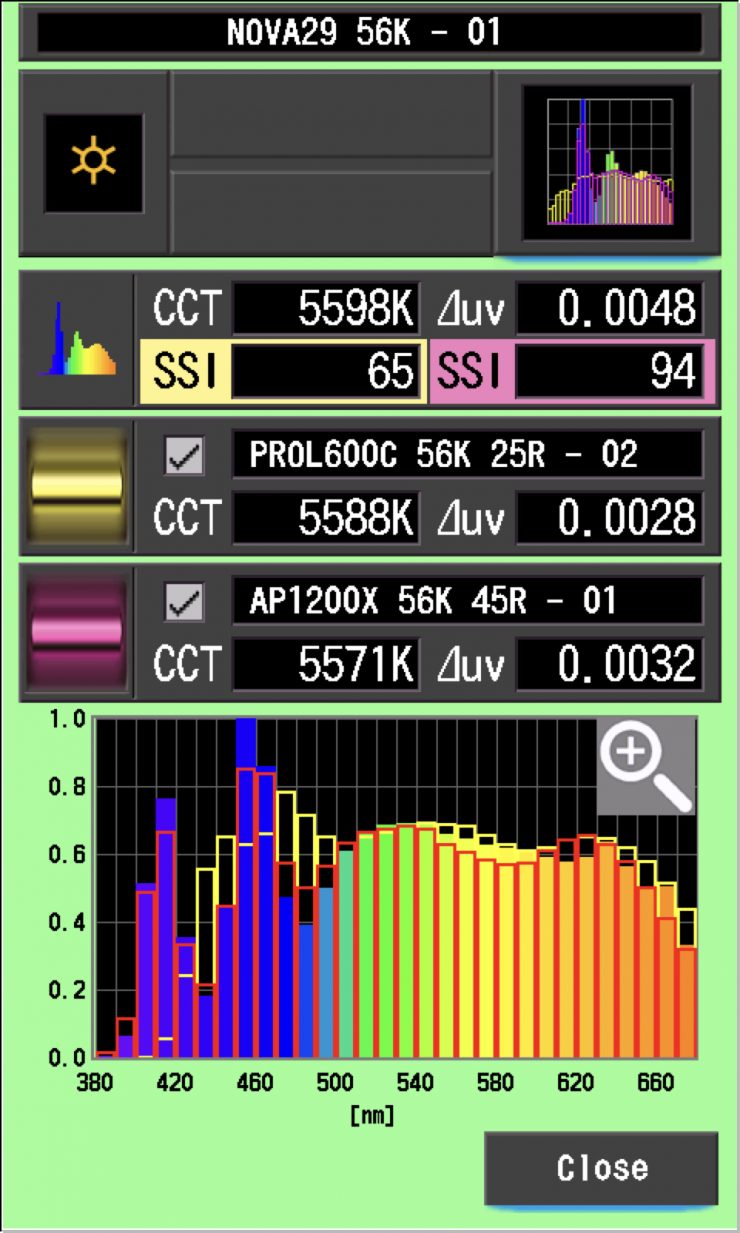
As you can see, the Profoto was nowhere near being a match to the NOVA 9°, but Aputure’s own STORM 1200x was a decent match.
Let’s now see how well the NOVA 9° matched both of those lights when used at 3200K. Below you can see the results.
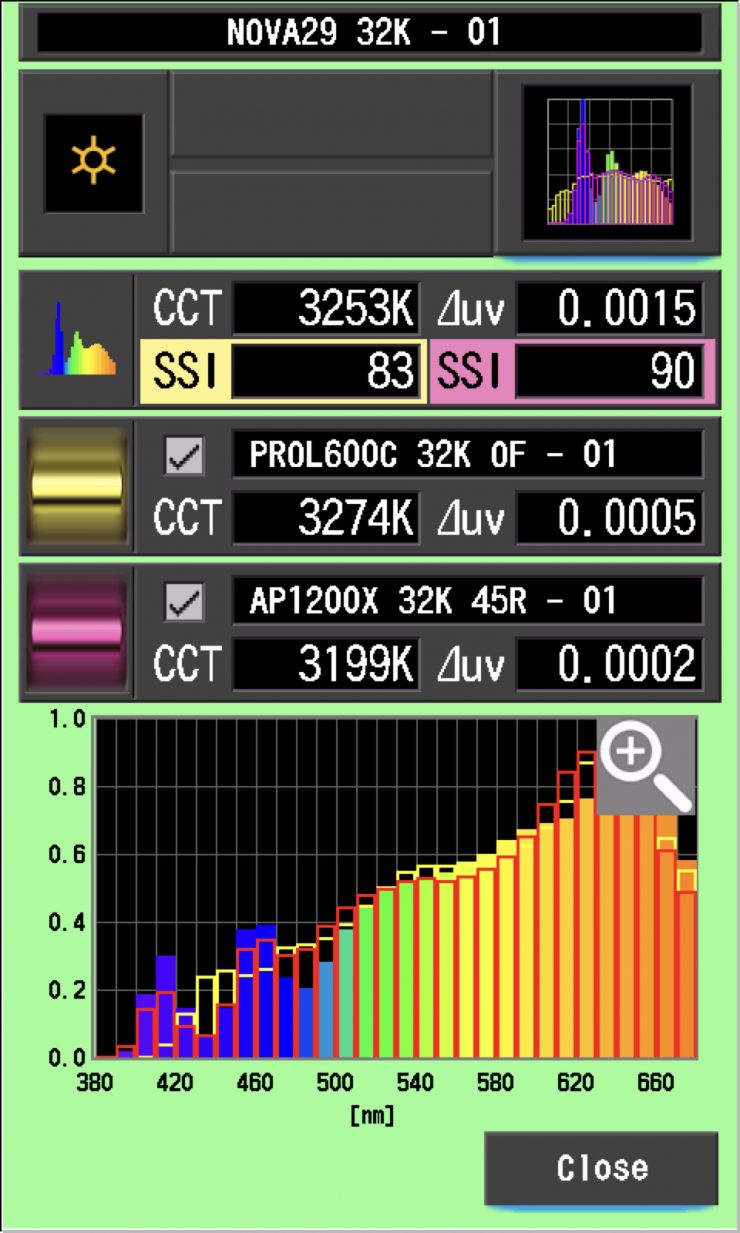
As you can see, the Profoto was a slightly better match at 3200K than it was at 5600K. The STORM 1200x was about the same match at 3200K as it was at 5600K.
Let’s now see how well the NOVA 9° matches itself when used with the included Diffusion Panel and the optional Dome Diffuser (Heavy Frost).
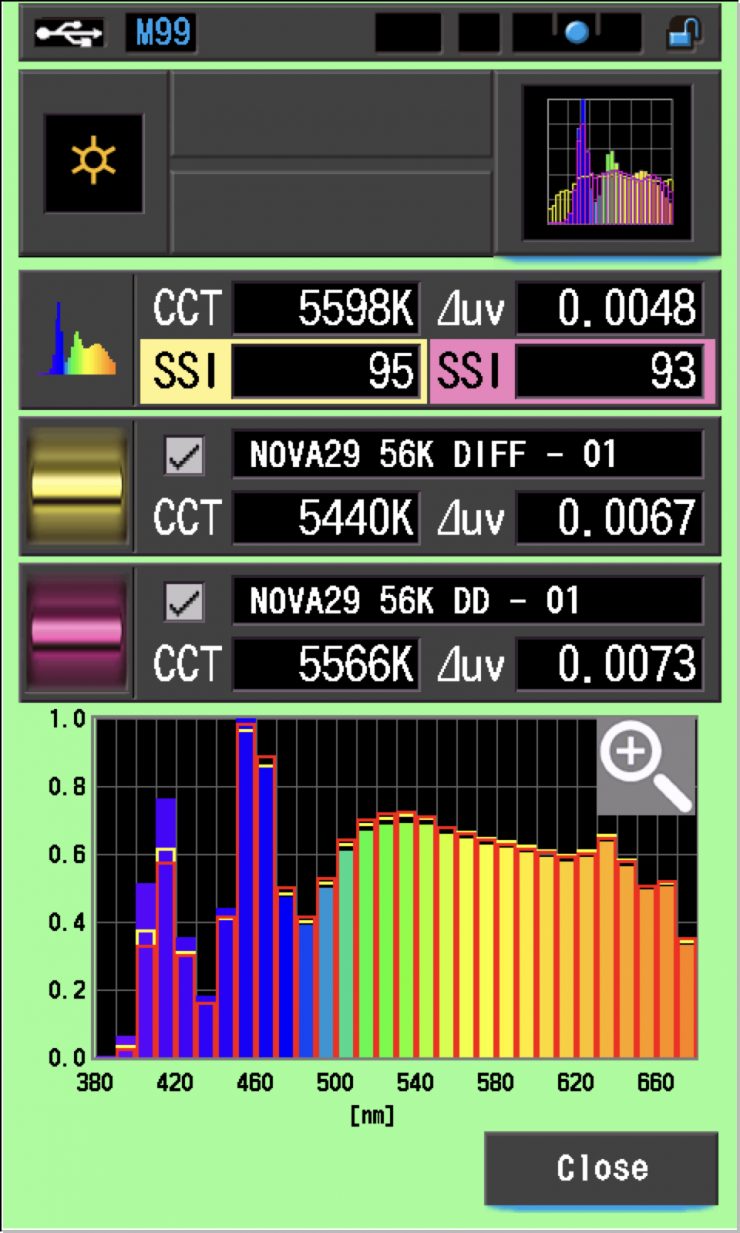
Above, you can see that at 5600K, using the Diffusion Panel and Dome Diffuser (Heavy Frost), they were a pretty good match to when the light was used without any diffusion.
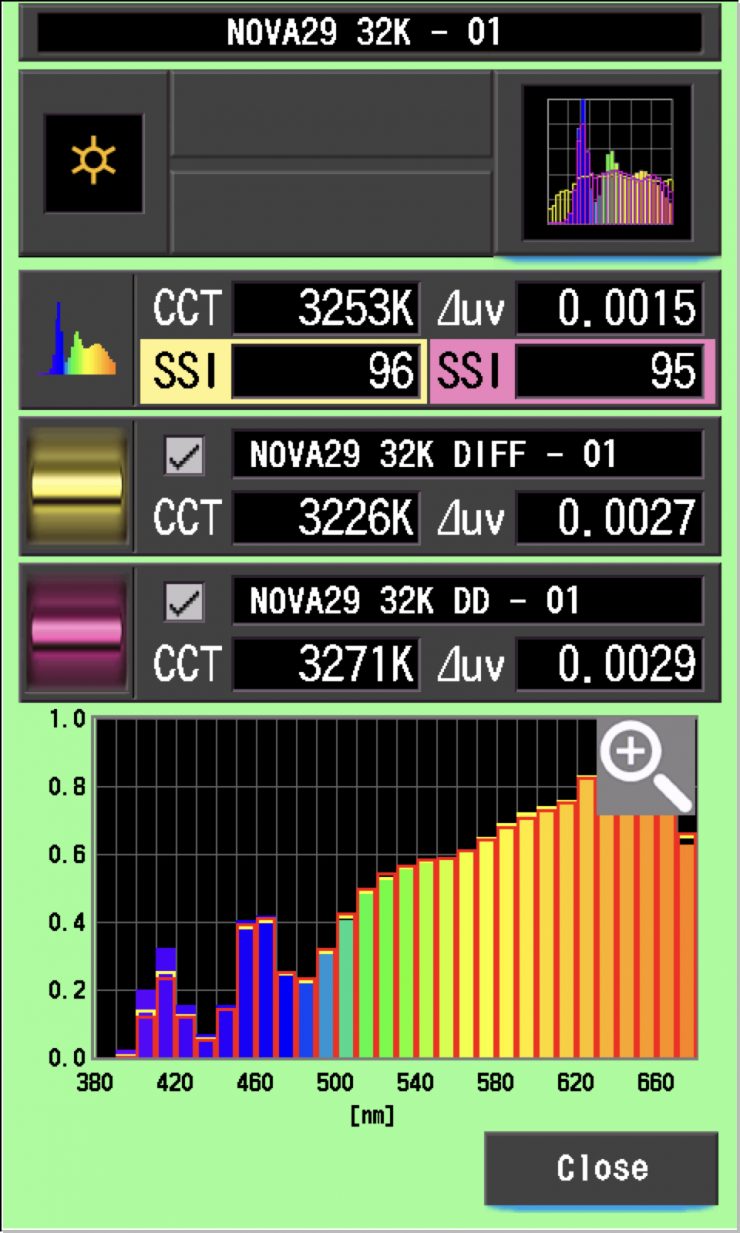
Above, you can see that at 3200K, using the Diffusion Panel and Dome Diffuser (Heavy Frost), they were a pretty good match to when the light was used without any diffusion.
SSI tests are a great way of telling you what lights you own or use will work well together. Having a device like the Sekonic C-800 lets you get the data you need to be able to fine-tune your lights to get them to more closely match.
Spectral Distribution
Aputure NOVA 9° 5600K
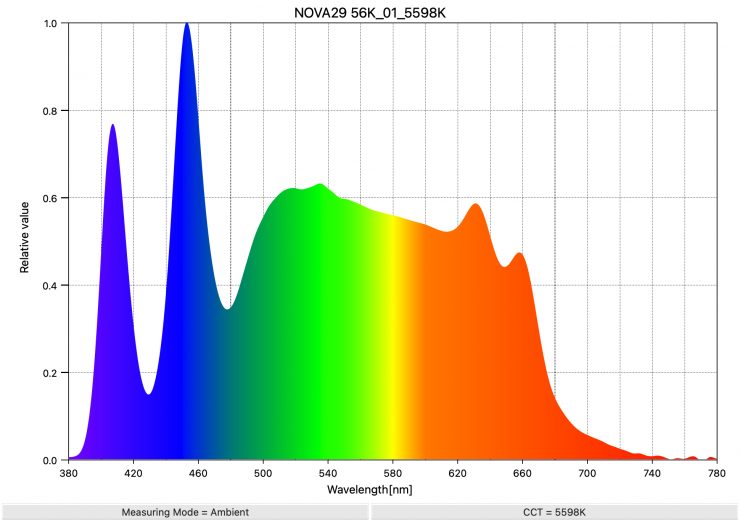
Above you can see the spectral distribution of the NOVA 9° when used at 5600K.
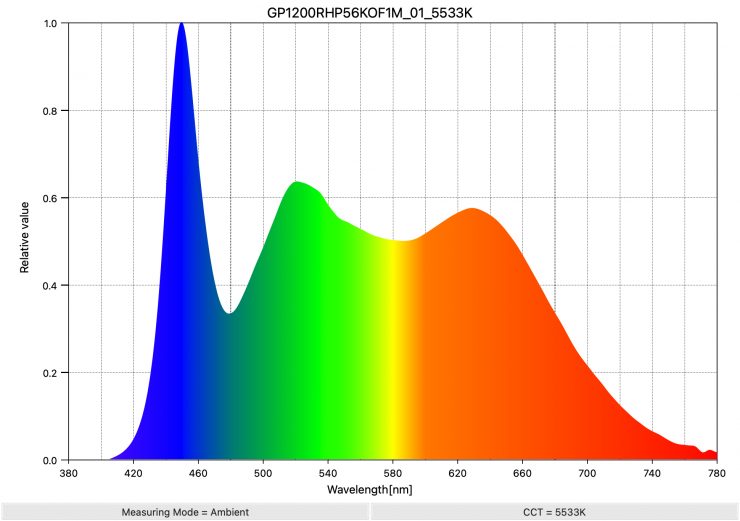
As a comparison, above you can see the spectral distribution of the Godox Knowled P1200R Hard PRO when it is set at 5600K.
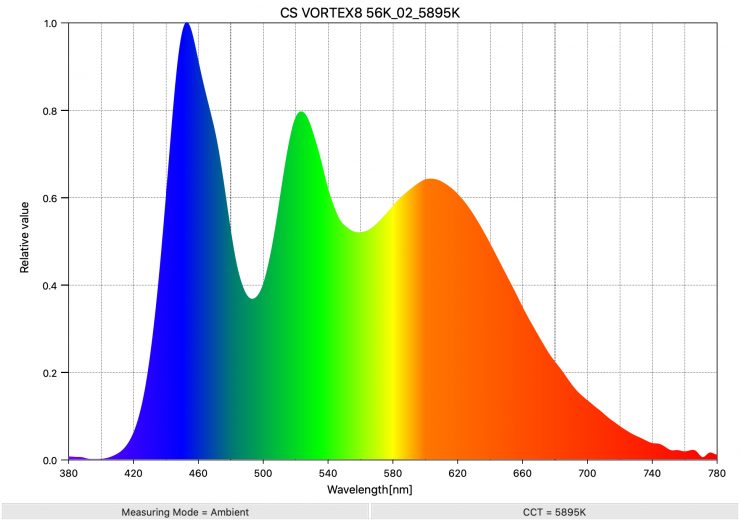
As another comparison, above you can see the spectral distribution of the Vortex8 when it is set at 5600K. As you can clearly see, the light has quite a full spectrum; however, there is a large green spike.
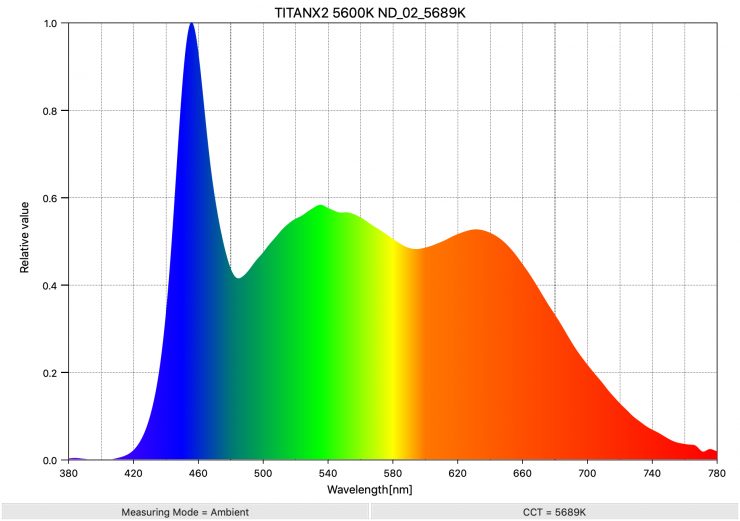
As another comparison, above you can see the spectral distribution of the Titan X2 when it is set at 5600K. The spectral distribution is reasonably full, and there aren’t any big spikes.
Aputure NOVA 9° 3200K
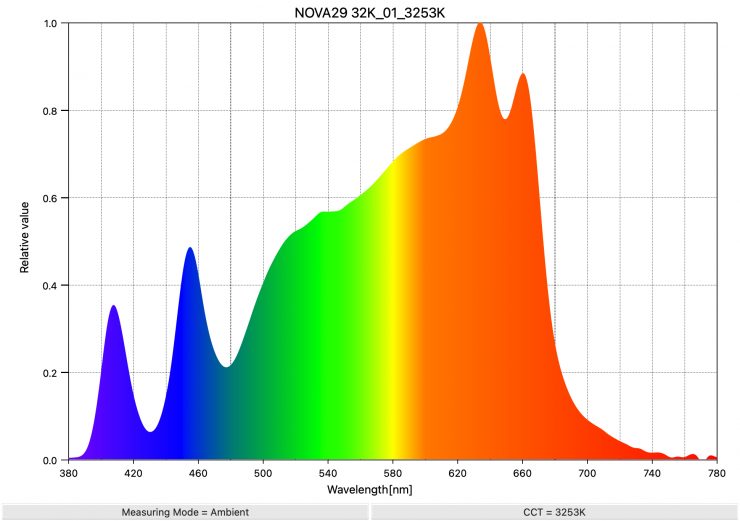
Above you can see the spectral distribution of the Aputure NOVA 9° when it is set at 3200K.
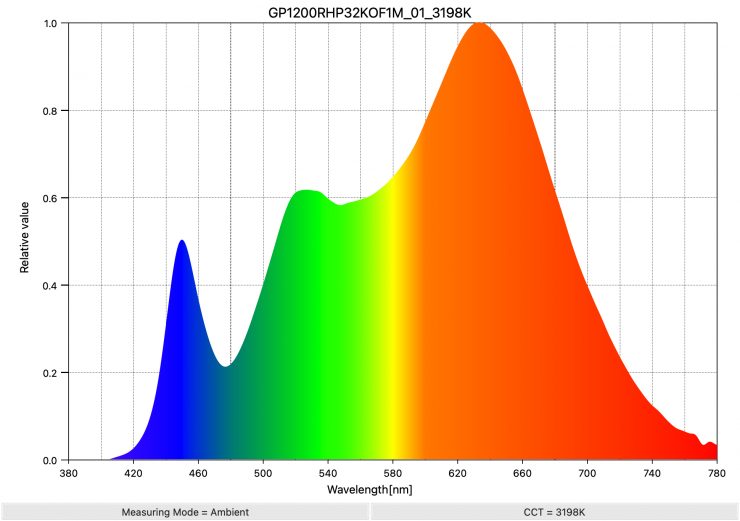
As a comparison, above you can see the spectral distribution of the Godox Knowled P1200R Hard PRO when it is set at 3200K.
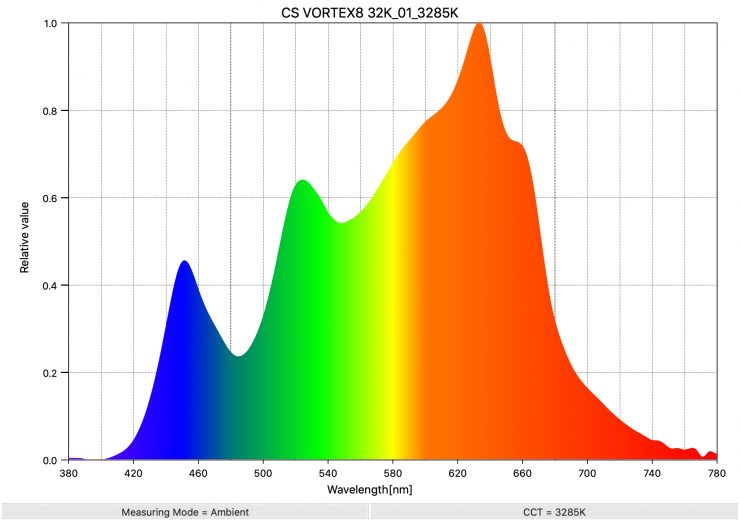
As another comparison, above you can see the spectral distribution of the Vortex8 when it is set at 3200K. Again, there is a noticeable green spike.
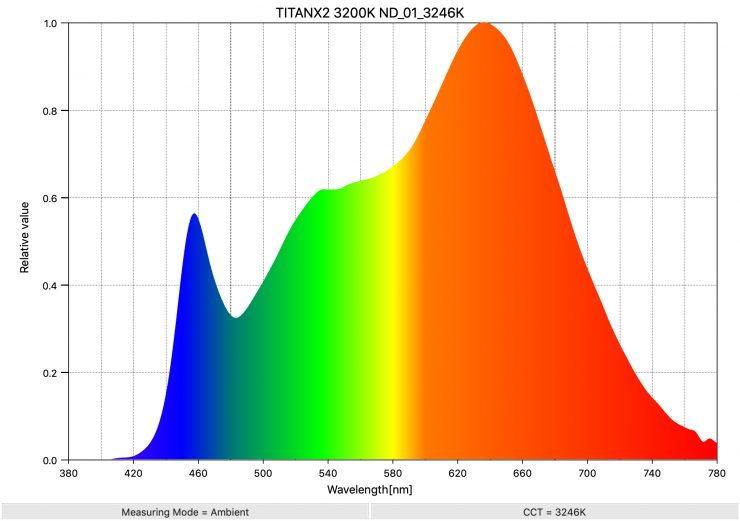
As another comparison, above you can see the spectral distribution of the Titan X2 when it is set at 3200K. The spectral distribution has a slight push towards green, and it’s also missing some color information in parts of the spectrum. However, with +/- Green adjustment, you could easily correct this.
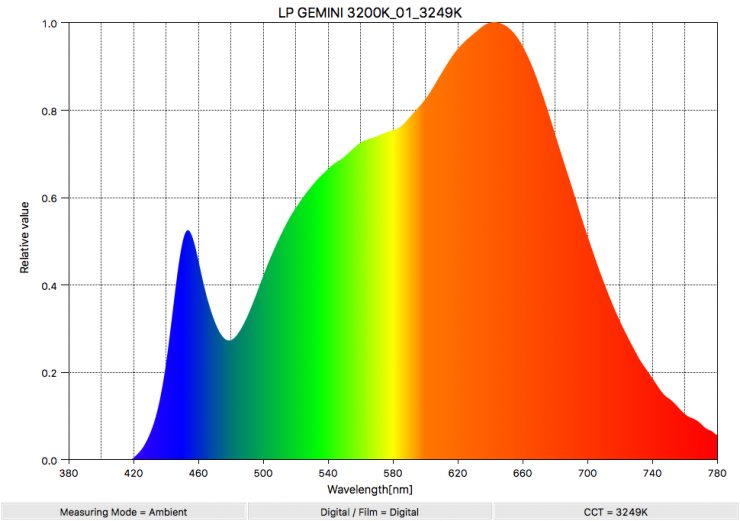
As another comparison, above you can see the spectral distribution of the Litepanels Gemini 2×1 when it is set at 3200K.
Real-World Performance & Quality of Light
As I always say, photometric scores only tell you part of the story. So do the scores from the Aputure NOVA 9° translate into real-world performance? The photometric data can only give me scientific data, and it is much more important for me to see how the light looks and performs.
What is good to see is that Aputure doesn’t seem to have made much of a trade-off when it comes to color accuracy vs output. You can have your cake and eat it too.
It is often a fine line manufacturers have to walk when creating LED lights. It is all about give and take and creating the right balance. The Aputure NOVA 9° certainly offers a very good blend of output and color accuracy. The SSI scores were very good, and it performed well in most of the tests, but photometric scores only tell you part of the story.
The Aputure NOVA 9° has a ton of output, and that allows it to be used for a wide array of lighting applications. You can use it to create anything from soft broad light to a very concentrated hard source with a massive amount of throw.
As a hard lighting source, it is certainly a very capable fixture. The beam angle is tight, and just like the ARRI X21 with a HyPer Optic, you can throw a strong, concentrated light source over long distances.
The Aputure NOVA 9° isn’t meant to be, nor should it be thought of, as an HMI or LED Fresnel replacement.
The optional Diffusion Panel or a softbox does a good job of softening the light, and you can still get a lot of output. The light also works well if you need to indirectly bounce it.
5600K Preset Camera WB 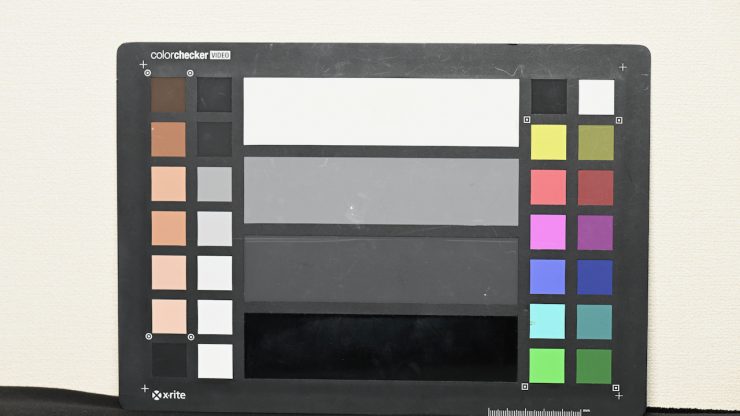
Camera WB
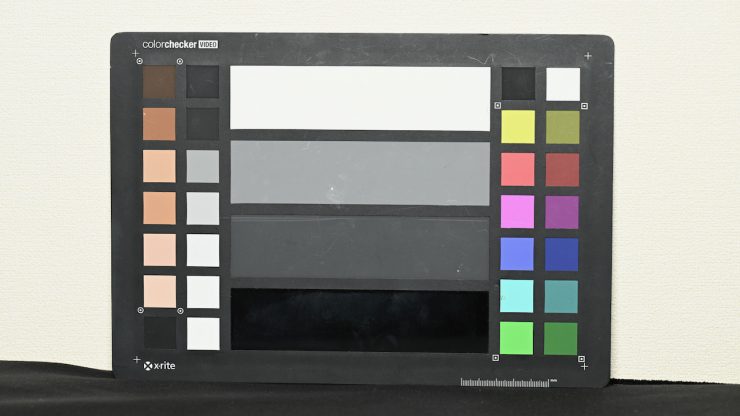
Firstly, let’s look at one of the most important aspects of a light: color accuracy. I set up a small test in a controlled environment where I shot a color checker chart with the camera WB at a preset value of 5600K, with the light set at 5600K. I then did a manual WB to see what the differences were. As you can see, the Aputure NOVA 9° does an outstanding job here, and the two images are very close.
3200K Preset Camera WB 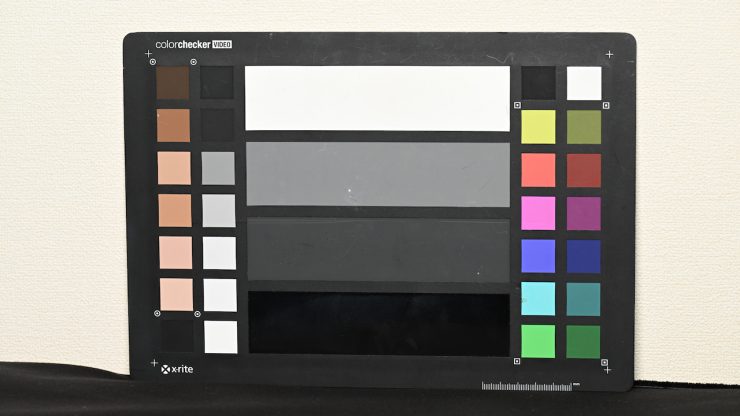
Camera WB
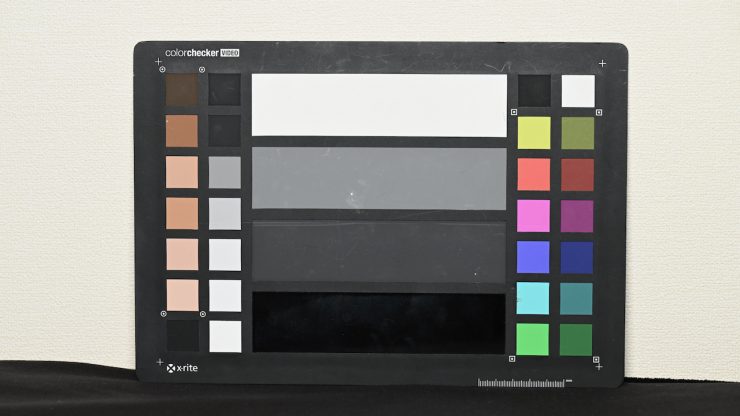
Now, let’s do that exact same test, but this time at 3200K. Just like at 5600K, the Aputure NOVA 9° does an outstanding job.
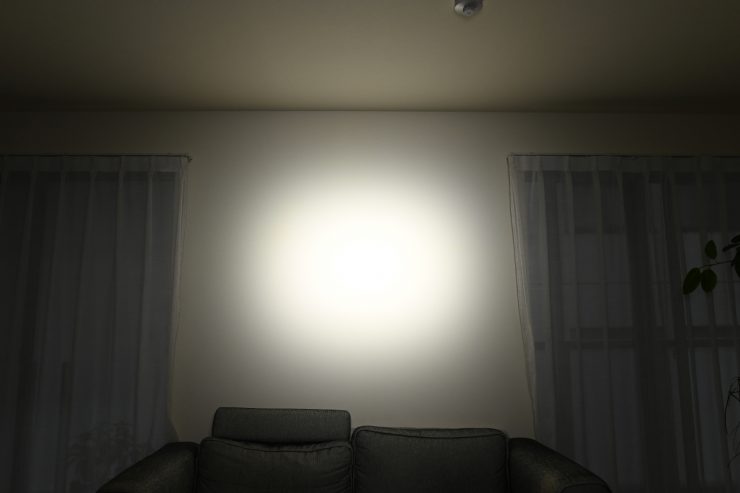
9° beam angle 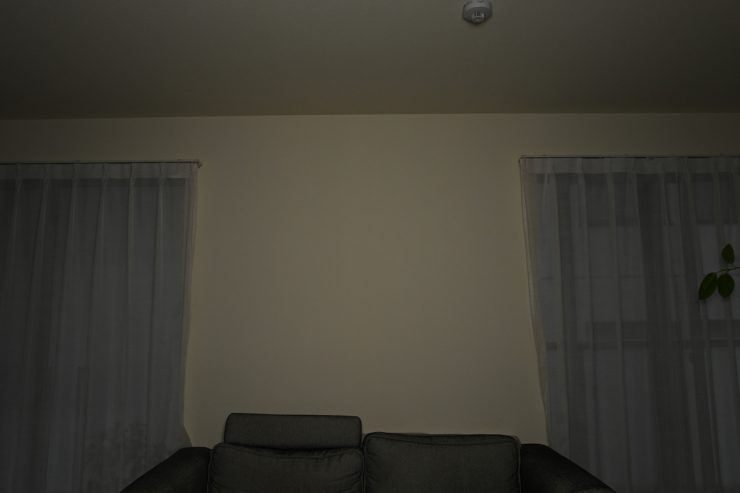
Diffusion Panel
Let’s now have a look at what the 9° beam angle looks like when the light is placed 3m / 9.9′ from a wall. I have also included a shot with the exact same camera settings when using the light with its Diffusion Panel so you can see the difference in spread and output.
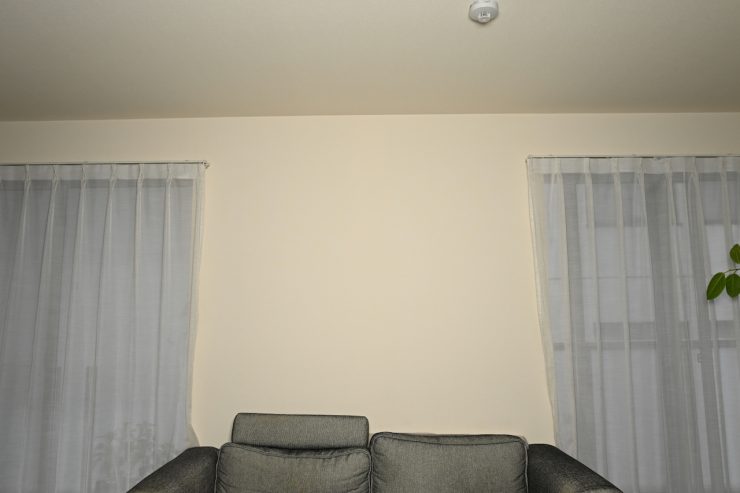
Speaking of the Diffusion Panel, above you can see that it creates a very broad spread of light.
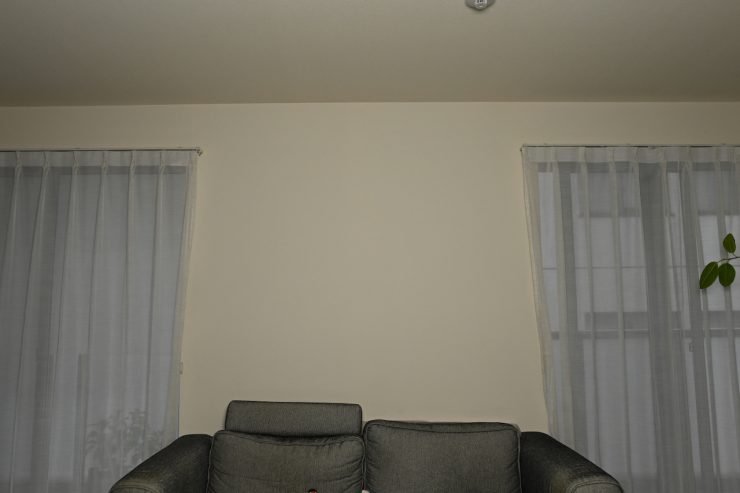
The optional Heavy Frost Diffusion Panel softens the light even more. Above you can see what it looks like. I have kept the exact same camera settings as with the shot I took of the Diffusion Panel.
How about the shadows?
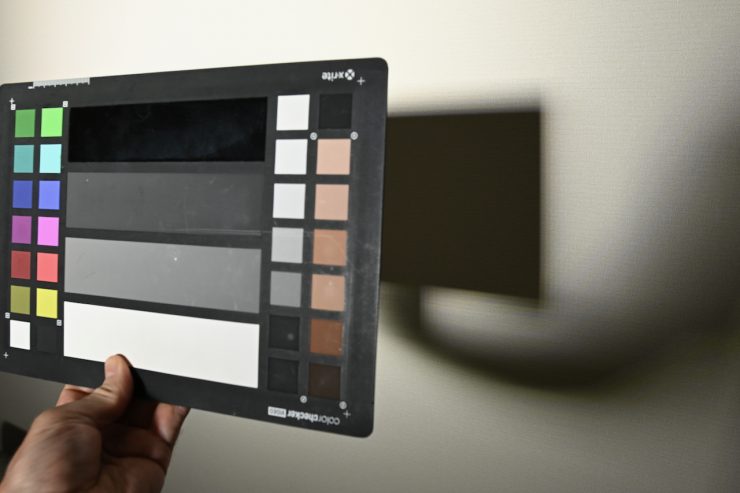
9° beam angle 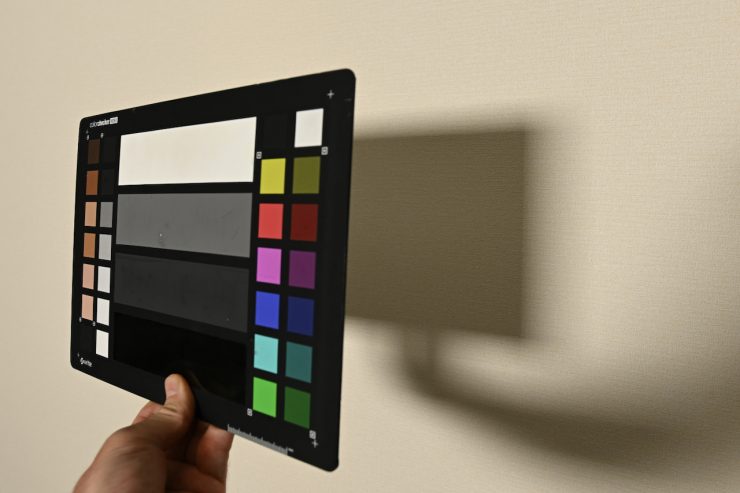
Diffusion Panel 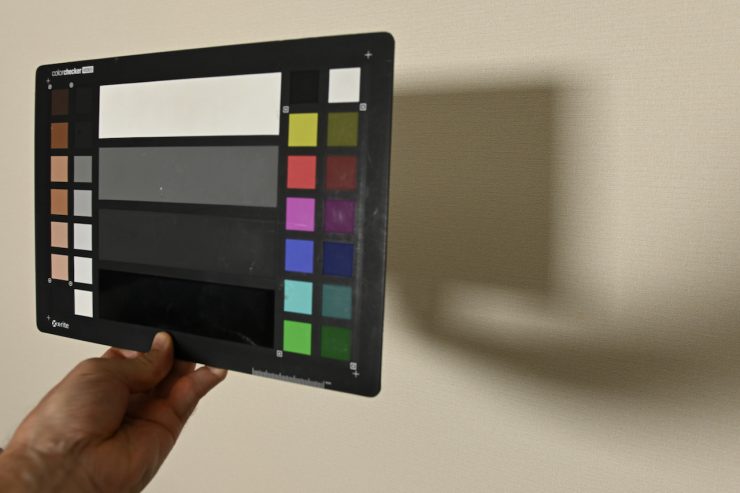
Heavy Frost Diffusion Panel
Above, you can see what the shadows look like for the 9° beam angle, Diffusion Panel, and Heavy Frost Diffusion Panel.
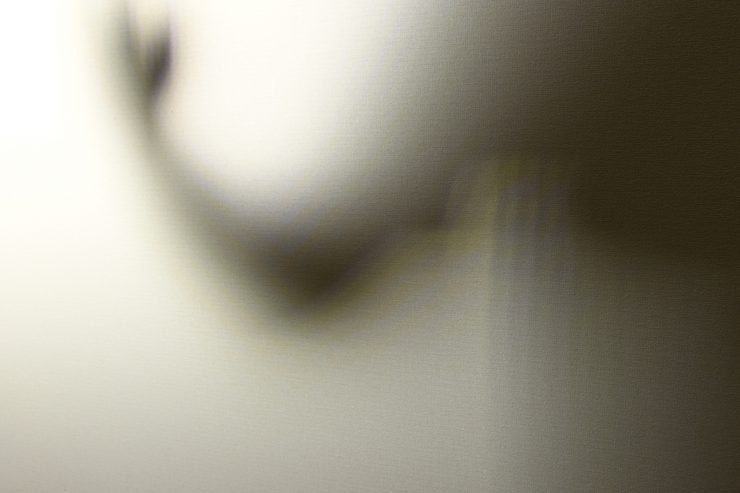
@3m / 9.9′ from a wall 
@3m / 9.9′ from a wall
With the 9° beam angle, you do get some cross-hatching and color fringing if the light is too close to a wall, etc. It needs some distance for the individual LEDs to combine enough to produce sharp shadows with no fringing.
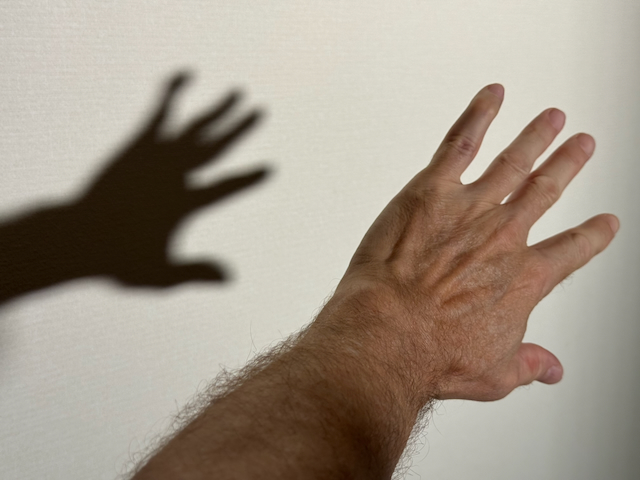
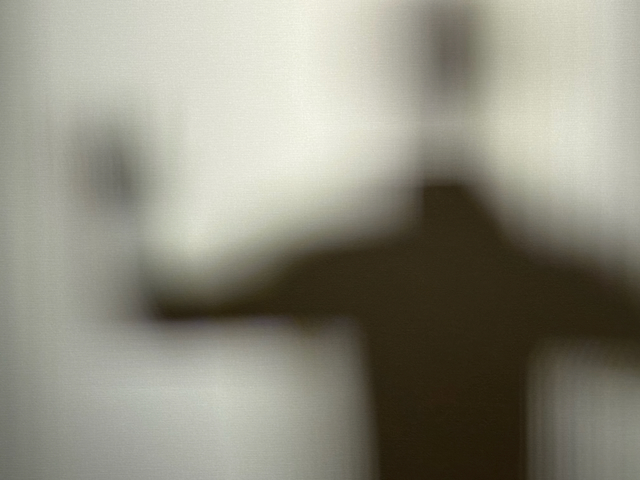
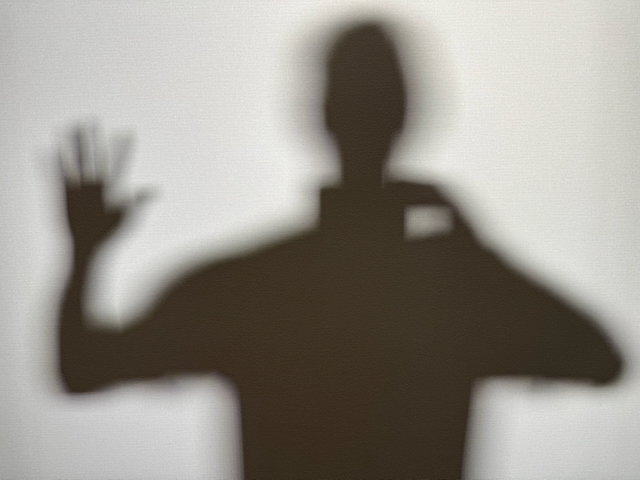
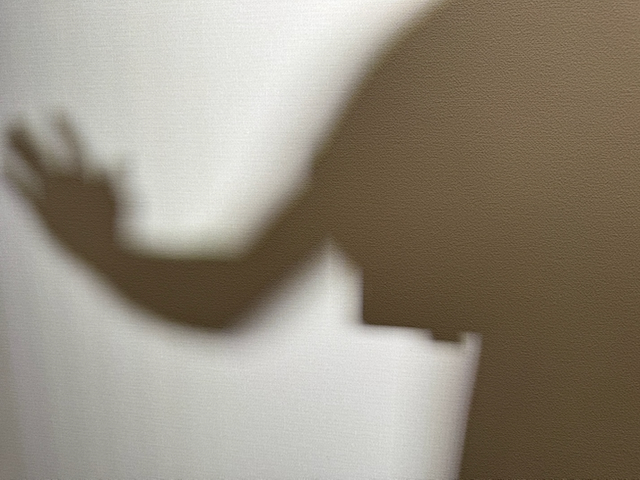
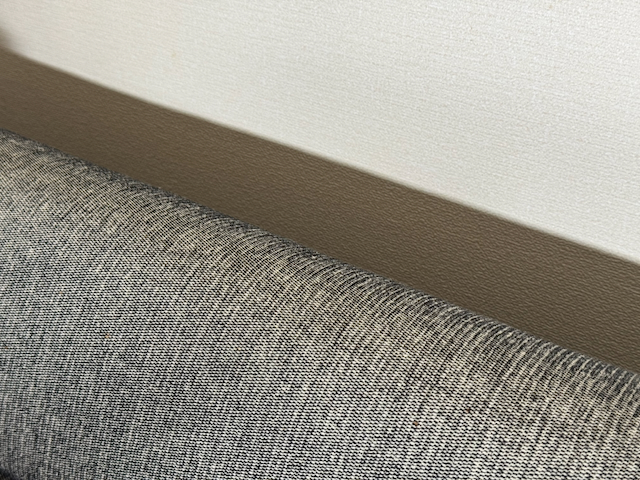
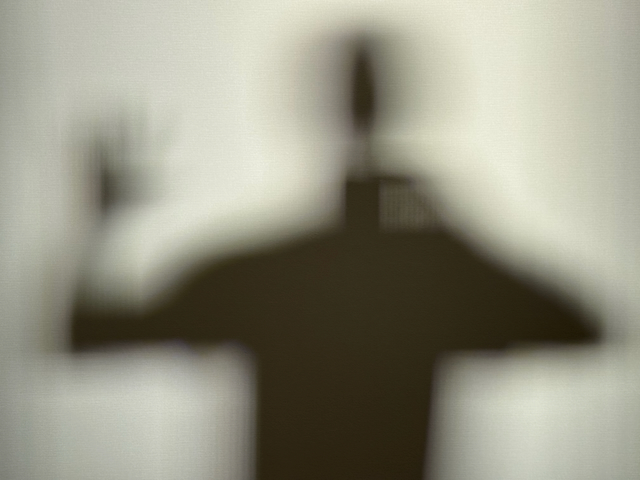

I tried the light out at a distance of 8m / 26.25′ and unless you were close to a wall, there was still color fringing and some cross-hatched shadows. If you don’t want any cross-hatching (even minimal amounts), you probably need to be at least 12-15m from a surface. Although in saying that, when. used it on location at distances less than that, I didn’t notice any issues, but it really depends on the application and surfaces, etc.
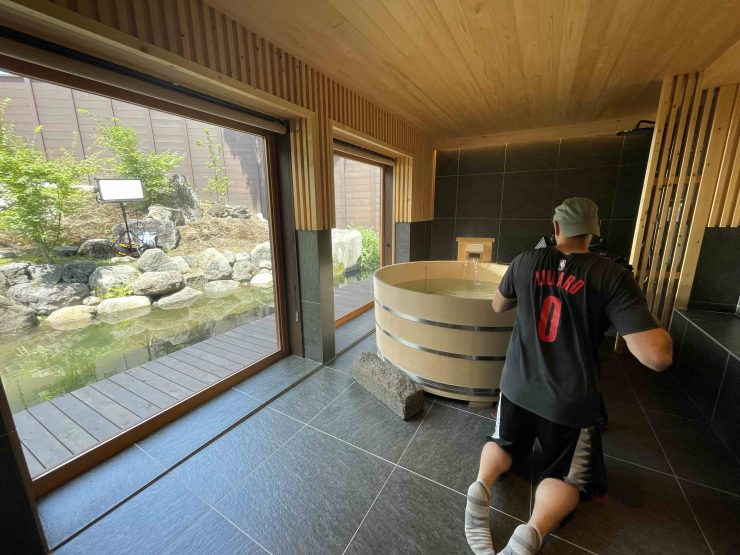
I used the light on a recent shoot, mainly for punching light from outside into rooms, and it did a fantastic job. I was amazed that even when using it outdoors in bright conditions, the beam is still strong enough to get thrown over pretty decent distances.

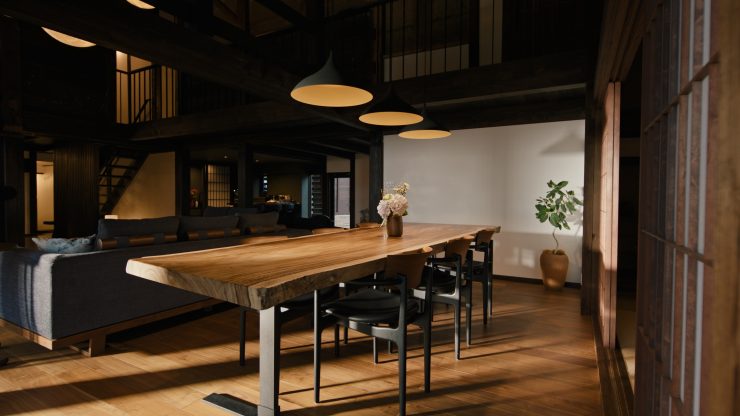
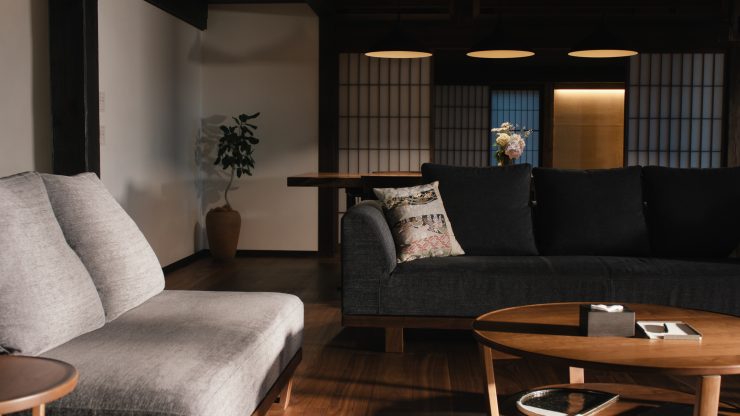
What also impressed me is that I was using the light at 100% output with it sitting out in 36 degree celsius weather in the direct sun for long periods of time, and not once did it have an issue.
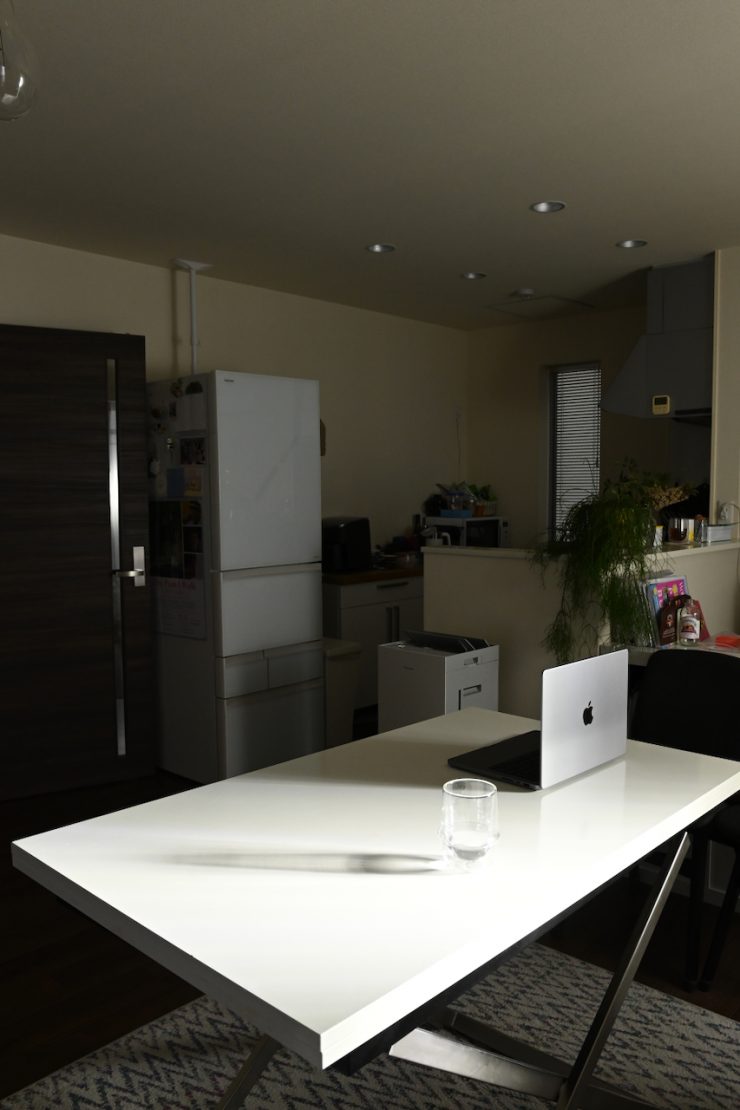
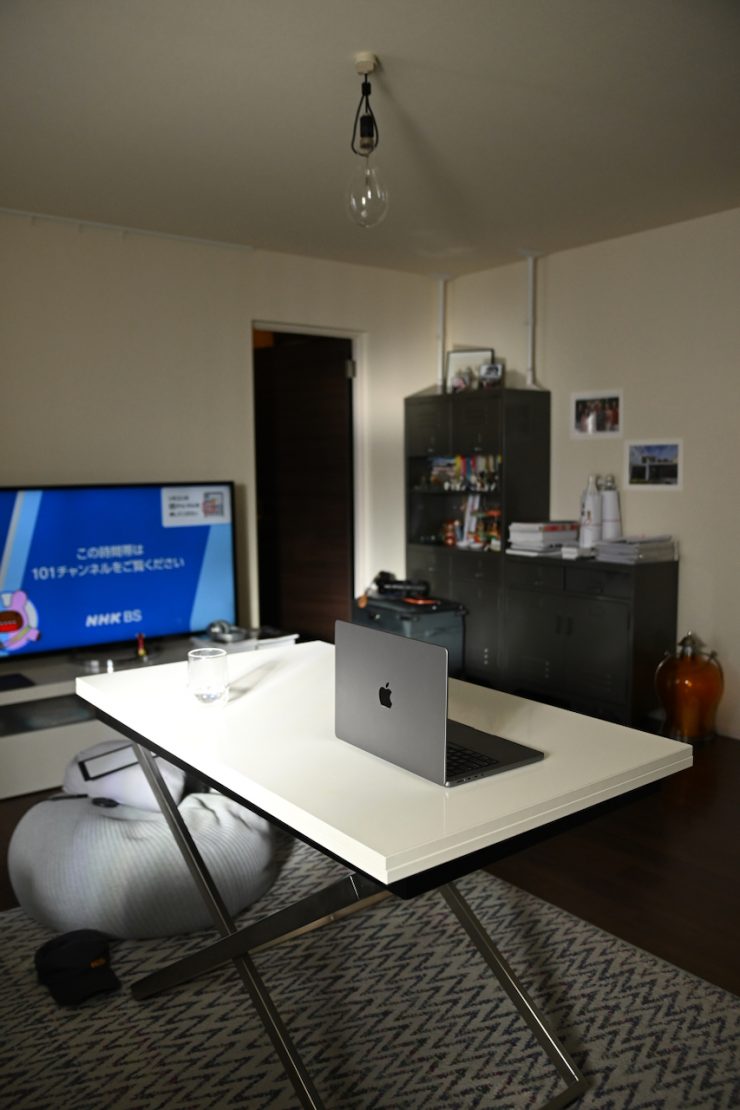
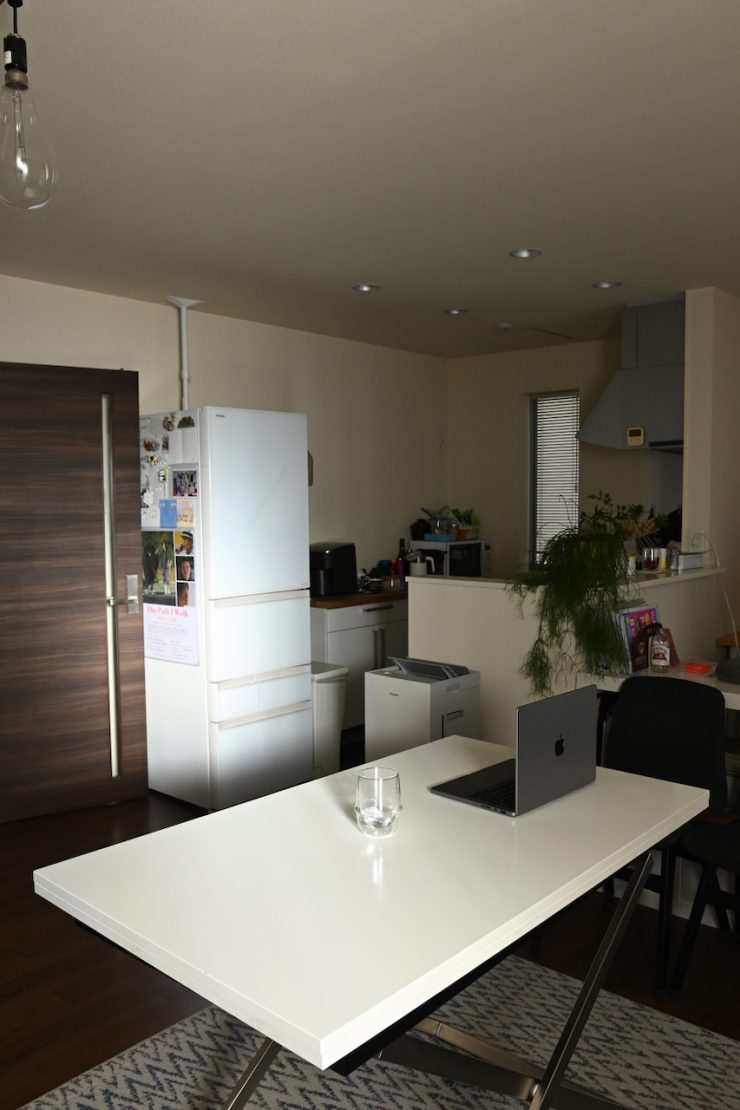
Light On 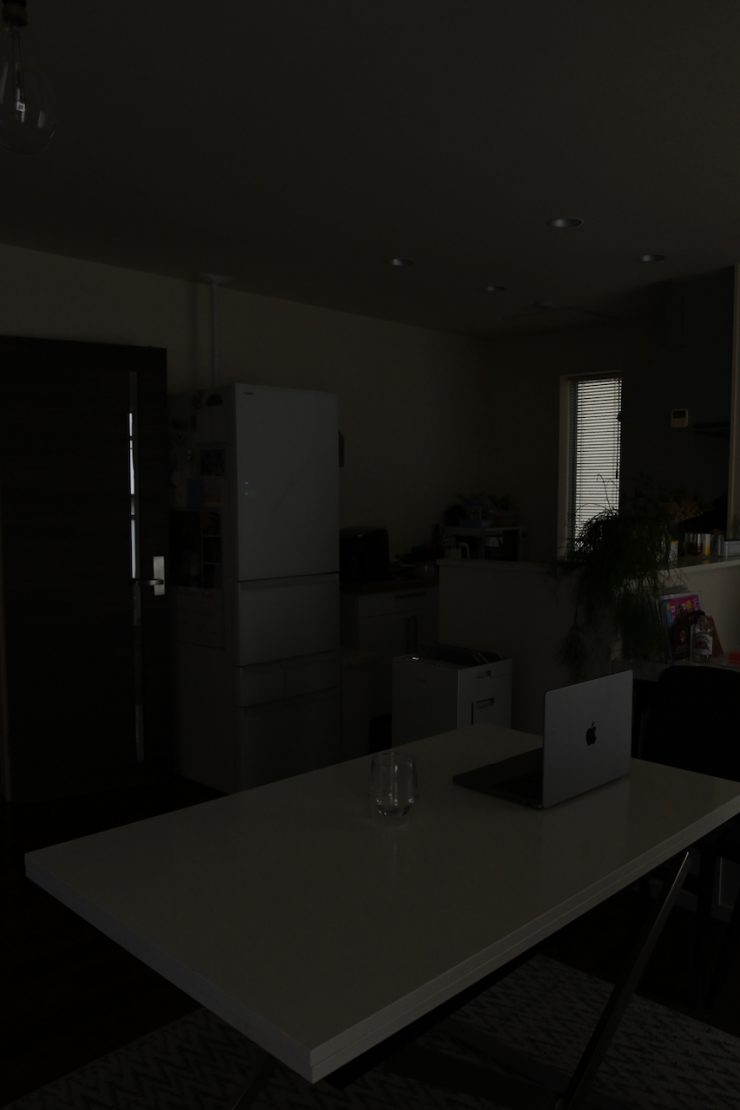
Light Off
Above you can see some example shots of positioning the light outside and punching it through a sheer curtain using no lighting modifiers.
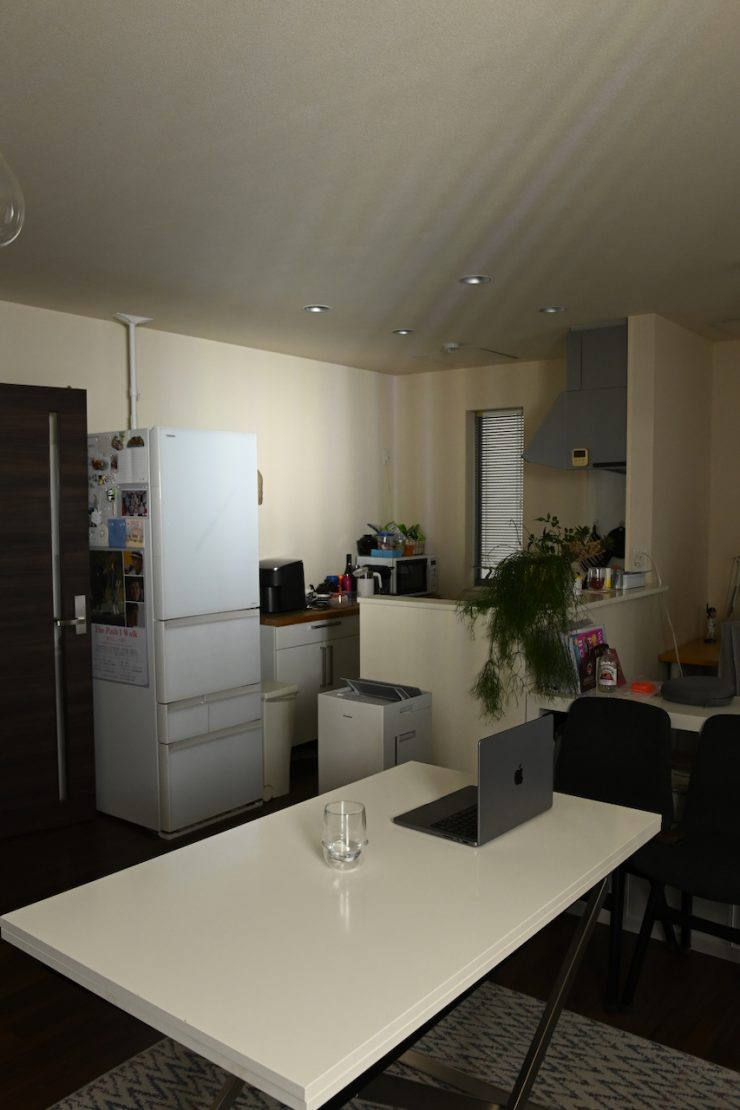
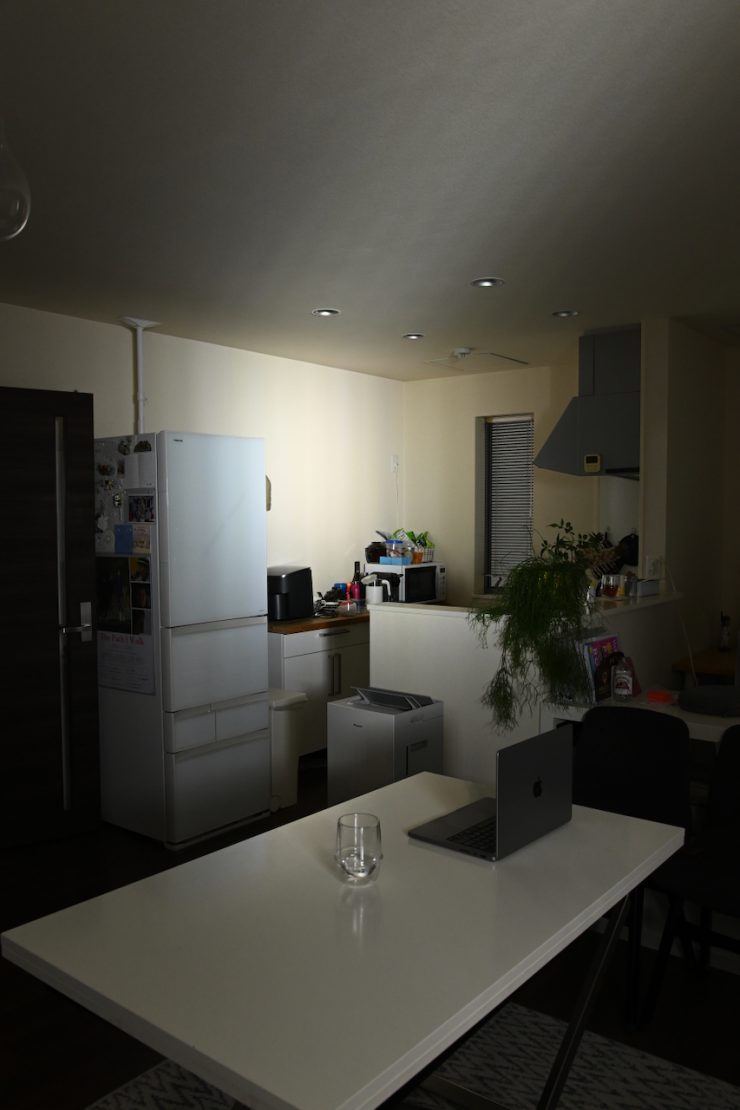
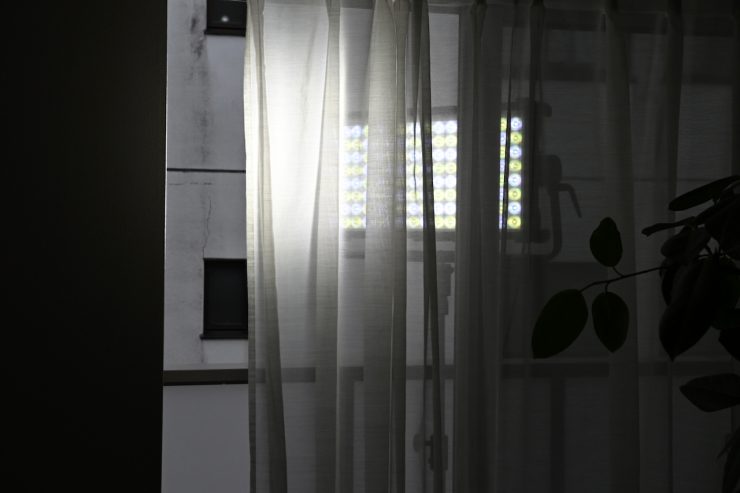
I did find that you do need to be careful sometimes when using the fixture without any lighting modifiers at distances that are too close to a wall, etc., as you can get some color fringing. It is a little hard to see in the above pictures, but I could clearly see it in person.
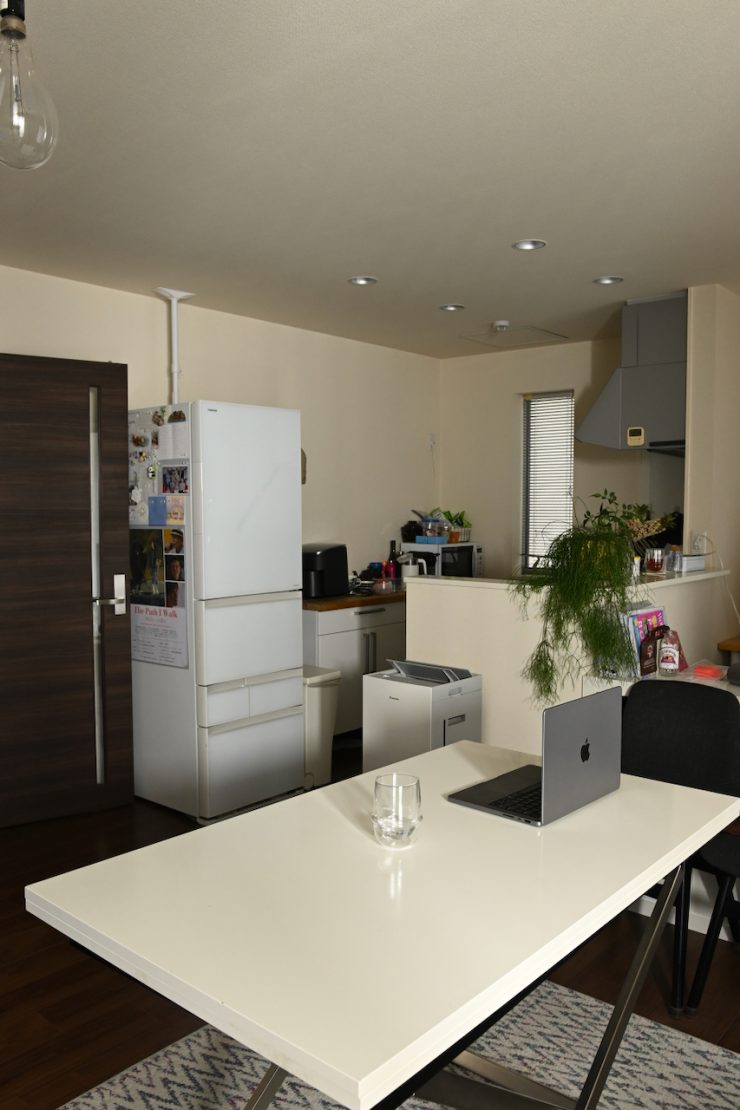
Light On 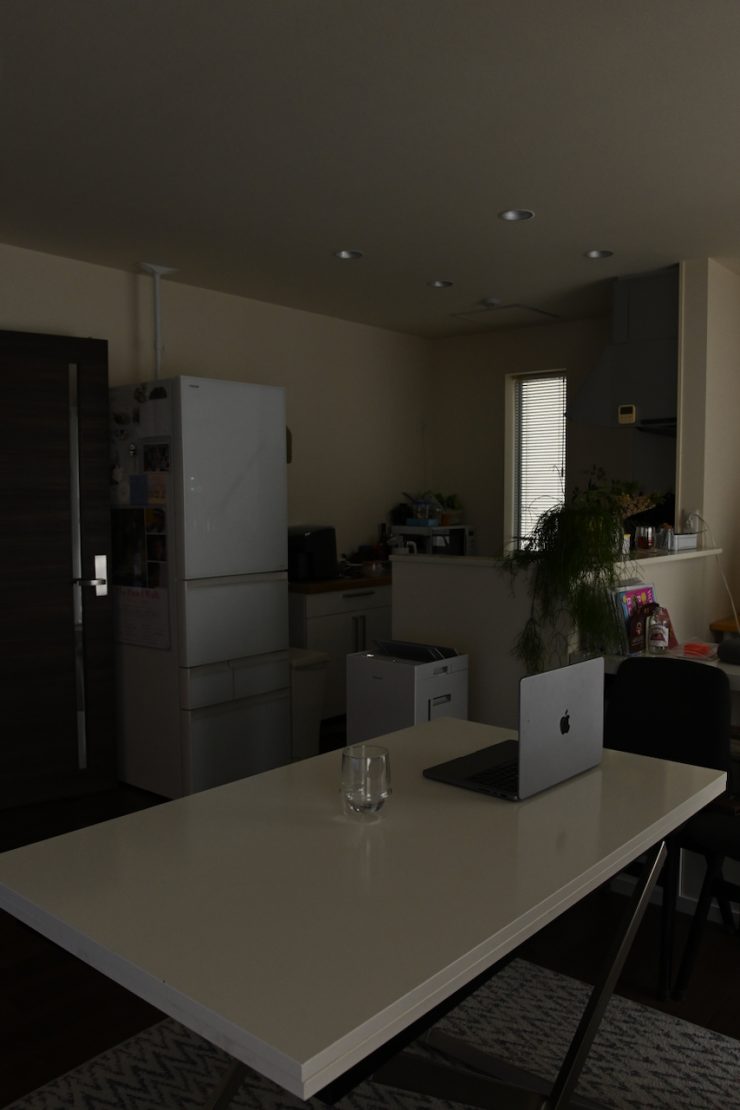
Light Off
Above, you can see what the light looks like when placed outside with its Diffusion panel and punched through a sheer curtain.
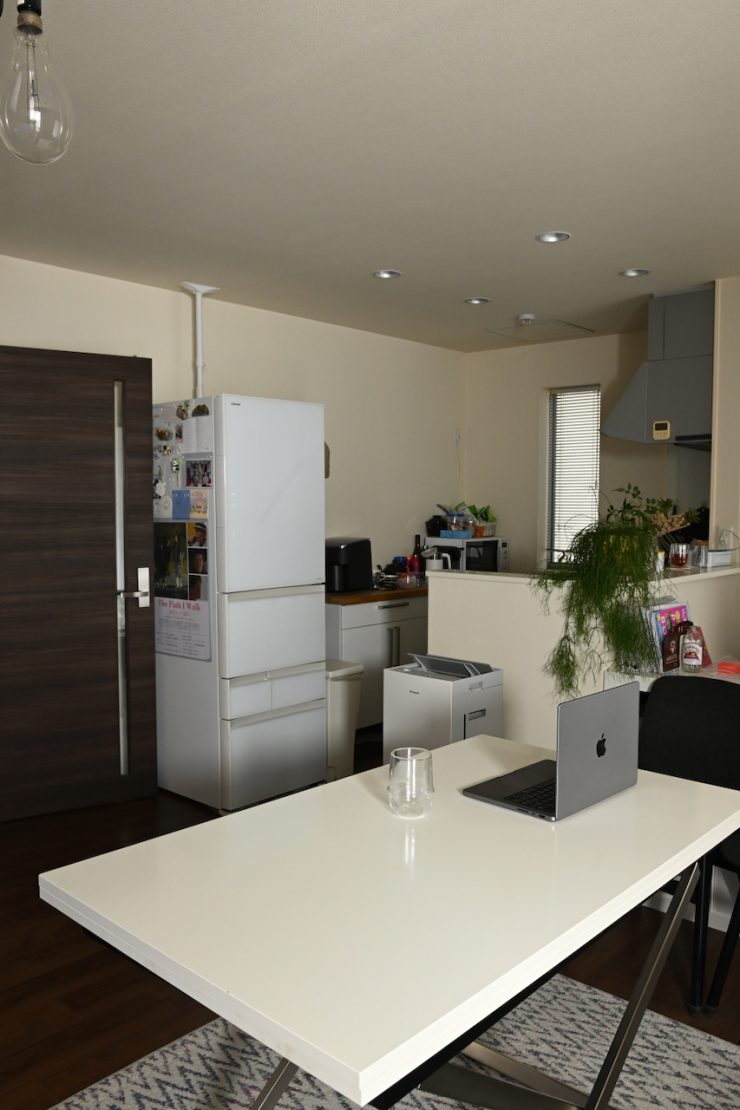
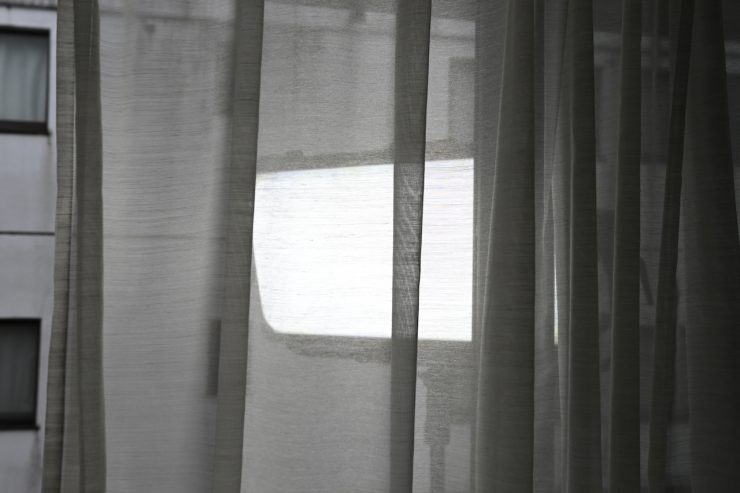
Above, you can see what the light looks like when placed outside with its Diffusion panel and optional Heavy Frost Diffusion Panel punched through a sheer curtain.


Above, you can see a couple of quick shots with the light when placed outside with its Diffusion panel and optional Heavy Frost Diffusion Panel punched through a sheer curtain at a distance of about 4m from the subject.
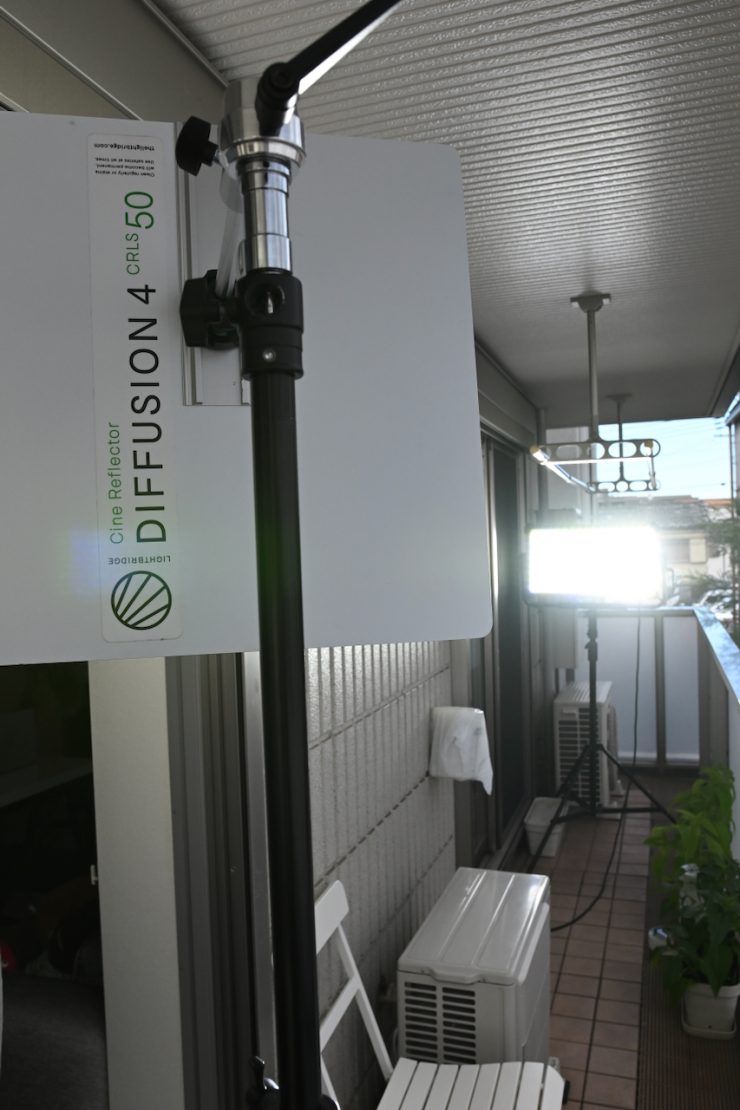
Another good use for the 9° beam is when you combine the fixture with reflection panels such as the Lightbridge CRLS Precision Lighting Reflectors.
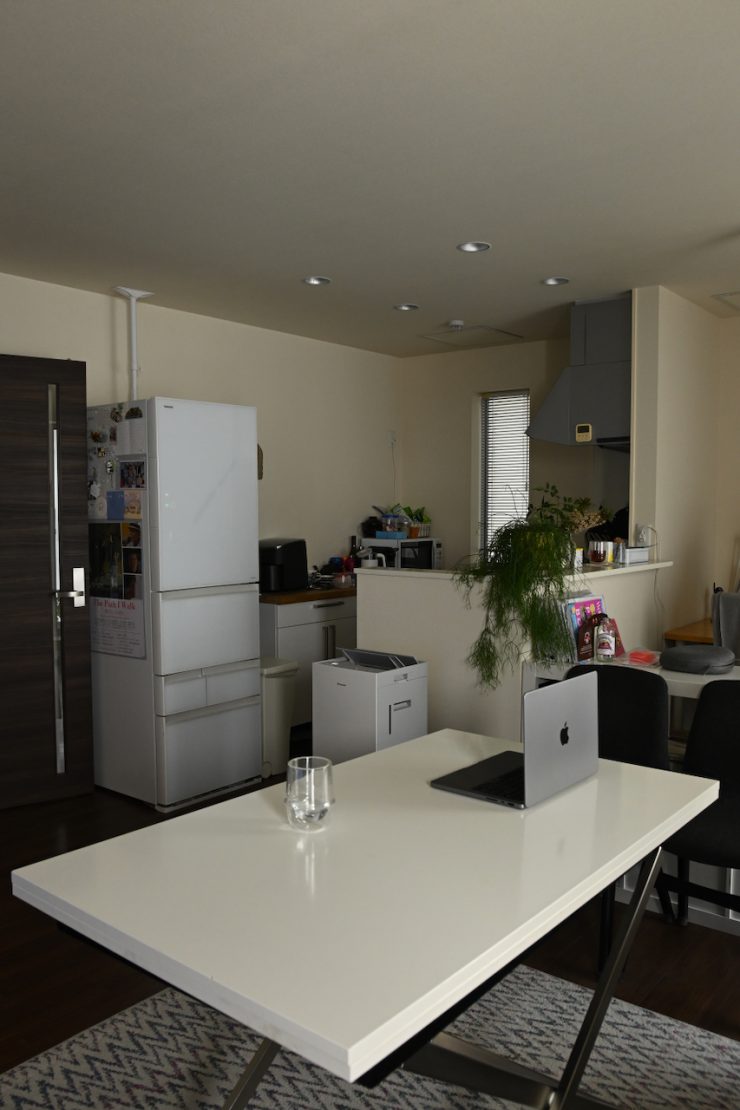
Light On 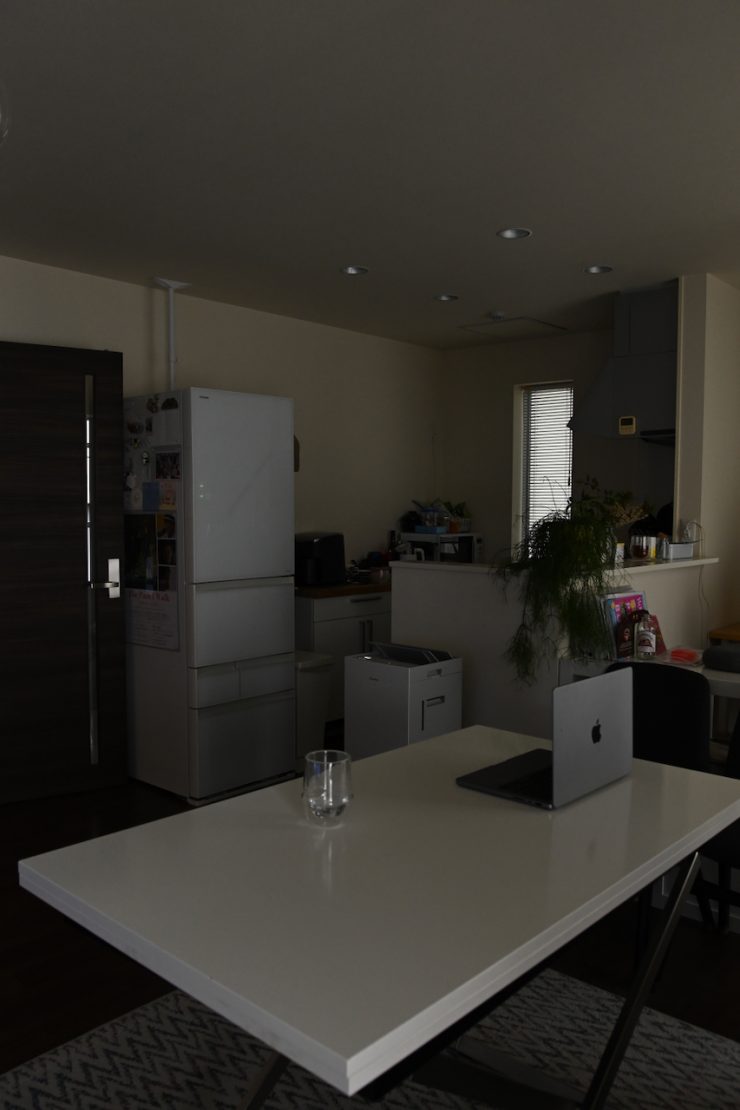
Light Off 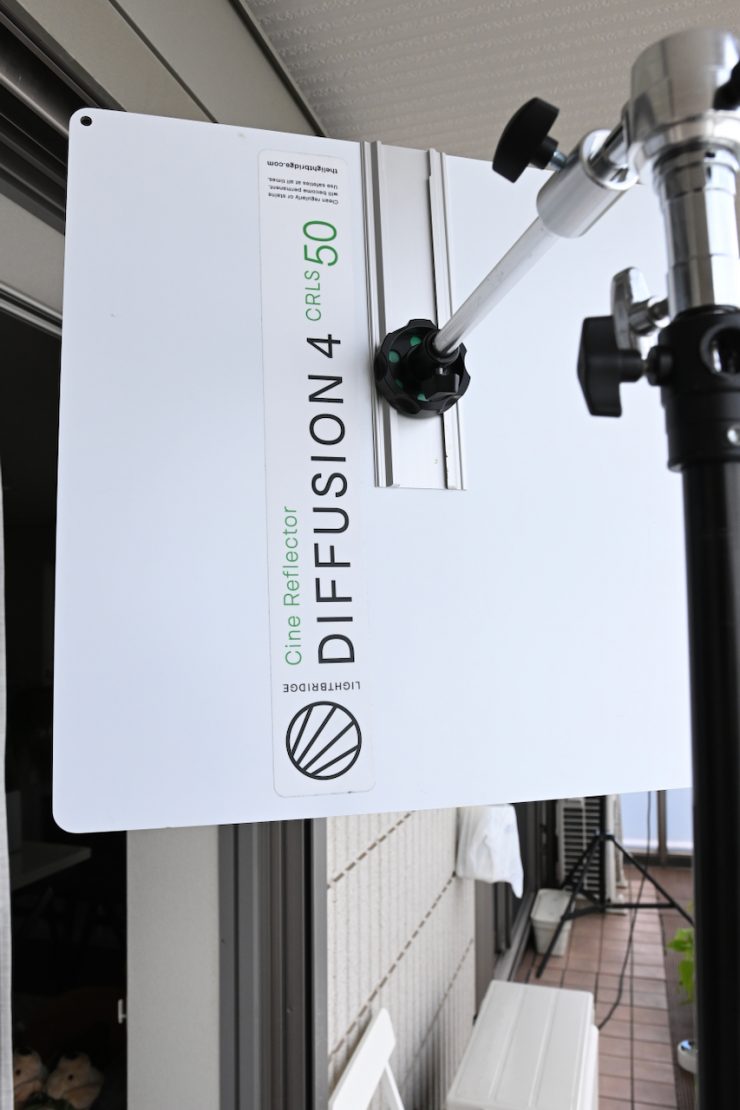
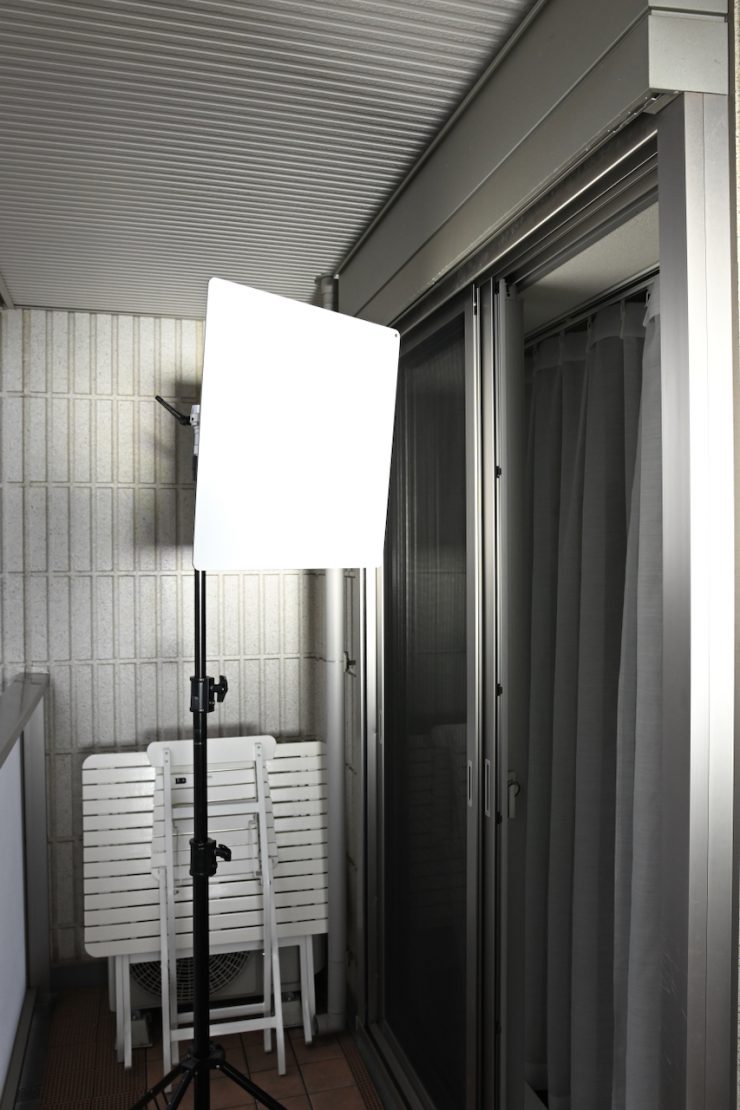
Above, you can see that I can create a nice soft source coming from outside by punching the Aputure NOVA 9° into a Lightbridge CRLS Diffusion 4 panel and then through a sheer curtain.
If you use a softbox, it’s arguably better to do so with the included Diffusion panel so it can fully fill it up.
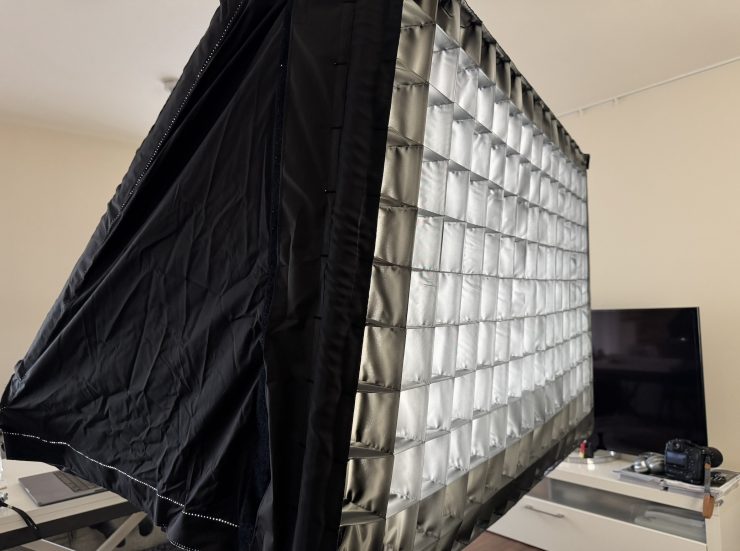
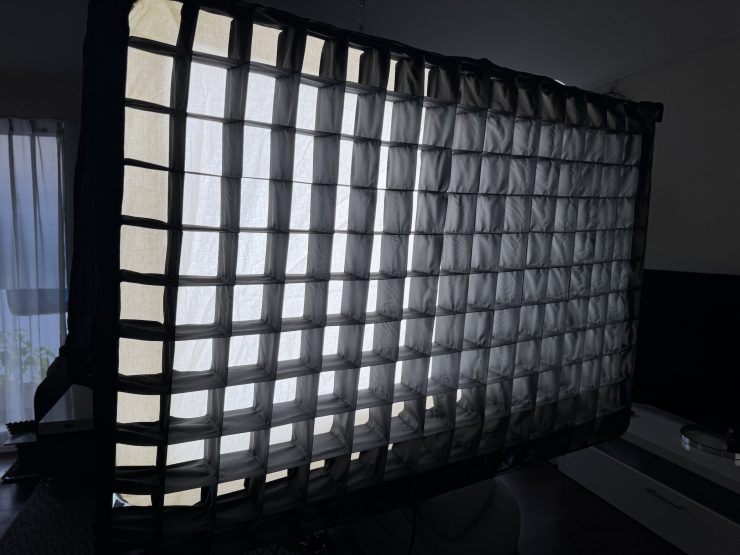
I also tried the fixture out with the DoPchoice AIRGLOW running unbleached muslin and a honeycomb grid.



The light has plenty of power, and you can create some very nice soft light. For the above examples, I was running the fixture at just 43% output with the Diffusion panel on the fixture.
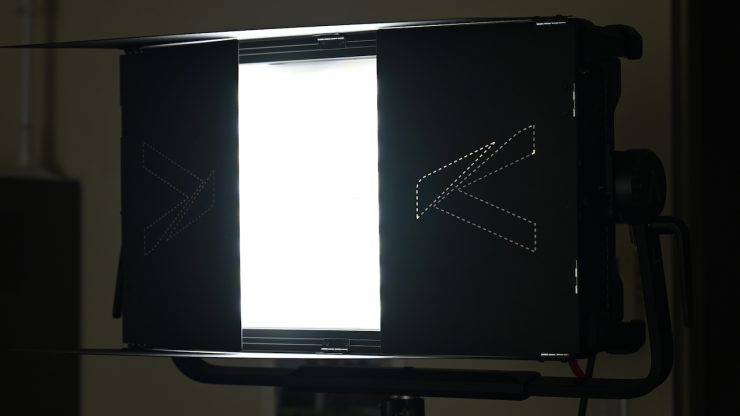
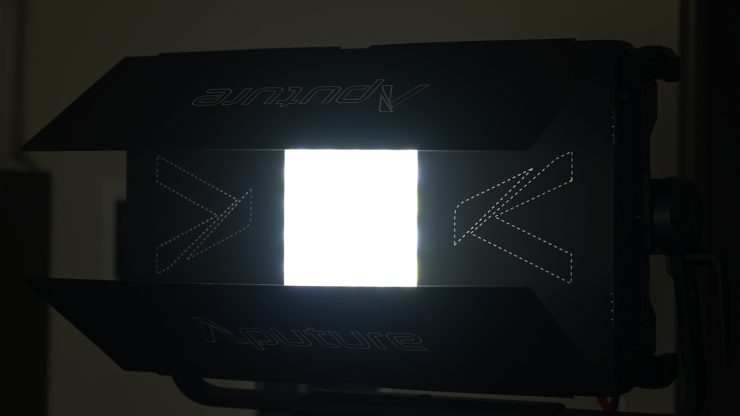
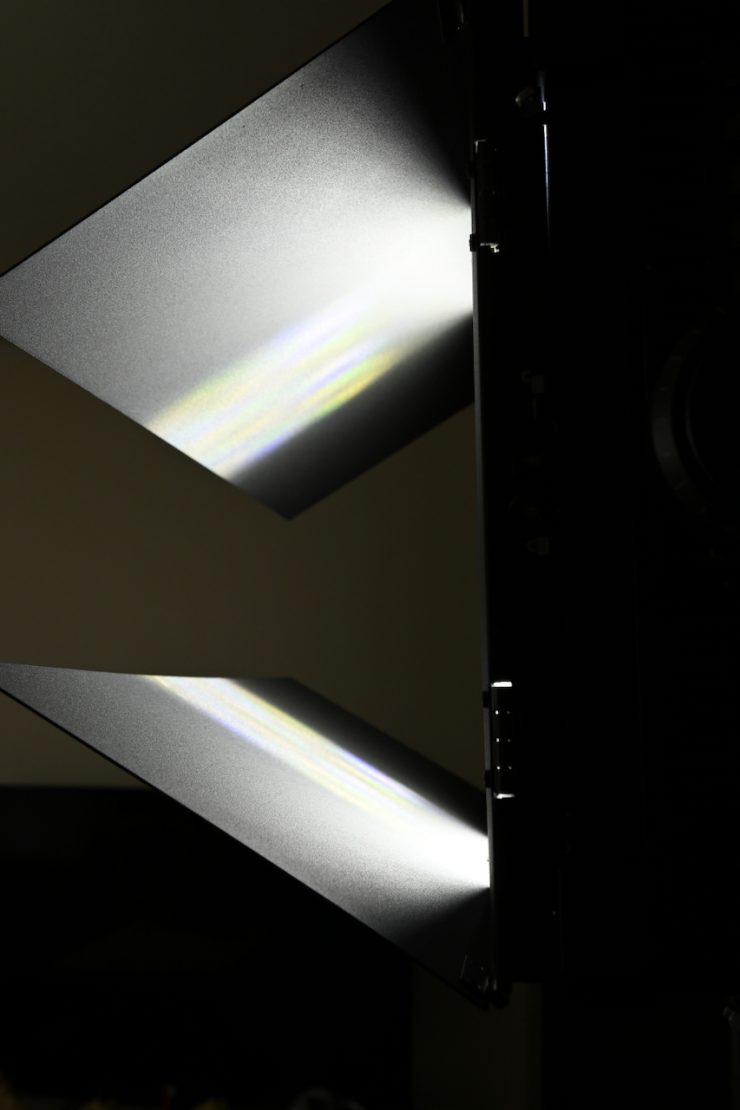
The optional barndoors will work with the 9° beam angle, but they aren’t going to make a ton of difference, except for reducing some spill.
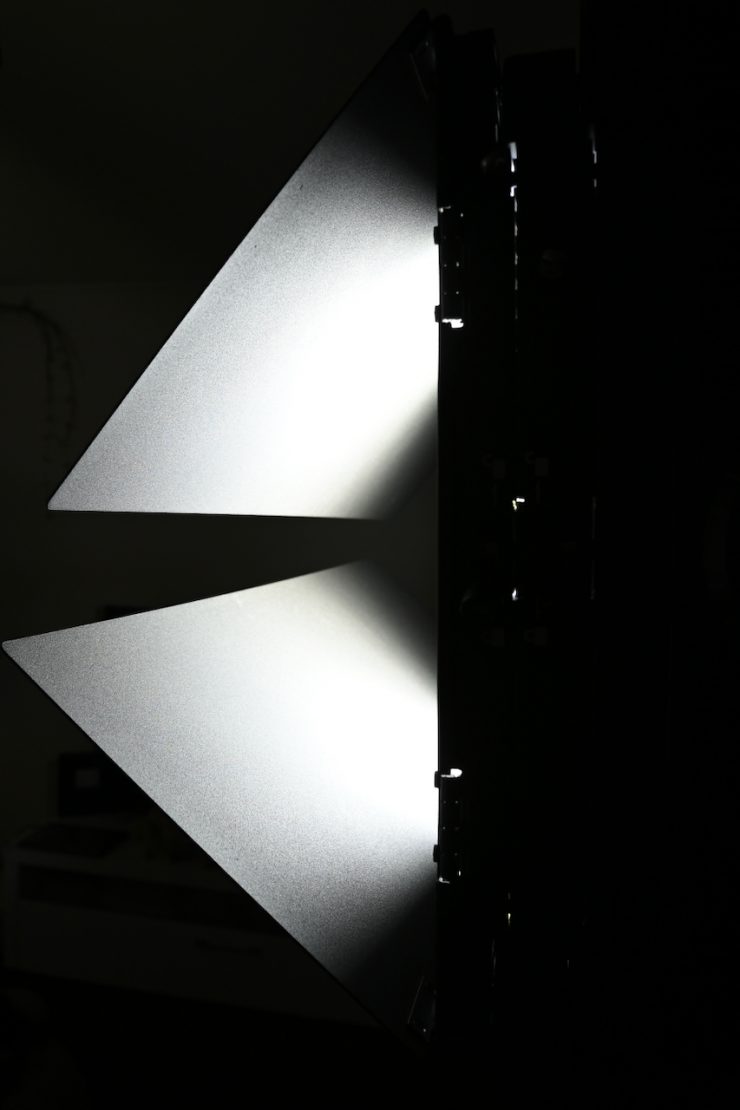
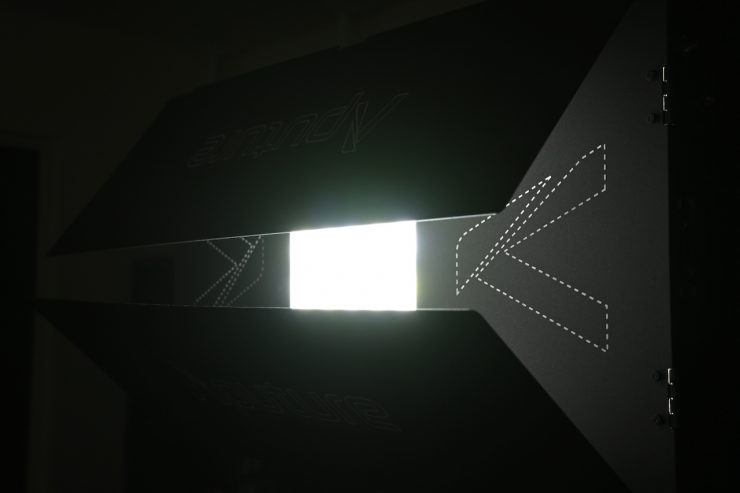
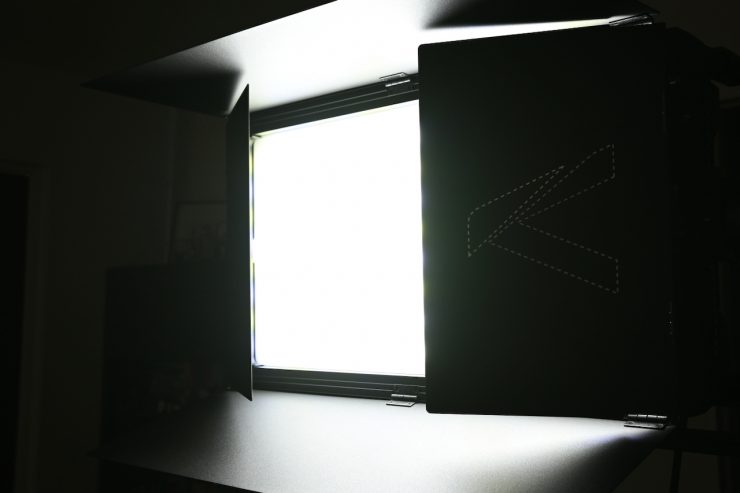
If you use them in conjunction with the Diffusion Panel, you can also control spill.
If you try to close them up too much, you will end up getting the effect you see above.
Firmware Updatable
The great aspect of modern LED lights is that manufacturers have the ability to implement new features and functionality through firmware updates.
Price & Availability
The Aputure NOVA 9° retails for $3,690 USD. For this price, you get the following items:
- Aputure NOVA 9° 2×1 Tunable White LED Light Panel
- Removable Yoke with Junior Pin
- Flat Diffuser
- AC Power Cable (19.6′)
- Safety Chain (1.6′)
- Limited 1-Year Manufacturer Warranty
Aputure also makes the NOVA 9° 2×1 Tunable White LED Light Panel (Travel Kit) for $3,890 USD that comes with:
- Aputure NOVA 9° 2×1 Tunable White LED Light Panel (Travel Kit)
- Removable Yoke with Junior Pin
- Flat Diffuser
- AC Power Cable (19.6′)
- Safety Chain (1.6′)
- Rolling Hard Case
- Limited 1-Year Manufacturer Warranty
The NOVA 9° 2×1 Tunable White LED Light Panel 3-Light Kit is $11,590 USD. It comes with:
- 3 x Aputure NOVA 9° 2×1 Tunable White LED Light Panel
- Removable Yoke with Junior Pin
- Flat Diffuser
- AC Power Cable (19.6′)
- Safety Chain (1.6′)
- Limited 1-Year Manufacturer Warranty
- Aputure NOVA 2×1 3-Light Yoke Kit (Bare Ends)
- 3-Light Yoke
- 2 x C-Clamp with Riser
- 2 x 5-Pin XLR Male to Female DMX Cable (3.2′)
- 2 x NAC3F-TRUE1-L to NAC3M-TRUE1-L AC Power Passthrough Cable (2.9′)
- 2 x Safety Cable (4.2′)
- Aputure RCAC3F-X AC Power Cable (Bare Ends, 19.6′)
- Limited 1-Year Manufacturer Warranty
Below you can see how the price of the Aputure NOVA 9° compares against some other 2×1 style LED lights.
| Price | |
| Aputure NOVA 9° | $3,690 USD |
| Aputure NOVA II | $3,690 USD |
| Godox KNOWLED P1200R Hard P8 RGB LED Light Panel with Storage Case Kit | $3,990 USD |
| Godox KNOWLED P600R Hard Pro | $2,349 USD |
| ARRI SkyPanel X21 | $6,625 USD |
| Creamsource Vortex8 | $5,699 USD |
| Litepanels Gemini 2×1 Soft | $2,598 USD |
| Litepanels Gemini 2×1 Hard | $2,866.25 USD |
| Lupo UltrapanelPRO Full Color Hard 60 | $2,798 USD |
| Lupo Superpanel PRO Full Color 60 LED Soft Light Panel | $2,698 USD |
| SUNNYXIAO CASTER CO2P | $3,399 USD |
| ZOLAR Vega 80C | $2,999 USD |
| Luxli Taiko 2×1 RGBAW | $799 USD |
| Kino Flo FreeStyle 21 | $1,980 USD |
| Kino Flo Diva-lite 20 DMX | $2,781 USD |
| Velvet EVO 2 | $4,128 USD |
| Nanlux Dyno 650C | $4,070 USD |
The NOVA 9° is competitively priced against other high-end 2×1 fixtures.
Conclusion
The Aputure NOVA 9° is a solid fixture that is more than capable of producing good results. It is not going to be a light for everyone, and it is more likely to be a rental item and something that will be used on large productions in arrays. However, there will certainly be some owner/operators who will buy it. The light actually surprised me in a good way, because after using it on a real production, I quickly came around to just how valuable and versatile it was. Being able to have a single fixture that I could run off a household plug, that I could carry around and use by myself, with the ability to throw a strong, powerful beam over distances and also be used as a soft source, was invaluable for a lot of the work I tend to do.
On the negative side, you can get cross-hatched shadows and color fringing if the light is used too close to a wall, etc.
The Aputure NOVA 9° is extremely well made, and with IP65 certification, it has been designed for the rigors of field use. It does look like a fixture that could last you a long time.
Having one versatile fixture that can be used in so many ways is certainly very appealing, but you do have to carry around all of those different accessories to make that happen.
The light has good CCT accuracy across its range, and it has a ton of output. The output is probably its biggest selling point. The ability to create a ton of output as both a hard source and a soft source adds to its appeal.
The Aputure NOVA 9° is one of the most impressive fixtures I have reviewed, and I’ve reviewed a lot of lights! For the type of work I do, it was truly a revelation. Now, as I previously mentioned, it’s not a light for everyone. The right light is the light that works for what you need it to do and how you like to operate.
Aputure has done an outstanding job with the Aputure NOVA 9°, and there is a lot to like. The color accuracy, output, build quality, versatility, weight, and power draw tick a ton of boxes.