Accsoon has released a firmware update for its new CineView M7 and M7 Pro that enables camera control for select Sony and Canon cameras. The firmware is completely free to users via firmware update, with no additional licences or charges required.
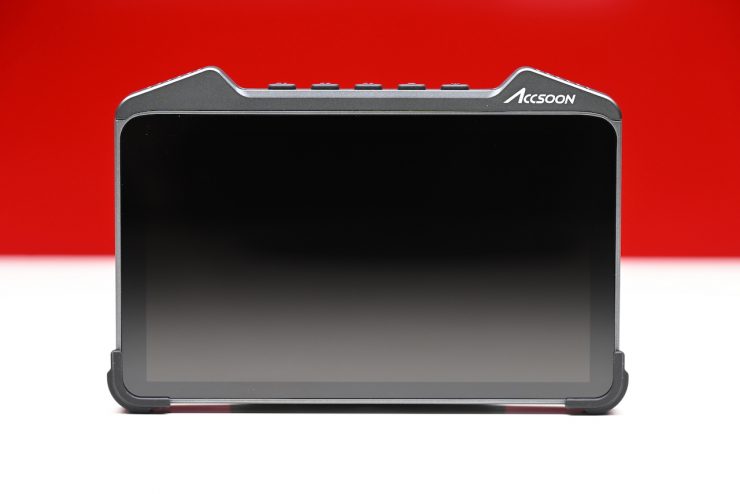
I recently did a comprehensive review of the Accsoon CineView M7, and you can see that here.
The camera control feature allows users to control focus, exposure, sensitivity (ISO), white balance, and trigger recordings all via the monitor’s touch interface. Accsoon states that because the CineView M7 and M7 Pro utilize high-speed processors, the camera controls are extremely responsive.
In this initial release, the control functions work with the following cameras:
SONY
- A7S III
- A7 IV
- A9 II
- FX30
- FX3
- A7C II
- Several other mirrorless cameras
CANON
- R5
- R6
- R5 II
- R6 II
- R7
- R8
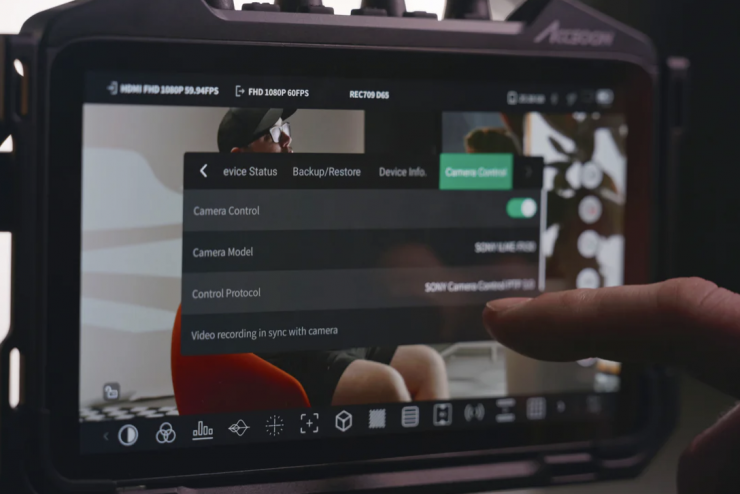
All that is required is a USB-C data cable connection between the monitor and the camera. You then enable camera control in the monitor menu, and several touch control icons will then appear on-screen. These lead to different control menus/layouts and enable record control.
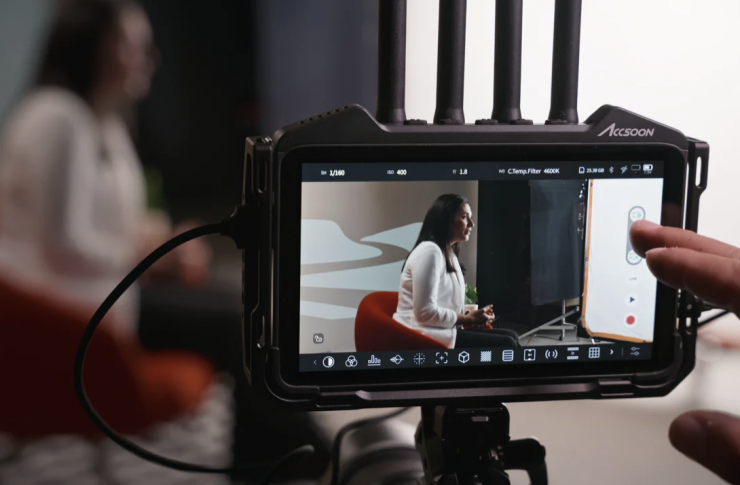
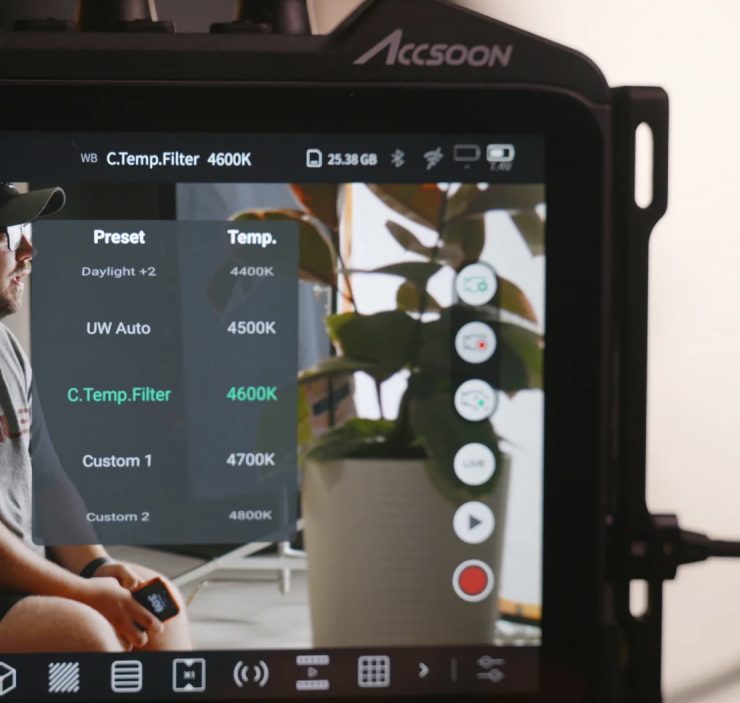
The main parameter control menu brings up shutter speed, aperture, sensitivity (ISO), and white balance options in the top status bar of the monitor.
A separate touch focus menu screen clears off other UI elements to concentrate on selecting and controlling the focus point. You can tap on the screen to shift the focus point, or drag the focus box to follow a subject. Accsoon claims that the AF touch is incredibly responsive and focus works in all autofocus zone configurations. The CineView M7 and M7 Pro also have a menu option to emulate a semi-press of the shutter button for autofocus, which can aid response in certain situations.
Triggering can also be set to simultaneously record on the camera as well as the monitor. The CineView M7 and M7 Pro can record H.264 or H.265 files that are useful for fast editing and sharing to social media, while the camera can be set to record larger files internally at the same time. Once enabled, this is bi-directional, meaning that if the camera is triggered, the monitor will automatically trigger as well, or if recording is triggered on the monitor, then the camera will also trigger.
This initial release is the first of several control updates to come.
Camera controls for the CineView M7 and M7 Pro are available via a firmware update available now for free download from the Accsoon website. Please be sure to carefully follow the installation instructions.