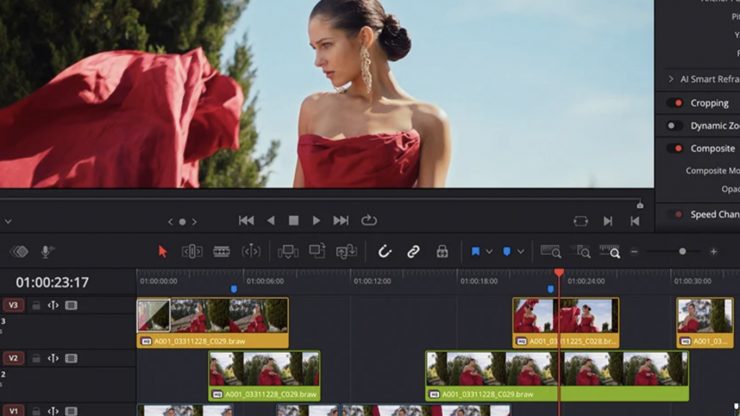
Blackmagic Design has released the DaVinci Resolve 21.0.4 update, which adds support for relinking proxy clips in different formats, additional X-OCN formats (for the Sony FX5), and a Script API to check which clips are selected in the timeline.
What’s new in DaVinci Resolve 21.0.4
The following features have been added or updated.
- Relink clips can now relink proxies with different formats.
- DRT imports automatically relink to existing nested clips if present.
- Selected clip stays in view with clip filter changes in the Color page.
- Support for importing Affinity legacy file formats.
- Support for Sony FX-5 X-OCN clips.
- Scripting API to get timeline clip selection.
- Scripting API to get timeline object from media pool timeline entry.
- SetRenderSettings API options for handles, extents and data burn.
- Addressed realtime playback issues on large cached timelines.
- Addressed power bin navigation bar issue in media pool windows.
- Addressed segment clip suffixes in media management.
- Addressed issue with edit index ordering.
- Addressed source viewer audio issue when pasting timecode.
- Addressed multiple retime speed curve editing issues.
- Addressed path length issues for Fusion templates on Windows.
- Addressed missing marker notes tag for data burn in.
- Addressed issue with decoding some DPX files.
- Addressed issue with decoding some CR2 stills.
- General performance and stability improvements.