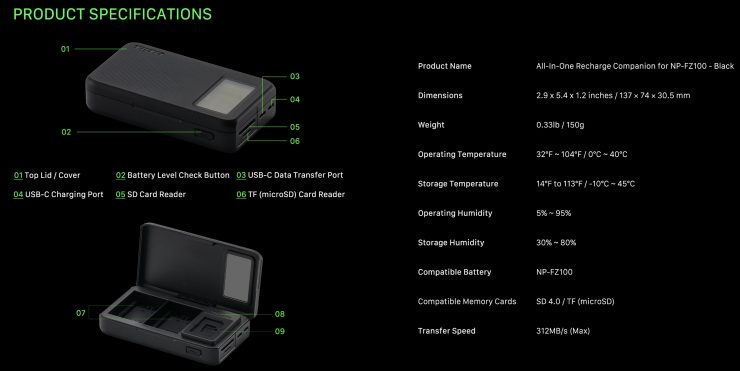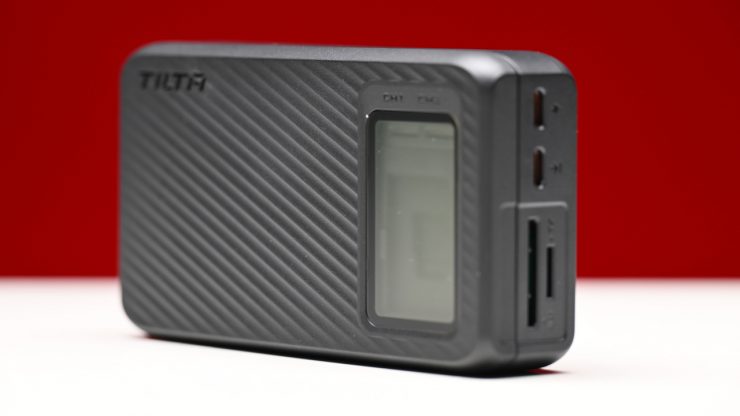
The Tilta TBC-ARC-FZ100 All-In-One Recharge Companion was designed to be a lightweight and portable charger, with a USB-C input and USB-C output, an SD and Micro SD card reader, and a card storage solution.
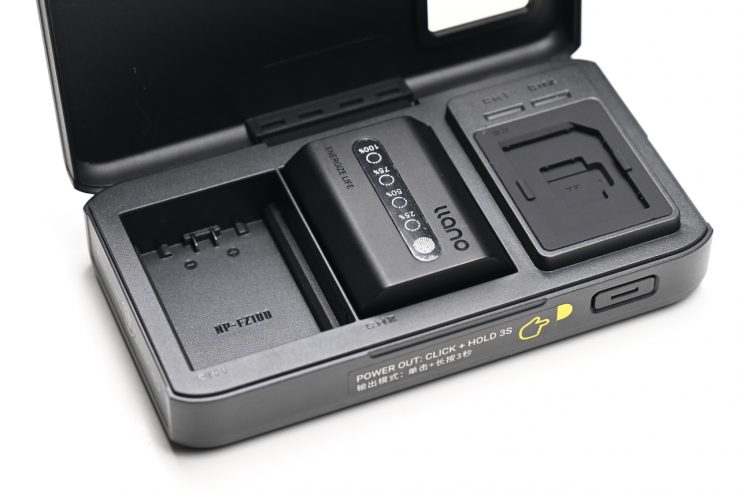
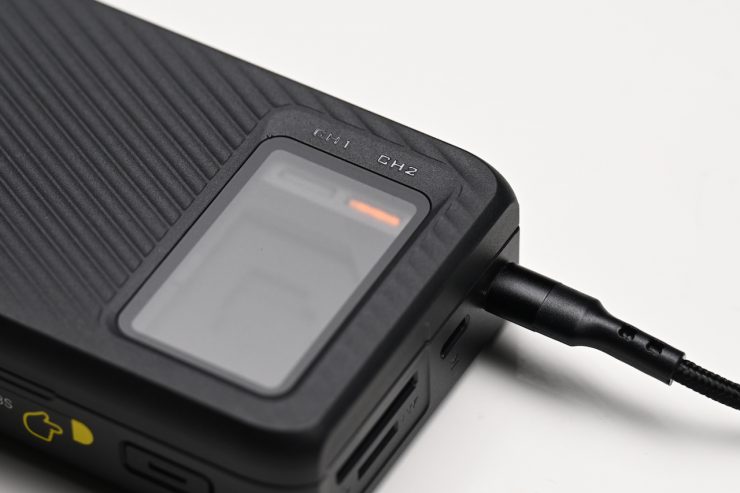
Size & Weight
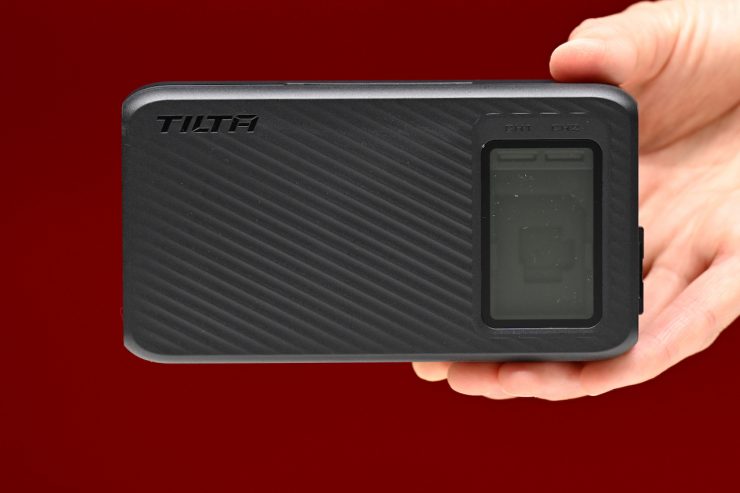
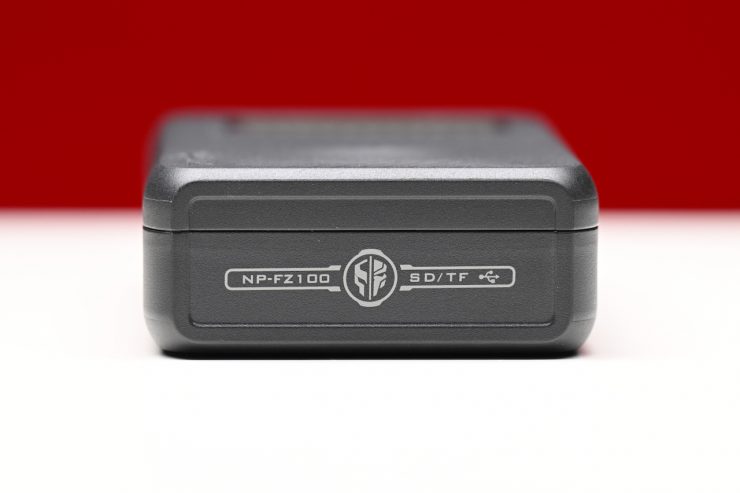
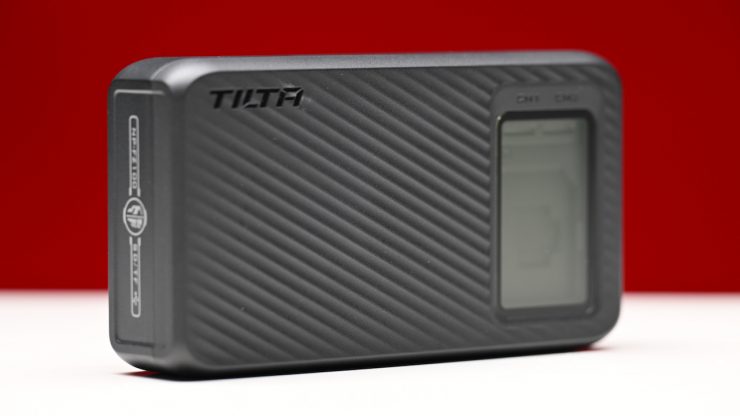
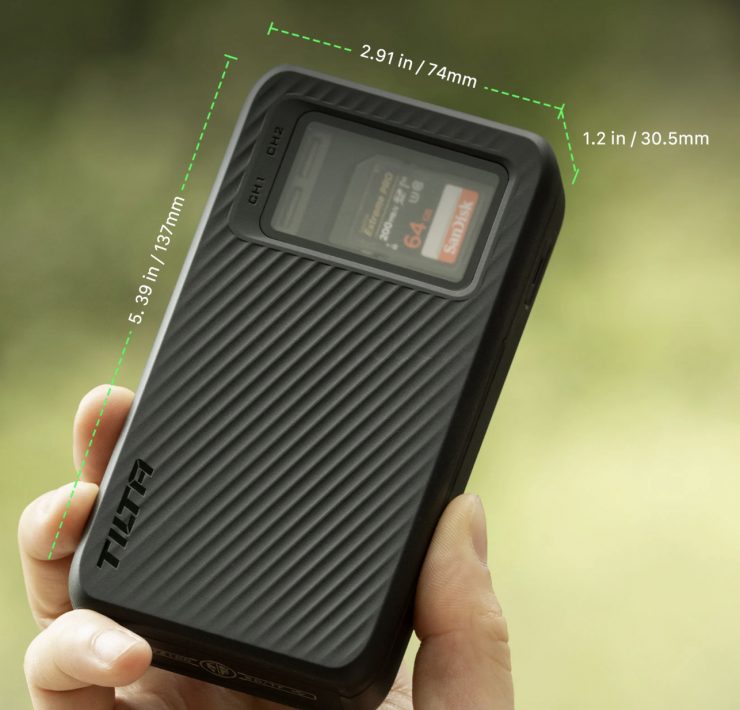
The TBC-ARC-FZ100 is very lightweight and compact. It weighs in at just 0.33 lb / 150g.
Charging
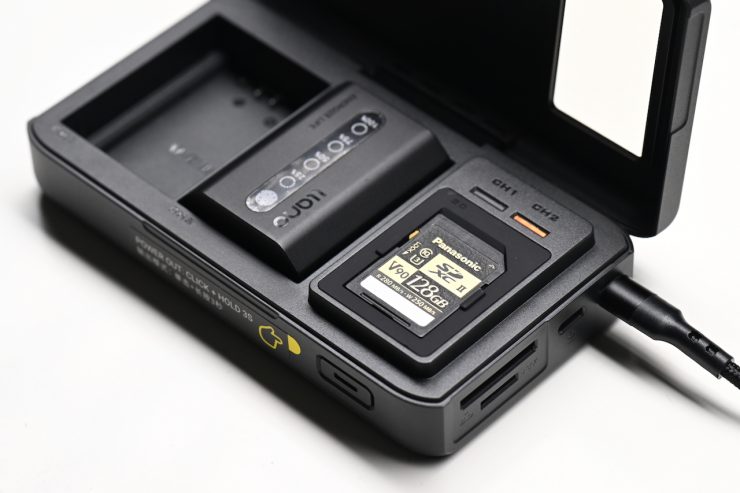
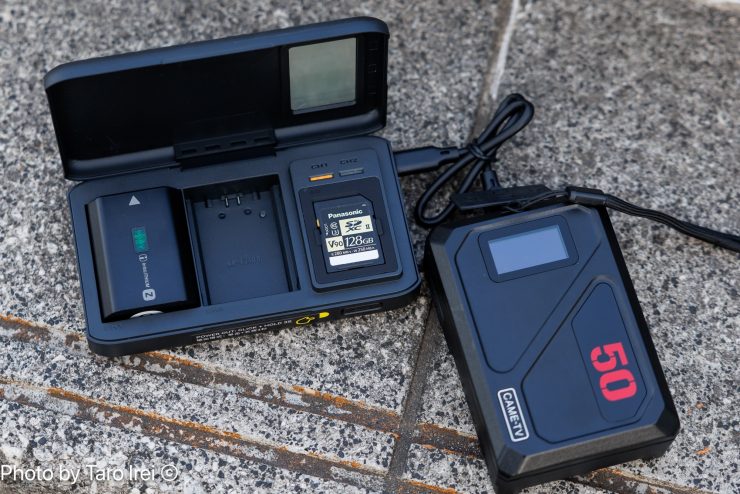
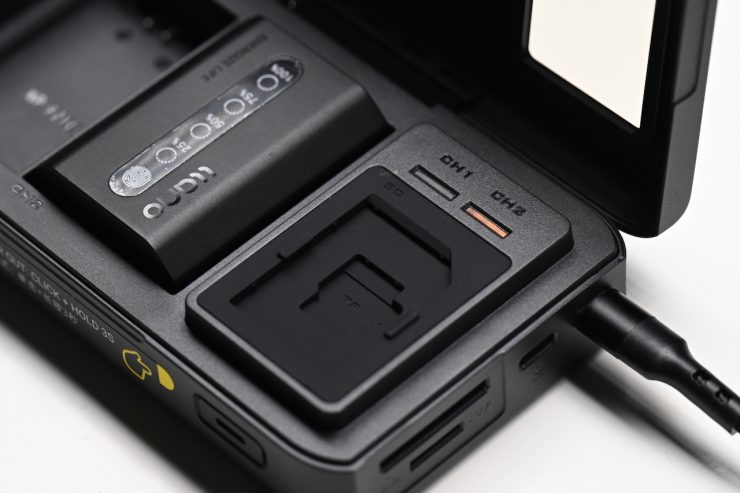
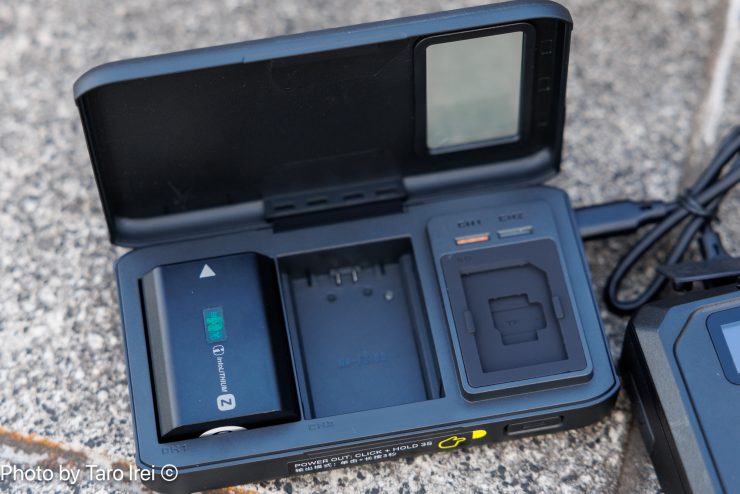
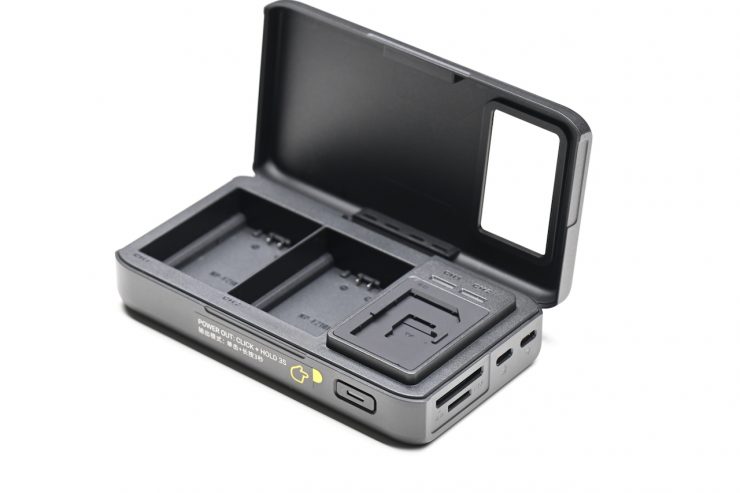
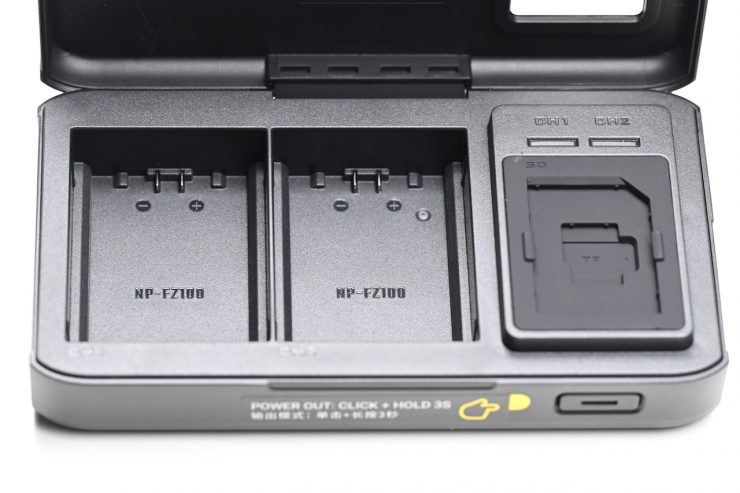
The TBC-ARC-FZ100 features two charging slots for Sony NP-FZ100 batteries.
Below are the CH1-CH2 charging specifications depending on the input source:
- 5V Input 8.4V 1000mA x1, 500mA x2
- 9V Input 8.4V 1500mA x1, 1500mA x2
- 12V Input 8.4V 1500mA x1, 1500mA x2
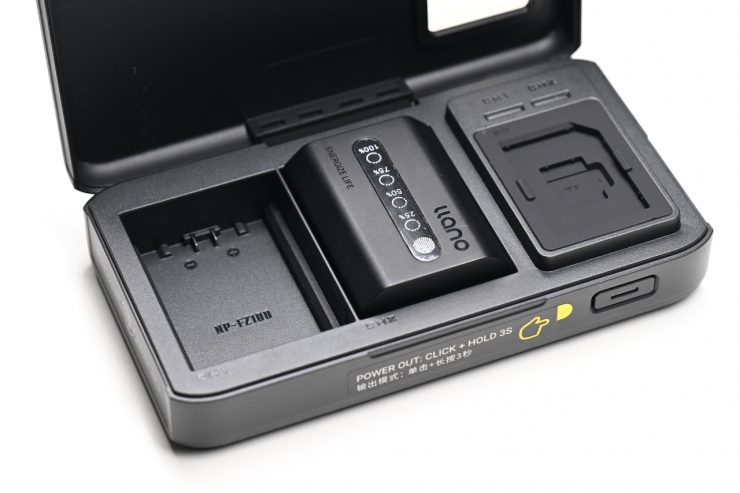
Sony NP-FZ100 batteries can be used in the following cameras:
- Sony a1
- Sony a1 II
- Sony a9 III
- Sony a9 II
- Sony a9
- Sony a7S III
- Sony a7R V
- Sony a7R IVA
- Sony a7R IV
- Sony a7R IIIA
- Sony a7R III
- Sony a7CR
- Sony a7C II
- Sony a7C
- Sony a7 V
- Sony a7 IV
- Sony a7 III
- Sony a6700
- Sony a6600
- Sony ZV-E1
- Sony ZV-E10 II
- Sony FX3A
- Sony FX3
- Sony FX2
- Sony FX30
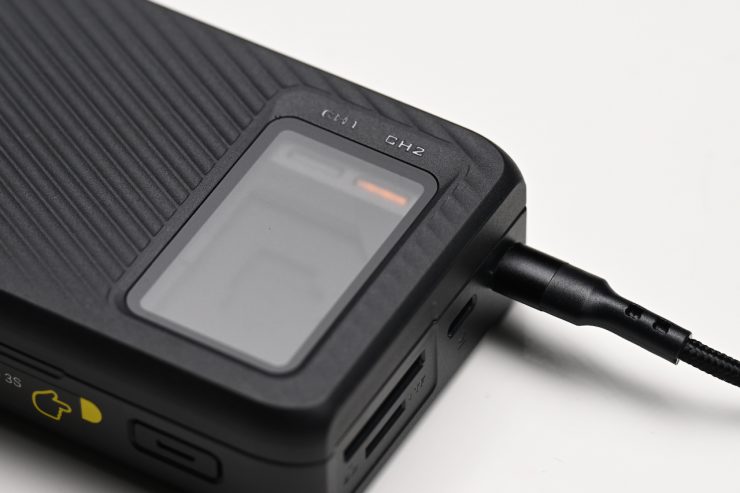
You can charge the batteries by plugging in a USB-C PD source.
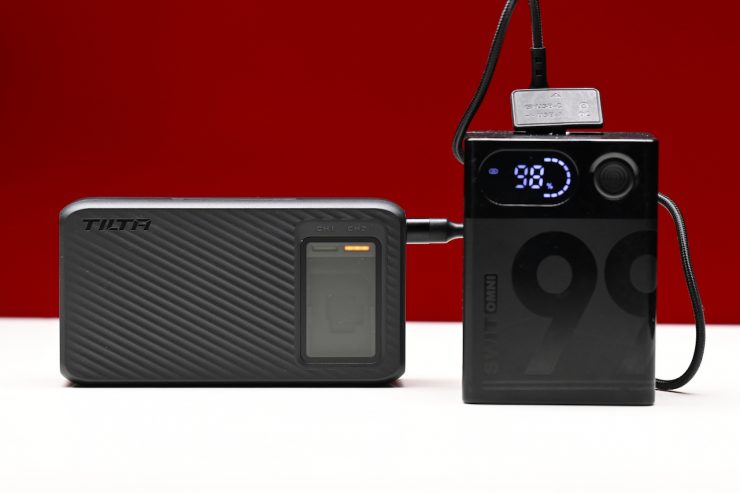
Alternatively, if you have a battery or a power bank with a USB-C output, you can use that to charge the batteries.
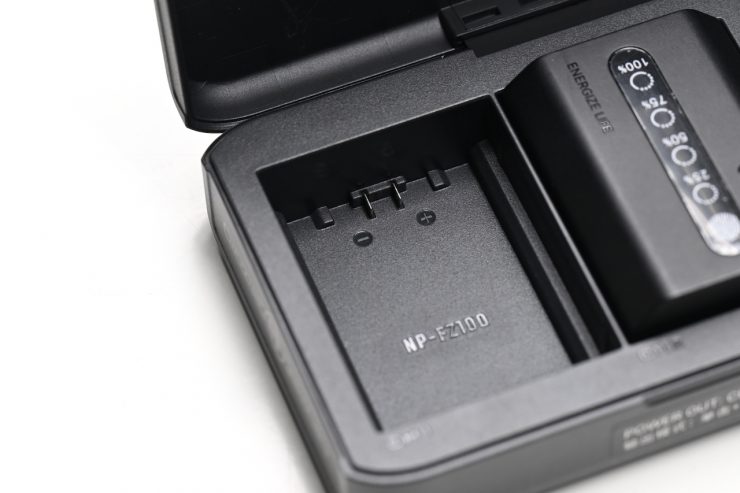
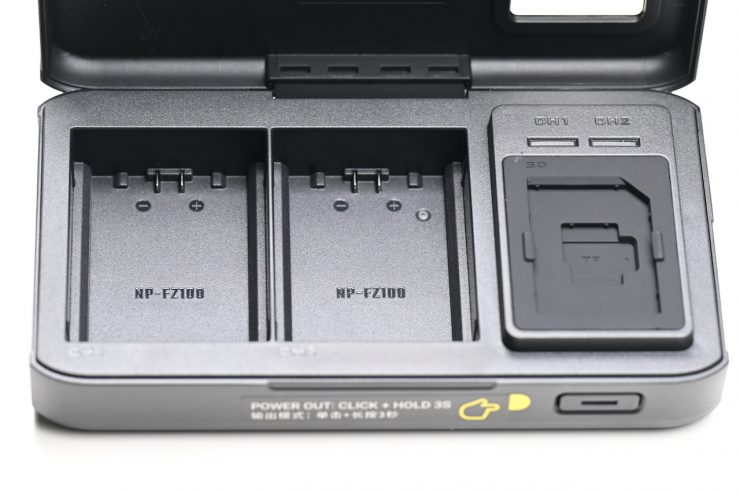
The charging bays only have two pins, while NP-FZ100 batteries have four pins. What this means is that the battery charger lacks smart communication capabilities. It will safely charge the battery, but it cannot read internal health data, monitor precise temperatures, or manage rapid charging curves
While you can keep the lid closed during the charging process, I personally wouldn’t recommend it. It is never a good idea to charge any battery inside an enclosure for safety reasons.
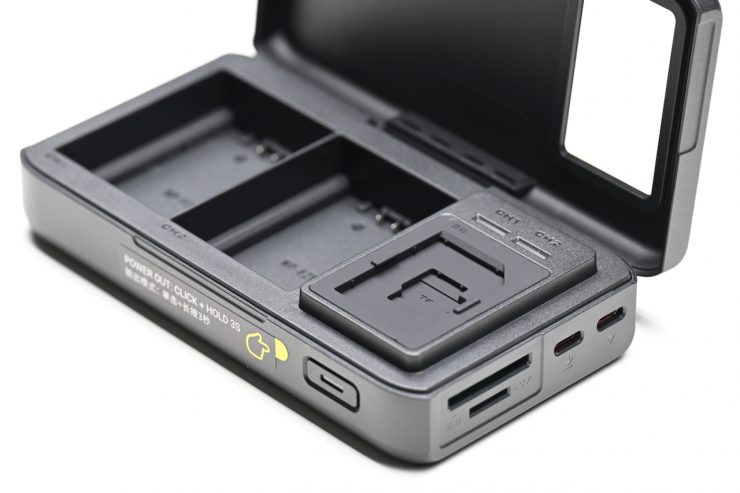
USB-C Input/Output
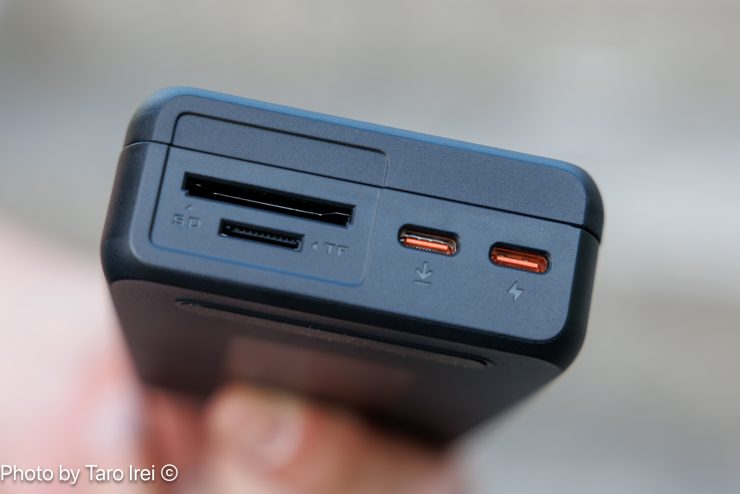
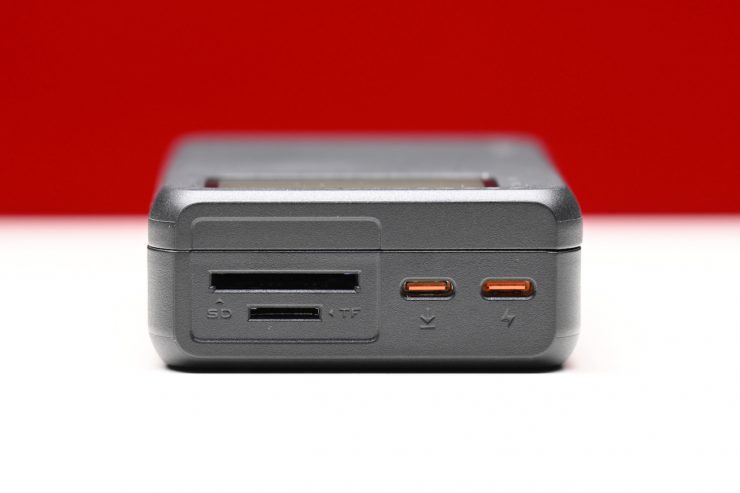
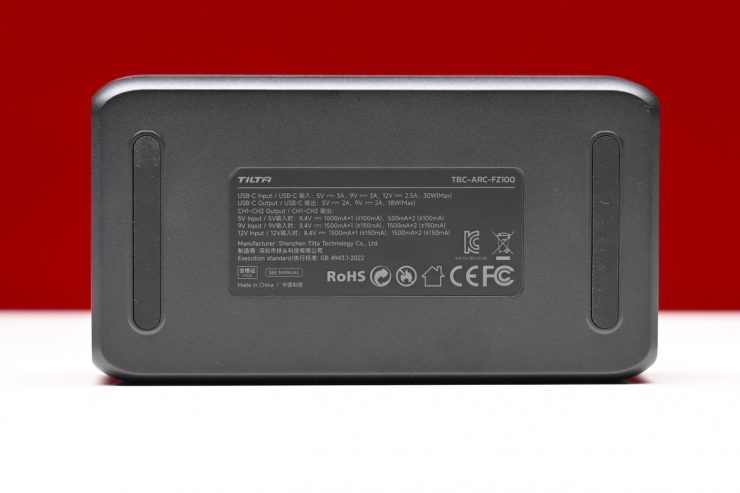
There is a USB-C Input and a USB-C Output. Below are the specifications for the ports:
USB-C Input
- 5V 3A
- 9V 3A
- 12V 2.5A
- 30W (Max)
USB-C Output
- 5V 2A
- 9V 2A
- 18W (Max)
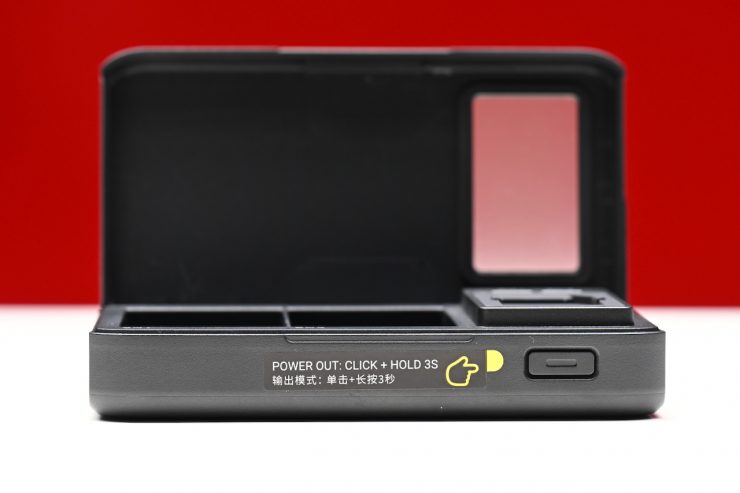
To activate the USB-C output, you need to click and hold the button on the front of the TBC-ARC-FZ100 for 3 seconds.
SD & Micro SD Card Storage
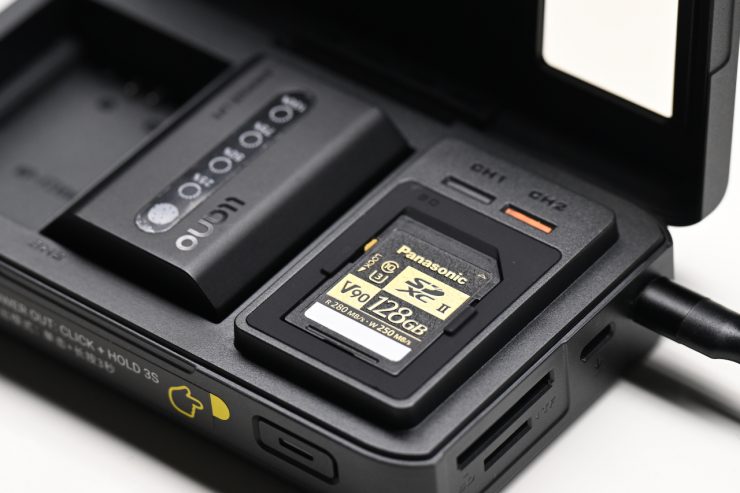
There is a little cut-out space inside the Tilta TBC-ARC-FZ100 that allows you to keep an SD card. You could use this to store a spare card or to place a used SD card that is awaiting offload.
SD & Micro SD Card Readers
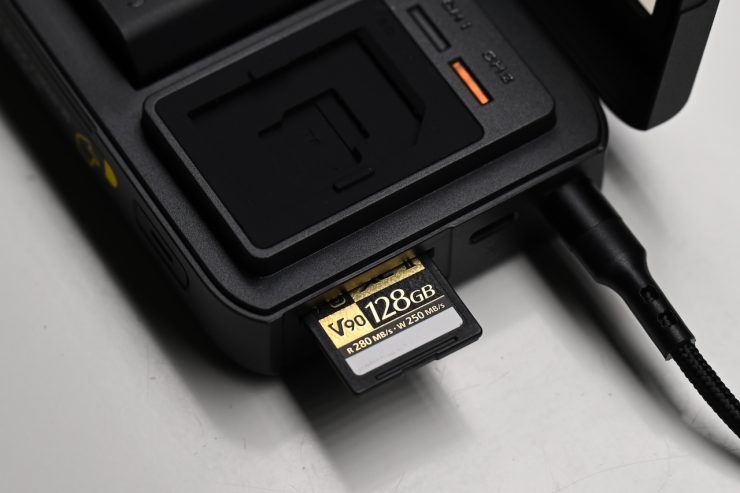
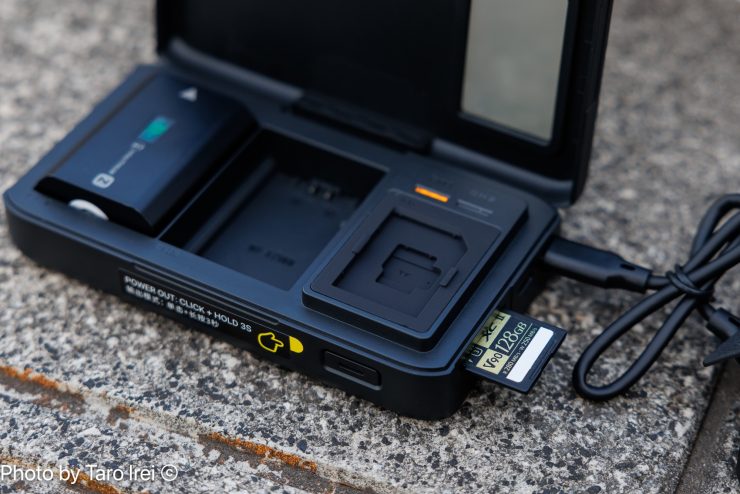
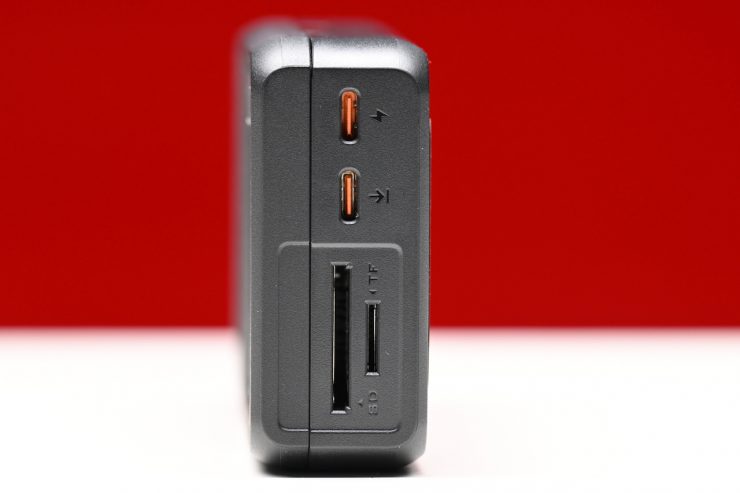
The Tilta TBC-ARC-FZ100 has SD and MicroSD card slots.
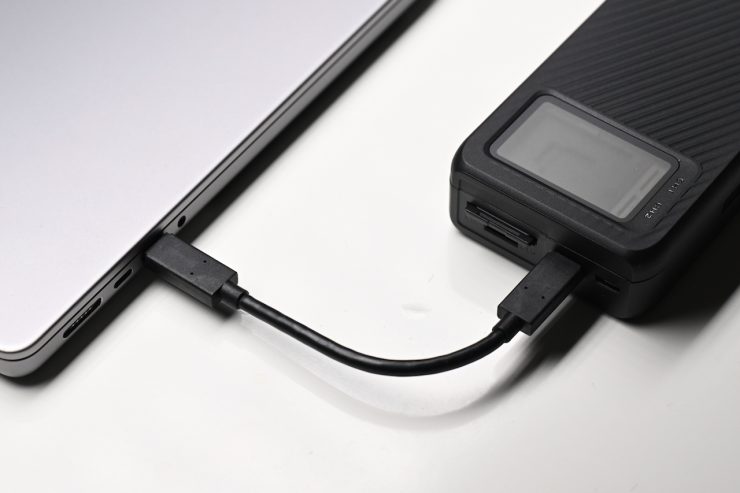

I hooked the Tilta TBC-ARC-FZ100 up to my computer, and it instantly recognized the card. Tilta claims that the reader supports transfer speeds of up to 312MB/s.
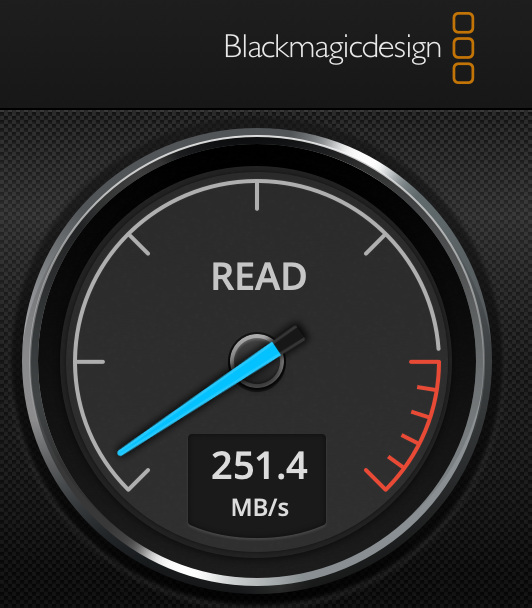
I ran a speed test to see what the read speed was when using a Panasonic 128GB UHS-II SDXC Memory Card and the Tilta TBC-ARC-FZ100. The Panasonic card has a max. read speed of 280 MB/s.
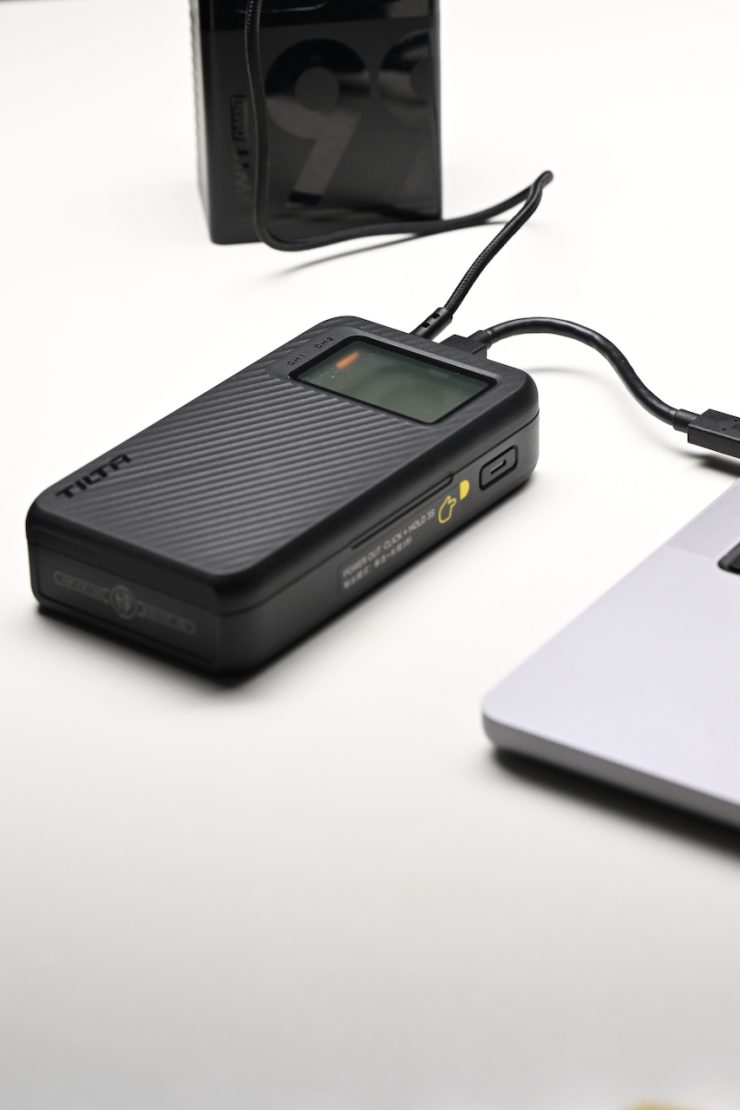
You can also power the TBC-ARC-FZ100 and charge batteries while simultaneously using the card reader functionality at the same time.
Usability
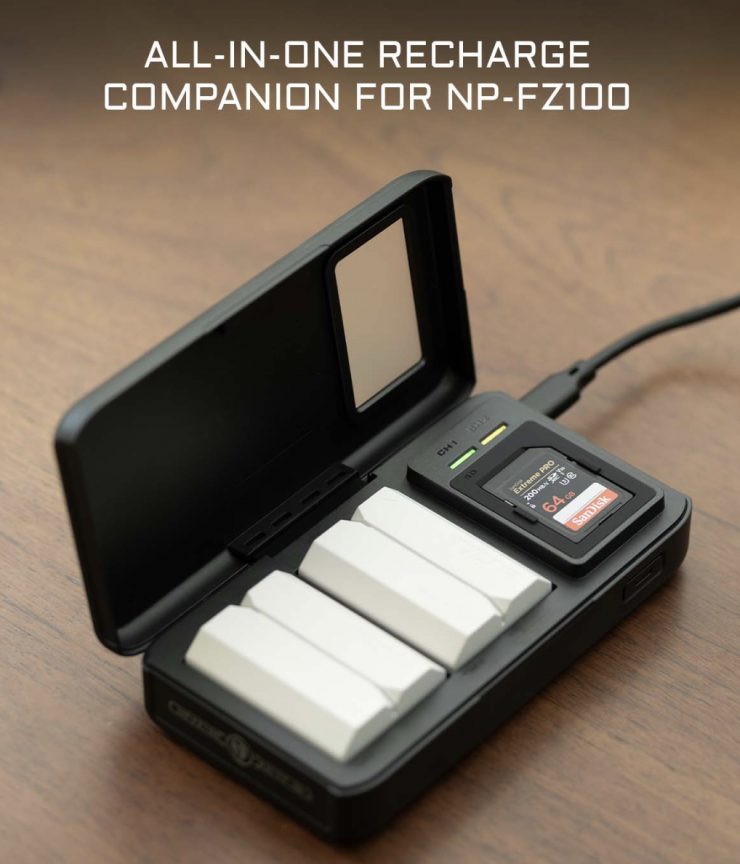
The Tilta TBC-ARC-FZ100 is straightforward and easy to use. It works as advertised, and it doesn’t take up much space in a bag.
Arguably, it would have made more sense to include a CFexpress Type A card slot instead of MicroSD, given that this product is for use with Sony cameras. Conversely, Tilta could also offer another version.
Pricing & Availability
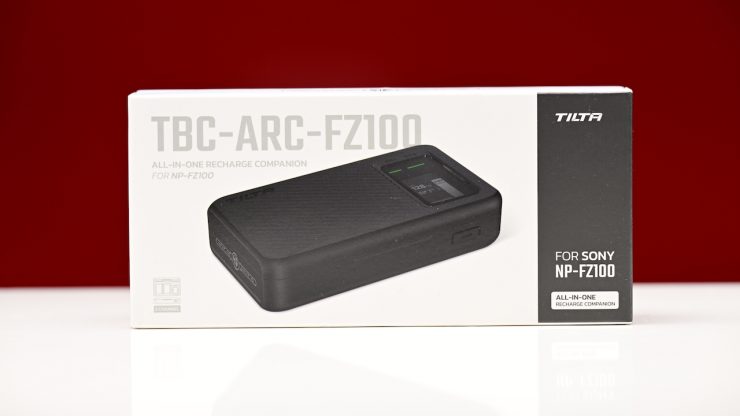
The Tilta TBC-ARC-FZ100 retails for $59 USD, and it is now available to purchase.