Aputure has released Sidus Link Pro 2.4, the latest update to its lighting control app. New to Sidus Link Pro is Action Panel, a dedicated full-screen view that allows users to assign cues and Quickshots to large, customizable “Go” buttons. The update also brings Sidus Link Pro to Mac, giving users more screen space, the ability to use keyboard-and-mouse, and keyboard shortcuts.
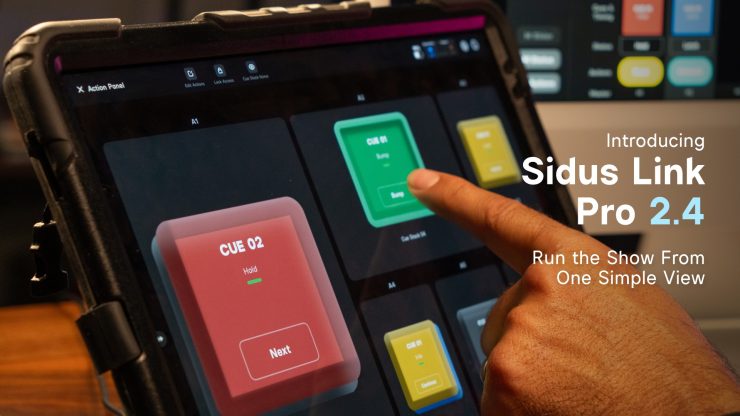
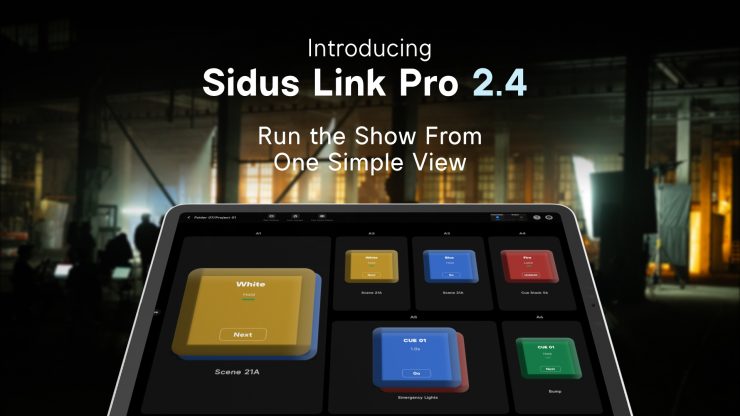
This update simplifies the execution and handoff of professional lighting setups. Action Panel solves a real workflow problem in professional lighting control. The person who programs the system is not always the person running it. With Action Panel, you can build a full DMX setup in Sidus Link Pro, assign cues and Quickshots to a dedicated control surface, and optionally lock it with a passcode to prevent exposing the full programming interface.
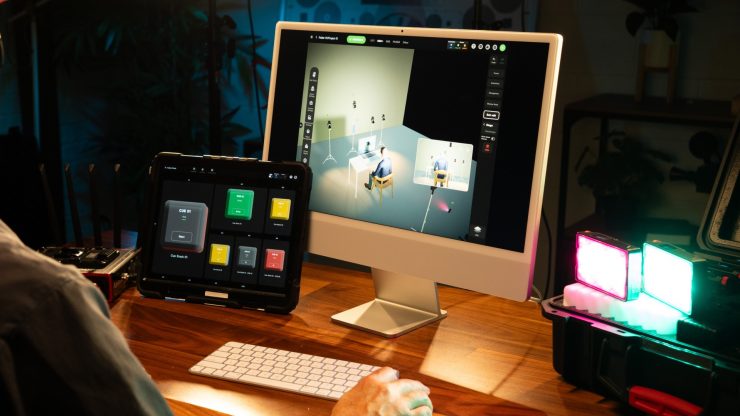
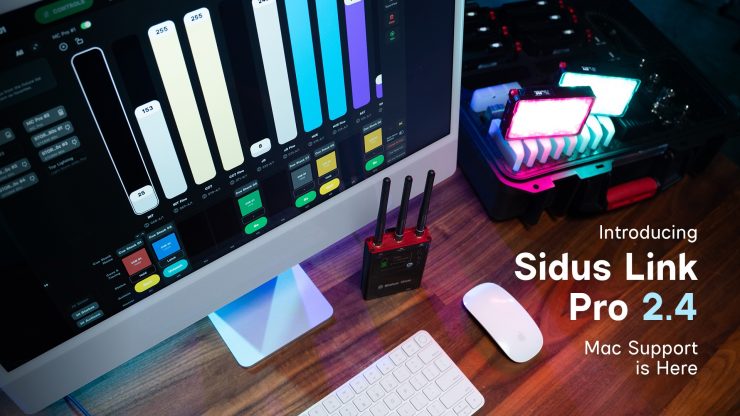
Sidus Link Pro 2.4 also introduces Mac support, bringing the full lighting workflow into one connected app across Mac and iPad. Users can plan, design, and refine lighting systems on Mac using Diagram Master, 3D Visualizer, and Fixture View, then switch to iPad for on-set execution.
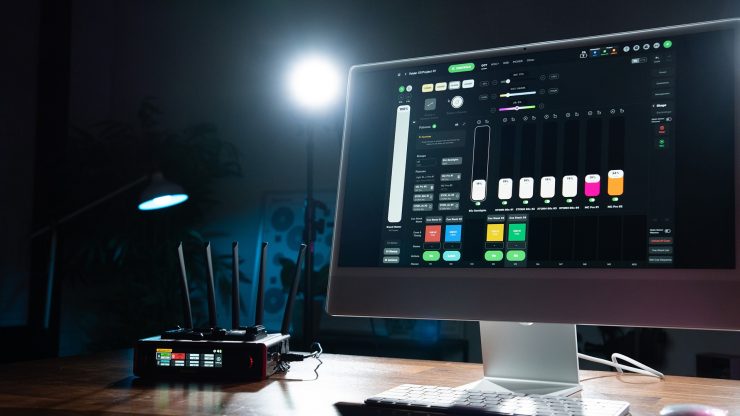
Additionally, Sidus Link Pro 2.4 adds keyboard shortcuts for iPad and Mac, allowing users to jump between Stage, Cue Stacks, Layout View, and 3D Visualizer, then edit, label, and fire cues directly from the keys. The update also adds support for Quickshots on Cue Masters, allowing saved Bluetooth looks to be assigned to Cue Masters and triggered from Action Panel buttons alongside cues.
Pricing & Availability
Sidus Link Pro 2.4 is available now for iPad and Mac. Action Panel is available in the Pro plan for $10 USD / month, with MAX adding support for 4 universes of control.