OffShoot has gone mobile, and it is now available for iPhone. Offshoot Solo was previously available only for iPad, but now you can also use your phone.
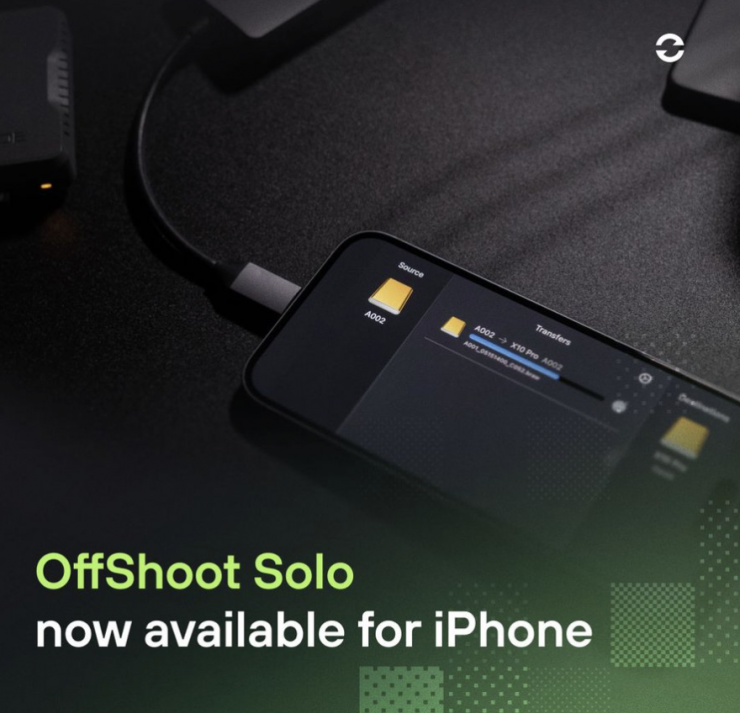
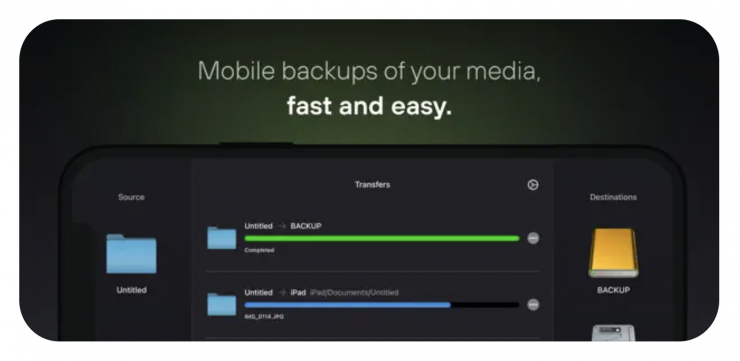
OffShoot Solo enables you to transfer files from external disks to and from your iPad and iPhone, with checksum verification and transfer logs.
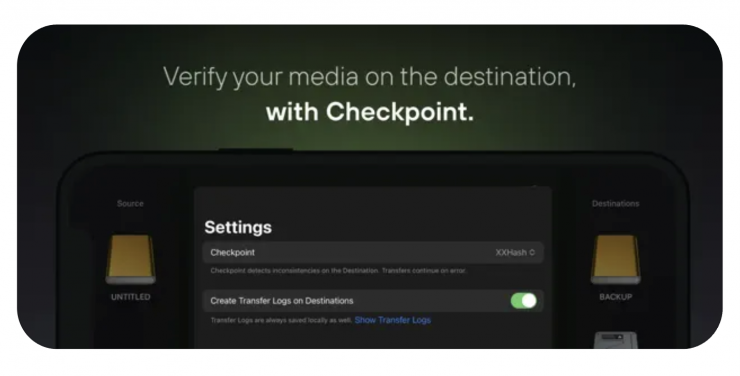
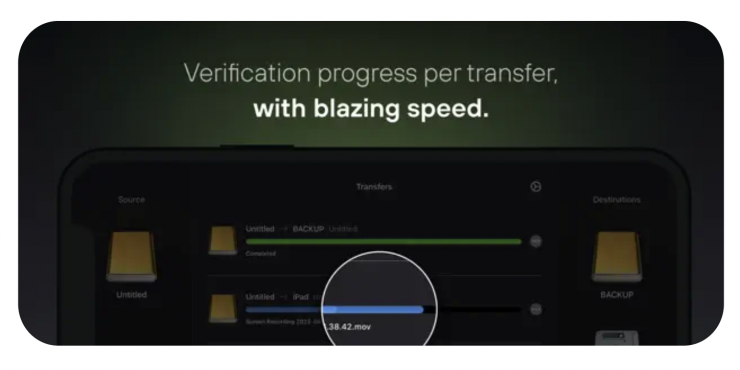
OffShoot Solo is available now for $49.99 USD.
Does Solo allow copying from/to multiple disks simultaneously, with a USB-C hub?
Solo is limited to a single source and two destinations, which will be transferred one at a time.
If I copy an SD card to internal storage, can I then copy it to an external hard drive afterward?
Yes.
If I copy RAW photos from an SD card, can they be previewed and imported into the camera roll?
For that, you’d need to add them to your Camera Roll first and make sure your device supports the format you are using. Don’t expect extensive codec support on iOS/iPadOS.
Can I use Solo for camera X?
Rule of thumb: if reading a media card on a Mac requires a driver, it won’t work on iOS / iPadOS. Examples of non-compatible media are Codex and Sony SxS media.
Are the copied files available within the Files app? Or Photos? Or only seen and managed from within Solo itself?
All within Files, and none within Solo. We still don’t do vendor lock-ins 😁
Can Solo handle folders, too? Or only drives as a source?
Folders are supported too.
Will duplicate detection be available?
Yes, although not as deep as the desktop version of duplicate detection, as iOS / iPadOS doesn’t reliably allow for modification date comparisons. Thus, dupes are checked for filename, size, and file path.