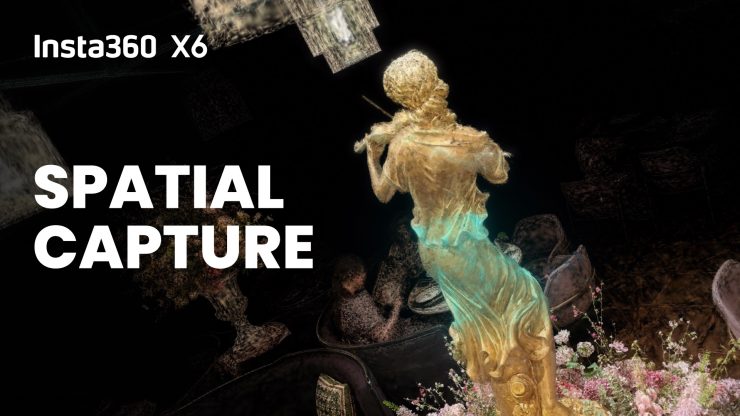
Insta360 has added Spatial Capture for Insta360 X6 US customers. The feature allows users to record a space with X6 and transform the footage into an immersive, explorable 3D scene through the Insta360 app. This can all be done without the specialized capture setups or professional software traditionally associated with 3D reconstruction.
Spatial Capture rolls out in the United States on September 28, 2026, with support for Insta360 X6, X5, and X4 Air. Users can generate up to four 3DGS scenes for free each month.
3D Gaussian Splatting (3DGS) uses images or video to recreate real-world spaces as 3D scenes. Until now, getting high-quality results has often meant capturing a space from multiple angles, then using specialized software to process the footage.
The X6 captures every direction at once, so users can move through a space without having to repeatedly point the camera at different areas. Insta360’s integrated workflow then turns the footage into an explorable 3D scene.
Unlike a photo or traditional video, the finished scene can be explored from different positions and perspectives, offering a new way to capture and revisit real-world places.
Users can use it to tell stories in 3D, while artists and small businesses can capture studios, exhibitions, stores, and venues without specialized capture equipment or complex workflows.
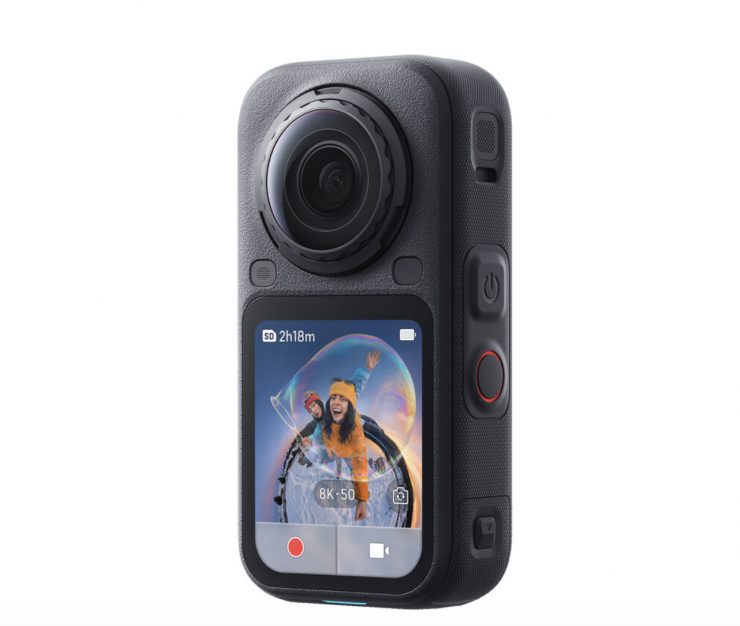
The way it works is that users can record a 360 video of the space with the X6. Spatial Capture supports videos up to two minutes long; longer recordings can be trimmed before processing.
In the Insta360 app, users then select their footage on the Spatial Capture page, then tap “Generate.” Processing takes place in the cloud and typically takes about one to two hours. Users can close the app while they wait and will receive a notification when the scene is ready.
The finished scene can be explored using touch controls, a virtual joystick, or the device’s gyroscope. Users can also add effects and create custom camera paths, then export the result as a video or share an interactive link that lets others explore the scene without downloading an app or file.
Below, you can see some reference samples done by Hugh Hou.