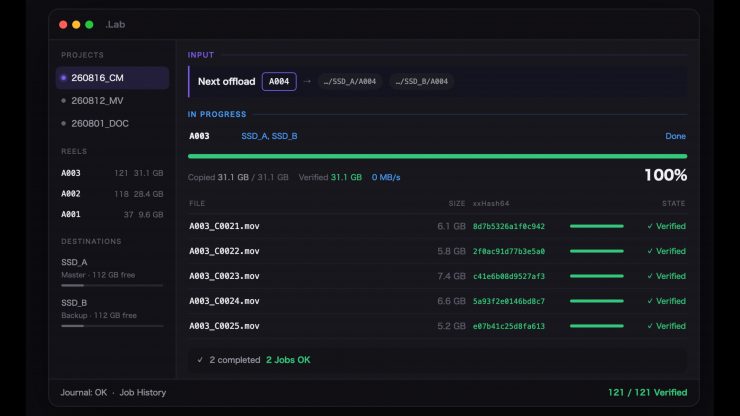
.Lab is a macOS offload tool built by Yusuke Taki, a working DIT in Tokyo. He decided to build .Lab because he could not get a straight answer about when a copy tool says verified and what it has actually checked.
Most copy and verification software reads the file back and compares hashes. But on macOS, that read can come straight out of the page cache, so you have compared memory to memory, and the drive was never asked. You could pull the power and the file may not be there.
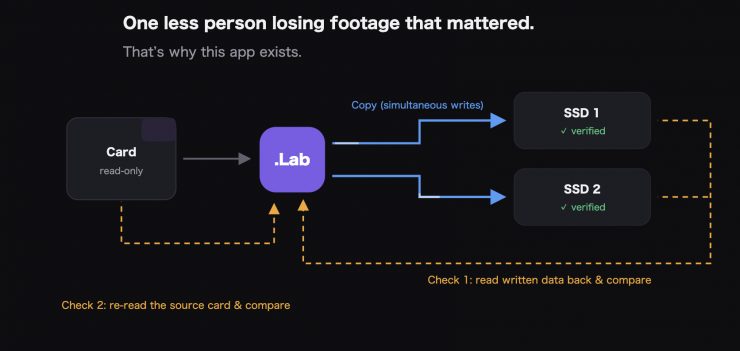
.Lab reads back with the cache bypassed (F_NOCACHE) and forces the data
to the platter (F_FULLFSYNC) before it says a word. It copies the same
cards with an industry-standard tool side by side, with a 100% match, and no speed penalty.
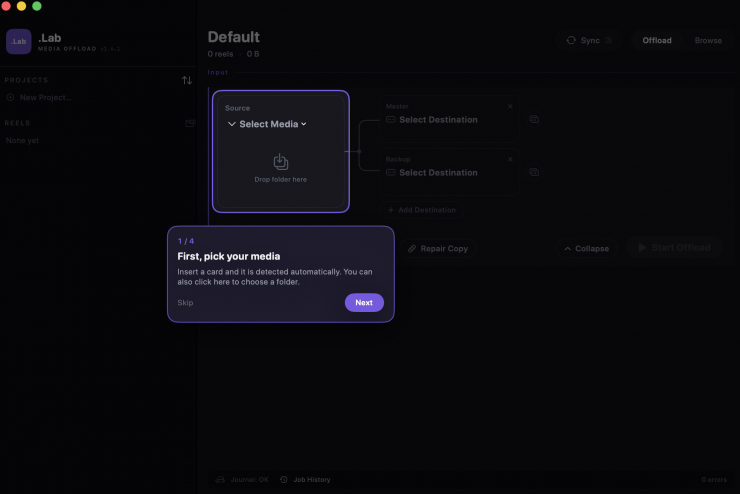
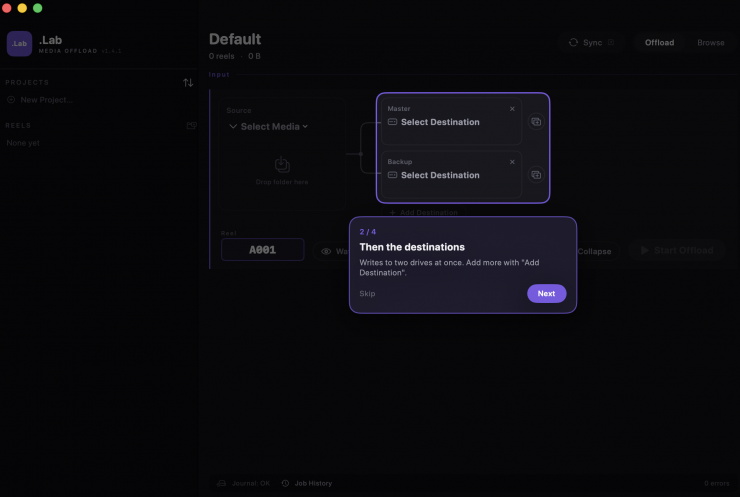
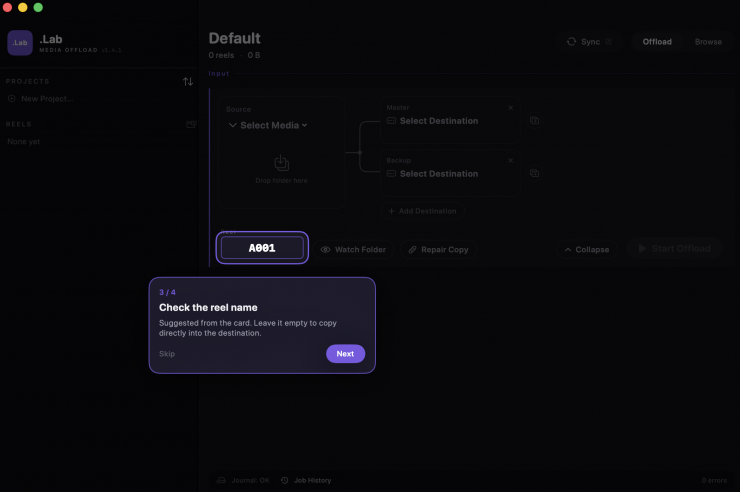
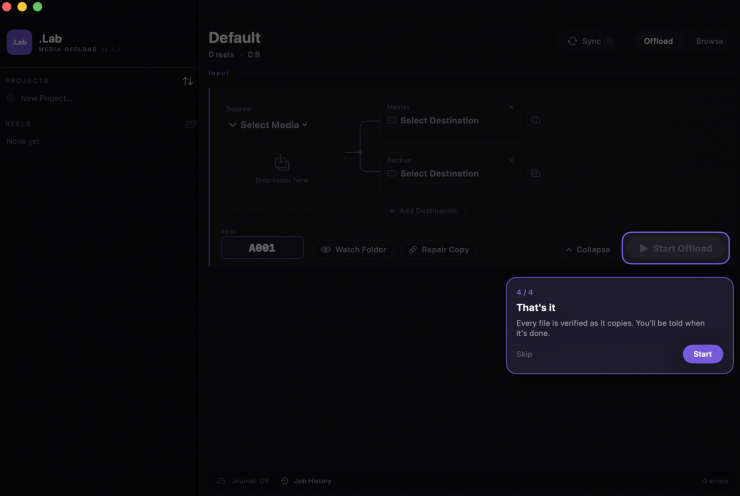
.Lab does the following three steps:
- Written: The OS accepted the write. The progress bar is gone, but the data may still be sitting in memory.
- Verified: Read back from the destination and hash compared. If that read is served from cache, it only compared memory against memory.
- Flushed: Read with the cache bypassed, then forced down to the disk itself. Only now does the footage survive a power loss.
Quite a few copy and verification tools will say complete at step 2, but .Lab takes an extra step.
If the power is cut, a card is removed, or a reader freezes, .Lab notices within seconds and stops safely. Every step is journaled, so it resumes right where it stopped, skipping verified files.
.Lab reads the card once and writes to multiple SSDs simultaneously (Pro Version only). There are chain copies for backups-of-backups, plus a watch-folder mode that copies new files as they appear.
Users can export verification results as a thumbnail PDF report or industry-standard ASC MHL (Pro). This is handy, as you can provide them to a client showing everything was copied and verified correctly.
You can double-click a finished reel to browse thumbnails, play clips, and inspect metadata (for formats macOS can play). Users can also get completion alerts by chime, macOS notification, or email.
A feature called Sync mirrors a folder to a second drive and keeps mirroring it, copying only what changed. This happens not just with camera originals, but everything you make. Sync listens to the OS for changes, so nothing waits on a timer. It also waits for writing to stop before it copies, so a file still being saved never gets copied half-finished.
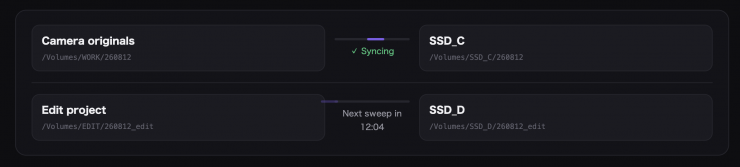
You can run A→C and B→D at once and see which is working, which is waiting, and how long until the next sweep. When you close the app and reopen it, each pair catches up from where it stopped.
Users can select mirror exactly, and files missing from the source are removed from the destination too. This never begins on its own.
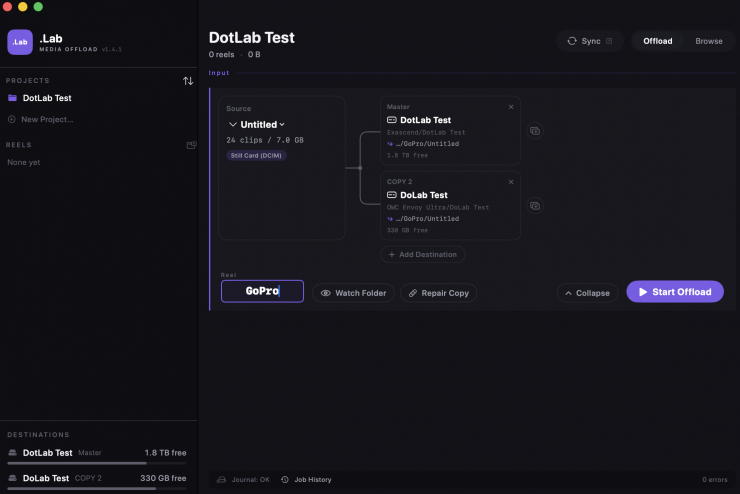
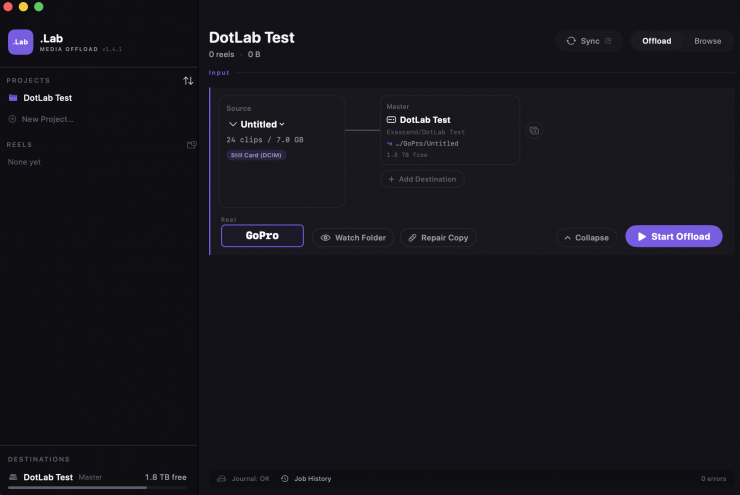
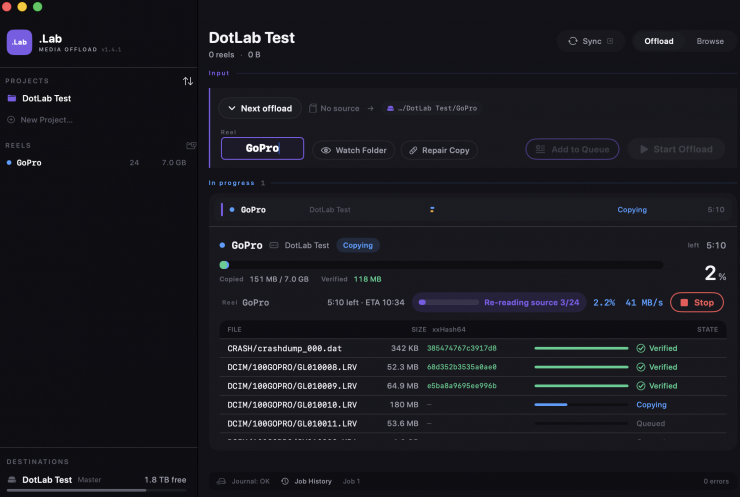
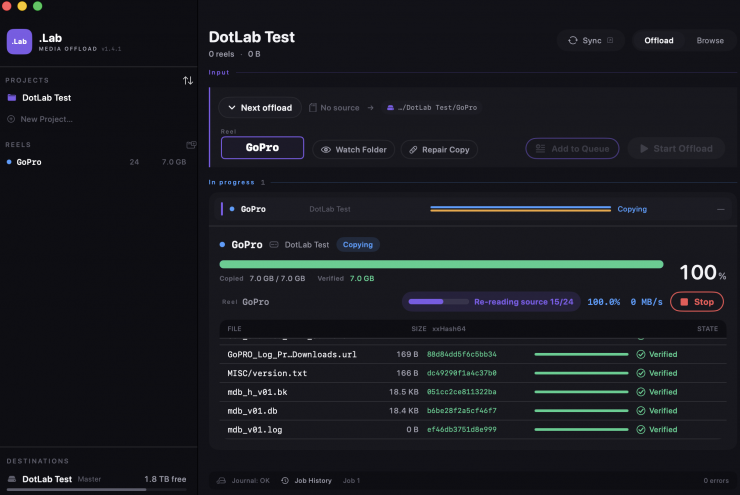
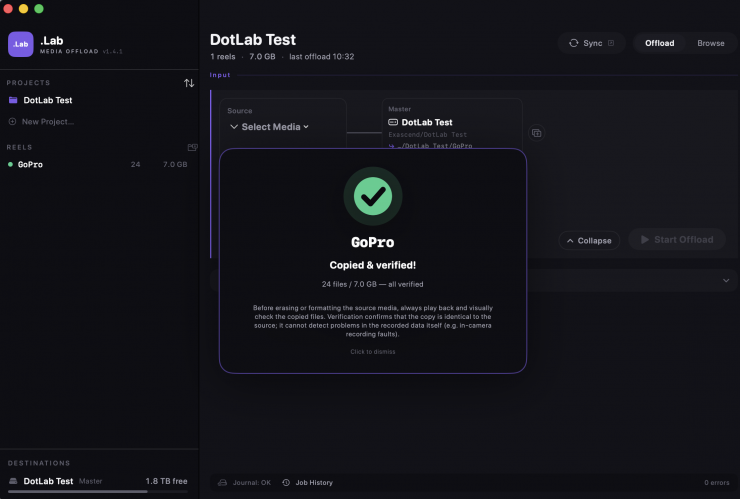
I tested the free version of .Lab, and it works as advertised. As it was the free version, I could only do copy & verification to a single drive at a time.
A lot of shooters, and even clients, still use Finder or Explorer to copy critical footage. This is a very dangerous practice, and it tells you nothing about data integrity. A single corrupt frame can easily slip through the cracks, and you won’t know until the edit. Some of the copy and verification programs on the market are subscription-based, and that is why some people are reluctant to use them. To play Devil’s advocate for a second, a lot of the established copy and verification companies do offer good customer support and constant updates.
We have seen quite a few new offload tools in recent months, including Stow and Ingesto. Yes, .Lab is just another option, but you know what, it’s good to have options!
Pricing & Availability
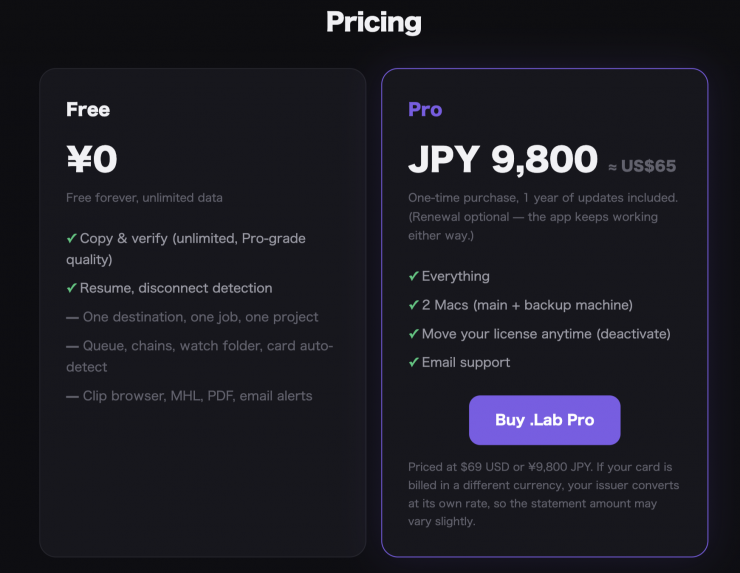
There is a free tier for .Lab, or a ¥9,800 (about $68 USD) one-time fee for the Pro version. It works on macOS 14+ and is universal and notarised. There is one year of free updates included, so there are no guarantees that you won’t need to pay more money in the future to use the product.
The free version’s copy and verification are identical to Pro in quality and speed. Free is limited to one destination, one job at a time, and one project; queue, watch folder, report PDFs, and more are Pro.