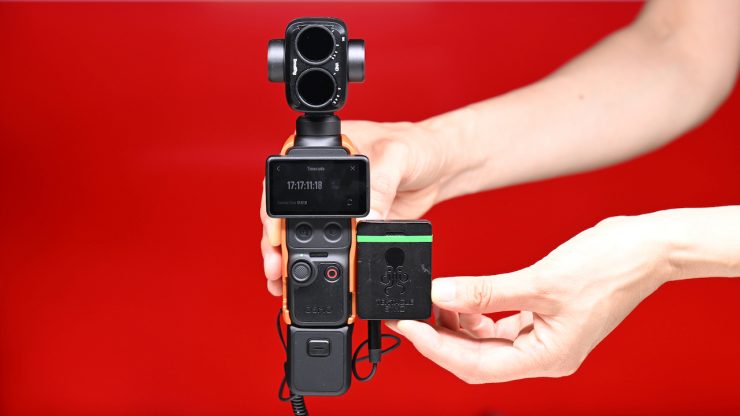
One of the nice features of the DJI Osmo Pocket 4P is the ability to jam-sync timecode from an external device, such as a Tentacle Sync E mkII. This is important if you want to use it alongside other cameras that can jam-sync timecode.
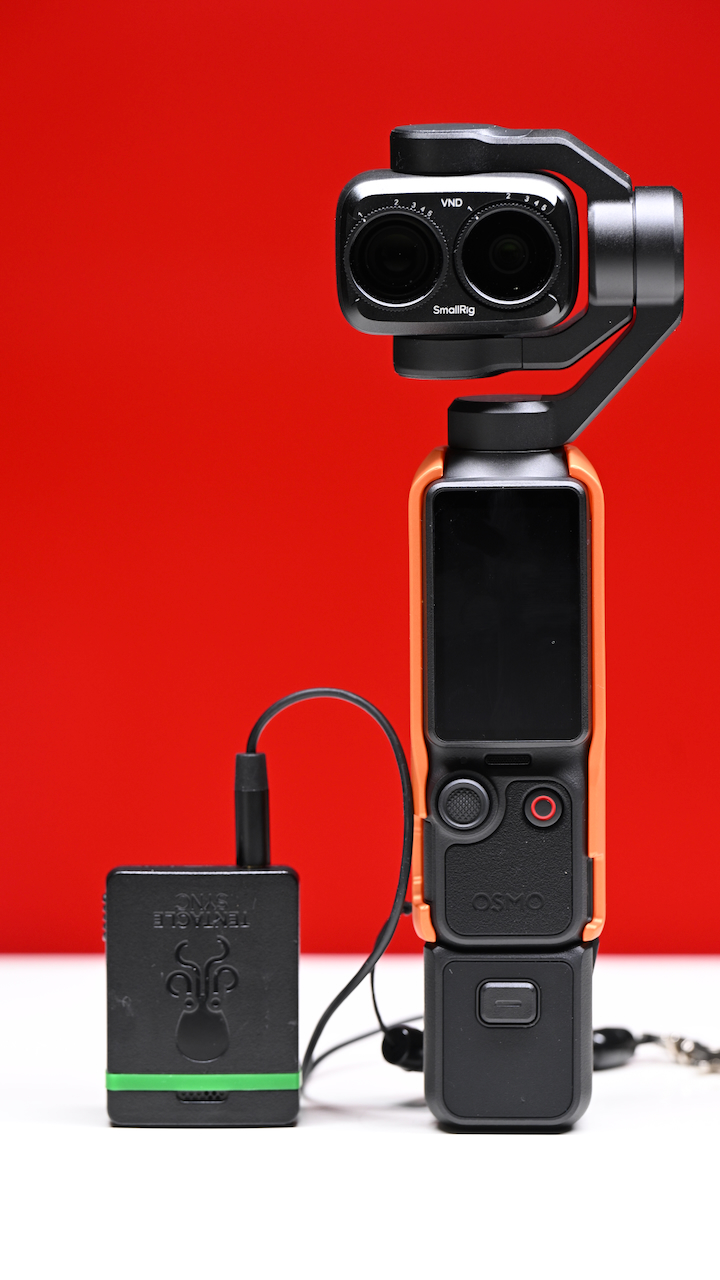
Now, there are some caveats, and it isn’t as straightforward a process as it should be.
Tentacle Sync’s Tentacle to USB-C Audio Interface for DJI Timecode Cable, which enables synchronization with devices like the DJI Osmo Action 4 by embedding timecode directly through the USB-C connector, doesn’t work with the DJI Osmo Pocket 3/4/4P ever since DJI introduced the firmware update OP4 Firmware:01.02.07.05.
This certainly doesn’t mean that you can’t use your Tentacle Sync; you just need a different cable. I have been using the Saramonic SR-C2001 3.5mm TRS Male to USB Type-C Adapter Cable ($17 USD), and it works with Tentacle Sync devices and the Osmo Pocket 4P.
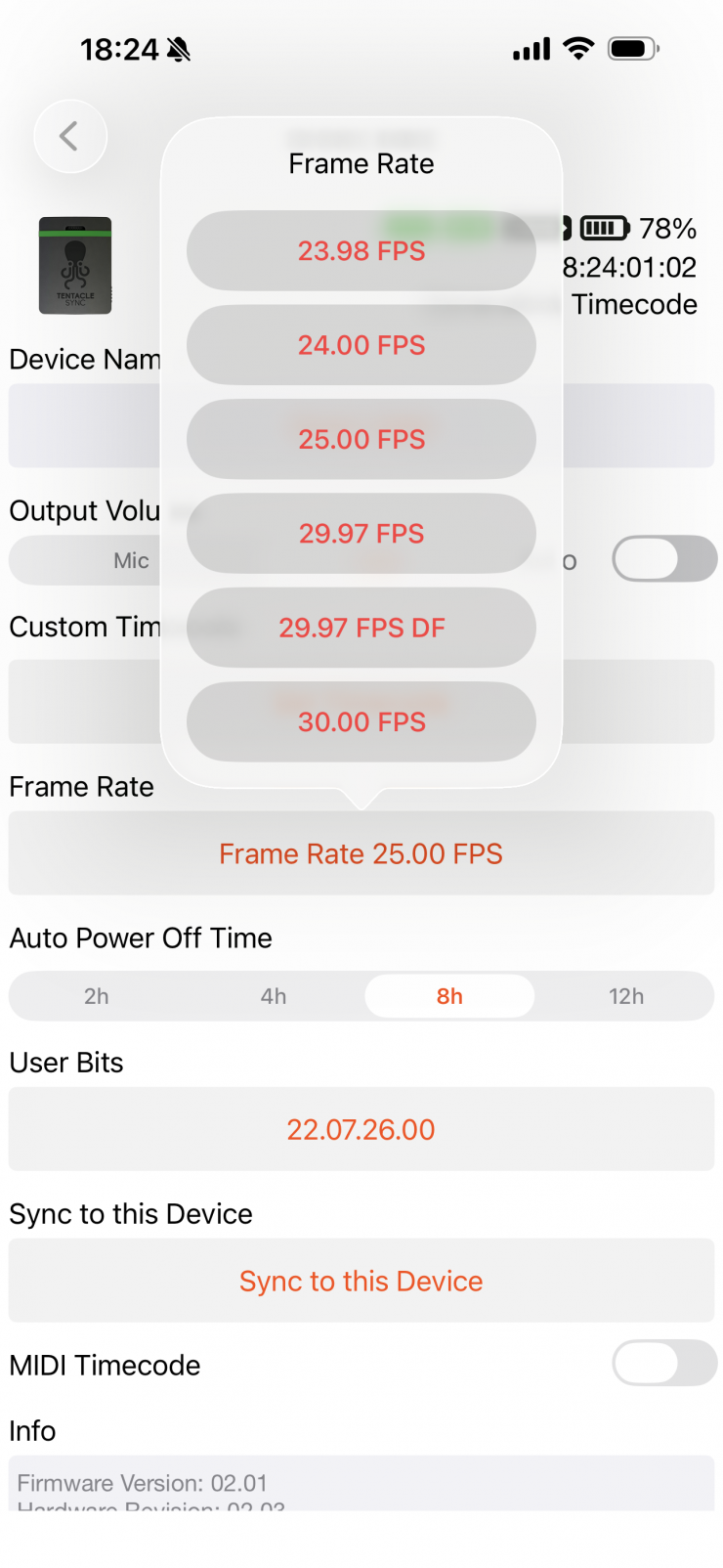
To get the Tentacle Sync E mkII to work with the DJI Osmo Pocket 4P, you first turn the Sync E mkII on and make sure you set the frame rate to the same frame rate you are recording on the camera.
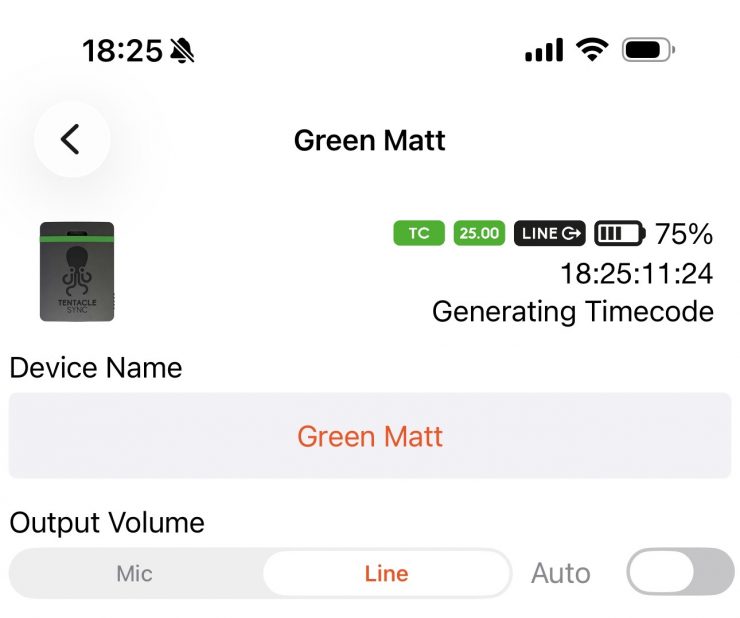
You also need to make sure that the Output Volume is set to Line and not Auto or Mic.
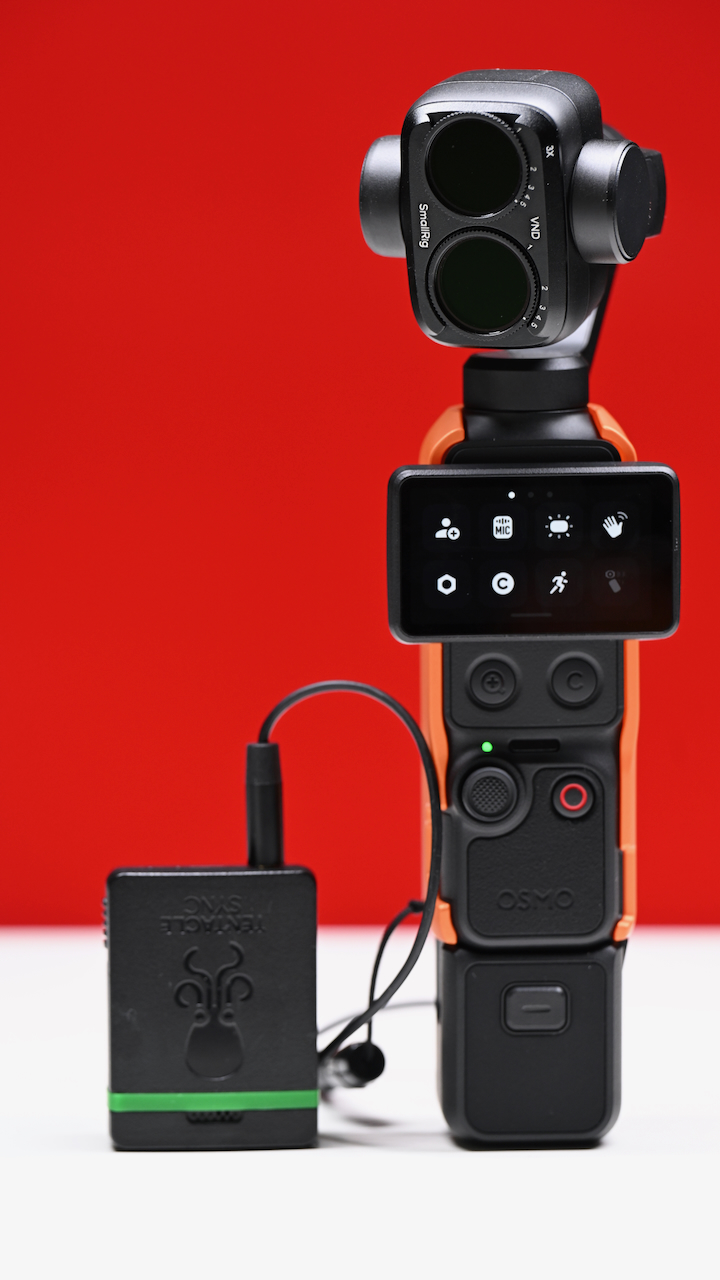
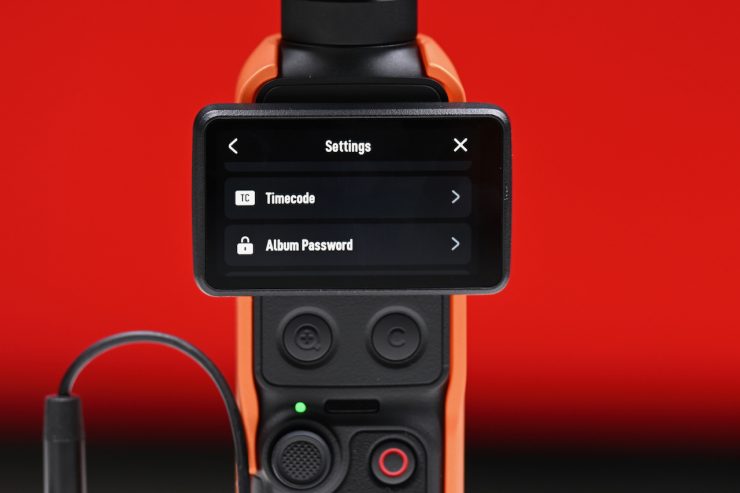
The next step is to turn on your Osmo Pocket 4P and go to the Settings section in the menu, and then scroll down to Timecode.
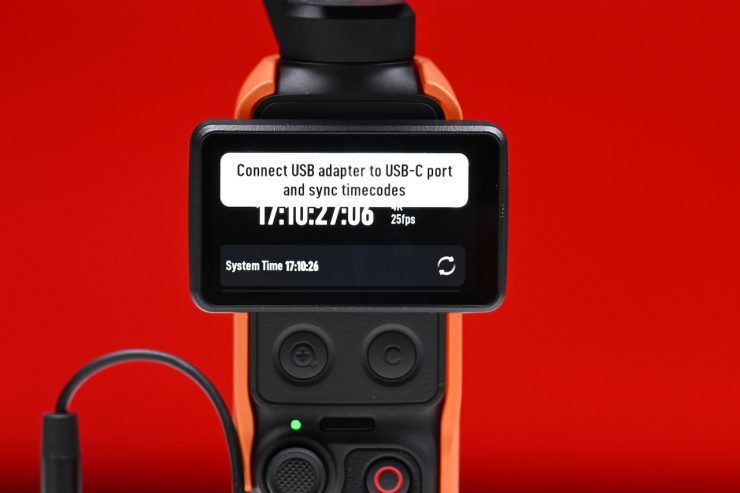
Here is where it might seem a little confusing. If you already have a Tentacle Sync turned on and connected to the Osmo Pocket 4P, nothing will actually happen, and you will get a message on the screen that says Connect USB Adapter to USB-C port and sync timecodes. By default, the Timecode will probably be displaying time of day if you have used the camera with the DJI Mimo app.
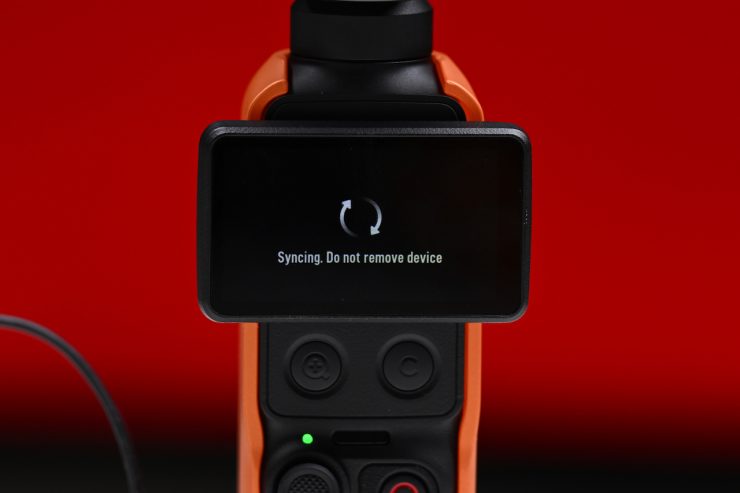
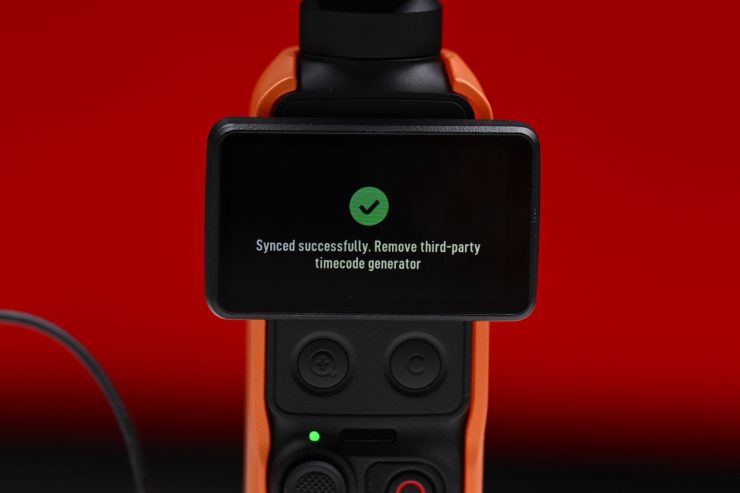
What you need to do is disconnect the cable from the Osmo Pocket 4P, and once you plug the Saramonic SR-C2001 cable that is attached to the Tentacle Sync back into the Osmo Pocket 4P, it will instantly recognize that there is external timecode, and it will sync and start displaying the generated timecode from the Tentacle.
The timecode works regardless of whether or not you attach the cable to the USB-C input on the bottom of the Osmo Pocket 4P or to the USB-C port on the Osmo Pocket 4P Handle.
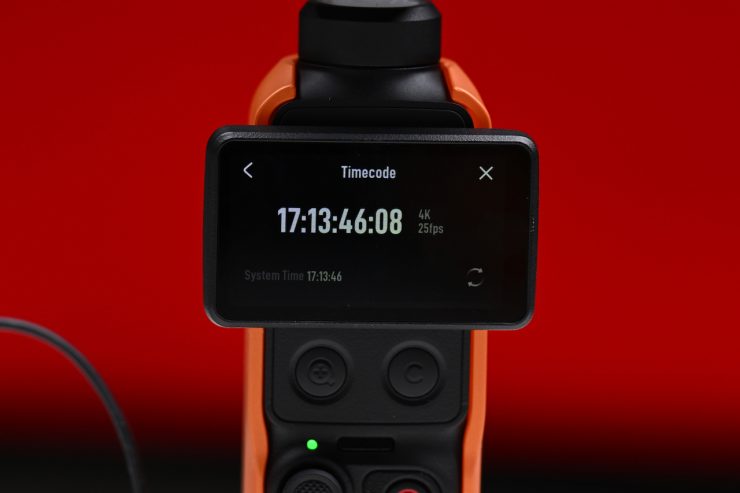
Once it has synced, you can remove the cable, but I normally prefer to keep it attached if I am going to be using it for extended periods of time, because affordable cameras don’t tend to have good internal timecode clocks and the timecode can end up drifting.