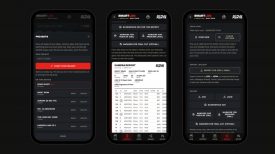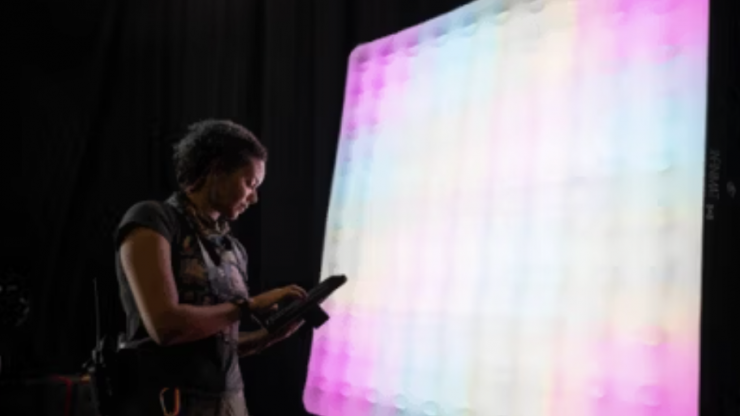
Aputure has released new INFINIMAT Firmware Version 1.4. This major update is recommended for all users and adds features to DMX and CRMX control, as well as to the factory settings and user interface.
New Features
- Added ability to independently set DMX addresses per port.
- Added DMX Status Screen to support multiple DMX addresses.
- Updated Factory Reset and Sidus BT shortcuts.
- Updated CRMX Settings interface with improved RX behavior and menu structure.
- Updated default factory settings, including HSIC+ default mode, SAT default 0, Studio Mode ON, sACN default protocol, Static IP default, and Art-Net Universe 1.
Improvements
- Improved DMX performance and improved CRMX behavior, including proper signal strength display when no DMX data is present.
- Improved Fan Mode structure and implemented updated fan mode logic.
- Improved Smoothing algorithms, refining Smooth and Super Smooth timing and moderate smoothing behavior.
- Improved Power allocation logic on restart to use same power mapping.
- Improved firmware upgrade compatibility and reliability.
- Improved UI consistency:
- Replaced “Zone” with “Port”.
- Updated hue range to 0–359° and 0–359.9°.
- Updated 50% power display to text-only “50%”.
- Standardized lowercase “xy”.
- Corrected DMX Status screen formatting.
- Updated USB firmware instruction text.
- Added per-port fixture software version display.
- Numerous bug fixes.
This update is available now. To download the firmware and see release notes, visit https://help.aputure.com/en/infinitmat/firmware-update-v1.4. INFINIMATs must currently be updated using a USB drive.