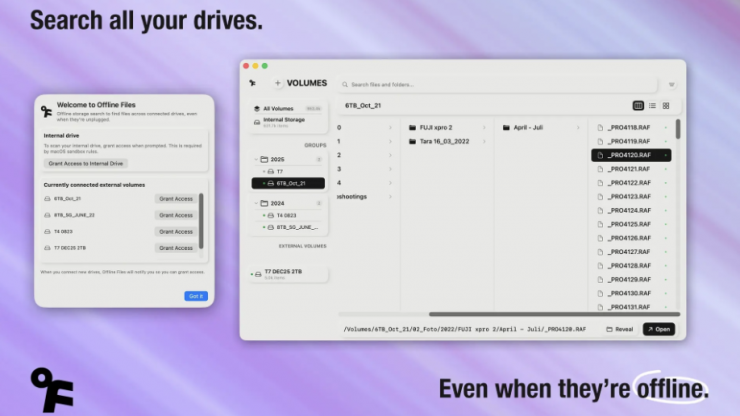
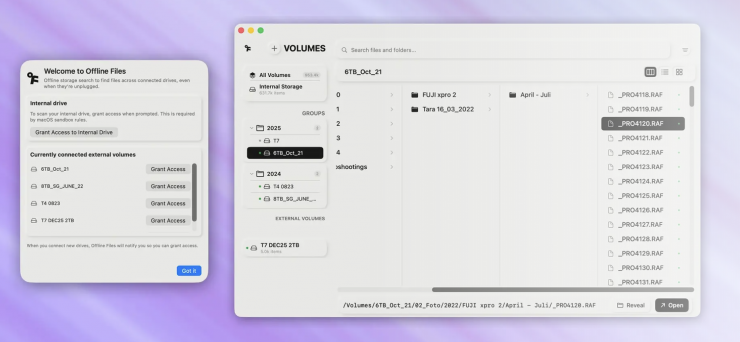
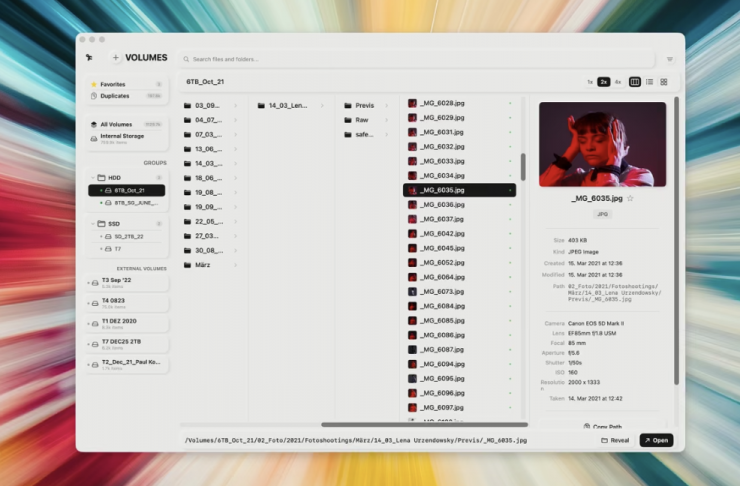
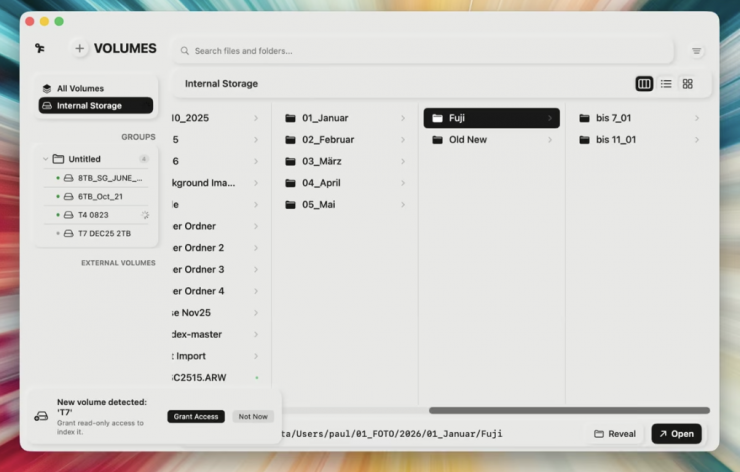
Offline Files is a small macOS app that indexes external drives once and keeps the metadata locally, so you can search across all your volumes even when the drives are unplugged. The concept is simple: search first, plug in second.
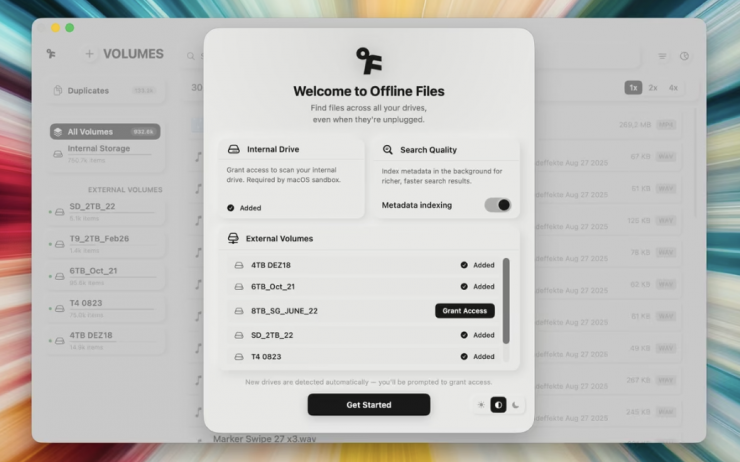
Built by Berlin-based editor and cinematographer Paul Kothe, the app is designed for anyone who works across multiple volumes and has lost track of where files live. Offline Files scans each volume once and stores the metadata locally. From that point on, every file is searchable on the Mac, no matter which drives are currently plugged in.
Key features
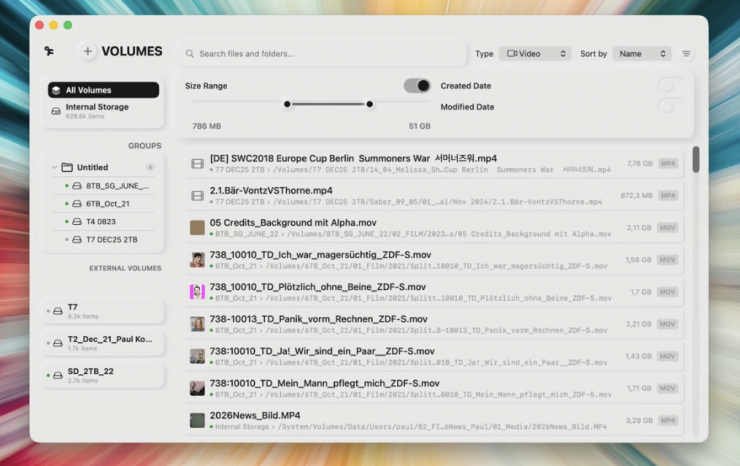
- Search across all indexed volumes, online or offline
- Auto-syncs when a known drive is reconnected
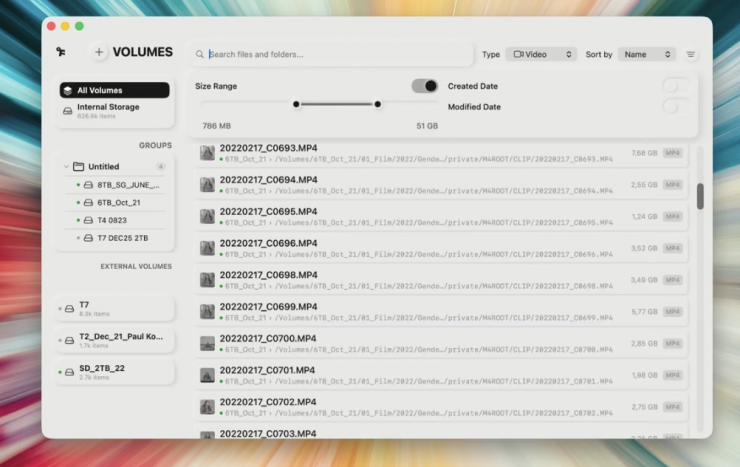
- Recognizes production formats including .braw, .r3d, .mxf, and common RAW formats
- Fully local database with no cloud, no account, no data leaving your Mac
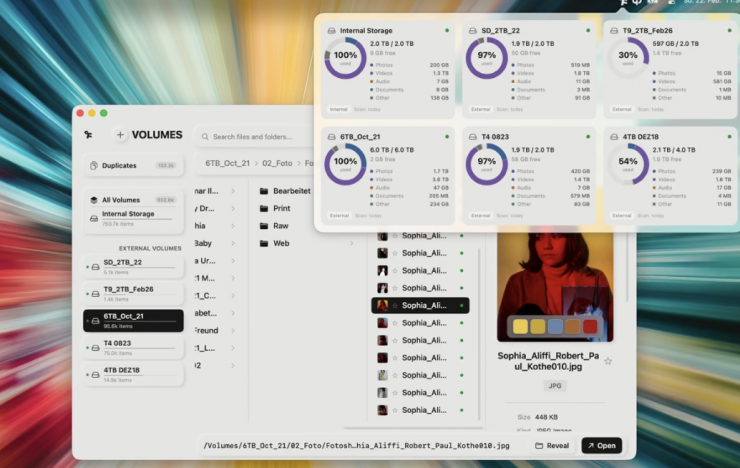
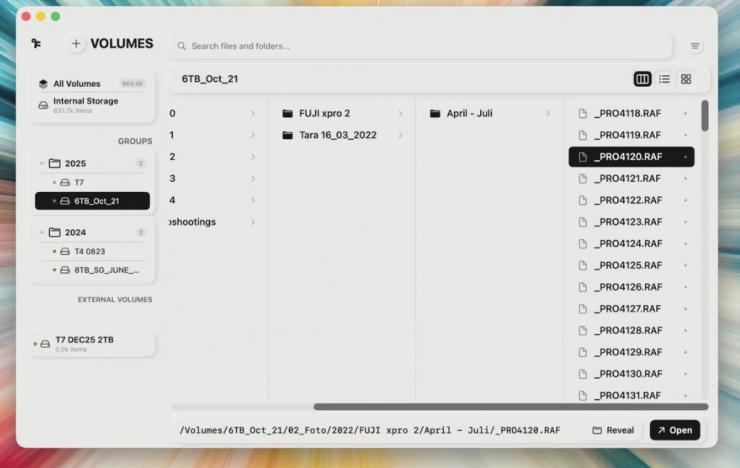
- Bundle drives into groups
- Detect duplicate files across all volumes
- QuickLook preview with extended metadata (availability varies by format)
- Menubar access for quick drive overview
Anyone who has worked in post for more than a few years knows the shelf. Shuttle drives from set, backup copies from DITs, client-delivered hard drives with review cuts, and archive volumes that haven’t been mounted in months. The labels fade, the spreadsheets stop getting updated, and at some point, you’re plugging in drives one by one just to find a single clip. Offline Files was made to solve this exact problem. Instead of guessing, you search first and plug in second.
The app indexes filenames, full paths, file sizes, creation and modification dates, and file extensions. It recognizes common production formats, including .braw, .r3d, .mxf, and a wide range of RAW image formats, making it easy to filter searches by media type. Preview support and metadata detail may vary depending on the format and whether the drive is currently connected.
A typical use case might be that a client asks for a regrade on a project from last year. You don’t remember which of your eight shuttle SSDs has the camera originals. One search in Offline Files shows the volume name and full path. You pull that one drive off the shelf, and you are done.
Offline Files is a search and index tool, not a media asset manager. It doesn’t generate proxies, doesn’t integrate with NLE bins, and doesn’t replace dedicated MAM systems for large-scale facilities. It’s built for solo editors, small teams, and freelancers who manage their own drives and need a fast way to find what’s where. The database is fully local, with no cloud component, no accounts, and no data leaving your machine. Only metadata is stored, never file contents.
Pricing & Availability
Offline Files is available on the Mac App Store for a one-time purchase of $7.99 USD / €7.99. No subscription required.