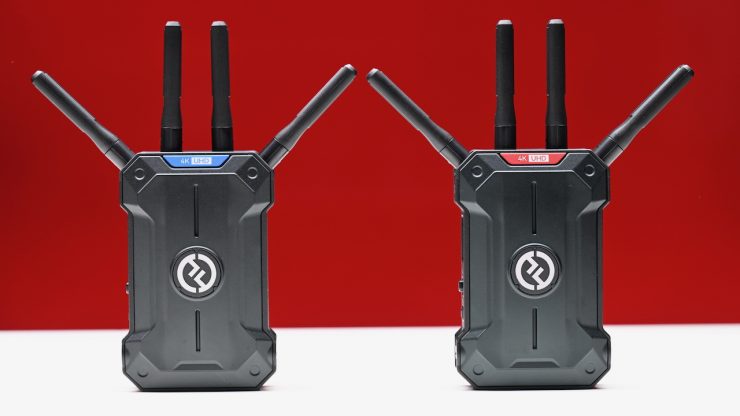
Hollyland unveiled its new Pyro Ultra wireless video system back at IBC 2025. It features both SDI and HDMI and supports up to 4K 60p. The system will work with all Hollylands Pyro systems. It is now available to purchase.
The Pyro Ultra is the latest addition to the Pyro family, which consists of the Pyro S, Pyro H, Pyro 5, and Pyro 7.
The Pyro Ultra is essentially being touted as a higher-end version of the Pyro S Wireless Video System that was announced back in May 2024. It is claimed to offer increased operating range and lower latency. On paper, the Pyro Ultra looks to be a good option if you are after an affordable wireless video transmission system that offers both HDMI and SDI capabilities, and relatively low latency (for a Wi-Fi-based system).
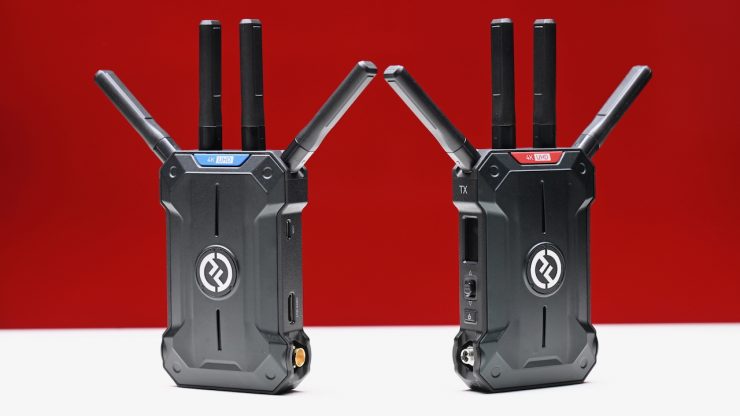
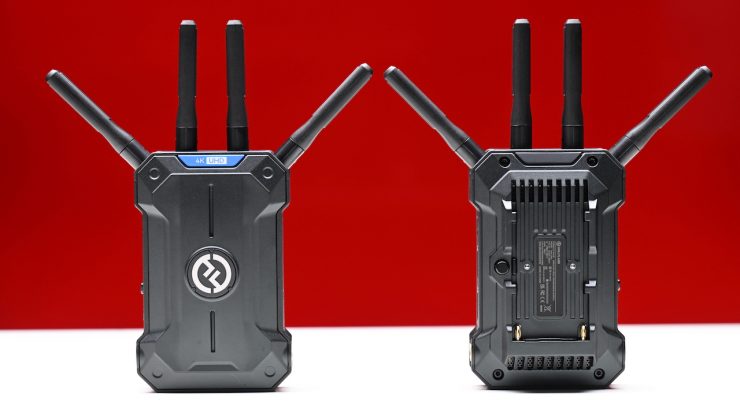
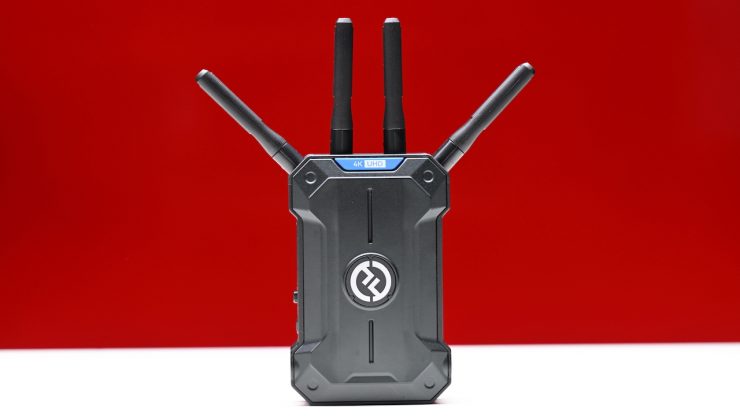
The Pyro Ultra consists of a TX unit and an RX unit. Both are the same size and weight, and they have HDMI and SDI input/outputs.
Hollyland is stating that the Pyro Ultra is a perfect solution for multi-person mobile wireless image transmission and monitoring. The Pyro Ultra could be a good choice for diverse applications, such as film production, commercial filming, live event filming, and ENG/EFP applications.
Key features
- Wireless Transmitter and Receiver Set
- Transmit UHD 4K60 Video up to 4900ft / 1.5km (UHD only over HDMI)
- SDI Input & Output
- HDMI Input & Output
- Supports UVC Plug-and-Play for Streaming
- Smart Channel Scanning, Bright LCD
- Low >22 ms Latency, 12 Mb/s Bit Rate
- DC & Sony NP-F battery powering
- 4K60 UHD
- Focus Mode
- TWiFi Technology
- DFS Certified
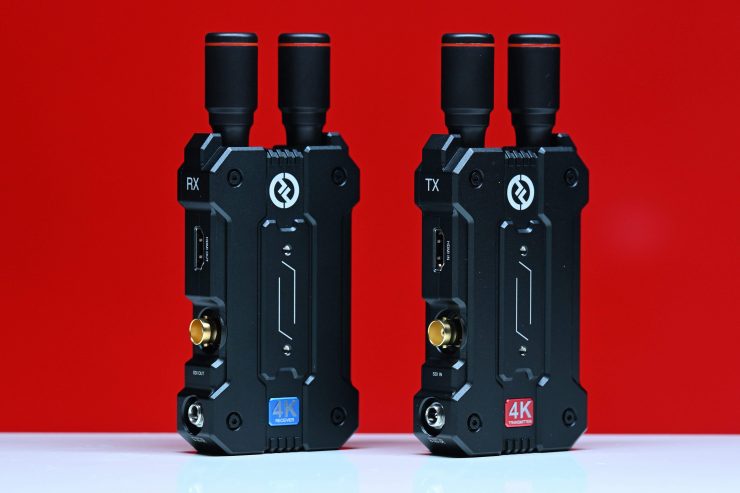
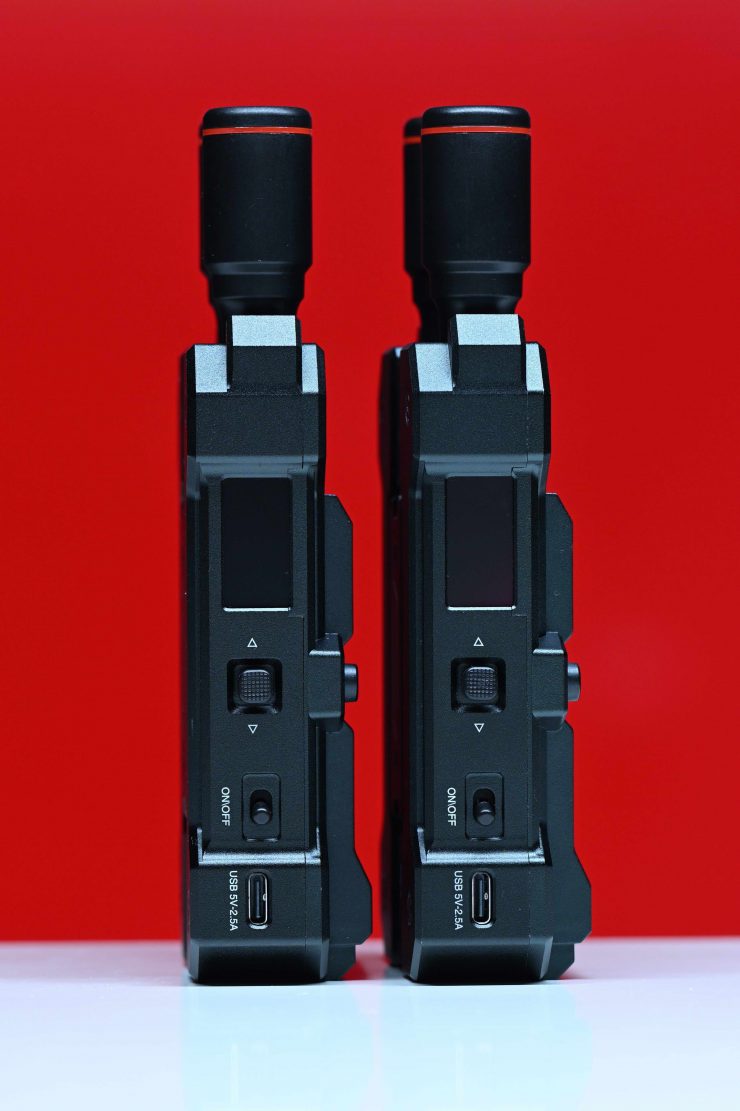
Hollyland’s MARS 4K was the first affordable 5GHz wireless video system, at least to my knowledge, that was capable of sending a UHD signal. The Pyro H and Pyro S look built on that platform, and the Ultra is taking the next step up.
Where the MARS 4K differed from other systems we have seen is that it could transmit and receive 4K UHD video at up to 29.97p. The Mars 4K also supported FHD and HD formats at varying frame rates of 23.98p up to 59.94p.
We have seen a ton of affordable wireless video systems come to market over the last 3-5 years, and a lot of them have very similar feature sets and capabilities. This increased competition has been good news for the end consumer, as prices have continued to come down.
Concept
With a large array of ‘affordable’ wireless video transmission systems now on the market, it is harder than ever to make your product stand out. The Pyro series has been a very successful product line for Hollyland, so they didn’t want to stray too far off the path when making the Ultra. Hollyland now offers a diverse range of products in the Pyro family, making them suitable for a range of applications and budgets.
Build Quality
I have reviewed a lot of wireless video systems over the years, and the build quality of even the most budget-friendly options continues to improve. Gone are the days when we used to see consumer-based wireless video tech being repurposed into ‘professional’ housings.
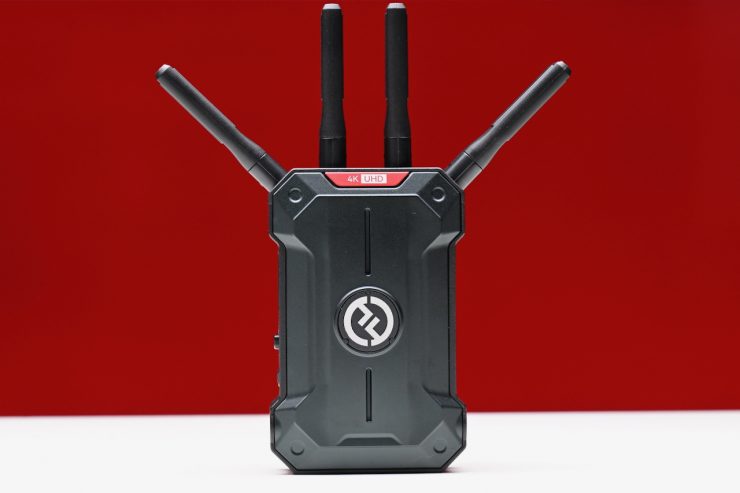
Hollyland Pyro Ultra 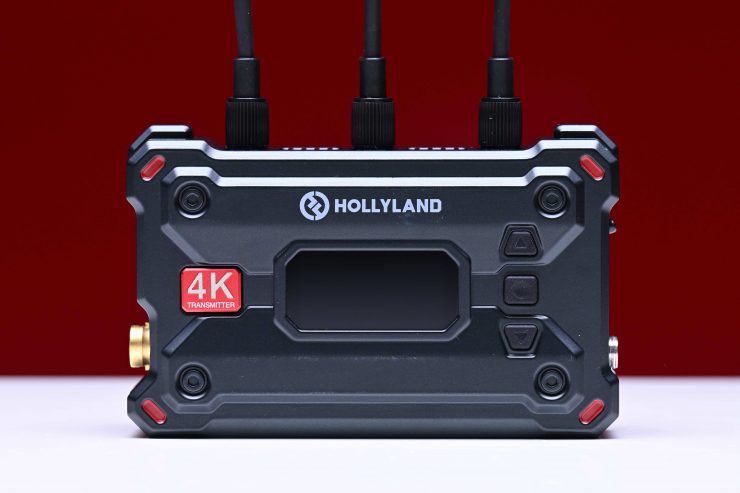
Hollyland Pyro S 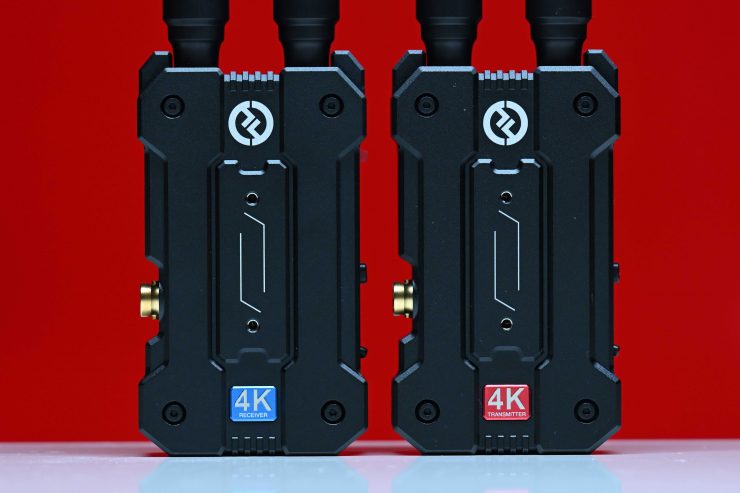
Hollyland MARS 4K 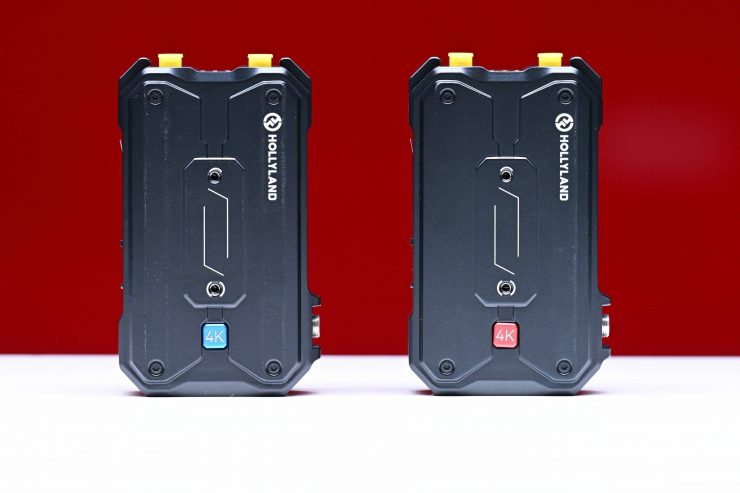
Hollyland Pyro H
The form factor of the Pyro Ultra has more in common with the Pyro H than the Pyro S.
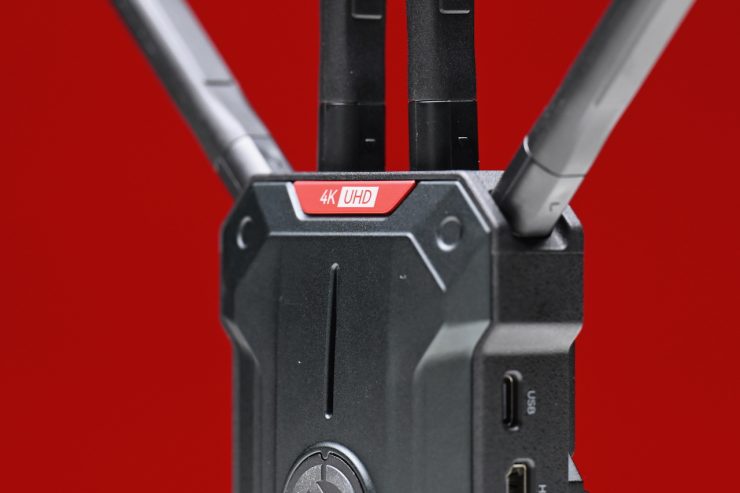
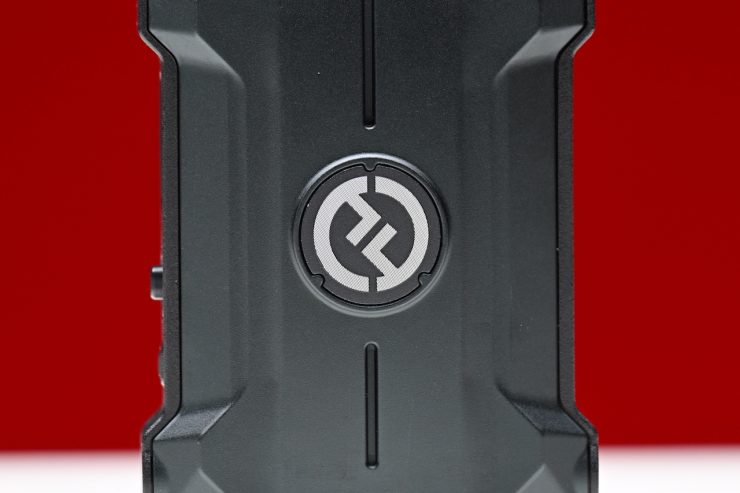
The exterior casing is robust and well-made. It certainly doesn’t feel like a product that is likely to break, even if you did accidentally drop it.
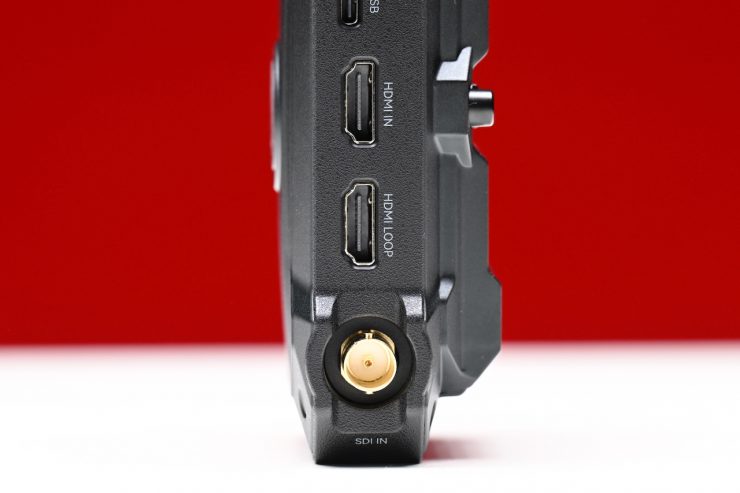
The HDMI connectors are slightly recessed, although I would like to see more companies make lockable HDMI connectors because it is very easy to break or snap an HDMI cable, especially if they are sticking straight out at an angle. The SDI ports are also recessed, and they do offer a bit of protection.
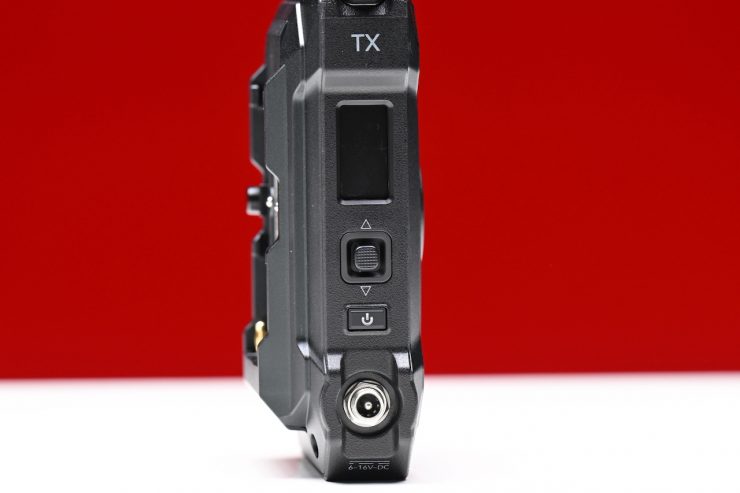
Hollyland Pyro Ultra 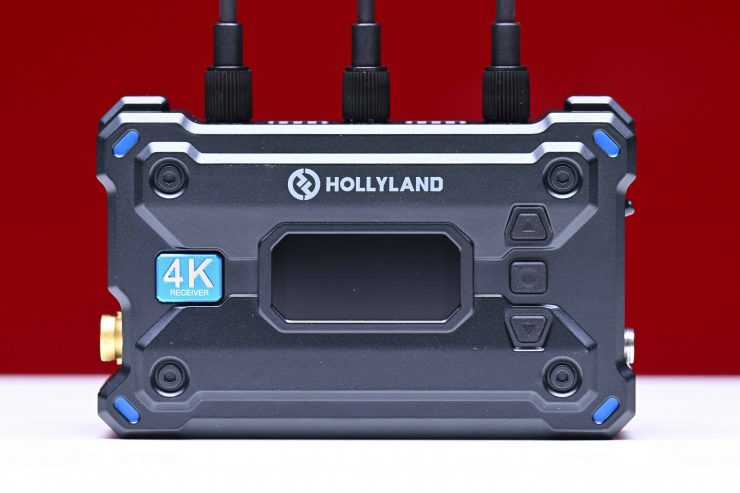
Hollyland Pyro S 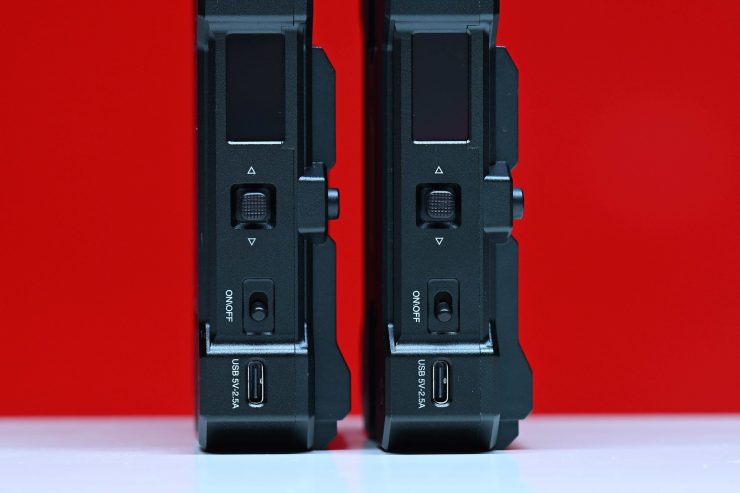
Hollyland MARS 4K
Unlike the Pyro S, which featured an On/Off switch, the Pyro Ultra has a button. It is reasonably solid and tactile. Instead of a scroll wheel like the Pyro H has, the Pyro Ultra (just like the Pyro S) has a Menu/Select button as well as up and down buttons for navigating the menu.
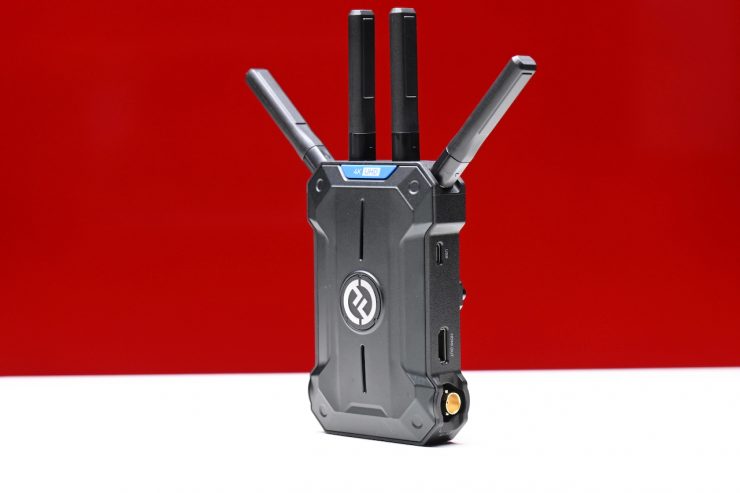
The overall build quality of the Pyro Ultra is very good, and I think most people will be more than happy with it.
Size & Weight
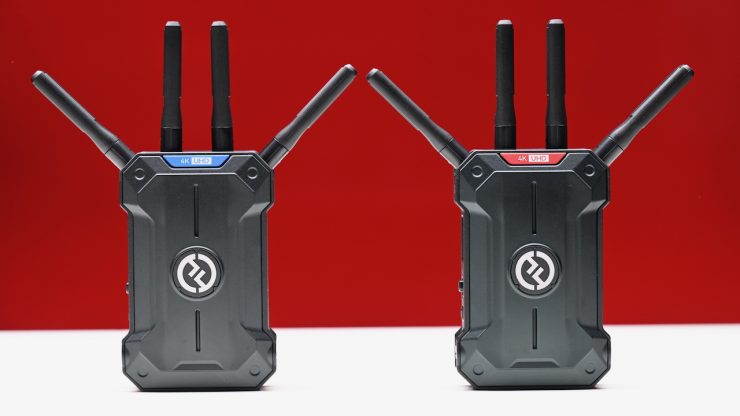
The Pyro Ultra RX and TX both weigh 320g / 11.28oz without the antennas. They have physical dimensions of 4.88 x 3.14 x 1.37″ / 124 x 80 x 34.9 mm.
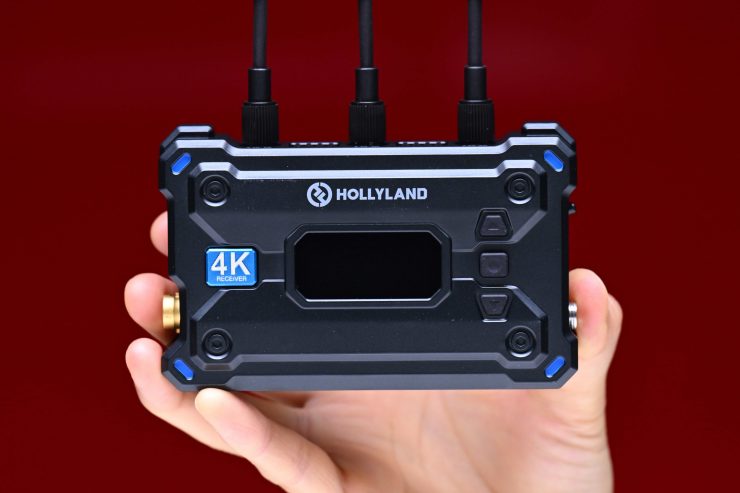
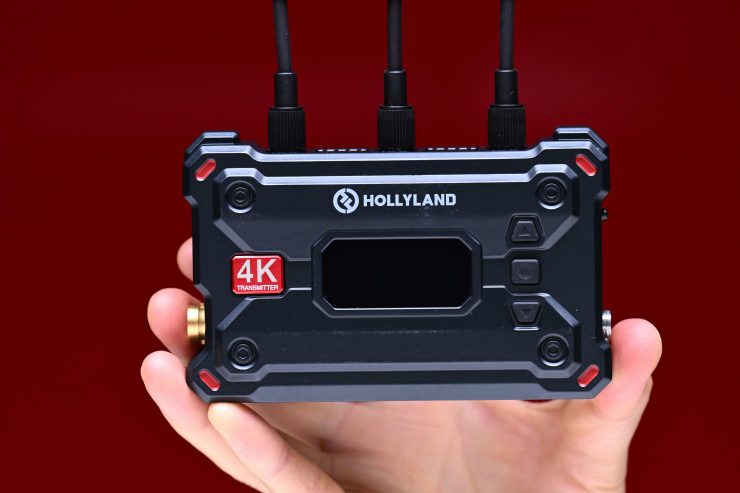
As a comparison, the Pyro S RX and TX both weigh 207g / 7.3oz without the antennas. They have physical dimensions of 4.4 x 2.8 x 1.3″ / 112 x 71.2 x 34.1 mm.
As another comparison, both the MARS 4K RX and TX weighed 223g / 7.86oz without the antennas.
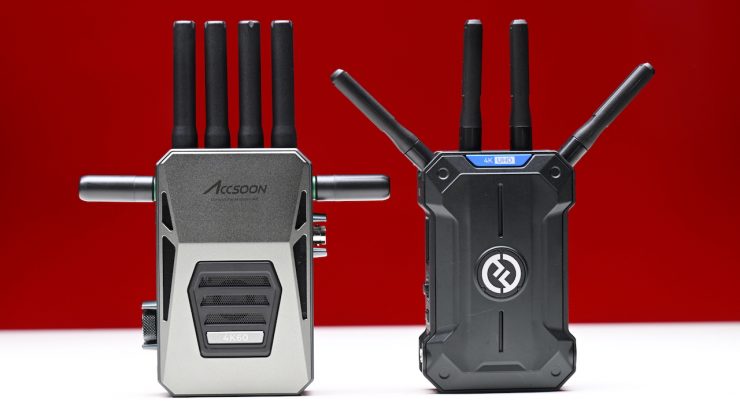
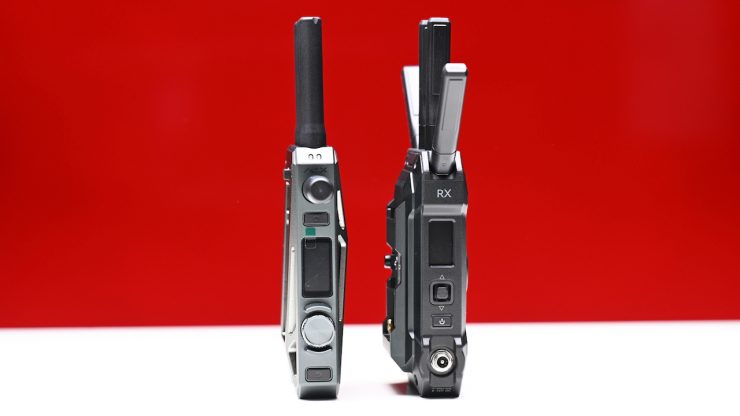
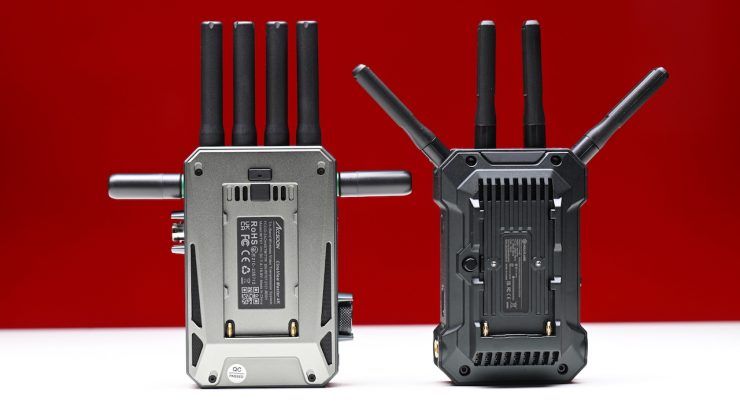
The TX and RX are reasonably large; however, they are a similar size to other comparable wireless SDI/HDMI systems. Above, you can see how it compares to the Accsoon CineView Master 4K.
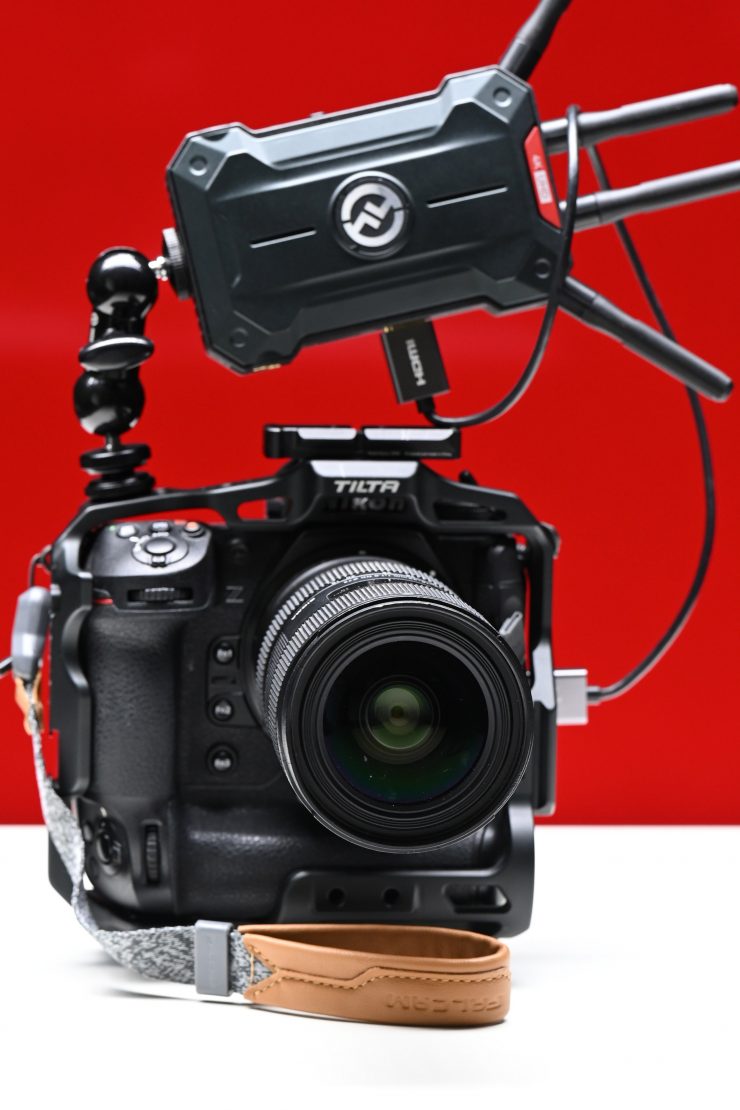
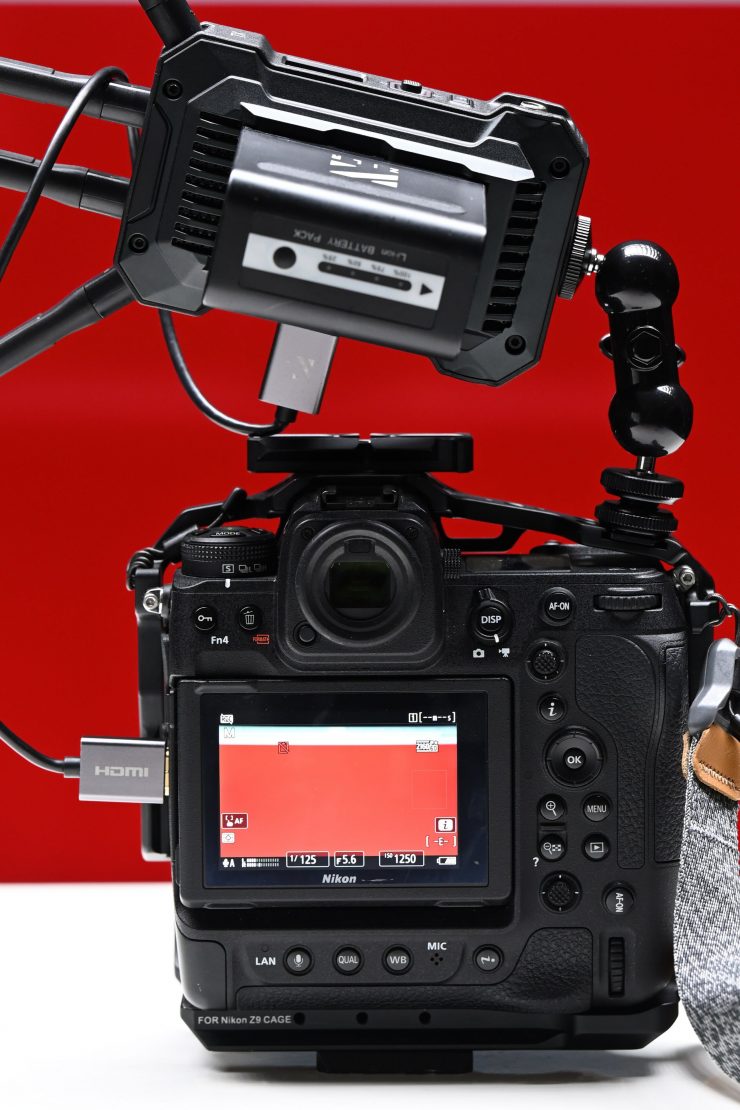
This weight and size may not make them overly suitable for small-sized mirrorless hybrids, as they take up a lot of real estate, especially when you are powering them with a Sony NP-F battery.
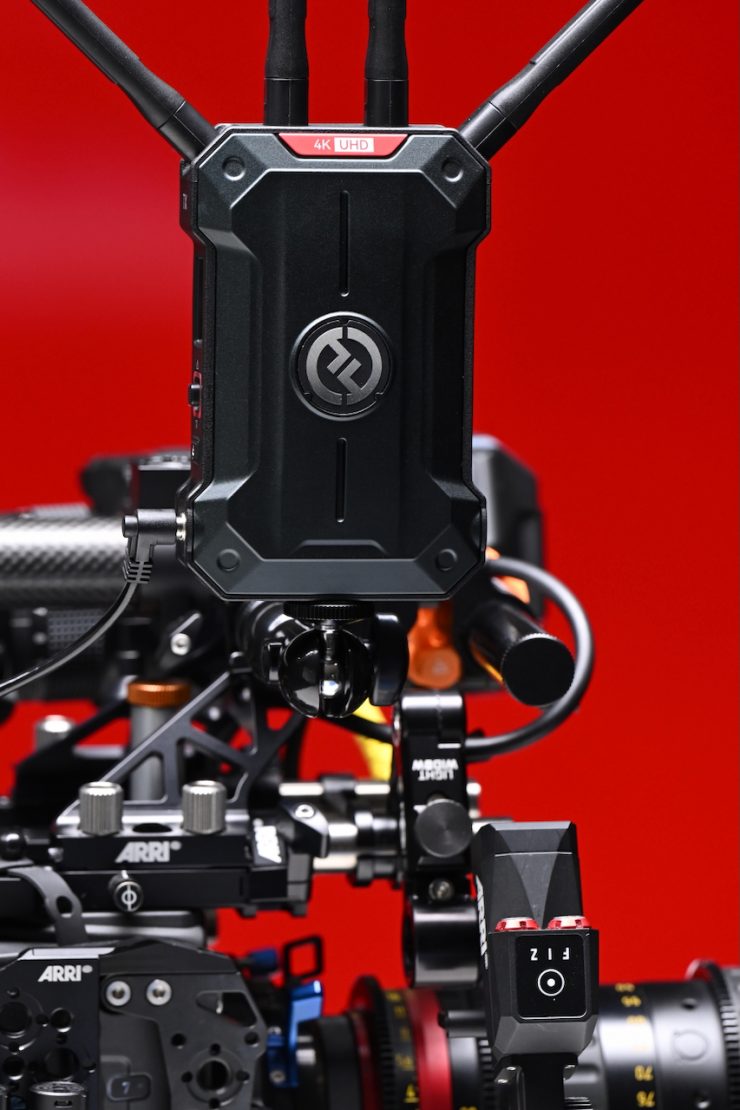
I personally think that the Pyro Ultra would be more at home on mid to large-sized digital cinema cameras as opposed to mirrorless hybrids, although you could use it on some of the larger-sized mirrorless hybrids, or smaller digital cinema cameras like a Canon C70/C80, Sony FX6, RED KOMODO/KOMODO-X, etc.
As I have said for quite a while now, I think the next big evaluation in this space needs to be making wireless video systems smaller and more compact. There is a big market out there for people who want to use affordable Wi-Fi-based wireless video systems on smaller-sized cameras, but they are hesitant to do so because of the size and weight of the options that are available. Although, in saying that, products like Hollyland’s newly announced Vcore could be used in that capacity.
What do you get?
The Hollyland Pyro S 4K HDMI Wireless Video Transmission System comes with the following items:
- 1x Hollyland Pyro Ultra Wireless Video Receiver
- 1x Hollyland Pyro Ultra Wireless Video Transmitter
- 9 x Short Antennas (2.4/5 GHz)
- 1x Hollyland Double Ball Head with Cold Shoe Mount
- 1x USB-A to USB-C Adapter
- 12V/2A DC Power Adapter
- Hard Carry Case
- Limited 1-Year Manufacturer Warranty
Ins & Outs
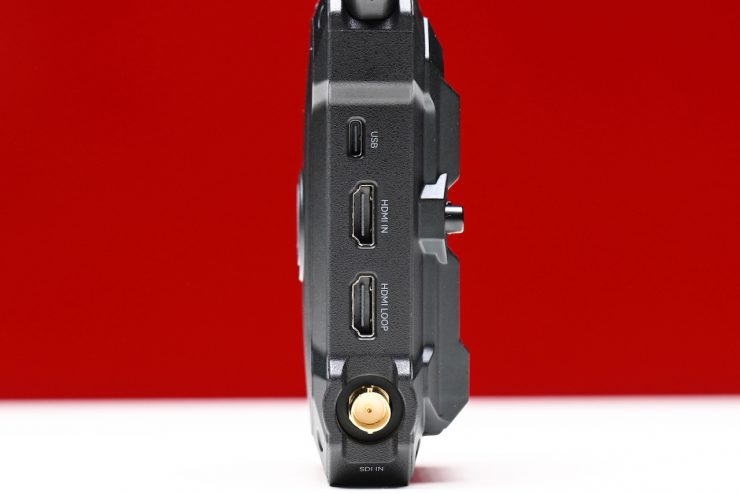
TX 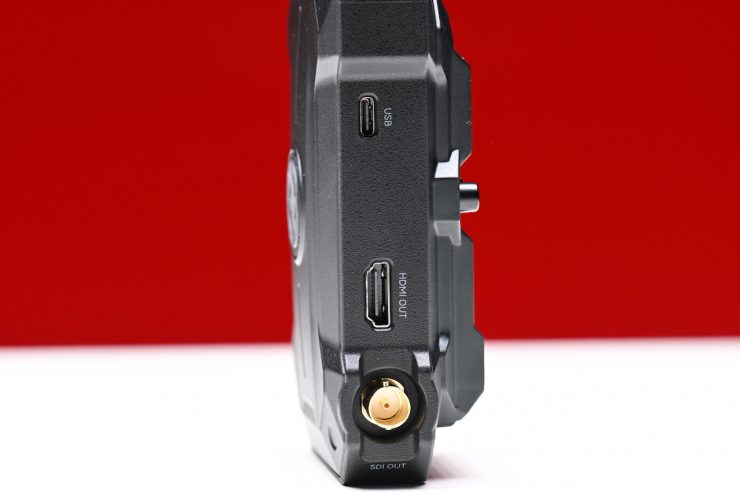
RX
The Pyro Ultra TX has an HDMI In, an HDMI Loop, and an SDI In. The RX features a single HDMI out and an SDI Out.
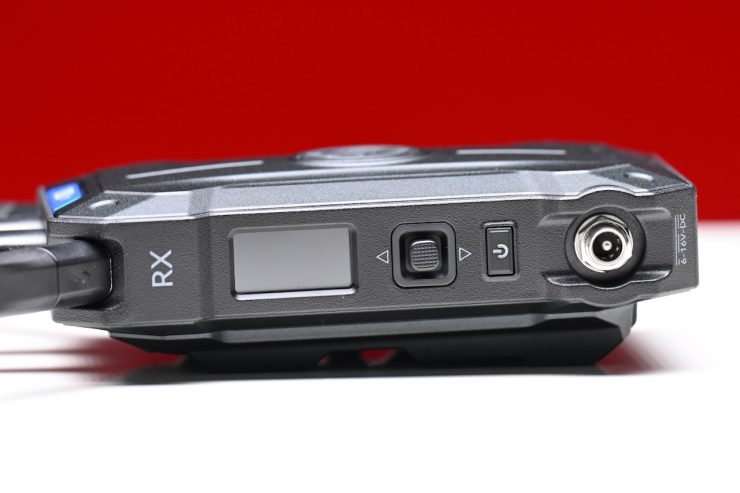
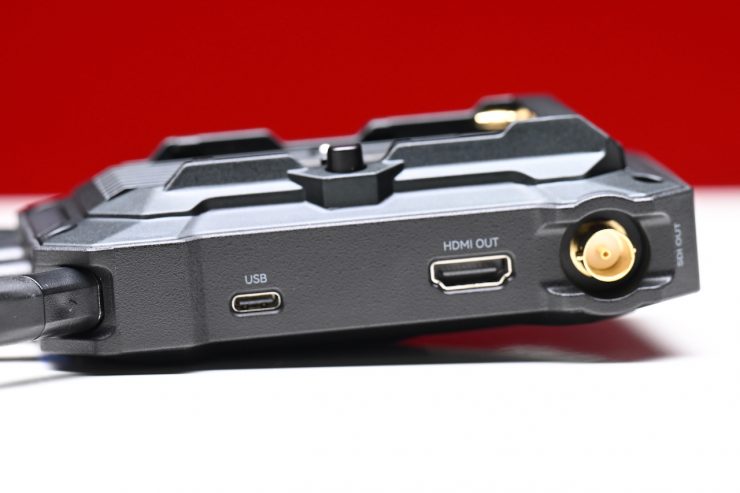
There is also a USB-C and DC inputs (6-16V) on both the TX and RX units.
Interface & Transmission
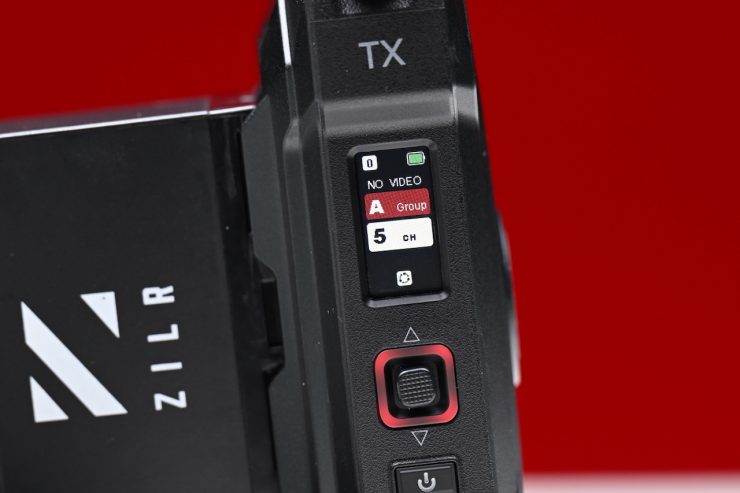
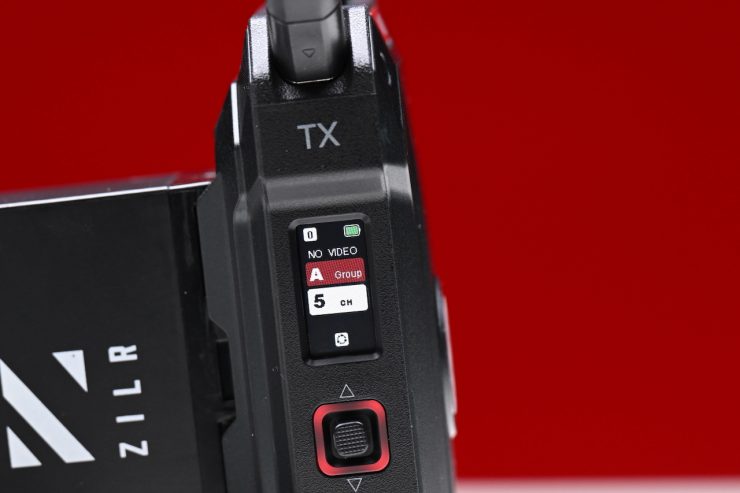
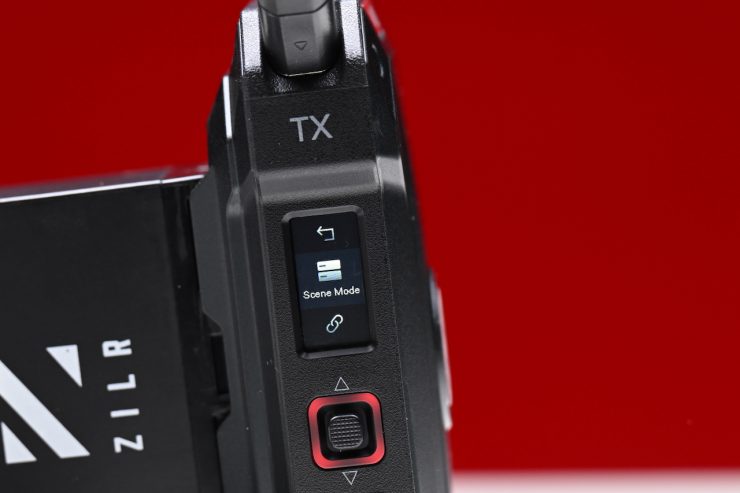
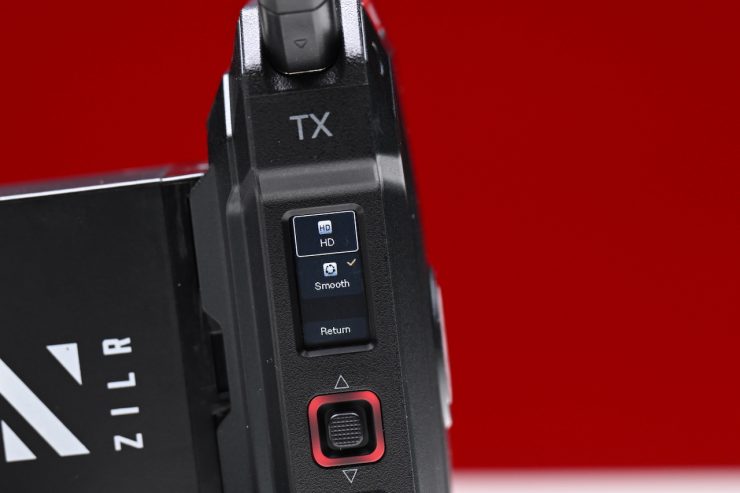
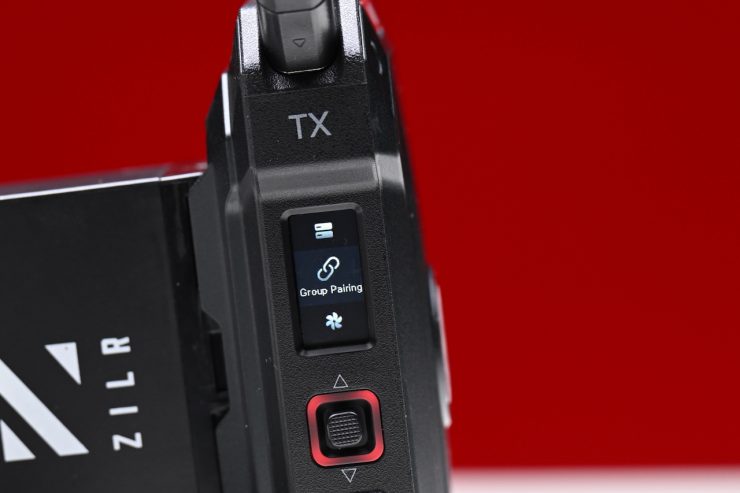
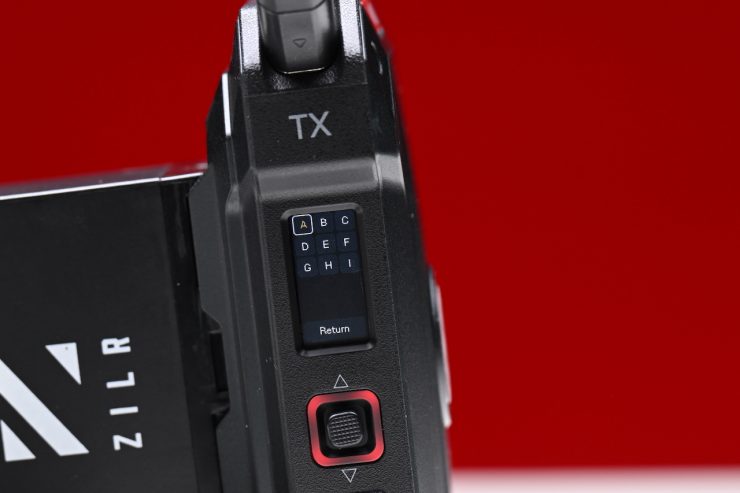
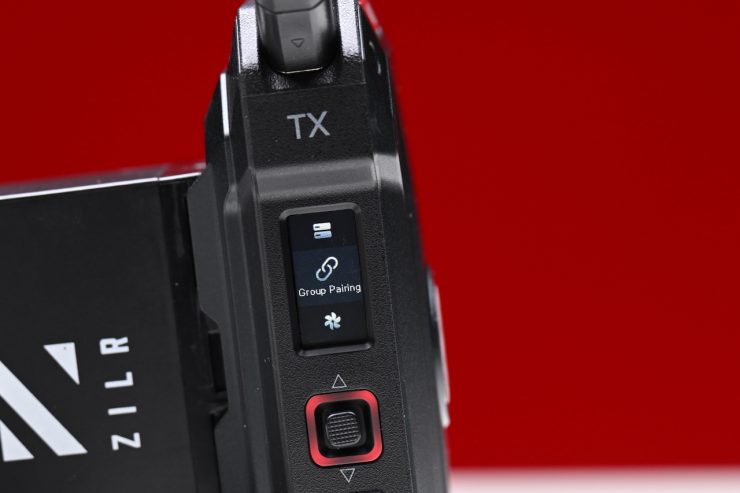
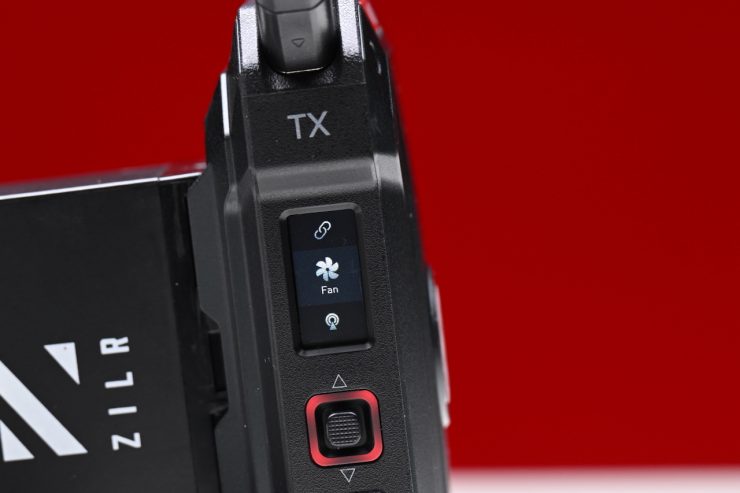
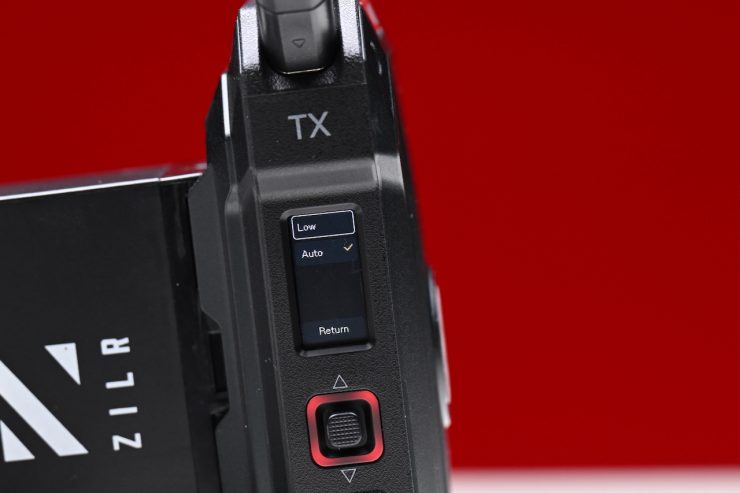
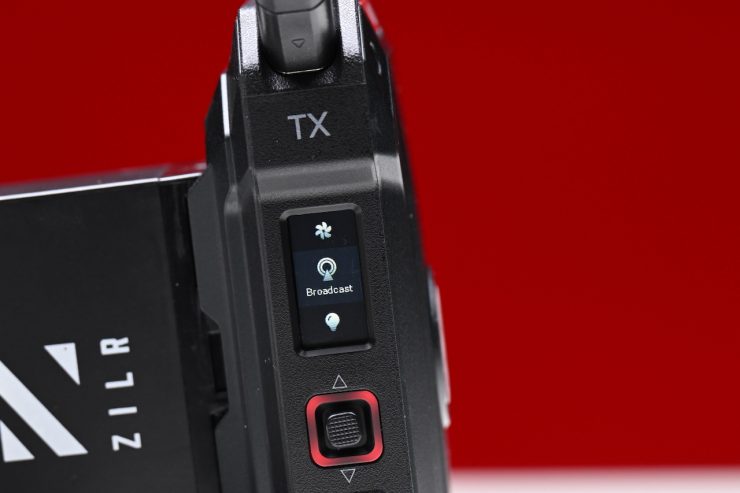
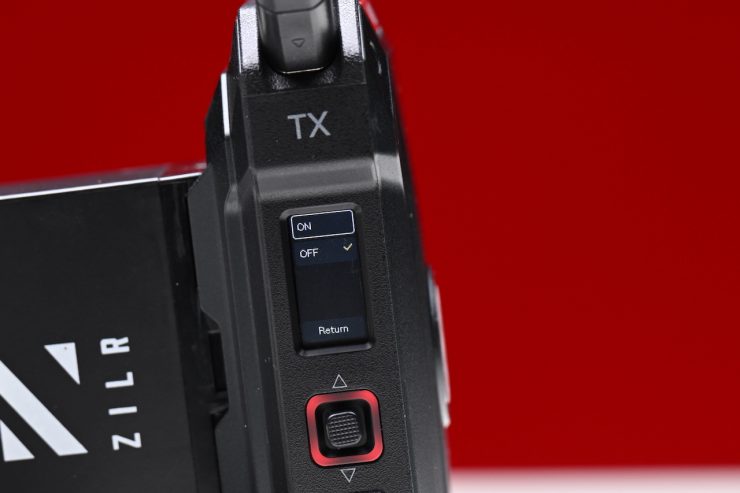
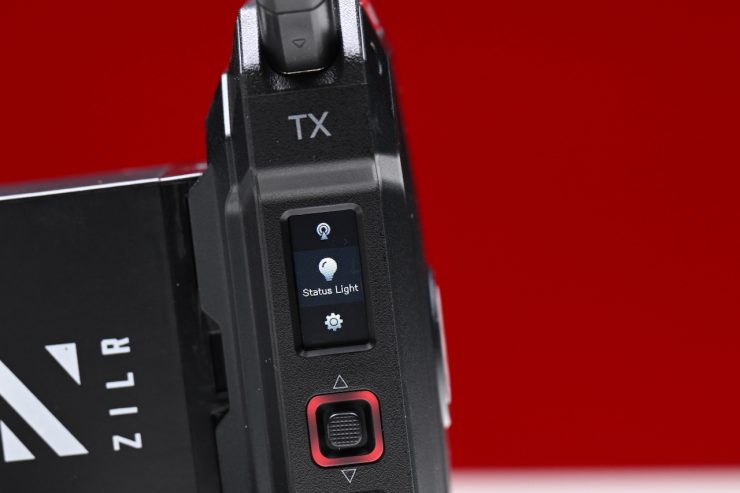
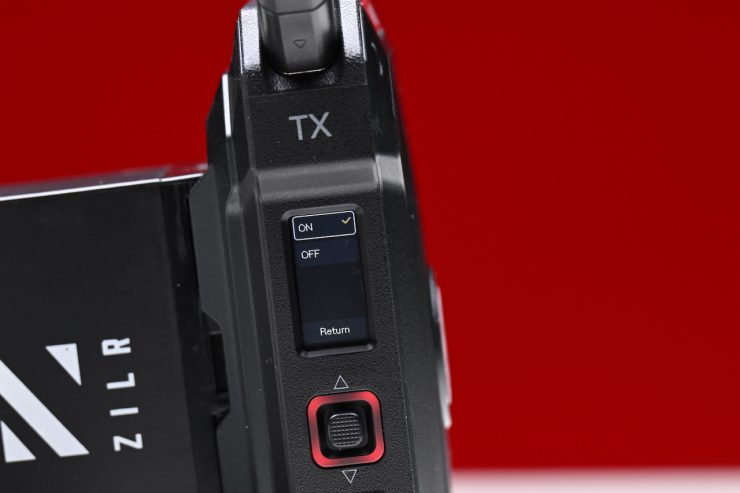
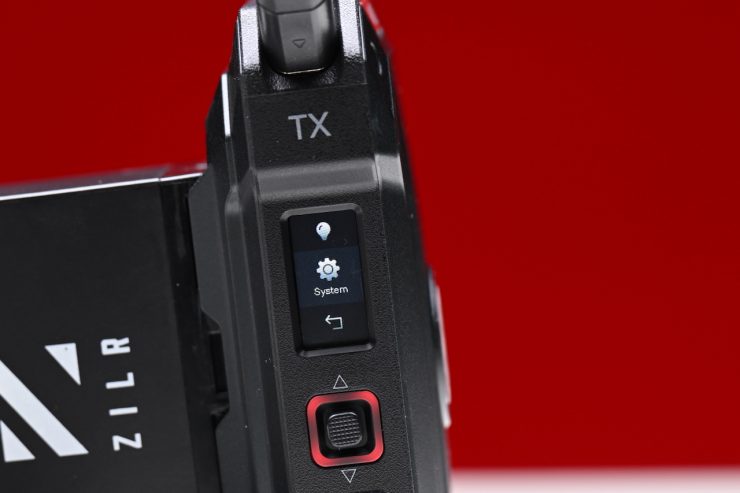
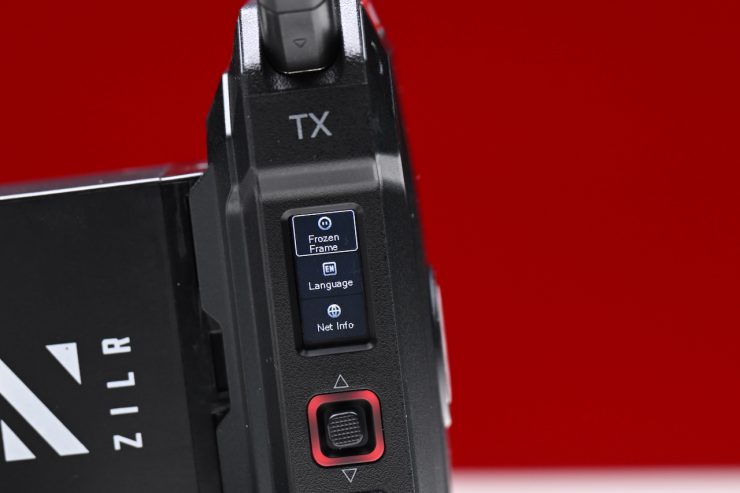
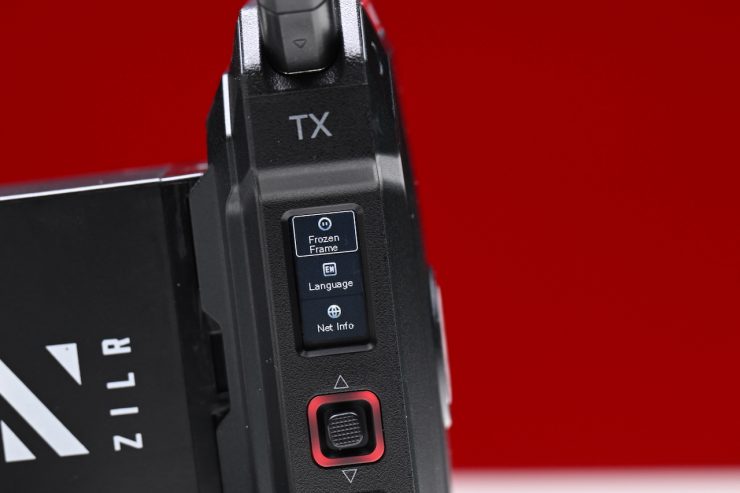
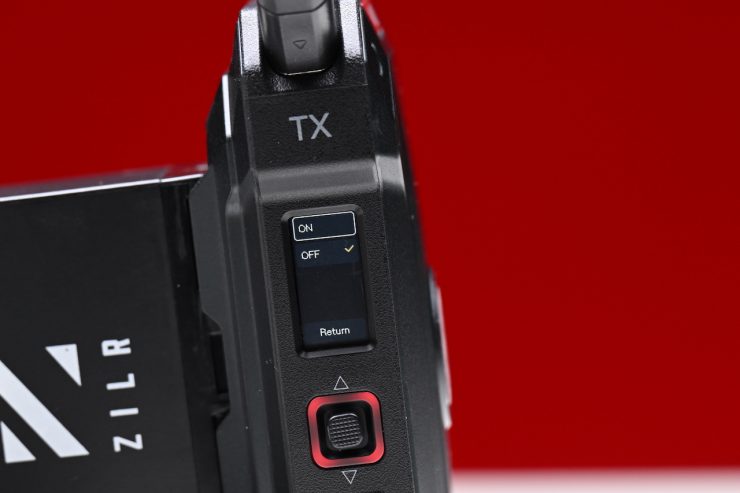
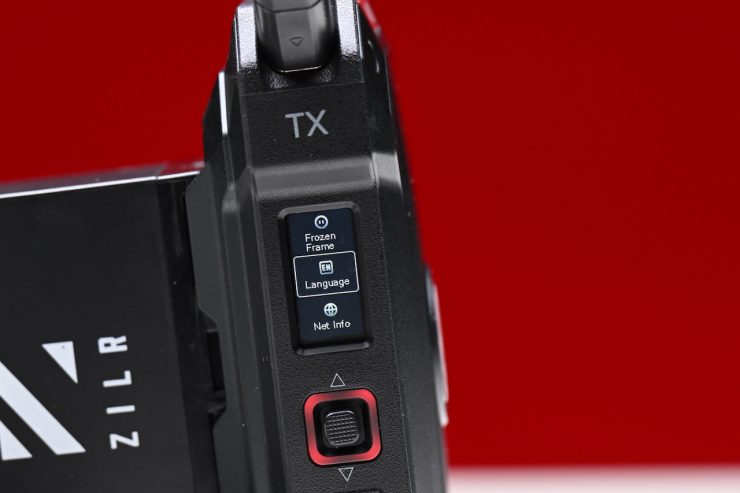
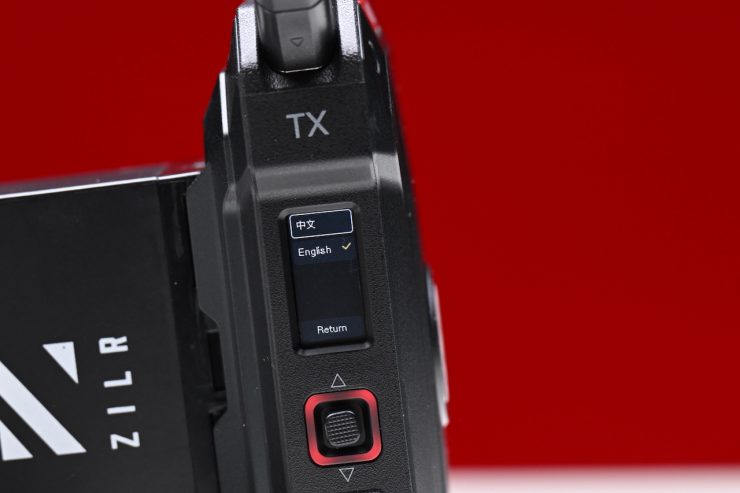
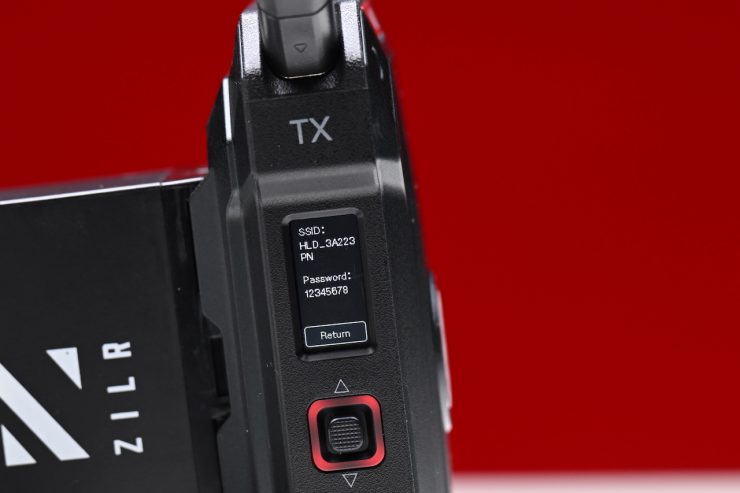
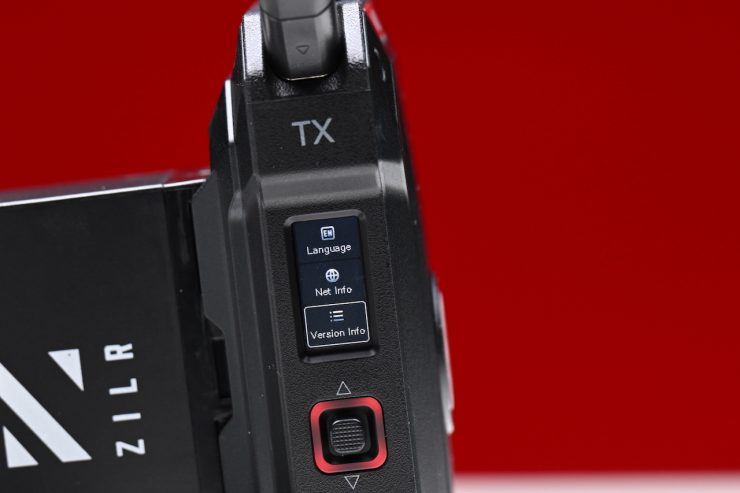
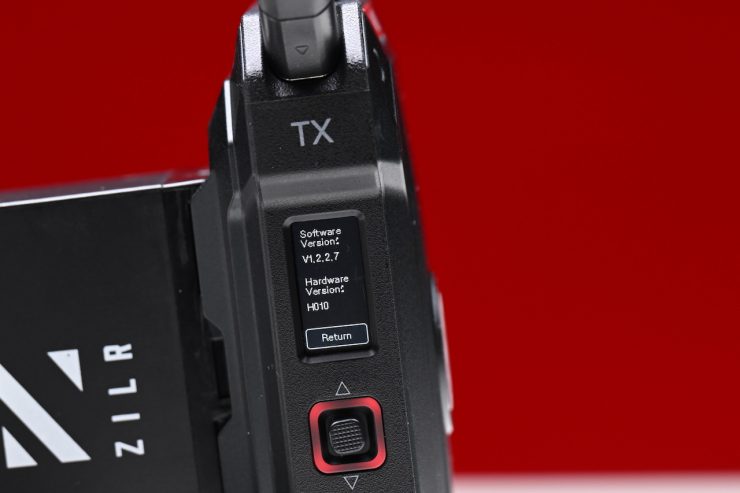
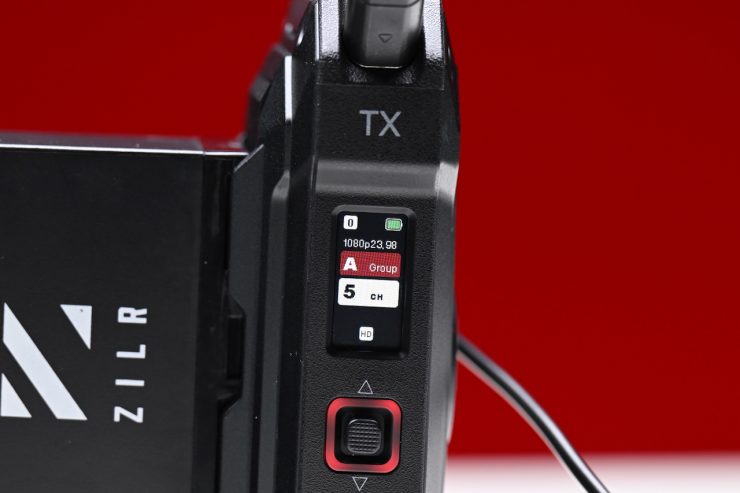
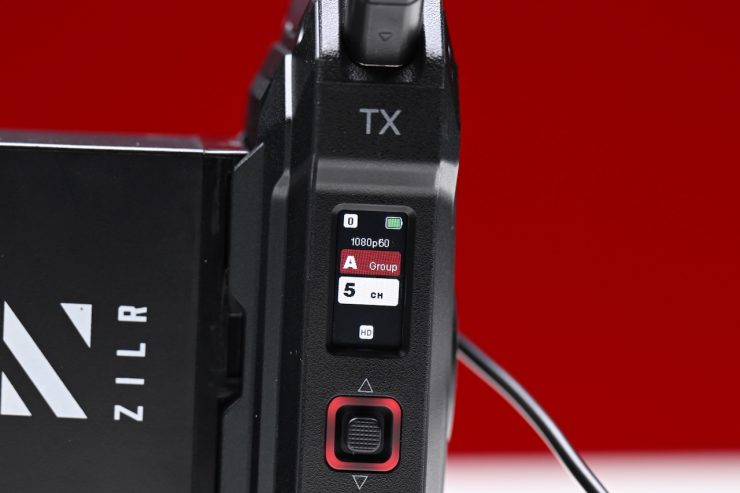
Both the TX and the RX units feature a reasonably large color screen with a user-friendly UI design that enables quick configurations and status checks. The combo button/joystick lets you access the menu and make changes.
The Pyro Ultra utilizes a system that Hollyland calls TWiFi, which combines 2.4GHz and 5GHz into a composite link that is claimed to outperform conventional dual-band with stronger and more resilient connections.
The Pyro Ultra is capable of a 12 Mbps data transfer rate. This is a pretty low bitrate. A device like the Teradek SERV 4K can stream at up to 45 Mbps. This is where I would like to see companies such as Hollyland and Accsoon improve. Sending a relatively low bitrate is not ideal if you are using a system to send signals to a client monitor.
The Pyro Ultra is claimed to have a stable line of sight transmission range of up to 4900ft / 1.5km. As a comparison, the Pyro S has a claimed range of 1,300ft / 400m (line of sight). Now, Hollyland does clearly state in their manual that if you are using the app, the range may be reduced.
Hollyland also claims that the system has a minimal transmission latency of >22ms thanks to upgraded chips and optimized video encoding/decoding algorithms. Now, please be aware that when companies publish latency figures, those figures are usually for the latency between the TX and the RX, and they don’t include the rest of the image chain. The actual real-world latency will always be higher. I will cover this in more detail later in the review.
Channel assignment options allow for interference-free transmission. A stable connection is established automatically upon startup. A smart channel scan helps determine which ones are occupied and selectable.
Not only can the Pyro Ultra send images from the TX to the RX unit, but images can also be viewed on the Hollyland HollyView App as well. Below you can see what options are available:
When broadcast mode is ON:
- 1TX to unlimited RX, no app connection
When broadcast mode is OFF:
- 1TX to 4RX, 2 app connections
I can also confirm that the Pyro Ultra will also work with the Pyro H, Pyro 7, and Pyro 5. Unfortunately, it is not backward compatible with the MARS 4K.
What can you transmit?
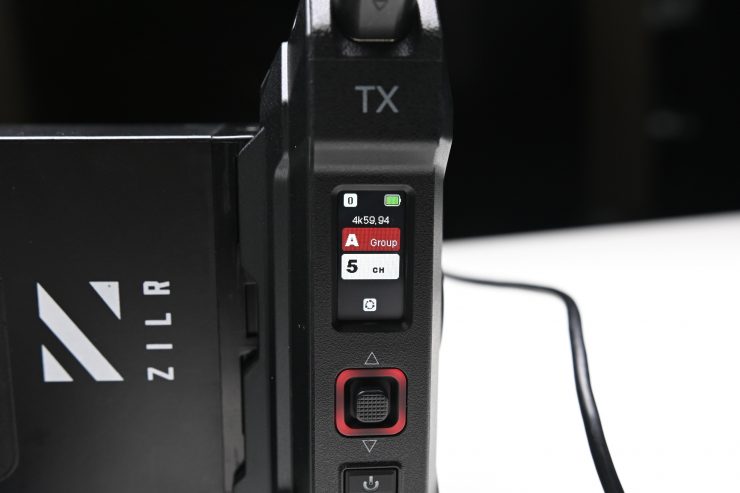
The Pyro Ultra has the ability to wirelessly transmit high-resolution video in various formats over HDMI, including 4K at 23.98, 25, 29.98, 30, 50, or 59.94 frames per second.
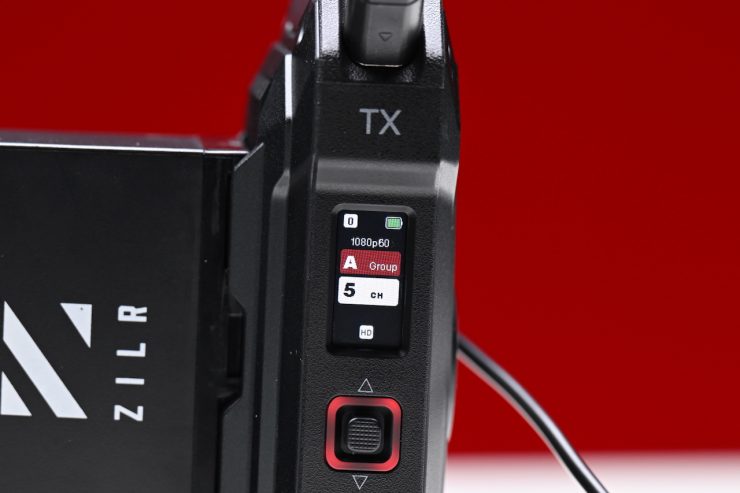
Over SDI, you are limited to Full HD 1080p at up to 60 frames per second.
If you are using a camera that can output UHD over HDMI, then you will be able to view a proper UHD image on a UHD display.
Antennas
Hollyland Pyro Ultra 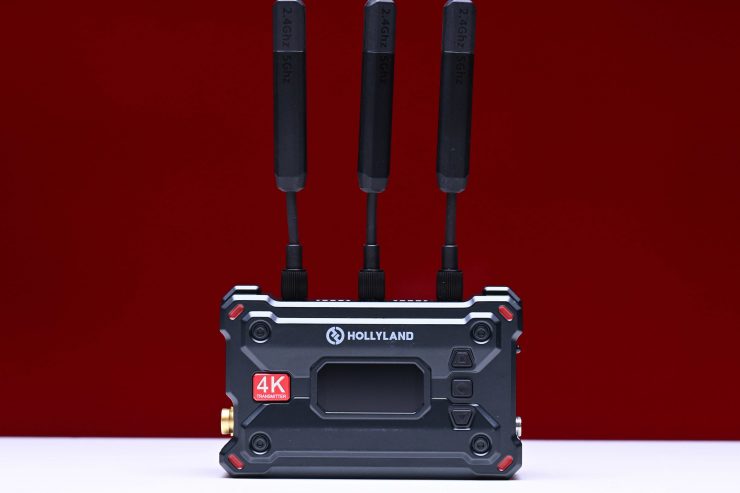
Hollyland Pyro S 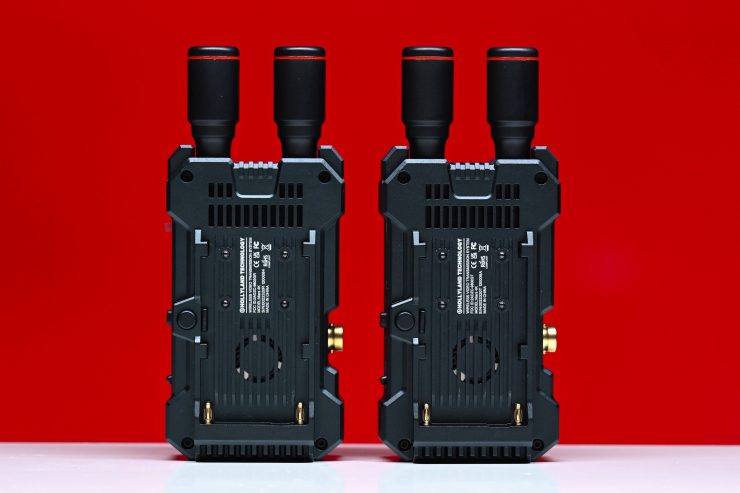
Hollyland MARS 4K
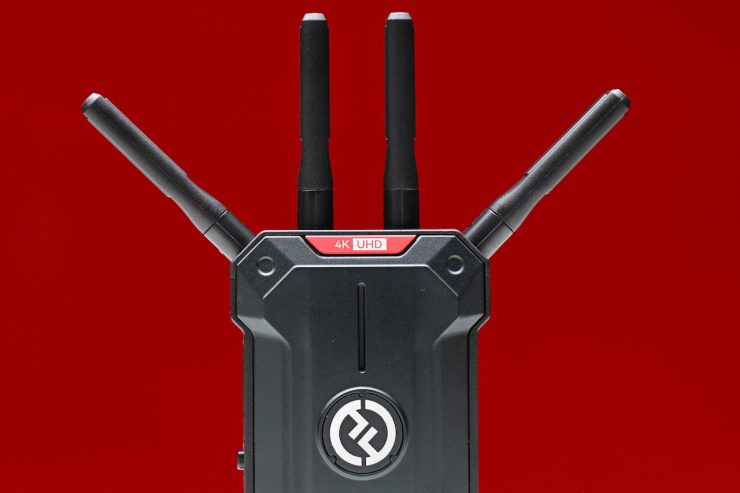
Unlike the MARS 4K, which utilized small-sized antennas so that the overall footprint of the units was kept to a minimum, and the Pyro S, which uses three longer paddle antennas, the Pyro Ultra uses four short antennas.
These smaller antennas do somewhat decrease the footprint, especially on smaller-sized cameras; however, as there are antennas on the corners, that is somewhat mitigated.
Mounting Points
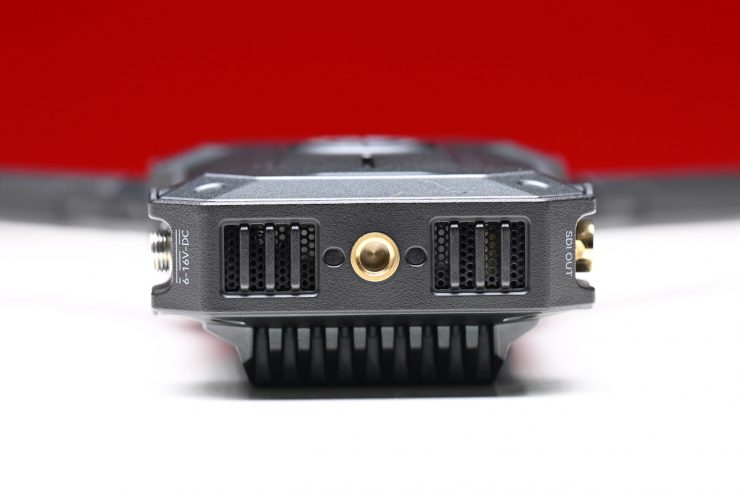
Hollyland has included a single 1/4 20″ mounting hole on both the TX and RX units. These are located at the bottom of both units. I would have preferred to have seen additional mounting points.
Hollyland does include a double ball head with a cold shoe mount in the kit
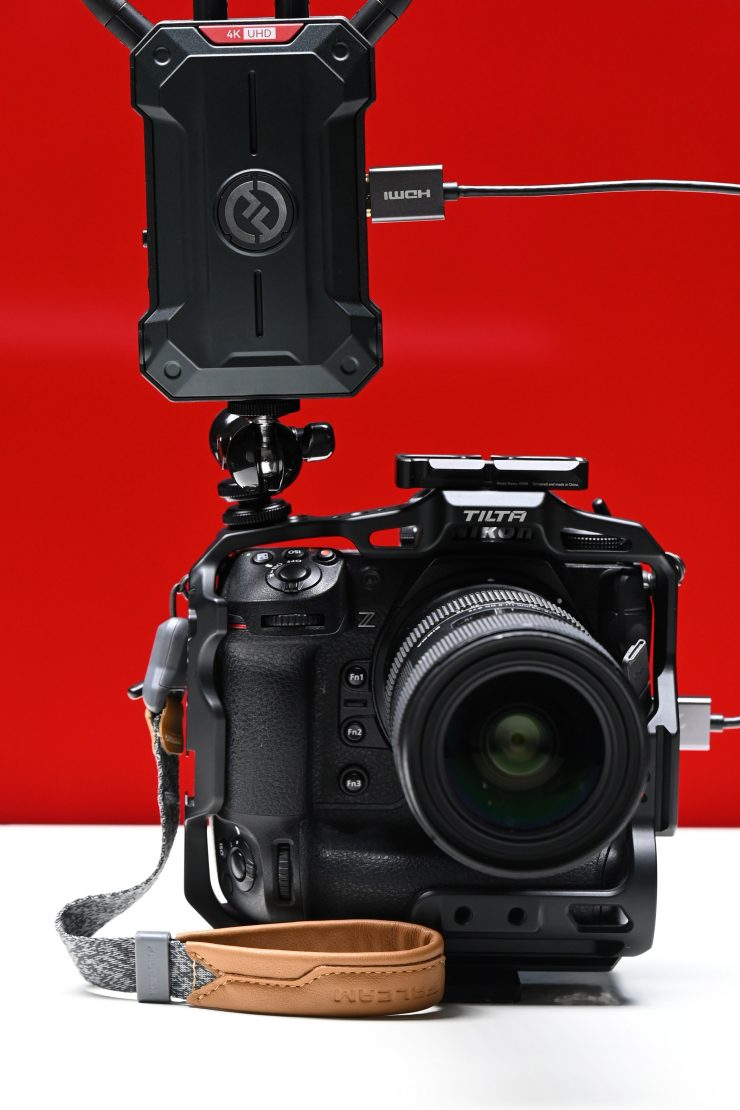
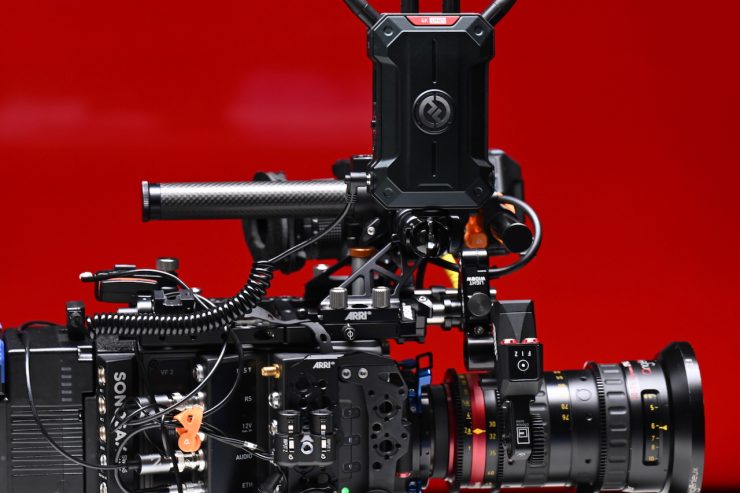
This works reasonably well, but it is a mystery to me why Hollyland only includes one mount in the kit. This is something I have repeatedly mentioned over the years. Arguably, it would have made more sense for Hollyland to have also included another basic mount that you could use to attach the TX or RX directly to a 1/4 20″ mounting hole.
Power
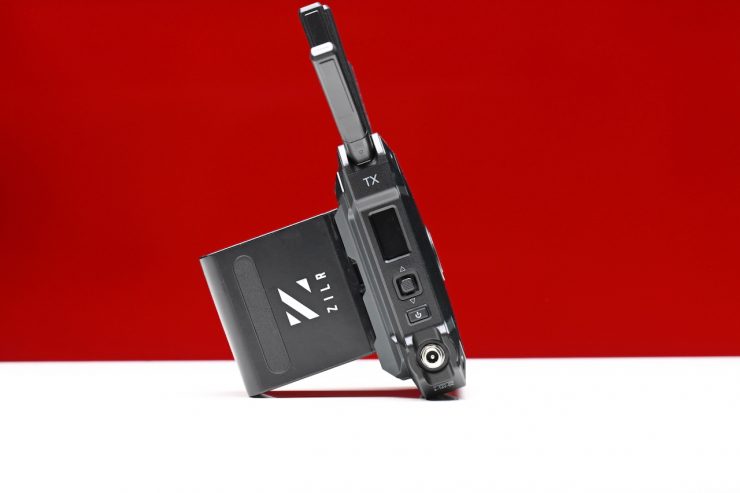
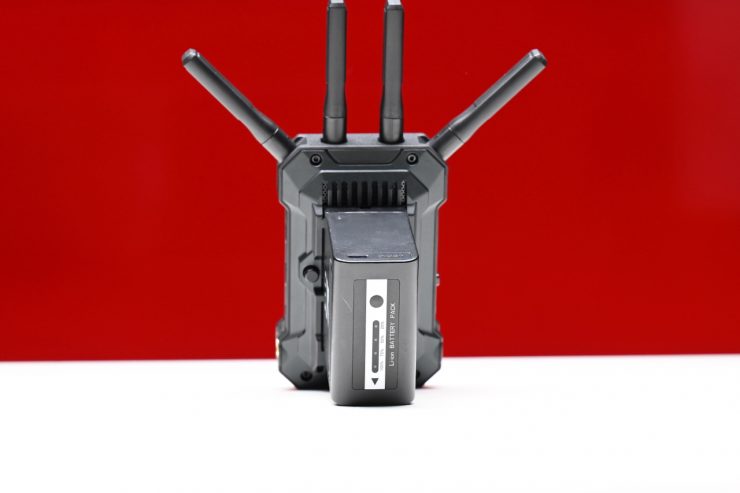
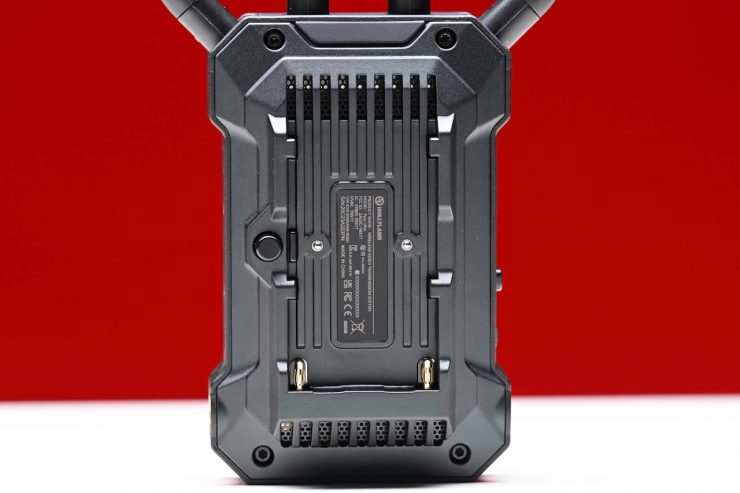
The Pyro Ultra RX and TX units both have built-in battery plates that can take Sony NP batteries.
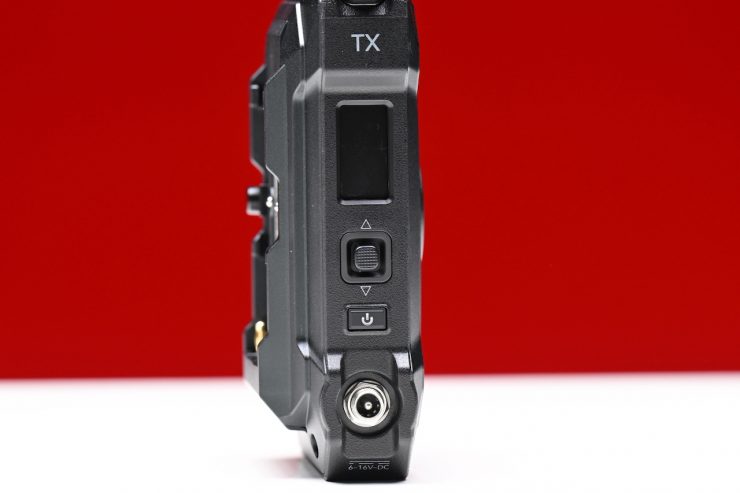
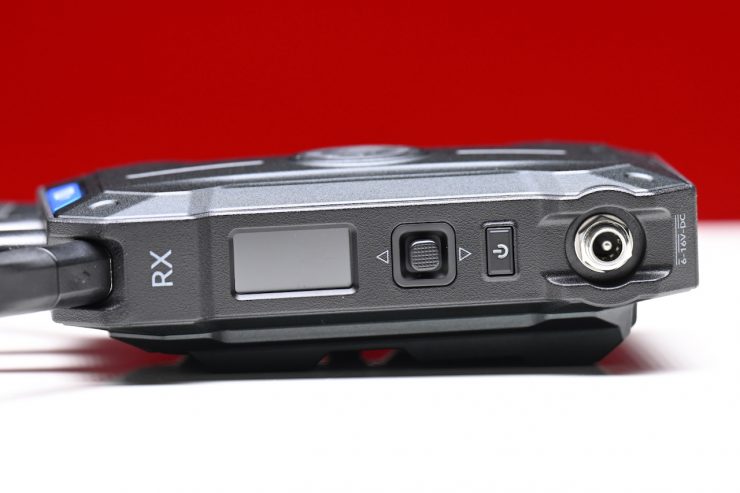
You also have the option to power it through a 6-16V DC input. Hollyland does include a 12V/2A power adapter in the kit.
The TX unit draws up to 14W (11W in non-broadcast mode), while the RX unit draws 7W.
The battery plate is well made and batteries don’t move or wobble around.
It would have been nice to have been able to power the devices via USB-C, like you can with the Pyro H. Having in-built batteries would have kept the size down, but most professionals don’t want devices with built-in batteries unless they are able to power a unit for a considerable amount of time.
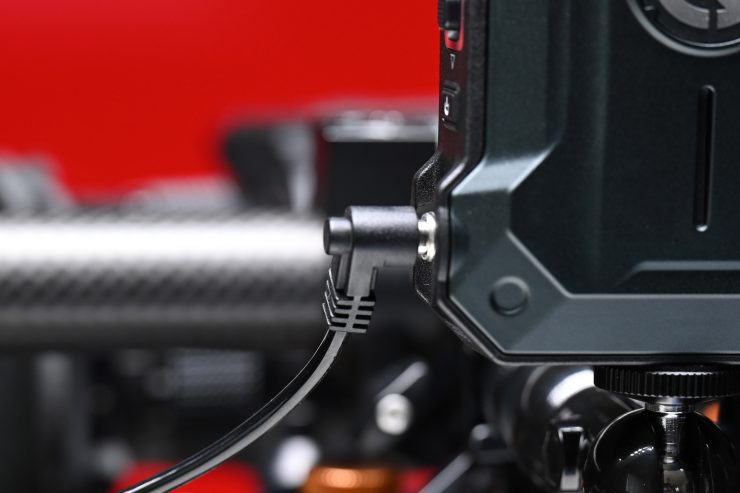
Using the Pyro Ultra TX with a Sony NP battery on a small to mid-sized digital camera isn’t going to make it overly heavy; however, I personally prefer to power wireless video systems directly from my camera, but that’s just the way I do it.
What is nice is that you hot-swap power sources if you happen to have two connected at once. For instance, if I have the battery on and I then want to suddenly want to swap to a DC power source, I can simply take off the battery without the Pyro Ultra shutting down.
I would have liked to have seen Hollyland include a DC to D-tap power cable in the kit for this very reason.
Fan Noise
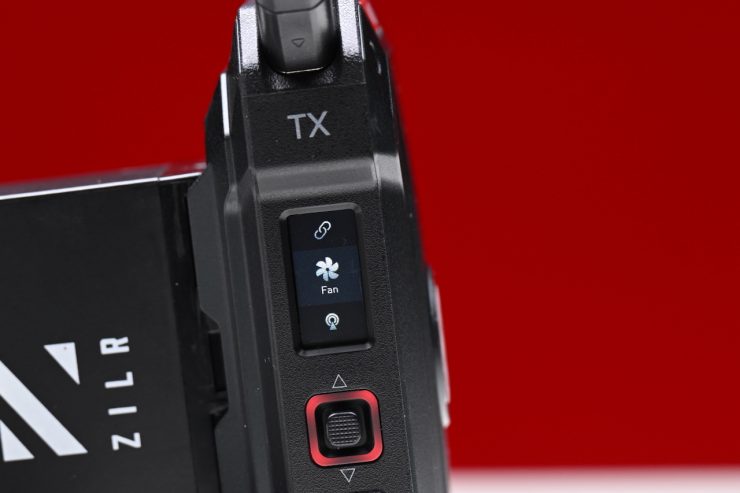
Both the TX and RX units have an in-built fan. The RX fan is very quiet, but there is some TX fan noise, and if you have it too close to an onboard microphone, you may well pick up a bit of noise.
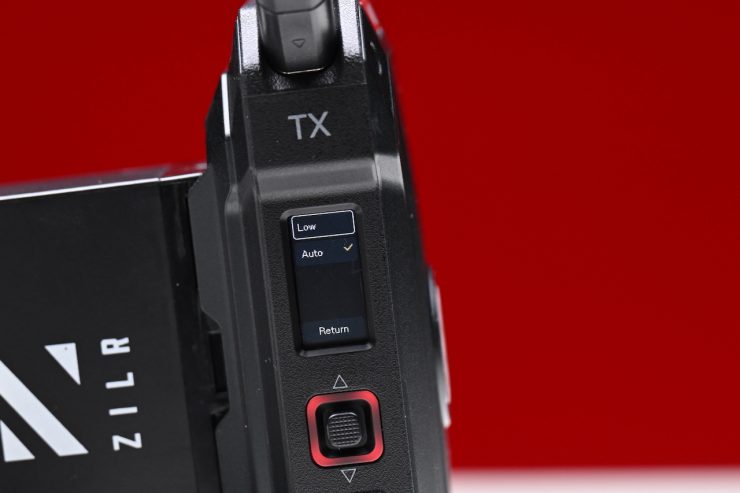
Hollyland does give you the option to change the fan from Auto to Quiet in the menu on the TX; however, I didn’t find any big difference in the fan noise when changing it.
Even after having both the RX and TX units on for a considerable amount of time, they didn’t get overly hot.
Encryption
The system uses AES-128 Encryption when sending wireless signals so that your vision can’t be seen or accessed by anyone else.
Setup & Ease Of Use
As I say in every wireless video system review, a good solution should be easy and fast to set up and get running. In all honesty, this shouldn’t be a difficult task, and if it is, then, in my opinion, the product has already failed.
The Pyro Ultra, like the rest of the Pyro products, was designed to essentially be a plug-and-play system. You just power up the TX unit, input a video source, and then power up the RX and hook it up to a monitor.
All you need to do is make sure that the TX and RX units are on the same channel; however, the system will automatically select the same channel on both the TX and RX automatically for you. Once everything was powered on, I got a picture in around 33 seconds. 33 seconds was a little slow for a wireless system, but it is a lot faster than the competing Accsoon CineView Master 4K.
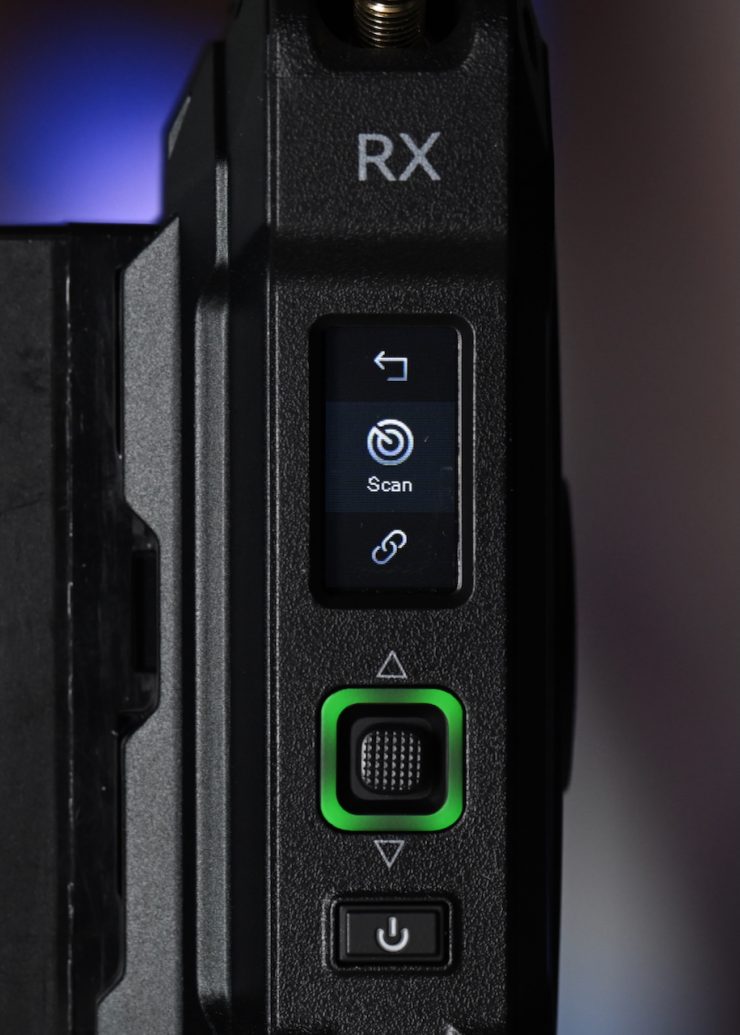
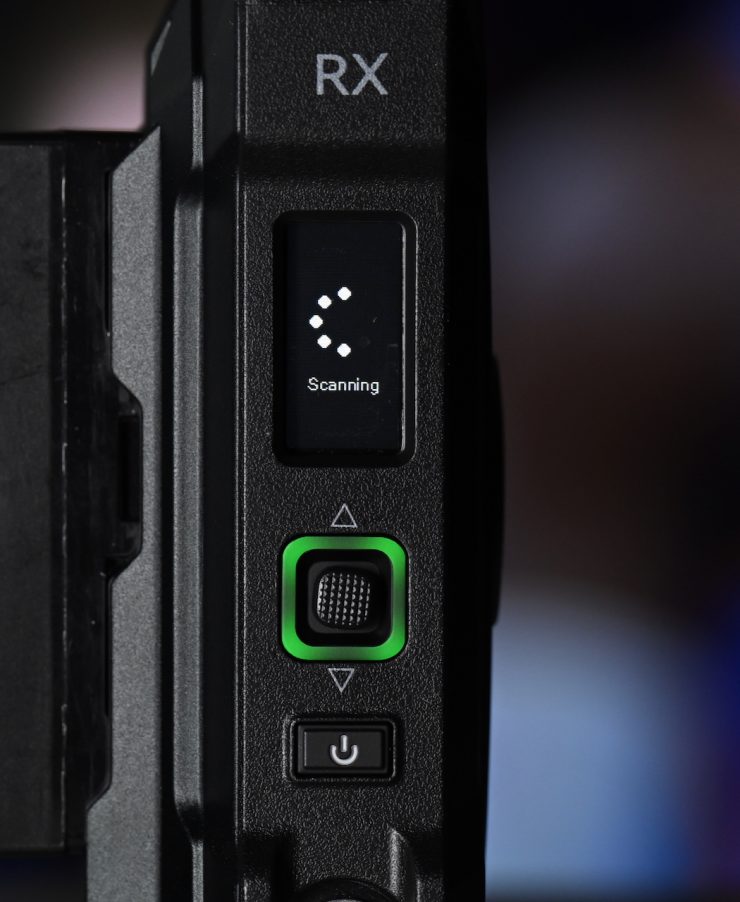
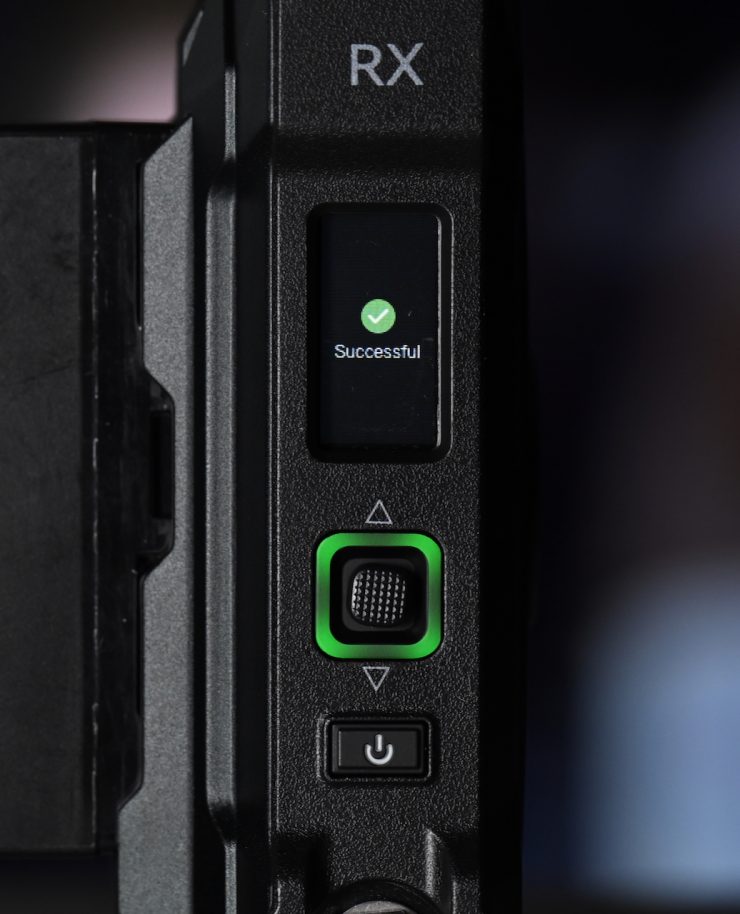
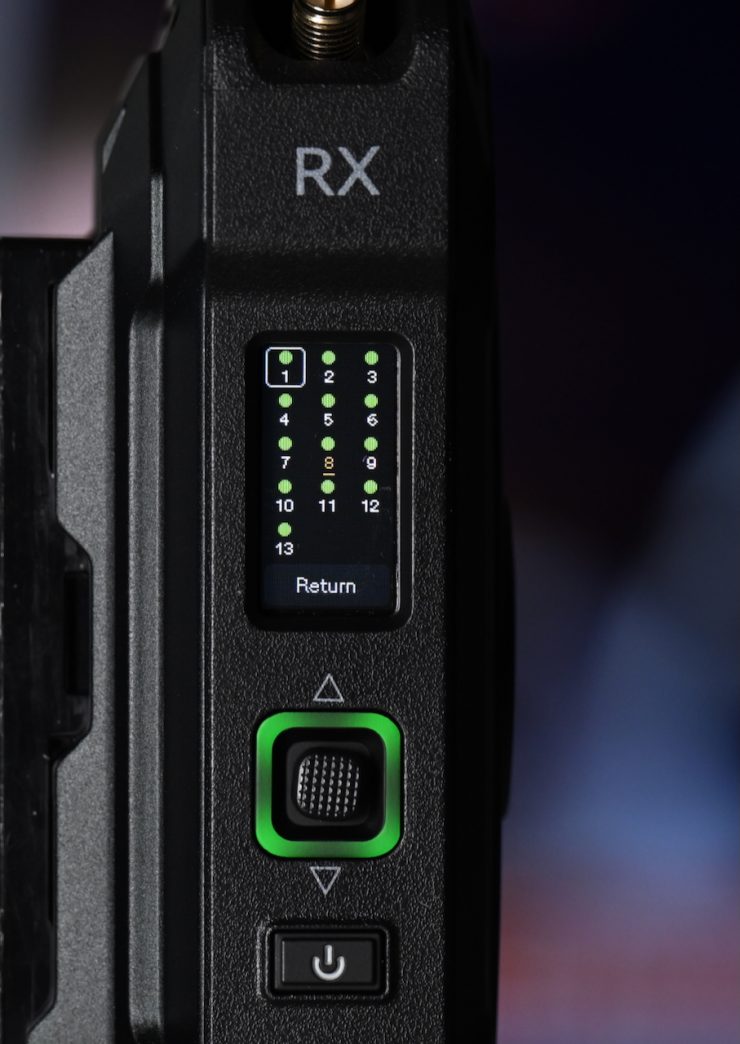
I also like that you can do a manual channel scan on the RX unit to see what the best available channels are to use.
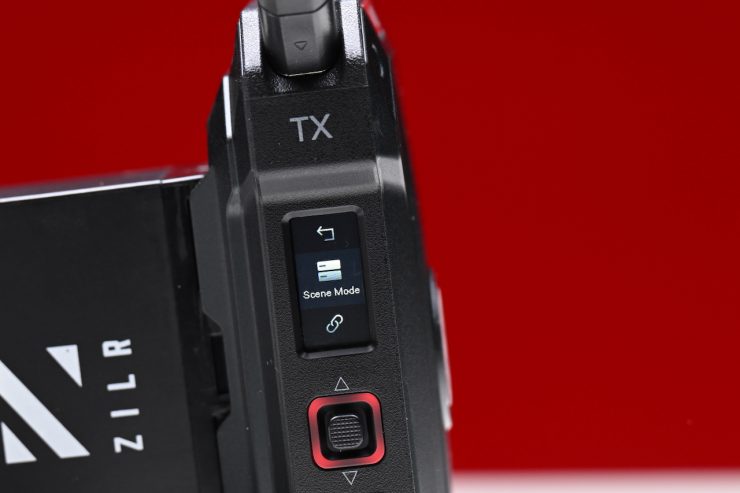
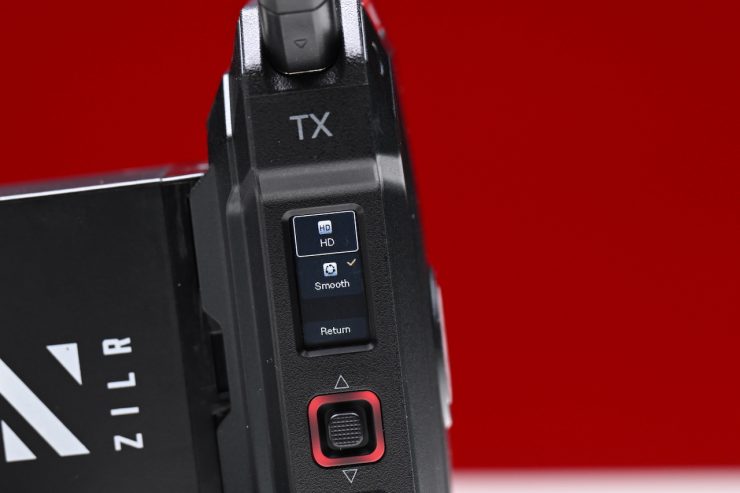
On the TX unit, you can choose which Scene Mode to use. You can select between HD Mode and Smooth Mode. These naming conventions could, at least, in my opinion, be a lot better.
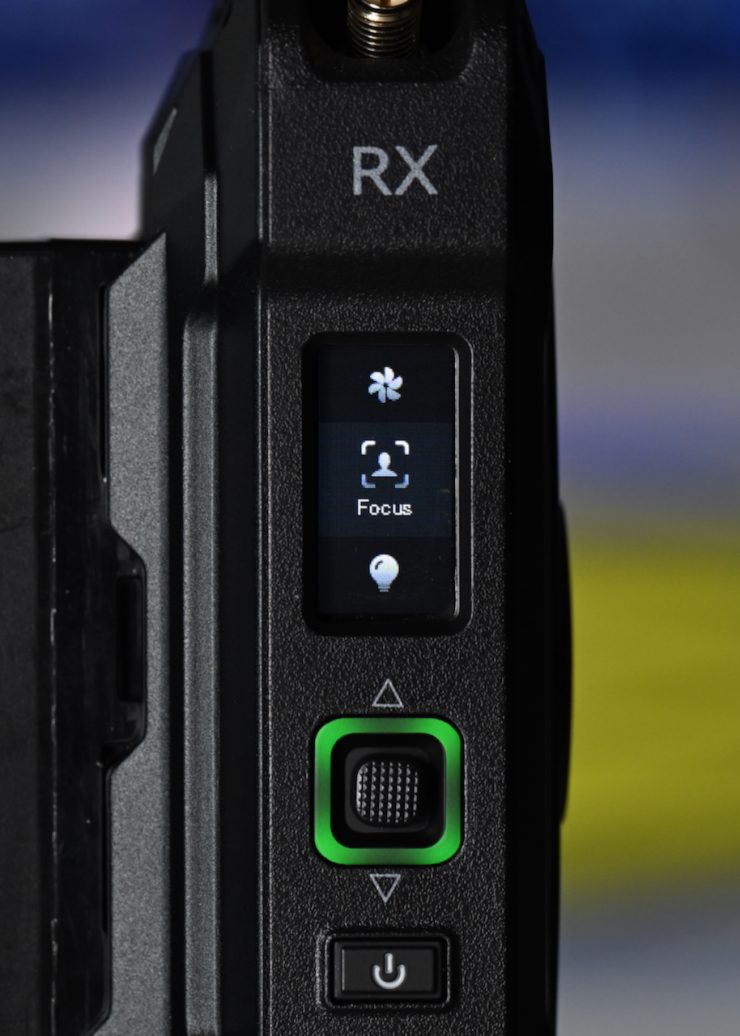
On the RX unit, Hollyland has added a setting called Focus Mode. This mode enables priority transmission on a selected receiver, reducing latency to as low as a claimed 22ms. Focus Mode is available for one receiver per group. This level of latency (22ms) is exclusive to Focus Mode.
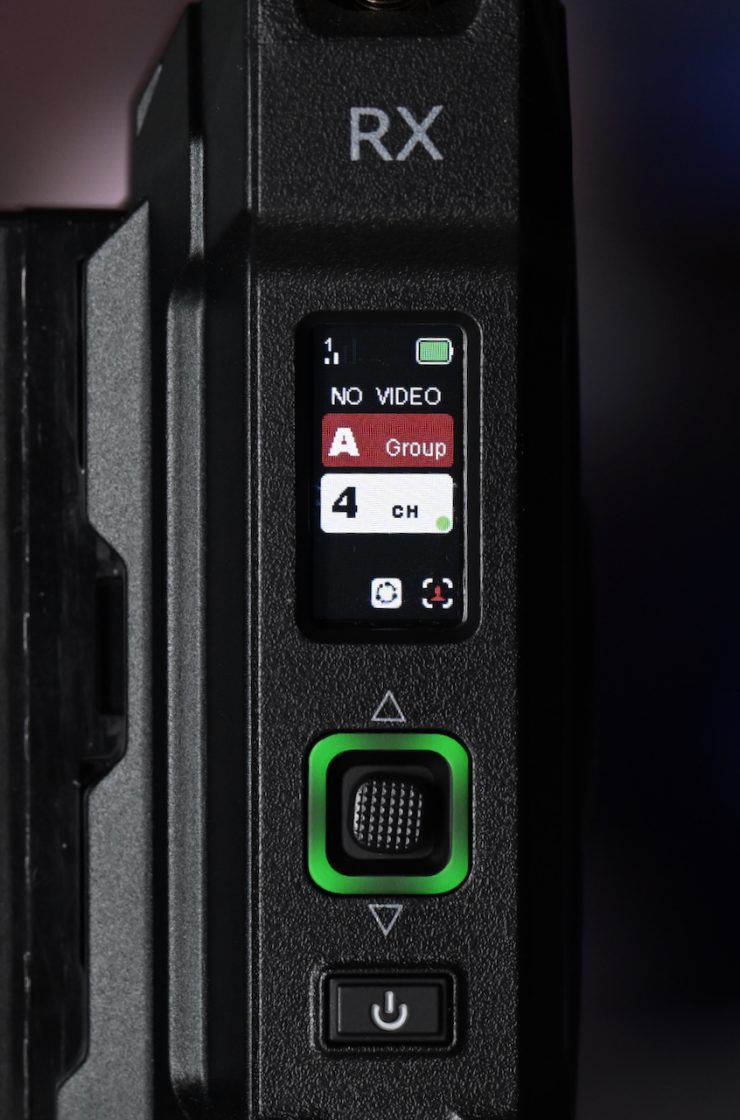
When you have the Focus Mode activated, you will see a small person icon on the main display of the RX unit.
In HD Mode, the bitrate for video transmission is set to 12Mbps. In Smooth Mode, the bitrate is between 1 and 12 Mbps. In theory, you can’t have your cake and eat it too. If you want better image quality, you have to live with higher latency. If you want lower latency, then you have to sacrifice image quality. In saying that, I didn’t see a massive difference between the two settings.
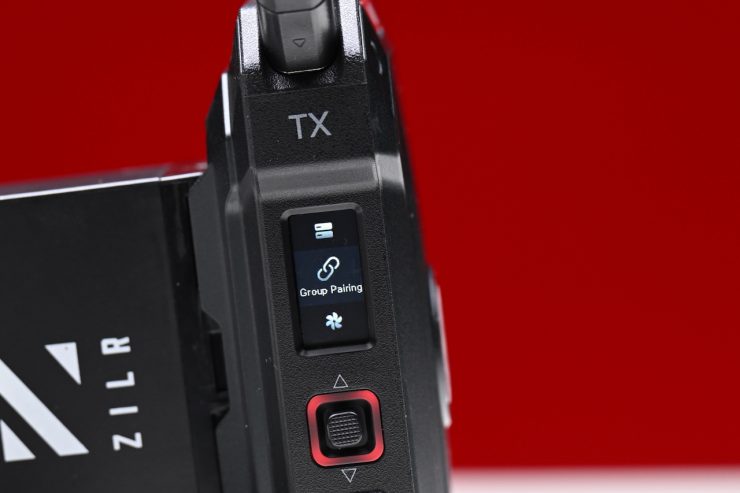
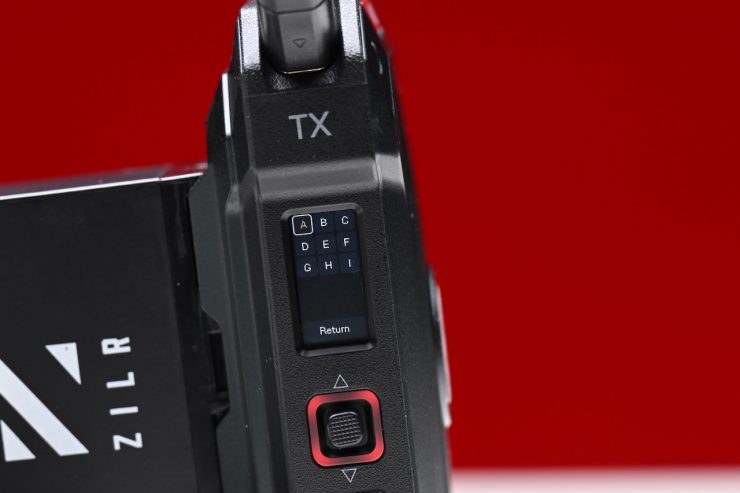
There is also a group pairing section in the menu if you need to re-pair devices or pair new devices.
So, what about if you start pulling cables out or turning the TX and RX on and off gain? These are real-world things that happen, and you need to test how the system works by seeing how quickly it can re-establish connections. If I pulled the SDI cable out of the TX unit, it took roughly 2 seconds for the image to re-establish.
If I suddenly changed the framerate on the camera, it took around 6 seconds for the RX to re-establish the connection.
Ok, what about if I turn the RX unit off and turn it back on again? It took roughly 20 seconds for an image to reappear on the connected monitor.
The Pyro Ultra was reasonably good at re-establishing a signal and getting up and running again if any changes were made. This was good to see.
HollyView app
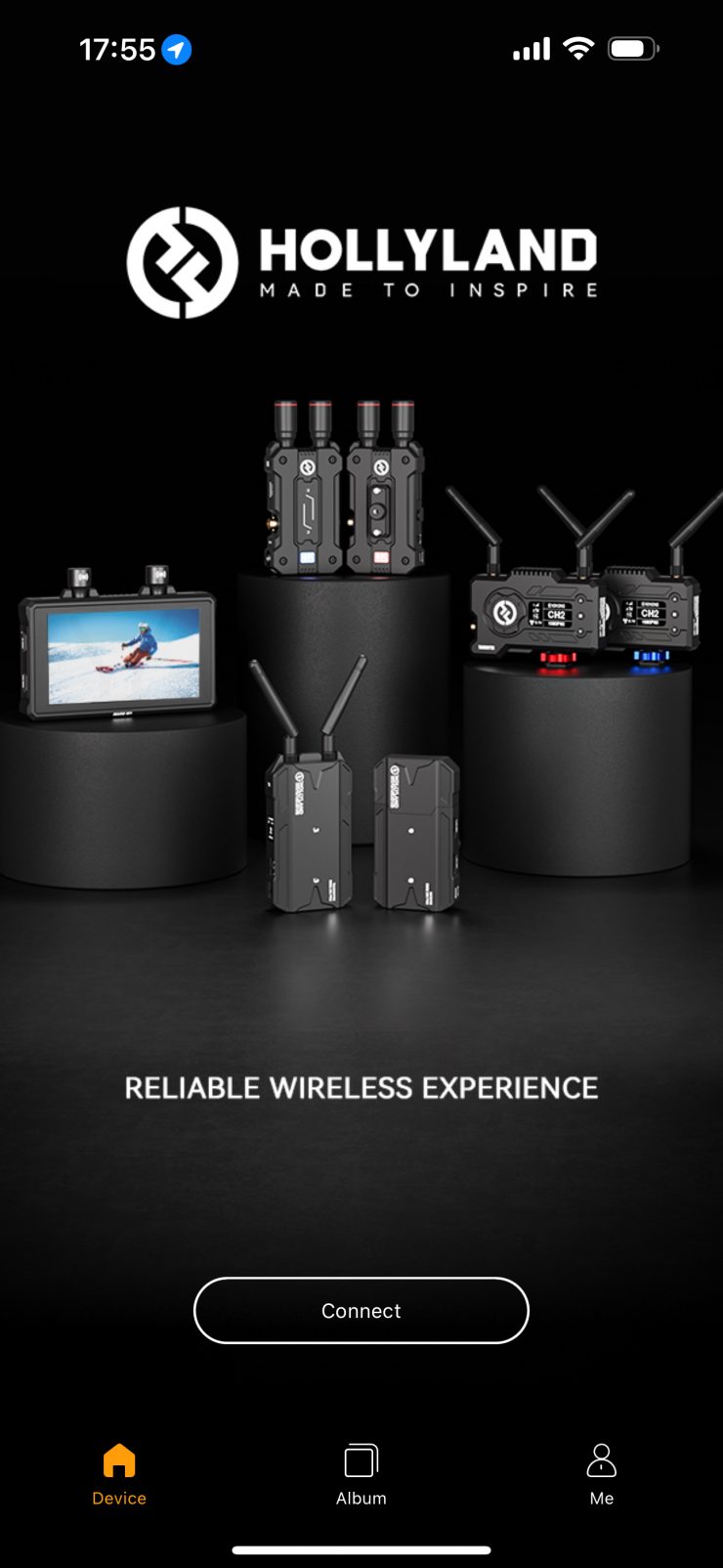
The app features some nice functionality, and it is reasonably easy to use.
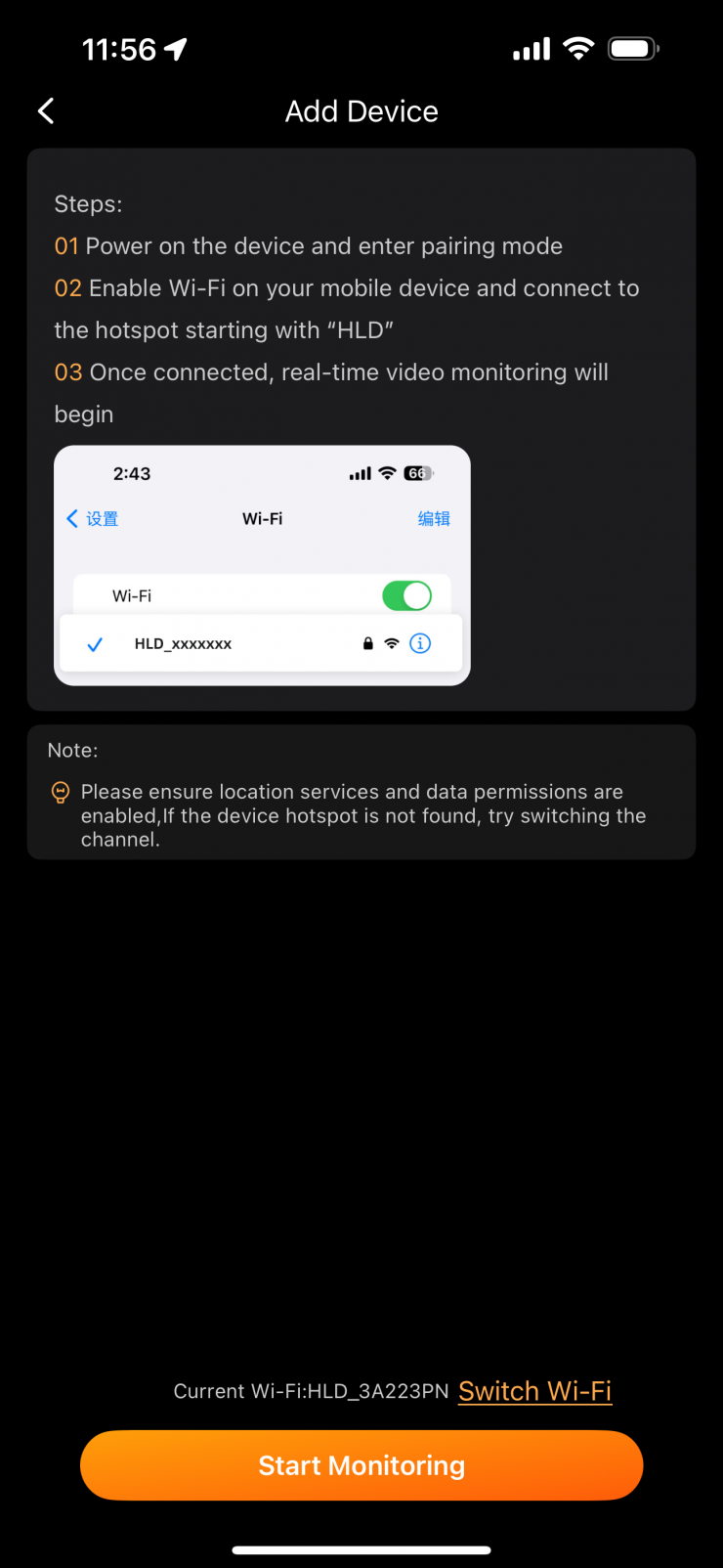
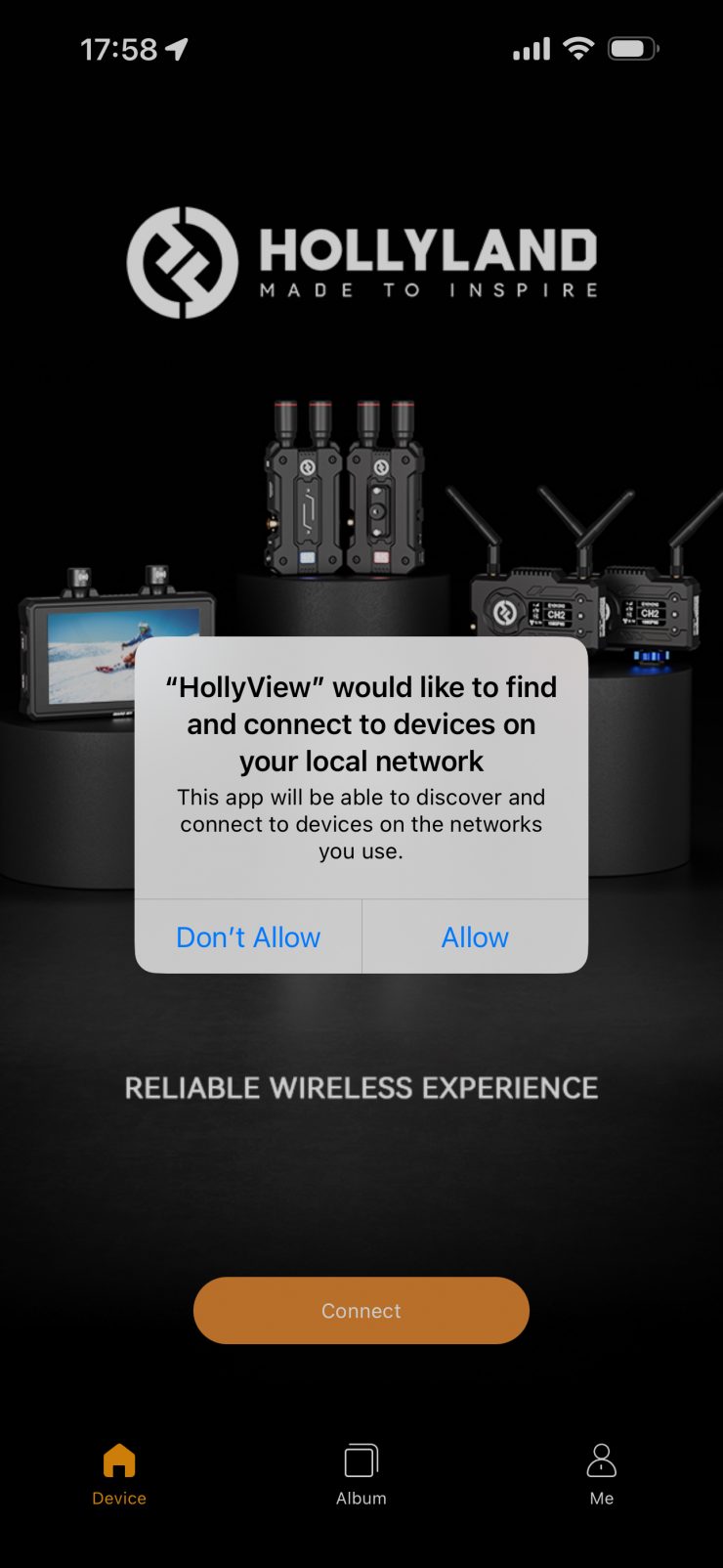
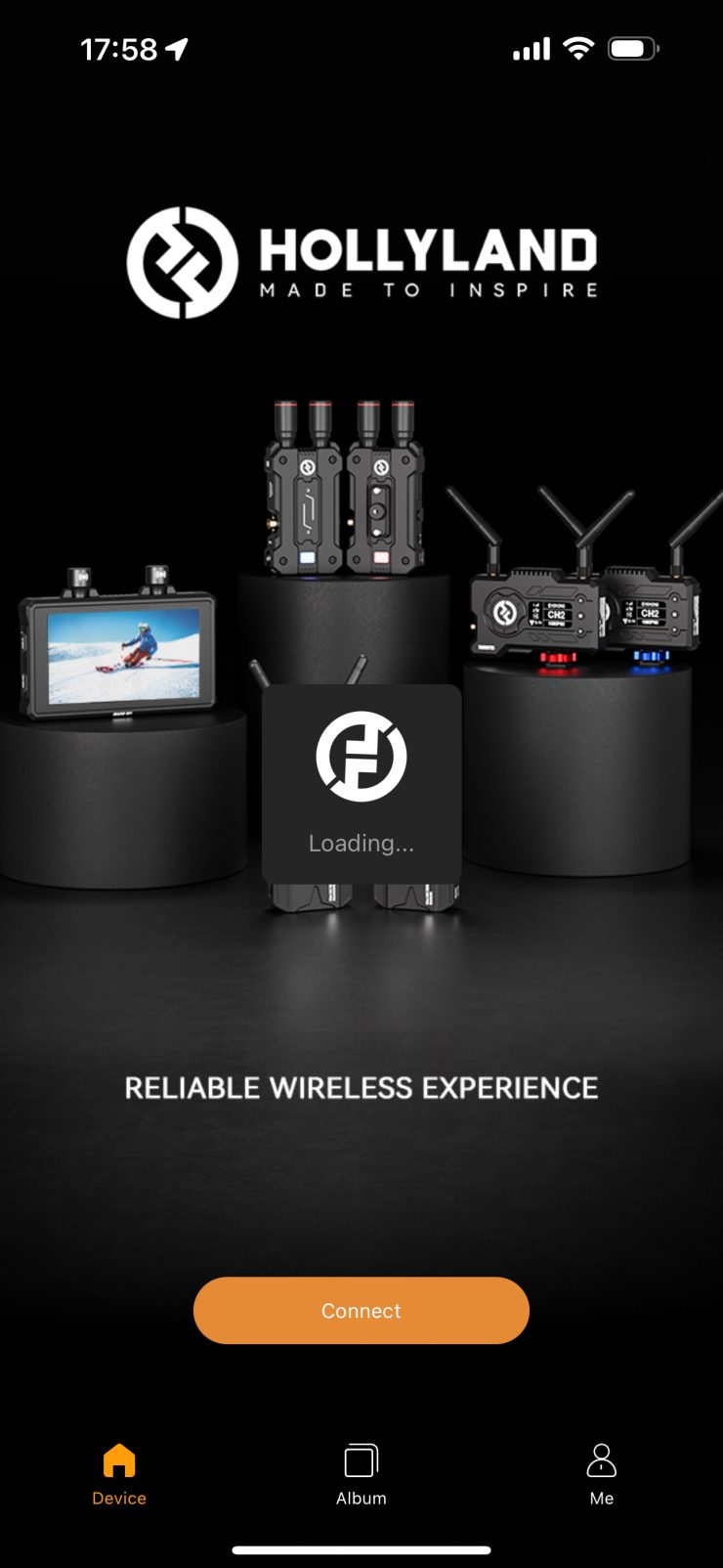
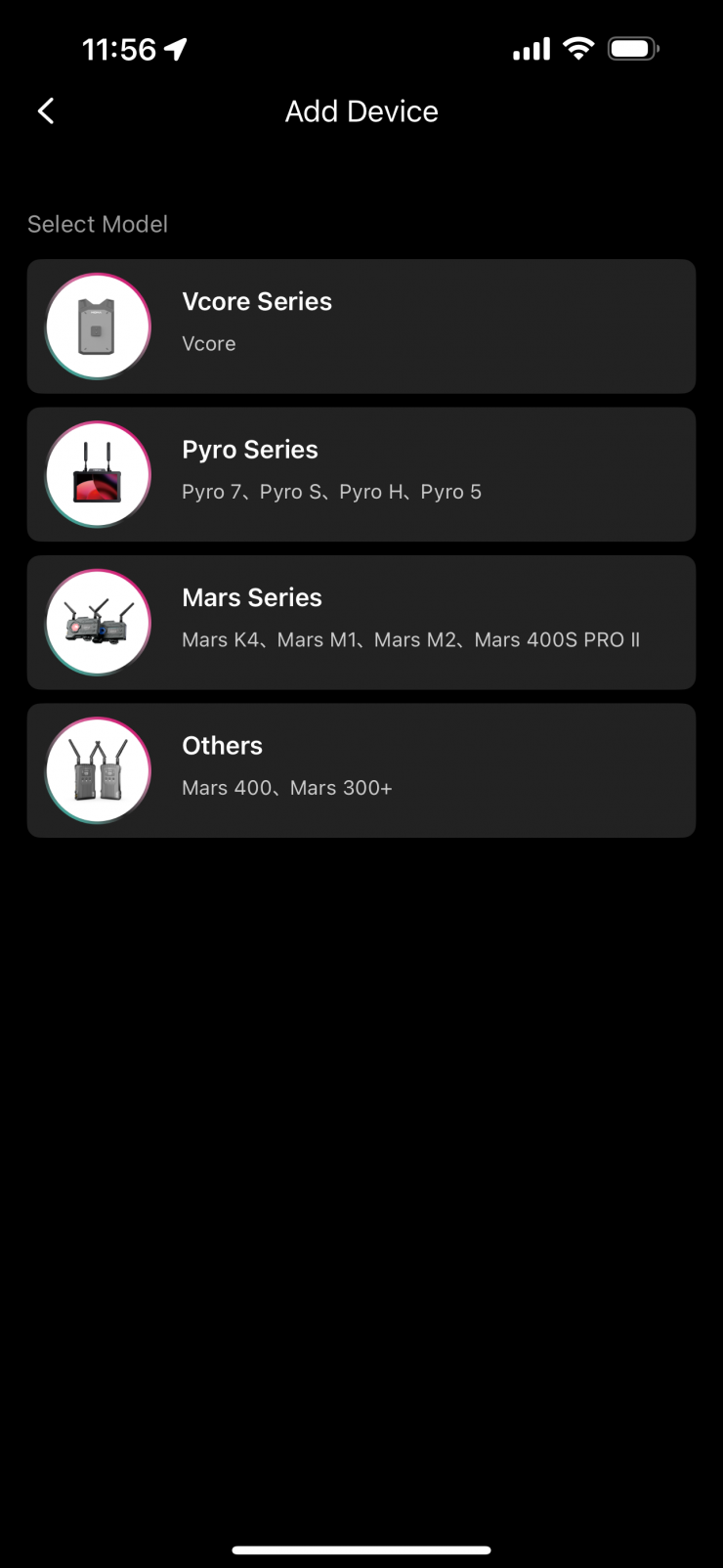
It is pretty easy to get started. You only have to select the Wi-Fi network once when you first set up the app, and then it will automatically ask you if you want to join that network when you open the app.

Once you hit connect, it only takes a few seconds for you to receive an image.
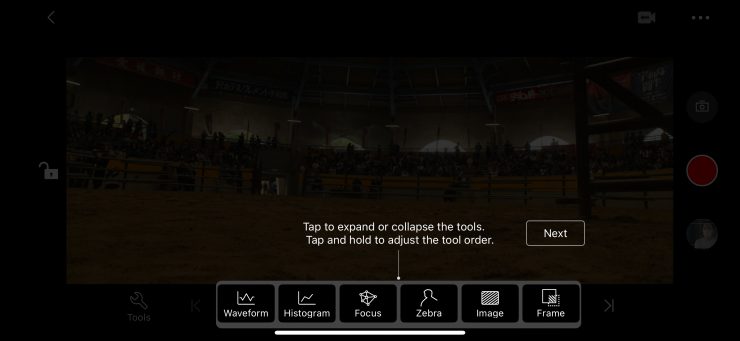
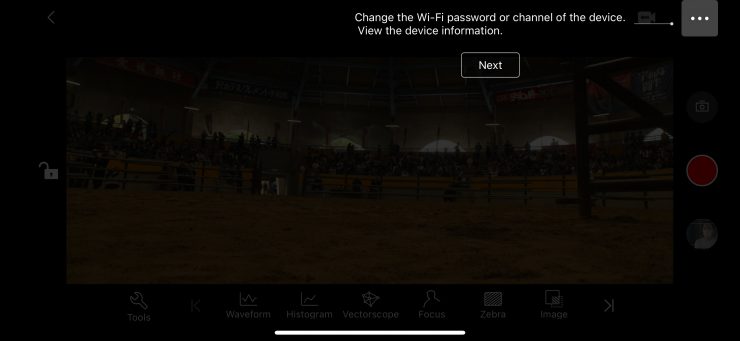
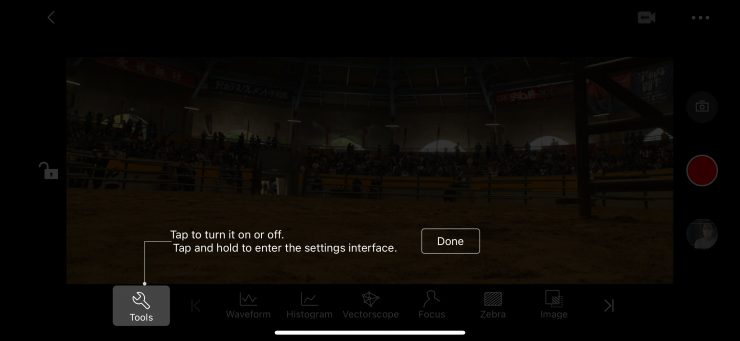
Hollyland also provides you with some on-screen instructions, which is handy.
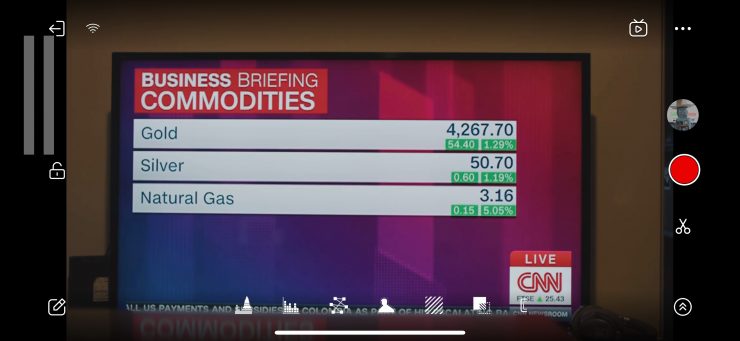
The UI layout is pretty straightforward to understand.
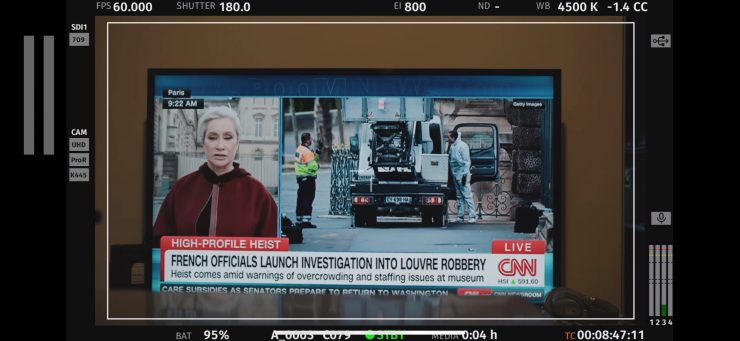
You can remove all of the app overlays by tapping on the screen.
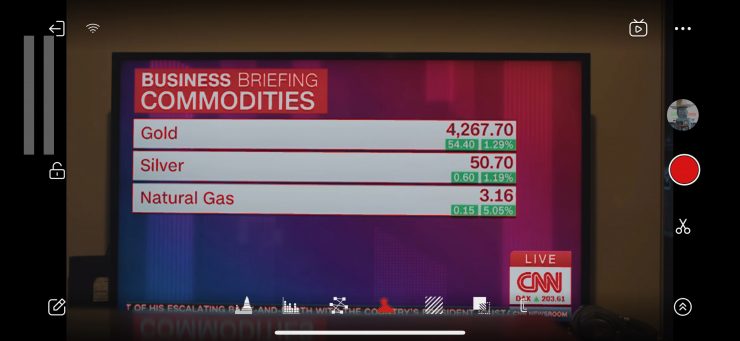
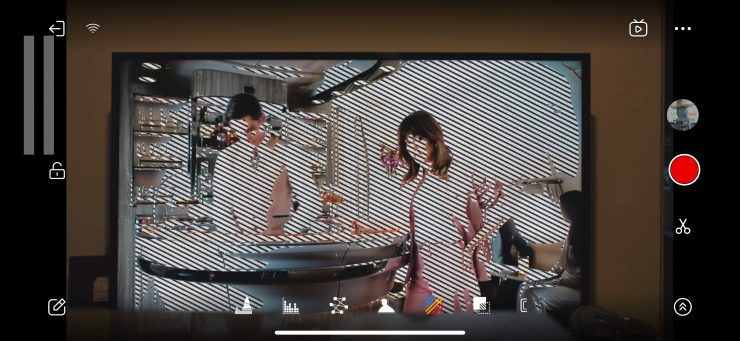
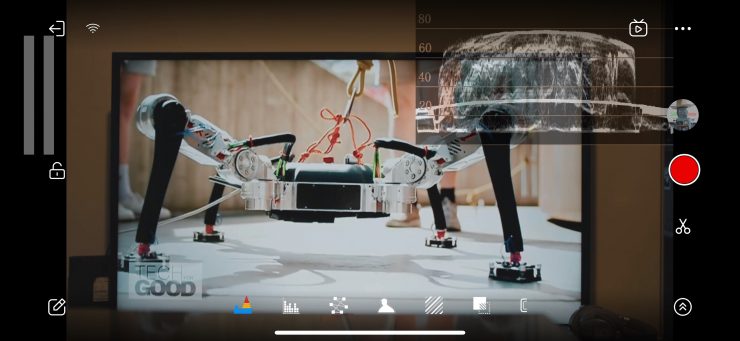
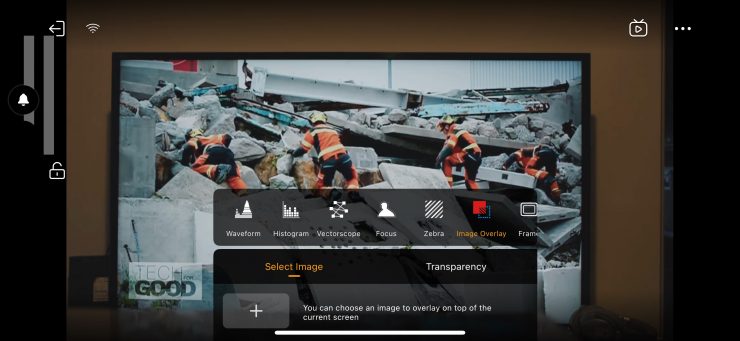
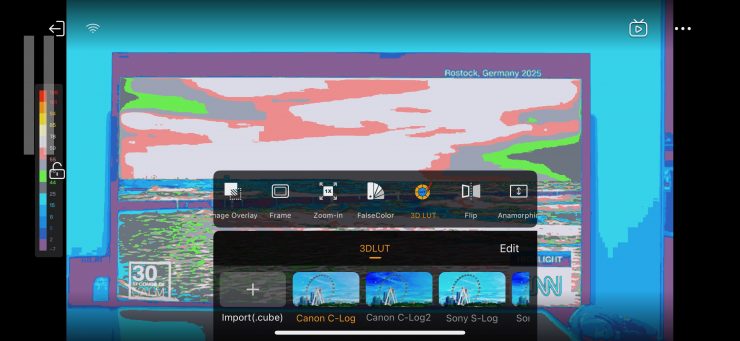
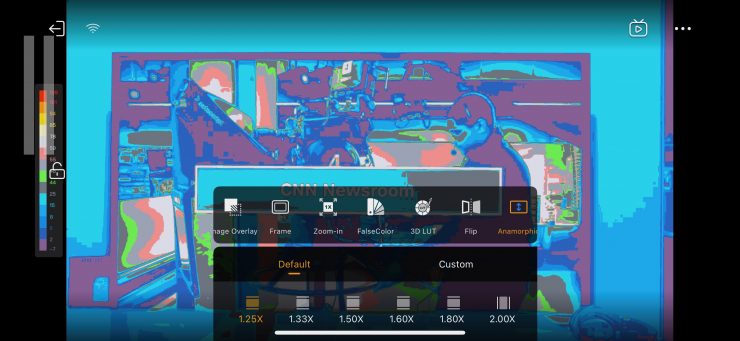
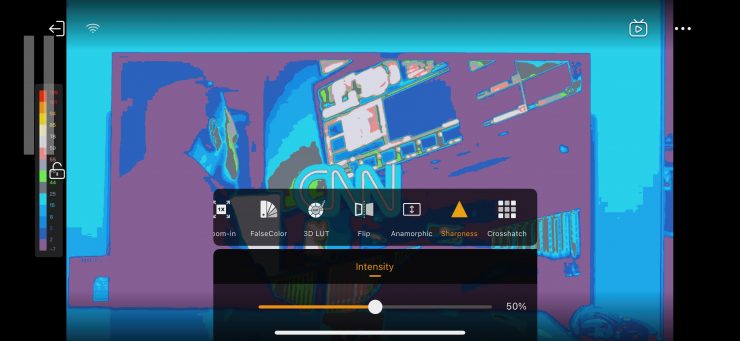
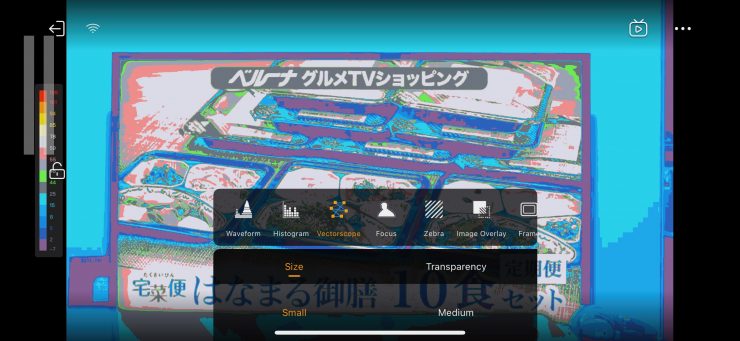
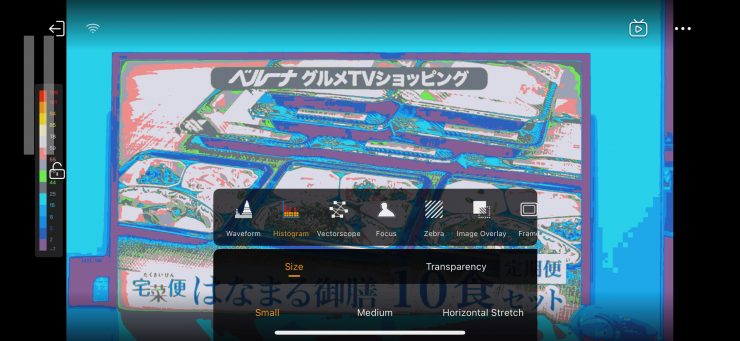
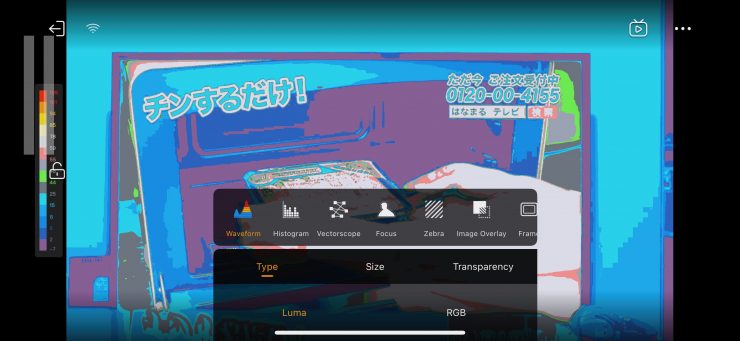
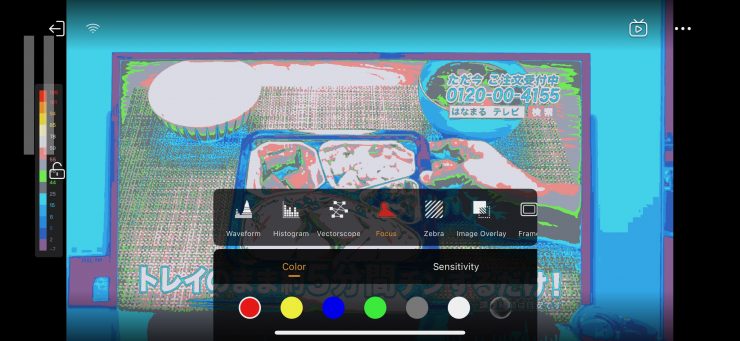
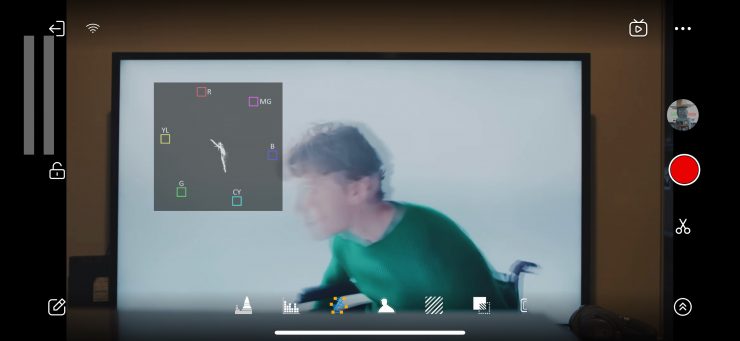
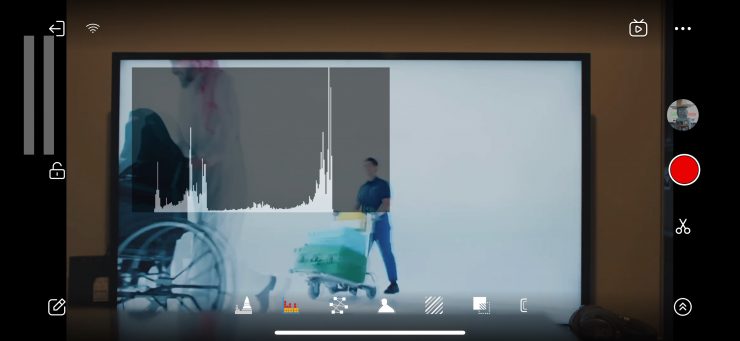
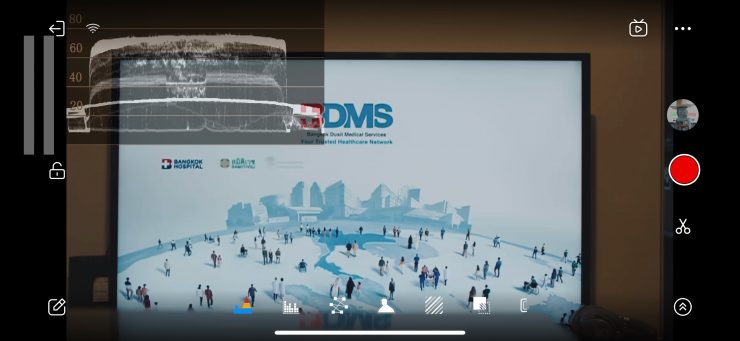
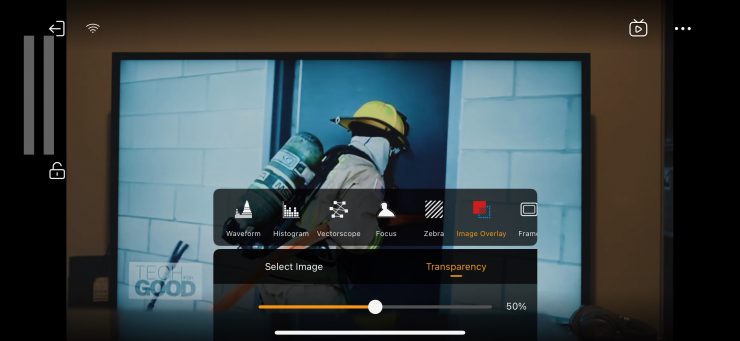
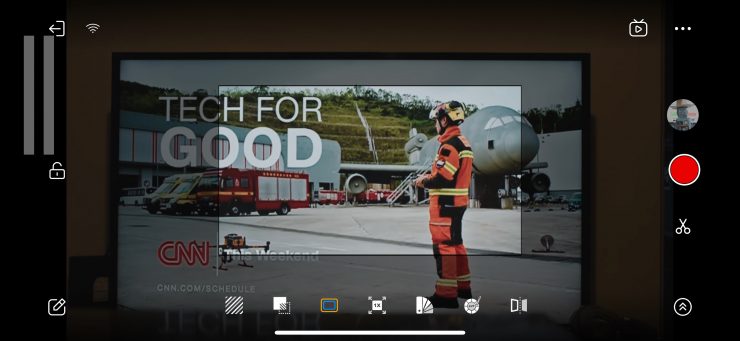
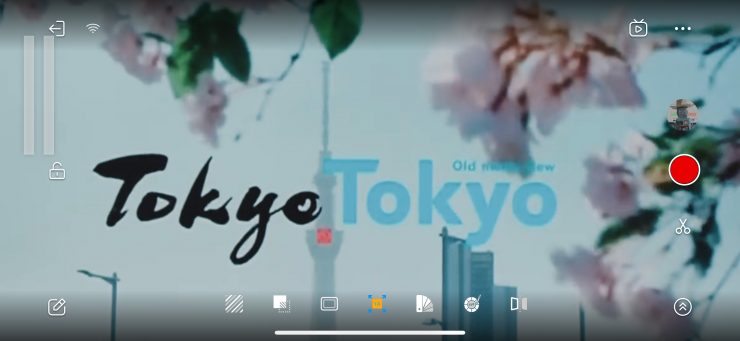
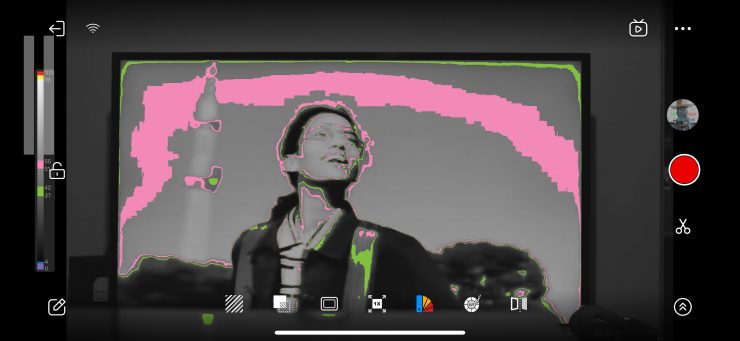
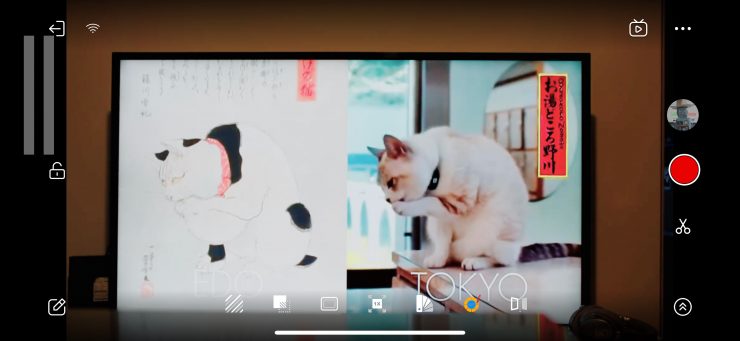
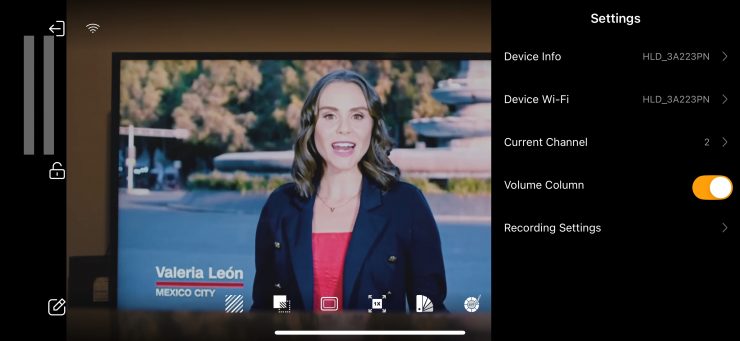
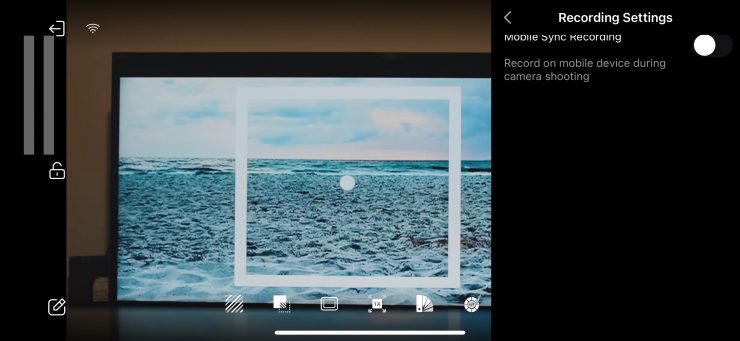
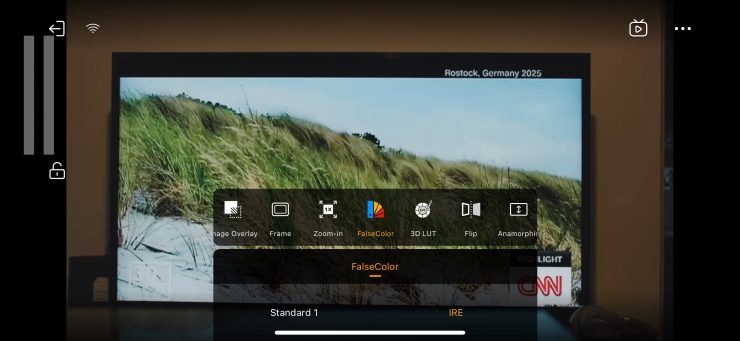
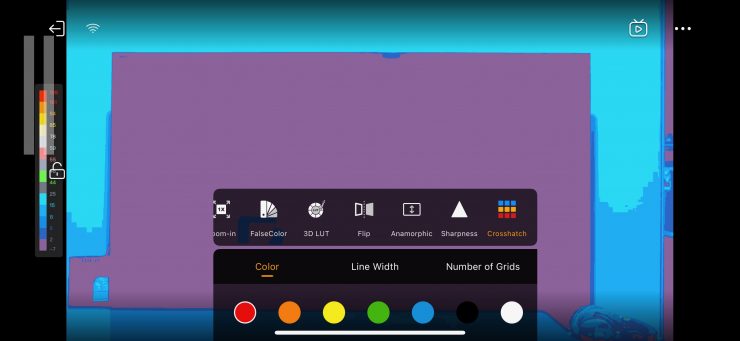
There is a good array of monitoring assist tools, including anamorphic de-squeeze and a vectorscope. I think most people will be reasonably happy with the tools and features that are available.
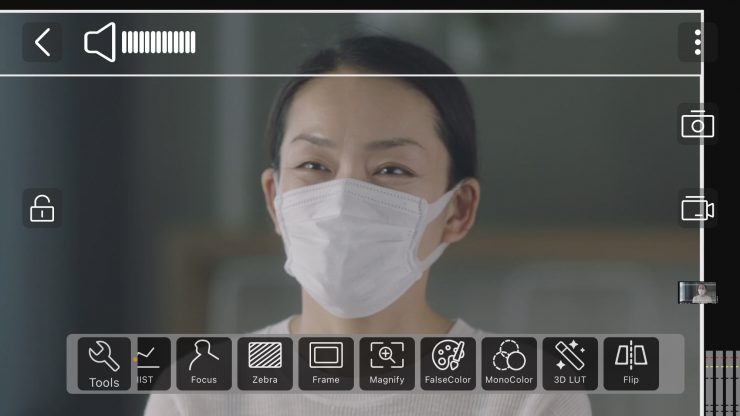
For some reason, Hollyland got rid of the pinch-to-zoom magnification.
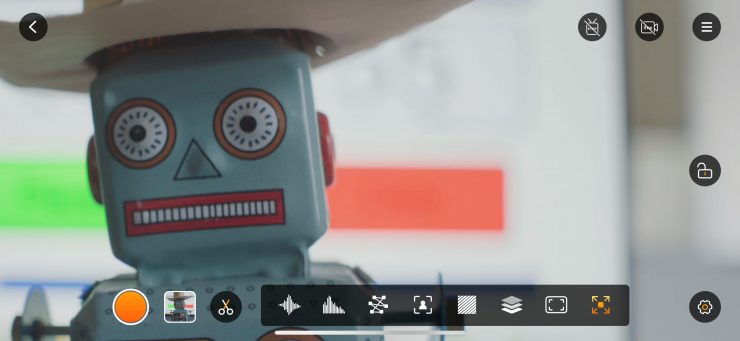
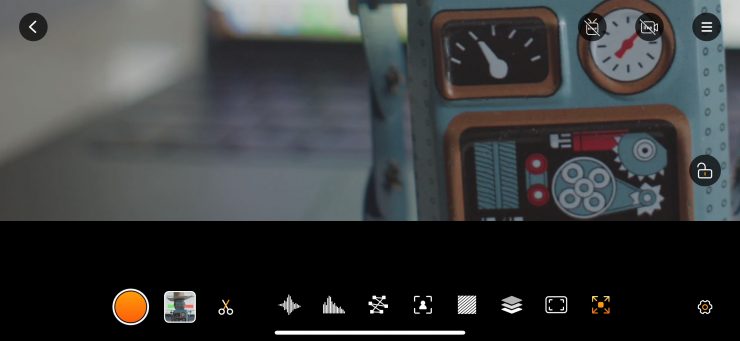
You can press the image zoom icon, and then you can move the focus magnification around in the image.
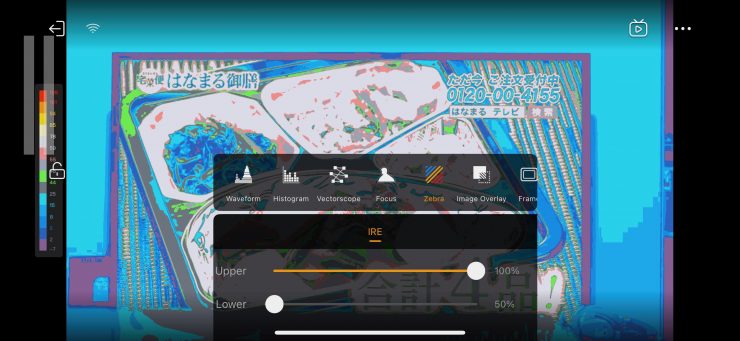
There is false color, which has some IRE values; however, it isn’t mapped to any particular camera.


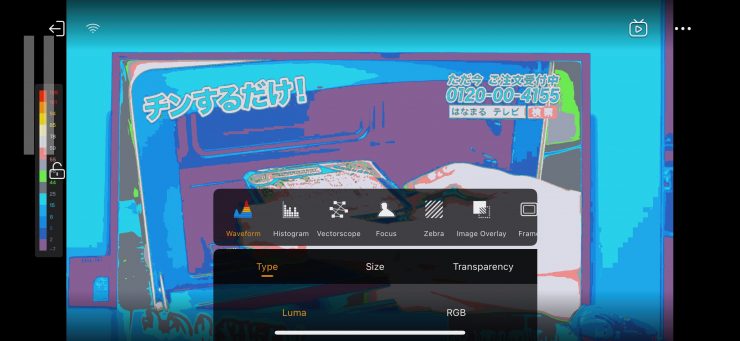

With the waveform, histogram, and vectorscope, you can move them around to any position you like on the screen, and you can change their size and transparency.

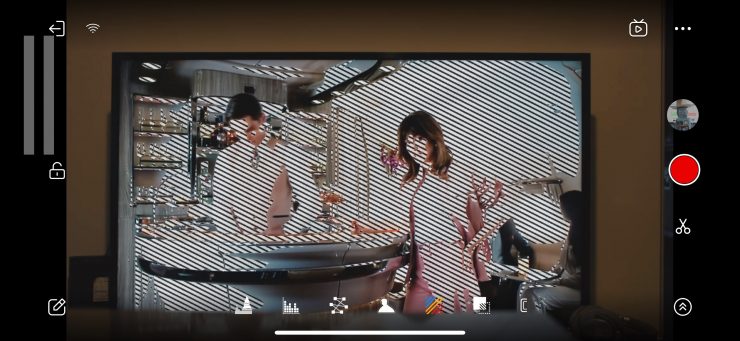

There are also peaking and zebras, and you can change the intensity and color of the peaking.
You can put multiple view assist tools up at the same time if you need to; however, you can’t have more than one scope activated at once.

There are a few default LUTs available in the app, but only for Sony and Canon cameras. You can also load up your own LUTs if you want.

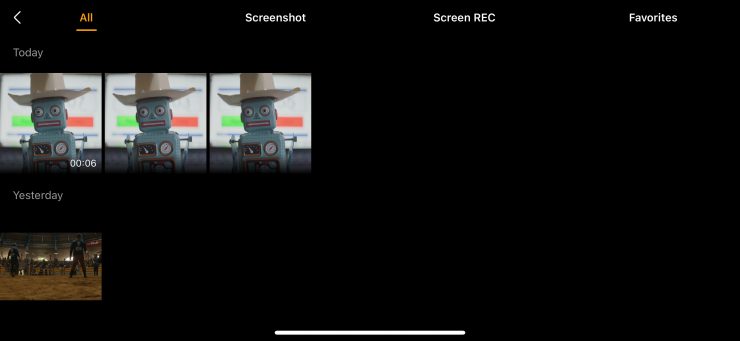
I like that you can actually record the video or take still images directly within the app. While this isn’t great quality, it does allow you to view back clips and also upload something to social media if need be.

I decided to see what codec and bitrate the Hollyview app was recording. It records a 1920 x 1080 H.264 YUV 420 ITU-R BT.709 file at 6.12 MBit/s.
You used to be able to do an image zoom and access the monitoring tools while it was recording with the old app, but now you can’t do that anymore.
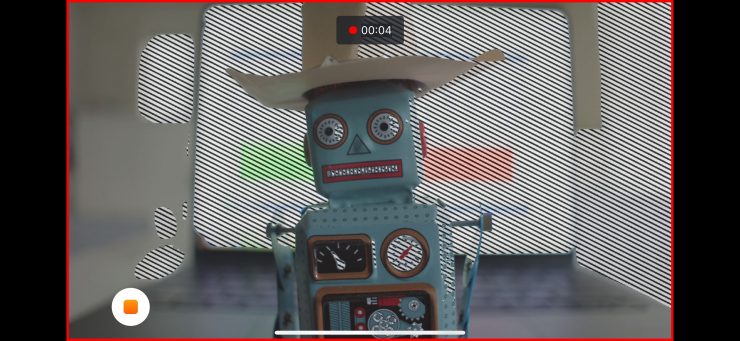
You have to set a video assist tool before you hit record if you want to use it.
USB Video Class (UVC)
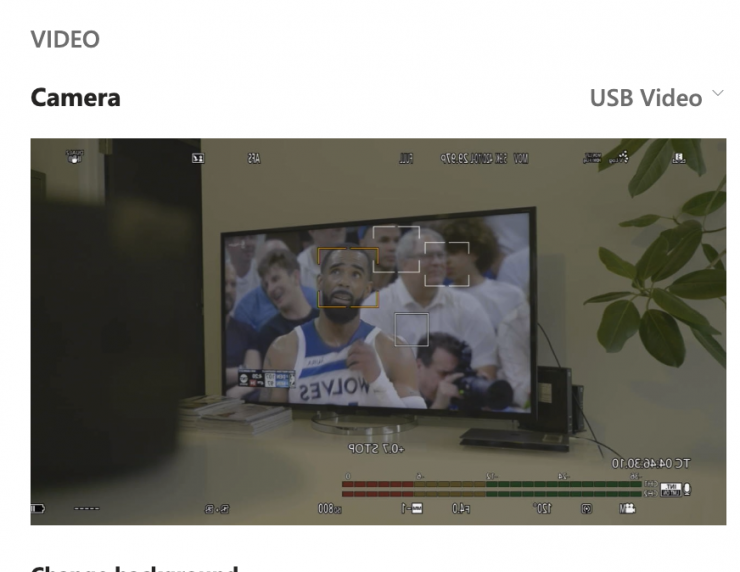
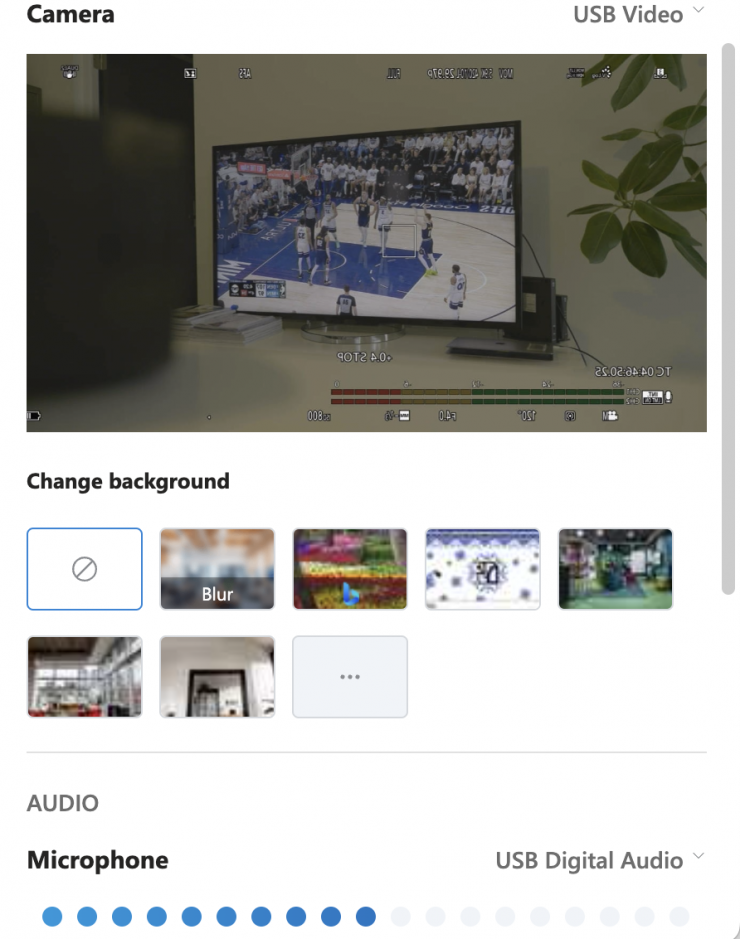
You can also output a signal directly via USB-C from the RX unit into a computer, etc., so you can stream images and video.
Image Delay
Zero (or close to) image delay is one of the big reasons you pay more money for a higher-end system. Most high-end wireless video systems have basically zero latency, while a lot of the budget systems can have quite a lot of latency, especially those systems using HDMI. Hollyland claims that the Pyro Ultra has a latency as low as >22ms, but they don’t state how they are measuring or coming up with that figure.
What does >22ms actually mean? Well, anything below 100ms is considered to be low, because most humans don’t perceive a delay that small. Once you get over 100ms, we perceive a noticeable delay.
I have given up doing actual latency number tests because, just like dynamic range figures, there are too many variables. The best way to test and show latency is to display real-world examples.
RX FOCUS MODE ON
HD Mode SDI 1080 23.98p
Firstly, let’s try using the HD Mode when sending 1080 23.98p from the TX unit that is connected to an ARRI Alexa 35 to the RX unit, which is connected to a SmallHD Cine 13. The RX unit is set to Focus Mode, which is supposed to provide the least amount of latency.
Above, you can see the difference in what is being filmed and what is being displayed from the TX unit on the SmallHD Cine 13.
Smooth Mode SDI 1080 23.98p
Now, let’s try using the Smooth Mode when sending 1080 23.98p from the TX unit that is connected to an ARRI Alexa 35 to the RX unit, which is connected to a SmallHD Cine 13. The RX unit is set to Focus Mode, which is supposed to provide the least amount of latency.
Above, you can see the difference in what is being filmed and what is being displayed from the TX unit on the SmallHD Cine 13.
HD Mode SDI 1080 60p
Now, let’s try using the HD Mode when sending 1080 60p from the TX unit that is connected to an ARRI Alexa 35 to the RX unit, which is connected to a SmallHD Cine 13. The RX unit is set to Focus Mode, which is supposed to provide the least amount of latency.
Above, you can see the difference in what is being filmed and what is being displayed from the TX unit on the SmallHD Cine 13.
Smooth Mode SDI 1080 60p
Now, let’s try using the Smooth Mode when sending 1080 60p from the TX unit that is connected to an ARRI Alexa 35 to the RX unit, which is connected to a SmallHD Cine 13. The RX unit is set to Focus Mode, which is supposed to provide the least amount of latency.
Above, you can see the difference in what is being filmed and what is being displayed from the TX unit on the SmallHD Cine 13.
Having the Focus Mode turned on in the RX unit certainly makes a difference, and the latency is very minimal when using SDI. Even the performance when sending 4K over HDMI (which often results in poor latency) was the best I have seen from a compressed wireless video sysetm.
RX FOCUS MODE OFF
Smooth Mode SDI 1080 23.98p
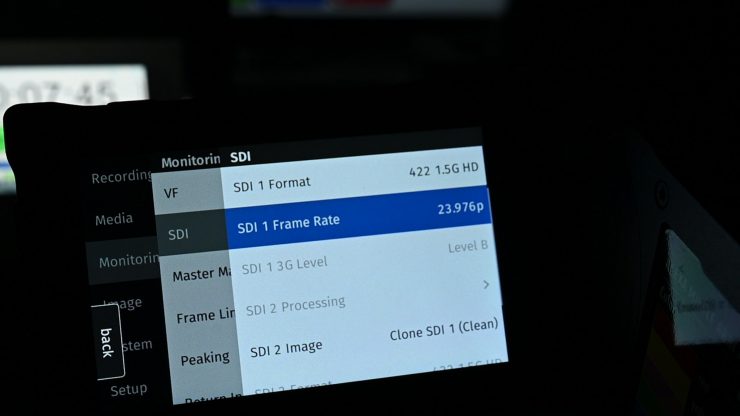
Ok, so let’s now try using the Smooth Mode when sending 1080 23.98p from the TX unit that is connected to an ARRI Alexa 35 to the RX unit, which is connected to a SmallHD Cine 13.
Above, you can see the difference in what is being filmed and what is being displayed from the TX unit on the SmallHD Cine 13.
To do a competition comparison, I had the Pyro Ultra in Smooth Mode sending 1080 23.98p from the TX unit that is connected to an ARRI Alexa 35 to the RX unit, which is connected to a SmallHD Cine 13. I also connected up the Accsoon CineView Master 4K in H.265 Mode, sending 1080 23.98p from its TX unit that is connected to an ARRI Alexa 35 to the RX unit, which is also connected to a SmallHD Cine 13. Both signals are being displayed side by side. The Pyro Ultra is on the left, and the Accsoon CineView Master 4K is on the right.
The latency is very minimal on both units, with the Hollyland Pyro Ultra being slightly better, but only by a couple of frames.
Smooth Mode SDI 1080 60p
Now let’s try using the Smooth Mode first when sending 1080 60p from the TX unit that is connected to an ARRI Alexa 35 to the RX unit, which is connected to a SmallHD Cine 13.
Above, you can see the difference in what is being filmed and what is being displayed from the TX unit on the SmallHD Cine 13.
To do a competition comparison, I had the Pyro Ultra in Smooth Mode sending 1080 60p from the TX unit that is connected to an ARRI Alexa 35 to the RX unit, which is connected to a SmallHD Cine 13. I also connected up the Accsoon CineView Master 4K in H.265 Mode, sending 1080 60p from its TX unit that is connected to an ARRI Alexa 35 to the RX unit, which is also connected to a SmallHD Cine 13. Both signals are being displayed side by side. The Pyro Ultra is on the left, and the Accsoon CineView Master 4K is on the right.
Just like at 23.98p, the latency is very minimal on both units, with the Hollyland Pyro Ultra being slightly better, but only by around 1 frame.
Smooth Mode HDMI UHD 23.98p
Now, let’s try using the Smooth Mode when sending UHD 23.98p from the TX unit that is connected to a Nikon Z9 to the RX unit, which is connected to a SmallHD Cine 13.
Above, you can see the difference in what is being filmed and what is being displayed from the TX unit on the SmallHD Cine 13. As you can see, the latency over HDMI is a lot higher than when using SDI. HDMI latency also has a lot to do with what camera you are using as well.
Smooth Mode HDMI UHD 60p
Now, let’s try using the Smooth Mode when sending UHD 60p from the TX unit that is connected to a Nikon Z9 to the RX unit, which is connected to a SmallHD Cine 13.
Above, you can see the difference in what is being filmed and what is being displayed from the TX unit on the SmallHD Cine 13. As you can see, the latency over HDMI is a lot higher than when using SDI, but at 60p, it is significantly better than when using 23.98p. HDMI latency also has a lot to do with what camera you are using as well.
Thoughts on image delay
You are not going to get the same sort of results as you will with an uncompressed, zero-latency system. At the end of the day, there needs to be an acceptable limit that you are willing to tolerate. I think when using an app, people can forgive higher latency, but if you are using dedicated TX and RX units, it really needs to be below 100ms. When I say below 100ms, that is for ‘affordable’ budget systems. For high-end systems, it should be almost zero.
With the RX unit set to Focus Mode, the latency is extremely minimal when using SDI. With 4K HDMI, there is still some noticeable latency, but it’s the lowest I have seen from any compressed wireless video transmission system.
With the Focus Mode turned off on the RX, the latency when using SDI was very minimal, but as soon as you move to HDMI (particularly at 23.98p), the latency is pretty noticeable. Even with the Focus Mode turned off, the amount of latency was a tiny bit better than the Accsoon CineView Master 4K (with the updated H.265 firmware).
Could you use it to pull focus remotely? If you were using SDI with the RX mset to Focus Mode, I think you certainly could. With HDMI, it could still be possible, depending on what you are doing; however, if that is your main intent, you would still be better off with a zero-latency uncompressed system.
Latency figures are a bit like dynamic range figures in that manufacturers like to quote numbers that are not explained or quantified. I wish that manufacturers would show real-world examples of latency instead of just quoting a figure that is hard for consumers to quantify.
Real-world performance
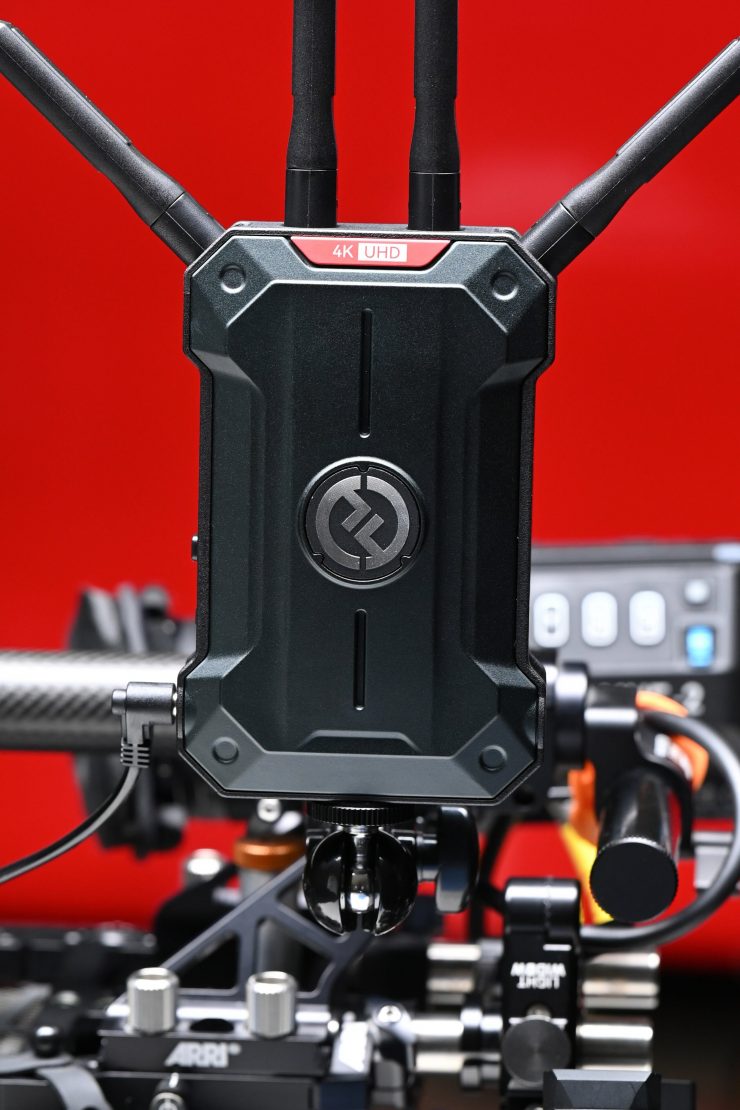
Pulling out connectors, changing settings, and turning receivers and transmitters on and off is one thing, but how does it actually perform in the real world?
How about the operating range? The real transmission distance is relevant to the current air electromagnetic environment, because the system works in the ISM band, and therefore has exposure to all kinds of 5GHz band air interference.
With this in mind, I decided to test the range and performance of the system. To test the range of the system, I remained in line of sight of the Pyro Ultra TX and started walking away with the RX attached to a monitor. I could easily get a distance of 500m / 1640′ without any dropouts. I probably could have gotten more distance, but I ran out of road. This was done with the Pyro Ultra set to Smooth Mode and the Broadcast Mode switched off.
Now, Hollyland claims a maximum operating range of 1.5km / 4900ft (line of sight), but this is usually only going to be achievable on flat, open terrain where there is little wireless interference. I did this test in the middle of Tokyo, which is one of the most heavily congested RF and WiFi traffic areas on the planet.
When I tested the Pyro Ultra TX sending a signal to my iPhone running the HollyView app, I could get a maximum distance of 350m / 1150′; however, it would drop in and out once you got to distances of around 250m / 820′.
| OPERATING DISTANCE TX-RX | |
| Hollyland Pyro Ultra | 500m / 1640’* |
| Hollyland Pyro S | 350m / 1150′ |
| Hollyland Pyro H | 350m / 1150′ |
| Hollyland MARS 4K | 170m / 557′ |
| Accsoon CineView Quad | 111.86m / 367′ |
| Vaxis Atom 500 HDMI | 350m / 1148′ |
*Ran out of straight road
Above, you can see how this compares to some of the other similar wireless video systems I have reviewed in the past.
Whenever I review wireless video transmitters, I do the test in the exact same place under the same operating conditions. This way, I get a good idea of how various competing systems compare.
Do you really need a wireless system that can transmit and receive UHD images?
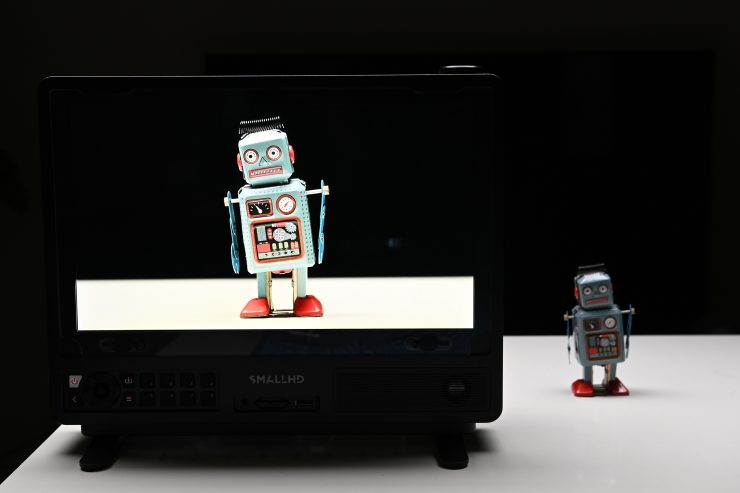
This is a legitimate question because, depending on what equipment you are using and what your needs are, the answer could be yes or no.
If you have a UHD monitor attached to the RX unit, then, yes, it probably does make sense to receive a UHD image.
If you are not using a UHD monitor and only looking at material on a 7″ HD screen, then transmitting a UHD signal from your camera may at first seem like a complete waste of time. However, if you send a UHD signal and then view it on an HD monitor, do you get a cleaner-looking image if you are using image zoom? Well, let’s find out.
Now, as the Pyro Ultra can only stream at up to 12 Mbps, is this enough to notice any difference between UHD and HD?
Yes, it is. I did some testing, sending both UHD and HD signals from a Nikon Z9 and ARRI Alexa 35 to the Pyro Ultra RX, which was hooked up to a SmallHD Cine 13 to see if I could see any big differences.
When zooming in, there is quite a substantial difference when looking at the UHD image as opposed to the HD image.
If you are not zoomed in, there is still a difference, but it isn’t as big. If you are checking critical focus, then the UHD image is far sharper.
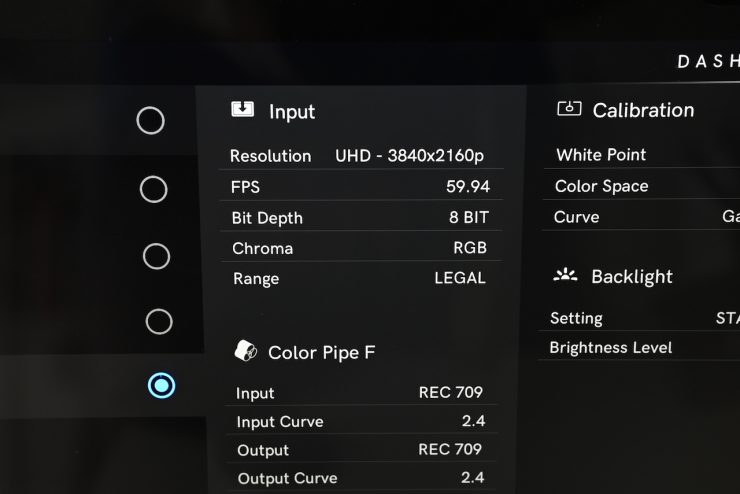
What was a little odd, but this could just be an issue with the SmallHD Cine 13, is that the monitor was telling me that it was receiving an 8-bit signal and not a 10-bit signal.
Ok, but what about if we don’t have a UHD monitor and we are sending a UHD signal to an HD monitor?
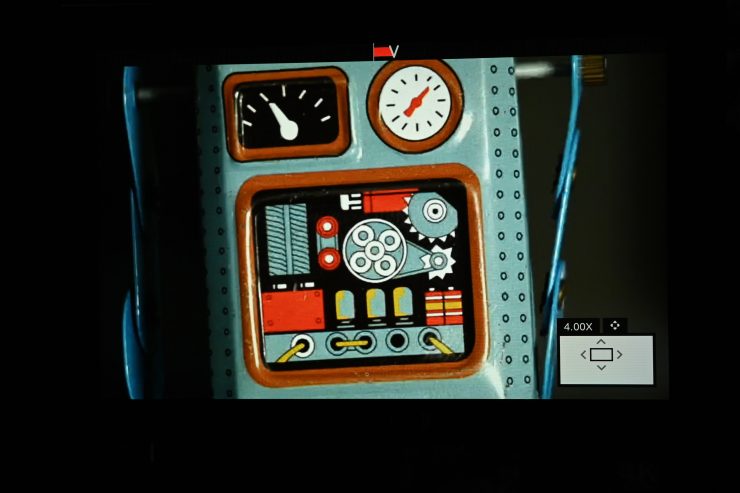
UHD Signal from the Pyro Ultra RX 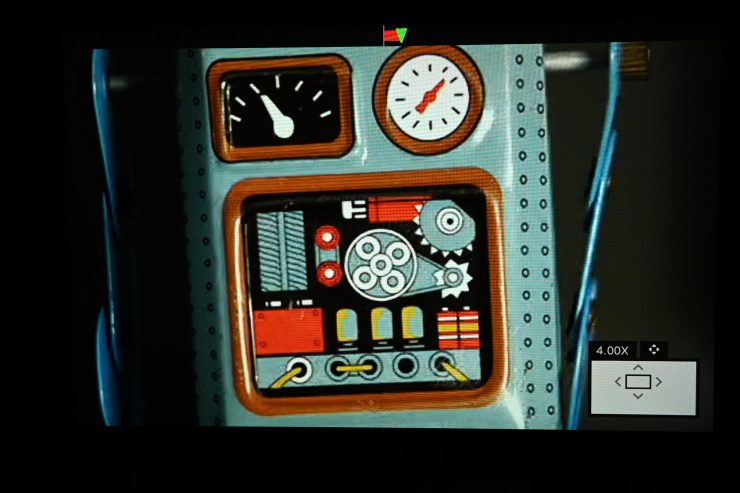
HD Signal from the Pyro Ultra RX
Well, if you are zooming in on your image, then yes, you can see a difference between the UHD and HD signals. If you are not zoomed in, then the difference is less apparent.
Pricing & availability
The Pyro Ultra is now available to purchase. Below are the prices:
Individual units can also be purchased separately, with transmitters starting at $699 and receivers at $579.
This represents pretty good value for money, considering its capabilities and the fact that you get both a TX and an RX.
Competition
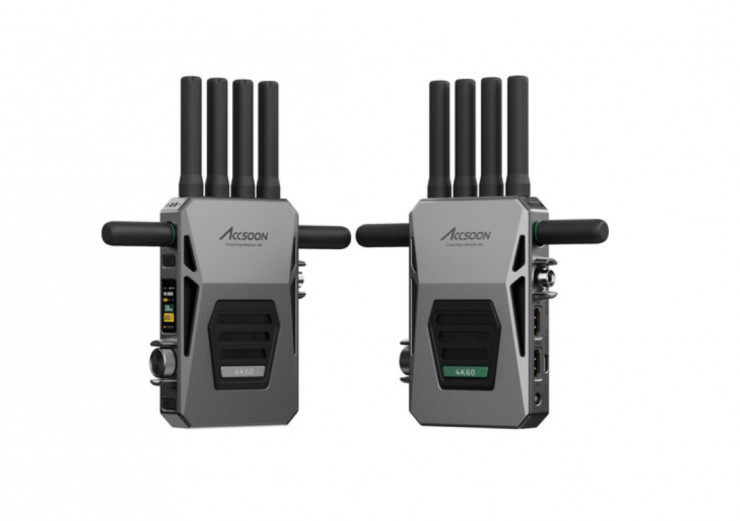
Main competition for the Pyro Ultra comes from the Accsoon CineView Master 4K ($849 USD).
Conclusion
A wireless video transmission system needs to have rock-solid reliability. It also has to not get in your way and be easy to set up and use. Nobody wants to be messing around trying to fix wireless video transmission issues on set, especially if you are working in small teams or by yourself. It also needs to have decent latency and good image quality.
The Hollyland Pyro Ultra builds on the success of the Pyro family. It is well built, relatively easy to set up and use, and offers a lot of functionality and features. Having a system that features both SDI and HDMI and the ability to wirelessly transmit UHD or HD images makes this a very versatile product. Having the ability to wirelessly transmit and receive a UHD signal makes a big difference if you need to get critical focus.
The operating range of the system is excellent, and the image remains stable without dropping out. As soon as you go out of range and then come back into range, it re-establishes a connection straight away. The Hollyview app isn’t as stable over the same distance, but it does work well up to around 250m / 820′.
The UI is pretty easy and straightforward to navigate. The HollyView app has certainly been improved (although I preferred the previous version), and it offers a good array of video assist features. It was nice and stable, and reliable to use.
Yes, there is image delay when using HDMI, and it is something you need to be aware of; however, you are going to get latency with just about every compressed wireless video system on the market. My tests showed that image latency actually varies depending on whether you are using SDI or HDMI. If you are just viewing an image, then latency isn’t necessarily a big deal, but if you are trying to pull focus remotely, then it could be an issue if you are using HDMI. What you clearly need to be aware of is that any system that isn’t sending uncompressed video is going to have latency, and this is why certain systems cost more than others. In saying that, the low image latency when using SDI (in the Focus Mode) was impressive for a compressed wireless system.
You don’t want to buy a product, regardless of how much it costs, or who it is aimed at, and then find out it doesn’t perform in the way you were expecting. With wireless video systems, you need to look at the overall performance in real-world scenarios so that you are aware of what you should expect and what the limitations are. Some quick overview without any real-world testing tells you nothing about a product. Latency, image quality, mounting options, app, and real-world operating distance are all things you need to consider before making a purchase.
While wireless video transmission systems have come down in price dramatically in recent years, and you can now obtain a pretty good system without having to spend too much money, you are always going to have to spend a lot more money if you are after close to latency-free performance. Although in saying that, a lot of the budget systems have continued to improve, and the Pyro Ultra is at the top of that list.
Like the rest of the Pyro range, the Pyro Ultra is a very solid offering, and having the ability to send and receive UHD images (albeit only over HDMI) is very handy. It has the least latency of any compressed wireless video system that I have reviewed. The image quality is pretty good