Aputure has released Sidus Link Pro 2.2, the latest update to its professional lighting control application for the Apple iPad. This update introduces Layout View, a new visual control mode that allows users to organize lighting fixtures within a spatial grid that mirrors their real-world set, enabling faster, more intuitive light selection, control, and real-time visual feedback.
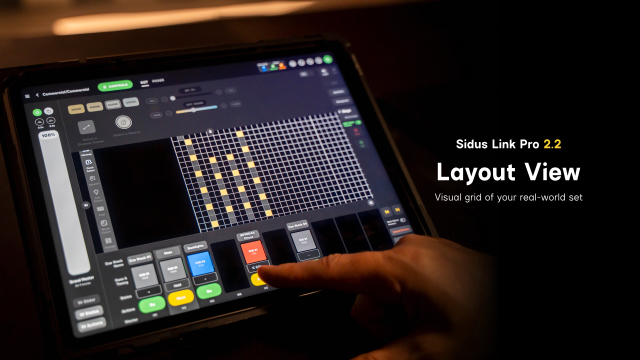
Layout View is said to represent a significant evolution in Sidus Link Pro’s workflow by shifting from traditional list-based control to a visual, spatial interface. Users can now arrange fixtures within a 100 x 100 grid to reflect their physical placement on set, making it easier to identify and control the correct light without relying on naming conventions or fixture lists. This results in faster operation, reduced selection errors, and greater confidence when working in complex lighting environments.
“Sidus Link Pro 2.2 fundamentally changes how users interact with their lighting setups. With Layout View, we’re giving filmmakers and lighting technicians a way to see their rig the way they experience it on set. Instead of searching through lists, you can simply look, select, and control. It’s a faster, more intuitive workflow that becomes even more powerful when combined with cueing and pixel control in our Pro and MAX plans.”
Ben Dynice, Aputure Director of Product (UI/UX)
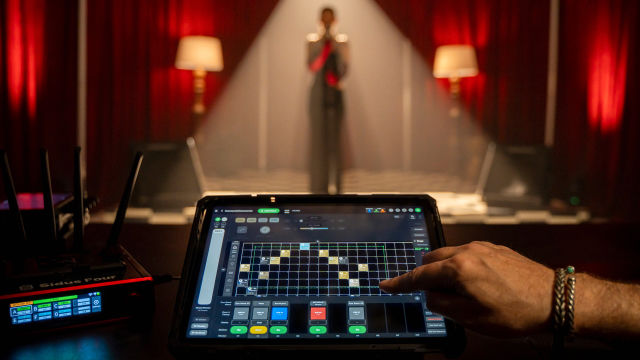
Layout View is available to all Sidus Link Pro users controlling Sidus Bluetooth-enabled Aputure and amaran fixtures. In the Free plan, users can utilize the spatial grid to organize fixtures and receive instant visual feedback of light output directly within the layout. For users working in more advanced environments, the Pro and MAX subscription tiers expand Layout View to support DMX and CRMX-controlled fixtures, as well as pixel-level control for compatible lighting products. These tiers also enable real-time visual feedback during cue playback, along with light status indicators that display whether fixtures are being controlled manually or via cues, providing greater clarity and control during programming and live operation.
Other New Features

As well as Layout View, Sidus Link Pro 2.2 gains several new workflow enhancements and expanded capabilities. Users can now take advantage of INFINIBAR Auto-Patch and Auto-Configure, allowing for faster setup of INFINIBAR fixtures when updated to Firmware V2.1.
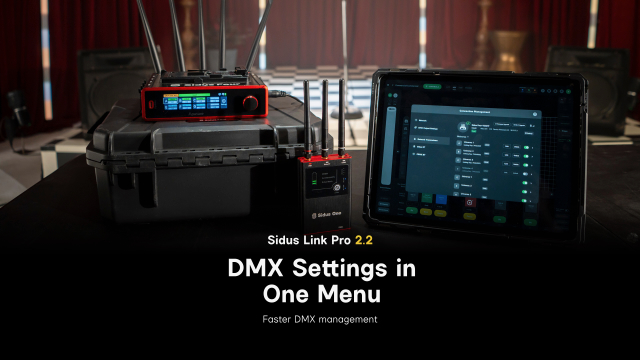
DMX functionality has also been streamlined, with all DMX-related controls centralized within the Connections Management Menu for more efficient navigation and control.
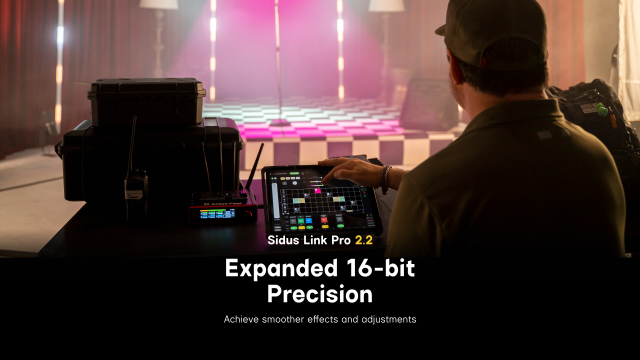
The update also introduces expanded 16-bit DMX precision, enabling smoother adjustments and compatibility with a wider range of professional lighting fixtures across Variable, Strobe, Constant, and Control channels.
Sidus Link Pro 2.2 is available now for iPad. You can download Sidus Link Pro on the App Store.