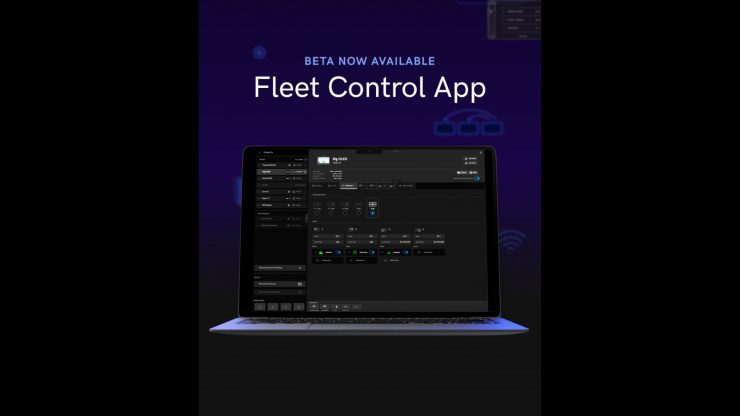
The SmallHD Fleet Control App was designed to help users keep their production in sync and save time by allowing you to manage all on-set SmallHD monitors by controlling them simultaneously over a network from your computer.
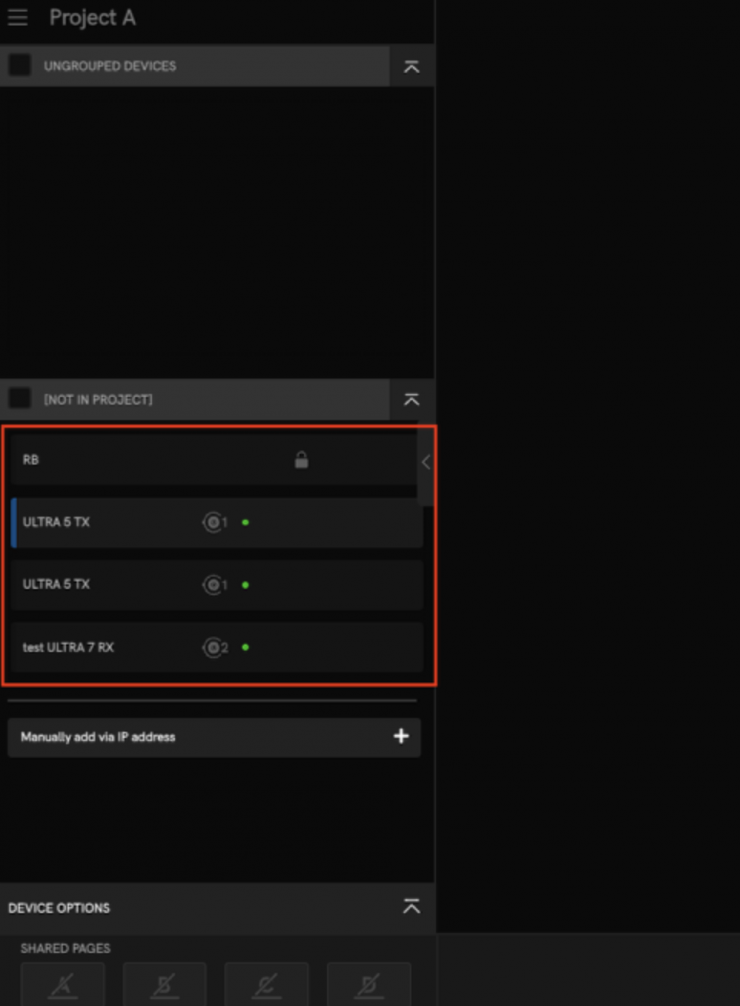
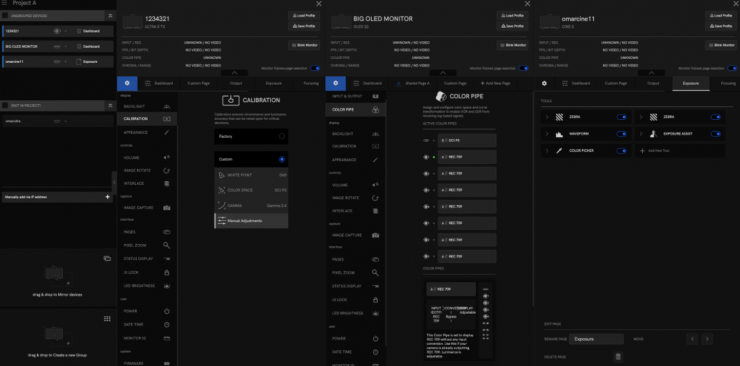
Fleet Control is a free desktop application for macOS and Windows that gives filmmakers complete, centralized control of multiple SmallHD monitors running PageOS 6.3.0 and later. From a single computer, you can adjust tools and page layouts, manage color workflows, share or mirror pages between monitors, save and load configuration profiles, and perform firmware updates all through a streamlined network connection. Every function operates over Ethernet or Wi-Fi, eliminating the need for SD cards and allowing you to manage your entire monitor fleet. All actions are performed over the network, no SD card required.
-Manage PageOS tools on Pages
-Classify monitors by groups or projects
-Download and update firmware
Access Monitors
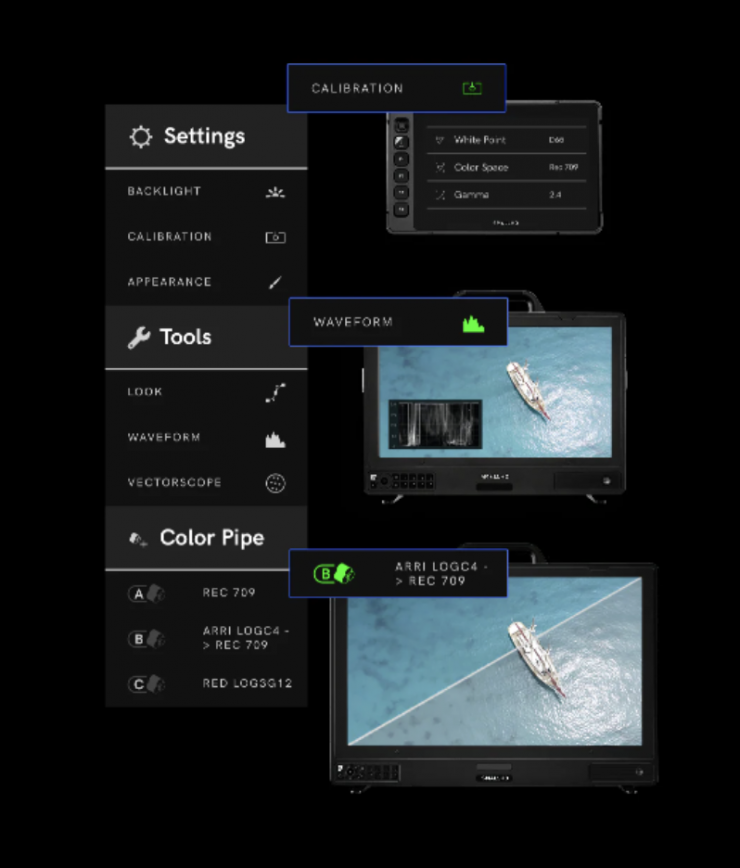
Users can access any connected monitors to create, configure, and move pages containing all of their favorite PageOS tools.
Customized Tools
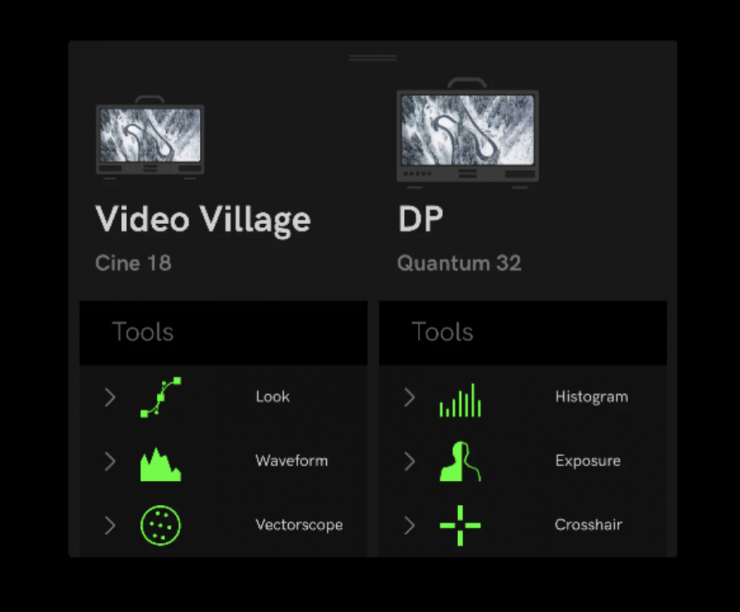
You can completely customize individual tool settings on every page, just as if you were adjusting from the monitor itself.
Manage Remotely
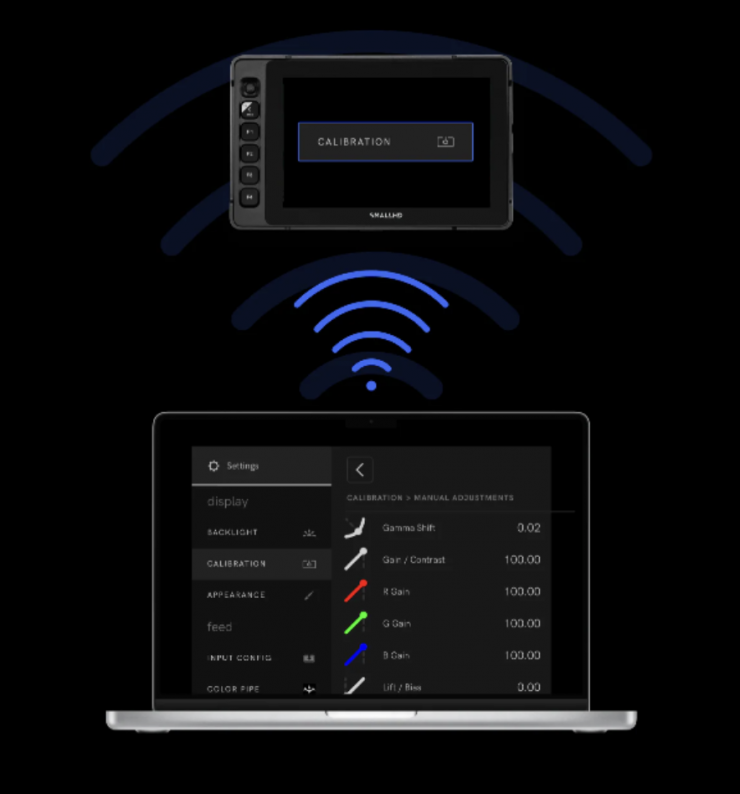
You can connect remotely to manage firmware updates, color management*, and everything in between.
*Currently, the Fleet Control App is in Beta, but according to SmallHD, you will eventually be able to color manage all of the monitors by having access to the Color Pipe and LUT management settings.
Easier Firmware Updates
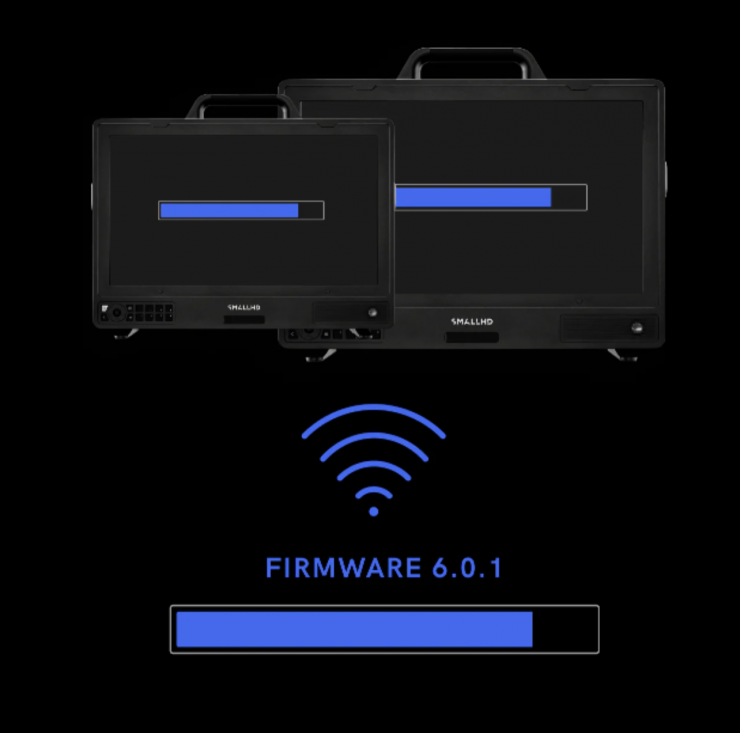
Save time on prep while updating all your monitors at once, all from one place.