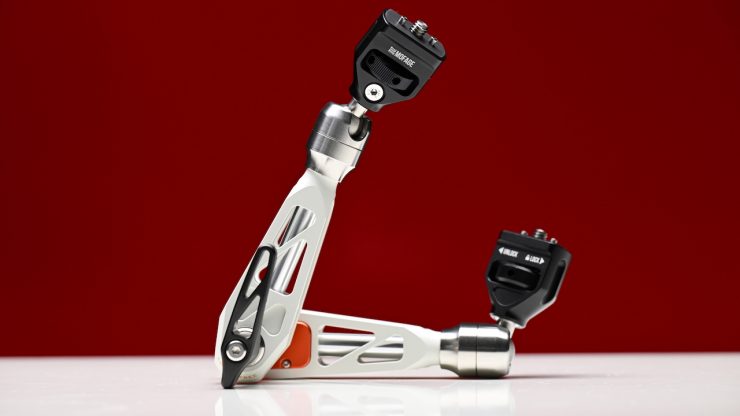
The Mofage Talos Damping Magic Arm is a follow-up to the Mofage PIVOT Magic Arm. Just like the original, the main selling point of the Talos Damping Magic Arm is that it features a locking system where, with just one turn of the lock, it can release 80% of the locking force.
I previously reviewed the Mofage PIVOT Magic Arm back in September 2024. This arm worked reasonably well, but there were certainly some issues.

Companies selling monitor arms really need to do their homework and test out arms with many different types of monitors to see how they work. In its original form, the Pivot Magic Arm only worked well with select monitors.
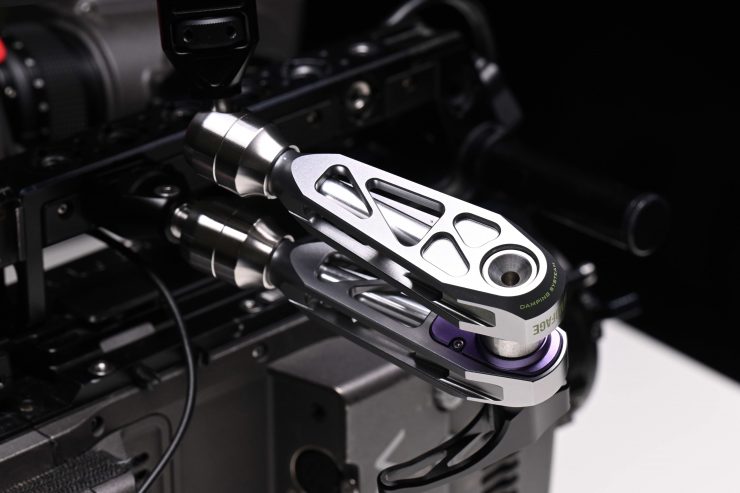
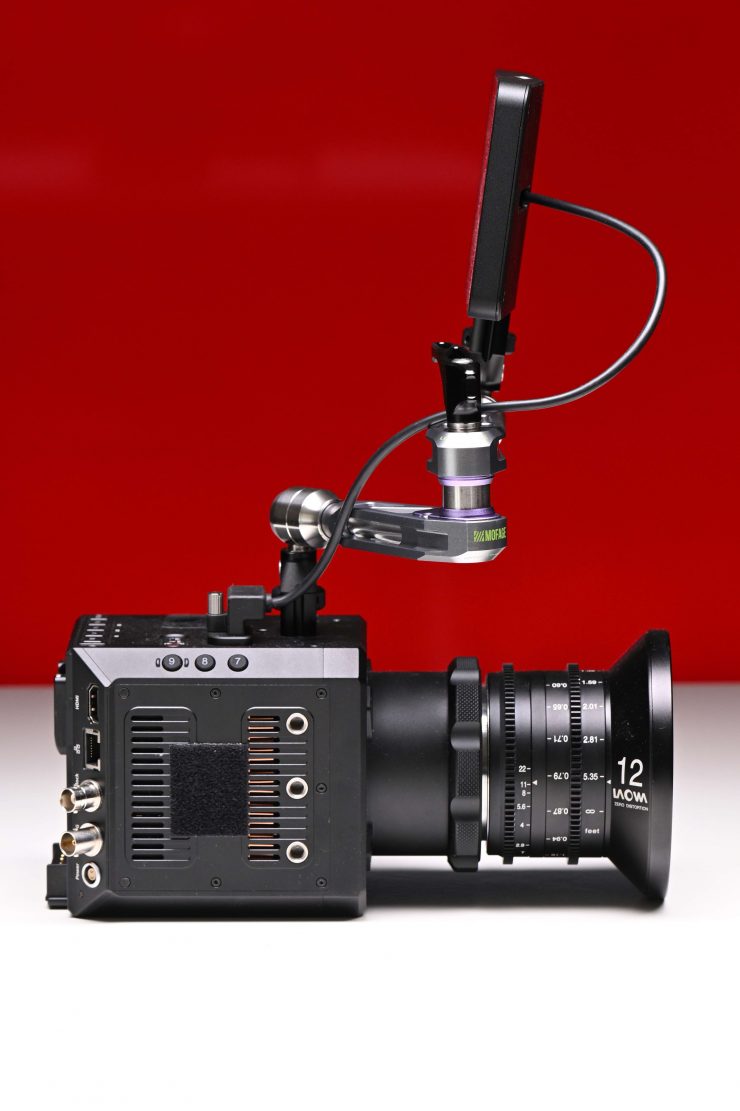
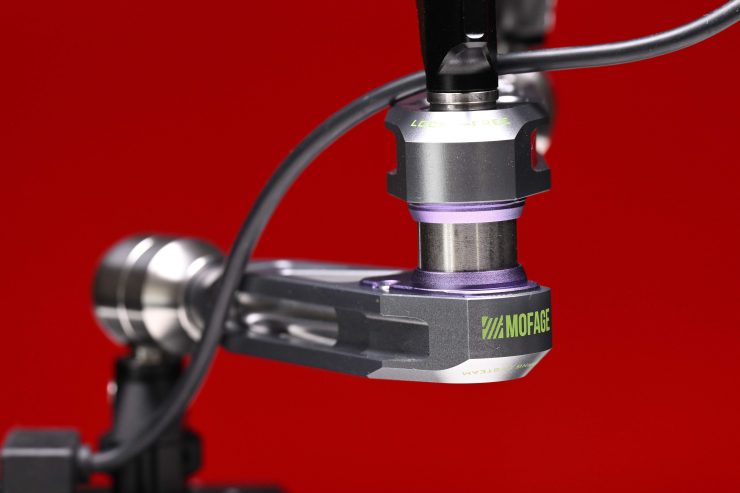
At the time, I told Mofage that a lot of these issues could be solved if they made an interchangeable interface utilizing the SmallHD standard as an option. I also told them that they also needed to come up with some type of solution if you are mounting monitors that don’t have any locating pin holes.
On paper, it looks like they have improved it, and the product has been redesigned and renamed to the Mofage Talos Damping Magic Arm.
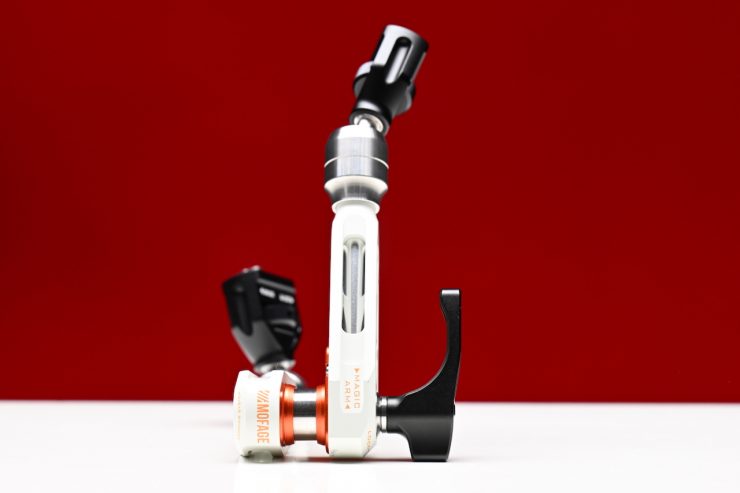
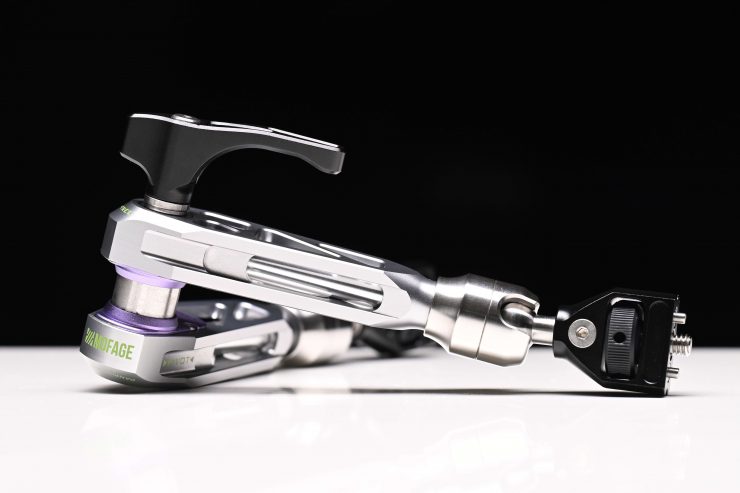
The Talos Damping Magic Arm’s damping structure is claimed to have strong friction, and even without fully tightening the locking mechanism, the arm won’t move. This two-section arm features a 1/4″-20 anti-twist screw with a ball head on each end, and it features a single center locking knob to secure all three joints. A 1/4″-20 to 3/8″-16 bushing is included to mount additional gear types
Key features
- Adjustable Ball Heads on Both Ends
- 1/4″-20 Thumbscrew on Each End
- Measures 11″ Long, Large Locking Lever
- 11 lb Load Capacity
- Includes 1/4″-20 to 3/8″-16 Adapter
- Retractable Locating Pins on Mounts
Using an arm to support and adjust monitors and other accessories, such as top lights, is always a fiddly process. Locking off a monitor arm in a fixed position isn’t difficult, but as soon as you have to adjust it, you need to loosen the lever, hold the monitor with your other hand, move it, and then lock it off again.
In certain scenarios, when you are shooting, you may find yourself constantly adjusting the camera, which means also having to move a monitor so it is in the best possible position for viewing.
Mofage’s idea, which is not a new one, was to come up with a solution so you didn’t need to undo or loosen anything to change the direction or position of your monitor.
Very similar to the Bright Tangerine Titan/Titan 2 Arm
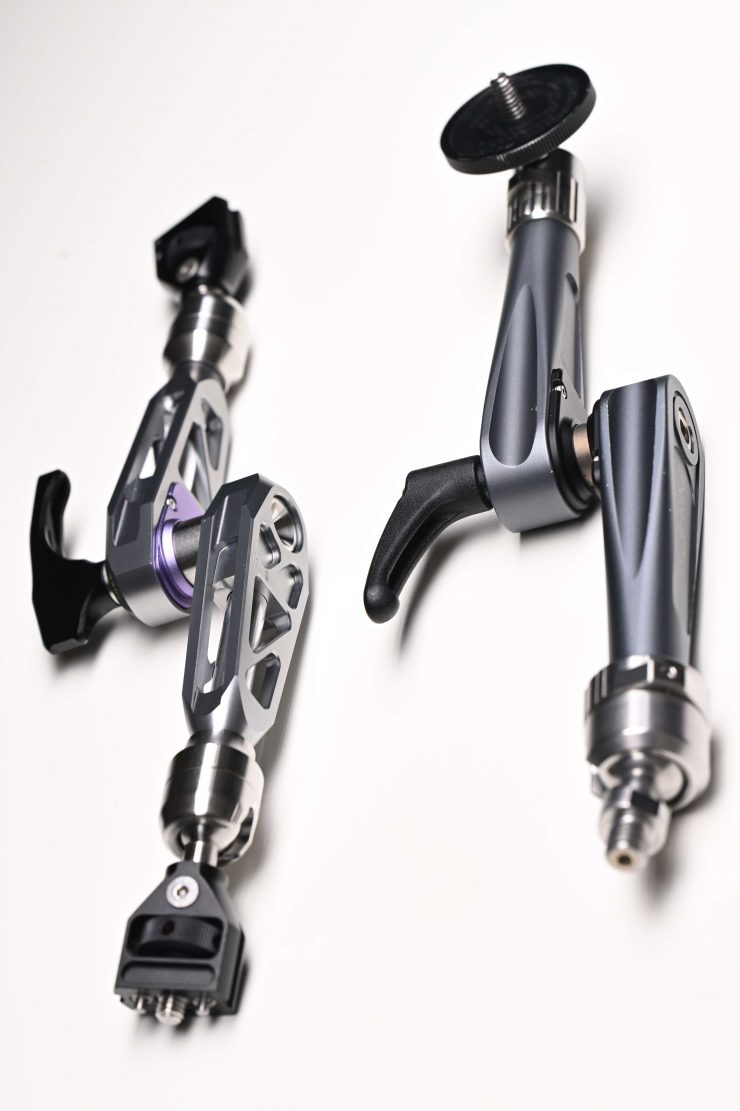
Just like the original Mofage PIVOT Magic Arm, the Talos Damping Magic Arm looks very similar to the Bright Tangerine Titan/Titan 2 Arm, and it does work in a similar way. I doubt this is a coincidence.
While it is good to have options on the market, I personally don’t like to see companies make similar products where there isn’t any big innovation or improvement.
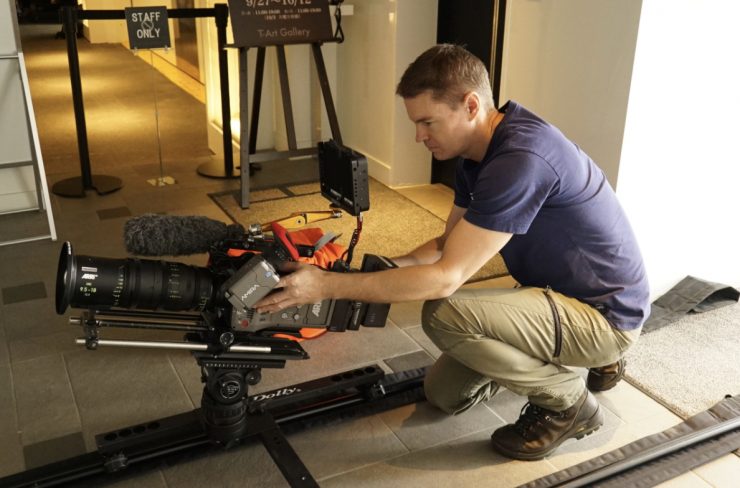

I reviewed the Titan Arm way back in 2016. The Titan Arm works really well, but I did find it to be overly heavy, and I wish Bright Tangerine had made a lighter version with a lower payload capacity, as 8kg was overkill for a lot of people’s needs. It could also be a bit too tight to undo when you needed to make larger adjustments.

Bright Tangerine Titan 2 Arm 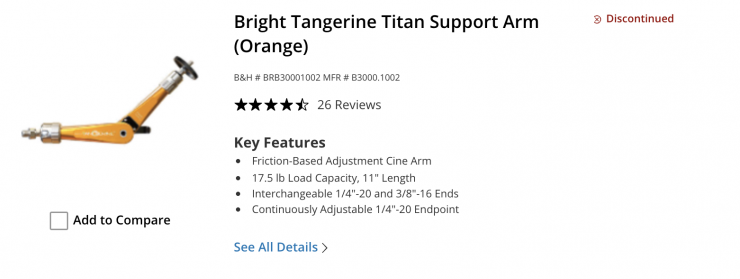
Bright Tangerine recently discontinued the Titan Arm, but they now have the Titan 2 Arm.
Size & Weight
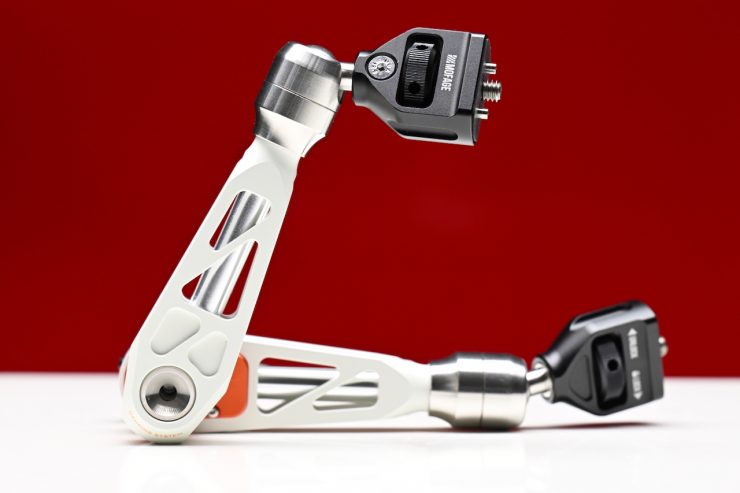
The Talos Damping Magic Arm weighs in at 426g / 0.93 lbs, and it is 27.94cm / 11″ long.
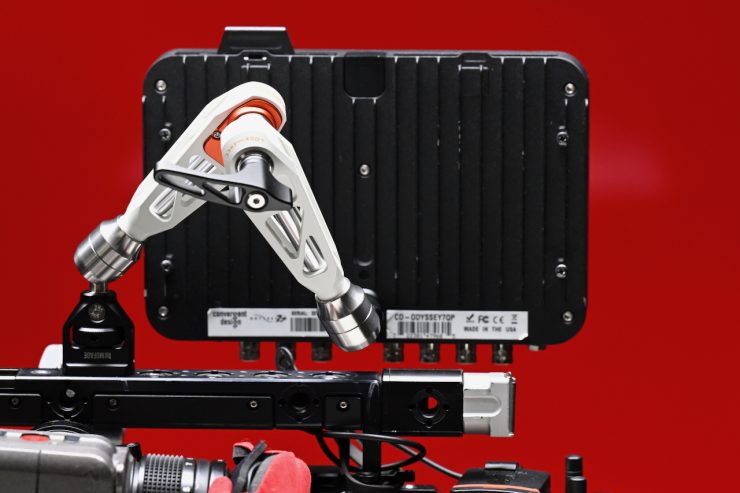
At least, in my opinion, this does make it too large and heavy to use with mirrorless hybrids. A lot of people who are using mirrorless hybrids often attach small 5″ monitors that are not overly heavy. Having a 28cm long arm of this size with a reasonably high payload capacity doesn’t really make sense for a small camera.
Its size and weight make it more suitable for use with digital cinema cameras.
Build Quality
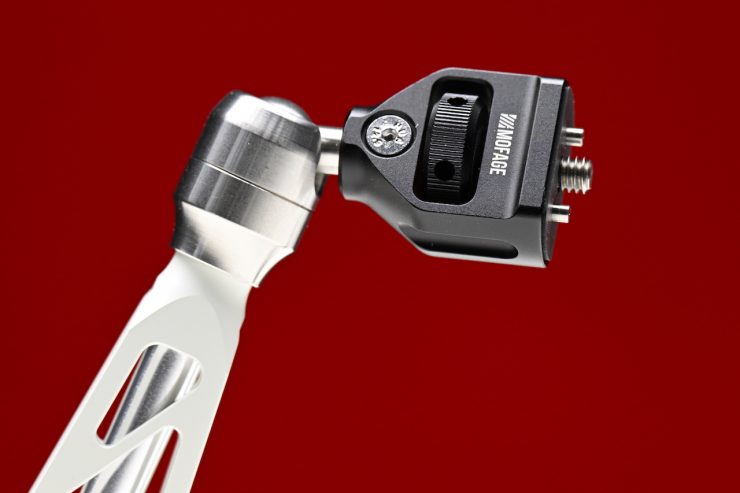
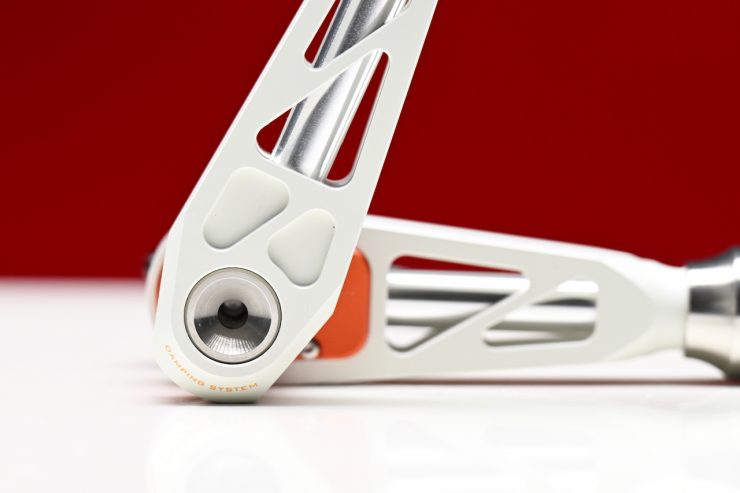
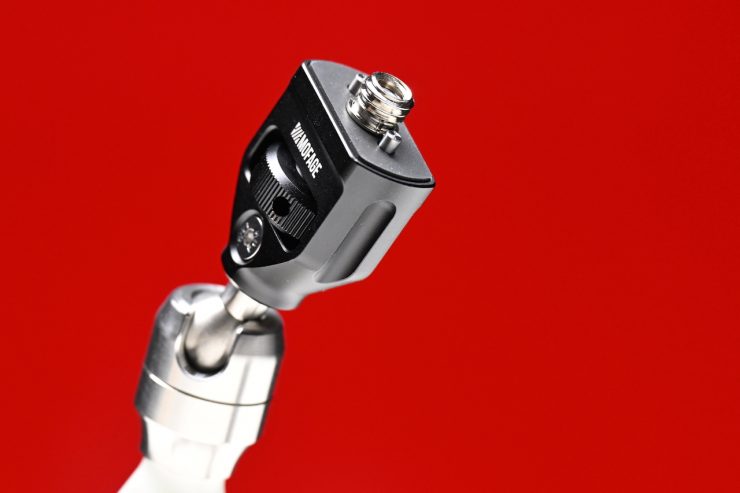
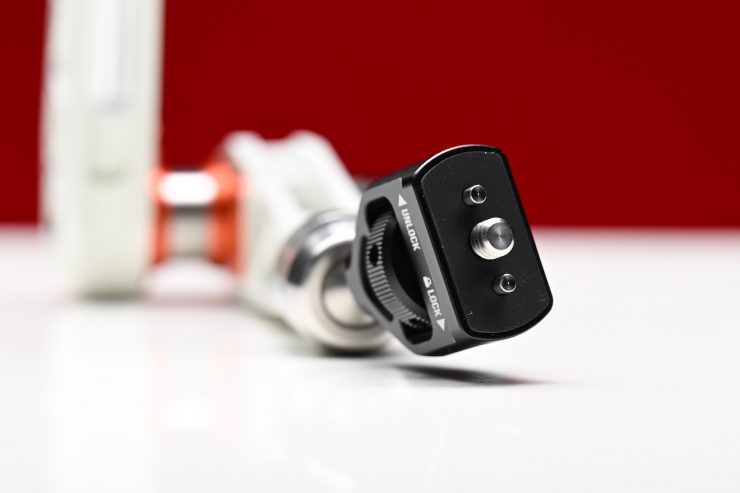
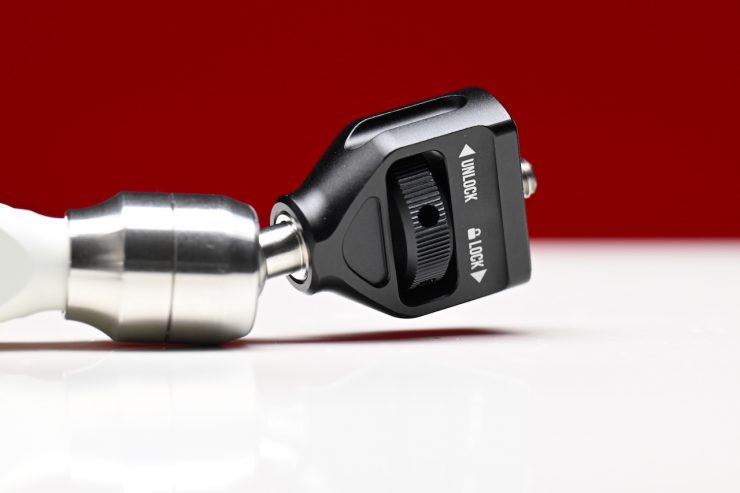

The arm is solidly made and constructed, and there isn’t anything I came across that concerned me on first inspection.
5kg Payload Capacity
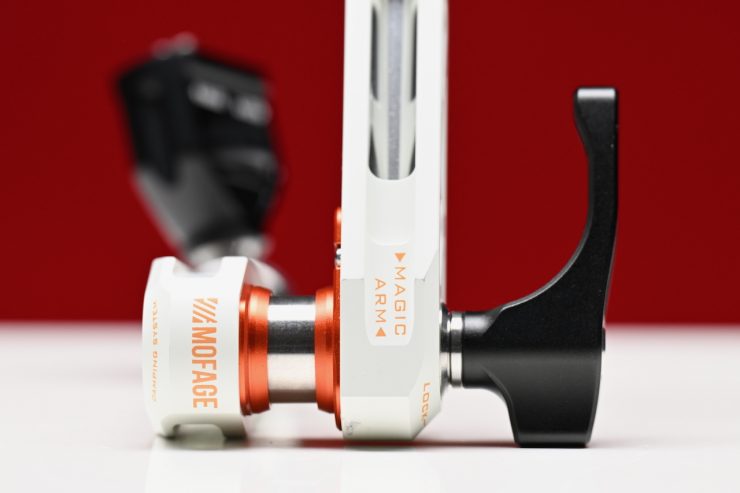
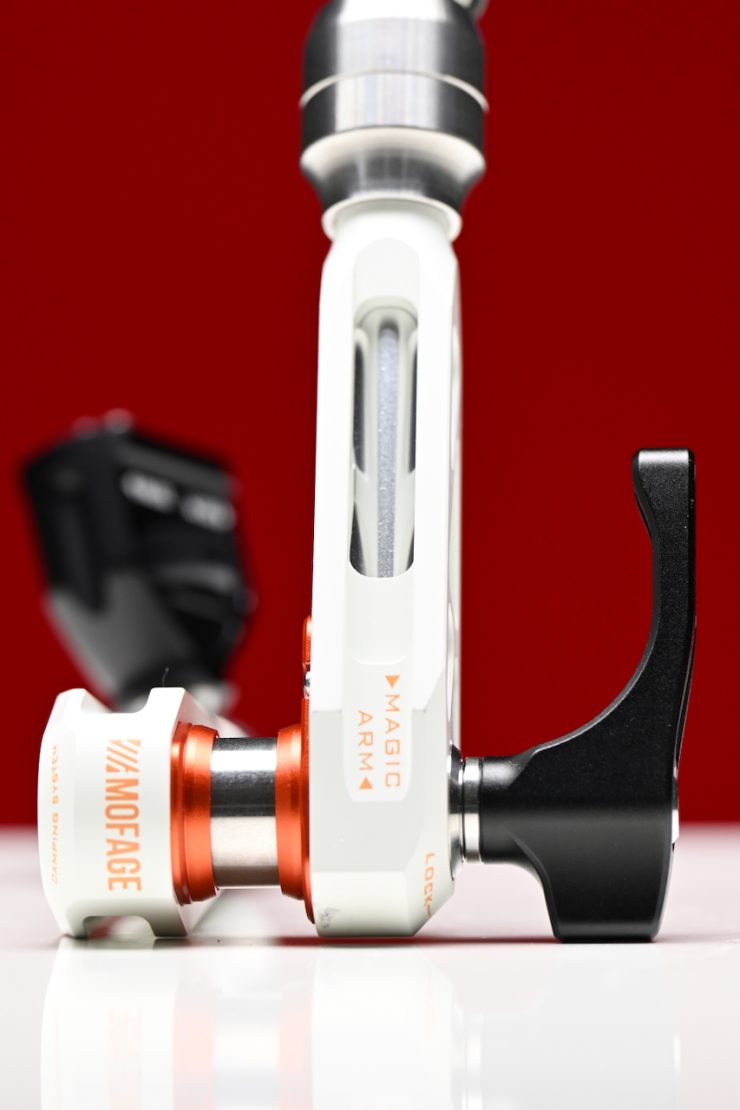
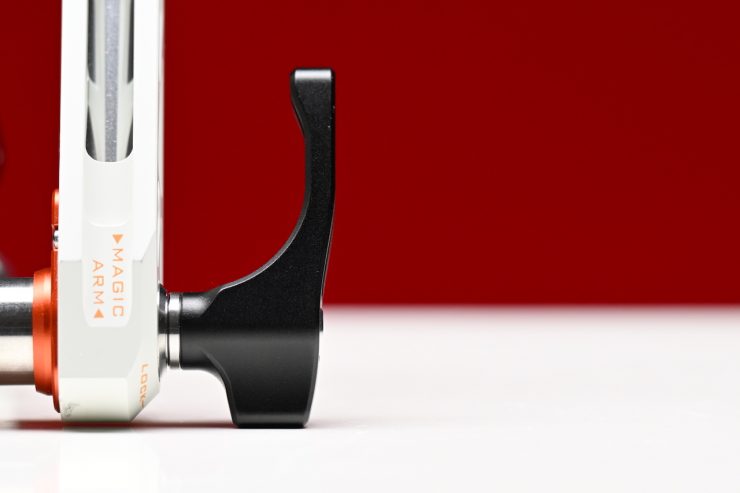
Just like its predecessor, the Talos Damping Magic Arm has a vertical payload capacity of 5kg / 11 lbs, and a horizontal payload capacity of 2.5kg / 5.5 lbs. This is more than enough for most people’s needs.
As a comparison, the Bright Tangerine Titan 2 Arm also has a payload capacity of 5kg / 11 lbs.
1/4-20″ Thread & ARRI Locating Pins
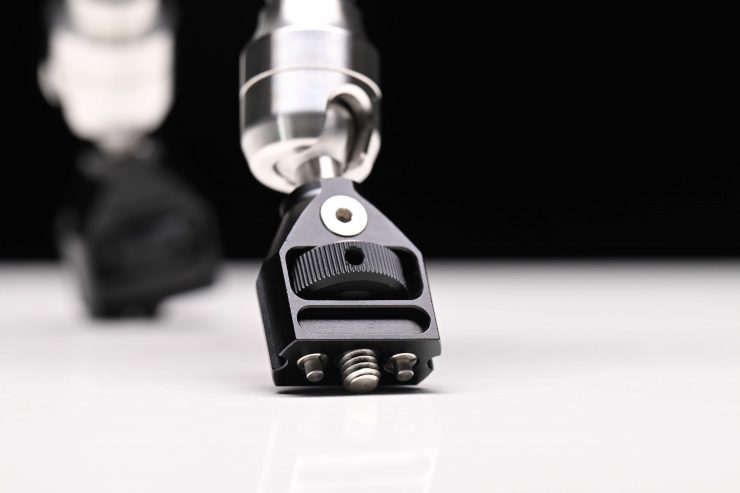
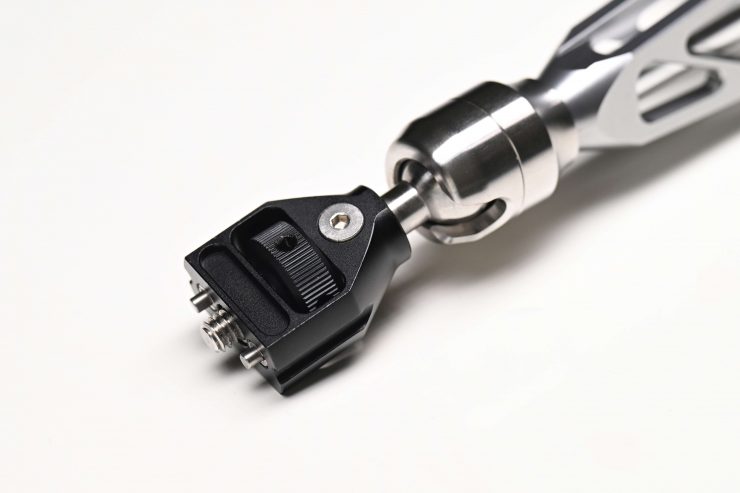
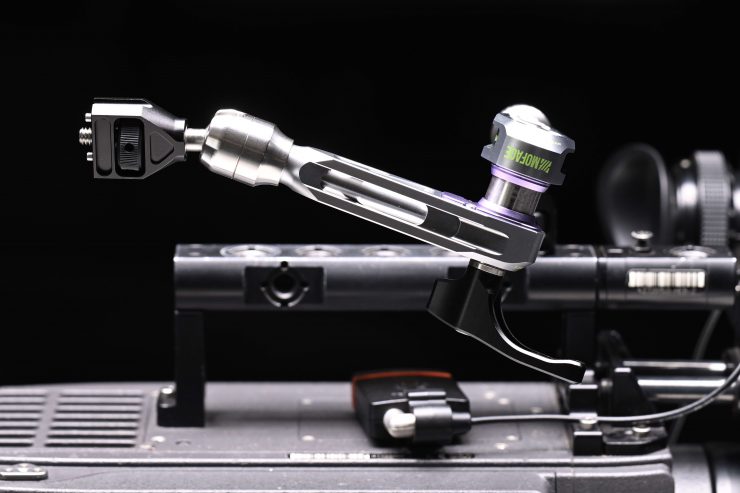
The original PIVOT Magic Arm came with retractable ARRI locating pins and a 1/4-20″ thread for attaching monitors, etc. Going with ARRI locating pins only made it suitable for use with certain monitors and not others, which was an issue.
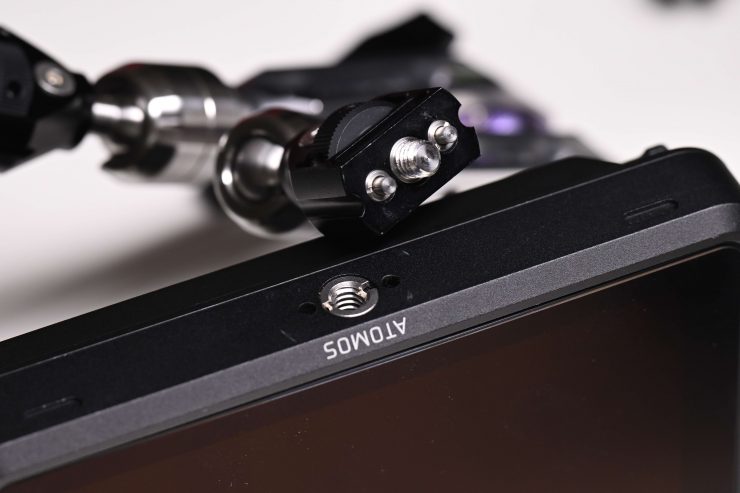
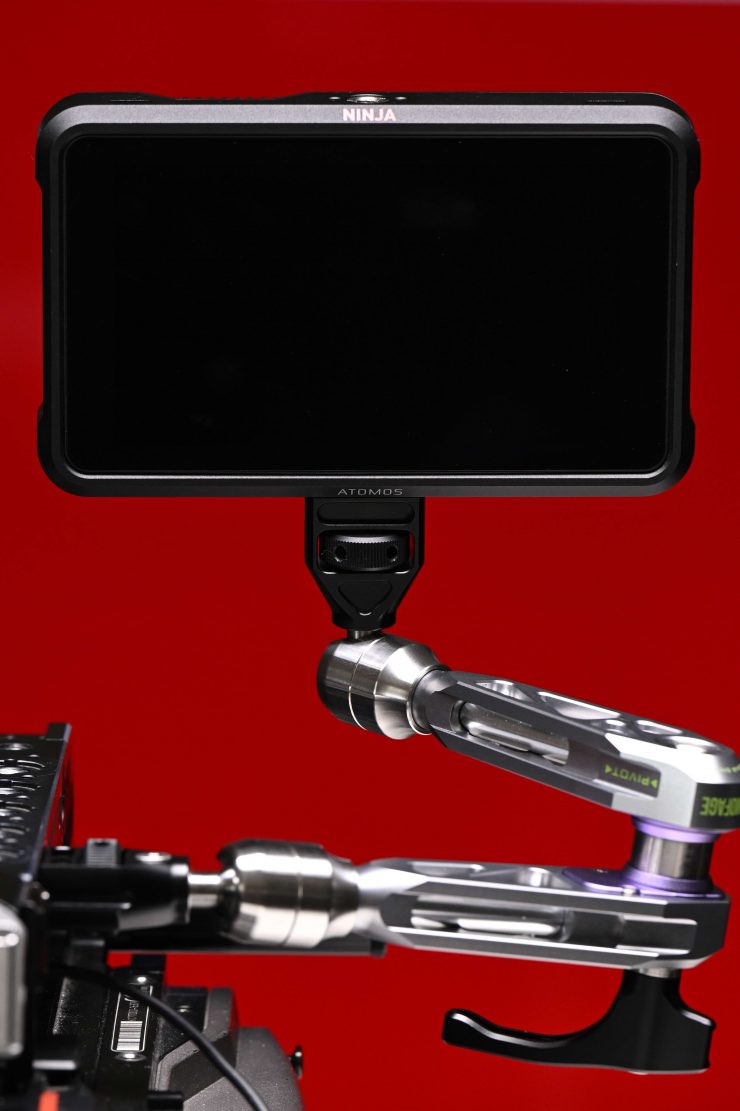
Unfortunately, there is no universal standard when it comes to locating pins, and the two most popular ones are from ARRI and SmallHD. Not having an industry-standard often creates confusion, and it’s quite easy for someone to buy a mounting solution that doesn’t work with the monitor’s locating pins.
What if you want to use it with a SmallHD monitor?

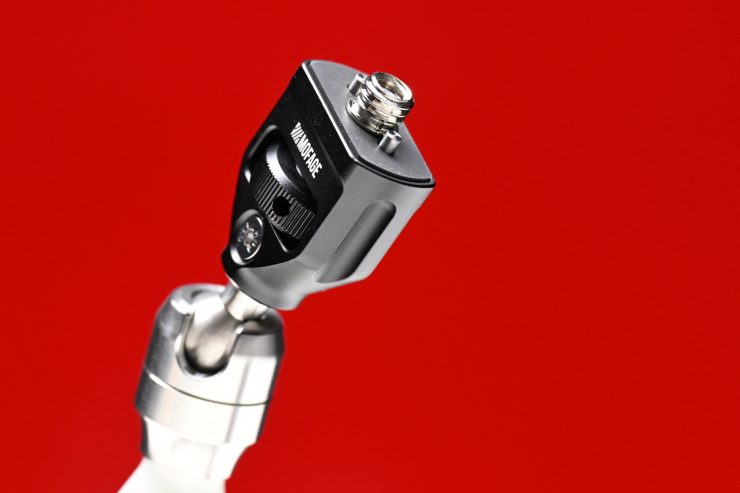
At least in my opinion, Mofage hasn’t fully addressed the SmallHD issue with a simple one-stop solution. They don’t offer a single replaceable end piece that has the SmallHD locating pin standard.
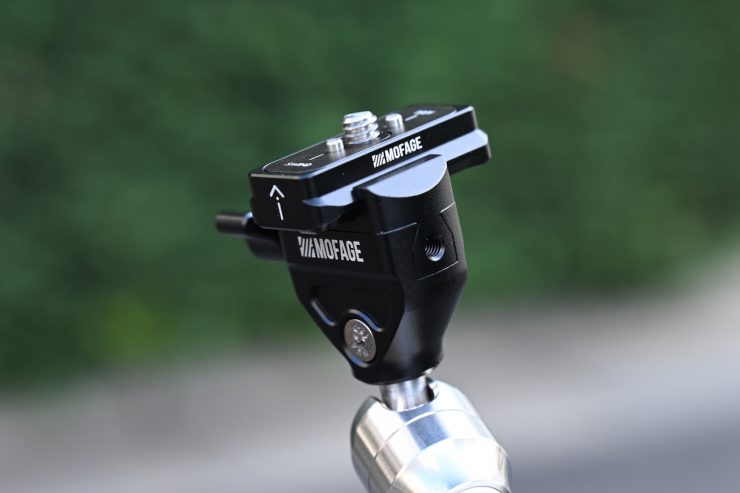
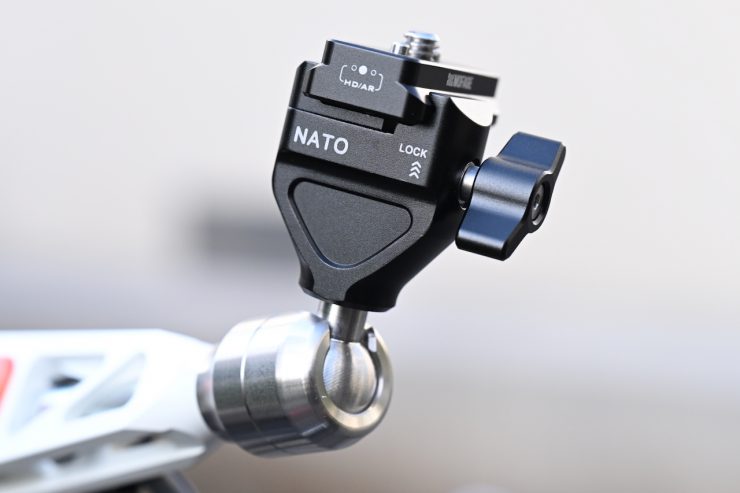
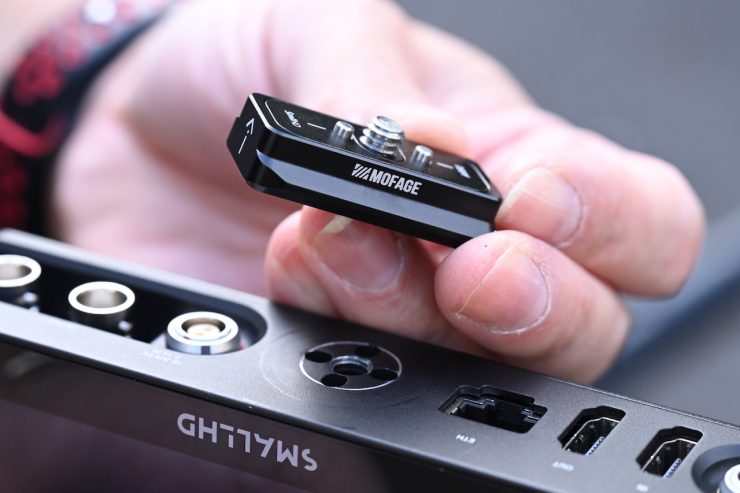
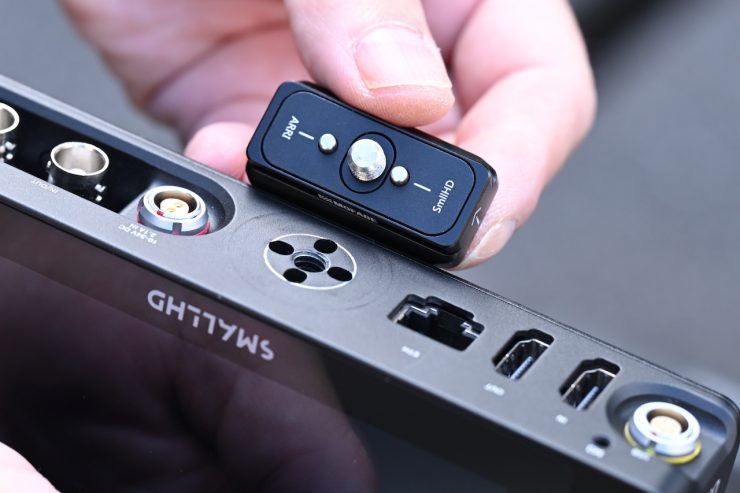
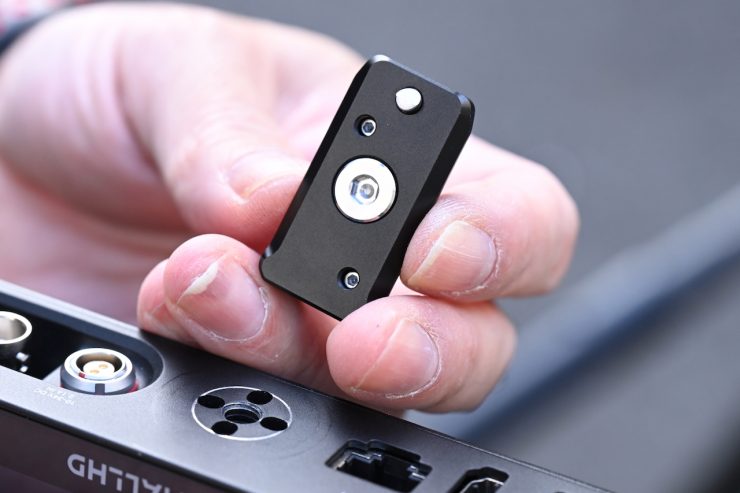
Now, what they have done is to come up with a solution that requires the use of two different pieces. To make the arm work with a SmallHD monitor, you need to use the NATO clamp end piece (which I talk about in more detail a little further down in the review) and another adapter piece that you can attach directly to a monitor. Even though it only has one SmallHD locating pin, it is enough to secure the monitor so it won’t spin or turn.
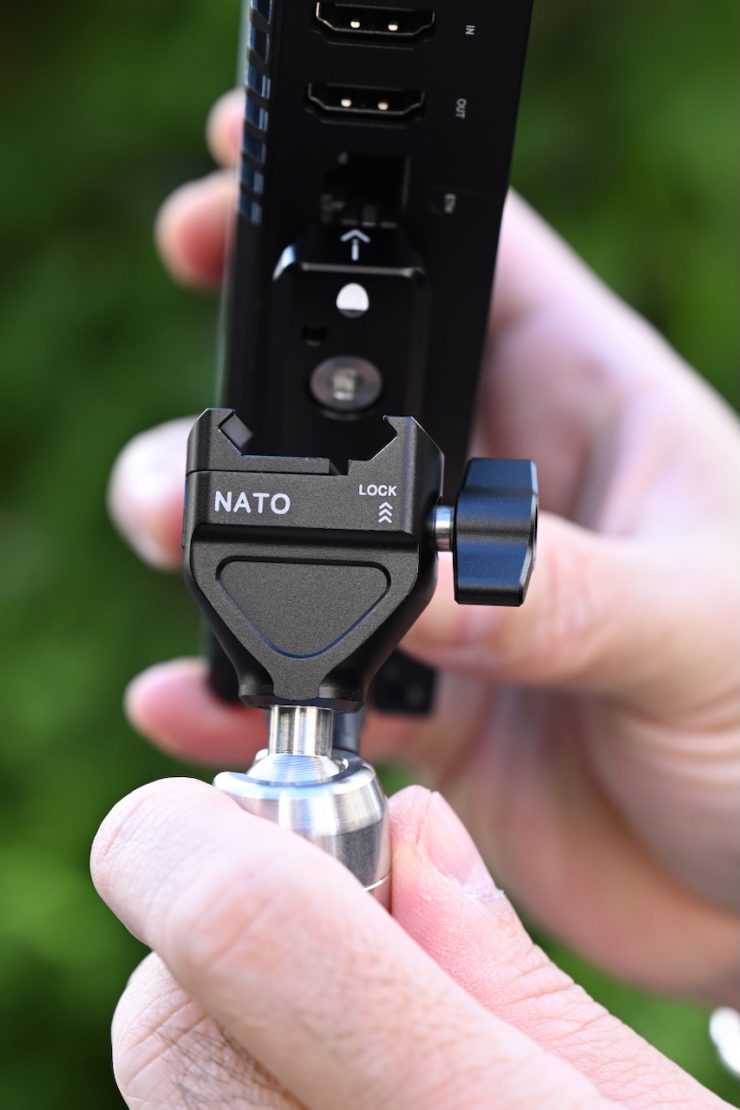

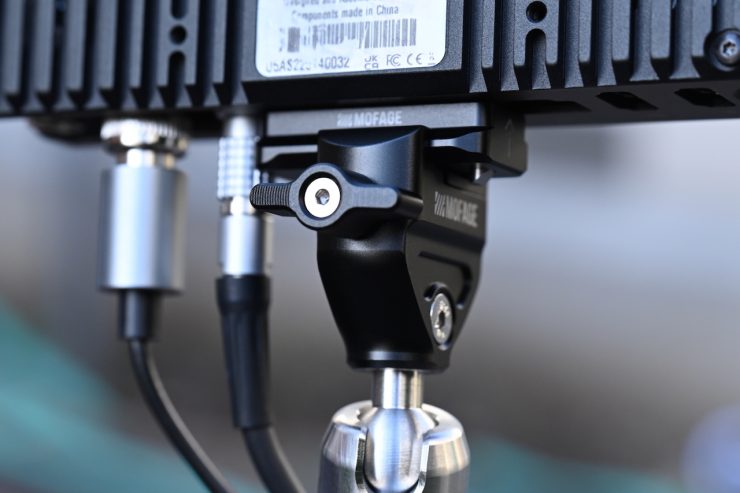
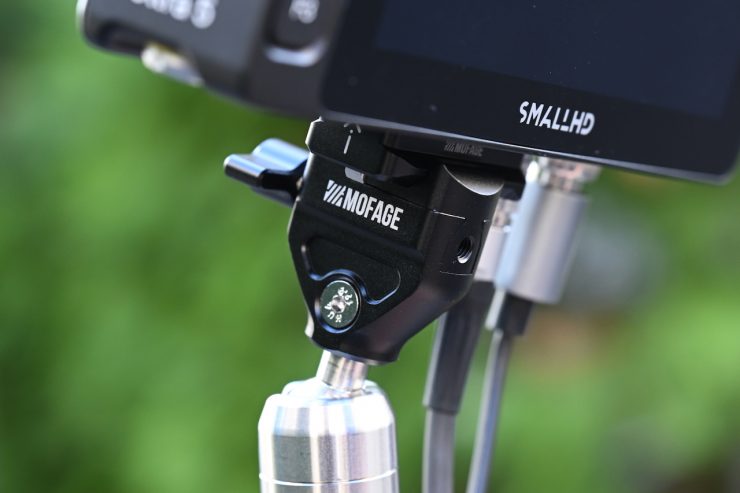
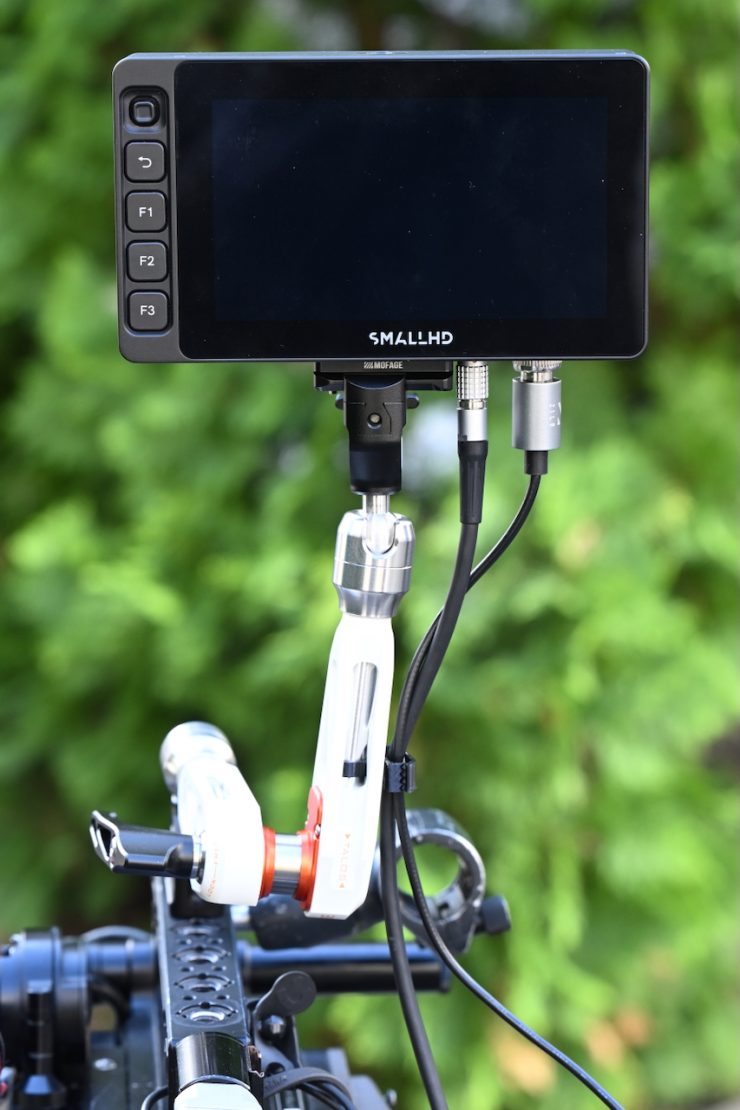
Once you have attached the adapter piece that has one ARRI locating pin and one SmallHD locating pin to the monitor, you then simply slide it into the NATO clamp end piece. While this works well, arguably, it would be better to just offer a dedicated end replacement piece with the SmallHD locating pins.
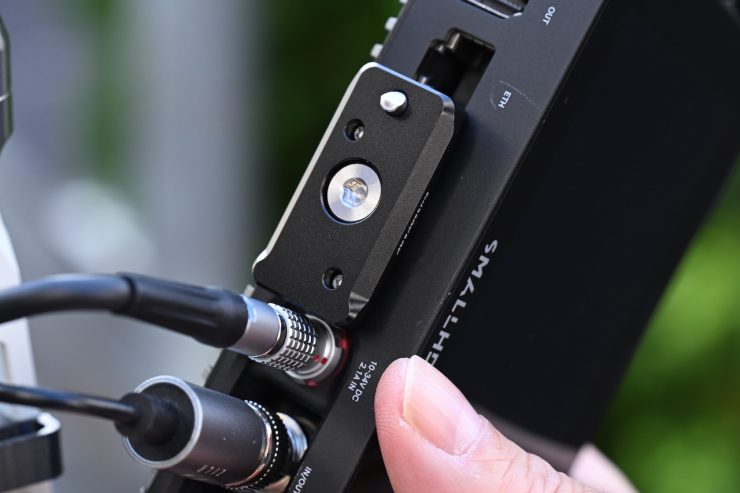
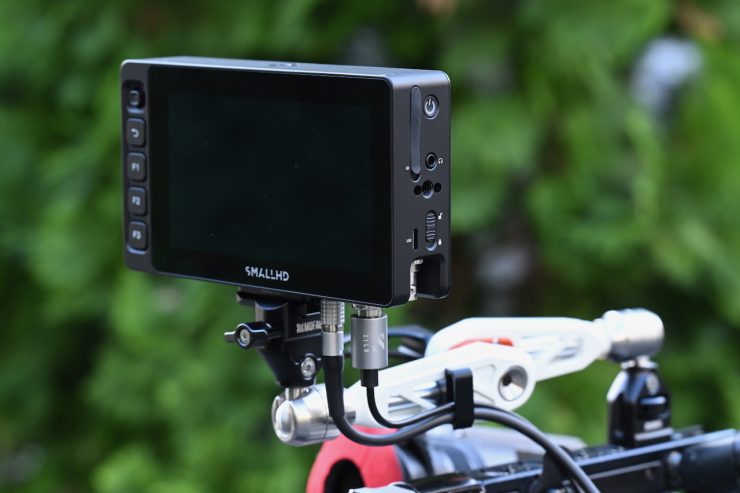
With certain SmallHD monitors, there is still enough room to attach a LEMO power cable; however, if you attach the plate in a horizontal direction, you will obscure the Ethernet port. If you need to use the Ethernet port, it is better to attach the plate in a vertical direction.
Cable Holder
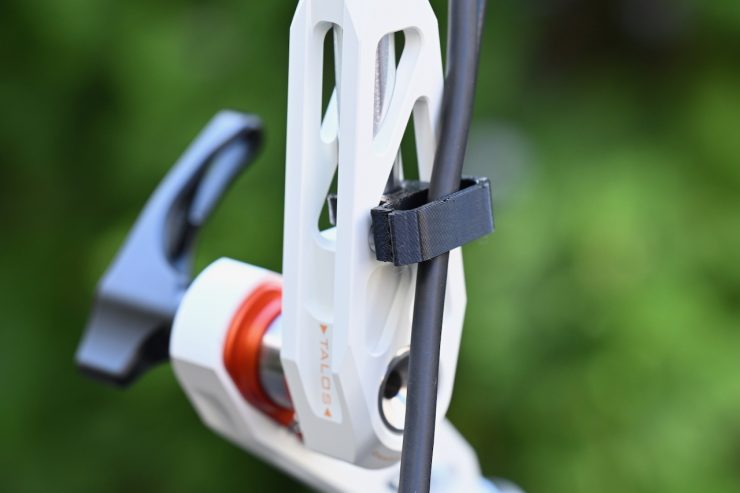
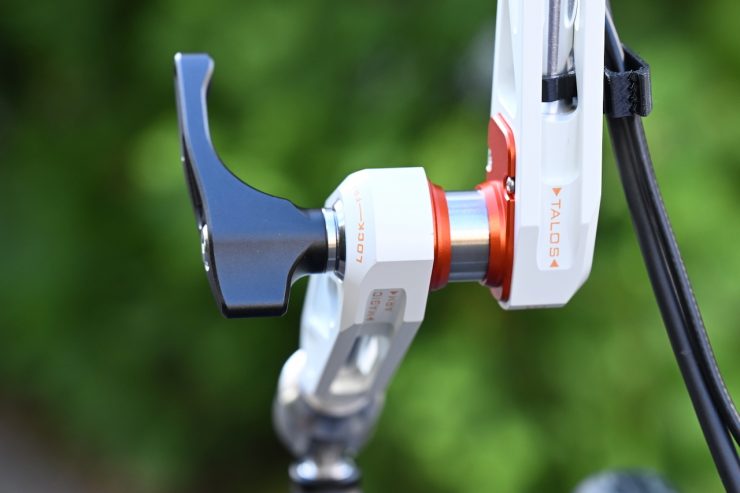
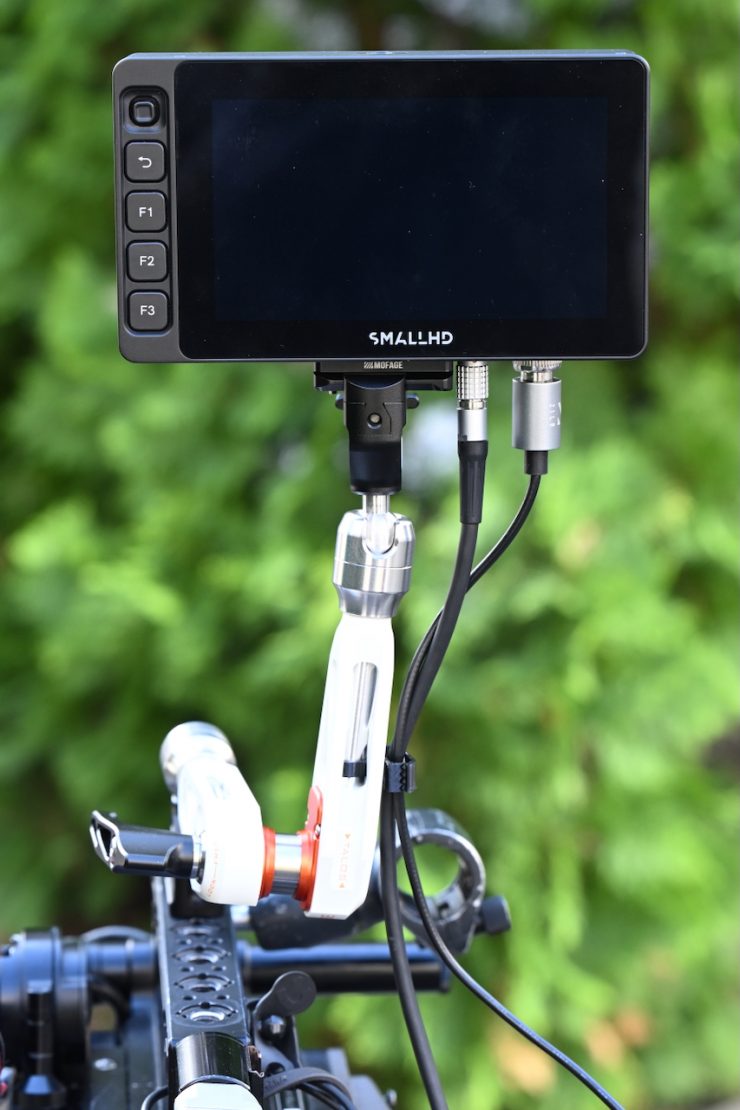
In the kit, you get a nice, small cable holder that you can attach to the arm. This works really well and allows you to keep multiple cables tidy.
User Changeable End Pieces

Mofage now offers a large array of user-changeable ends to suit whatever requirement or monitor you may have.
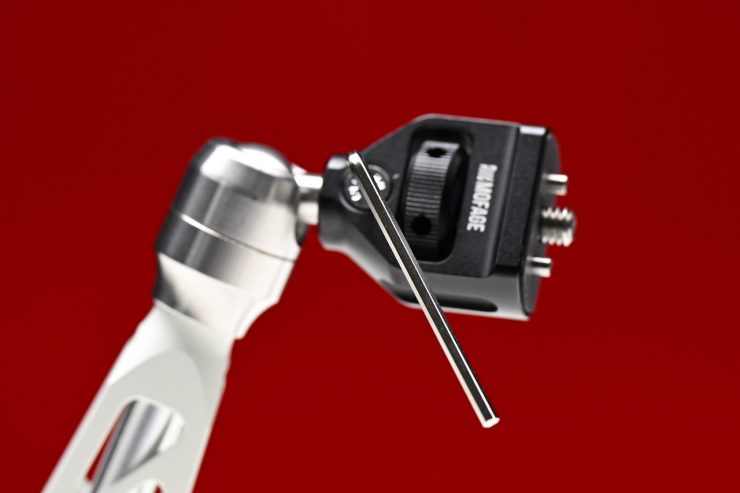
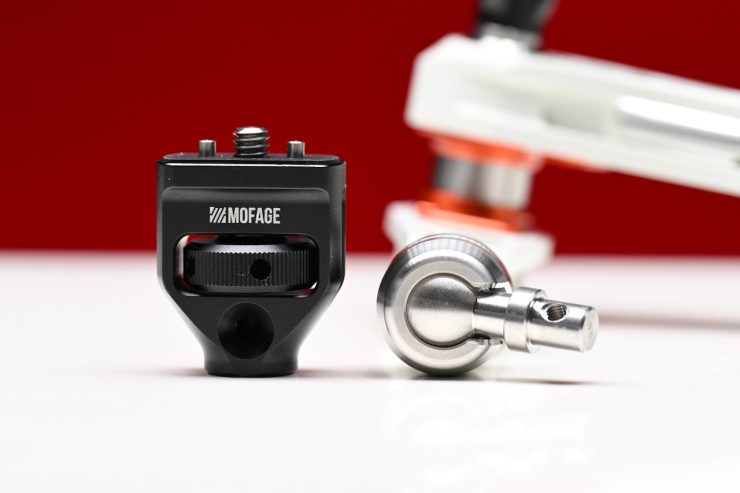
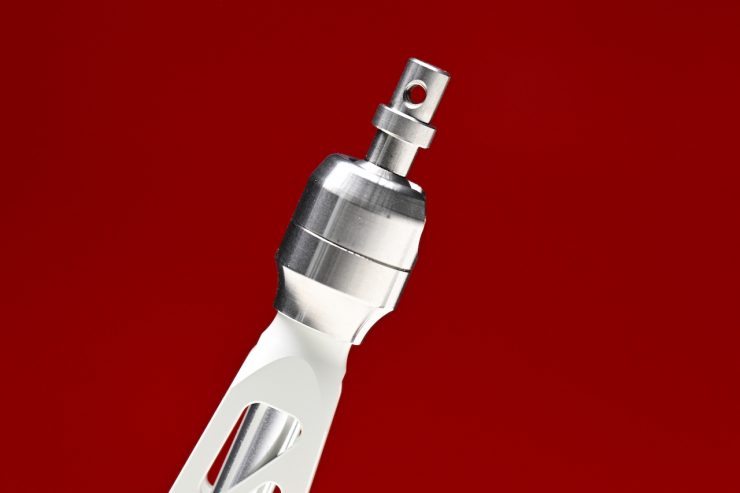
You need to use an Allen key and undo one screw to remove and replace an end attachment.
Currently, Mofage offers:
- Nato Clamp
- 15mm Rod
- Baby Pin Adapter
- Baby Pin Input
- UNC-1/4 Mount
Nato Clamp
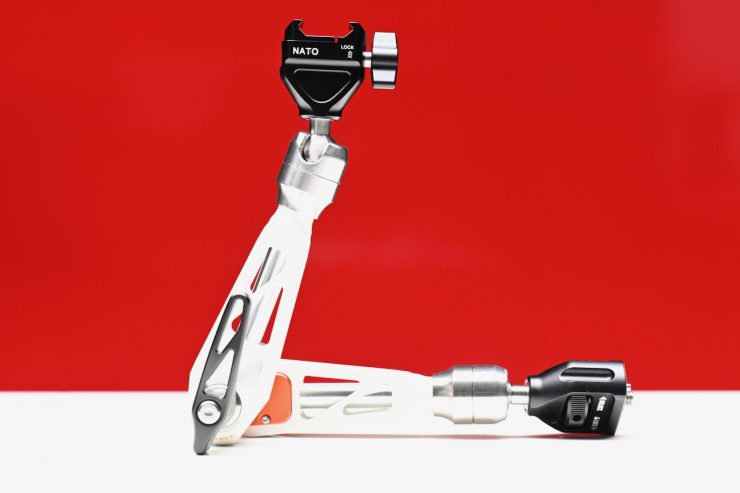
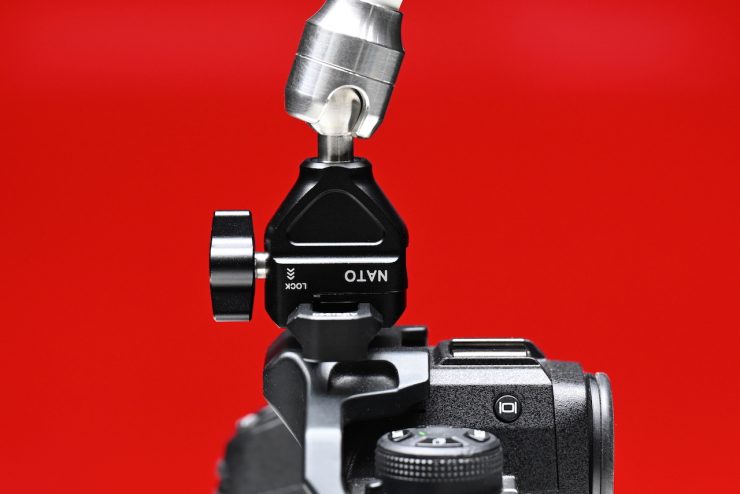
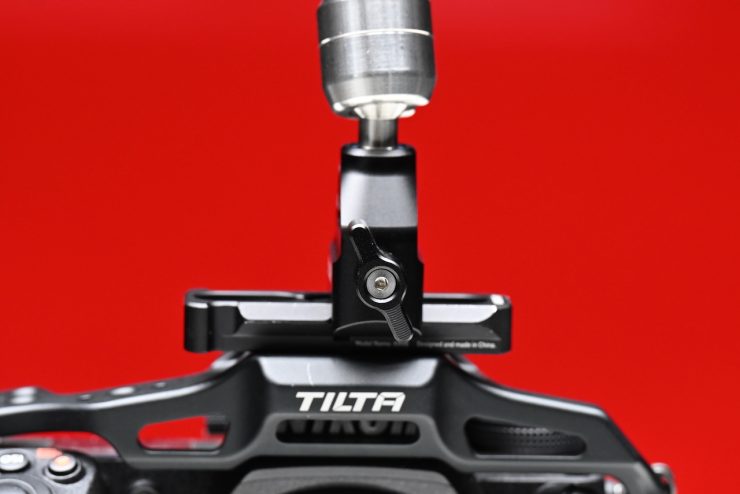
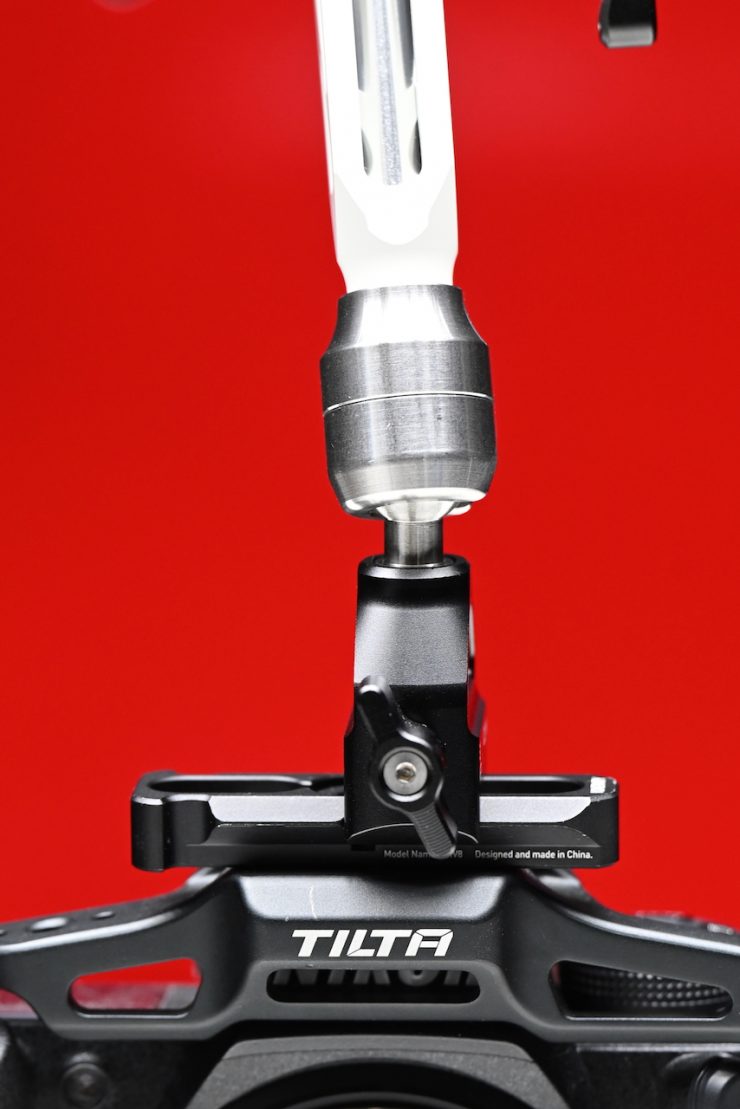
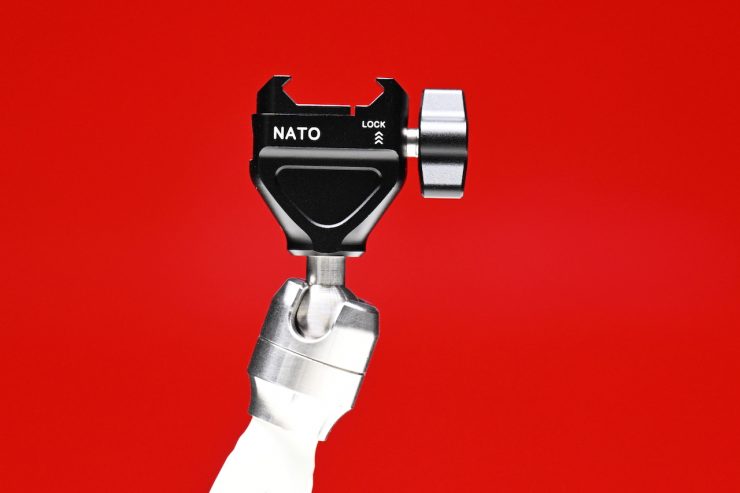
By replacing one end of the Talos Damping Magic Arm, the NATO Clam allows you to mount an accessory onto a NATO rail. The clamp design features a locking lever for a secure, adjustable mount. I found that this was a pretty good solution if you are using the arm with mirrorless hybrids or smaller-sized digital cinema cameras.
Baby Pin Female Adapter
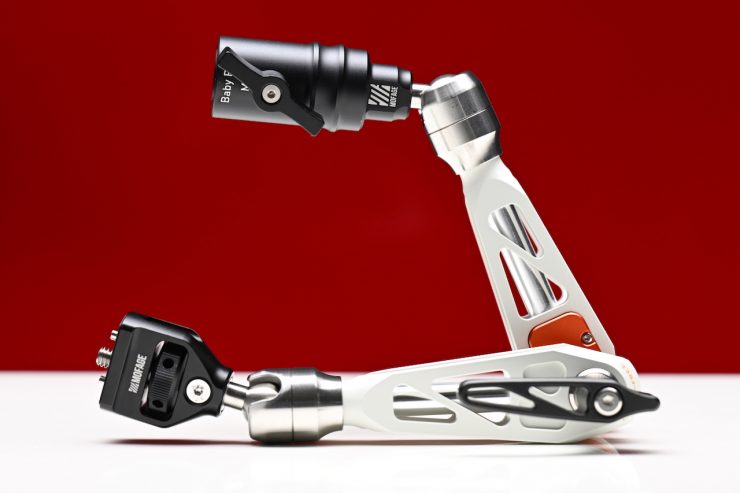
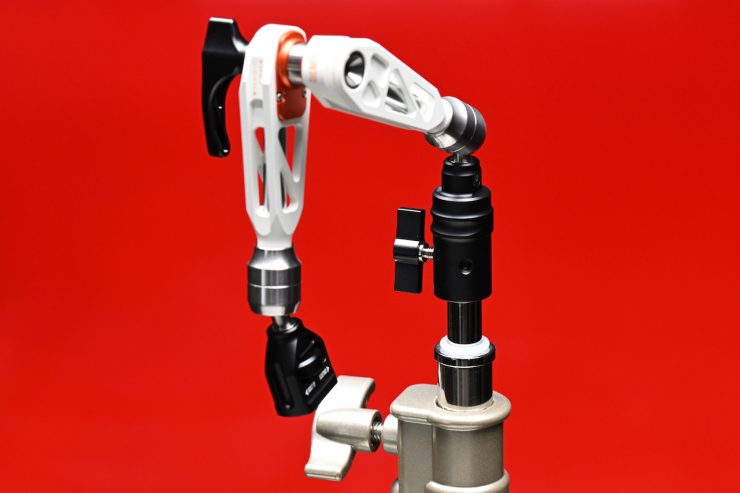
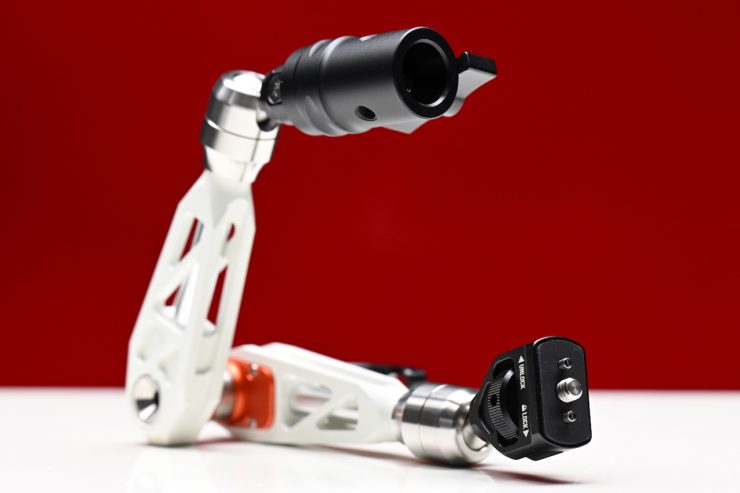
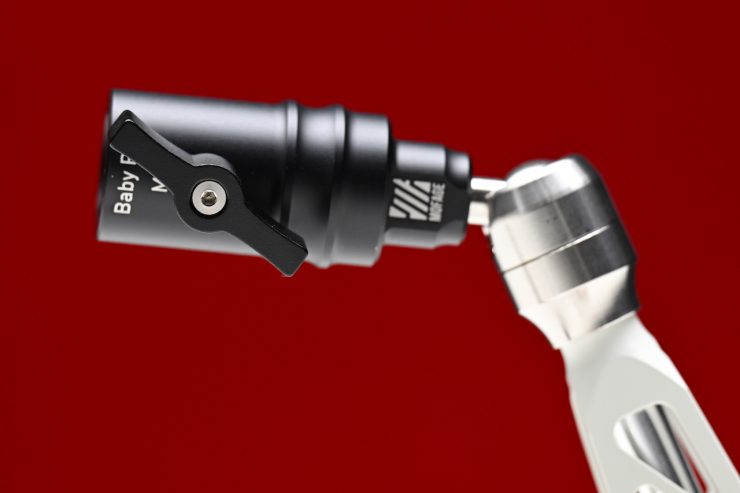
The Baby Pin Female Mount allows your Talos Damping Magic Arm to mount a light or accessory with a Baby pin mount. This attachment replaces one end of the Talos Damping Magic Arm and provides a female Baby pin adapter that allows you to add a light or other accessory onto a light stand Baby pin.
Baby Pin Input
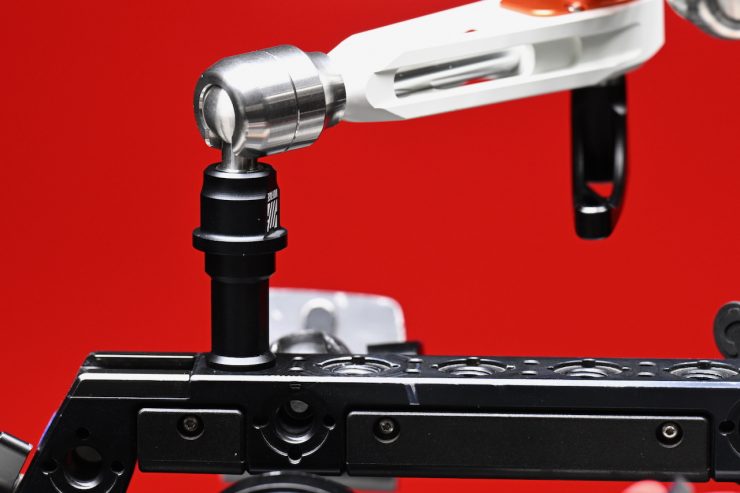
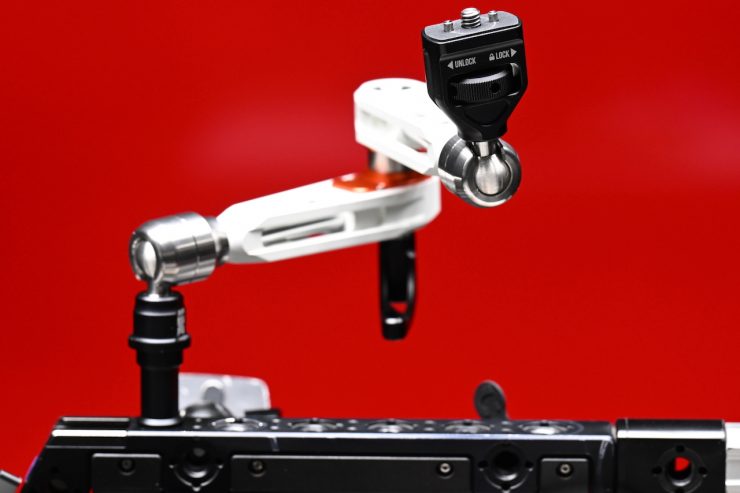
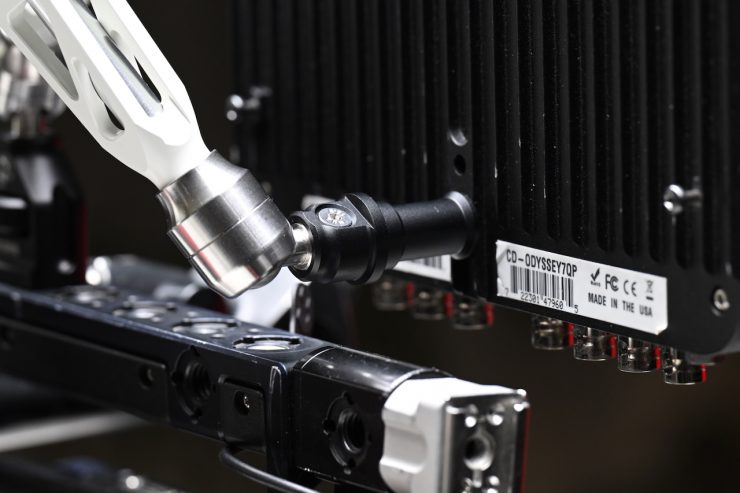
This Baby Pin Adapter Clamp allows you to add a light or other compatible accessory to your camera rig by replacing one end of the Talos Damping Magic Arm with a male Baby pin adapter.
This is an alternative mounting solution if you are using the arm with a monitor that doesn’t have any locating pins.
Three Color Versions Available
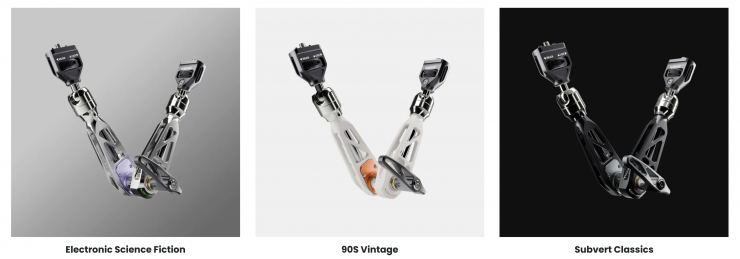
Mofage offers three different colored theme versions of the Talos Damping Magic Arm:
- Electronic Science Fiction
- 90S Vintage
- Subvert Classics
Real World Use
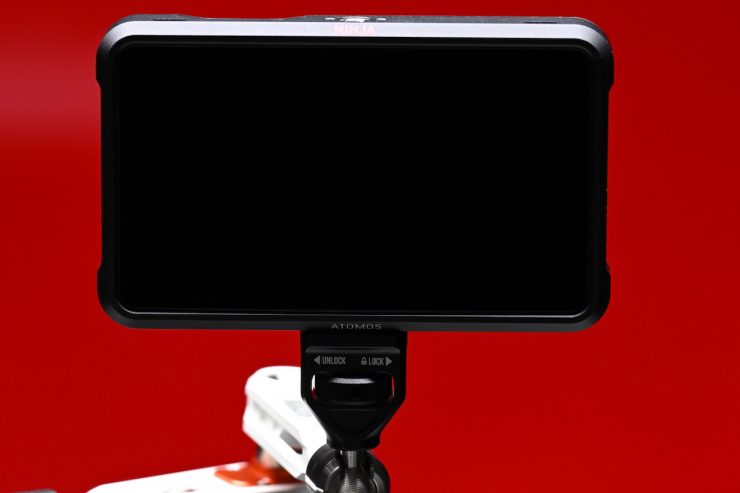
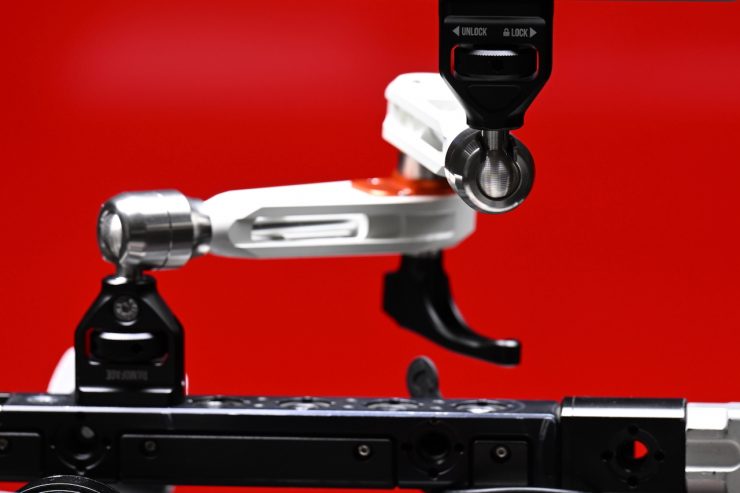
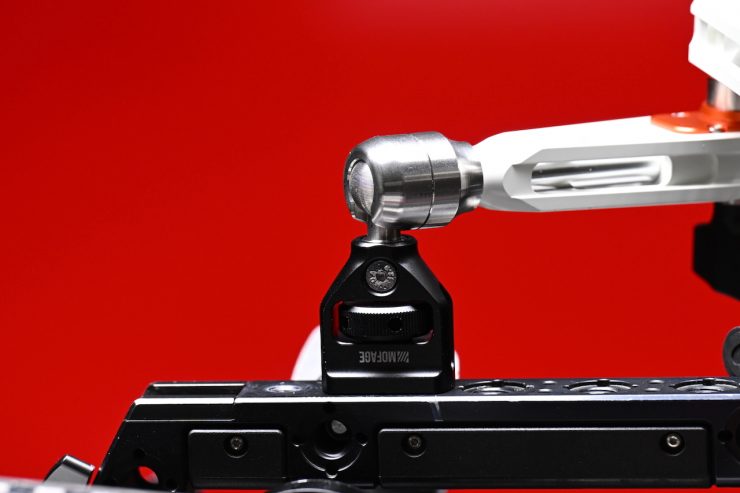
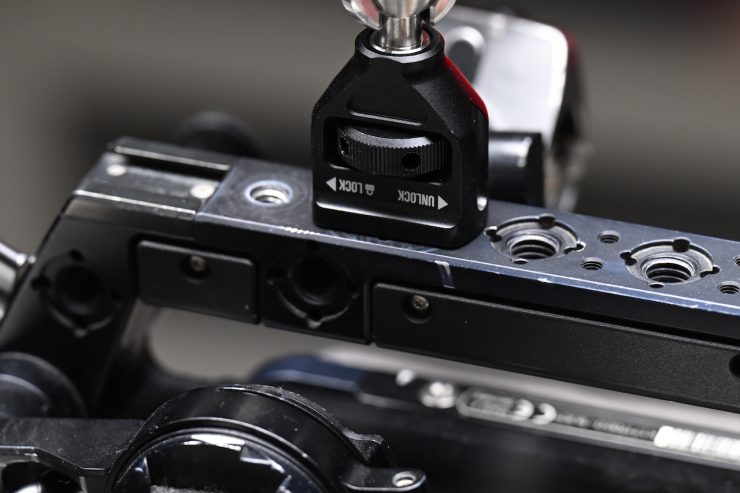
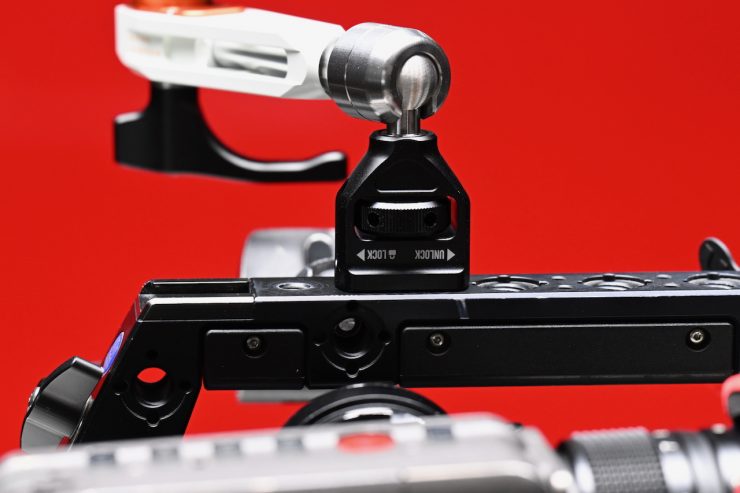
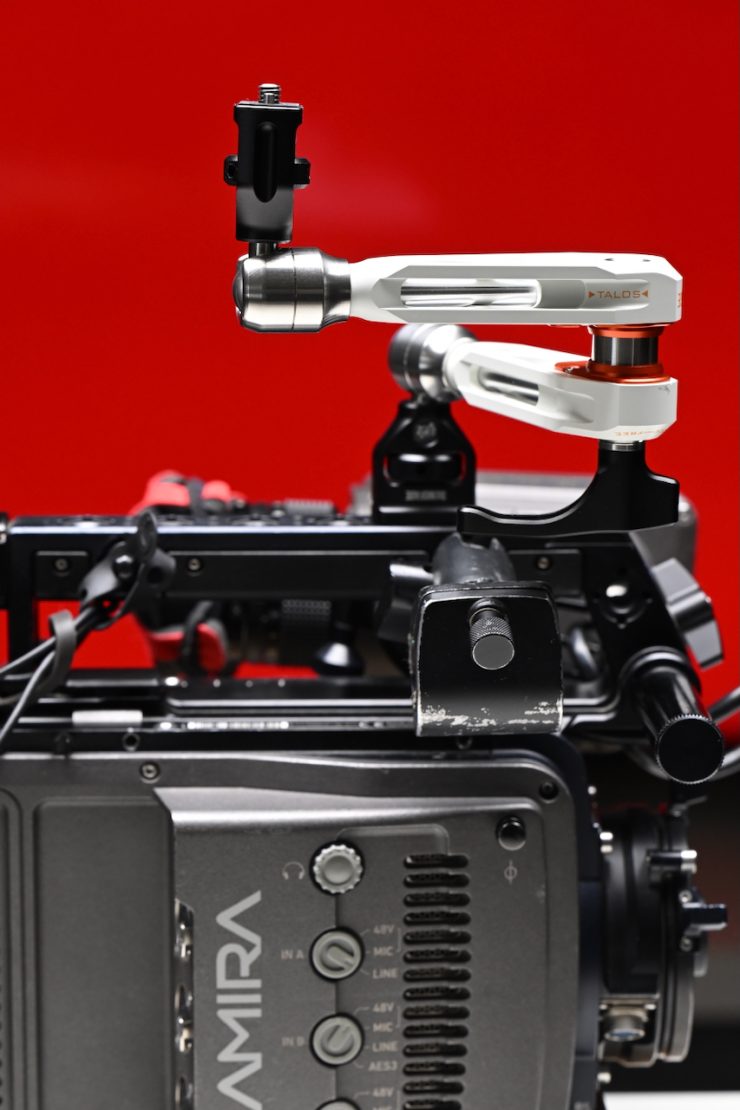
So how does it actually perform in the real world? I tried the Mofage PIVOT Magic Arm out with a variety of different-sized monitors.

If you use a camera and a monitor that both have ARRI locating pins, in this case, an ARRI Amira and an Atomos Ninja V, then it works reasonably well. You do, however, need to find that sweet spot of how much tension to apply so that the monitor doesn’t fall over, but you also don’t want to over-tighten it so it won’t move. The amount of tension you need to apply will depend on the monitor you are using. Some peopel may find this type of system too fiddly, and they may find that it is easier to loosen the whole thing and move it into position and re-tighten it.

If you are using the arm with a SmallHD monitor, then the NATO end piece and the attachment with the combo ARRI and SmallHD locating pins work well.
It does work as advertised, but you need to find that sweet spot of how much tension to have on the arm to be able to adjust the monitor.
Now, the issues.
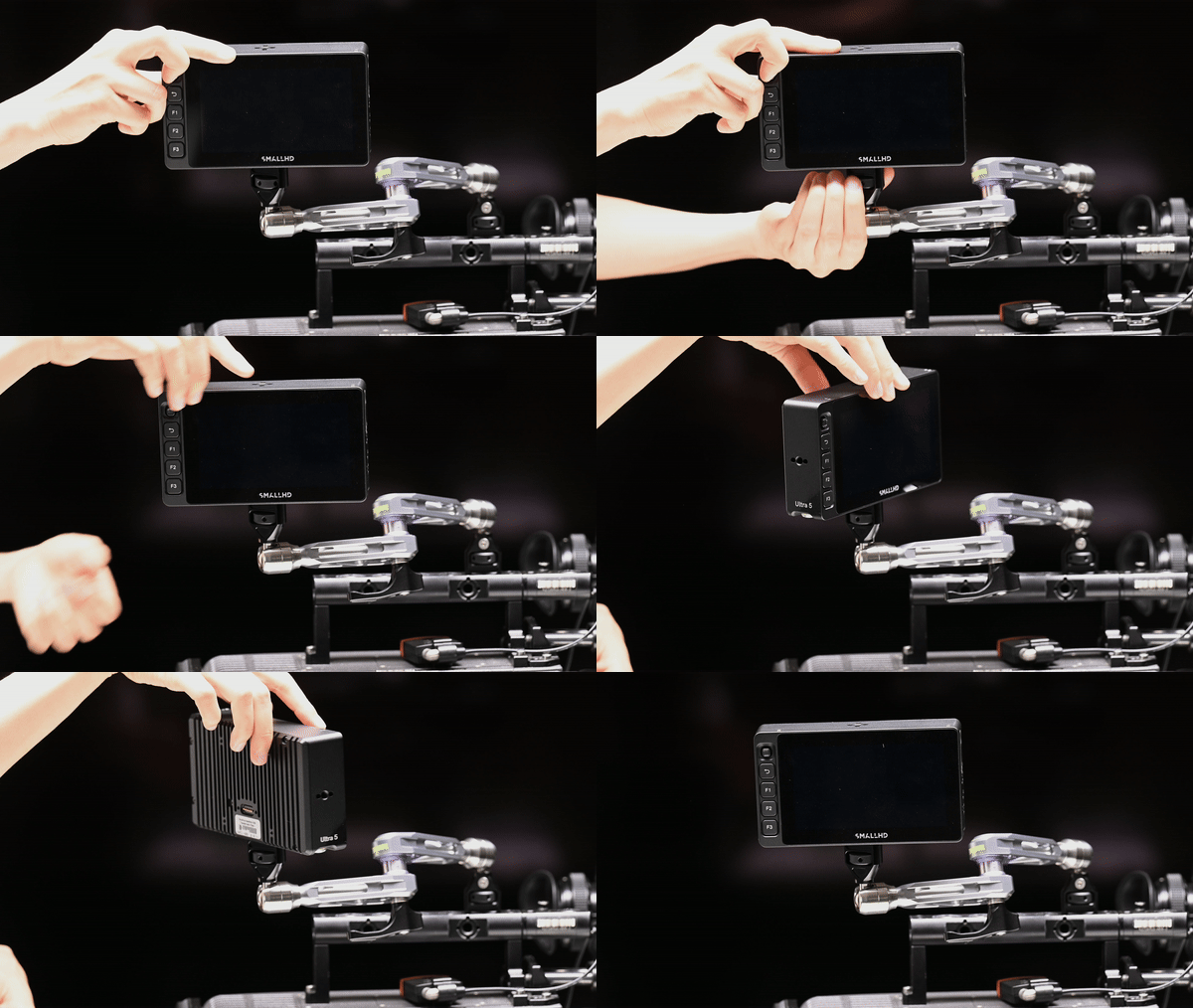
With the original Pivot Magic Arm, I couldn’t fully tighten the interface into the SmallHD ULTRA 5, and subsequently, the result of that is that the monitor will just spin around as soon as you touch it. This made the product unusable with SmallHD monitors.

With the new version, you still run into the same sort of issue if you use the standard end mounting point.

If I try it with a Portkeys LS7P, it does work; however, it will still move around a little bit because that monitor only has generic pin grooves and doesn’t use the ARRI or SmallHD locating pin standard.
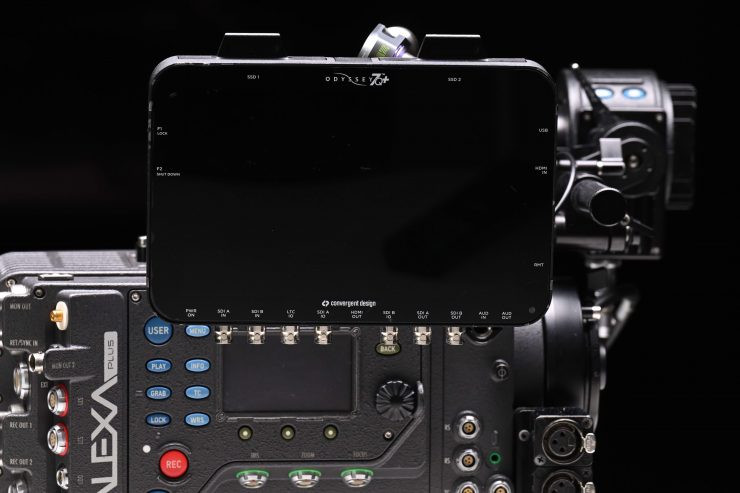
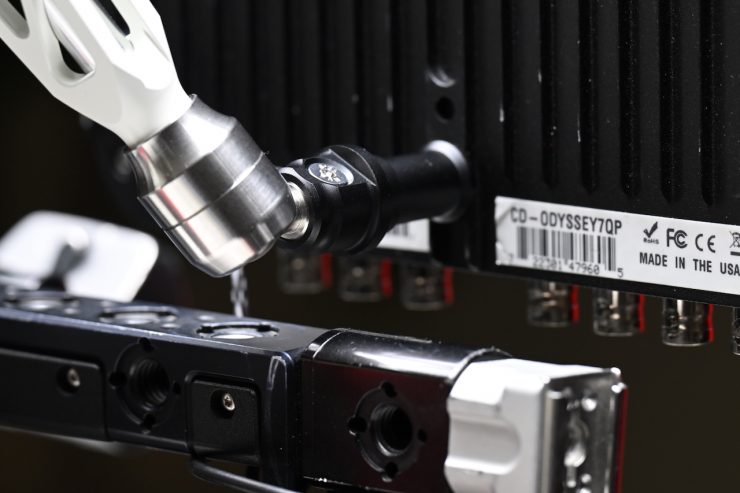
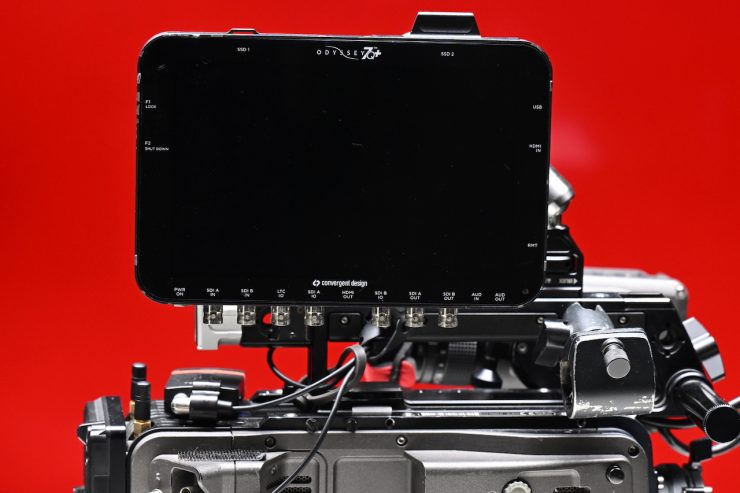

I also tried attaching a Convergent Design Odyssey 7Q+, and I ended up with a similar problem. The monitor would just come loose from the arm because it doesn’t have any ARRI locating pin holes or any type of rubber or extra clamping device; there’s nothing to secure it properly.

Above, you can see how it performs when swapping one of the ends to the Baby Pin Input. While it works, it does eventually come loose.
Price & Availability

The Mofage Talos Damping Magic Arm retails for $129 USD. As a competition comparison, the Bright Tangerine Titan 2 Arm starts at $173.23 USD.
The MOFAGE Baby Pin Female Mount for Talos Damping Magic Arm costs $25 USD.
The MOFAGE Baby Pin Adapter Clamp for Talos Damping Magic Arm is $19 USD.
The MOFAGE NATO Clamp for Talos Damping Magic Arm is $29 USD.
The MOFAGE 15mm Carbon Clamp Rod for Talos Damping Magic Arm is $19 USD.
The MOFAGE 1/4″-20 Mount Clamp for Talos Damping Magic Arm is also $19 USD.