Accsoon has announced a firmware update for the CineView M7 and M7 Pro. The biggest news is that the CineView M7 Pro now has the ability to be used as either a TX or RX unit.
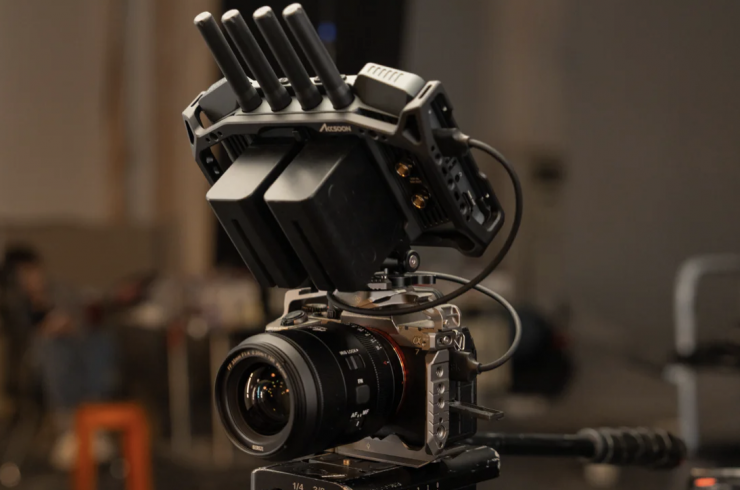
The CineView M7 and CineView M7 Pro also get expanded wireless camera control, and several key monitoring improvements.
H.265 & H.264 TX Mode
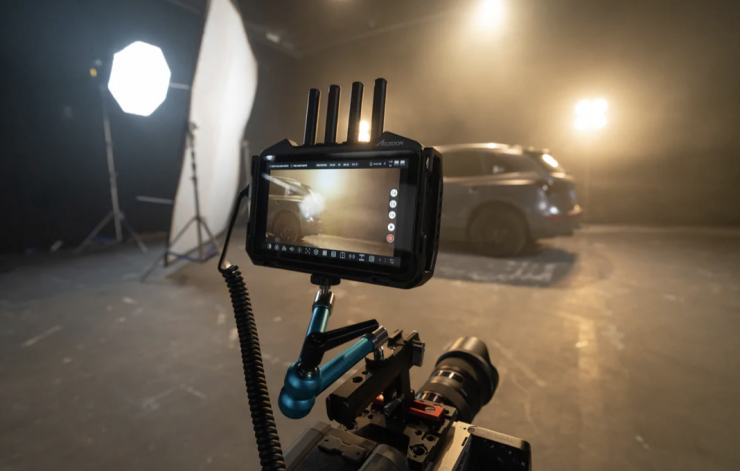
With the new TX Mode on the CineView M7 Pro users can now reboot the unit and turn it into a transmitter instead of a reciever. It has options to use either H.265 or H.264 for transmission depending on the capabilities of the receiving devices.
In TX mode, the M7 Pro can transmit its video feed to up to four receivers, including other M7 Pro units in RX mode, CineView Master 4K receivers and smart devices running the Accsoon SEE app. (Both H.264 and H.265 are accepted by the CineView M7 Pro and CineView Master 4K receivers, while H.264 must be set if sending to iOS devices running the Accsoon SEE app).
Accsoon has a tutorial video that you can watch above that walks users through the new TX Mode functionality.
Wireless Camera Control Improvements
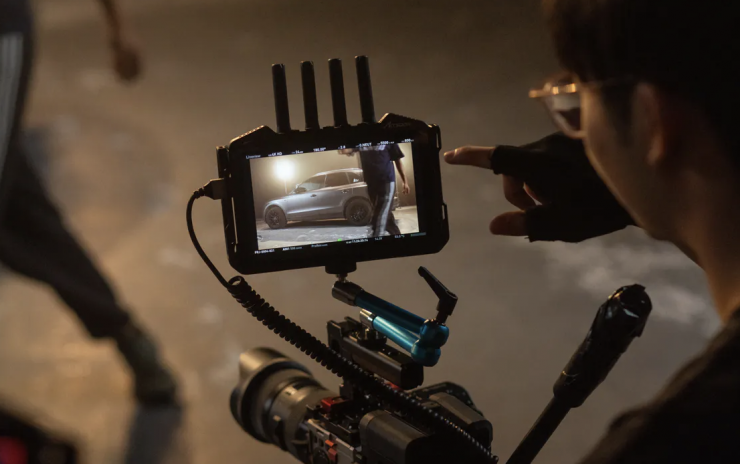
With the new firmware users can now connect to supported cameras wirelessly, either through a camera’s built-in hotspot or an on-set Wi-Fi network.
The feature now supports the Sony FX3 and FX30, with FX6 in beta (FX6 support is currently in beta, validated with camera f/w v3.0, and limited to Wi-Fi connection.)
A new Camera Control Method switch has been added, allowing operators to choose between “USB” or “IP” connections manually. When connecting via IP, users can enter required login credentials directly within a new Remote Connection Panel.
For supported cameras such as the FX3 and FX30, the app can now automatically detect and connect to camera hotspots.
Supported controls include:
- Remote record triggering
- Aperture control
- Shutter speed (time and angle modes)
- Sensor gain (ISO / EI / dB)
- White balance and color temperature adjustment (White balance toggle on the camera body should be set to “PRE”)
Monitoring Feature Updates
The firmware introduces several important monitoring refinements:
“Marker” Tool Renamed to “Blanking”: The updated tool adds a Blanking Safezone function that helps users avoid camera UI overlays. Safe zones, grid guides, and blanking now scale together dynamically.
Vertical Anamorphic De-Squeeze: A new “Anamorphic Direction” option supports anamorphic lenses when used for vertical video. Select your anamorphic factor and orientation, and the app will automatically apply the correct de-squeeze.
Unclipped Zoom-in: Zooming into the video feed with Anamorphic de-squeeze no longer introduces fixed black bars. The entire live view canvas now scales smoothly for better precision.
Custom SEE App Background Image: Users can now replace the default “No Signal” image in the Accsoon SEE App with a custom 16:9 image (.jpg, .jpeg, .png). Perfect for branding client-facing monitors or playback screens.
Updated Aspect Ratio Presets: Common delivery ratios are now preloaded, with custom ratios supported to two decimal places.
Other Optimizations & Improvements
The update also brings a series of under-the-hood performance enhancements:
- Faster startup for recording and live streaming.
- Improved connection latency and stability for Camera Control.
- Clearer and more consistent UI elements.
- Monitoring tools like false color, zebras, and histograms now perform more accurately with de-squeezed footage.
- A more visible “REC” indicator animation during recording.
- Sharpening effects improved and fully functional.
- (M7 Pro only) Faster and smoother reconnection after wireless dropouts.
- (M7 Pro only) Enhanced audio decoding when paired with CineView Quad/HE/SE/2SDI. CineView Quad/HE/SE/2SDI transmitters can send video to a M7 Pro, but the receivers cannot accept video sent from a M7 Pro in TX mode.
- (M7 Pro only) Quicker status syncing between transmitter and receiver.
- (M7 Pro only) Mode switching now auto-enables Wi-Fi for RX mode.
Availability
The firmware update is available now for CineView M7 Pro and CineView M7 users. Please download the firmware update package from https://accsoon.com/download-center/#cineview-m7-pro
For detailed setup instructions, users can refer to the official tutorial videos provided by Accsoon.