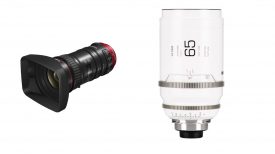
TLS has created its very own Lens Coverage Tool. The aim of this new tool was to create an interactive resource that helps filmmakers and camera professionals quickly check lens compatibility across various camera systems and formats.
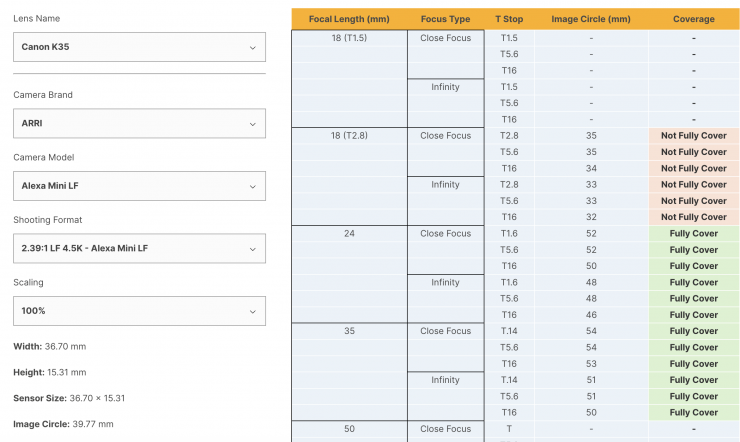
With the increasing variety of camera formats and sensor sizes available, cinematographers and camera crews face growing challenges in determining whether a lens will provide the coverage they need. The TLS Lens Coverage Tool offers a simple, interactive way to see how a lens performs with your camera set-up quickly and easily.
Key Features of the TLS Lens Coverage Tool:
- Compare lens coverage across different camera set-ups
- View the image circle for each focal length at different T-stops and focus distances (from close focus to infinity)
- Easily check whether your chosen lens fully covers your format
How It Works
Step 1: Access the Tool via the Knowledge Centre on the TLS website.
Step 2: Select a Lens to view detailed image circle information.
Step 3: Choose Your Camera Set-Up by brand, model, and shooting format.
Step 4: Check Coverage with a simple, visual confirmation.
Step 5: Get in Touch with TLS for expert support and product information.